
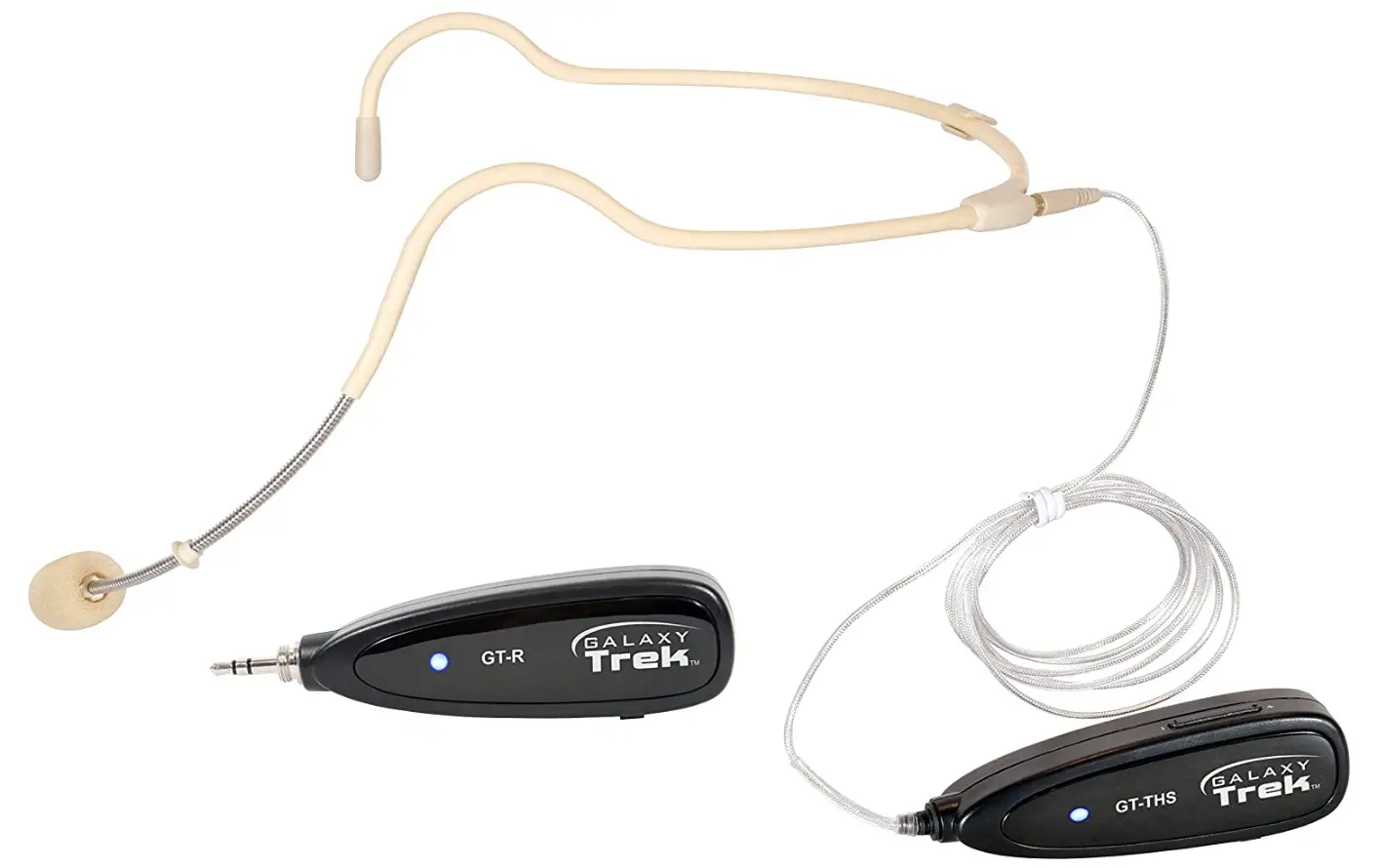
Galaxy Audio GT-S24OWP Portable Wireless Waterproof Headset Mic
Specifications
- Product Dimensions
9 x 7 x 4 inches - Item Weight
9.3 ounces - Batteries
2 Lithium Ion batteries - Connectivity Technology
Wireless - Water Resistance Level
Waterproof - Frequency Range
2.4GHz Frequency Hopping - Frequency Response
20Hz-20KHz - Polar Pattern
Omni-Directional - Sensitivity
-40±2dBV/Pa - Frequency Response
50Hz-16kHz - Max SPL
120dB - Signal to Noise Ratio
>63dB - Impedance
≤2.2kΩ - Element Diameter
2.7mm - Element Type
Back Electret Condenser - Controls
On-Off Power Switch, Volume Control - Battery
Lithium-Ion Rechargeable - Input
Mini USB Charging - Indicators
Power and Pairing LED - Brand
Galaxy Audio
Introduction
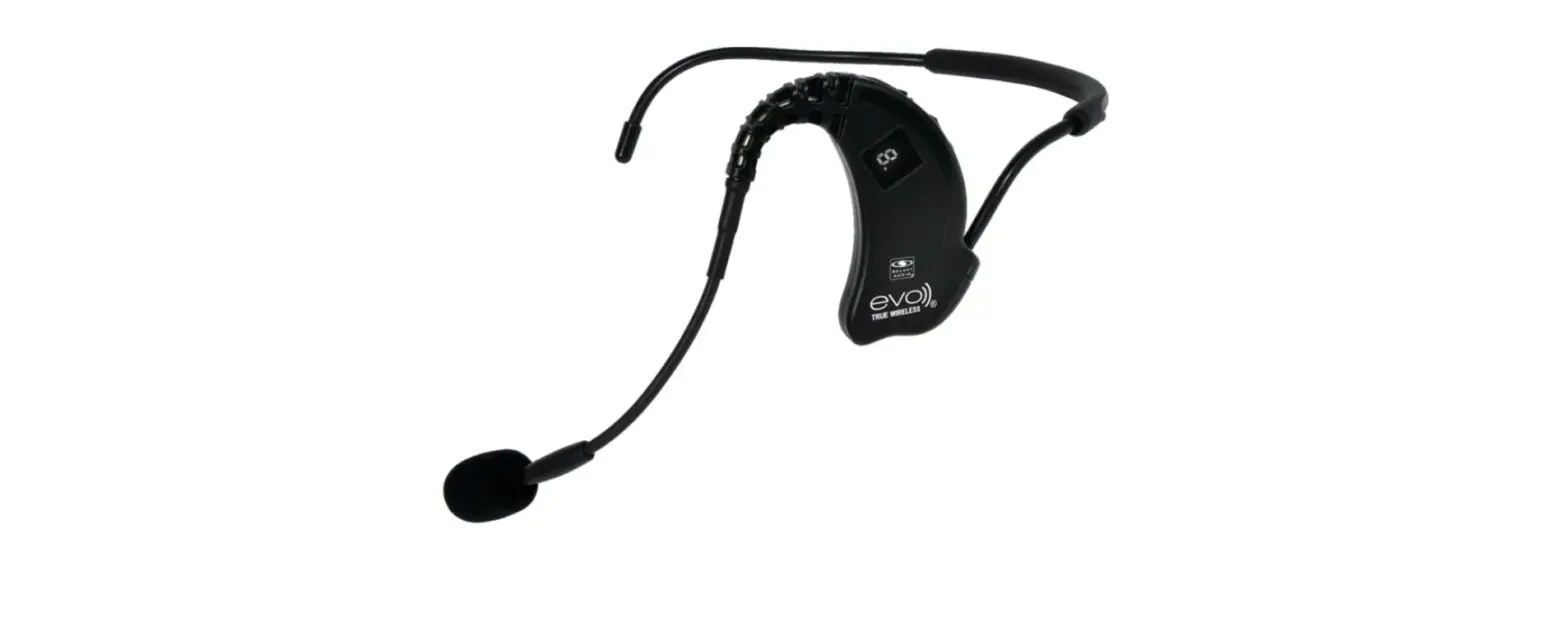
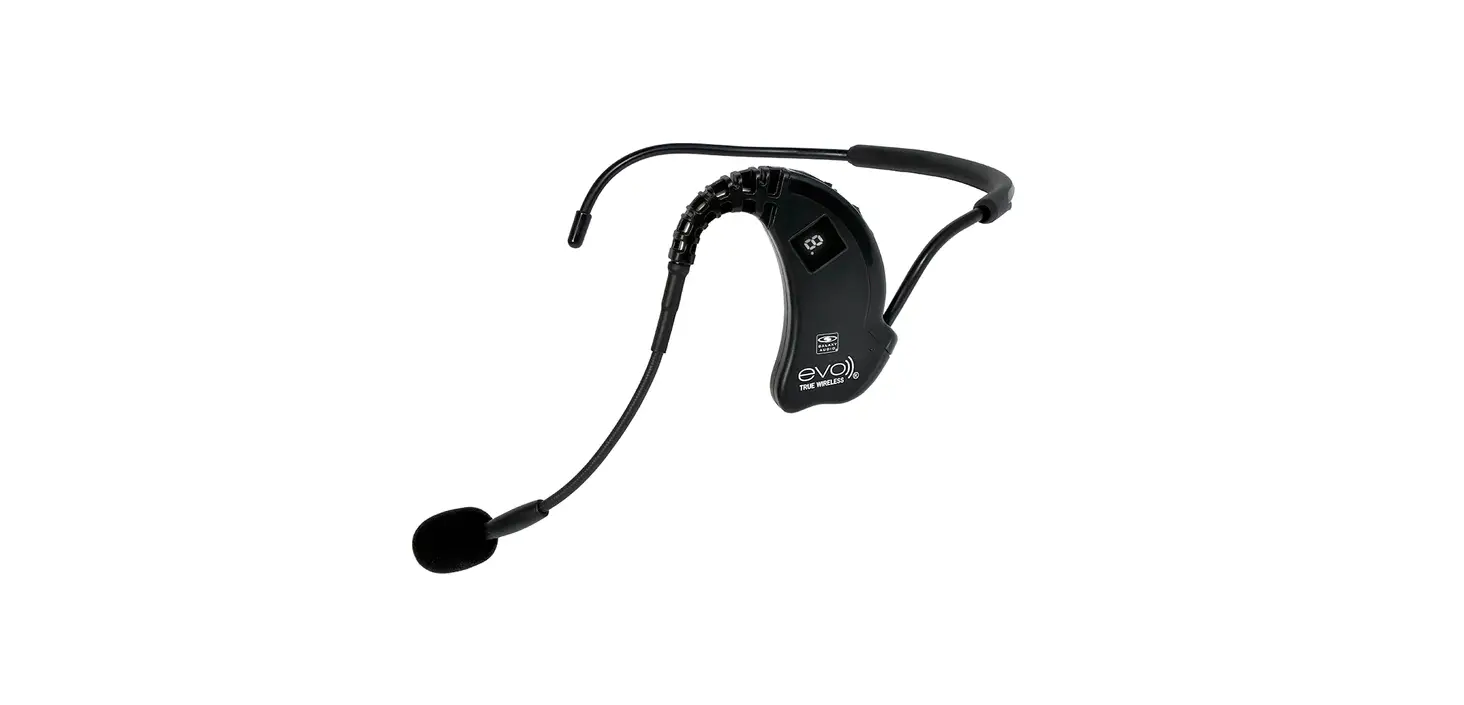
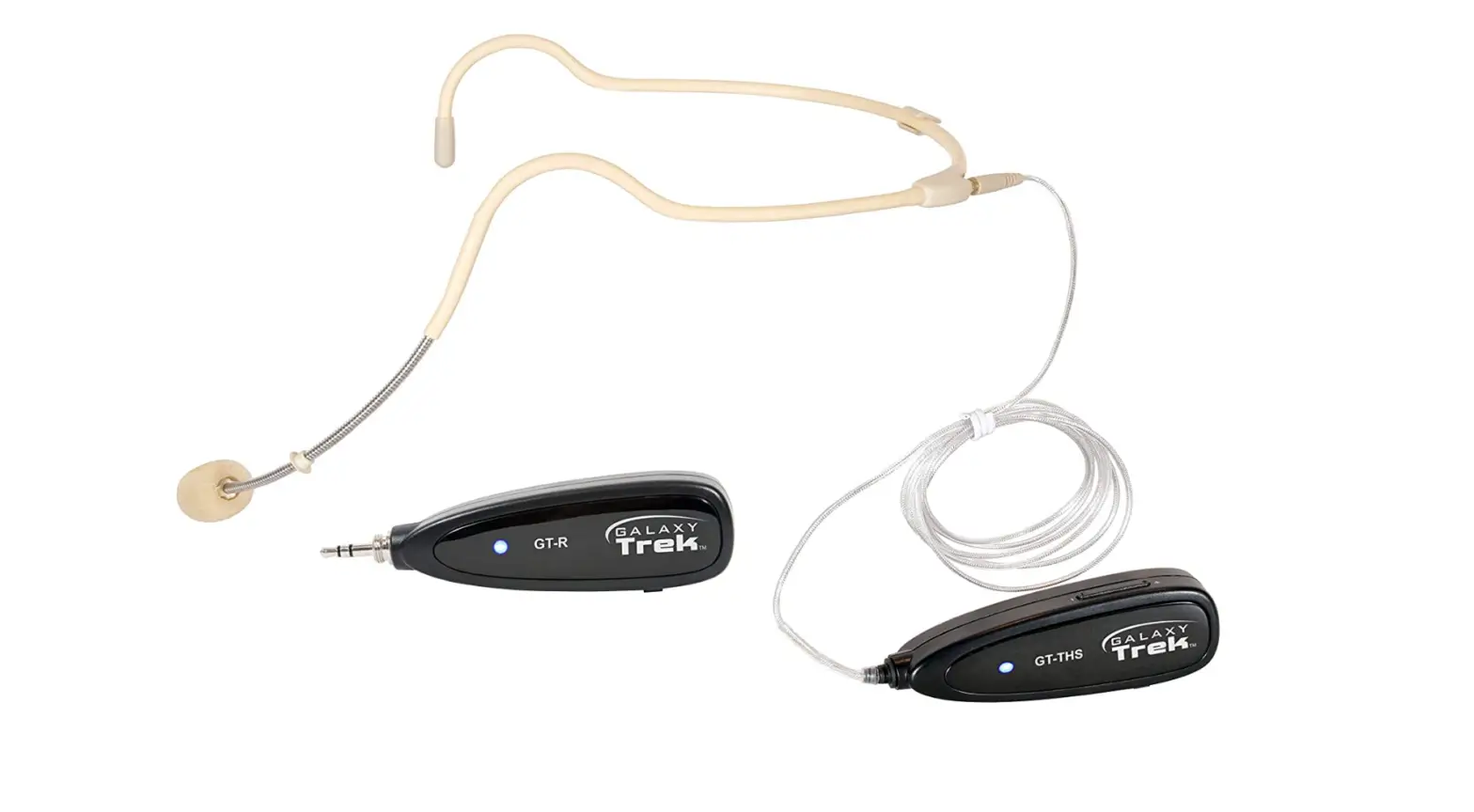
A lightweight, transportable, and very accurate waterproof wireless headset microphone is the GT-S24OWP. It is a great option for high-intensity activities like dancing and other sports as well as fitness activities like aerobics because of its waterproof design. The water-resistant headset microphone is constructed with a flexible stainless-steel gooseneck boom and a soft rubber headband for comfort and stability. A mic capsule is a superb option for both indoor and outdoor settings thanks to its waterproof, dustproof, and corrosion-resistant casing.
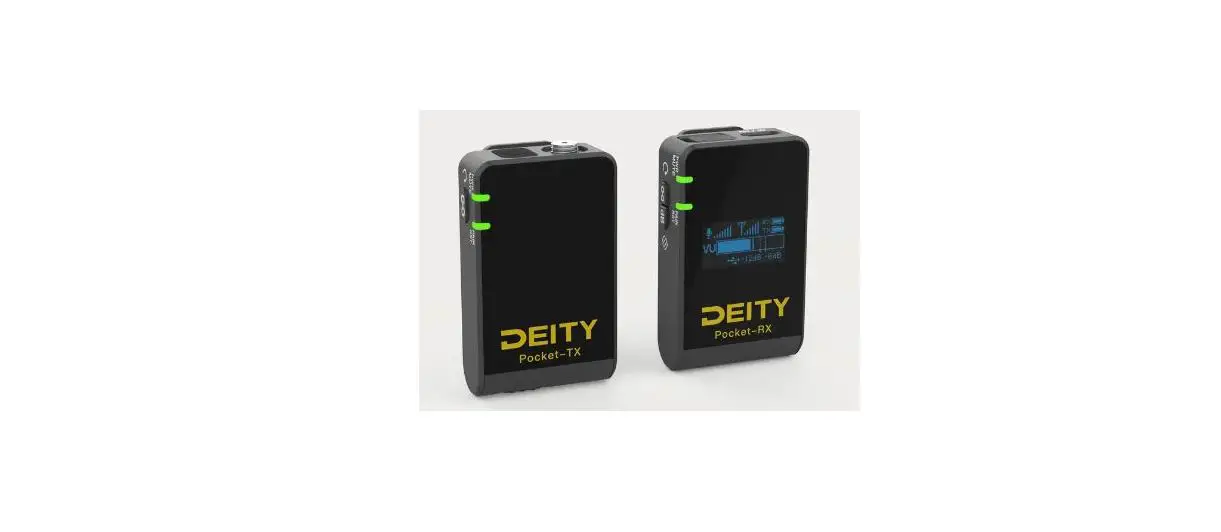
Long-lasting internal lithium batteries in the transmitter and receiver power the Galaxy Trek. Utilizing the supplied micro USB cord, charging is quick and simple. Two adaptor cables are also included with the waterproof wireless headset microphone system. smartphones using Apple iOS and Android.
What’s In the Box?
- Microphone
- User Manual
Instruction
- Put the receiver into the 1/8″ (3.5 mm) Mic input of an amplifier, powered speaker, or other audio device or use the included 1/4″ (6.5 mm) adapter for 1/4″ inputs. For Apple or Android phones, use the included phone adapter cables

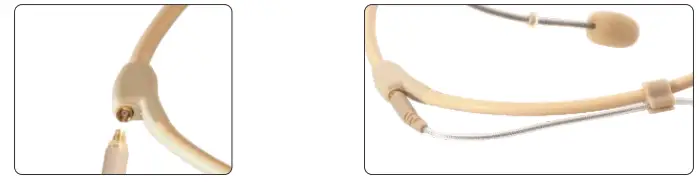
- Attach the Transmitter to the Headset with the cable and secure the cable to the cable clip.

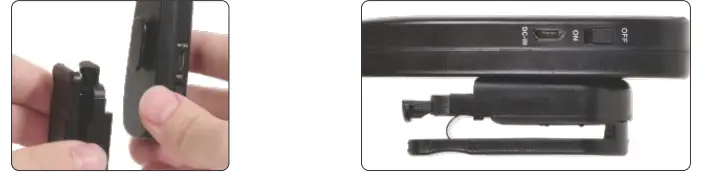
- Attach the included Belt Clip to the Transmitter.

- On the Receiver, move the Power switch to On. The LED will begin flashing

- On the Transmitter, move the Power switch to On. The LED will briefly flash until the Transmitter and Receiver automatically pair. The LED will then remain on.

- Adjust the volume to a suitable level. It is ready for use.




Caution
The LED will turn red when power is low, and will turn off when less than 10%. The LED will also turn red when charging. Store in a dry location away from moisture. Avoid excessive heat. For repair services, please contact Galaxy Audio. Do not attempt open or repair it. Doing so will void the warranty.
Smartphones
When filming a video with a smartphone, it can be challenging to get rich, clear, expressive audio, especially if the presenter is not close to the microphone. The wireless receiver that comes with the Galaxy Trek transmitter connects easily to the smartphone’s 3.5mm headphone socket to give high-quality audio to your video clip.
Talking Points
Additionally, the Galaxy Trek receiver may be plugged straight into the majority of powered speaker inputs (1/8″ & 1/4″). This handily upgrades most powered speakers to include a wireless microphone. This user-friendly function will be appreciated by many people, including aerobics instructors, teachers, filmmakers, live streamers, presenters, auctioneers, and street performers.
Frequently Asked Questions
- Does a microphone get humid?
A condenser microphone’s performance can be adversely impacted by hot or humid conditions. The most common symptoms of humidity issues are cracking and/or a decrease in frequency responsiveness. - I believe my headset mic or cord may be malfunctioning. How can the precise issue area be located in the best way?
If you think there could be a headset/cable problem, make sure the headset is connected to your system so you can hear the audio output. A low but audible volume is advised. Next, carefully bend or wiggle the headset’s cable along its length. Pay close attention to where the headset is attached to your device and where the cable attaches to the headset. You will know there is an issue with the cable or headset if you can locate a location where bending the wire or headset frequently results in popping or undesired noise. an issue at or around the junction of the cable and the belt-pack connector It could simply be necessary to cut and resolder the connection wire. Any issues with the headset itself will call for additional repair work and perhaps a replacement. - The microphone on my detachable cable headset frequently goes out when the presenter is speaking. I believe there is a break in the cable wire. Can I get a replacement cable as it is replaceable?
We advise getting in touch with the retailer from whom you made your first purchase first since they will often negotiate the best price for you. To order a cable, you may also get in touch with Galaxy Audio directly. A replacement cable may be purchased directly from Galaxy Audio.