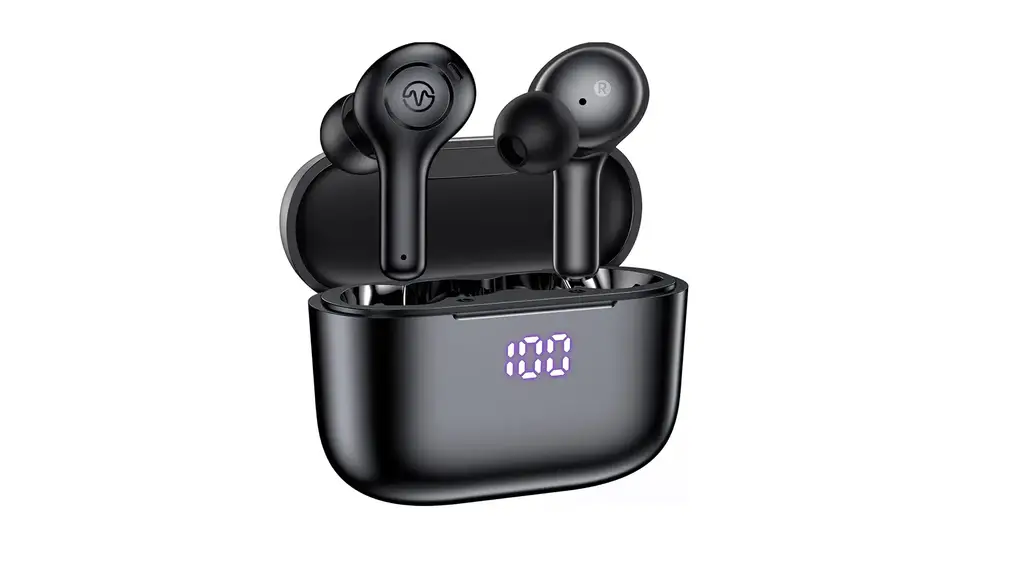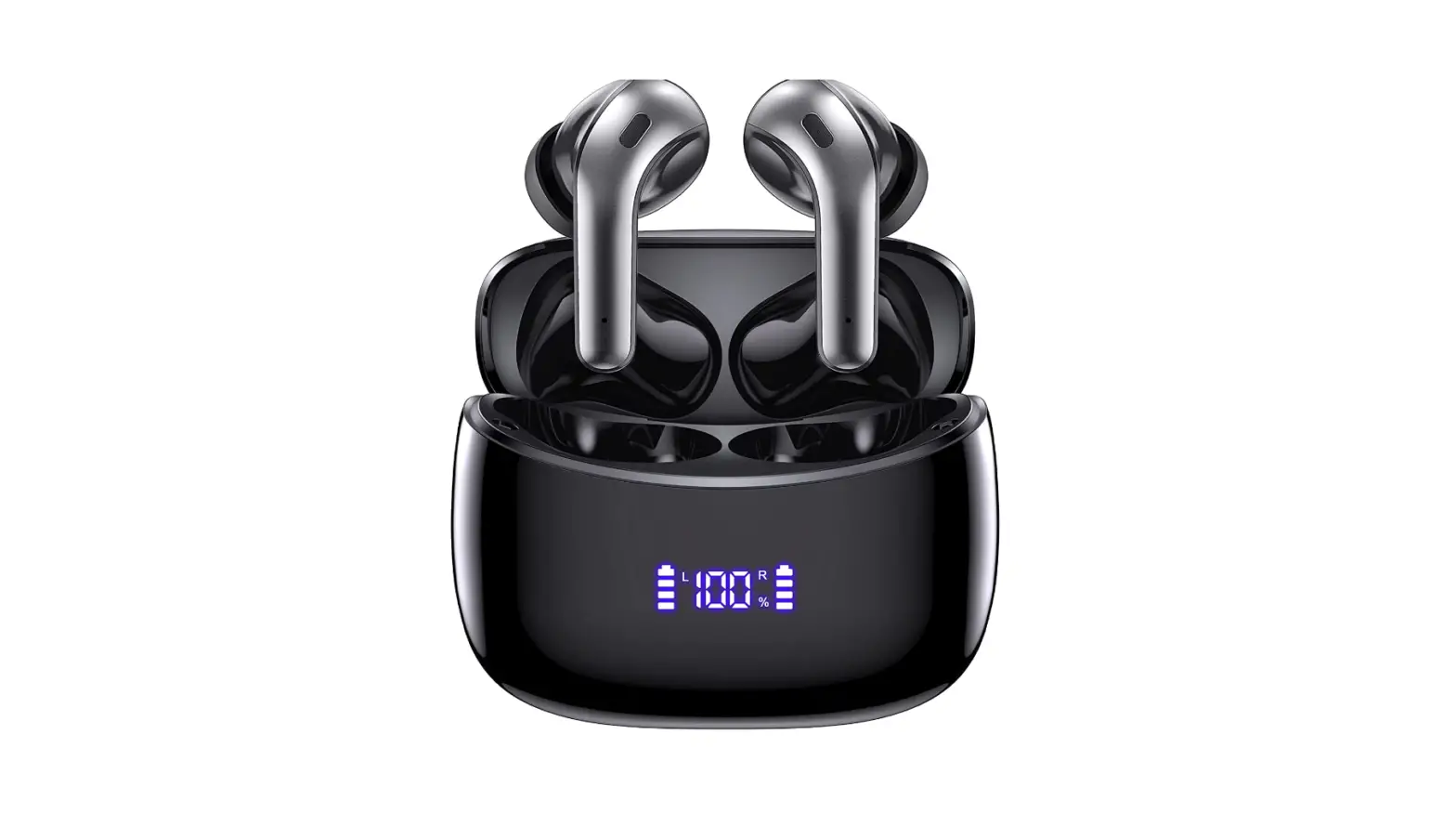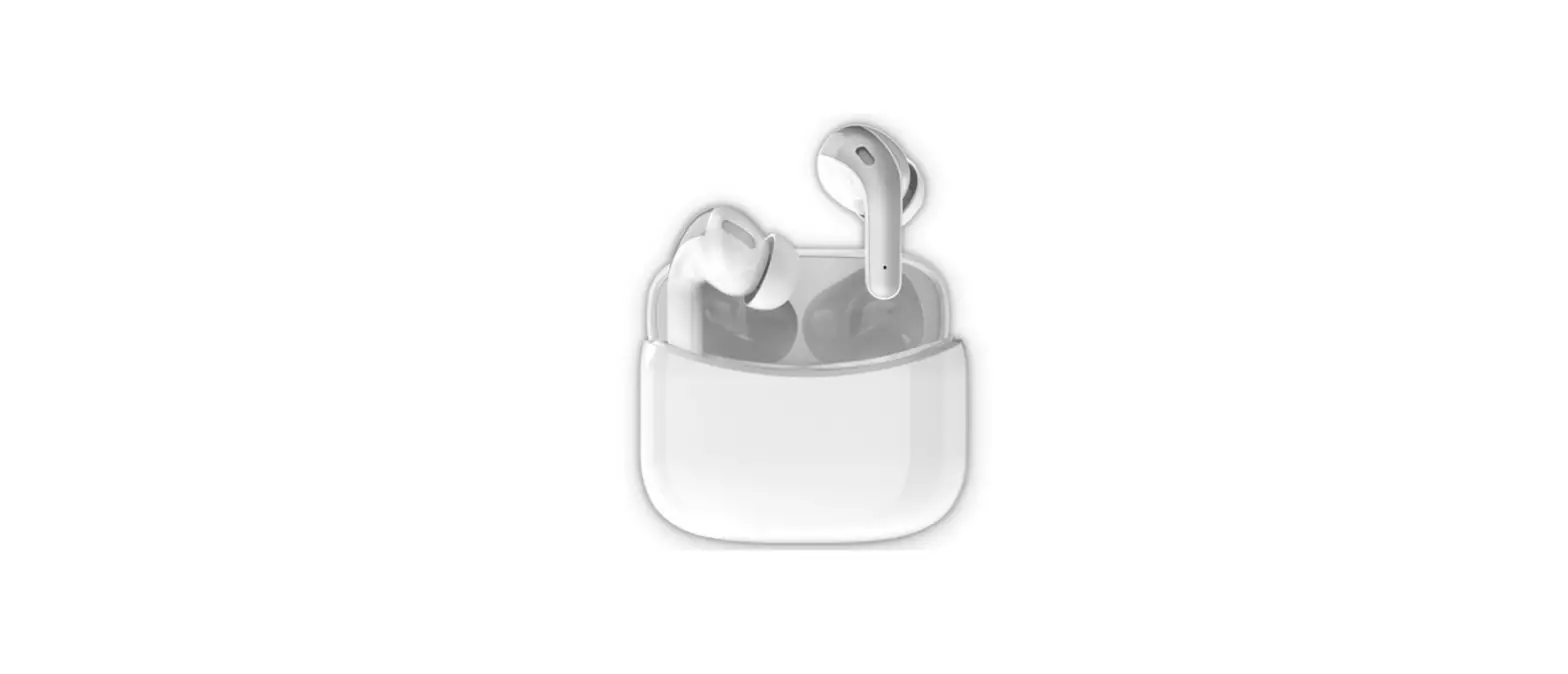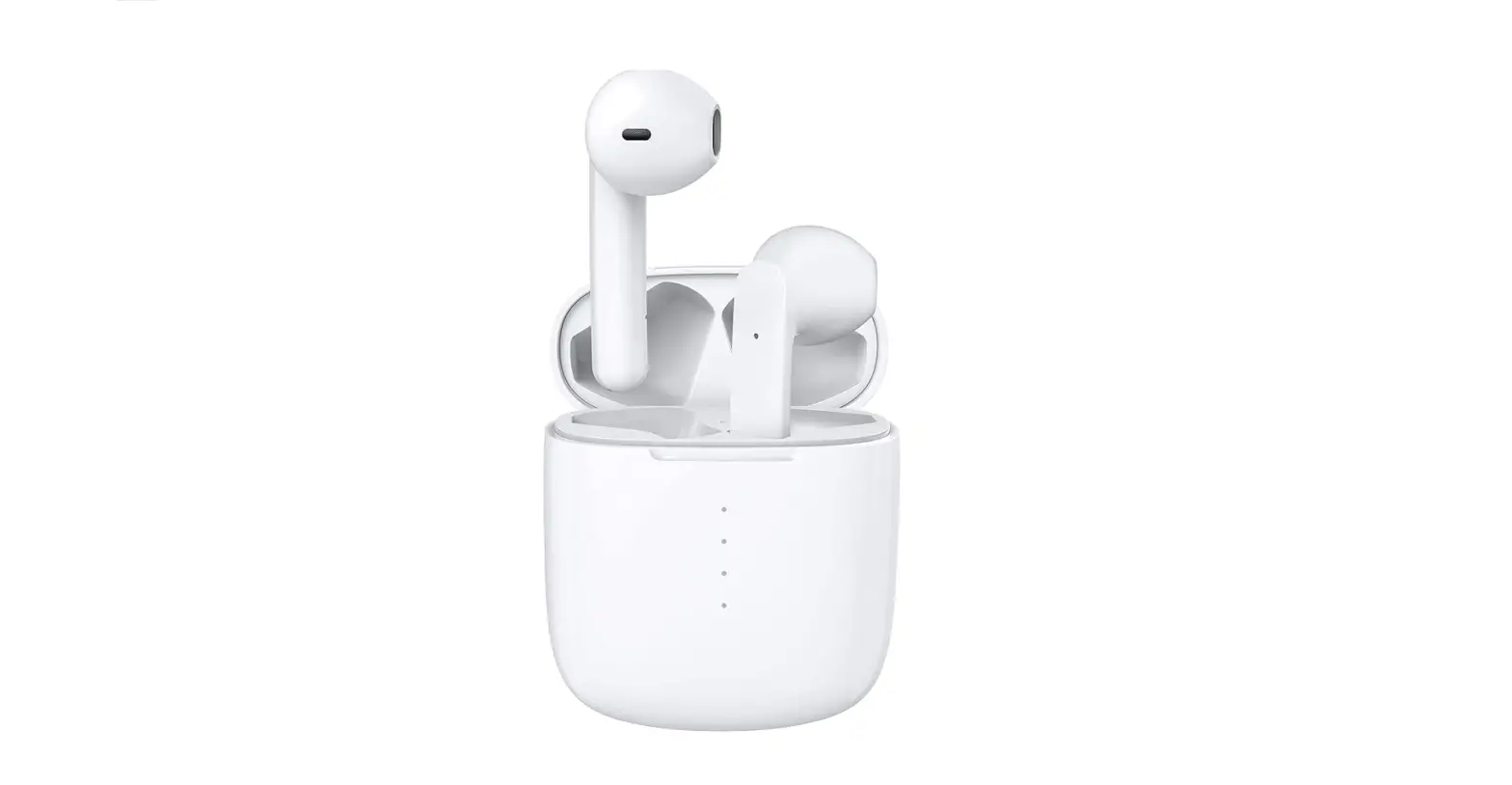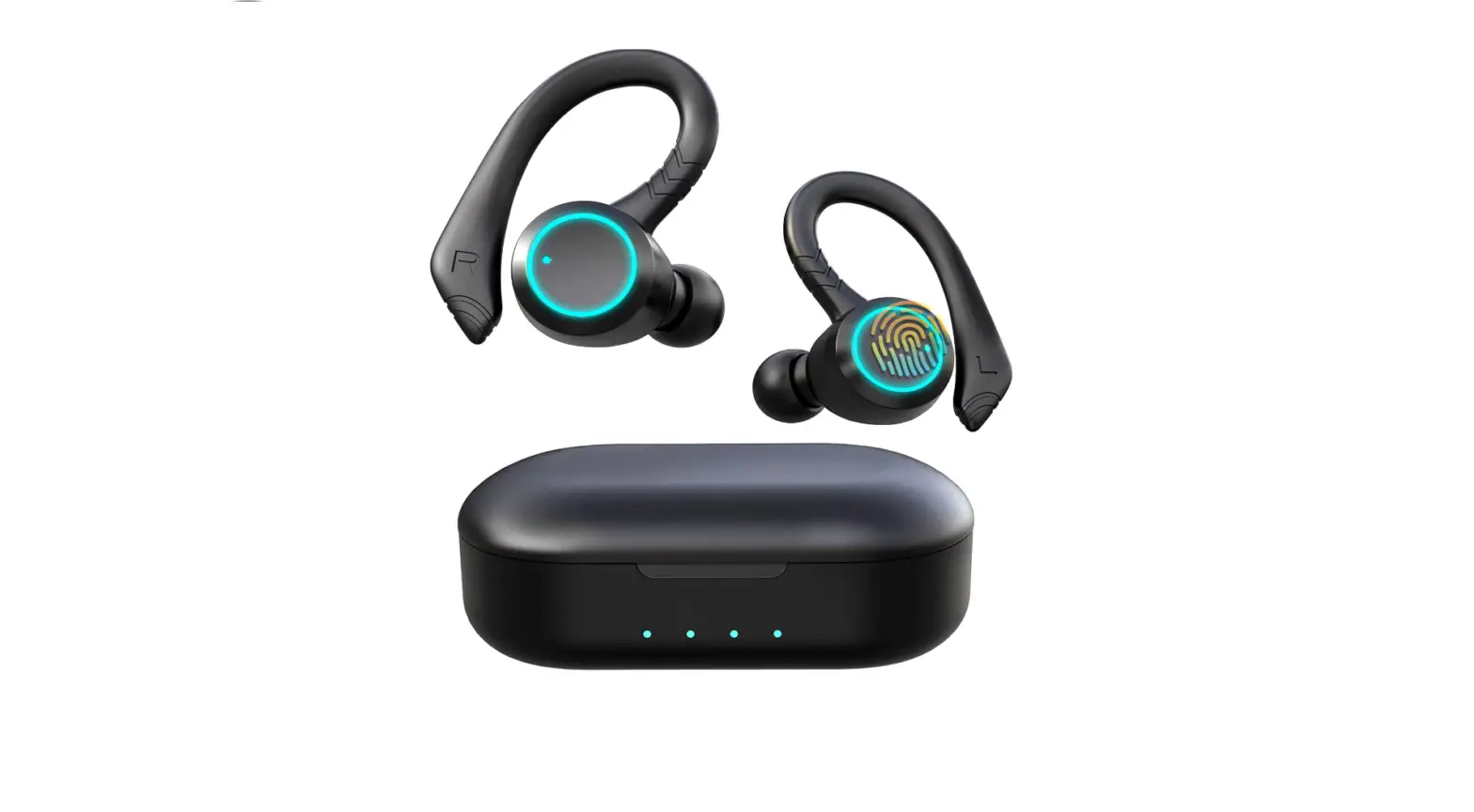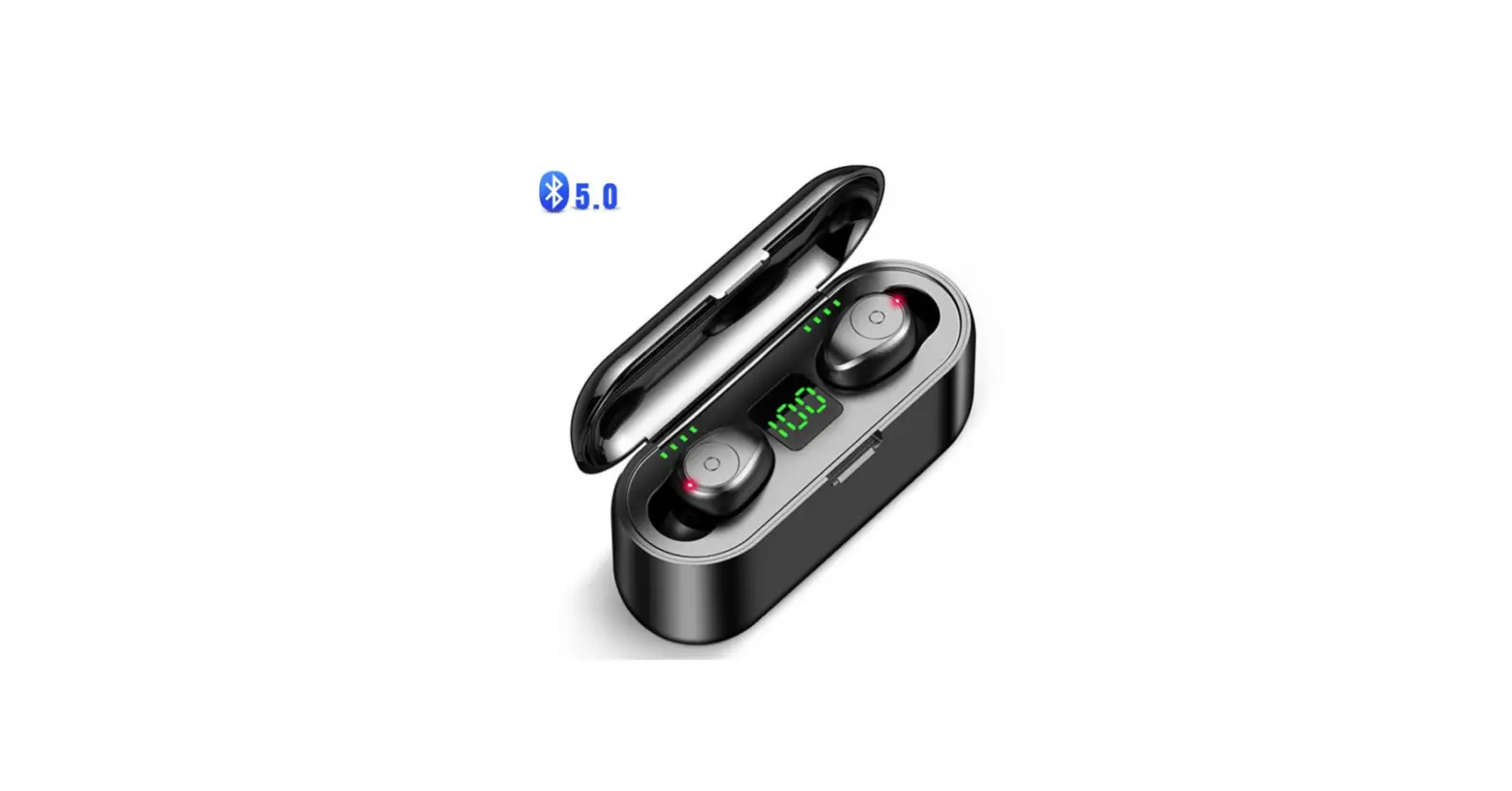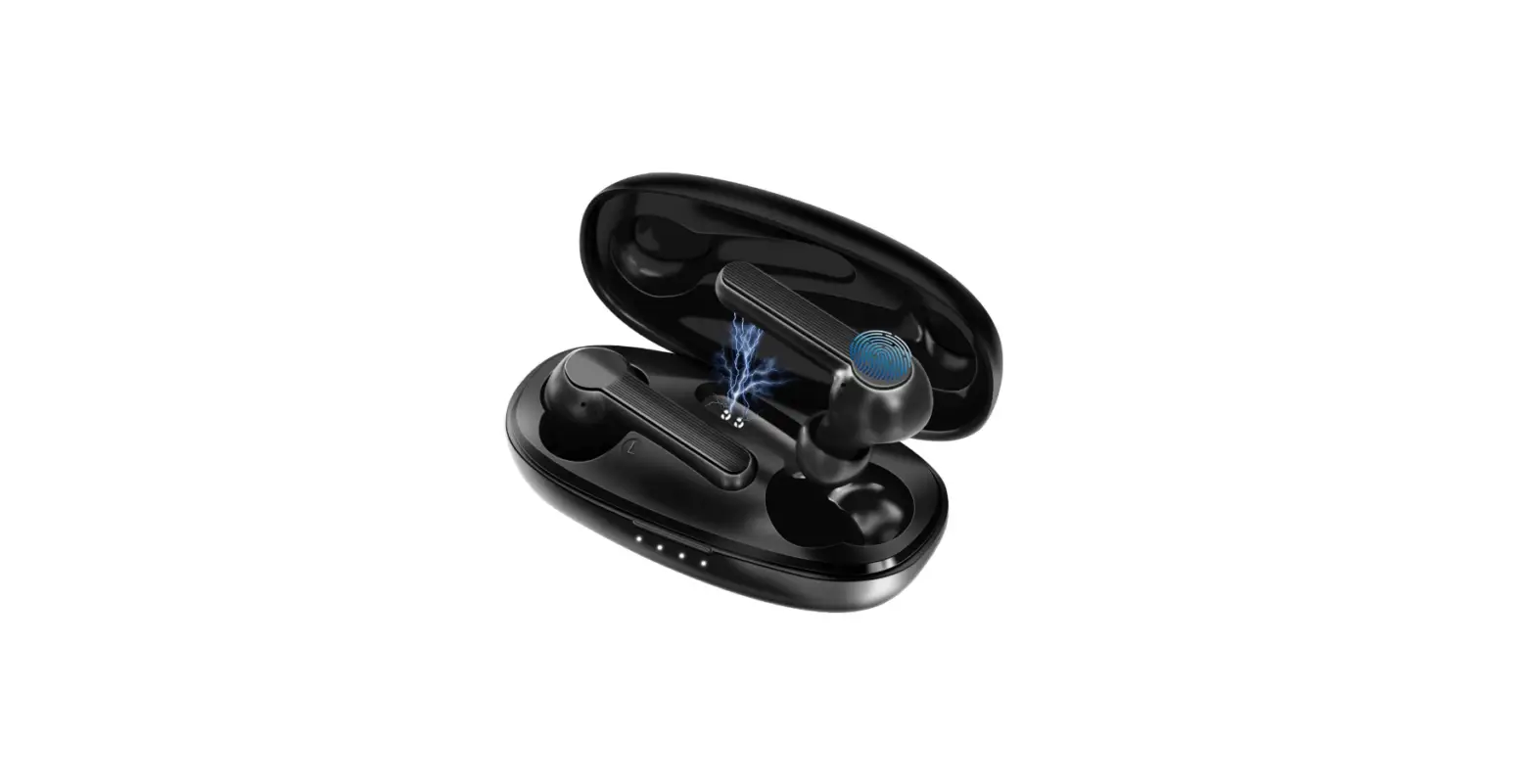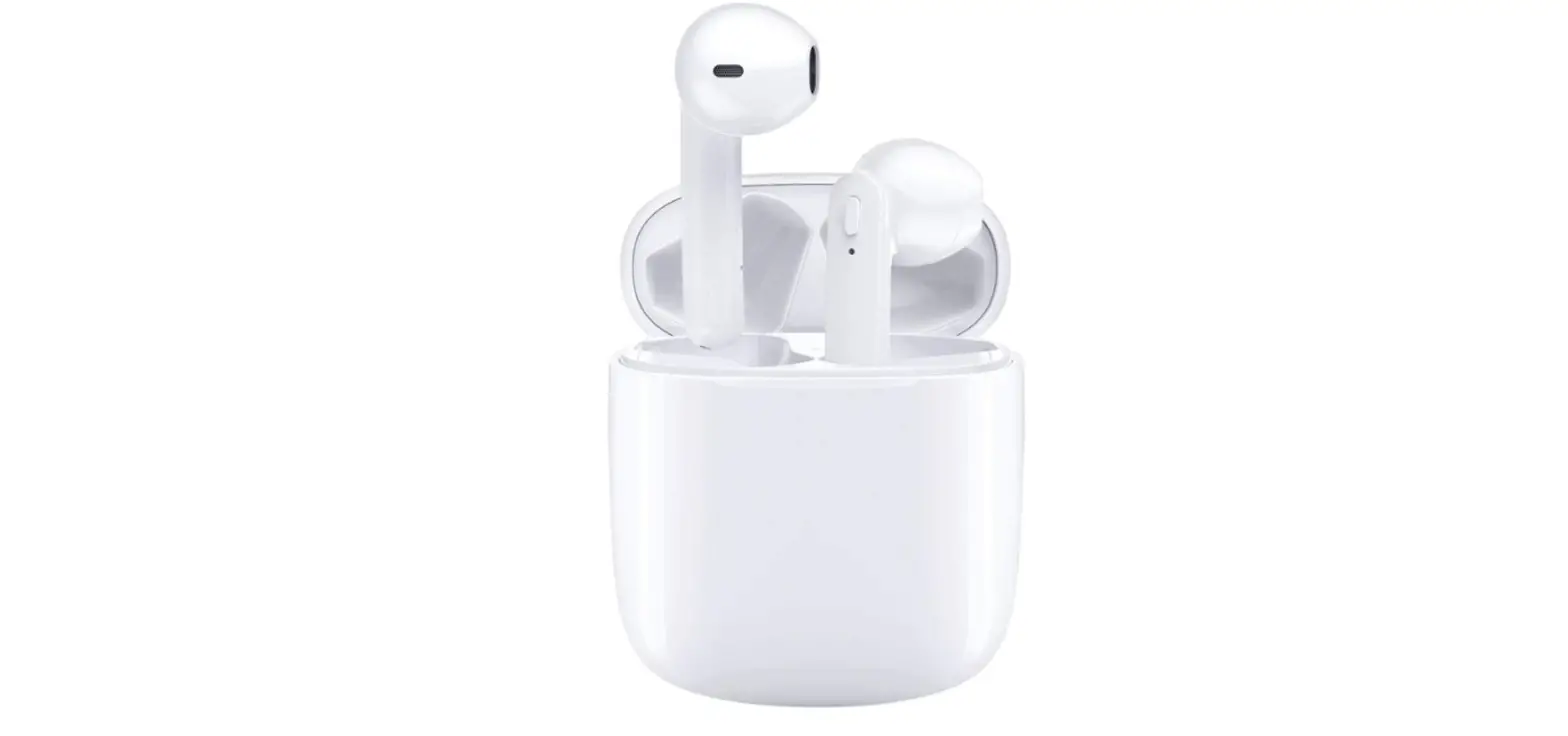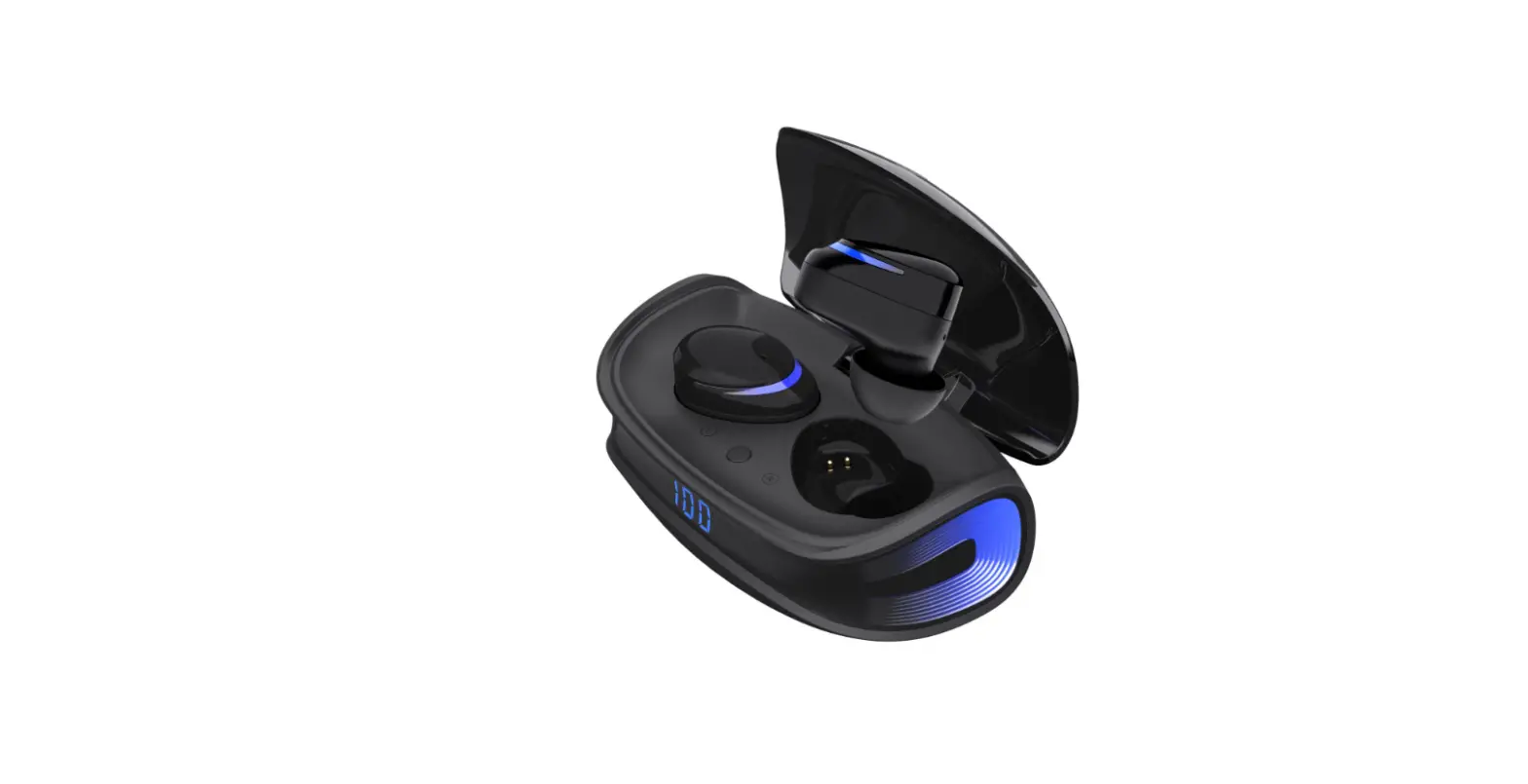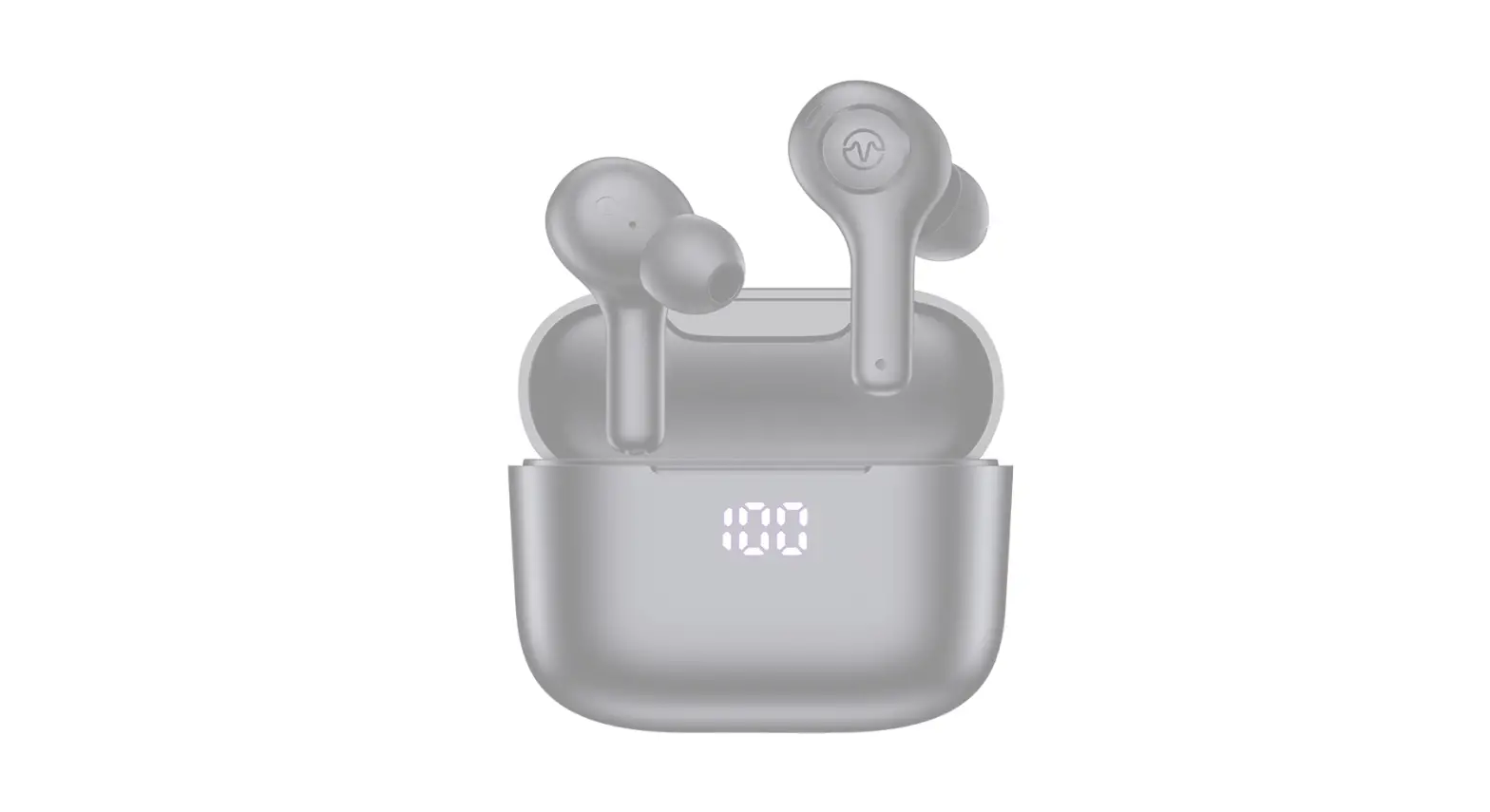

Bluetooth Headphones with 4-Mic and Wireless Charging Case 40H Playback Waterproof headphones
Specifications
- BRAND: HUMMSE,
- EAR PLACEMENT: In Ear,
- CONNECTIVITY TECHNOLOGY: Wireless,
- PRODUCT DIMENSIONS: 1.5 x 0.7 x 1.7 inches,
- Item Weight: 0.9 ounces.
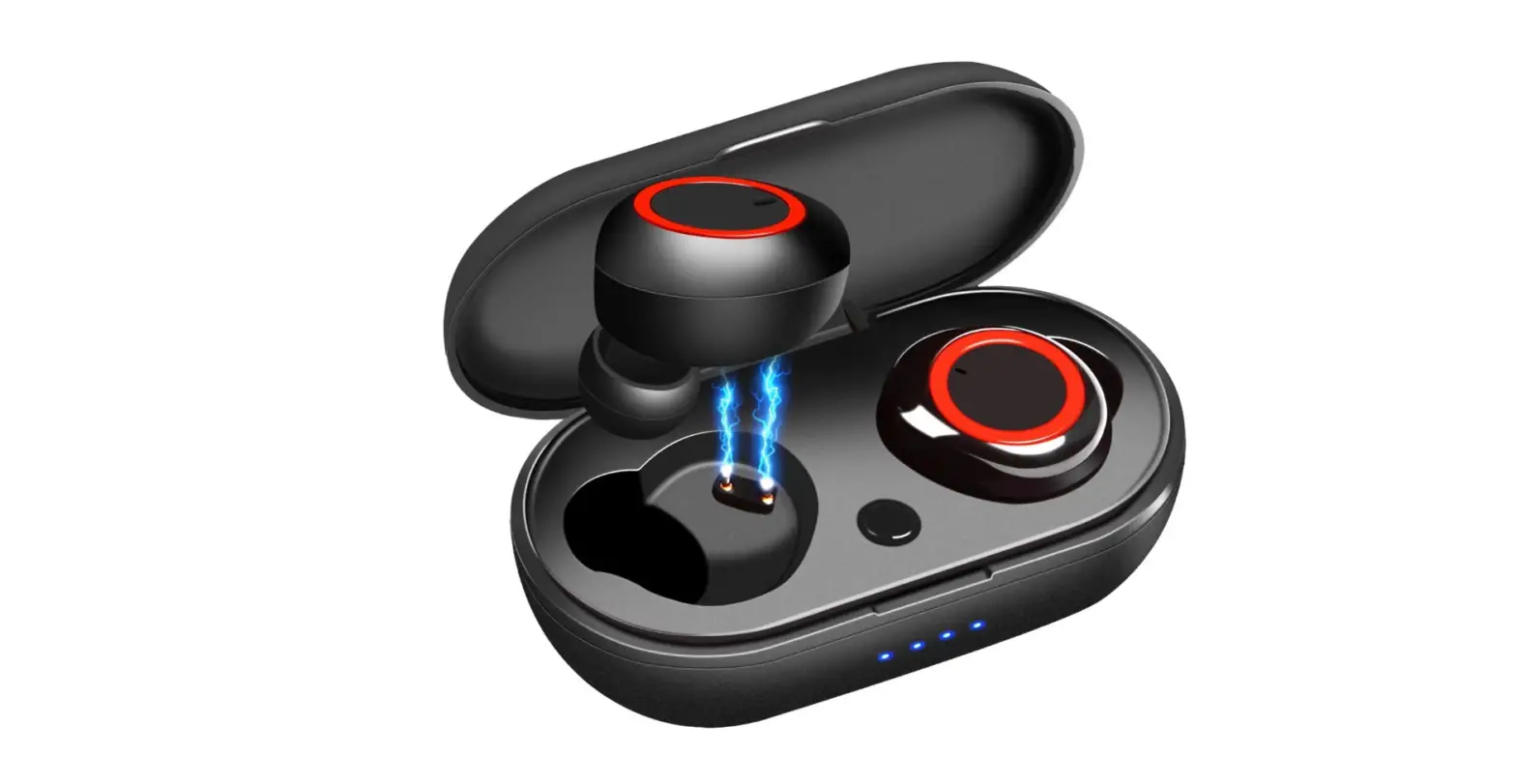
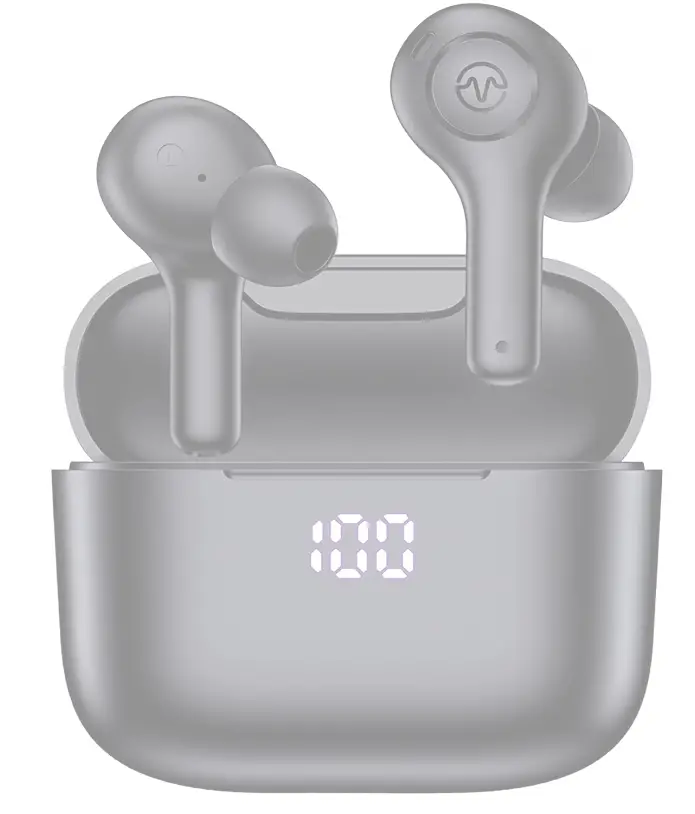
Hummse E3 are basically designed for making the quality of calls better. The four microphones on the wireless earbuds can pick up your speech from diverse directions, letting the other person to hear you more clearly.
The charging case complies with the QI standard and offers wireless charging as well as Type-C cable charging. Single and double-ear modes are available on the Bluetooth earphones. One earphone may be used for up to 5 hours, and the charging case can charge the earphones for up to 4 more times. When worn alternately, the left and right earbuds can last for 40 hours.
It has Stereo sound quality in the earbuds. The all-in-ear design and composite diaphragm moving coil unit produce a broad, deep sound with a genuine feeling of hearing, preserving the audio’s authenticity and dynamics. It’s great for calls, music, and videos, and it has actual sound. It is so easy to pair. Take out two or any wireless headphones, and they’ll switch on and connect to the phone automatically, allowing for speedier pairing, reliable connection, and signal transmission (32 ft of barrier-free range). Nano-coating is used on the in-ear headphones to efficiently prevent splash damage from perspiration and precipitation.
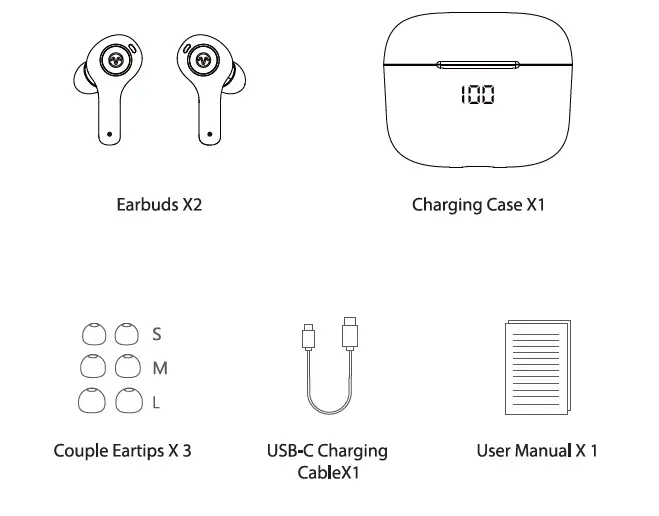
What’s in the box
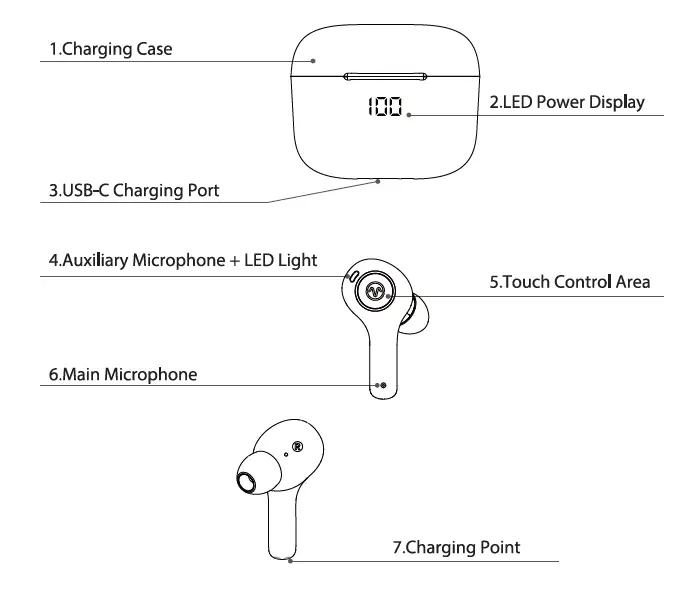
Product overview
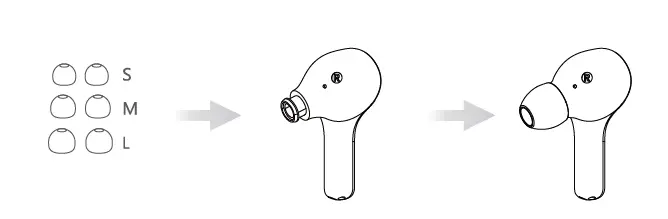
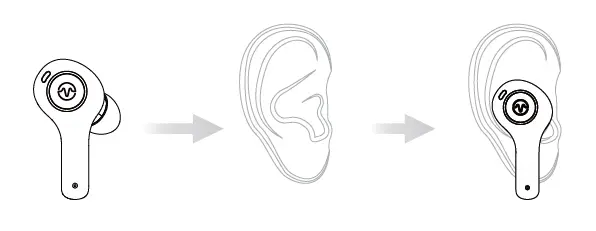
How to Wear
- Choose the comfortable ear tips
- Wear it in ear and adjust to a comfortable position
(Please put the right and left headphones on the correct ear)
Power On
You can power On by two methods:
Auto Power On:
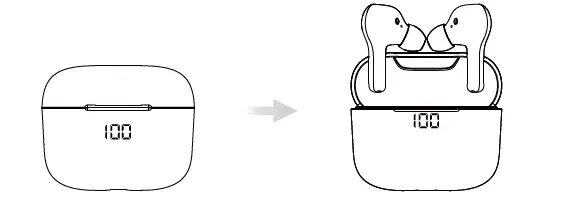
- When opening the charging case and taking out the earphones.
- The earphones will automatically turn on and start pairing.
Manual Power On:
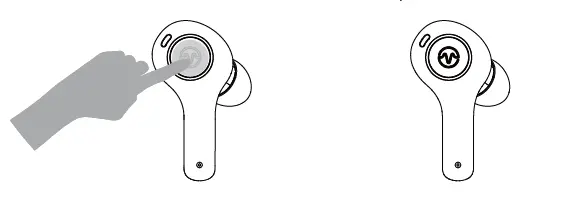
- In the shutdown status and when the earphones are not in the charging case,
- press and hold the MFB of earbuds for 1.5 seconds to power on.
How to Power Off
You can power Off by two methods:
Method 1
- Put the earphones back in the charging case and close the case to turn them off.
Method 2
- If the earphones are not in the charging case just press and hold the MFB of the earbuds for 3 seconds to power them off.
Pairing
Stereo Mode
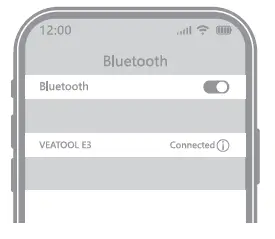
Open the charging case and take out the earphones. They will automatically enter the pairing mode. In this mode, turn on the Bluetooth of the phone and select E3″.
Single Earbud Mode
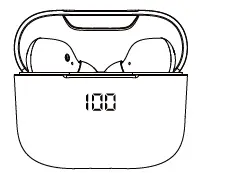
- Take one earbud (UR) out from the charging case and close the case.
- Turn on the Bluetooth of your phone and choose “VEATOOL E3”.Earbud
- can pair with your phone.
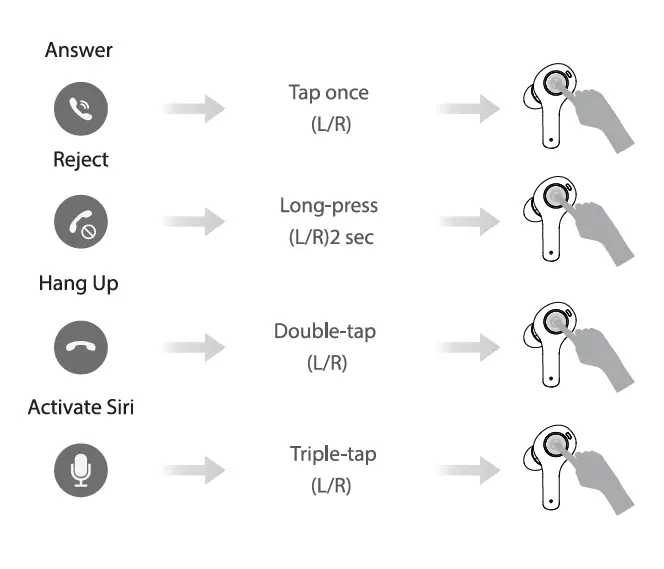
Call functions
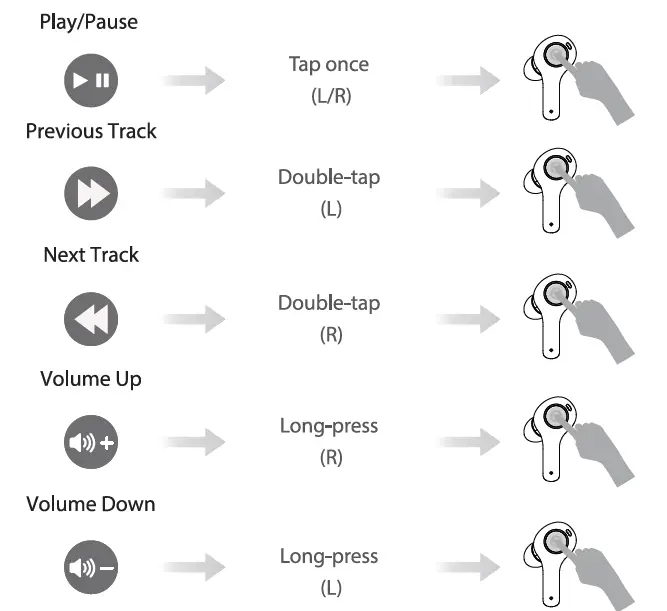
Music Function
Charging
Earbuds Charging
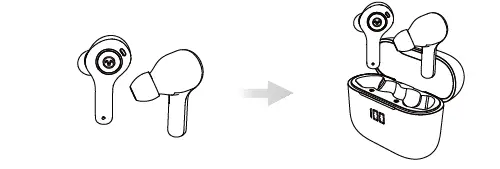
- Put both earbuds into the charging case and close the case, earbuds are being
- charged and led power display on the case will move.
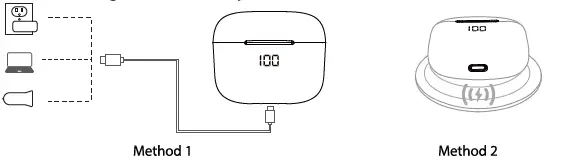
Charging for the case
- Method 1: Use USB C charging cable (Provided) to connect an adapter (not provided) to your charging case.
- Method 2: Put the charging case on the wireless charger (not provided).
Please keep the Led power display facing up, case can be charged automatically.
Safety Instruction
- Using earphones at high to moderate volumes for extended periods of time will result in permanent hearing damage. It is advised you keep volume levels moderate to low at times for your safety.
- Do not use it while driving a car, cycling, operating machinery, or performing other activities that require hearing surrounding sounds.
- Do not use earphones in thunderstorm weather, the earphone may not work properly in the condition, and increase the risk of bring hit by lightning.
- The earphone may not work properly under high temperature or high humidity conditions. Do not use any corrosive cleaner/oil to clean the earphone.
- If the earphone comes in contact with liquids, quickly wipe away.
- If submerged in water, do not turn the earphone on until completely dried.
(Tips: liquid submersion voids the warranty.) - Keep the earphone and packaging out of reach of children.
- Please use the original charging cable provided by the earphone manufacturer for charging and choose the.
Frequently Asked Questions
- Q: Why these earbuds can not pair with my mobile phones?
A: Please make sure the earbuds are fully charged and powered on.
Please make sure the Bluetooth of your phone is turned on
lf above 2 points have no problem, please put the earbuds into the case again, close the case, hold on for 1 min, then open the charging case and reconnect the earbuds with your phone. - Q Why does the music cut in or cut out?
- A: First, please do not let the distance between these earbuds and your phone be more than 33 feet (without obstacle). lf the distance less than 33 feet, Please note 2 tips as below:
Please make sure there is no obstacle between the earbuds and your device.
Please make sure there is no Microwave oven/WIFI transmitter around you, which are more likely to produce electromagnetic interference and result in a signal interruption. - Q: Why do the earbuds can not be charged and not disconnected from my phone even though the earbuds are put into the case and I have closed the case?
A: Please make sure the charging case is not in low battery, if the charging case is in low battery, earbuds can not be charged and not disconnected even though they are in the case. So, please use the type-c cable to charge the carefully. - Q: How to contact VEATOOL Customer service?
A: VEATOOL offers a one-year replacement warranty if there is an issue with your VEATOOL E3, please don’t hesitate to contact us, we will reply within 24 hours and resolve it 100%.