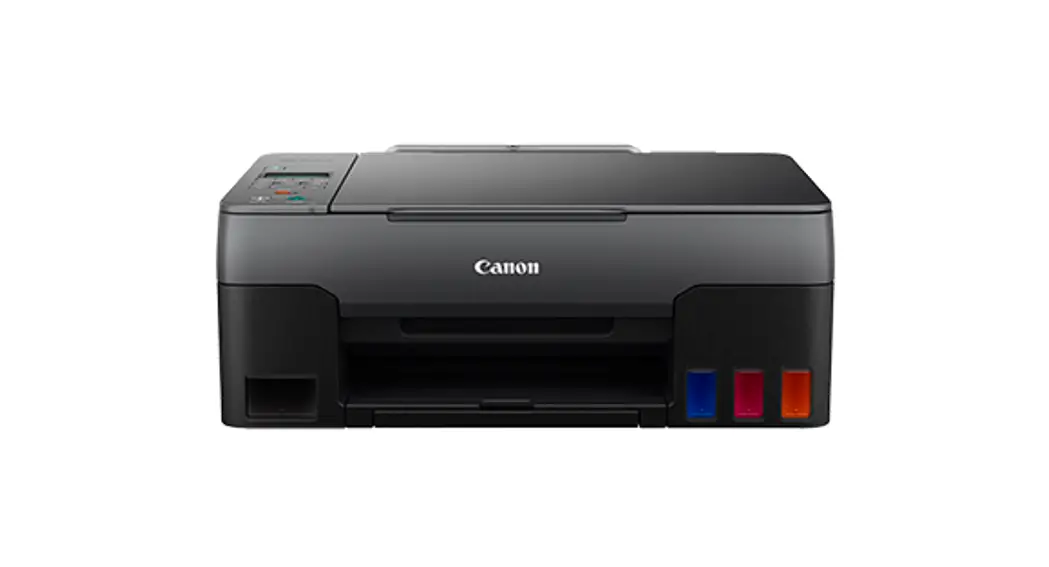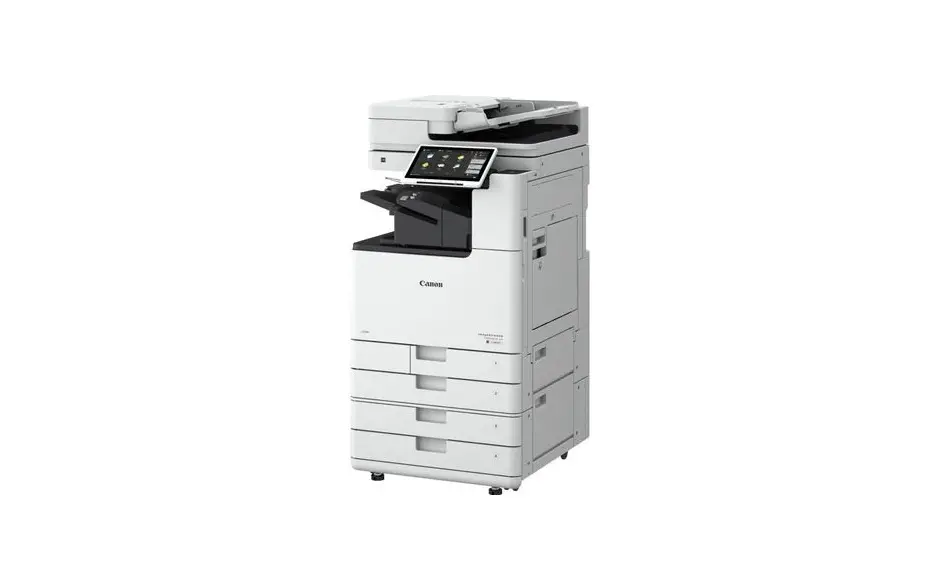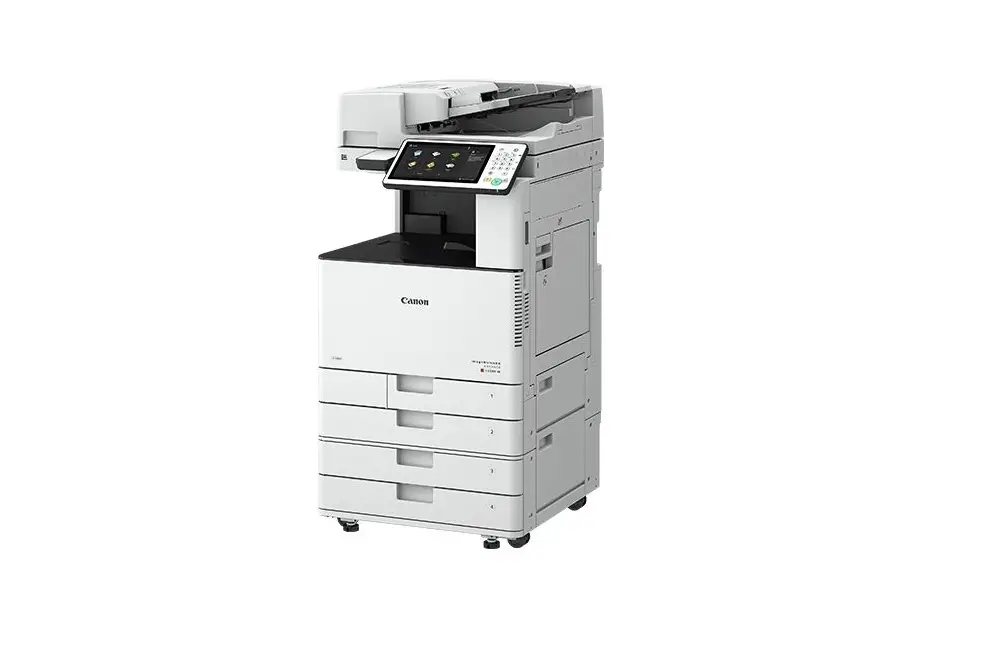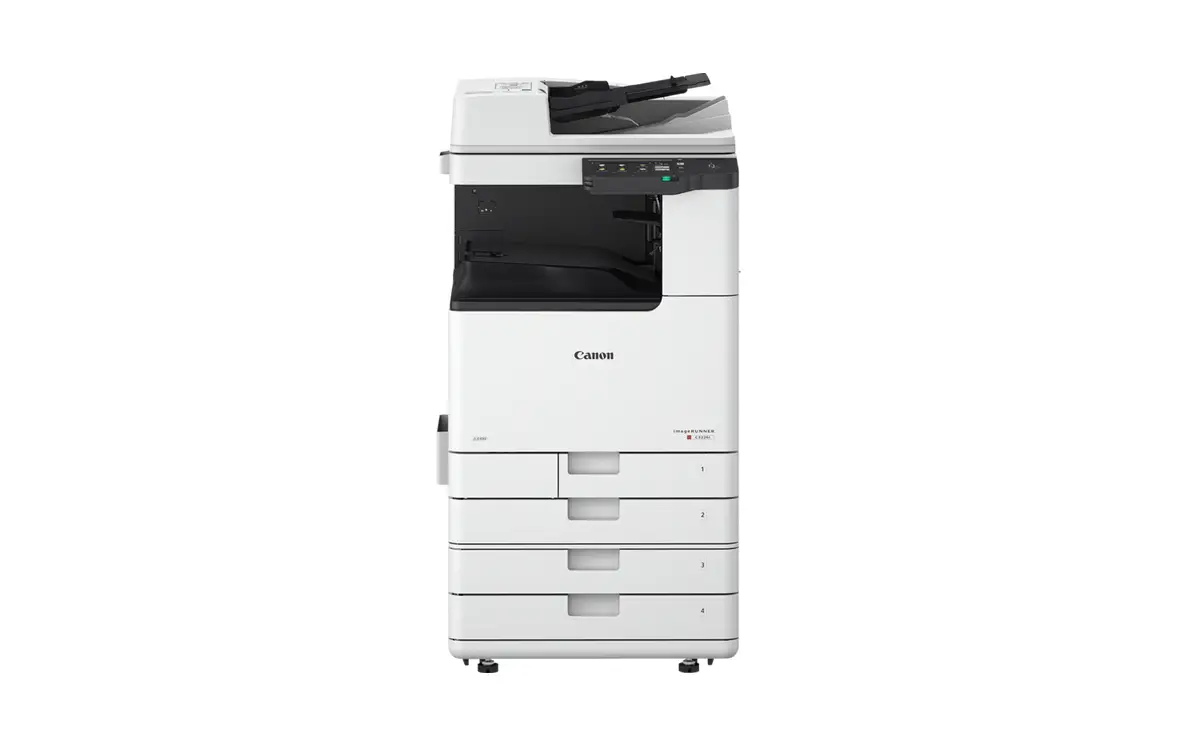
Canon imageRUNNER Installation Guide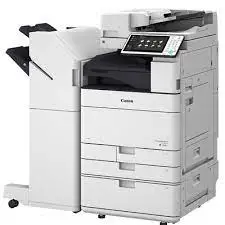
Important Safety Instructions
Be sure to read these manuals before using the machine.
Setup Guide (this document)
User’s Guide / FAQ
Configuring the Initial Settings
Setting Up Using the Setup Guide
When you turn the machine on for the first time, the Setup Guide starts up on the operation panel.
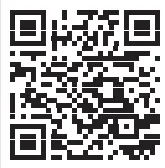
Scan the following QR code for information on using the Setup Guide.

What You Can Use the
Specifying the Basic Settings
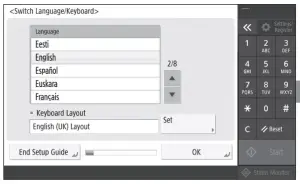
Specify basic settings such as the screen display language and the type of paper used.
Adjusting the Gradation Automatically
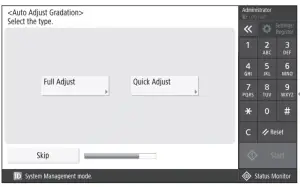
You can adjust the color gradations to get a better printing result.
Installing the Software/ Drivers
Install the software and drivers from the CD/DVD-ROM included, or visit the URL below and download them from the Canon website for your country/region. https://global.canon/en/support/

Setup Guide For
Specifying the Security Settings
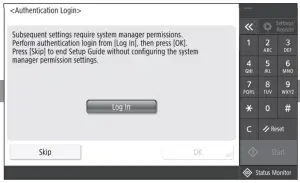
Specify the administrator login and user authentication settings to improve the security of the machine.
The default administrator login is “Administrator” and the default password is “7654321”.
Setting the Date and Time
Set the machine’s date and time.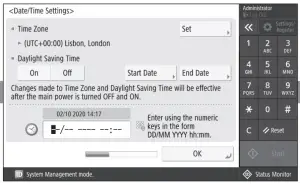
Specifying the Network Settings
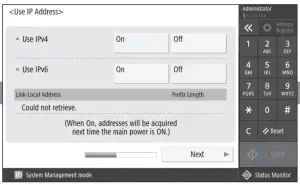
Specify the settings for connecting the machine to a network.
Select a wired LAN or wireless LAN and specify the IP address. Depending on your network environment, specify the DNS and proxy settings also.
Specifying the Fax Settings
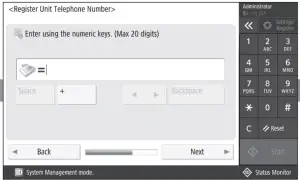
Specify the settings required for using the fax functions.
CANON INC.
30-2, Shimomaruko 3-chome, Ohta-ku, Tokyo 146-8501, Japan
CANON U.S.A., INC.
One Canon Park, Melville, NY 11747, U.S.A.
CANON CANADA INC.
8000 Mississauga Road Brampton ON L6Y 5Z7, Canada
CANON EUROPA N.V.
Bovenkerkerweg 59, 1185 XB Amstelveen, The Netherlands
(See http://www.canon-europe.com/ for details on your regional dealer)
CANON AUSTRALIA PTY LTD
Building A, The Park Estate, 5 Talavera Road, Macquarie Park, NSW 2113, Australia
CANON SINGAPORE PTE LTD
1 Fusionopolis Place, #15-10, Galaxis, Singapore 138522
 Digital Cameras, Lenses, Camcorders & Printers - Canon Europe
 For Product and Support Information | Canon Global
 Canon - User Manuals