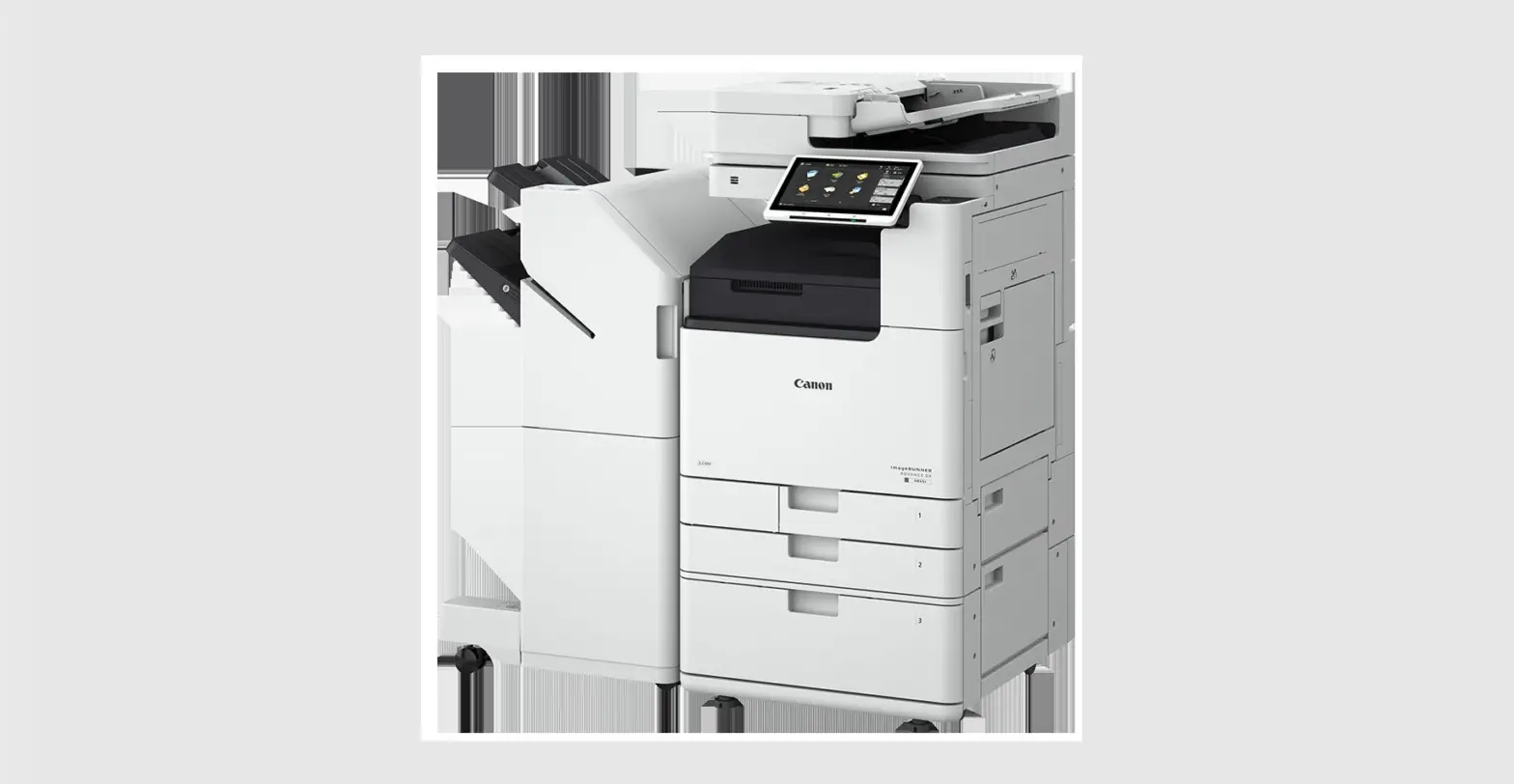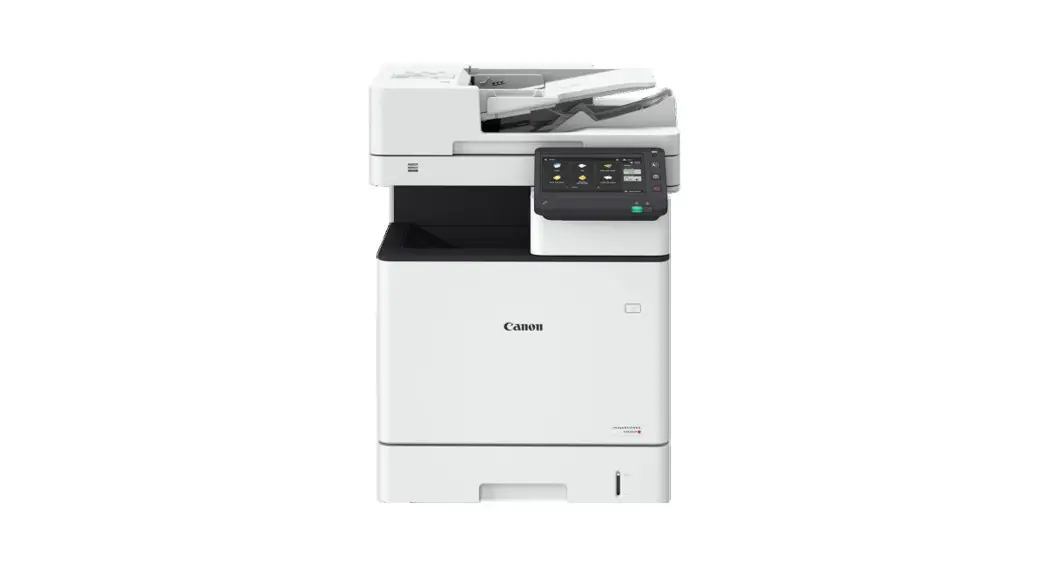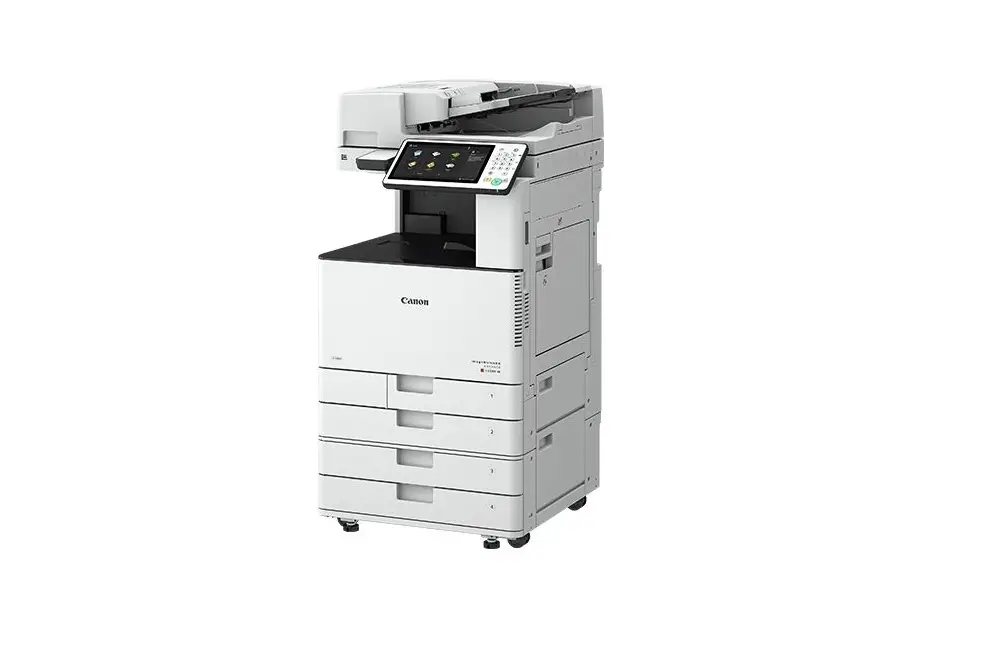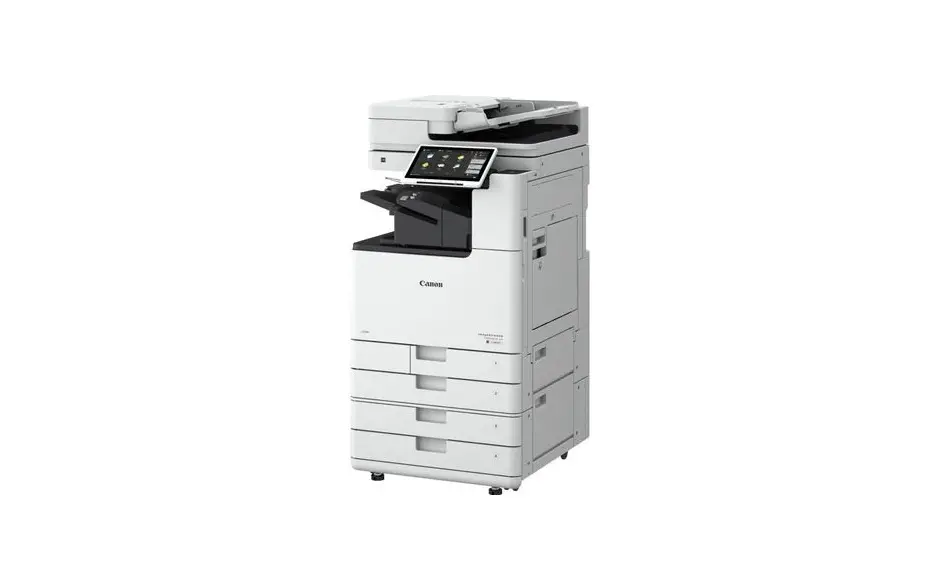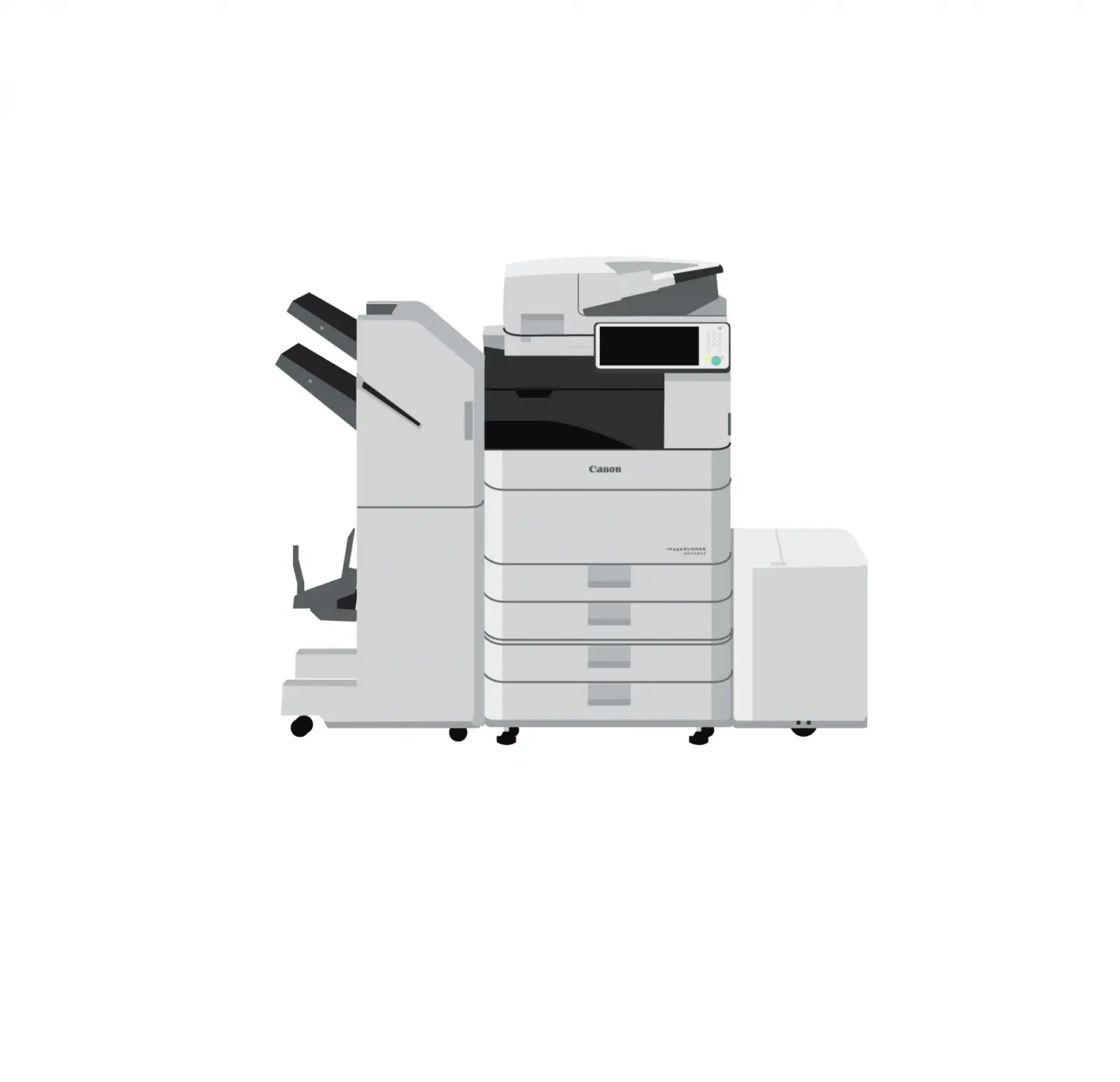
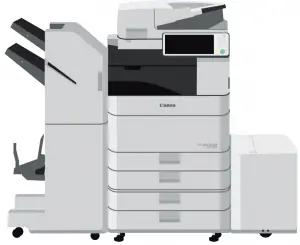
 Canon Image Runner Advance Devices Cleaning Instructions
DO Use
 Lint-free or microfiber cloth Isopropyl alcohol (at least 70% concentrate) Glass cleaner on platenDisposable gloves
Do NOT Use
 Any cleaning product sprayed directly onto machine. Commercial wet wipes, as they contain ingredients other than alcohol. Cleaners that contain volatile solvents, such as paint thinners or benzene.
Other Instruction
Clean all areas of the imageRUNNER ADVANCE device that are touched by users, such as control panels, covers, and jam locations, while using these precautions:
Make sure the device is powered down and unplugged before cleaning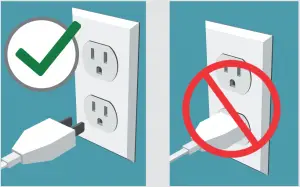
Wait until surfaces are dry before plugging in and powering on the device.
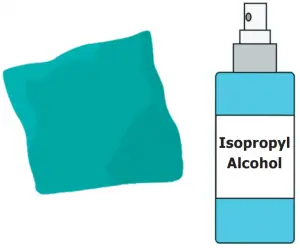 Apply isopropyl alcohol (at least 70% concentrate) onto a lint-free or microfiber cloth, then wipe ALL surfaces of the device that are touched by users. |
Use only glass cleaner on the scan glass of the device and wipe with a lint-free or microfiber cloth.
 Properly dispose of cloth/rag and protective gloves after one use. |
CAUTION
- This cleaning method does not guarantee effectiveness against any particular virus.
- Isopropyl alcohol is flammable and should never be used near open fire or flame.
Did you know there are ways to limit the number of touchpoints to operate the imageRUNNER ADVANCE device?
With Remote Operators Kit, the imageRUNNER ADVANCE user interface and hard keys are replicated on a computer screen, so a user can operate all device functions—copy, print, fax, scan, send—from a network connected computer.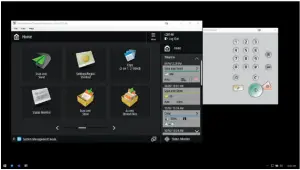
 Use a compatible mobile device to connect to the imageRUNNER ADVANCE device through enhanced features of the free Canon PRINT Business app. This allows users to perform many functions of their MFP from the familiar interface of their smartphone or tablet.
This recommended cleaning procedure cannot guarantee the elimination of microbes, including but not limited to the novel coronavirus, from Canon imageRUNNER ADVANCE products. Be cautious in the storage and use of the alcohol, including following all product instructions and warnings. Canon and imageRUNNER are registered trademarks or trademarks of Canon Inc. in the United States and may also be registered trademarks or trademarks in other countries. Specifications and availability subject to change without notice. Not responsible for typographical errors.
©2020 Canon U.S.A., Inc. All rights reserved