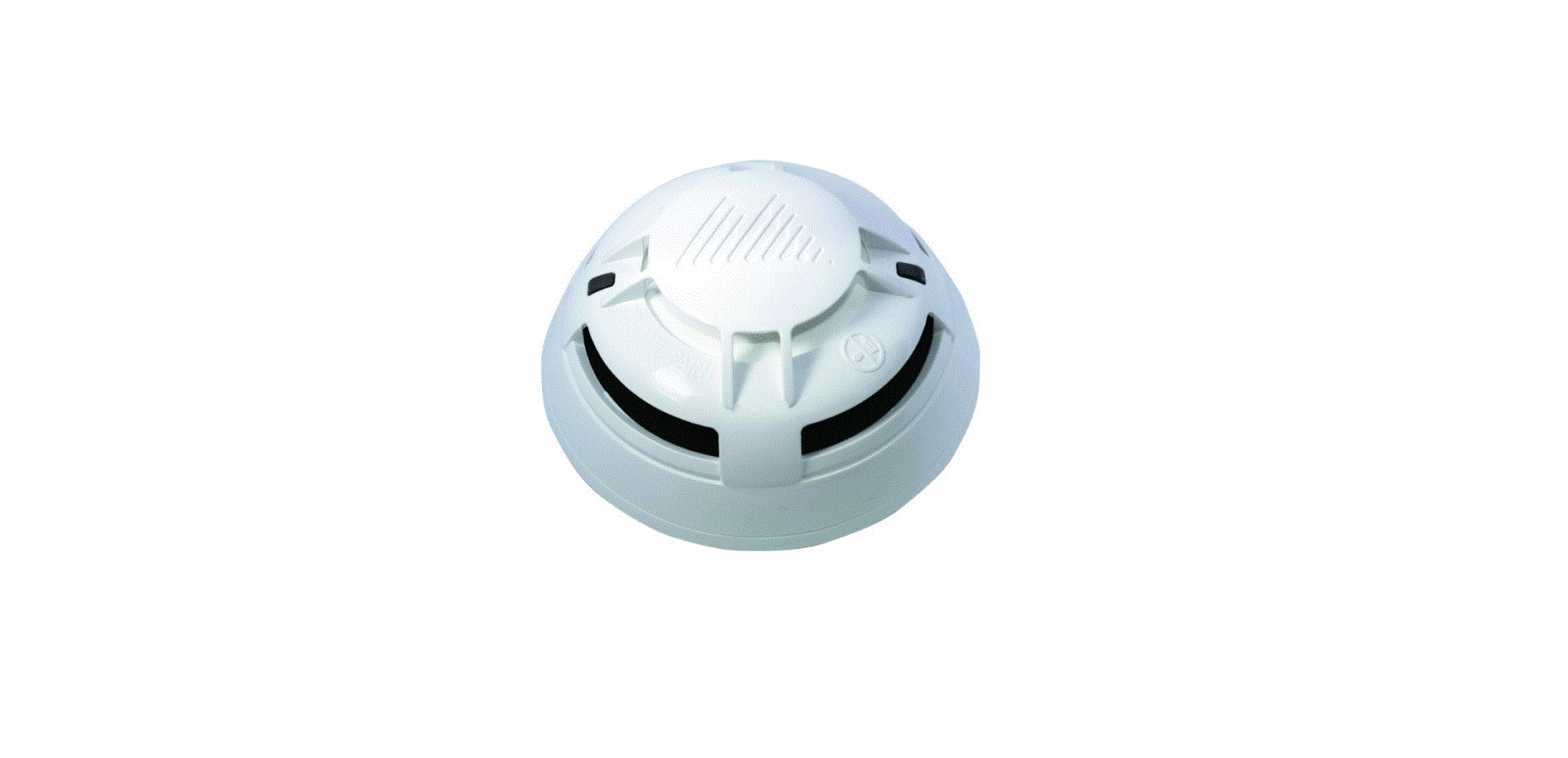
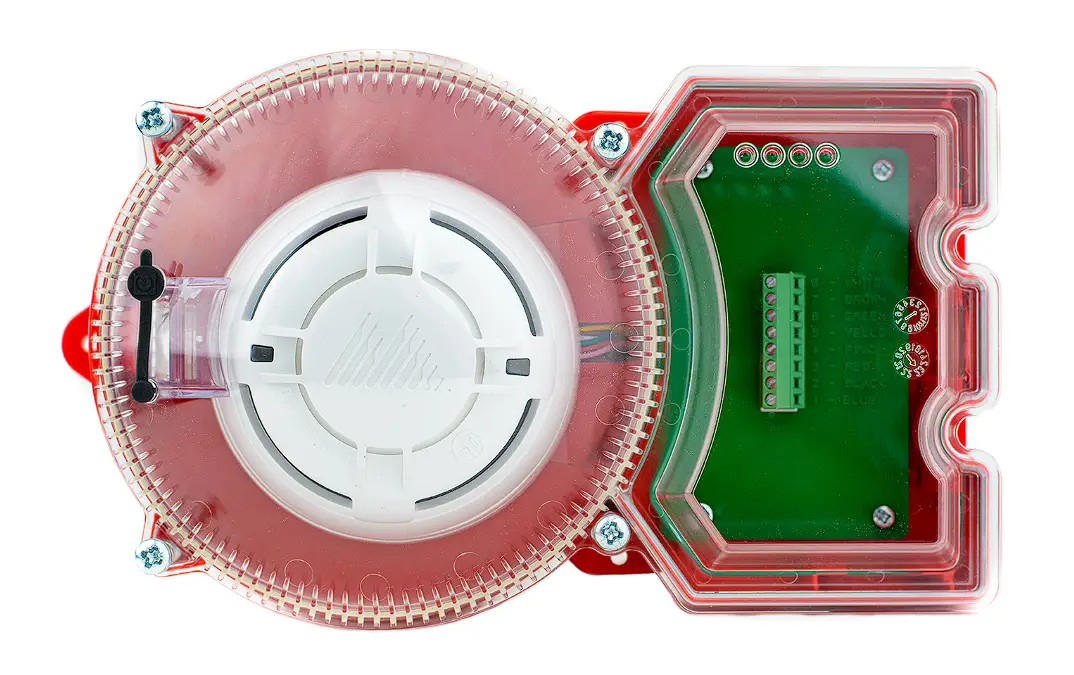
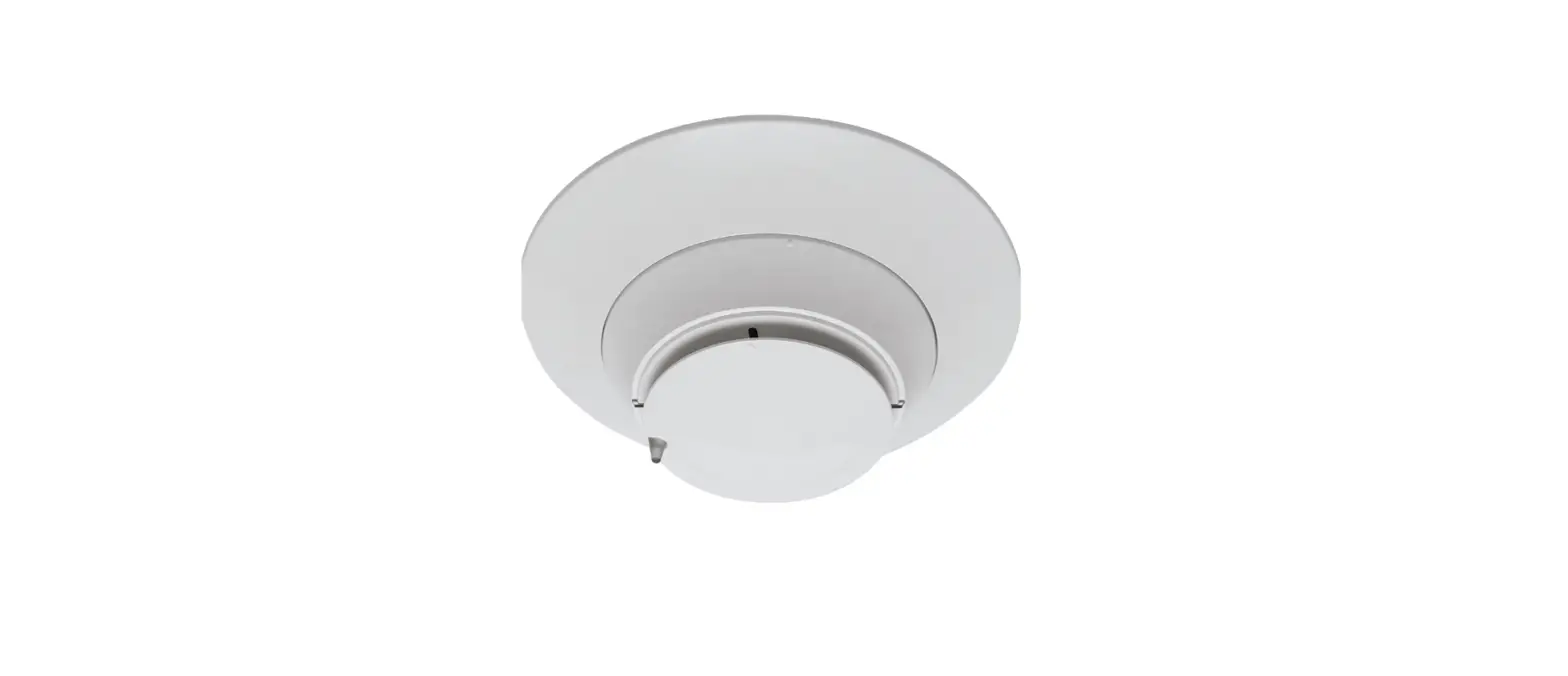
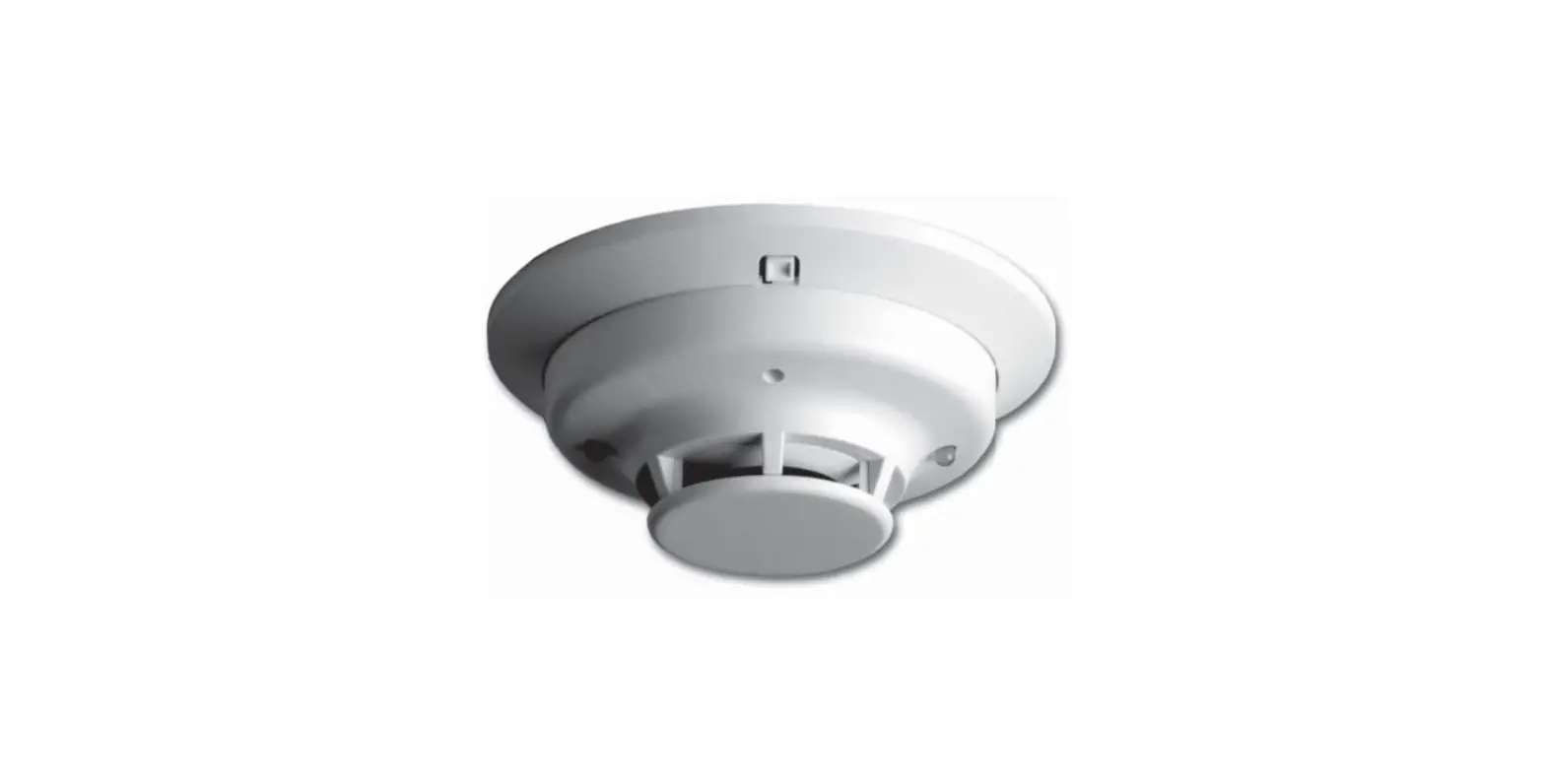
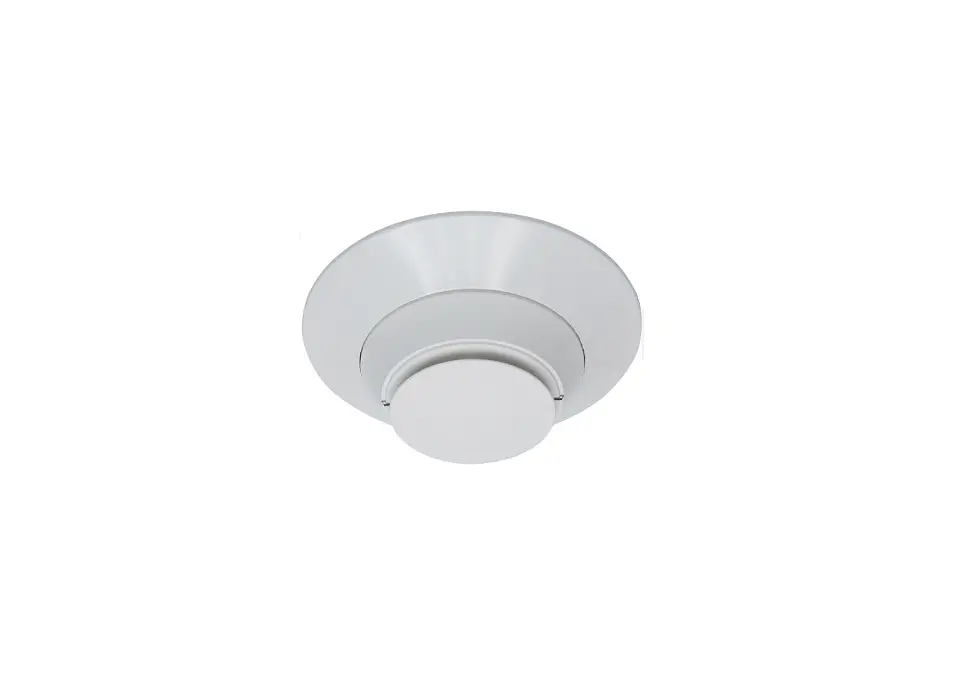
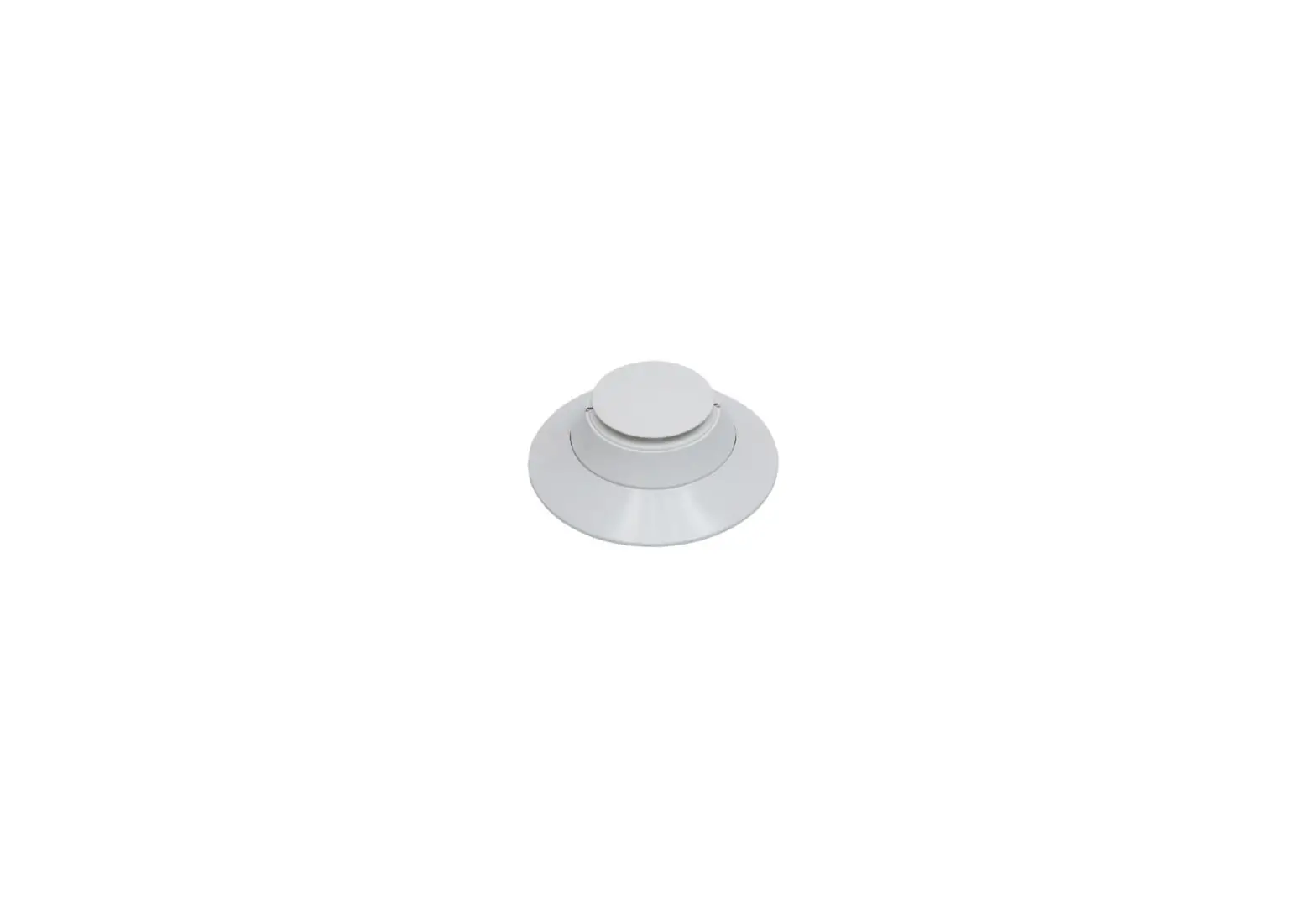
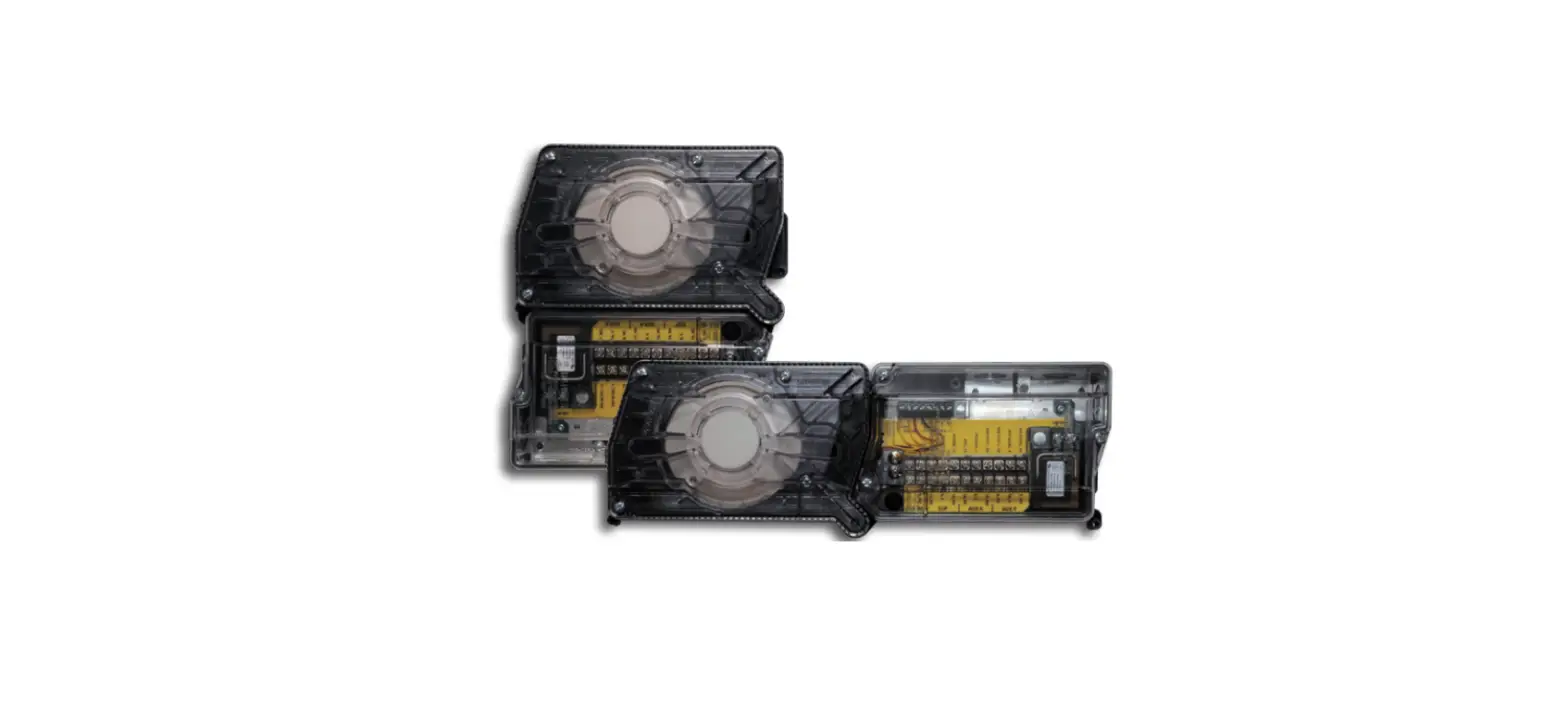
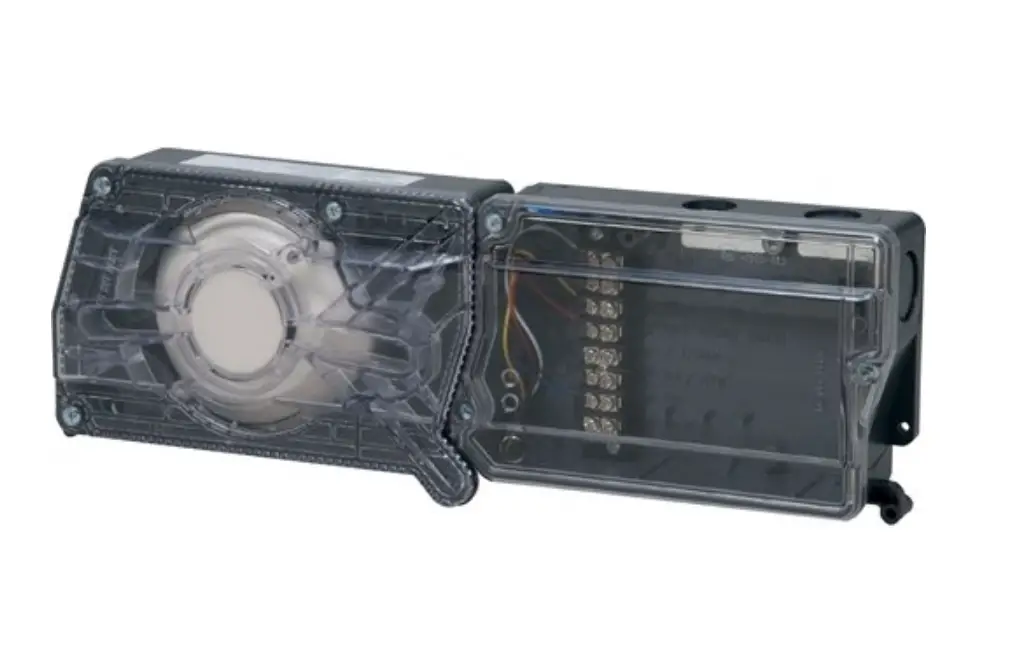
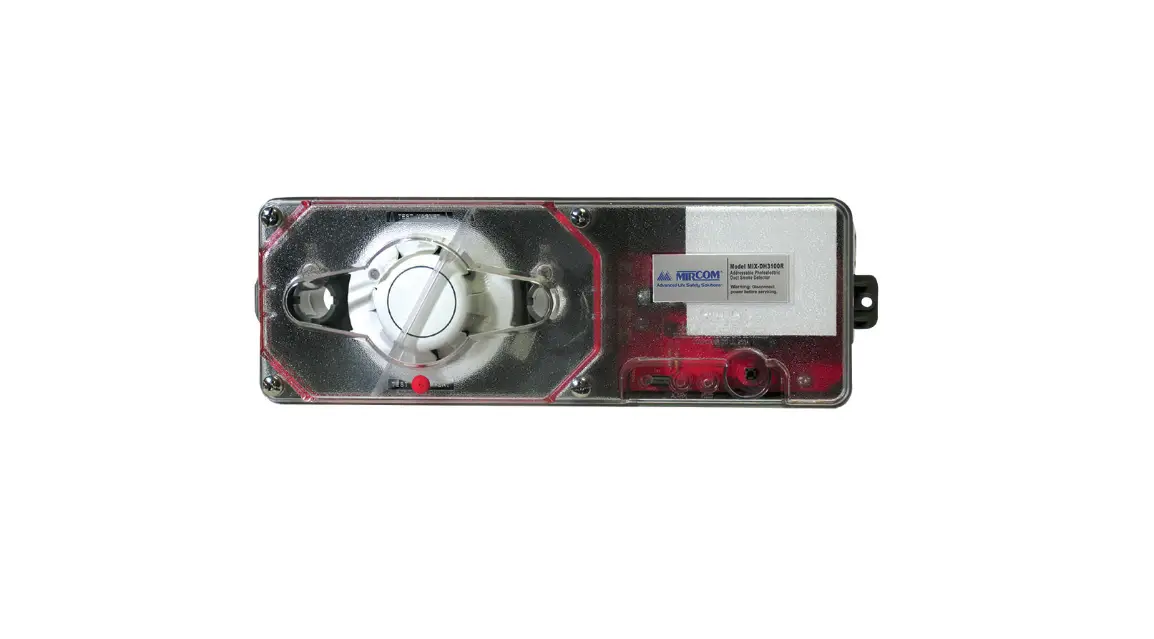
MIX-4010-DUCT Photoelectric Duct Smoke Detector
Product Information
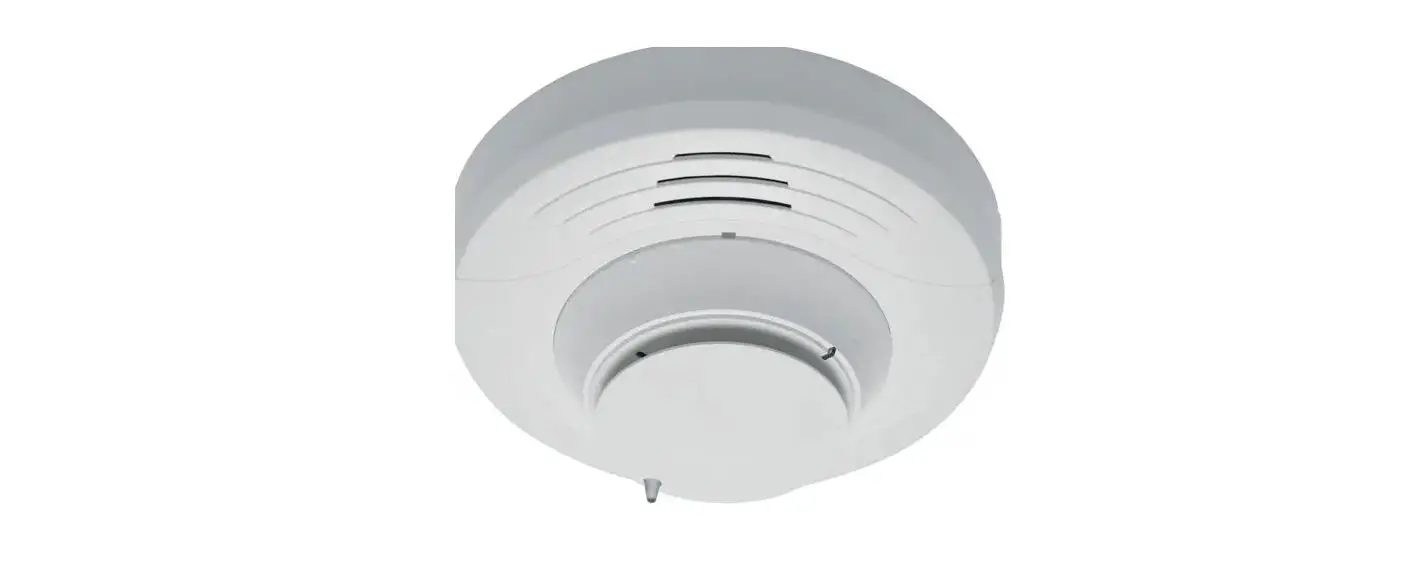
The MIX-4010-DUCT is a photoelectric detector designed to detect
smoke in air duct systems. It continuously checks air obscuration
and reports it to the Fire-Alarm panel using a fully digital
communication protocol. It has a remote alarm output for use with
auxiliary devices, such as the RA100Z remote LED annunciator. The
detector has a sensitivity range of 1.52%/foot – 2.05%/foot and can
operate within a temperature range. It weighs 0.84 kg (1.85 lb) and
has dimensions of 279 mm x 165 mm x 83 mm (11 x 6.5 x 3.3).
Product Usage Instructions
- Before installing the duct detector, ensure that it is used
with a MIX-4000 series compatible control panel. - Ensure that the detector is not intended as a substitute for
open area protection. - Install the detector in air duct systems with air velocities of
300 to 4000 feet per minute. - Use a velocity meter (anemometer) to measure the air velocity
in the duct. - Determine the mounting location by installing the detector
pointing towards the direction of air flow. - Install the detector on any side of the duct. To gain maximum
air sampling coverage in rectangular ducts, install the detector on
the shortest side. - Mount the detector at a distance of 3 times the duct diameter
before a damper, filter or change of the duct direction, and 5
times the diameter after these devices. - A DUCT-ST sampling tube (sold separately) is required. The
sampling tube should penetrate at least 90% of the width of the
duct. When the diameter of the duct is greater than 2 feet (0.6m),
the sampling tube should penetrate the whole duct. - If a longer sampling tube is required, add DUCT-EXTEND sampling
tube to either DUCT-ST2 or DUCT-ST5. - Ensure that the detector is not mounted in locations where it
could be affected by condensation, such as attics or outdoors. - Test the detector after installation and during periodic
maintenance visits according to NFPA 72 and CAN/ULC-S524. It is
recommended that each device should be tested at least once per
year.
INSTALLATION INSTRUCTIONS
MIX-4010-DUCT
25 Interchange way, Vaughan Ontario. L4K 5W3 Phone: 905.660.4655; Fax: 905.660.4113 Web: www.mircomgroup.com
1 SPECIFICATIONS
Normal Operating Voltage:
15 to 30VDC
Maximum Alarm Current (LED on): 3.2 mA (LED on)
Standby Current:
160 A (LED flashing)
Nominal sensitivity range:
1.52%/foot – 2.05%/foot
Duct air velocity:
300-4000 feet/minute
Temperature Range:
32 °F to 100 °F (0 °C to 37.8 °C)
Dimensions:
279 mm x 165 mm x 83 mm (11″ x 6.5″ x 3.3″)
Weight:
0.84 kg (1.85 lb)
Wiring range on all terminals:
24 to 12 AWG
2 BEFORE INSTALLING THE DUCT DETECTOR
Before installing this device, thoroughly read this manual and refer to the applicable codes including the Standard for Automatic Fire Detectors NFPA 72, the Standard for Installation of Air Conditioning and Ventilating Systems NFPA 90A, CAN/ULC-S524, and the NEMA Guide for Proper Use of Smoke Detectors in Duct Applications for guidance on location, spacing and acceptable use. Also seek guidance from the compatible control panel instructions for the device’s operation modes and the configuration requirements.
3 WARNING THIS DETECTOR IS NOT INTENDED AS A SUBSTITUTE FOR OPEN AREA PROTECTION.
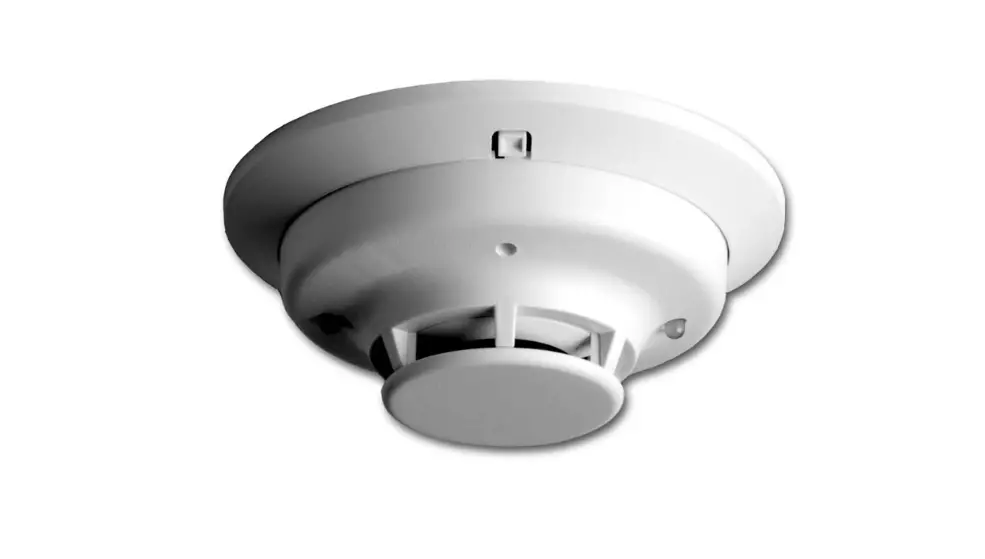
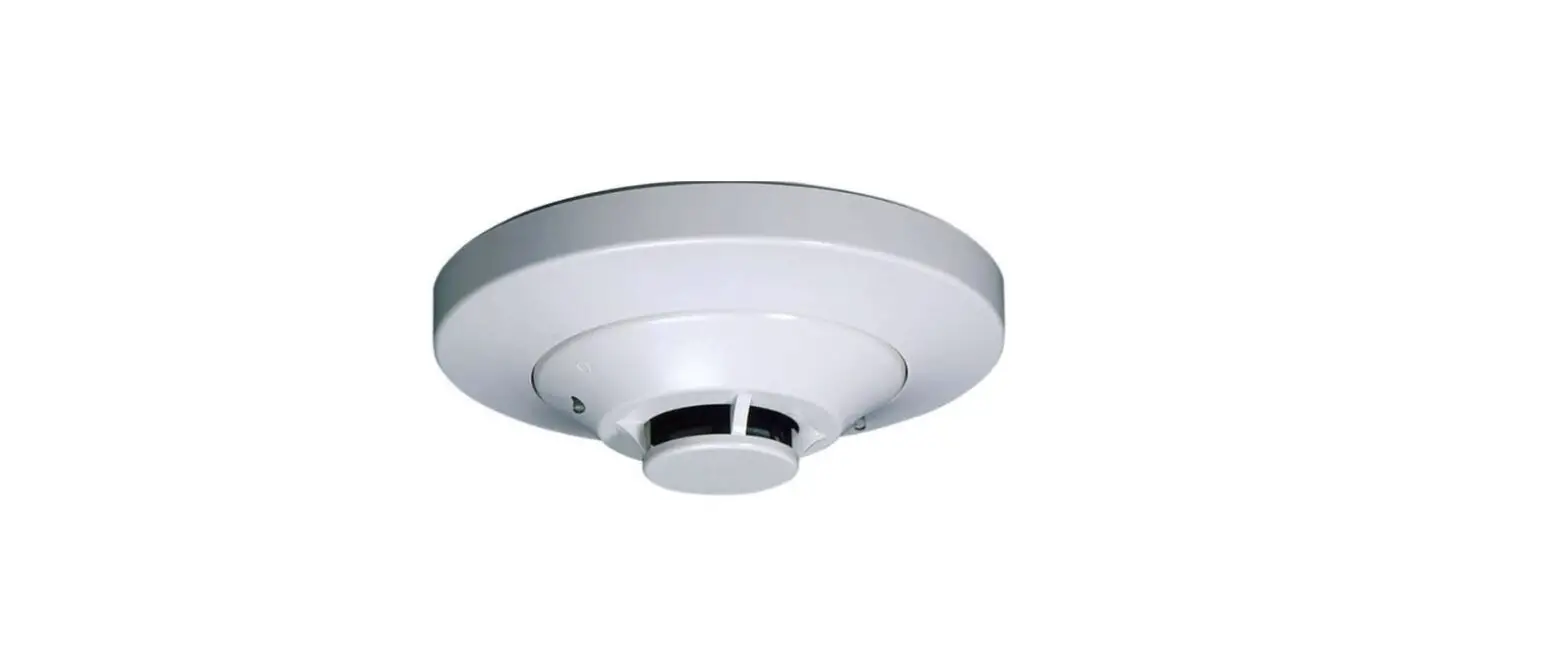
MIX-4010-DUCT IS FOR USE WITH MODEL MIX-4010-D DETECTOR HEAD.
4 ABOUT THIS MANUAL
This manual is a reference for installation. For further information on the use of this device with a FACP, refer to the panel’s manual.
Note: This manual should be left with the owner or operator of this equipment.
Detectors should be tested after installation and during periodic maintenance visits according to NFPA 72 and CAN/ULC-S524. It is recommended each device should be tested at least once per year.
5 DESCRIPTION
The MIX-4010-DUCT is designed to detect smoke in the air duct system. It is a photoelectric detector that continuously checks air obscuration and reports it to the Fire-Alarm panel using a fully digital communication protocol. It must be used with a MIX-4000 series compatible control panel.
The MIX-4010-DUCT has a remote alarm output for use with auxiliary devices, such as the RA100Z remote LED annunciator.
Note: The RA100Z remote indicator works with SLC loop voltages of 18V or more.
5.1 FEATURES
· Detector head is compatible with FleX-NetTM FX-4000, FX-400, and FX-401 fire alarm control panels · Single sampling tube · Easy to install · Test hole on cover · Address is assigned with the MIX-4090 programmer
6 PARTS LIST
1. Detector assembly including base, detector head, enclosure, and cover 2. 3 metal screws for mounting 3. 1 sampling tube end plug 4. 1 cable gland and lock nut 5. Installation manual (this document)
1
LT-6744 rev 0 4/12/23 HFE749
7 ACCESSORIES
Table 1: Accessories (sold separately)
Part number
Description
DUCT-ST1
Sampling tube 1 foot (0.3m)
DUCT-ST2
Sampling tube 2 feet (0.6m)
DUCT-ST5
Sampling tube 5 feet (1.5m)
DUCT-EXTEND
Sampling tube extension 3 ½ feet (1.07m) extension)
DUCT-MB
Mounting bracket
DUCT-RG
Rubber gasket
MIX-4010-D
Replacement detector head
MIX-4090
Programmer
System Sensor RA100Z
Remote LED indicator
Note: A DUCT-ST sampling tube (sold separately) is required. The sampling tube should penetrate at least 90% of the width of the duct. When the diameter of duct is greater than 2 feet (0.6m), the sampling tube should penetrate the whole duct.
If a longer sampling tube is required, add DUCT-EXTEND sampling tube to either DUCT-ST2 or DUCT-ST5.
8 INSTALLATION
Note: Do not mount MIX-4010-DUCT in locations where it could be affected by condensation, such as attics or outdoors.
Install MIX-4010-DUCT in air duct systems with air velocities of 300 to 4000 feet per minute. Use a velocity meter (anemometer) to measure the air velocity in the duct. MIX-4010-DUCT can be installed in ducts with widths from 6 inches to 9 feet.
8.1 DETERMINE MOUNTING LOCATION
Install MIX-4010-DUCT pointing towards the direction of air flow as shown in figure 1. The MIX-4010-DUCT can be installed on any side of the duct. Note: In order to gain maximum air sampling coverage in rectangular ducts, install the MIX-4010-DUCT on the shortest side. MGC recommends that the MIX-4010-DUCT is mounted at a distance of 3 times the duct diameter before a damper, filter or change of the duct direction, and 5 times the diameter after these devices. See figure 2.
FIGURE 1: Install the detector pointing towards the air flow direction
Air flow direction
8.2 MOUNT THE DETECTOR ON THE DUCT
1. If you are not using a mounting bracket, drill a 1 ½” (38mm) hole where the detector is to be mounted.
2. If you are using the mounting bracket DUCT-MB, drill a 2″ (51mm) hole where the detector is to be mounted.
3. Measure the diameter of the duct. The sampling tube should penetrate approximately 90% of the width of the duct. See table 1.
4. If needed, shorten the sampling tube and insert the end plug. See figure 3.
If your duct diameter is greater than 2 feet (0.6m), see section 8.3.
FIGURE 3:
Shorten the sampling tube Do NOT cut this end!
End plug
5. Insert the sampling tube in the bottom of the MIX-4010-DUCT. See figure 4.
6. Secure the sampling tube by fastening the locking screw.
FIGURE 4: Insert the sampling tube
Step 5
Step 6: Locking screw
7. Insert the sampling tube in the duct (figure 6 1) and secure the MIX-4010-DUCT to the duct using the three provided metal screws. (figure 6 -2).
FIGURE 2: Examples of placement
dh
Example of location after change of duct direction
Example of location before
air inlet
Air inlet
5 dh
3 dh
2
LT-6744 rev 0 4/12/23 HFE749
FIGURE 5: For duct diameters smaller than 2 feet (0.6m)
Drill a hole ø 1 ½” (38 mm)
Max diameter of the duct 2 feet (0.6 m) Use the DUCT-ST2 Shorten the pipe, if necessary
For ducts with ø of less than 2 feet (0.6m) use DUCT-ST2.
For ducts with ø of between 2 feet and 4 IHHW (0.6m and 1.4m) use DUCT-ST5. For ducts which are larger than 4 IHHW1.4m) use DUCT-ST5 and DUCT-EXTEND.
FIGURE 6:
Secure the duct detector to the duct
(1) (2)
Top mounting hole
8.3 INSTALLATION OF SAMPLING TUBE LONGER THAN 2 FEET
When the duct diameter is greater than 2 feet (0.6m), the sampling tube should penetrate the whole duct.
1. Drill a 2″ (51mm) hole in the side of the duct opposite the detector. 2. Place the rubber gasket DUCT-RG (included with DUCT-ST5) in the
hole. 3. Place the plastic end plug (included with DUCT-ST5) on the end of
the sampling tube as shown in figure 8. The sampling tube must not protrude more than 1 3/16″ (30mm) through the duct wall.
FIGURE 8: Installation of sampling tube longer than 2 feet
Drill a hole ø 1 ½” (38mm)
Diameter of the duct larger than 2 feet (0.6m) The sampling tube should penetrate the whole duct
NOTE: Drill a hole ø 2″ (51mm)
Shorten the tube to correct length.
Insert the end plug. Put on the plastic end gasket (included with the sampling tube).
Put on the rubber gasket DUCT-RG.
Bottom mounting holes
FIGURE 7:
Example mounting locations Hydraulic diameter
CIRCULAR DUCT dh = D Ø D
RECTANGULAR DUCT
dh =
2xHxB H+B
H
B
MIN 3xdh MIN 3xdh
Example of location
MIN 3xdh MIN 5xdh
MIX-4010-DUCT
MIX-4010-DUCT
FAN
MIX-4010-DUCT
MIN 5xdh MIX-4010-DUCT
MIX-4010-DUCT MIN 3xdh
DUCT BRANCHING
MIX-4010-DUCT
MIN 5xdh MIX-4010-DUCT
DUCT BEND
MIN 3xdh MIX-4010-DUCT MIX-4010-DUCT
MIN 5xdh RETURN AIR INLET AIR
AIR HANDLING UNIT
The sampling tube must not protrude more than 1 3/16″ (30mm) through the duct wall.
8.4 MOUNTING BRACKET FOR CIRCULAR OR INSULATED RECTANGULAR DUCTS
The mounting bracket can be used on ducts with diameters as small as 4″ (100mm). The mounting bracket is supplied with rubber gasket and sealing sleeve.
FIGURE 9: Mounting Bracket
The mounting bracket is supplied flat
Drill a hole ø 2″ (51mm)
Fix the bracket on the duct
The mounting bracket can easily be bent or shaped to fit a circular or rectangular duct
Rubber gasket
Sealing sleeve
Rubber gasket
Sealing sleeve
Circular duct
Insulated rectangular duct
3
LT-6744 rev 0 4/12/23 HFE749
9 FIELD WIRING
See section 1 for the wiring gauge. Seek guidance from the compatible control panel instructions for wiring requirements for the SLC (signaling line circuit).
9.1 CONDUIT ENTRIES AND WIRING
1. Disconnect the loop power. 2. Remove the four screws and the enclosure cover. See figure 10-1.
FIGURE 10: Screws securing the cover and cable openings
(1)
(2)
The MIX-4010-DUCT has one cable opening and provision for 3 more. See figure 10-2. 3. Remove one of the three round knockouts and insert a cable gland if you need more than one opening.
If you do not use a cable opening, close it properly. 4. Connect the cables according to the wiring shown in figure 11 and figure 12. 5. Secure the cover on the enclosure with the four screws.
FIGURE 11: Detector wiring
Loop in (+)
– Remote device
+
Loop out (-) Loop in (-)
Shield Loop out (+)
8 – WHITE 7 – BROWN 6 – GREEN 5 – YELLOW 4 – PINK 3 – RED 2 – BLACK 1 – BLUE
FIGURE 12: Loop wiring
Panel B+
Use twisted pair
Loop in (+) 3
7 Loop out (+)
Loop in (-) 1 2 Loop out (-)
3
7
12
B- A- A+
Optional loop return for class A
3 12 7
4
LT-6744 rev 0 4/12/23 HFE749
9.2 SET THE ADDRESS
1. Disconnect the loop power. 2. Remove the four screws and the enclosure cover. 3. Remove the detector head from the base by turning it counter-
clockwise and lifting it. 4. Program the detector address with the MIX-4090 programming
device. See manual LT-6146 for programming. Addresses 1 to 240 can be used for any device on a SLC loop. Each device on a loop must have a unique address. 5. Position the detector head centrally on its adapter base ensuring it is level. 6. Rotate clockwise applying gentle pressure. The detector head will drop into its keyed location. 7. Continue to rotate clockwise a few degrees until the detector head is fully engaged in the base. 8. When the detector head is firmly engaged, check the alignment of the raised reference marks on the detector head and on the base (figure 13). 9. Install the diverter as shown in section 11. 10. Secure the cover on the enclosure with the four screws.
FIGURE 13: Alignment marks
Detector base
Detector head
10 MEASUREMENT TESTS
10.1 METHOD 1: LOW VELOCITY 300-500 FEET PER MINUTE
This test is intended for low-flow systems (300-500 feet per minute). With the air handler on, measure the air velocity with an anemometer. The air speed must be 300 feet per minute or greater. Then use the Dwyer Transmitter (series 607-1) by following the details provided in figure 14. The pressure differential across the inlet port and outlet ports of the sampling tube shall be verified to be more than 0.01 inches of water. Measure the pressure difference between the inlet port and outlet ports on the sampling tube with a Dwyer Series 607-1 Differential Pressure Transmitter. To verify sufficient sampling of ducted air, turn the air handler on. Connect the leads of the meter to either side of the 1 k resistor. Allow unit to warm up for 15 s econds. With both HIGH and LOW pressure ports open to ambient air, measure and record the voltage drop across the 1 k resistor (measurement A), typical reading is approximately 4V. Use flexible tubing to connect the HIGH side of the transmitter to the inlet port of the sampling tube and the LOW side of the transmitter to the outlet ports of the sampling tube. Measure and record the voltage drop across the 1 k resistor (measurement B). Subtract the voltage recorded in measurement A from the voltage recorded in measurement B. The results should be greater than 0.15 volts, and then this indicates that there is enough air flow through the duct smoke detector for proper operation.
FIGURE 14:
Measure the pressure differential
Sampling tube Power supply 15-36 VDC
9 V battery 9 V battery
9 V battery
High Low
Differential pressure
transmitter
-+
Voltmeter 1 k resistor
5% 1W
10.2 METHOD 2: AIR VELOCITY GREATER THAN 500 FEET PER MINUTE
First, verify the air speed is greater than 500 feet per minute by using the measurement method described in section 10.1. With the air handler turned on, use a manometer to measure the differential pressure across the inlet port and outlet ports of the sampling tube, this measurement shall be verified to be between 0.0028 to 1.49 inches of water. Please ensure that the end of the tube is completely sealed by use of a plug, or a duct tape in order to obtain proper measurements.
11 Install the Diverter
The plastic diverter is always required. Install it so that it directs smoke from the sampling tube into the detector head. See figure 15. The diverter is included with the sampling tube. FIGURE 15: Install the diverter
Diverter
12 DETECTOR HEAD REPLACEMENT
1. Remove the old detector head from the base by turning it counterclockwise and lifting it.
2. Position the new detector head centrally on its adapter base ensuring it is level.
3. Rotate the head clockwise applying gentle pressure. The detector head will drop into its keyed location.
4. Continue to rotate clockwise a few degrees until the detector head is fully engaged in the base.
5. When the detector head is firmly engaged, check the alignment of the raised reference marks on the detector head and on the base (figure 13).
6. Install the diverter as shown in section 11.
5
LT-6744 rev 0 4/12/23 HFE749
13 TESTING THE DETECTOR
Detectors should be tested after installation and during periodic maintenance visits; it is recommended to test each device at least once per year. After each test reset the system and allow at least one minute for power stabilization.
13.1 MAGNET TEST
Position the test magnet next to raised mark on the detector, then move it 45 degrees counter-clockwise (figure 16). The magnet test simulates smoke in the optical chamber and verifies the function of all electronic circuits of the detector and its communication with the control panel. The detector should trigger an alarm message to the control panel, and, successively, the detector’s red LED should be activated by the control panel itself. FIGURE 16: Mark for magnet test
13.2 AEROSOL TEST (SIMULATED SMOKE TEST)
For this test only use test aerosols from an approved manufacturer, in accordance with their application instructions, in order to prevent contamination or possible damage to the detector. Spray the aerosol into the detector by using a recommended applicator. 1. Open the test hole plug (figure 17). 2. Spray aerosol smoke into the hole. Follow the instructions provided
by the manufacturer. 3. Wait for the detector to trigger an alarm message on the control
panel. The detector’s red LED should be activated. If the detector does not respond to the tests correctly it may be necessary to clean it; in this case follow the instructions indicated in section 14. If testing fails again after maintenance then replace the detector with a new one and return the faulty one for servicing. After testing, close the test hole plug. FIGURE 17: Hole for aerosol test
14 MAINTENANCE
1. Disconnect the power. 2. Remove the four screws and the enclosure cover. 3. Remove the detector head from the base: turn it counter-clockwise
and lift it. 4. Inspect the detector head in good light at ground level. Inspect the
smoke entry ports around the detector and use a small, soft bristle brush to dislodge any evident contaminants. 5. Use a small vacuum tube or clean, dry and compressed air to suck up or blow away any remaining small particles from the smoke entry screen area. 6. Wipe the exterior housing of the detector with a clean, damp, lint free cloth to remove any surface film that can later attract airborne contaminants. 7. Use the hand-held programming unit to read the pollution percentage of the chamber; refer to LT-6146 the programming unit instruction manual. 8. Replace the detector head: position the detector head centrally on its adapter base ensuring it is level. 9. Rotate the head clockwise applying gentle pressure. The detector head will drop into its keyed location. 10. Continue to rotate clockwise a few degrees until the detector head is fully engaged in the base. 11. When the detector head is firmly engaged, check the alignment of the raised reference marks on the detector head and on the base (figure 13). 12. Install the diverter as shown in section 11. 13. Secure the enclosure cover with the four screws. 14. Power on the system. 15. Verify that the smoke detector is working.
15 DETECTOR HEAD LEDS
Table 2: Detector Head LED Colors
Alarm Air Sampling Fault
Red (Steady on) Green (Flash) Yellow (Steady on)
16 WARRANTY
Purchase of all MGC products is governed by: https://www.mircom.com/product-warranty https://www.mircom.com/purchase-terms-and-conditions https://www.mircom.com/software-license-terms-and-conditions
Test hole plug
6
LT-6744 rev 0 4/12/23 HFE749
 Mircom - Smart Buildings. Smarter Solutions.
 Product Warranty - Mircom