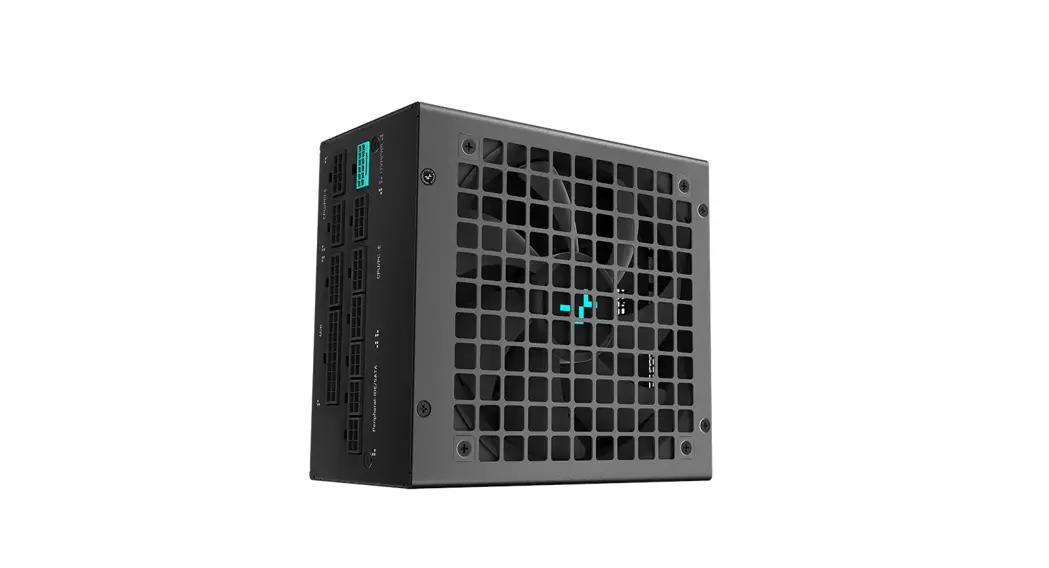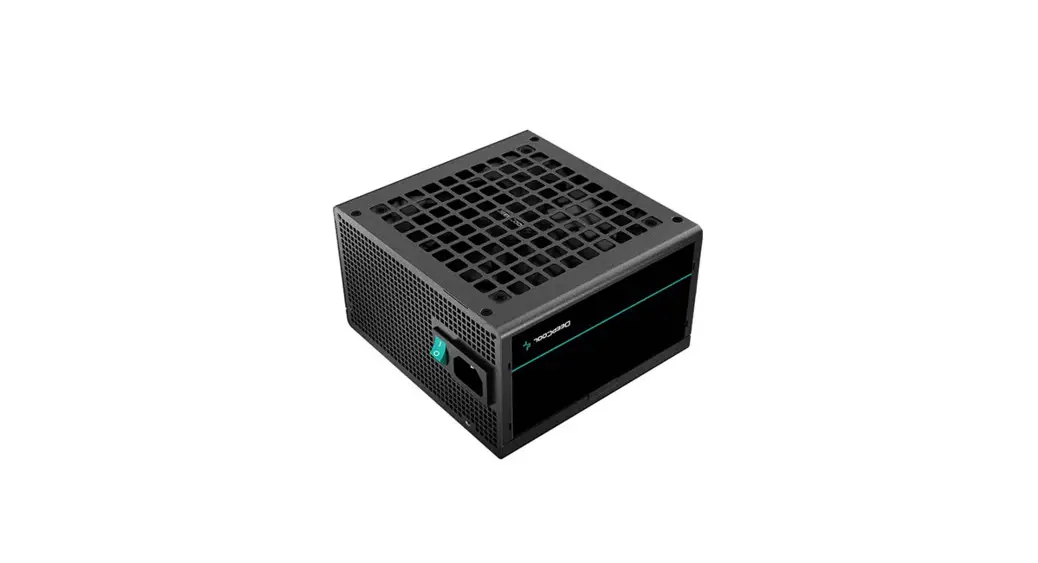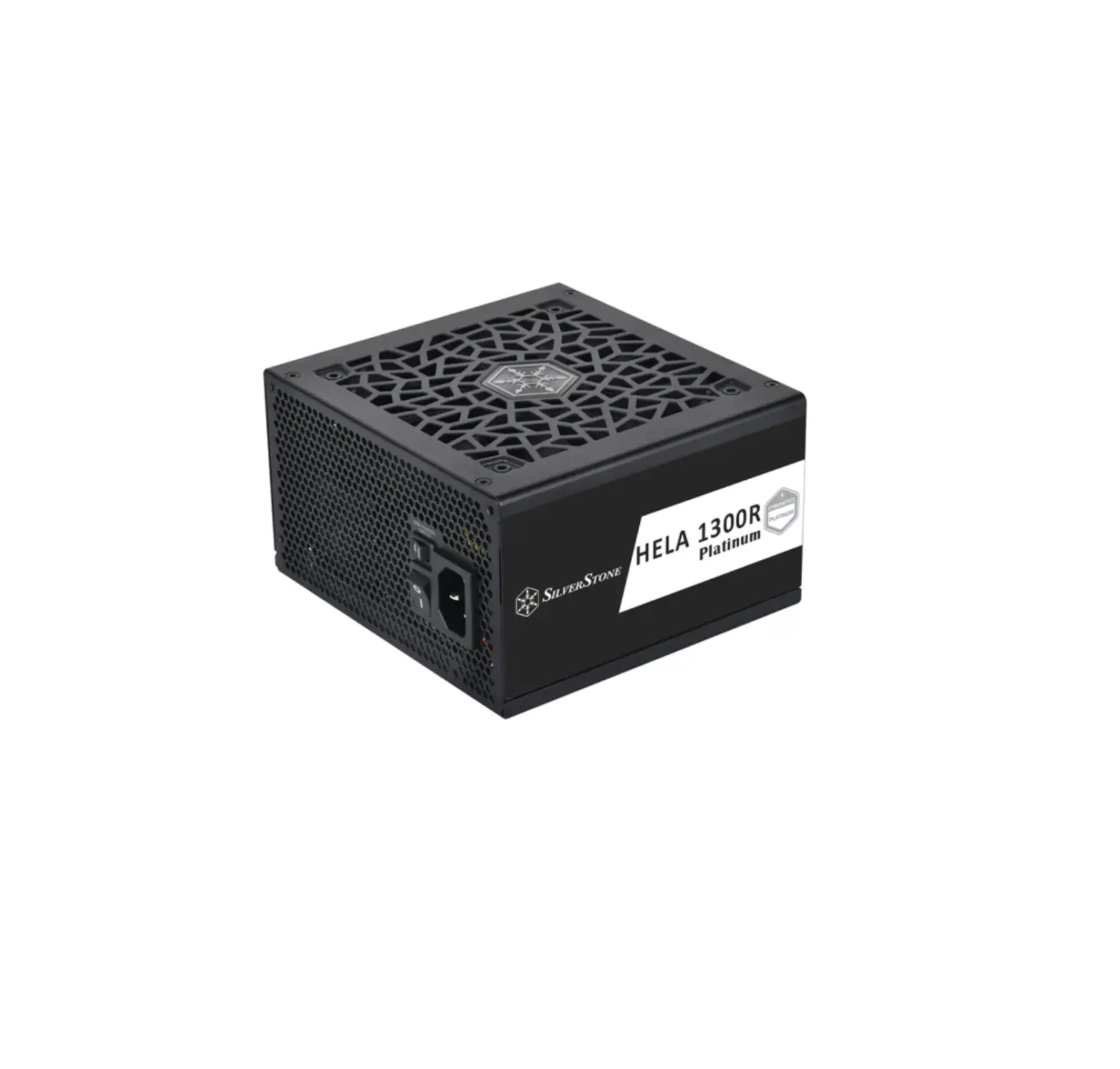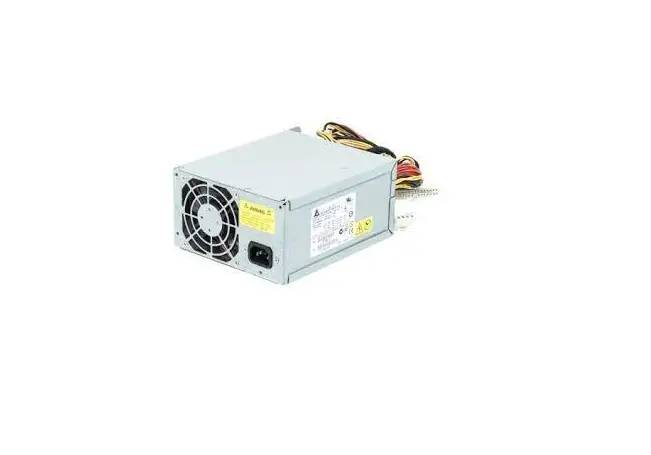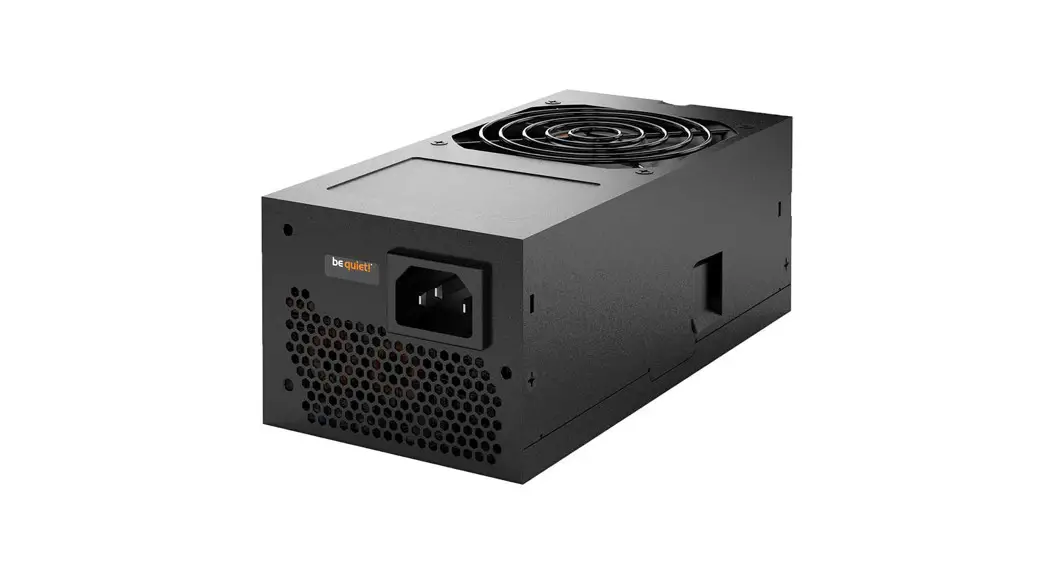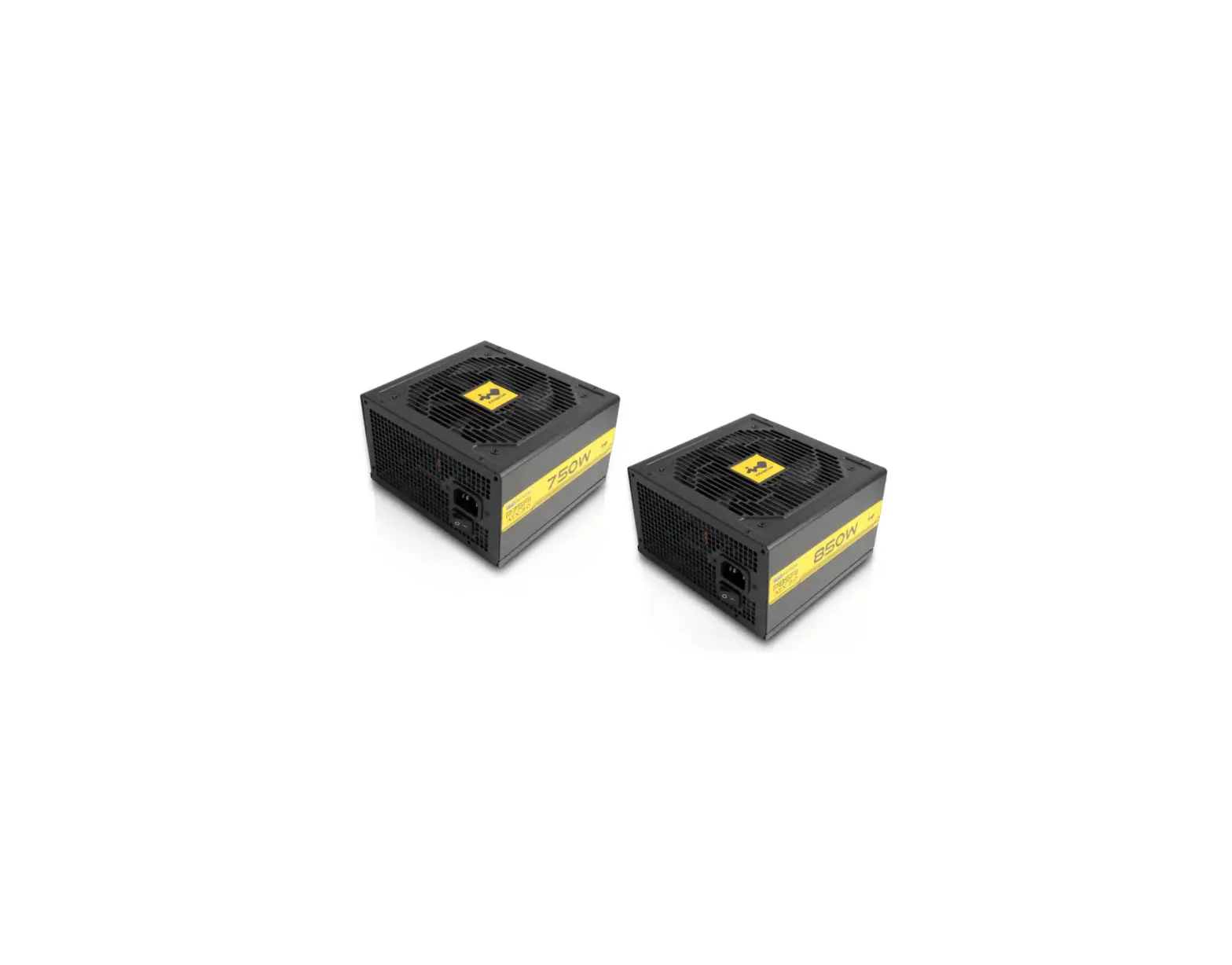
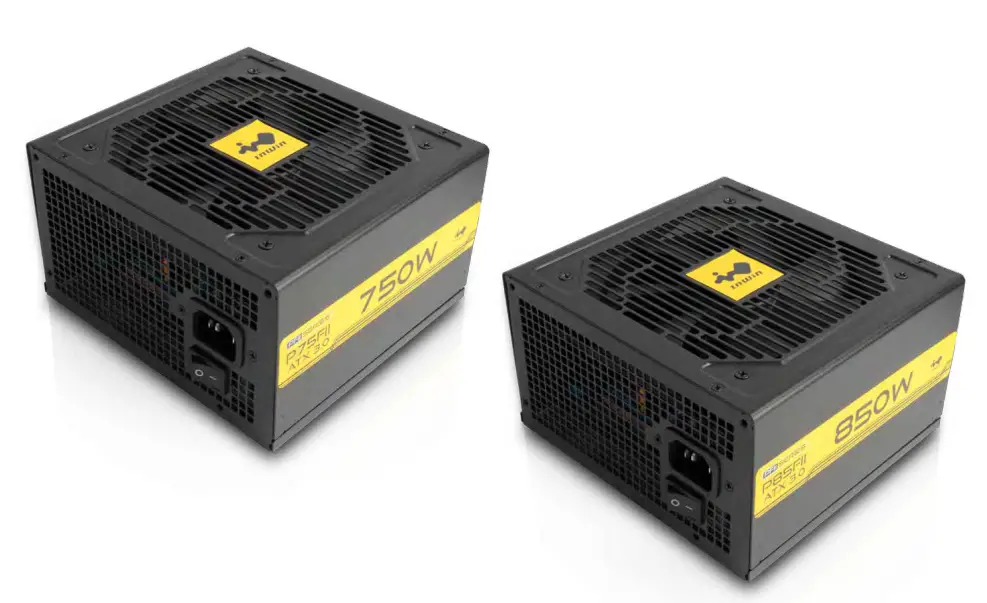
InWin PFII Series ATX 3.0 Power Supply Unit
Product Story
The PFII Series ATX 3.0 fully meets the newest generation of Intel’s PSDG (power supply design guide).
This avoids potential system instability or power failure, provides better output stability, and allow users to game or work with peace of mind.
Features
- Fully Meets the Newest Generation (ATX3.0) of Intel’s PSDG
- Includes PCI-E 5.0, 16 Pin Connector with High Quality 16 AWG Cable
- 80 PLUS® Gold Certified for High Efficiency
- Multi-Protection Safeguards (OCP, OVP, UVP, SCP, OTP, OPP)
- 5-Year Warranty
Specifications
| Model | P75FII | P85FII | ||||||||
| Model Number | IW-PS-PFII750W | IW-PS-PFII850W | ||||||||
| Total Power | 750W | 850W | ||||||||
| Materials | SECC | |||||||||
| Type | ATX12V V3.0 | |||||||||
| Cable Management | Fixed Cables | |||||||||
| PFC | Active PFC (> 0.95) | |||||||||
| Efficiency | 80 PLUS® Gold (Up to 90%) | |||||||||
| MTBF (Hours) | > 100,000 hrs. | |||||||||
| AC Input | 100-240Vac, 10-5A, 50-60Hz | 100-240Vac, 12-6A, 50-60Hz | ||||||||
| Fan | 120mm Sleeve Bearing Fan | |||||||||
| Typical Load Fan Noise (dBA) (50% Loading) | < 25dBA | |||||||||
| Operating Temperature Range (°C) | 0-40 °C | |||||||||
| Full Protection | OCP / OVP / UVP / SCP / OTP / OPP | |||||||||
| Safety Certifications | cTUVus / TUV / CB / BSMI / CE / FCC / EAC / RCM / UACK | |||||||||
| Product Dimensions (L x W x H) | 140 x 150 x 86 mm | |||||||||
| Package Dimensions (L x W x H) | 280 x 210 x 105 mm | |||||||||
| Net Weight | 1.8 kg | 2.3 kg | ||||||||
| Gross Weight | 1.87 kg | 2.37 kg | ||||||||
| Warranty | 5 Years | |||||||||
| Connectors | 24 Pin Motherboard | 1 | ||||||||
| 8 (4+4) Pin CPU | 2 | |||||||||
| 8 (6+2) Pin PCI-E | 4 | |||||||||
| PCI-E 5.0 12VHPWR | 1 | |||||||||
| 4-Pin Peripheral | 3 | |||||||||
| SATA | 6 | |||||||||
| Floppy | 1 | |||||||||
| Model | AC INPUT | 100-240Vac, 10-5A, 50-60Hz | ||||||||
| DC OUTPUT | +12V | +5V | +3.3V | -12V | +5VSB | Total Power | ||||
| P75FII | Max. Output Current | 62.5A | 20A | 20A | 0.3A | 3A | 750W | |||
| Max. Combined Power | 750W | 100W | 3.6W | 15W | ||||||
| Model | AC INPUT | 100-240Vac, 10-5A, 50-60Hz | ||||||||
| P85FII | Max. Output Current | 70.8A | 20A | 20A | 0.3A | 3A | 850W | |||
| Max. Combined Power | 850Wns. | 100W | 3.6W | 15W | ||||||
Package Contents
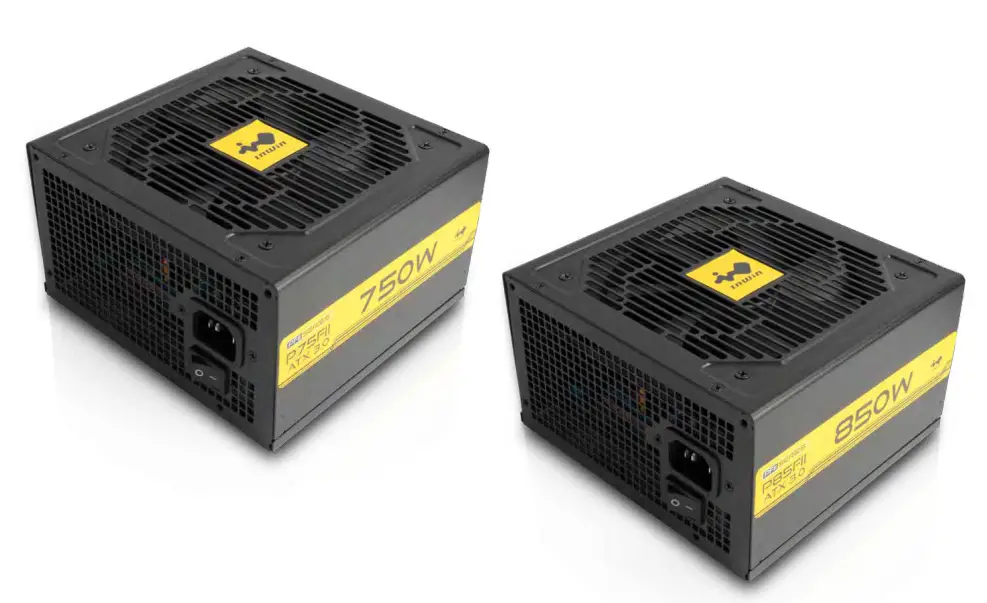
PFII Series Power Supply Unit x1 (P75FII / P85FII)
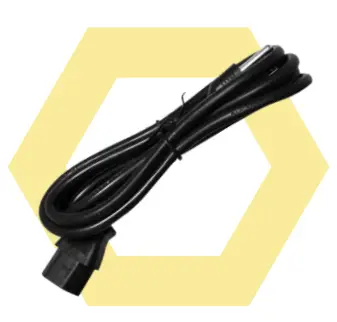
- Power Cord x1

- Mounting Screws x4
- Cable Ties x8


Cable Information
| DC Output Cable | Model | P75FII P85FII | |
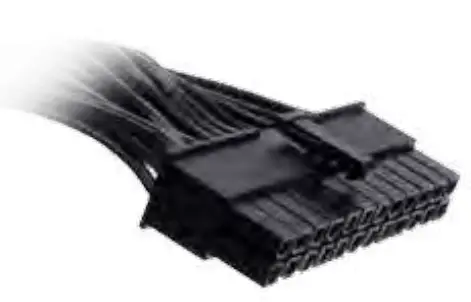 | 24 Pin Motherboard | 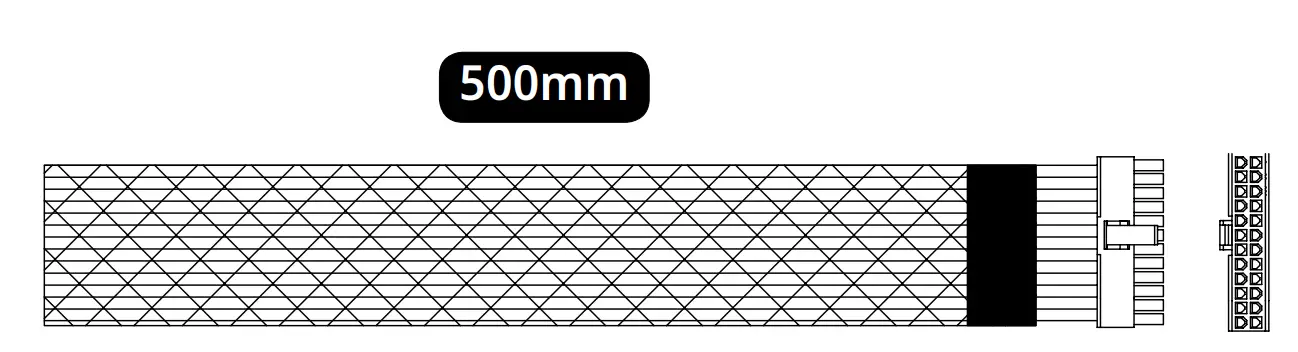 | 1 |
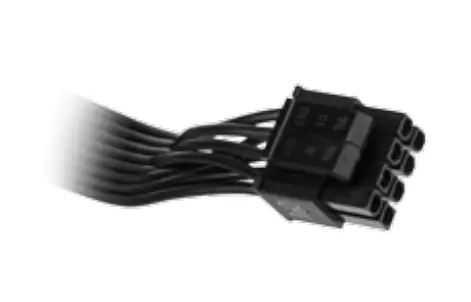 | 8 (4+4) Pin CPU | 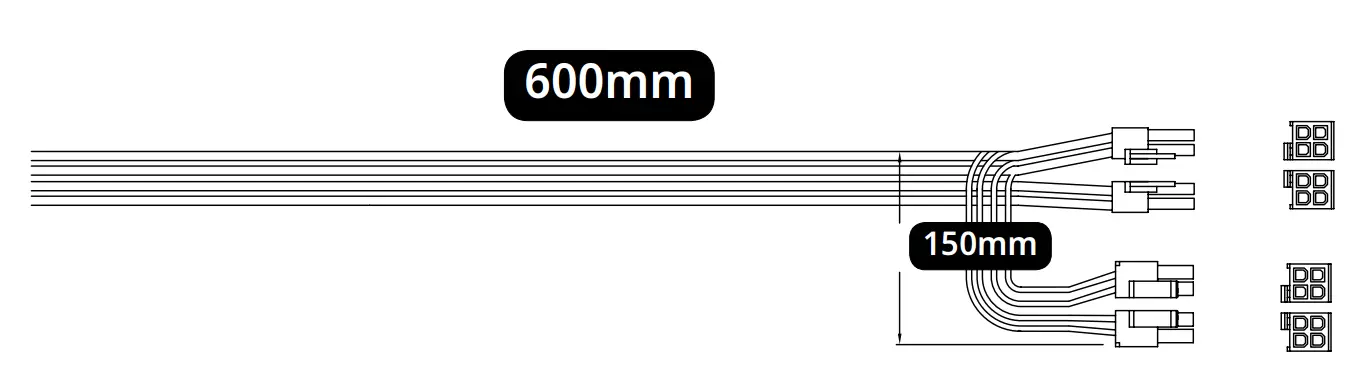 | 1 |
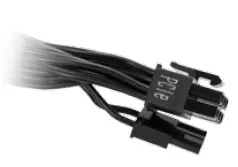 | 8 (6+2) Pin PCI-E | 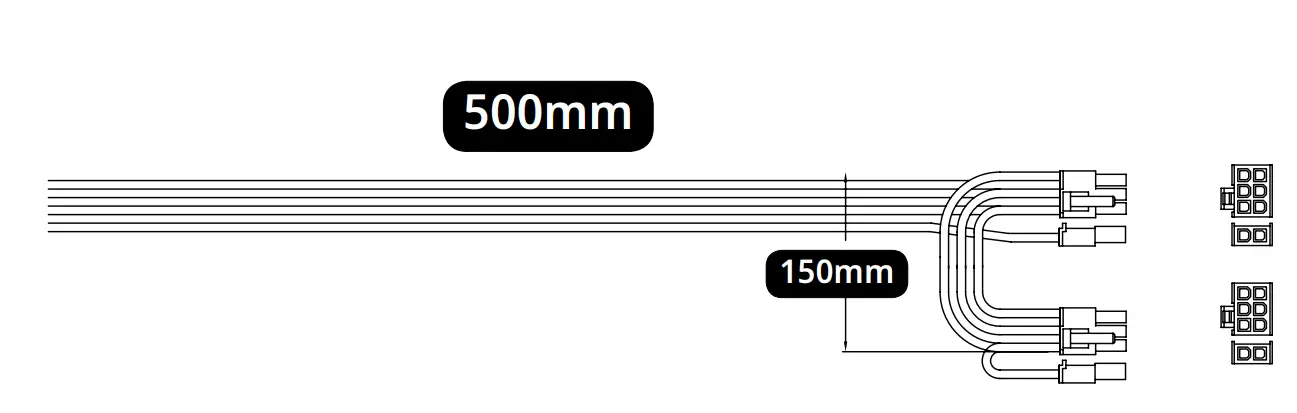 | 2 |
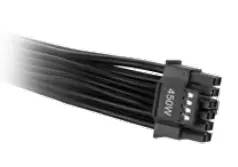 | PCI-E 5.0 12VHPWR |  | 1 |
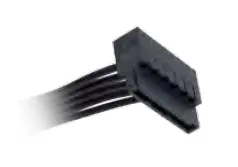 | SATA |  | 2 |
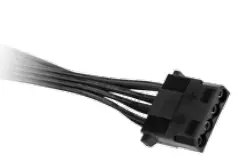 | 4 Pin Peripheral | 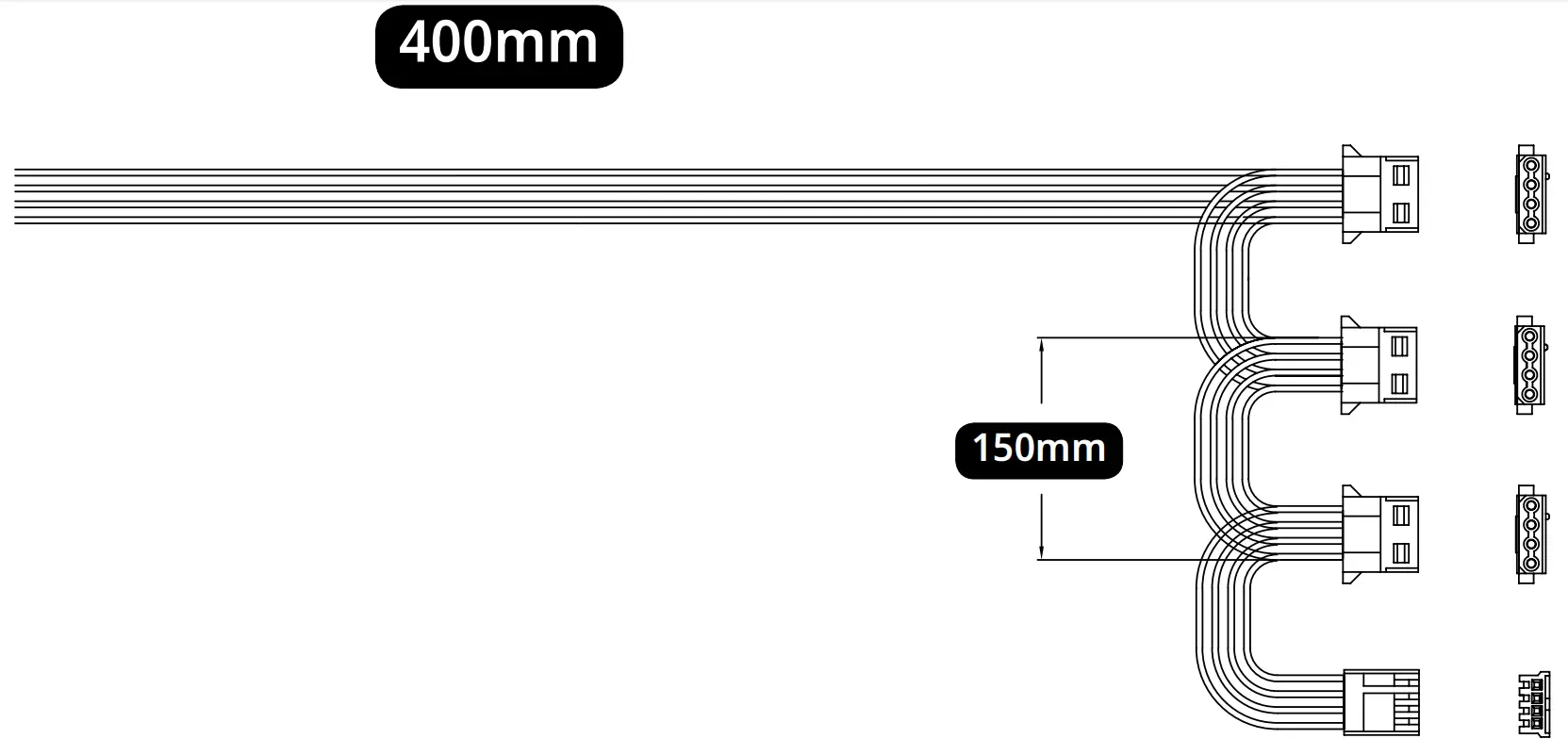 | 1 |
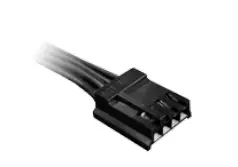 | Floppy |
Installation
- Make sure the power supply’s AC power cable is not connected before installation.
- Place the power supply unit into the space provided in the case and secure the power supply unit with the screws.
- Connect 24 Pin power to the 24 Pin socket on the motherboard.
- Connect the 8 (4+4) Pin CPU cable to the motherboard.
A. If your motherboard has an 8 (4+4) Pin CPU socket, connect the 8 (4+4) Pin CPU cable directly to your motherboard.
B. If your motherboard has a 4 Pin CPU socket, connect the 4 Pin CPU cable directly to your motherboard. - Connect the PCI-E cable to the graphics card.
A. Each 6+2 Pin PCI-E cable can provide up to 150W, and the MB PCI-E connector will supply an additional 75W to the graphics card.
Please use an additional 6+2 Pin PCI-E cable if your GPU exceeds 225W (150+75).
B. If your graphics card supports PCI-E 5.0 12 VHPWR cable, please connect the PCI-E 5.0 12VHPWR cable direct to the socket. - Connect the peripheral cables, and the SATA cables to the appropriate socket.
- Make sure all the cables are tightly connected and save any unused modular cables for future usage.
- Connect the AC power cord to the power supply and turn it on by switching the power button to the “I” position.

Troubleshooting
These troubleshooting points will help you diagnose and solve problems with your power supply if the unit fails to operate properly:
- Please make sure the power supply and power cord are connected properly.
- Please make sure the power cord is plugged into the power socket.
- Please make sure the power supply I/O button is switched to the “I” position.
- Please check if all the connectors (motherboard and peripheral) are connected properly.
- Please allow a 5-second interval before turning the power on again when power supply is switched off manually.
- If you are still experiencing difficulties, please contact your local distributor for RMA support.
Notices and Warranty
Notices
- Install in accordance with the user manual’s instructions and safety warnings. Incorrect installation may burnout the motherboard and other system components.
- To avoid damaging any circuits, please make sure the power is off before assembling any internal device.
- Please use the anti-static precautions while installing the components to prevent damage and injury.
- High voltages are present in the power supply. Do not open the power supply case. Any modifications may damage the product and may place the user at risk.
- Do not use the power supply if it has been wet or damaged to avoid electric shock or injury.
- Keep this product away from areas with high temperatures such as: heat dissipation machines, air conditioners or other machines which may generate high temperatures.
- Do not insert any objects into the open ventilation or fan grill area.
- Please use only this product’s exclusively supplied cables. Other cables may not be compatible and could cause serious damage to your system and power supply.
- Do not modify the cables and/or connectors included with the power supply
Warranty
- InWin provides a 5-year warranty toward the product. The warranty covers malfunctions or flaws before customer use. The warranty starts from your initial purchase (according to the date on your receipt).
Please note that we do not honor the warranty for the product if it is not purchased personally or if it is purchased through an unauthorized distribution channel. - This limited warranty shall not apply if the defect was caused through any of the following:
1) Abuse and misuse,
2) Operation outside of product specification,
3) Unauthorized service or modification,
4) Any and all alteration of the product. - For more detailed warranty information, please visit the InWin retail website at www.in-win.com.
- The actual product is subject to change without prior notice.
In Win Development Inc. reserves the right to make final modifications.
Customers Support

Copyright © 2023 In Win Development Inc. All Rights Reserved.

 InWin
InWin