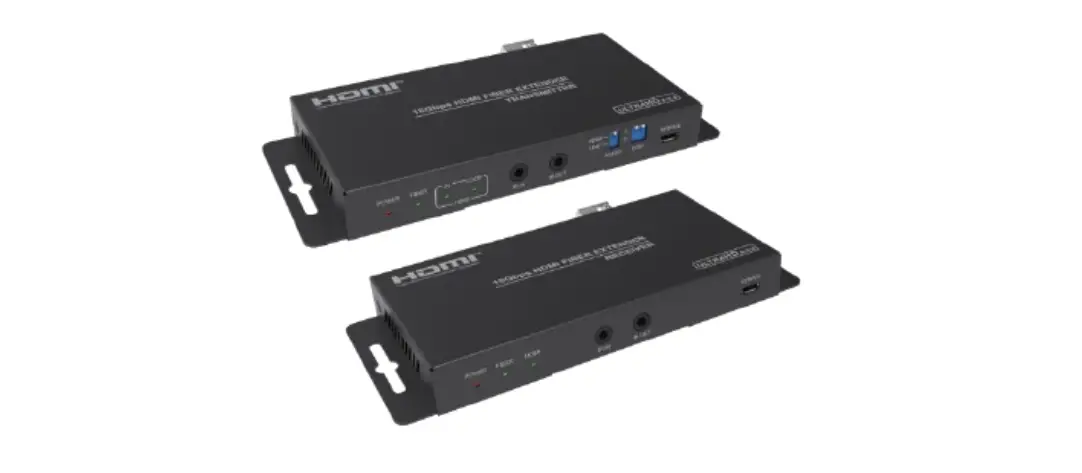
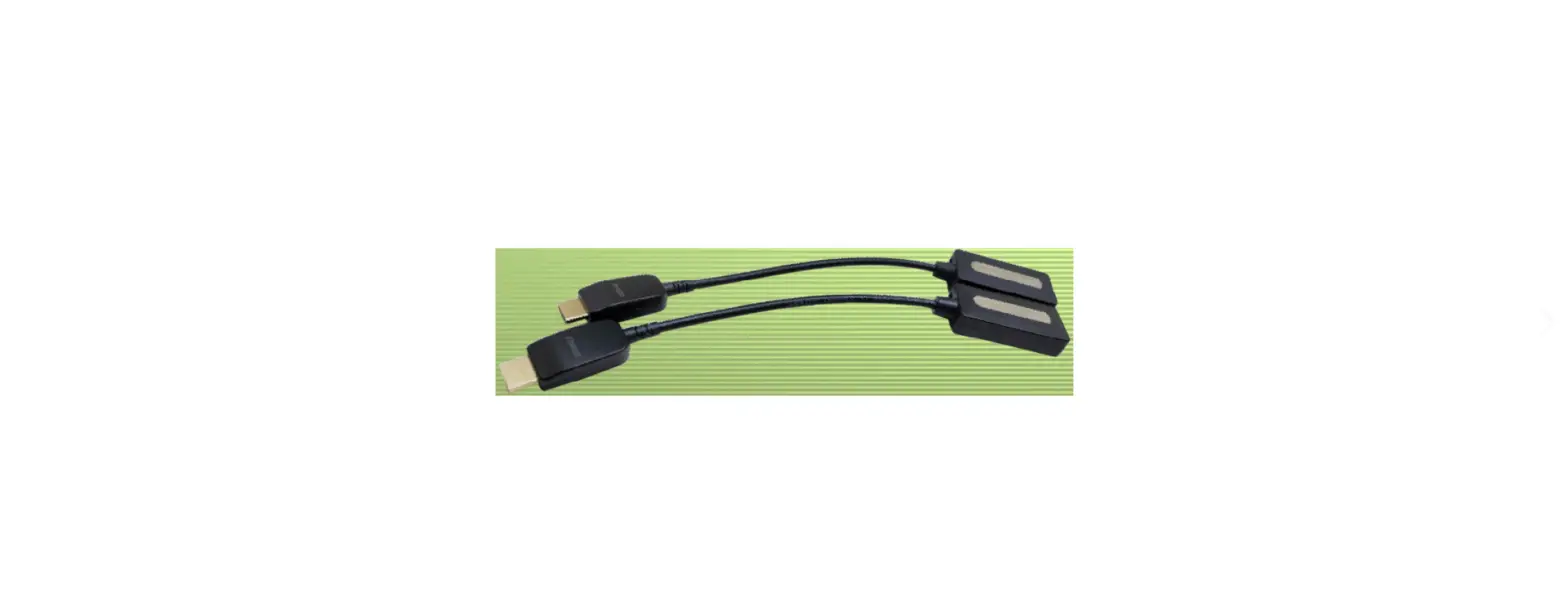
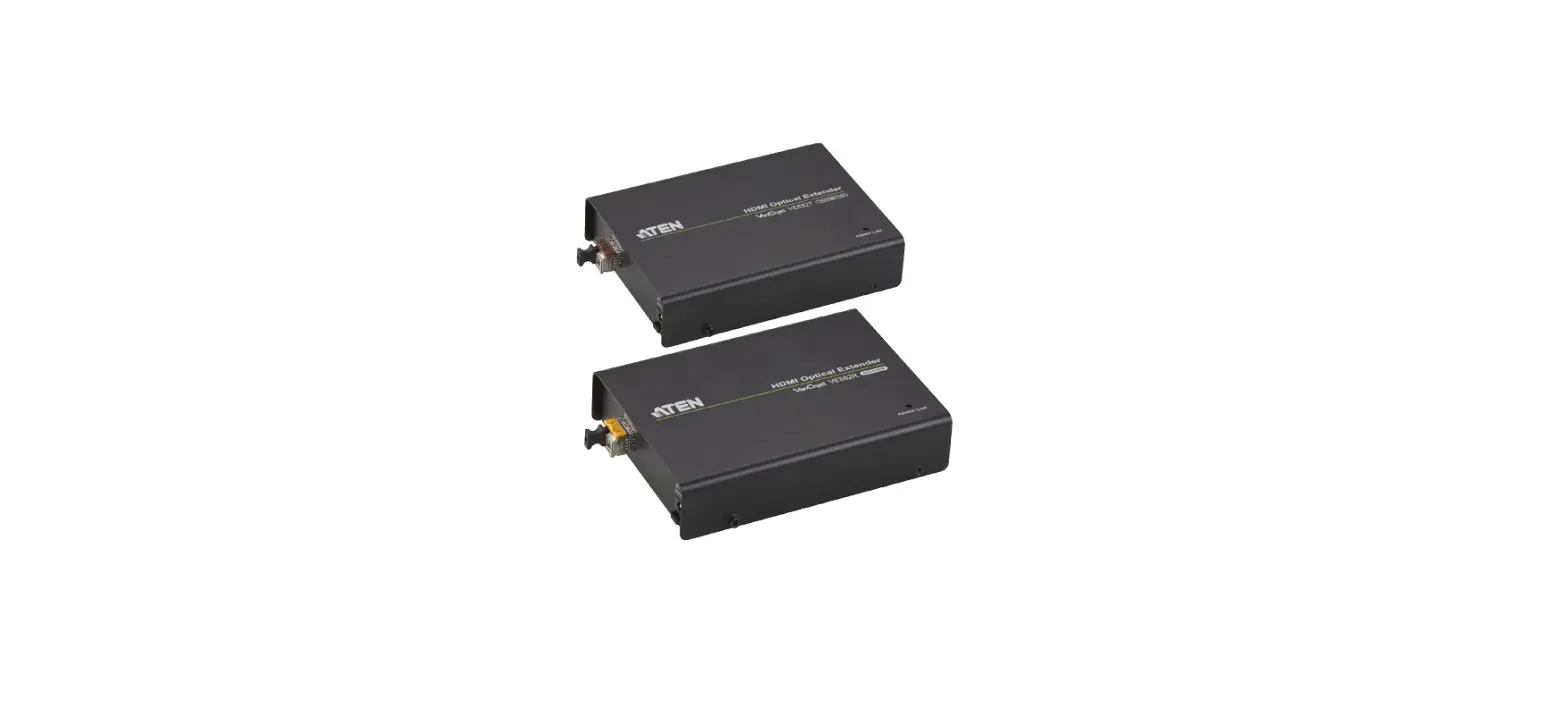
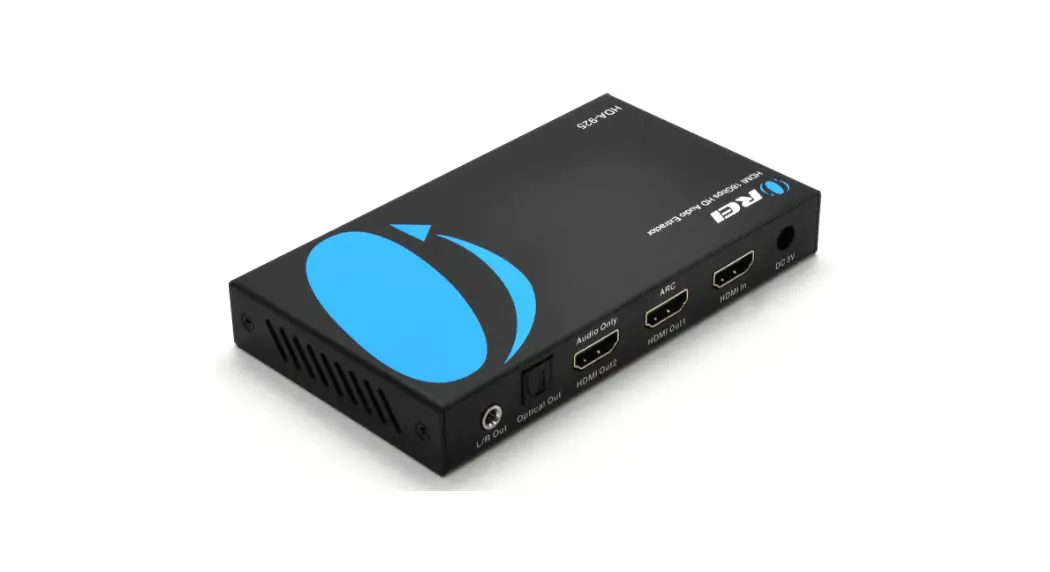
iTrans F1000 18Gbps HDMI over Optical Fiber Extender with Audio Extracting
Product Information
Product Name: iTrans F1000
Description: 18Gbps HDMI over Optical Fiber
Extender with Audio Extracting
Version: VER 2.0
Manufacturer: www.infobitav.com
Features:
- HDMI 2.0b, HDCP 2.2 and DVI 1.0 compliant
- Support 18Gbps video bandwidth
- Video resolution up to 4k2k@50/60Hz 4:4:4
- HDMI audio formats: LPCM2/5.1/7.1CH, Dolby Digital/Plus/EX,
Dolby True HD, DTS, DTS-EX,DTS-96/24, DTS High Res, DTS-HD Master
Audio, DSD - Transmission Distance: Up to 33000 feet/10 km over single-mode
fiber cable
Product Usage Instructions
To ensure optimum performance and safety, please follow these
instructions carefully:
- Before connecting or operating the product, read the user
manual thoroughly. - Connect the transmitter panel to the source device using the
provided HDMI and audio cables. - Connect the receiver panel to the display device using the
provided HDMI cable. - If required, connect an IR device to the IR IN and IR OUT ports
on either the transmitter or receiver panel. - If required, connect an RS-232 device to the RS-232 port on
either the transmitter or receiver panel. - Connect the transmitter and receiver panels using a single-mode
fiber cable for transmission. - Connect the power supply to the DC 5V port on both the
transmitter and receiver panels. - Ensure that surge protection systems are in place to protect
the product from electrical spikes or surges. - Power on the transmitter and receiver panels.
- Use the provided EDID DIP switch to adjust the video resolution
and color space settings, if required. - Use the audio switch to select the desired HDMI audio
format. - If necessary, use the SERVICE port for firmware updates.
Please refer to the user manual for more detailed information
and troubleshooting tips.
iTrans F1000
18Gbps HDMI over Optical Fiber Extender with Audio Extracting
VER 2.0
www.infobitav.com
Thank you for purchasing this product
For optimum performance and safety, please read these instructions carefully before connecting, operating or adjusting this product. Please keep this manual for future reference.
Surge protection device recommended
This product contains sensitive electrical components that may be damaged by electrical spikes, surges, electric shock, lighting strikes, etc. Use of surge protection systems is highly recommended in order to protect and extend the life of your equipment.
Table of Contents
1. Introduction………………………………………………………………………………..1 2. Features……………………………………………………………………………………..1 3. Package Contents……………………………………………………………………..2 4. Specifications…………………………………………………………………………….2 5. Operation Controls and Functions……………………………………………… 3
5.1 Transmitter Panel…………………………………………………………………..3 5.2 Receiver Panel…………………………………………………………………….. 4 5.3 IR Pin Definition……………………………………………………………………..5 6. Application Example………………………………………………………………….7
1. Introduction
This HDMI Extender can extend HDMI signal up to 33000 feet/10 km (over single-mode fiber cable) . It supports video resolution up to 4K2K@60Hz 4:4:4. Transmitter supports loop output, audio embedding and EDID management function. Receiver supports audio extracting function. In addition, the extender supports bidirectional IR control and RS-232 signal pass-through. It can allow you to easily control the display device on the signal source side or control the signal source device on the display side when using this extender.
2. Features
HDMI 2.0b, HDCP 2.2 and DVI 1.0 compliant Support 18Gbps video bandwidth Video resolution up to 4k2k@50/60Hz 4:4:4 HDMI audio formats: LPCM2/5.1/7.1CH, Dolby Digital/Plus/EX, Dolby True
HD, DTS, DTS-EX, DTS-96/24, DTS High Res, DTS-HD Master Audio, DSD Support 3D and HDR format video, does not support CEC control Transmission distance up to 33000 feet/10 km (over single-mode fiber cable) Support bidirectional IR control, RS-232 pass-through and EDID management for simple and convenient control Transmitter supports loop output (sharing local HD video and audio) and audio embedding function Receiver supports audio extracting output function Compact design for easy and flexible installation
1/7
3. Package Contents
1× 18Gbps HDMI over Optical Fiber Extender (Transmitter) 1× 18Gbps HDMI over Optical Fiber Extender (Receiver) 1× IR Blaster cable (1.5 meters) 1× IR Receiver cable (1.5 meters) 2× 5V/1A Power adapter 2× 3-pin 3.81mm Phoenix connector 1× User Manual
4. Specifications
Technical
HDMI Compliance HDMI 2.0b HDCP Compliance HDCP 2.2 Video Bandwidth 18Gbps
Video Resolution 480i ~1080p50/60Hz, 4Kx2K@24/30Hz, 4k2k@60Hz
Color Space Color Depth
RGB, YCbCr 4:4:4 / 4:2:2, YUV 4:2:0 8-bit, 10-bit, 12-bit
LPCM2/5.1/7.1CH, Dolby Digital/Plus/EX, Dolby True HD, HDMI Audio Formats DTS, DTS-EX,DTS-96/24, DTS High Res, DTS-HD
Master Audio, DSD
Transmission Distance
Up to 33000 feet/10 km over single-mode fiber cable
IR Frequency
20KHz-60KHz
RS-232 Baud Rate 4800-115200bps
ESD Protection
Human body model — ±8kV (Air-gap discharge) & ±4kV (Contact discharge)
Connection
Transmitter
Input: 1 x HDMI IN [Type A 19-pin female] 1 x LINE IN [3.5mm Stereo Mini-jack] 1 x IR IN [3.5mm Stereo Mini-jack] 1 x RS-232 [3.81mmPhoenix connector] 1 x SERVICE [Micro USB, Update port] Output: 1 x HDMI OUT [Type A 19-pin female] 1 x Optical Fiber Out [LC female] 1 x IR OUT [3.5mm Stereo Mini-jack]
2/7
Receiver
Input: 1 x Optical Fiber In [LC female] 1 x IR IN [3.5mm Stereo Mini-jack] 1 x SERVICE [Micro USB, Update port] Output: 1 x HDMI OUT [Type A 19-pin female] 1 x RS-232 [3.81mmPhoenix connector] 1 x IR OUT [3.5mm Stereo Mini-jack] 1 x AUDIO OUT [3.5mm Stereo Mini-jack]
Mechanical
Housing Color
Dimensions
Metal Enclosure Black Transmitter / Receiver: 134mm [W] x 68mm [D] x 18mm [H]
Weight
Transmitter: 280g, Receiver: 278g
Power Supply
Input: AC 100 – 240V 50/60Hz Output: DC 5V/1A (US/EU standards, CE/FCC/UL certified)
Power Consumption Transmitter: 3.85 W (Max), Receiver: 2.7 W (Max)
Operating Temperature
32 – 104°F / 0 – 40°C
Storage Temperature -4 – 140°F / -20 – 60°C
Relative Humidity 20 – 90% RH (no condensation)
5. Operation Controls and Functions
5.1 Transmitter Panel
POWER FIBER IN LOOP HDMI
12
3
IR IN
4
HDMI
1
LINE
0
IR OUT
AUDIO
5
6
EDID
7
SERVICE
8
DC 5V
9
FIBER
10
HDMI OUT
11
HDMI IN
12
LINE IN
13
RS-232
14
3/7
No. Name 1 Power LED 2 FIBER LED
3 HDMI LED
4 IR IN 5 IR OUT 6 AUDIO switch
7
EDID DIP switch
8 SERVICE port 9 DC 5V 10 FIBER
11 HDMI OUT 12 HDMI IN 13 LINE IN 14 RS-232
Function Description
The power indicator is always on when the Transmitter is powered on.
The optical fiber connection indicator is always on when the Transmitter and Receiver establish a normal optical fiber signal connection.
IN: The HDMI signal input indicator is always on when there is signal input on the HDMI IN port.
LOOP: The HDMI loop output indicator is always on when the HDMI OUT port of the Transmitter outputs signals to the HDMI display device.
Connect to IR Receiver cable. The IR signal will send to the IR OUT port of the Receiver. Connect to IR Blaster cable. The IR signal is from the IR IN port of the Receiver. Switch to select audio signal source (HDMI IN or LINE IN). When there is no video signals input, audio signals can be transmitted separately.
Dial the switch to set EDID. 11Copy RX HDMI OUT 10Copy TX HDMI LOOP OUT 014K60_2CH 001080P_2CH
Firmware update port.
DC 5V/1A power supply port
Connect the Transmitter optical fiber module, and transmit signals to the Receiver via an optical fiber cable.
HDMI video loop output port, connect to HDMI display device such as TV or Projector with an HDMI cable.
HDMI signal input port, connect to HDMI source device such as DVD or PC with an HDMI cable. Audio signal input port, connect to audio source device such as MP3.
RS-232 signal pass-through port for transmitting RS-232 command signals between the Transmitter and Receiver.
4/7
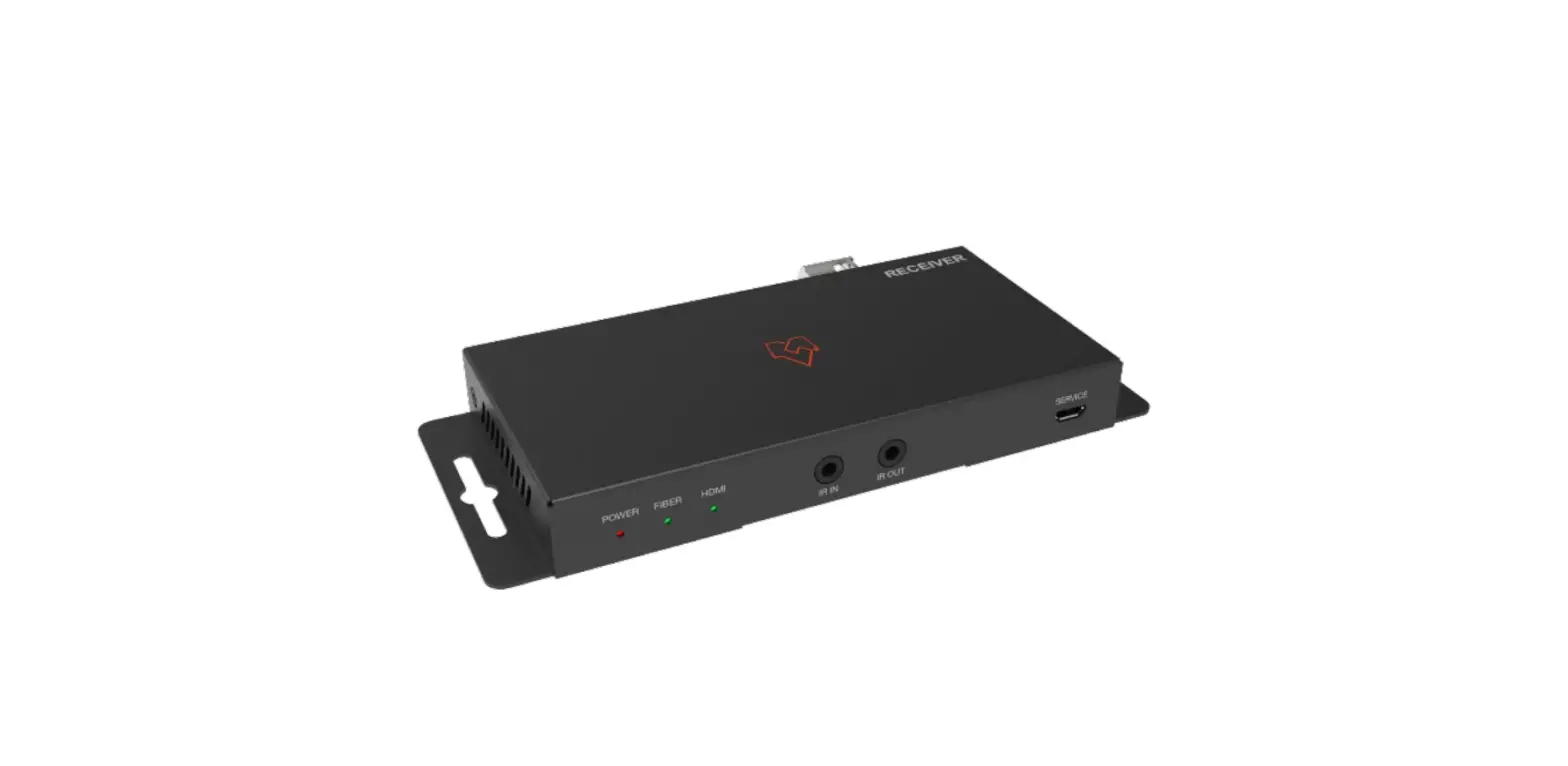
5.2 Receiver Panel
POWER FIBER HDMI
123
IR IN
IR OUT
45
SERVICE
6
DC 5V
FIBER
HDMI OUT
AUDIO OUT
RS-232
7
8
9
10
11
No. Name 1 Power LED 2 FIBER LED
3 HDMI LED 4 IR IN 5 IR OUT 6 SERVICE port 7 DC 5V 8 FIBER 9 HDMI OUT
10 AUDIO OUT
11 RS-232
Function Description
The power indicator is always on when the Receiver is powered on.
The optical fiber connection indicator is always on when the Transmitter and Receiver establish a normal optical fiber signal connection.
The HDMI signal output indicator is always on when the HDMI OUT port of the Receiver outputs signals to the HDMI display device.
Connect to IR Receiver cable. The IR signal will send to the IR OUT port of the Transmitter. Connect to IR Blaster cable. The IR signal is from the IR IN port of the Transmitter.
Firmware update port.
DC 5V/1A power supply port Connect the Receiver optical fiber module, and receive signals from the Transmitter via an optical fiber cable.
HDMI signal output port, connect to HDMI display device such as HDTV or Projector with an HDMI cable.
Audio signal extracting output port (extract the HDMI OUT audio signal), connect to audio output device such as amplifier or speaker.
RS-232 signal pass-through port for transmitting RS-232 command signals between the Transmitter and Receiver.
5/7
5.3 IR Pin Definition IR Receiver and Blaster pin’s definition as below:
IR RECEIVER
IR Blaster
IR Receiver
IR BLASTER
IR Blaster Signal Power NC
IR Signal Power Grounding
5.3 Optical Fiber Module
1
2
æ SFP-BL32TG-10DC is the optical fiber module of the Transmitter. ç SFP-BL23TG-10DC is the optical fiber module of the Receiver.
6/7
6. Application Example
IR Receiver
IR Blaster
POWER FIBER IN LOOP HDMI
IR IN
HDMI
1
LINE
0
IR OUT
AUDIO
EDID
SERVICE
DC 5V
015*$”-
FIBER
HDMI OUT
HDMI IN
LINE IN
RS-232
Transmitter
Power Supply Optical fiber cable
Power Supply
MP3 DVD or Blu-ray Player UHDTV
Speaker
Laptop
Projector
HDMI Matrix or other device with RS-232 port
DC 5V
FIBER
POWER FIBER HDMI
HDMI OUT
AUDIO OUT
RS-232
IR IN
IR OUT
SERVICE
Receiver
IR Receiver
IR Blaster
The terms HDMI and HDMI High-Definition Multimedia interface, and the HDMI Logo are trademarks or registered trademarks of HDMI Licensing LLC in the United States and other countries.
7/7
 infobit AV- 4K Matrix Switchers, Wireless Presentation, Active Optical Cable and Conference Camera- Meeting Room Solutions