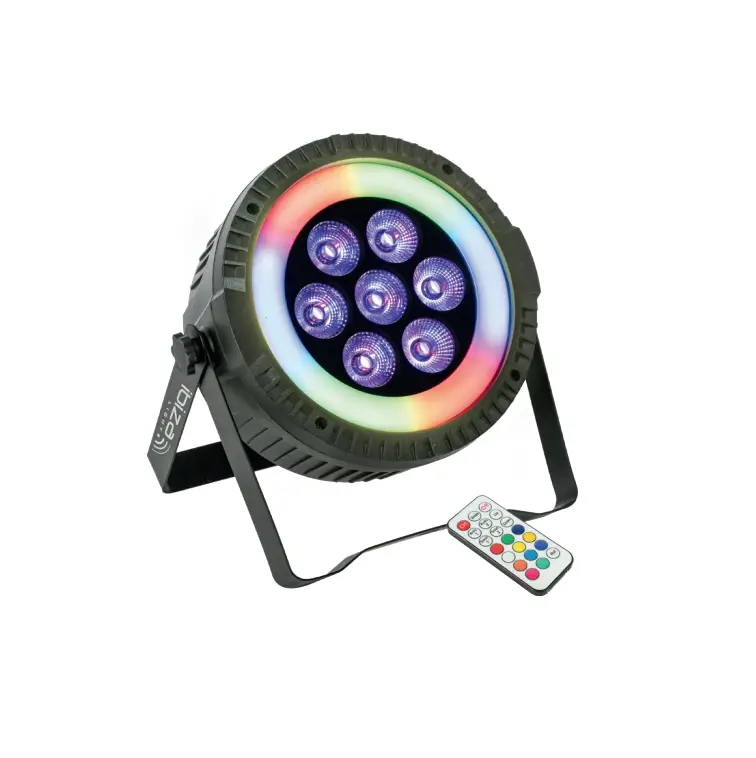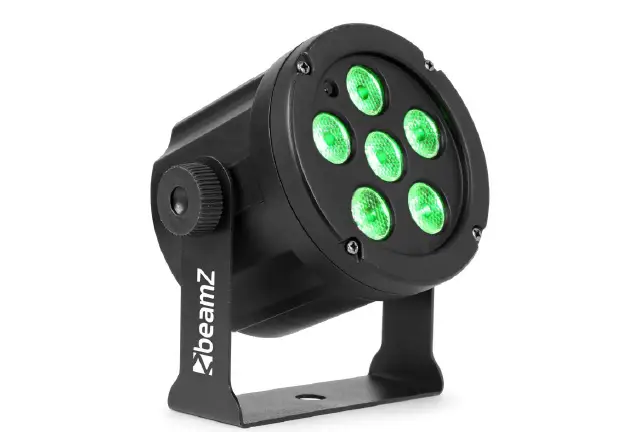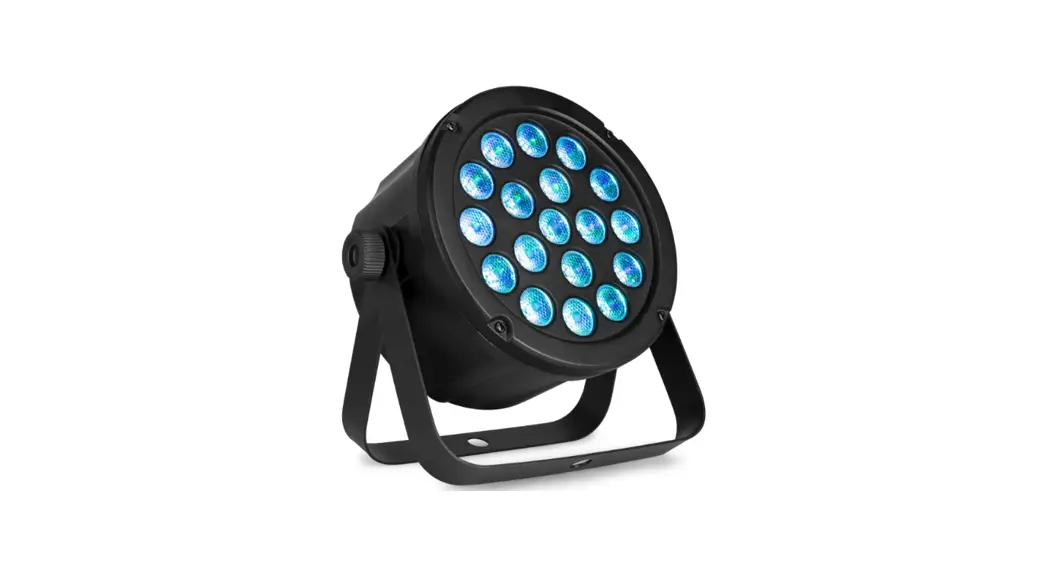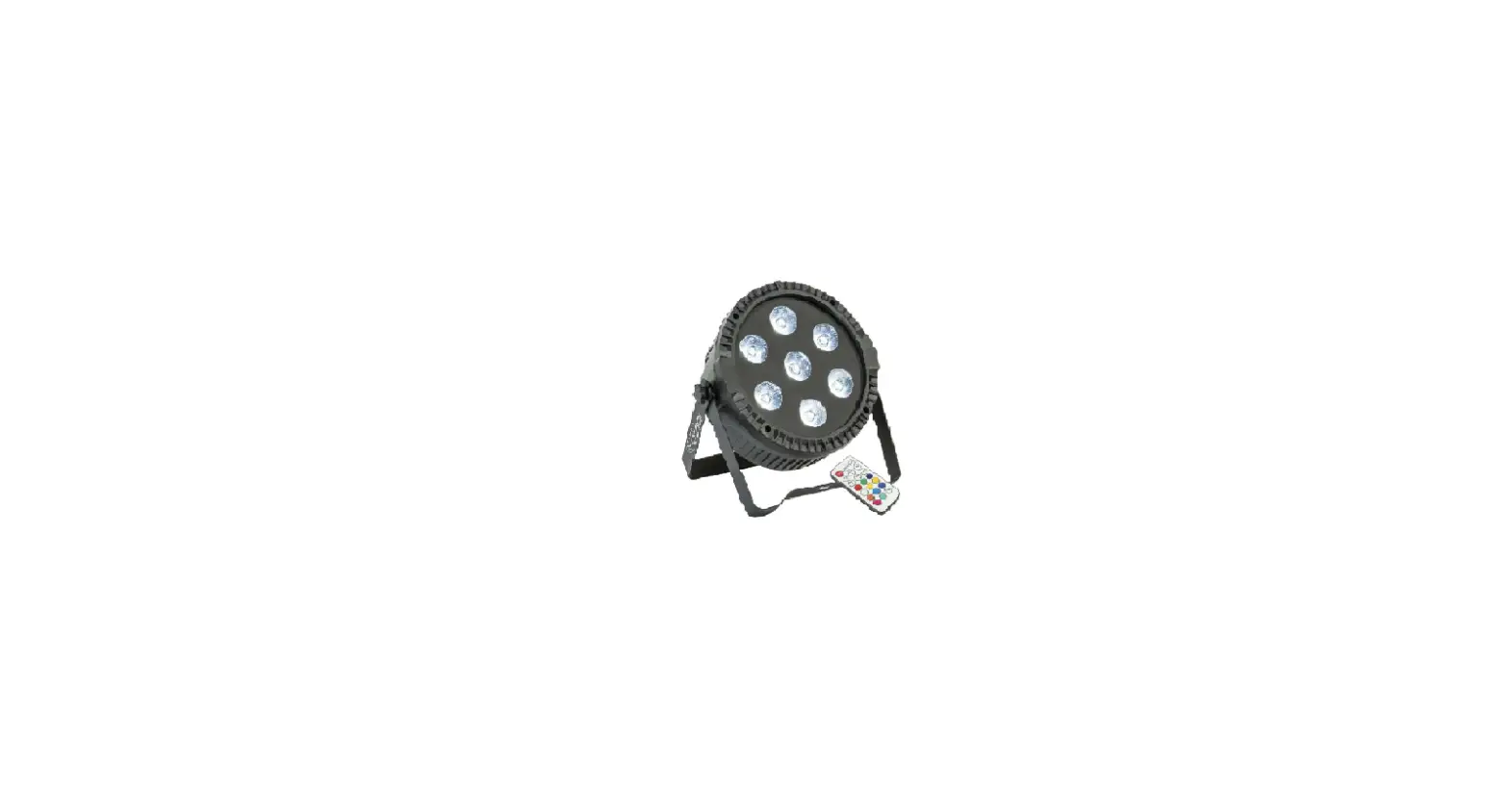

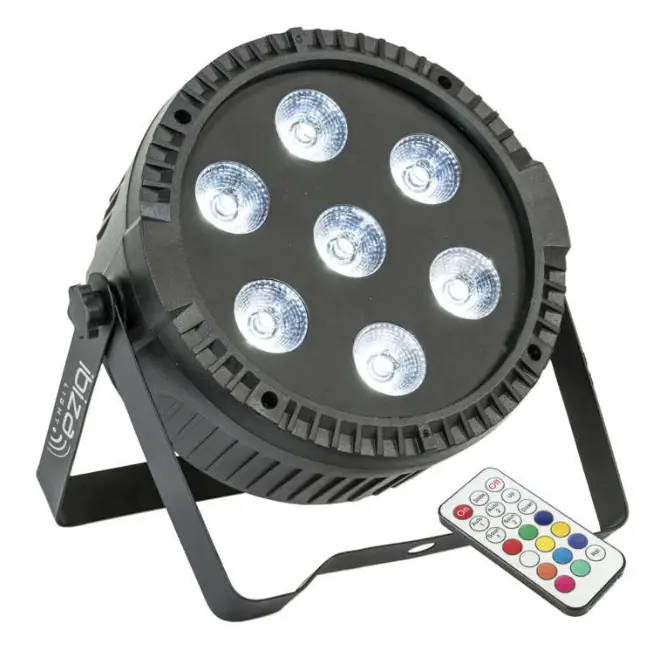
ibiza THINPAR7X6-RGBW Extra-Flat Par Cans
UNPACKING INSTRUCTIONS
Immediately upon receiving a fixture, carefully unpack the carton, check the contents to ensure that all parts are present and have been received in good condition. Notify the freight company immediately and retain packing material for inspection if any parts appear to be damaged from shipping or the carton itself shows signs of mishandling. Keep the carton and all packing materials. In the event that a fixture must be returned to the factory, it is important that the fixture be returned in the original factory box and packing.
CONTENTS OF THE CARTON
- 1 pc. THINPAR
- 1 pc remote control
- 1 pc. user manual
- 1 pc. power cable
- 1 pc. handle
EXPLANATION OF SYMBOLS ON THE SILKSCREEN
 The triangle containing a lightning symbol is used to indicate whenever your health is at risk (due to electrocution, for example).
 An exclamation mark in a triangle indicates particular risks in handling or operating the appliance.
 The unit complies with CE standards
 For indoor use only
 Minimum distance between the appliance and other objects
CAUTION DO NOT OPEN THE HOUSING
SHOCK HAZARD
Please read this manual carefully before operating this product.
SAFETY RECOMMENDATIONS
- Please read these instructions carefully, they include important information about the installation, usage and maintenance of this product.
- Please keep this User Guide for future reference. If you sell the unit to another user, be sure that he also receives this instruction booklet.
- Always make sure that you are connecting to the proper voltage, and that the line voltage you are connecting to is not higher than that stated on the bottom of the fixture.
- The appliance is part of class I and must exclusively connected to an earthed mains outlet.
- This product is intended for indoor use only!

- To prevent risk of fire or shock, do not expose fixture to rain or moisture. Make sure there are no flammable materials close to the unit during operation.
- The unit must be installed in a location with adequate ventilation, at least 20in (50cm) from adjacent surfaces. Be sure that no ventilation slots are blocked.
- The minimum distance luminaire from that part of the luminaire or lamp to the lighted object is 0.5m.

- Maximum ambient temperature (Ta) is 104° F (40°C). Do not operate the fixture at temperatures higher than this.
- In the event of a serious operating problem, stop using the unit immediately. Never try to repair the unit by yourself. Repairs carried out by unskilled people can lead to damage or malfunction. Please contact the nearest authorized technical assistance center. Always use the same type of spare parts.
- Make sure the power cord is never crimped or damaged.
- Never disconnect the power cord by pulling or tugging on the cord.
- Avoid direct eye exposure to the light source while it is on as sensitive persons may suffer an epileptic shock (especially meant for epileptics)!.
- The product is for decorative purposes only and not suitable as a household room illumination.
- If the external flexible cable or cord of this luminaire is damaged, it shall be exclusively replaced by the manufacturer or his service agent or a similar qualified person in order to avoid a hazard.
- The light source of this luminaire is not replaceable. When it reaches the end of its life time, the whole unit must be discarded.
DISCONNECT DEVICE
Where the MAINS plug or an appliance coupler is used as the disconnect device, the disconnect device shall remain readily operable.
FUSE REPLACEMENT
Locate and remove the unit’s power cord. Once the cord has been removed located the fuse holder located inside the power socket. Insert a flat-head screw driver into the power socket and gently pry out the fuse holder. Remove the bad fuse and replace with a new one.
Warning: If after replacing the fuse you continue to blow fuses, STOP using the unit. Contact customer support for further instructions. Continuing to use the unit may cause serious damage.
INSTALLATION
The unit should be mounted via its screw holes on the bracket. Always ensure that the unit is firmly fixed to avoid vibration and slipping while operating. Always ensure that the structure to which you are attaching the unit is secure and is able to support a weight of 10 times of the unit’s weight.
Never stand directly below the device when mounting, removing or servicing the fixture.
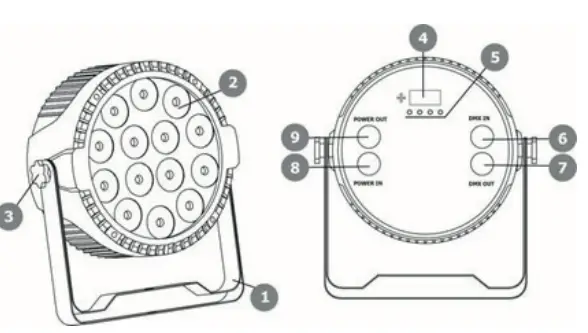
| No. | Designation | No. | Designation |
| 1 | Mounting Bracket | 6 | DMX Input (3-pole) |
| 2 | LEDs | 7 | DMX Output (3-pole) |
| 3 | Adjustment Screw | 8 | Power Input |
| 4 | Display | 9 | Power Output |
| 5 | Operating Buttons |
LED DISPLAY
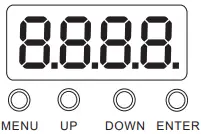
The LED display has 4 buttons: MENU / UP / DOWN / ENTER
| No. | Display | Function |
| 1 | D001 | Setting the DMX address |
| 2 | 8ch 4ch | Selection DMX Modes 4 or 8 Channel |
| 3 | Au01-Au08 Au09 Au10 So01 So02 | Colour Jump Colour Change Gradient Colour Change Sound Control Mode 1 Sound Control Mode 2 |
| 4 | St00 St01-St16 | No Function Strobe Effect (Speed: slow to fast) |
| 5 | SP00 SP01-SP16 | Automatic Mode Setting Speed (slow to fast) |
| 6 | r255 | Red |
| 7 | G255 | Green |
| 8 | b255 | Blue |
| 9 | U255 | White |
REMOTE CONTROL
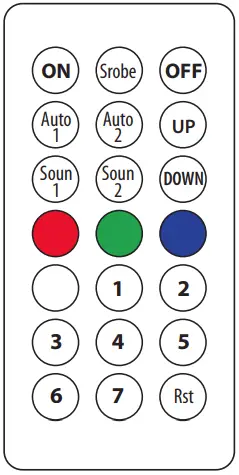
ON: Remote on
Srobe: Strobe.
Up/Down : change speed
Off: Remote off
Auto1 : Auto 1
Auto2: Auto 2
Up: Increase
Down: Decrease
Soun1: Sound control 1
Soun2: Sound control 2
R: Red
G: Green
B: Blue
W: White
1: Color mix 1
2: Color mix 2
3: Color mix 3
4: Color mix 4
5: Color mix 5
6: Color mix 6
7: Color mix 7
RST: Reset
RECOMMENDATIONS FOR BATTERIES
 This symbol indicates that used batteries should not be disposed of with household waste but deposited in separate collection points for recycling.
ATTENTION: Danger of explosion if battery is incorrectly placed. Only replace by the same or equivalent type.
Keep new and old batteries out of the reach of children.
If the battery compartment doesn’t close properly, stop using the product and keep it out of the reach of children.
WARNING: The supplied remote control contains a button cell. In case of ingestion, it might cause serious internal burns within only 2 hours that might lead to death.
If you are in doubt whether the batteries have been swallowed or introduced into any other part of the body, contact immediately a doctor.
CARE
Before cleaning the unit, disconnect it if from the mains. Do not use aggressive cleaning agents. Use a clean cloth to wipe any dust or dirt from the product. We are not liable for damage arising from incorrect handing, improper use or wear and tear. We reserve the right to make technical modifications.
SPECIFICATIONS
Correct Disposal of this productThis marking indicates that this product should not be disposed with other household wastes throughout the EU. To prevent possible harm to the environment or human health from uncontrolled waste disposal, recycle it responsibly to promote the sustainable reuse of material resources. To return your used device, please use the return and collection systems or contact the retailer where the product was purchased. They can take this product for environmental safe recycling.
4 CHANNEL DMX TABLE
| Channel | Value | Function |
| 1 | 000-255 | Red Dimmer (dark to bright) |
| 2 | 000-255 | Green Dimmer (dark to bright) |
| 3 | 000-255 | Blue Dimmer (dark to bright) |
| 4 | 000-255 | White Dimmer (dark to bright) |
8 CHANNEL DMX TABLE
| Channel | Value | Function |
| 1 | 000-255 | Master Dimmer (dark to bright) |
| 2 | 000-255 | Red Dimmer (dark to bright) |
| 3 | 000-255 | Green Dimmer (dark to bright) |
| 4 | 000-255 | Blue Dimmer (dark to bright) |
| 5 | 000-255 | White Dimmer (dark to bright) |
| 6 | 000-255 | Strobe Effect (Speed: slow to fast) |
| 7 | 000-003 | DMX Channel Control |
| 004-127 | 8 fixed Colour | |
| 128-169 | Colour Jump Change | |
| 170-210 | Increasing Colour Change | |
| 211-229 | Sound Control Mode 1 | |
| 230-255 | Sound Control Mode 2 | |
| 8 | 000-255 | Function Speed Adjustment (slow to fast) |
Any problems or questions?
Contact us on facebook
Imported from China by LOTRONIC S.A.
Avenue Zénobe Gramme 9
B-1480 Saintes