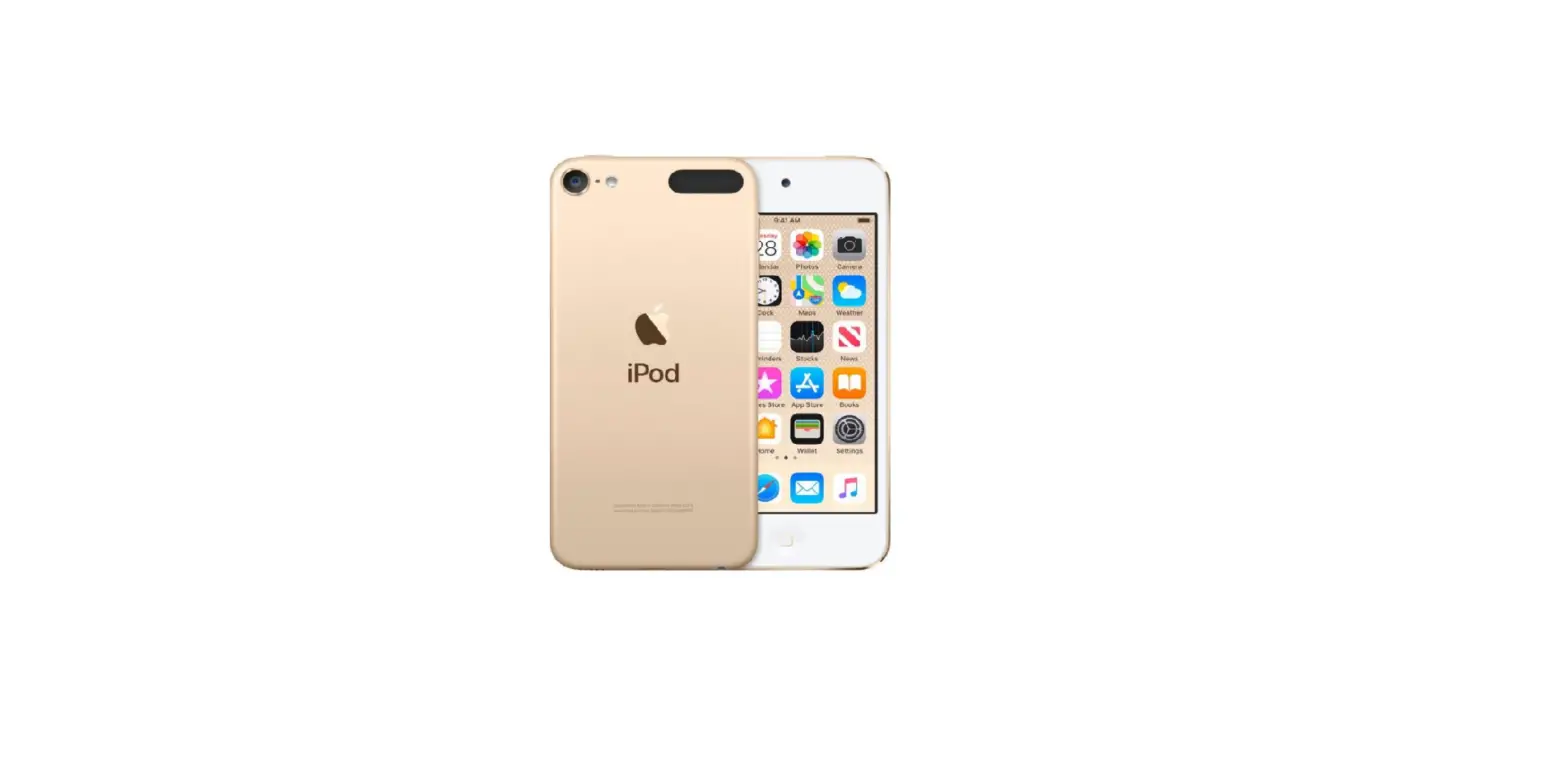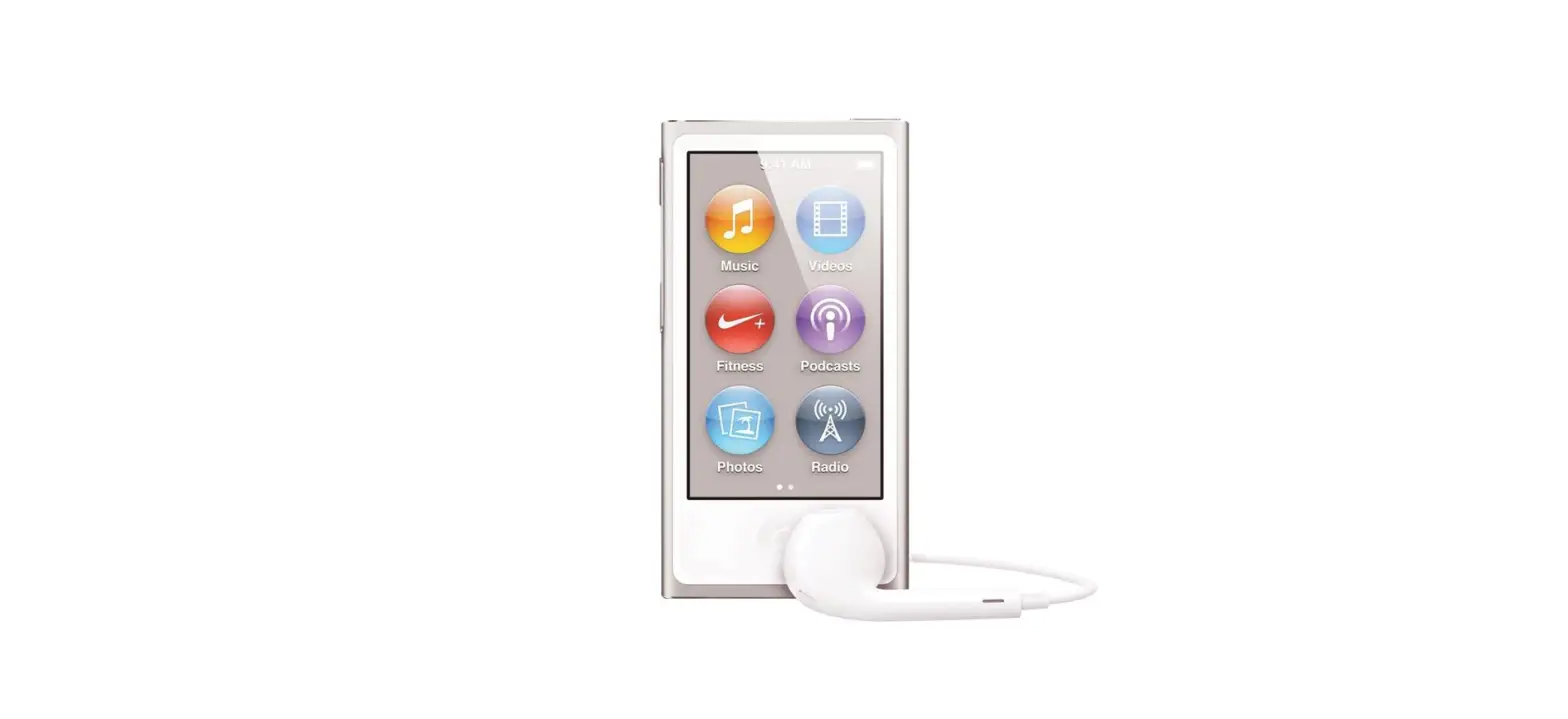
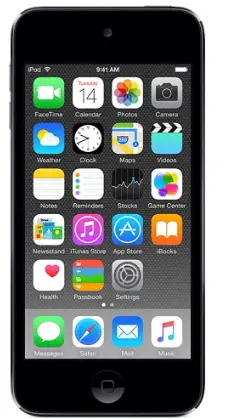
 Apple MKJ02LL/A iPod Touch 32GB Space Gray

 iPod touch User Guide
 iPod touch User Guide
Before using the iPod touch, review the user guide at help.apple.com/ipod-touch. You can also use Apple Books to download the guide (where available) or, to view the user guide on an iPod touch, use the Safari bookmark. Retain documentation for future reference.
Safety and Handling
See “Safety, handling, and support” in the iPod touch User Guide.
Exposure to Radio Frequency Energy
On iPod touch, go to Settings > General > About > Legal > RF Exposure. Or go to www.apple.com/legal/rfexposure.
Battery
Don’t attempt to replace the iPod touch battery yourself—you may damage the battery, which could cause overheating, fire, and injury. The lithium-ion battery in your iPod touch should be serviced or recycled by Apple or an authorized service provider, and must be recycled or disposed of separately from household waste. Dispose of batteries according to your local environmental laws and guidelines. For information about Apple lithium-ion batteries and battery service and recycling, go to www.apple.com/batteries/service-and-recycling
Avoiding Hearing Damage
To prevent possible hearing damage, do not listen at high volume levels for long periods. More information about sound and hearing is available online at www.apple.com/sound and in “Important safety information” in the iPod touch User Guide.
Medical Device Interference
iPod touch contains magnets that may interfere with medical devices. See “Important safety information” in the iPod touch User Guide.
Apple One-Year Limited Warranty Summary
Apple warrants the included hardware product and accessories against defects in materials and workmanship for one year from the date of original retail purchase. Apple does not warrant against normal wear and tear, nor damage caused by accident or abuse. To obtain service, call Apple or visit an
Apple Store or an Apple Authorized Service Provider—available service options are dependent on the country in which service is requested and may be restricted to the original country of sale. Call charges and international shipping charges may apply, depending on the location. Subject to the full terms and detailed information on obtaining service available at www.apple.com/legal/warranty and support.apple.com, if you submit a valid claim under this warranty, Apple will either repair, replace, or refund your iPod touch at its own discretion. Warranty benefits are in addition to rights provided under local consumer laws. You may be required to furnish proof of purchase details when making a claim under this warranty.
For Australian Consumers: Our goods come with guarantees that cannot be excluded under the Australian Consumer Law. You are entitled to a replacement or refund for a major failure and for compensation for any other reasonably foreseeable loss or damage. You are also entitled to have the goods repaired or replaced if the goods fail to be of acceptable quality and the failure does not amount to a major failure.
Apple Pty Ltd, PO Box A2629, Sydney South, NSW 1235. Tel: 133-622.
For Brazilian Consumers: Warranty benefits are in addition to rights provided under local consumer laws, except for the 1-year warranty that already comprises the full term of legal warranty provided by the Brazilian consumer defense code/regulations.
Regulatory
Regulatory information, certification, and compliance marks specific to iPod touch are available on iPod touch. Go to Settings > General > Regulatory. Additional regulatory information is in “Safety, handling, and support” in the iPod touch User Guide.
ISED Canada and FCC Compliance Statement
This device complies with ISED Canada license-exempt RSS standard(s). This device complies with part 15 of the FCC Rules. Operation is subject to the following two conditions:
- This device may not cause harmful interference, and
- this device must accept any interference received, including interference that may cause undesired operation.
Important: This product has demonstrated EMC compliance under conditions that included the use of compliant peripheral devices and shielded cables between system components. It is important that you use compliant peripheral devices and shielded cables between system components to reduce the possibility of causing interference to radios, televisions, and other electronic devices.
ISED Canada CAN ICES-3 (B)/NMB-3(B)
EU Compliance Statement
Apple Inc. hereby declares that this wireless device is in compliance with Directive 2014/53/EU. A copy of the EU Declaration of Conformity, including device frequency bands and maximum radio-frequency power, is available at www.apple.com/euro/compliance. Apple’s EU representative is Apple Distribution International, Hollyhill Industrial Estate, Cork, Ireland.
Use Restriction This device is restricted to indoor use when operating in the 5150 to 5350 MHz frequency range. This restriction applies in: AT, BE, BG, CH, CY, CZ, DE, DK, EE, EL, ES, FI, FR, HR, HU, IE, IS, IT, LI, LT, LU, LV, MT, NL, NO, PL, PT, RO, SE, SI, SK, TR, UK.
European Union—Disposal Information
The symbol above means that according to local laws and regulations your product and/or its battery shall be disposed of separately from household waste. When this product reaches its end of life, take it to a collection point designated by local authorities. The separate collection and recycling of your product and/or its battery at the time of disposal will help conserve natural resources and ensure that it is recycled in a manner that protects human health and the environment.
© 2018 Apple Inc. All rights reserved. Apple, the Apple logo, iPod touch, and Safari are trademarks of Apple Inc., registered in the U.S. and other countries. Apple Books is a trademark of Apple Inc. Apple Store is a service mark of Apple Inc., registered in the U.S. and other countries.
FAQS
Can you use google and does it need virus protection?
Apple ios devices run on safari. Safari however uses google, so the answer is yes. However, you should not need virus protection.
Yes. Bought it for my son for Christmas. Works great
It has worked great!
Yes, this one still has a regular headphone jack.
yes
You have several ways to get music on here. Buy music direct from the iTunes Store on the device and it will download. If you have a PC or MAC then you can use iTunes for windows 7,8 10 or 11 and either purchase music from any store Amazon music, iTunes Store in mp3 format to add to your library and connect this device to sync your music over. Or if your PC has a CD or DVD drive (rare for modern computers) then you can insert any audio CDs you own (again rare) and import those CDs into your computer so you can sync to your apple iPod. Lots of options, the big though is to use your apple device and iTunes, you will have to create Apple ID, which just requires an e-mail address and basic info for purchases.
Yes
As long as you have Itunes you can download to your computer then to you Ipod. Ask Google – can you download books to an Ipod and you’ll find the instructions.
The battery last me all day starting at 100% and streaming all my music as well as games and sometimes videos
Not sure, was a gift
Yes you can. It has the headphone jack.
Yes, it can be connected to a Windows 10 PC with Apple’s iTunes software.
Wi-fi only, no sim card
yes.