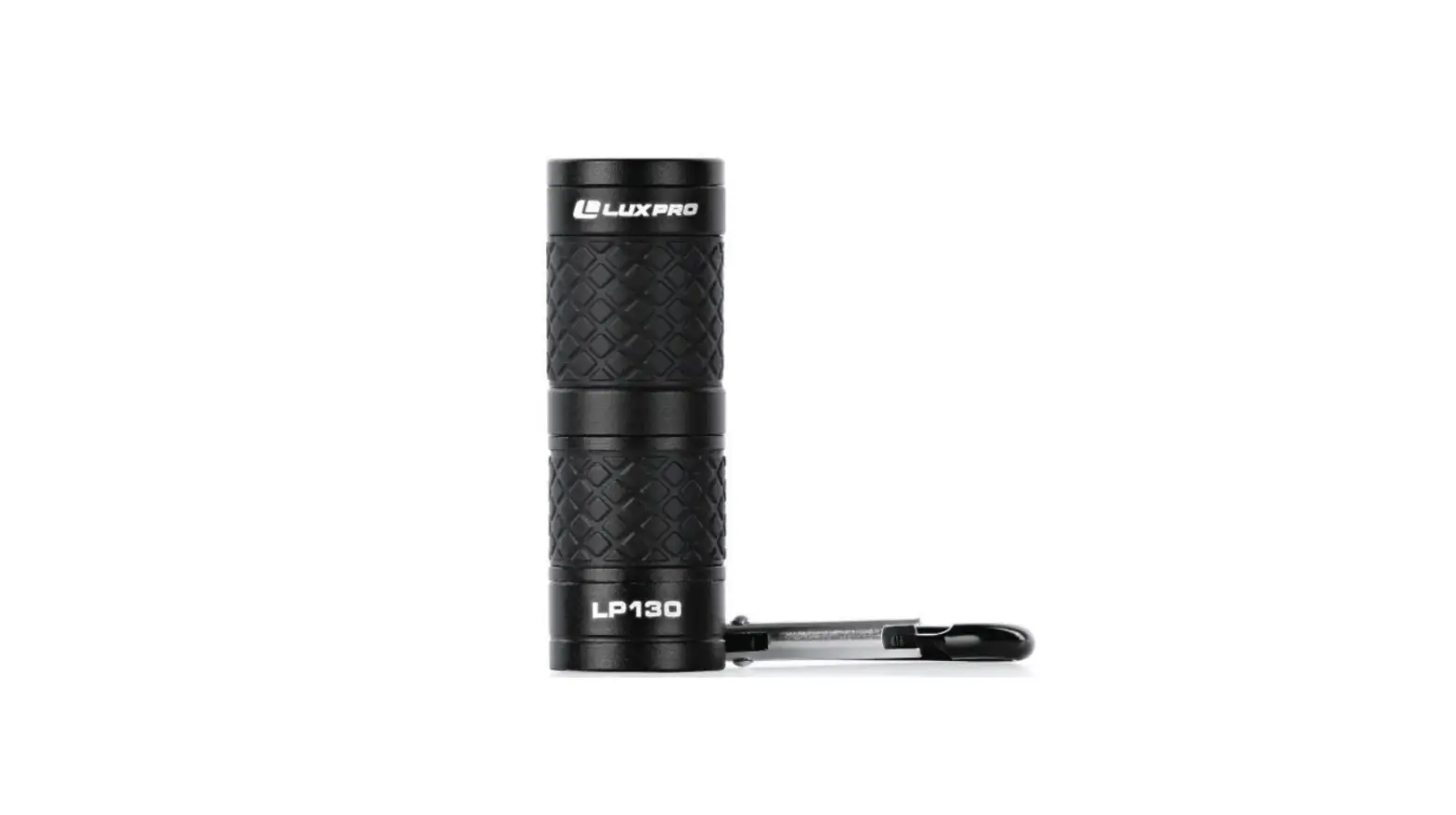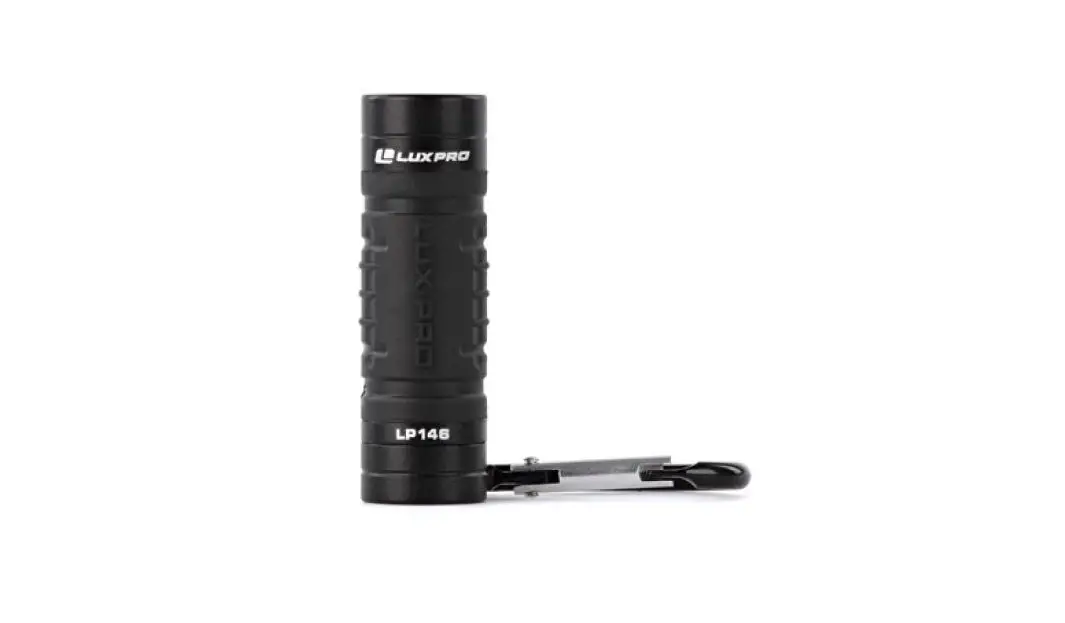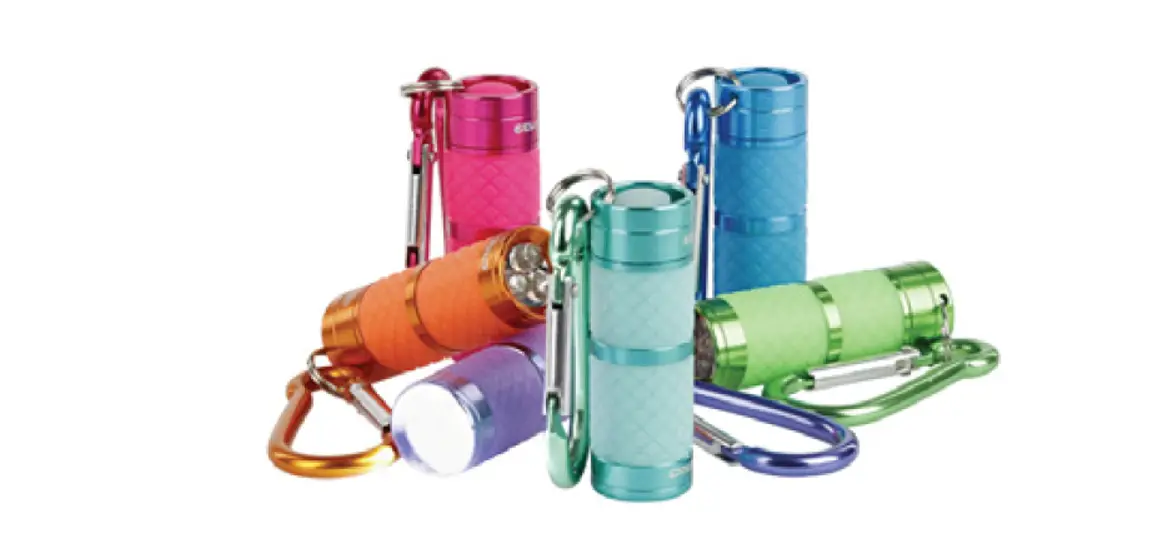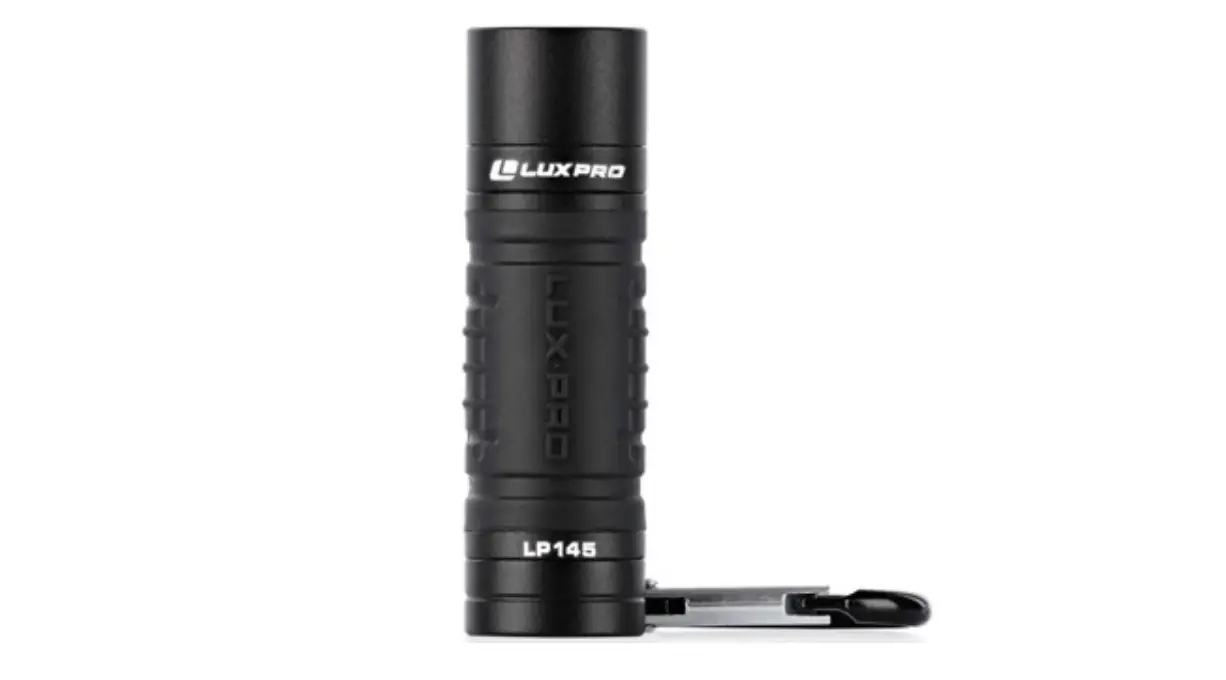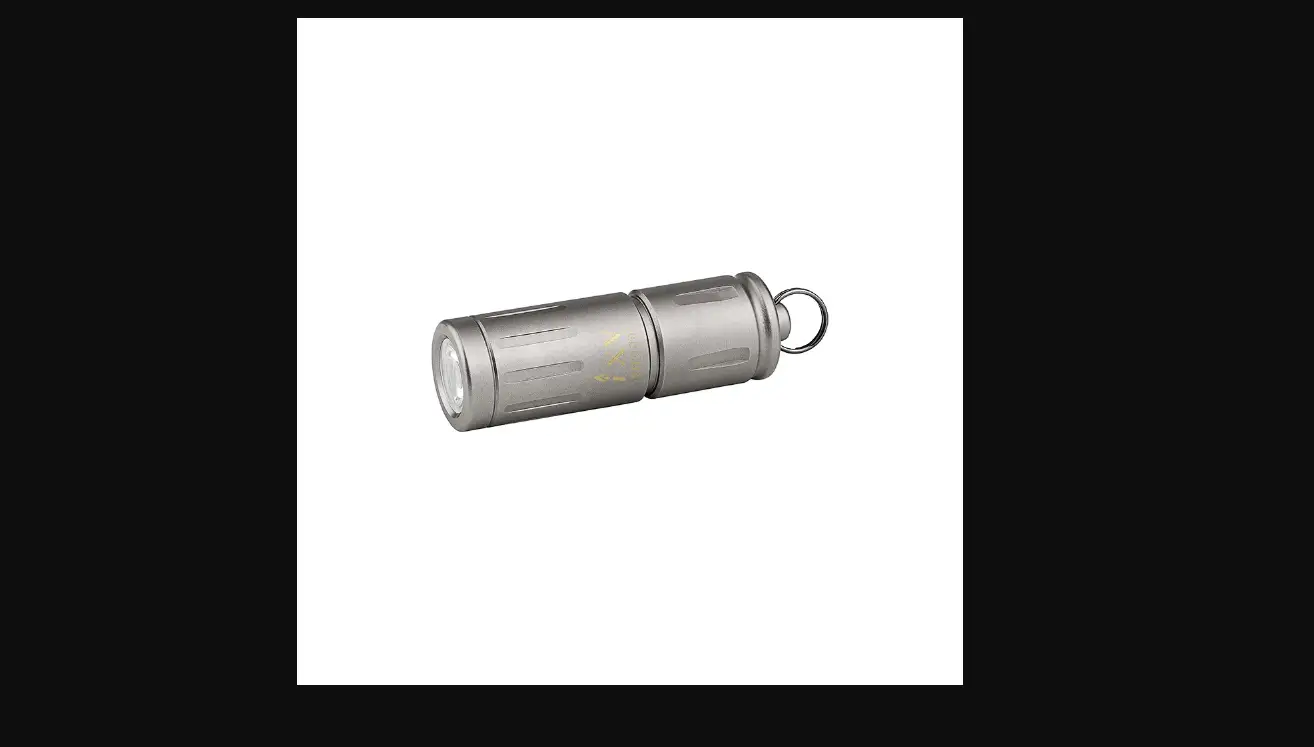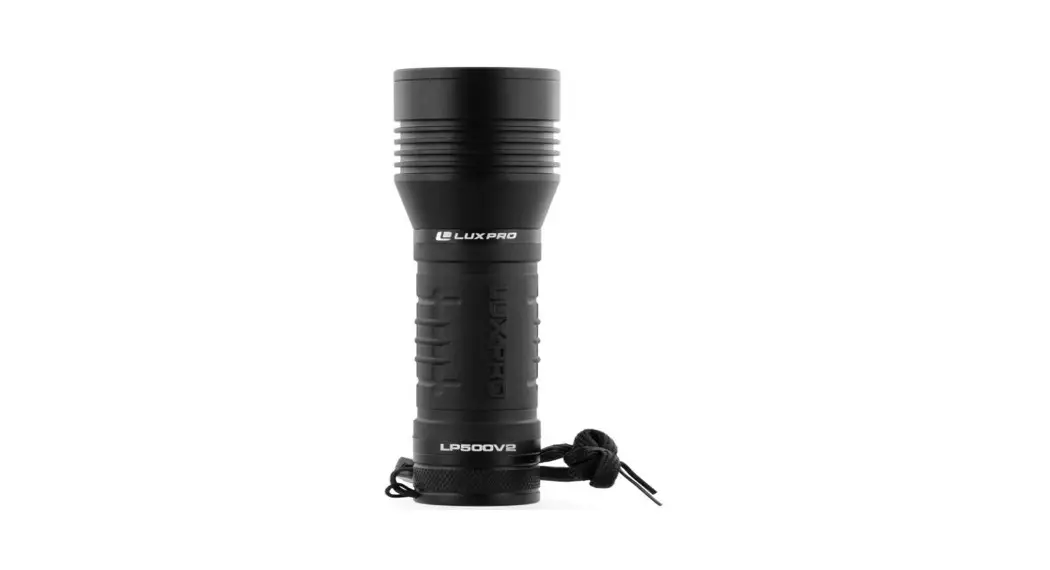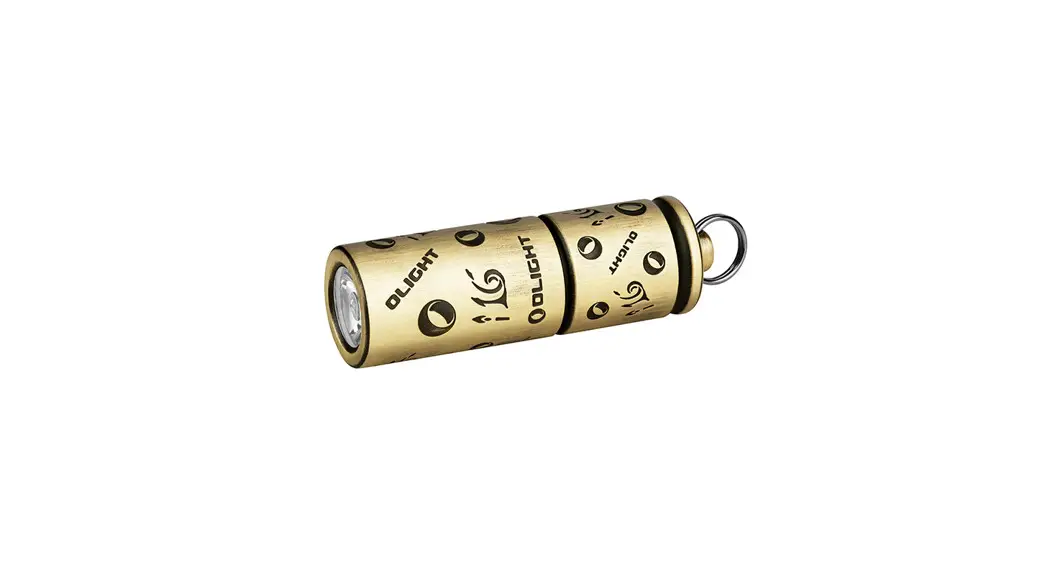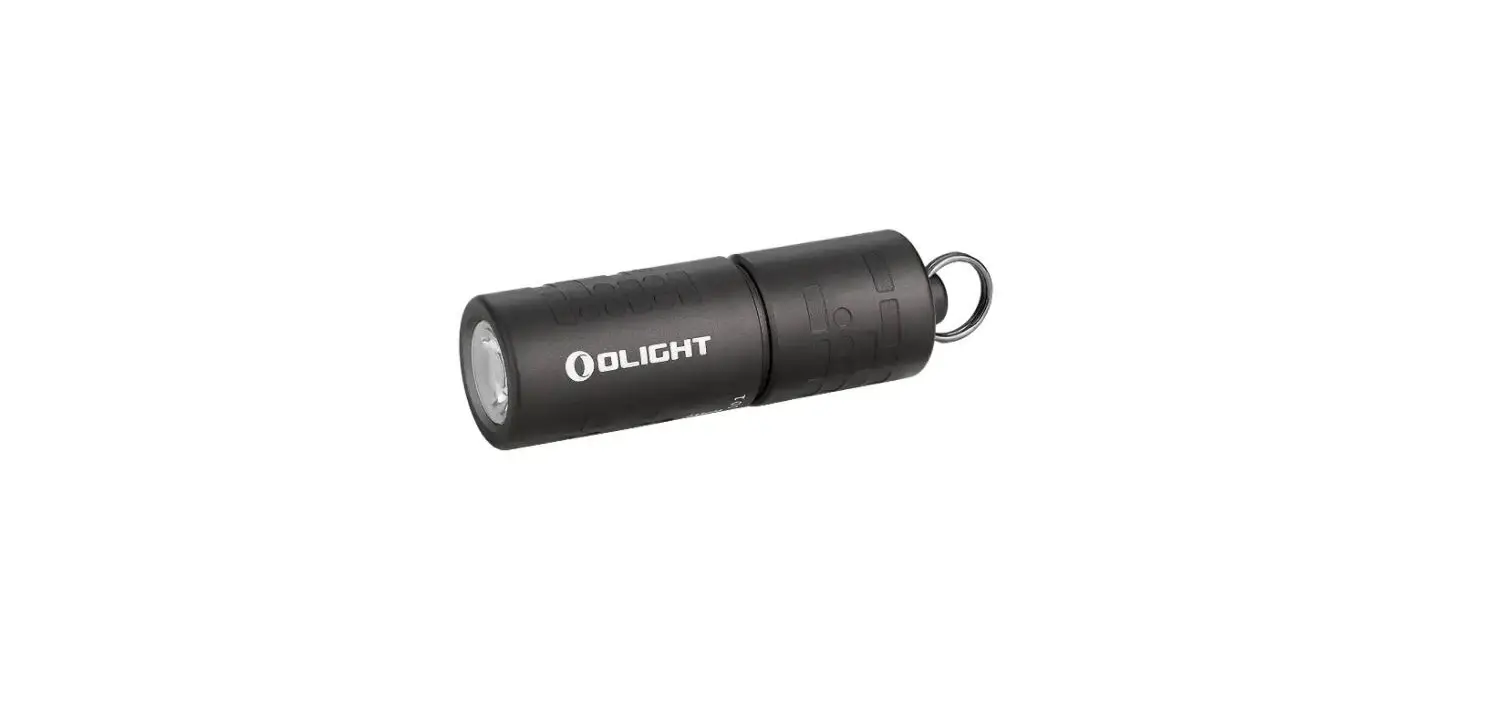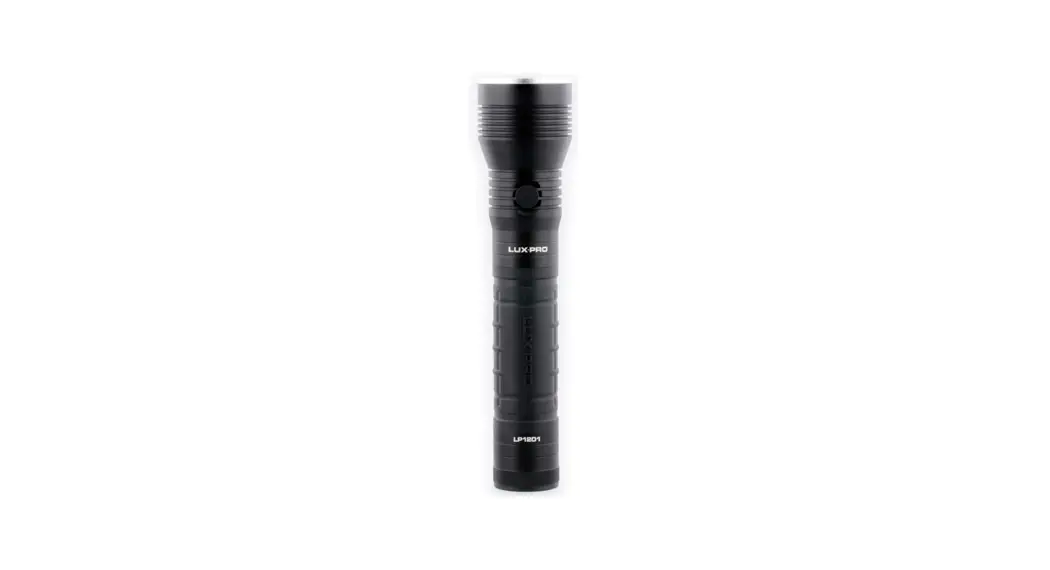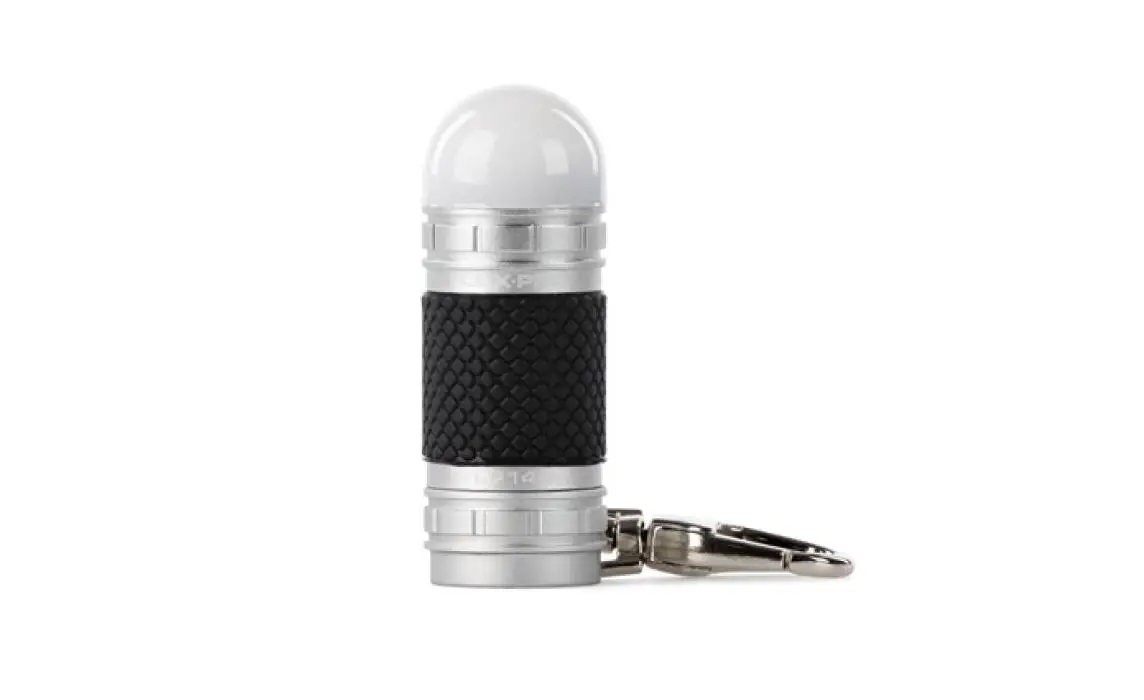

LUXPRO LP140 Mini Area Light Keychain
Features
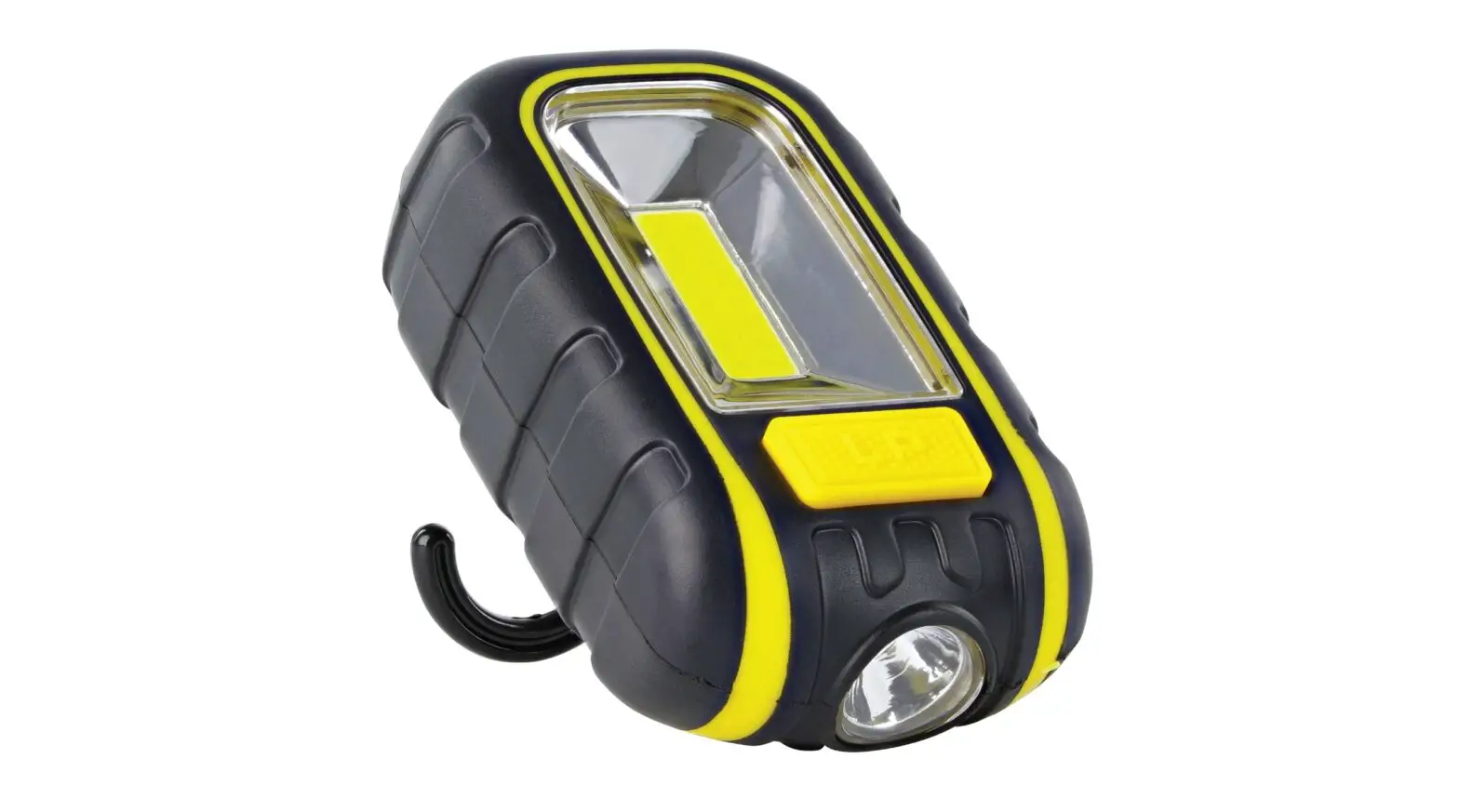
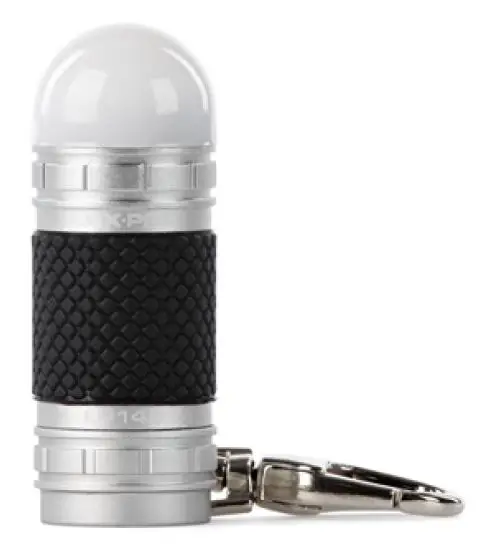
- Compact-durable design
- Diffused lens area light
- Enhanced rubber grip
- High quality swivel clasp
- Tactical tail cap button
- O-ring sealed, weather-resistant
Operation Instructions
- On/Off: Press and release button
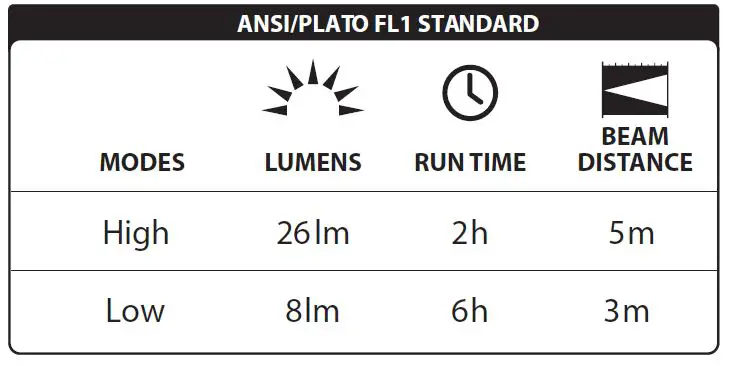
- Cycle modes: From High mode, press and release button, then press button again (High/Low).
Usage and Maintenance
Battery Replacement: In a dry environment, unscrew the tailcap by turning counter clockwise. Remove batter-ies from the light, then remove batteries from plastic sleeve. Insert the new batteries into the plastic sleevee (+) end first, then into the tube (+) end first. Carefully reinstall the tailcap by pressing lightly while turning clockwise.
Care Instructions: If you know it’s going to be a while between uses, we suggest removing batteries from your light and storing your gear in a dry, protected place.

Product Warranty
Limited 30-Day Warranty against manufacturer’s defects from time of purchase. For warranty claims contact LuxPro by calling 801-553-8886 or sending an email to [email protected].
luxpro.com
866.553.8886
14725 S Porter Rockwell Blvd Ste C Bluffdale, UT 84065