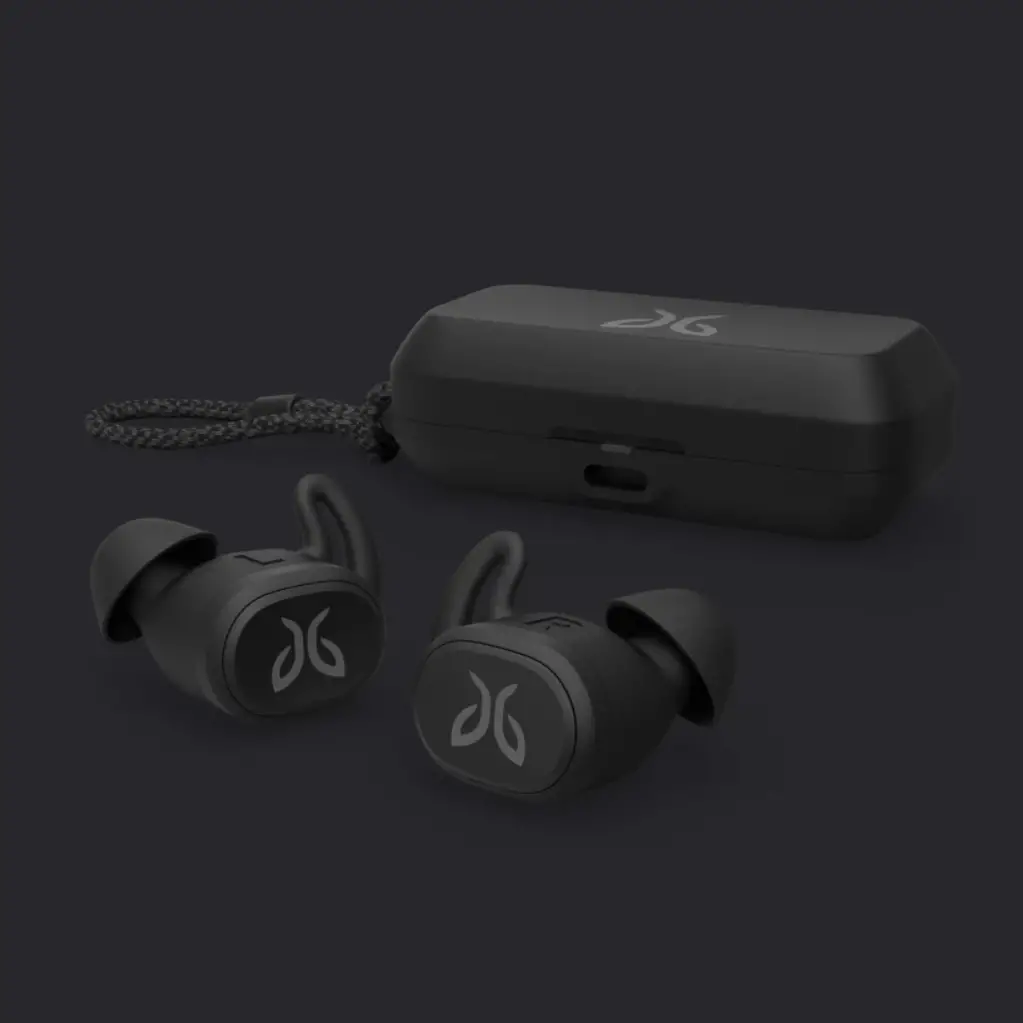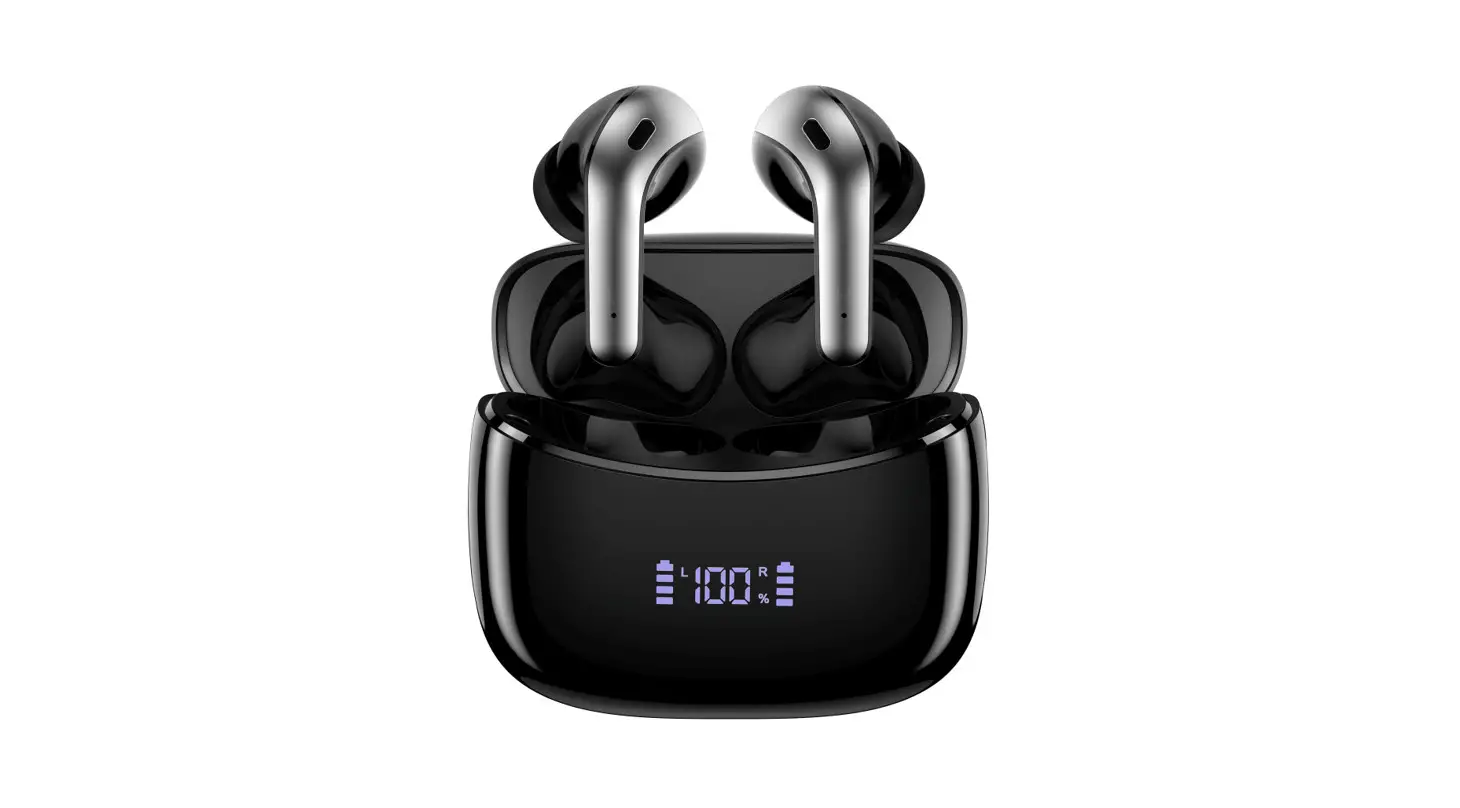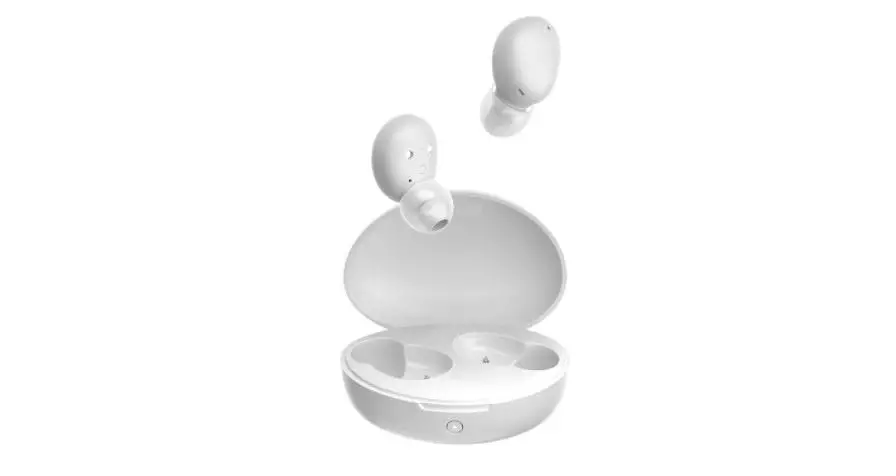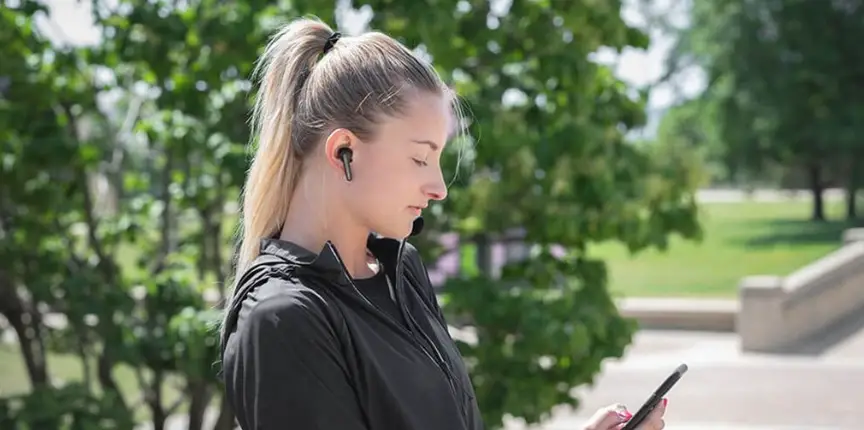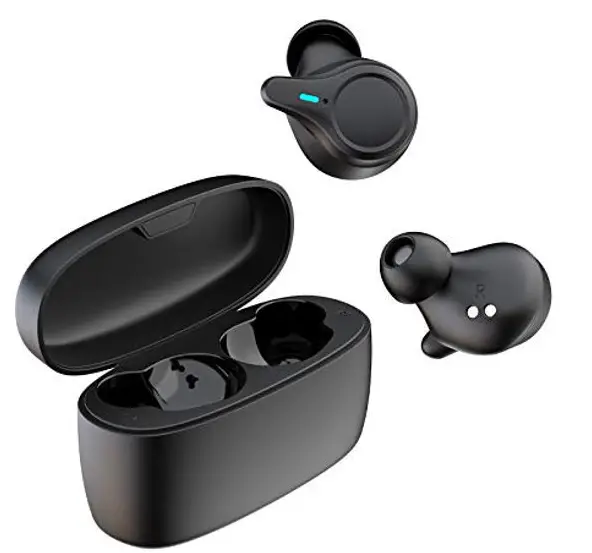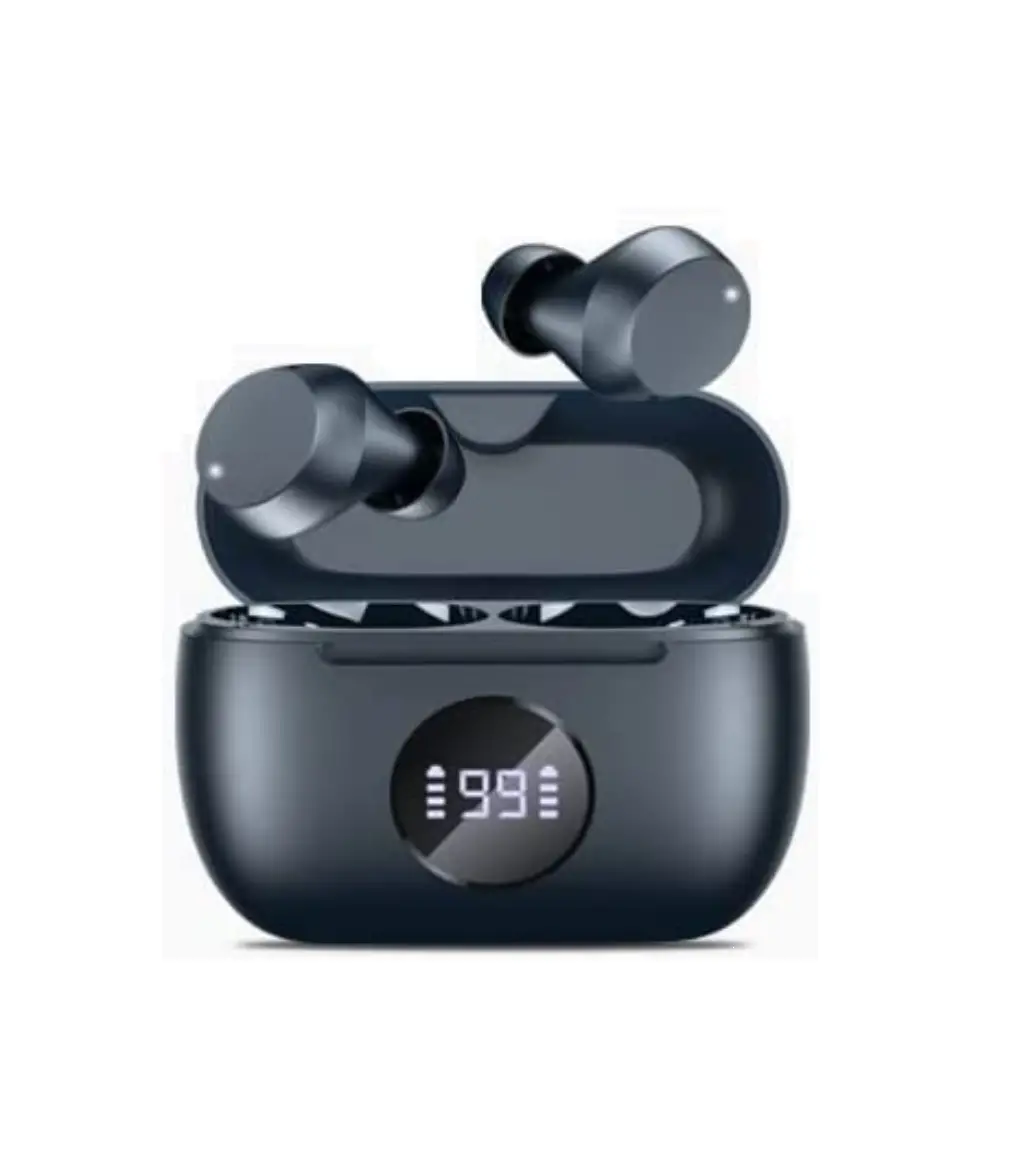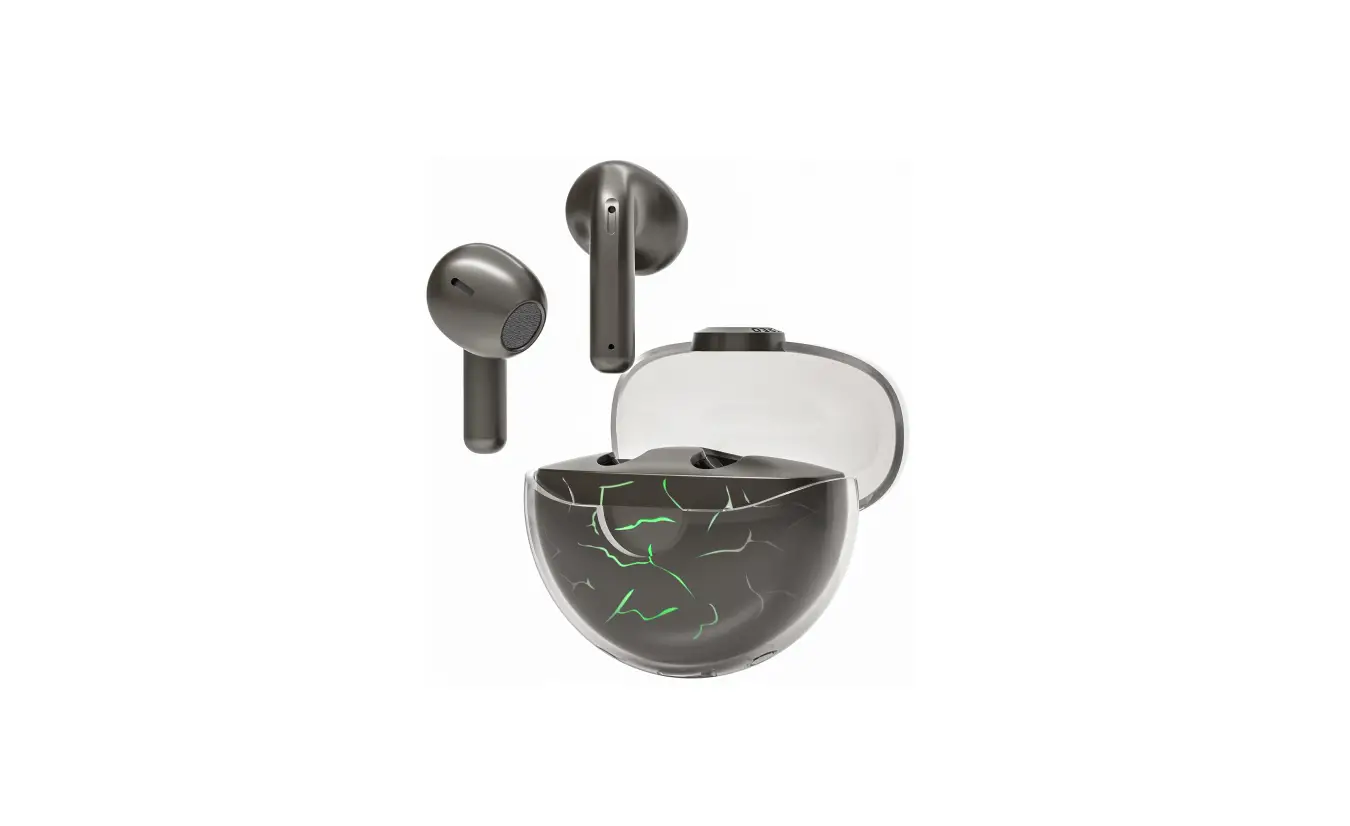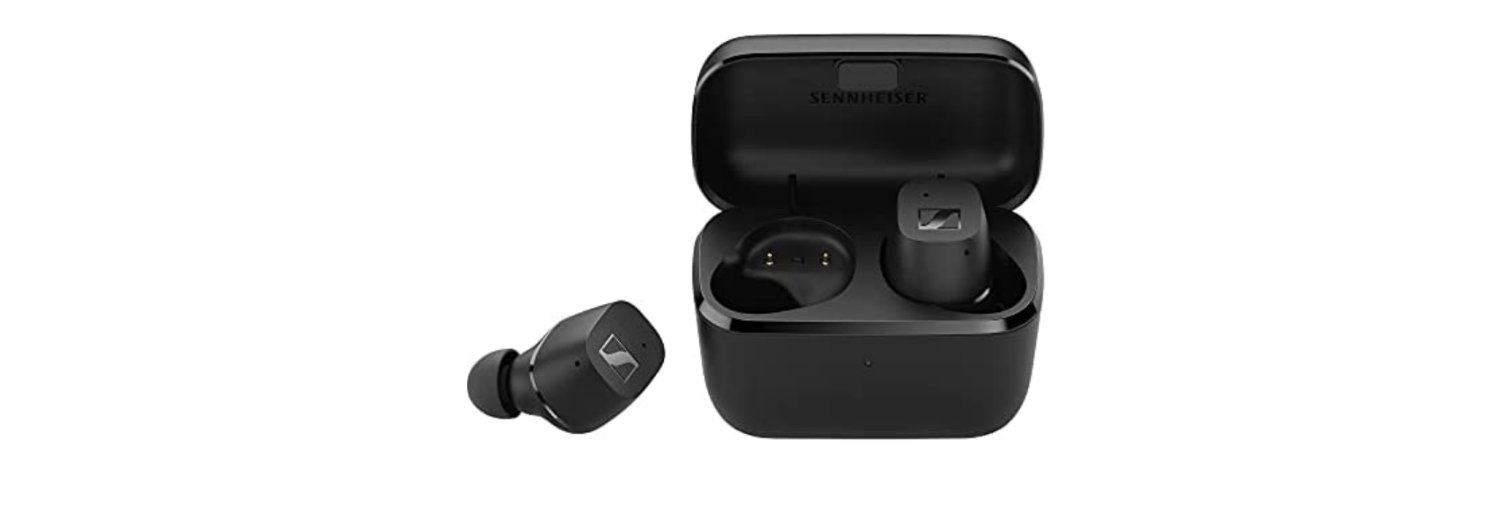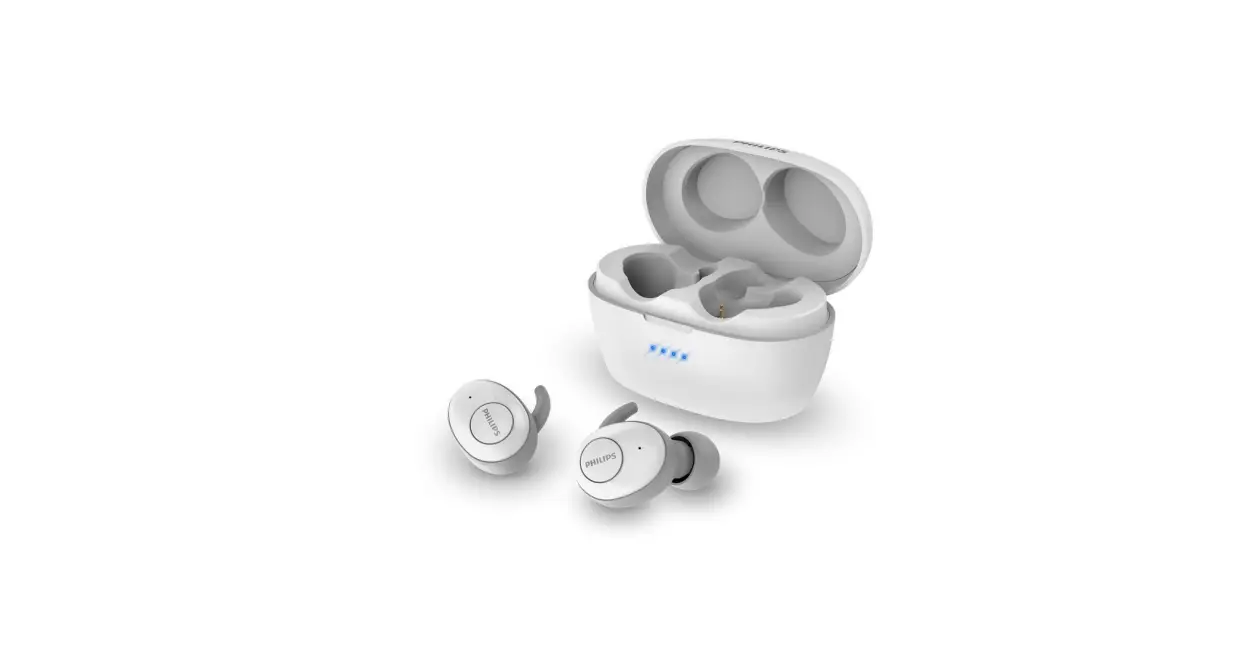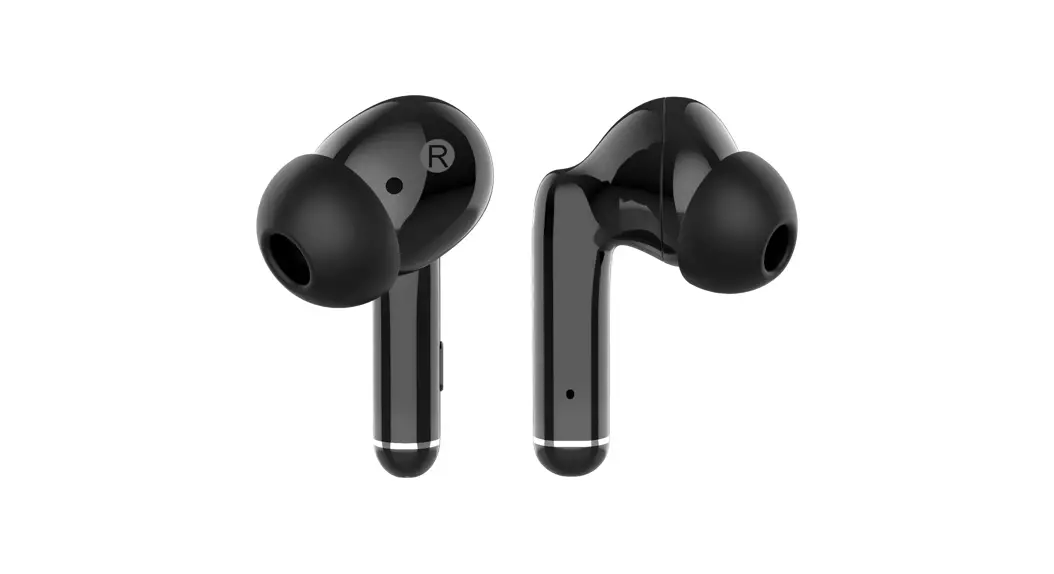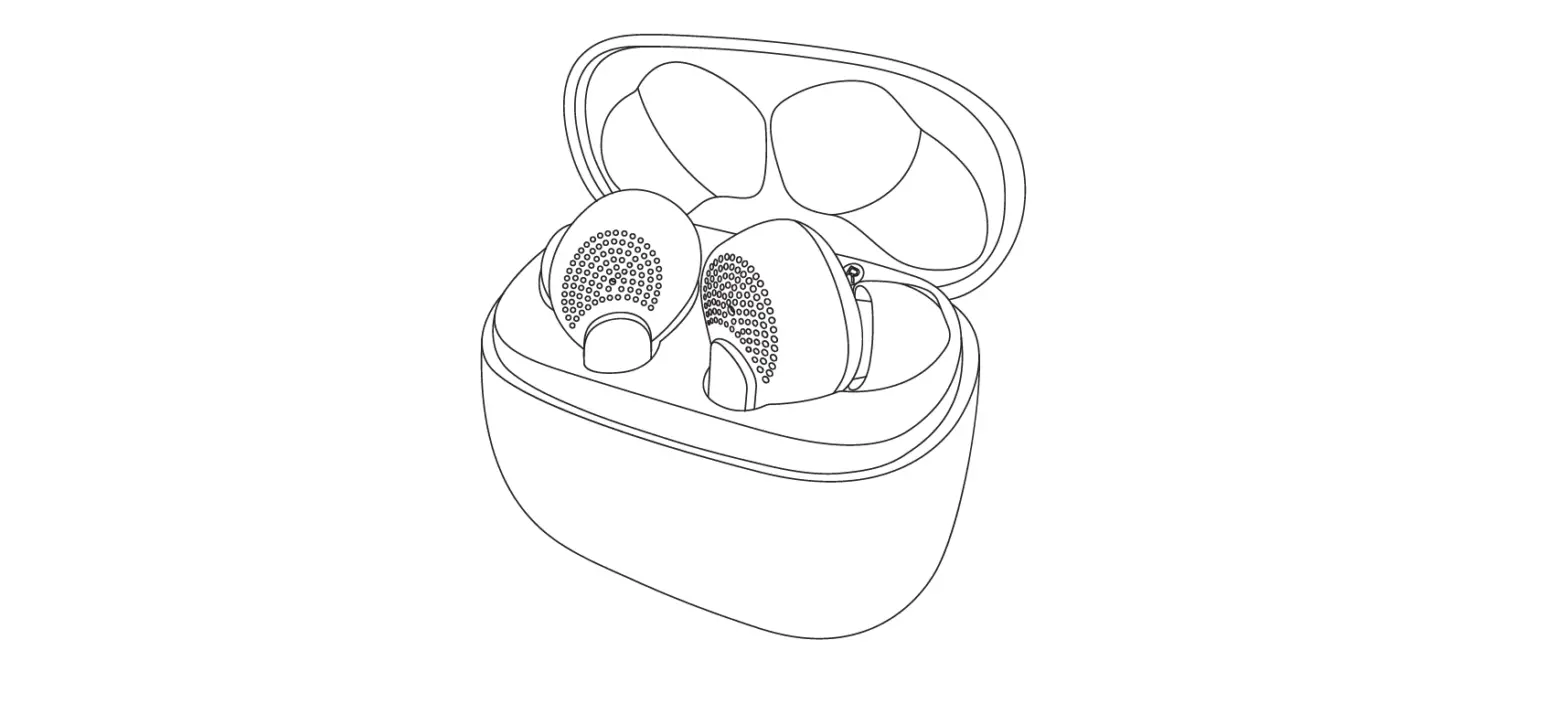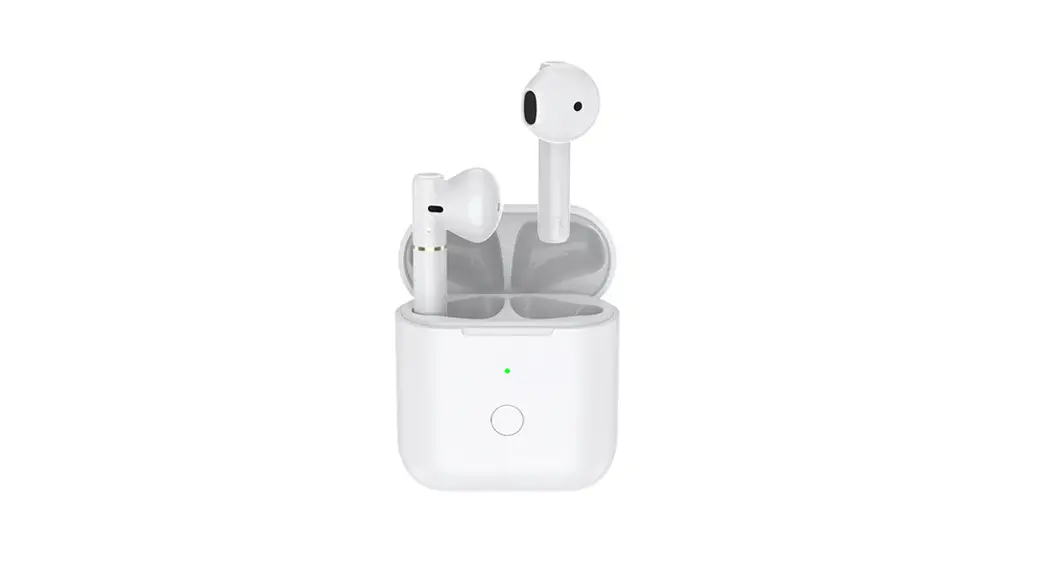

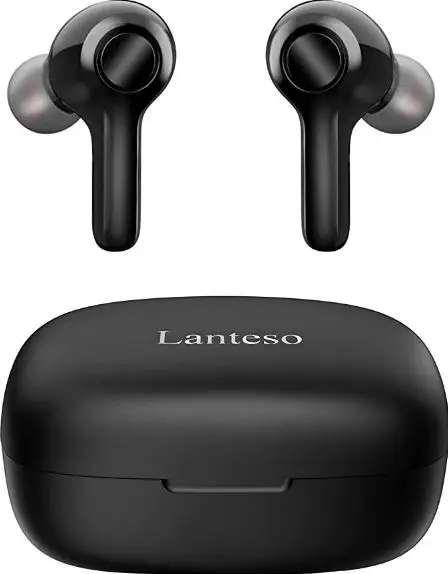
OWL TC-ZTING01 True Wireless Earbuds
HOW TO USE
Open the charging compartment, wait for the green/orange light to go out, and the headset prompts that the pairing is successful. Open the charging compartment, wait for the green/orange light to go out, and the headset prompts that the pairing is successful. The earphones can be used individually or in pairs. In the state of playing music, touch the middle of the earphone handle with your hand, and the music sound of the music will change from small to large, and the volume can be controlled in a total of 16 levels Pinch 1.5S to play music, then pinch 1.5S to pause the music To answer the incoming call, tap 1S, and tap 1S to turn off the phone. In hearing aid/assisted hearing mode, the 3S earphone has a prompt volume sound, indicating that the hearing aid auxiliary mode is turned on, and at the same time, the music can be played or paused without affecting the hearing aid functions the hearing aid mode, the music volume can be adjusted.You can use APP to pair earphones to adjust the effect of hearing aid magnification and adapt to different groups of people.
PROMPT TONE
| Key pattern | Function | functional operation | LED indicate | voice prompt |
|
MFB | Power on | open a position | The green light goes out | POWER ON |
| Power off | Warehousing | Green light out | POWER OFF | |
| Match | Warehouse Entry/Exit | Green light out | ONE TWO | |
| Hearing Aid Mode | Default | NA | ||
| Pure Bluetooth mode | Touch &Hold 3s | NA | The beep goes on twice | |
| Answerin g calls | Short Press | NA | One beep | |
| hang up | Long press 1s/ double click | NA | One beep | |
| Decline calls | Long press 1 NA | NA | One beep | |
| play music | Long press 1.5s | NA | One beep | |
| Pause | Long press 1.5s | NA | One beep | |
| V+/V- | volume plus | Double click for 0.5s / hearing aid volume plus one level, a total of 6 levels, the volume is cycled from high to low | NA | Beep。。。。 |
HEARING AID SPECIFICATIONS
|
Hearing aid specificatio ns | sensitivity of a pickup | -38dB |
| Pickup distance | 3-5m | |
| Pickup noise suppression | -60db | |
| Howling suppression ratio | -40db | |
| Pickup gain | -30db | |
| Pickup frequency | 125HZ-10KHZ |
BLUETOOTH SPECIFICATIONS
|
Bluetooth specifications | DSP | QC9864BT |
| Bluetooth version | 5.1 | |
| Fraquency range | 2.402GHz-2.480GHz | |
| ransmission distance (unobstructed) | ≤15meter | |
| Track system | Stereo | |
|
Output specifications | Speaker Impedance | 32Ω/Ф10mm |
| Audio Power Output(Max) | 135mW | |
| Headphones Sensitivity | 120dB | |
| Fraquency range | 20HZ-20KHZ | |
| distortion factor | <1% | |
| SNR | ≥90dB | |
| Depth of call noise reduction | adjustable0-30dB |
EARPHONE SPECIFICATIONS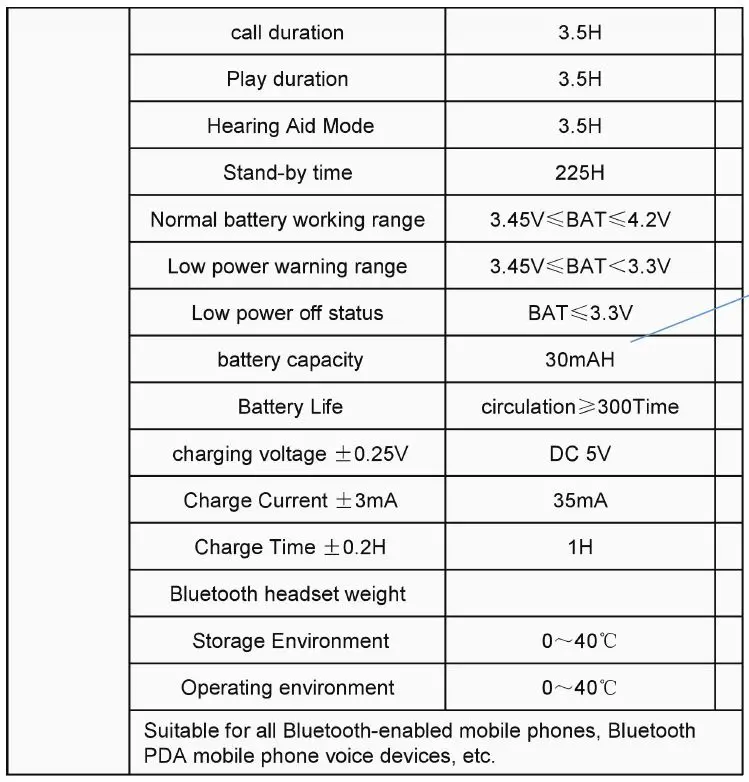
GENERAL WARNING
In order to ensure your personal safety and the correct use of hearing aids, you should be familiar with the general warnings. Please note that hearing aids cannot restore normal hearing, nor will it prevent or improve hearing damage caused by organic diseases. In most cases, hearing aids are not used frequently. Please pay attention to the wearing guidelines. If there is an accident in your ears, please consult a hearing consultant.
Dysfunction
Be wary that hearing aids may stop working without prompting. If you need to rely on hearing to make certain judgments (such as in traffic), keep this in mind. Hearing aids may stop working, for example, if the battery has expired and the battery runs out , Or the component is damaged.
FCC
This device complies with Part 15 of the FCC Rules. Operation is subject to the following two conditions: (1) this device may not cause harmful interference, and (2) this device must accept any interference received, including interference that may cause undesired operation
NOTE: This equipment has been tested and found to comply with the limits for a Class B digital device, pursuant to Part 15 of the FCC Rules. These limits are designed to provide reasonable protection against harmful interference in a residential installation. This equipment generates, uses and can radiate radio frequency energy and, if not installed and used in accordance with the instructions, may cause harmful interference to radio communications. However, there is no guarantee that interference will not occur in a particular installation.
If this equipment does cause harmful interference to radio or television reception, which can be determined by turning the equipment off and on, the user is encouraged to try to correct the interference by one or more of the following measures:
- Reorient or relocate the receiving antenna.
- Increase the separation between the equipment and receiver.
- Connect the equipment into an outlet on a circuit different from that to which the receiver is connected.
- Consult the dealer or an experienced radio/TV technician for help.
Warning: Changes or modifications not expressly approved by the party responsible for compliance could void the user’s authority to operate the equipment