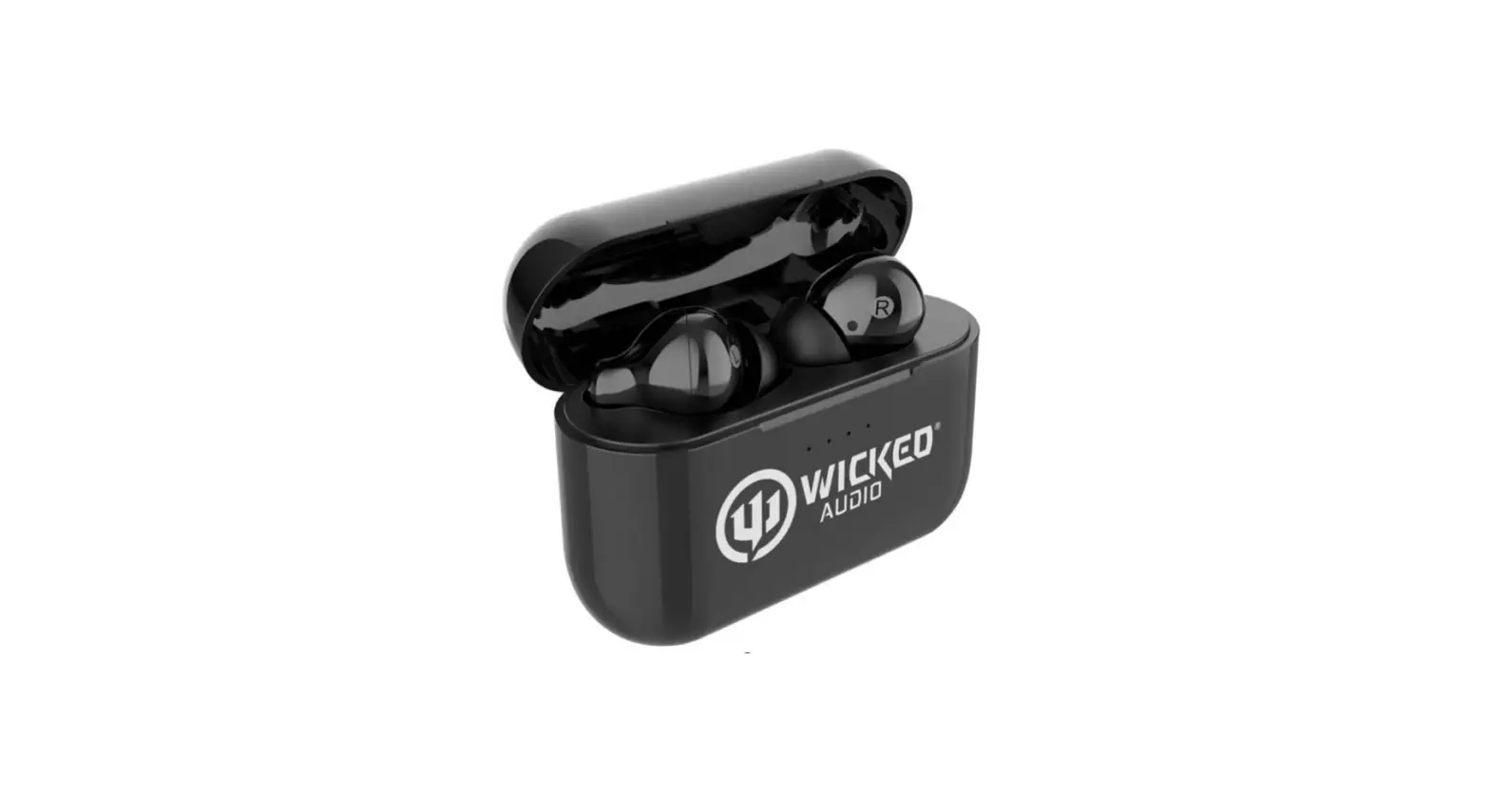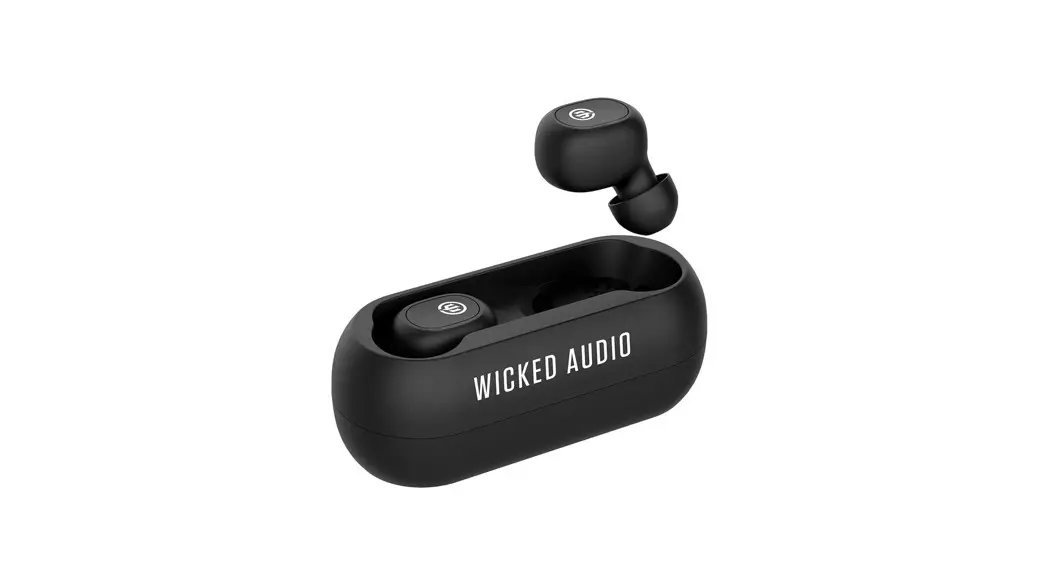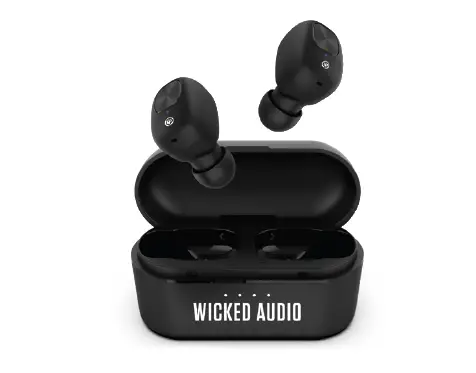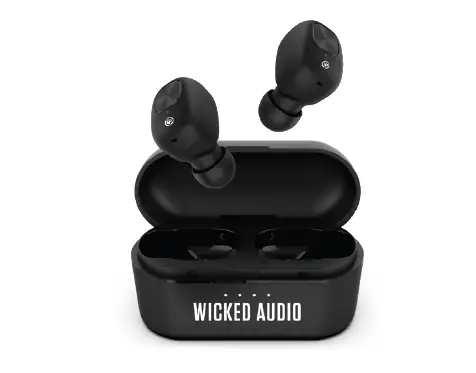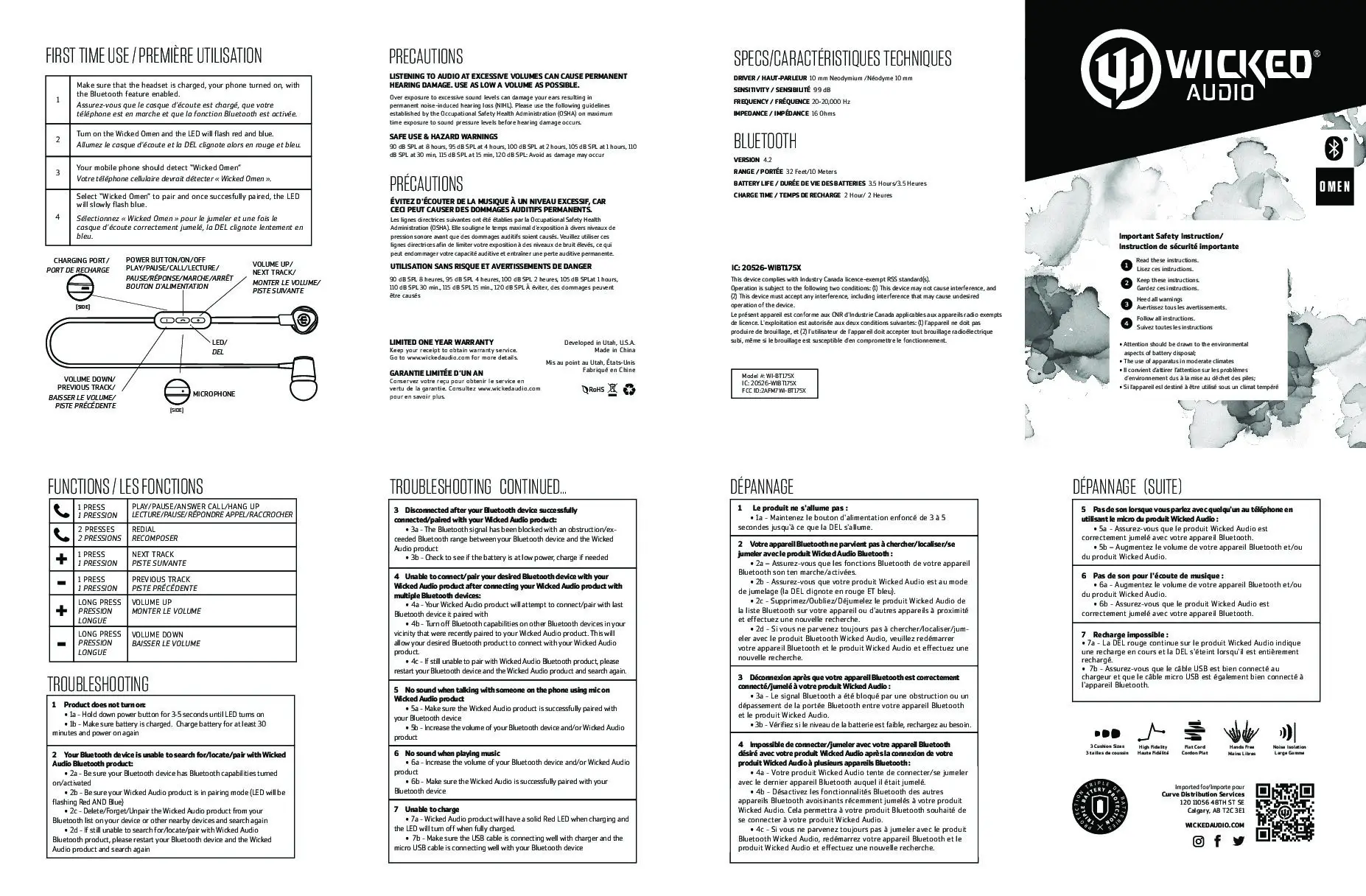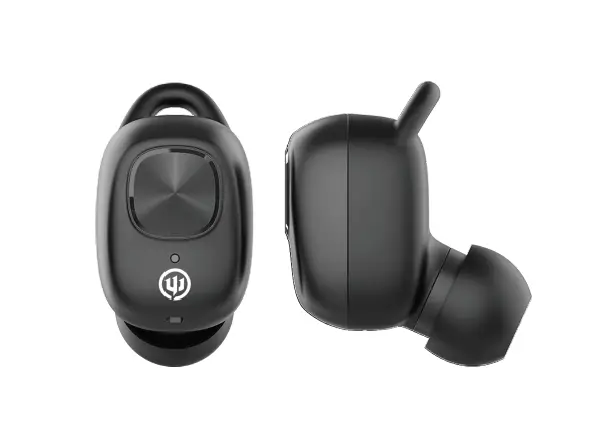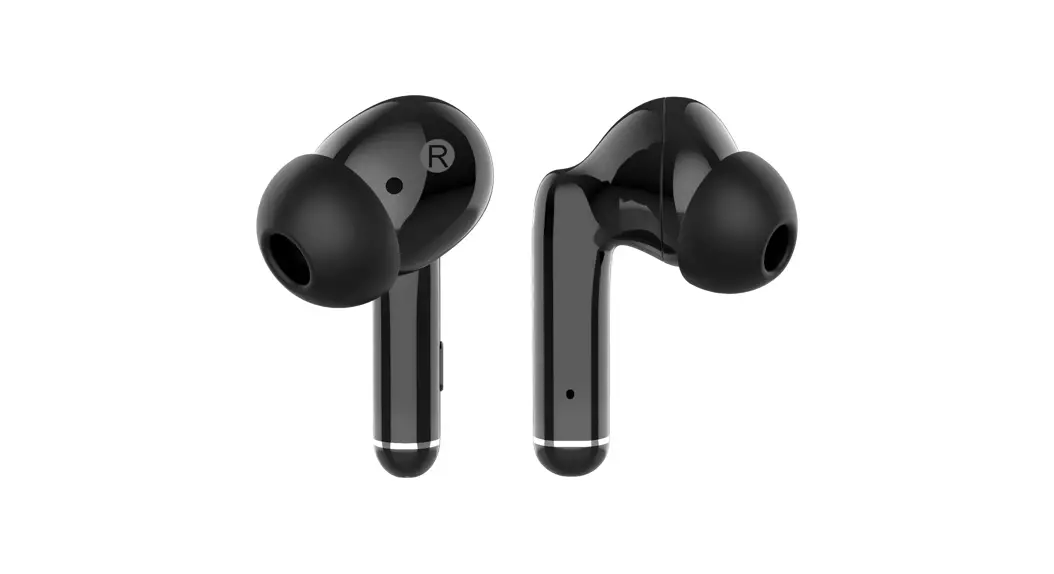

 True Wireless Earbuds
Instructions Manual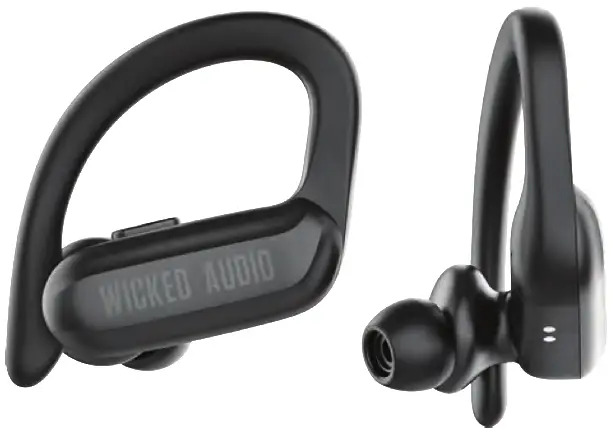
In the Box
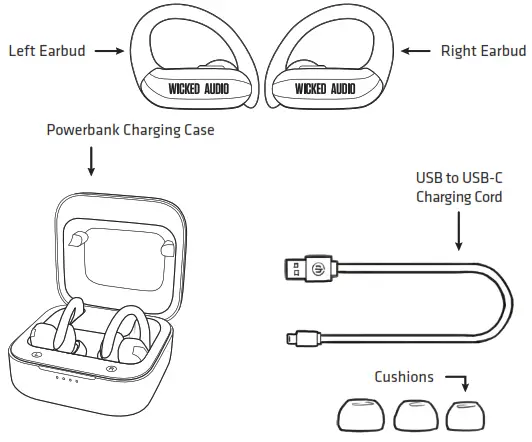
In the Box
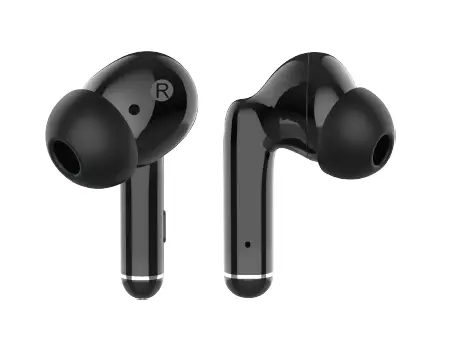
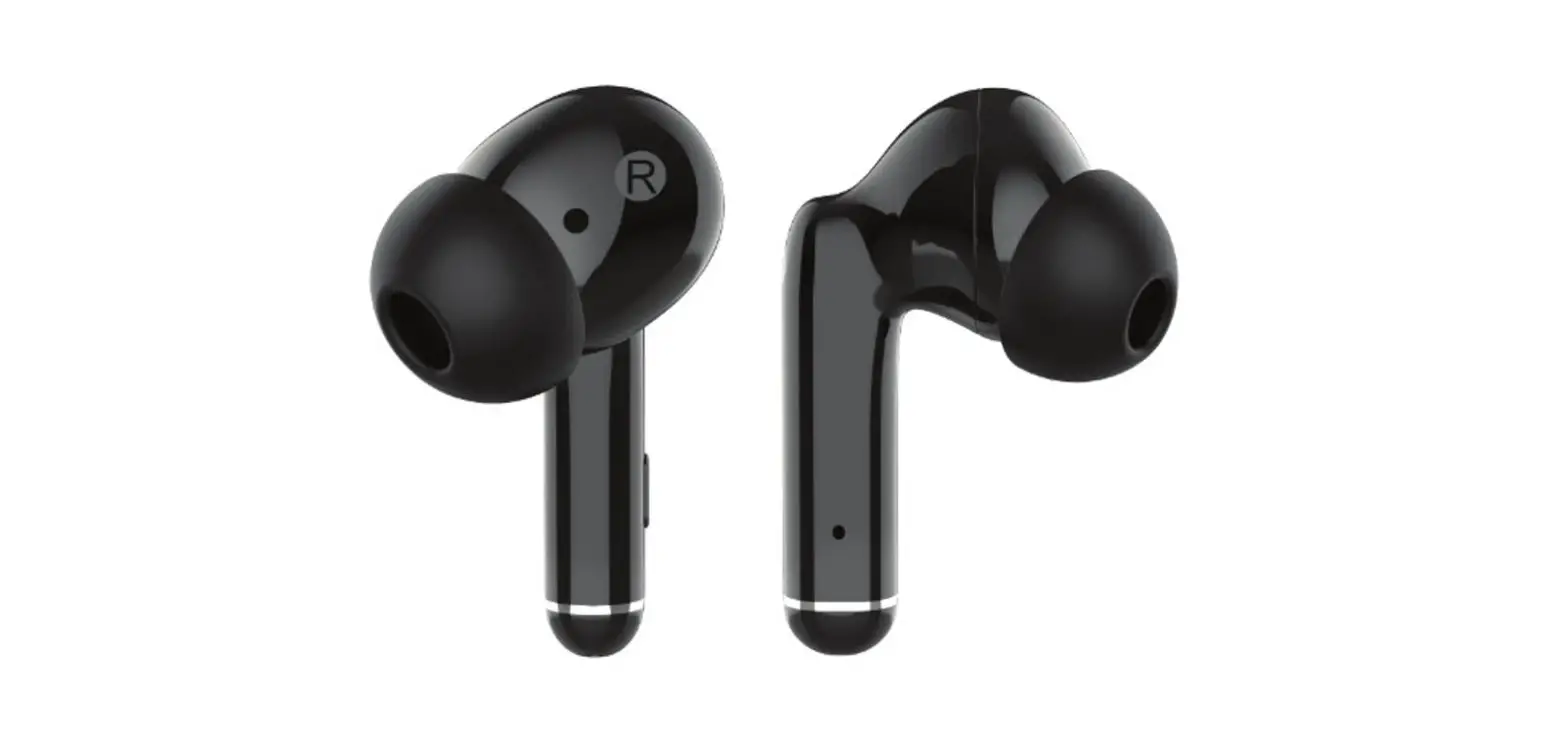
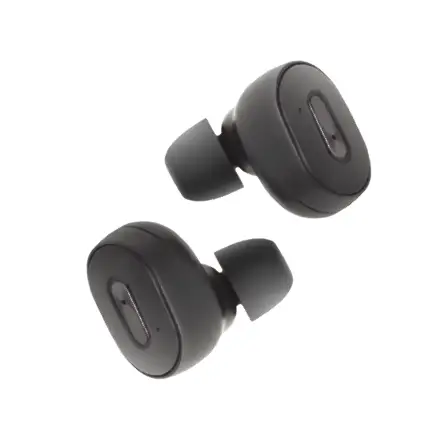
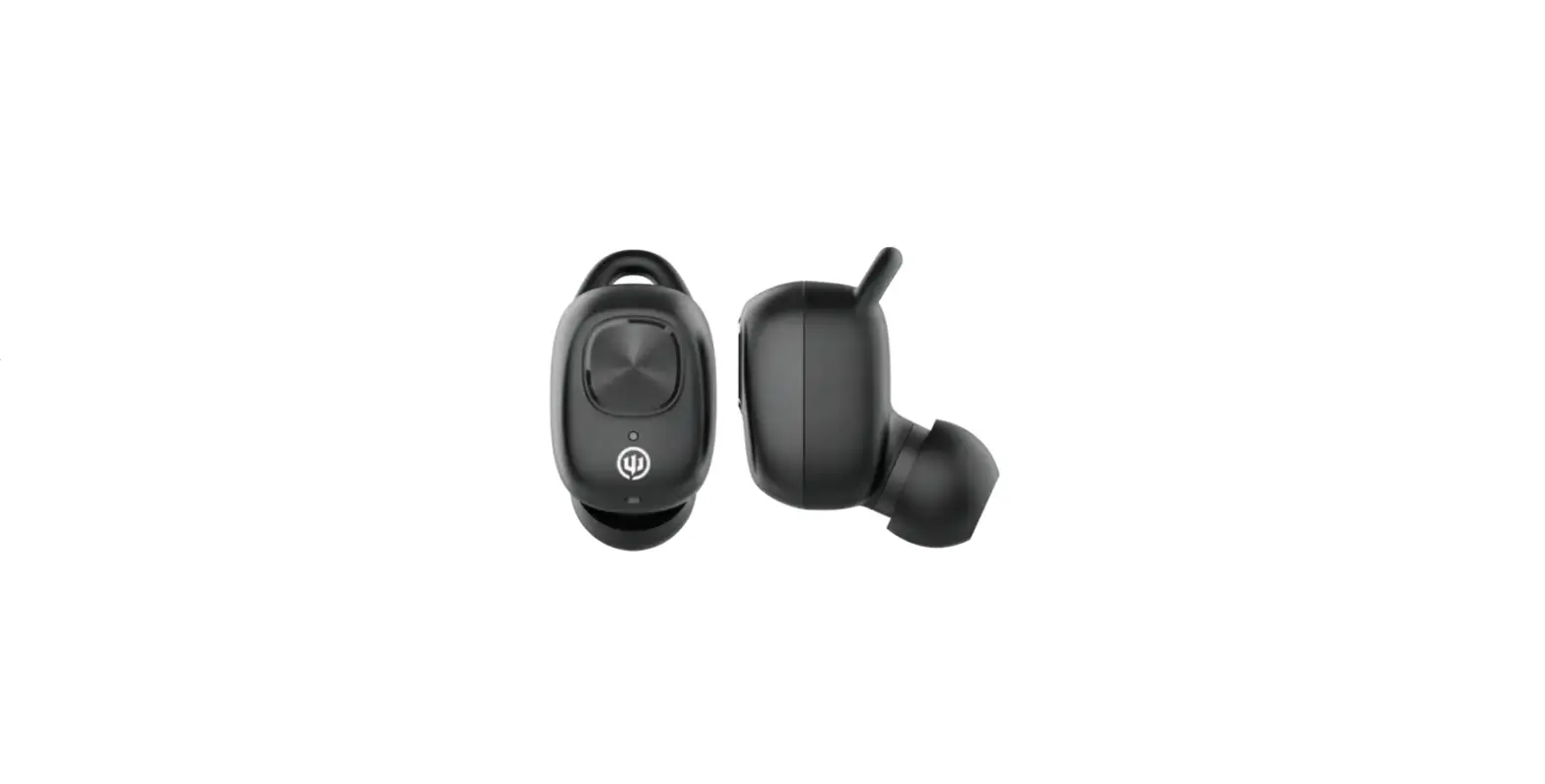
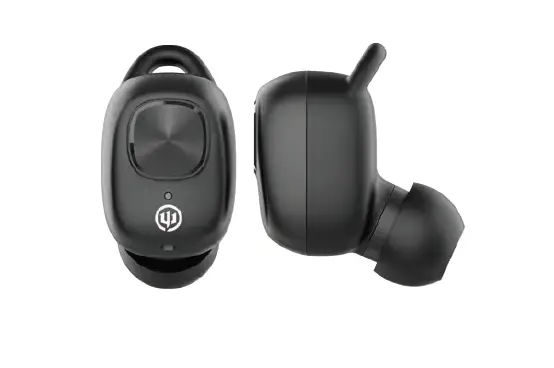
Raen TWS Earbuds
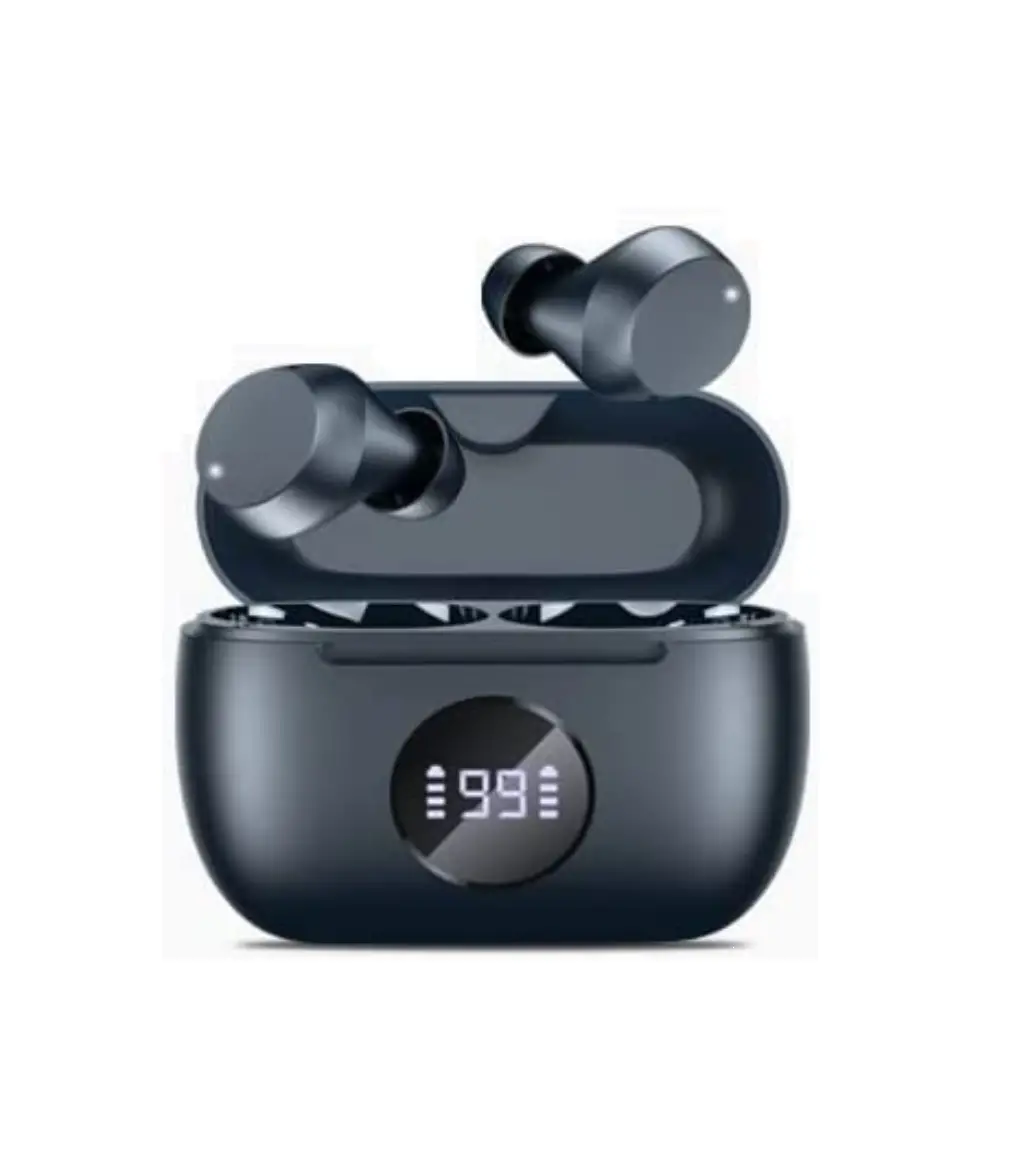
Powerbank Charging Case
USB to USB-C Charging Cord
3 Sizes of Cushions
Instruction Booklet
Turning Earbuds On/Off
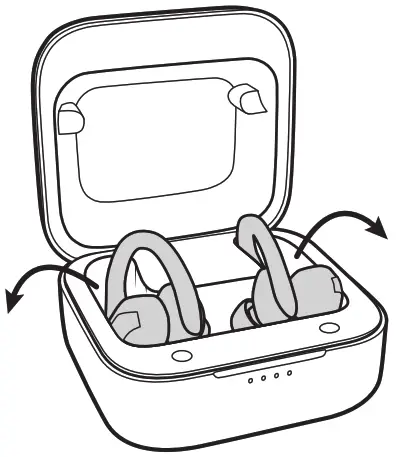 Power On Power OnRemoving the earbuds from the charging case automatically turns on the earbuds and starts the syncing process to one another. | 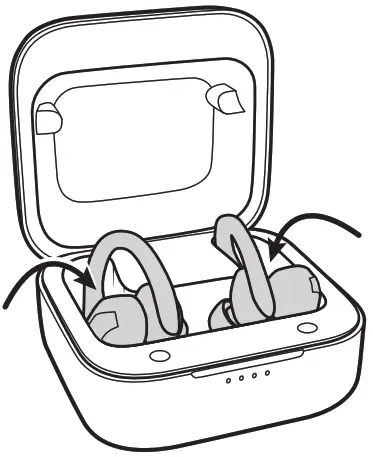 Power Off Power OffPlacing the earbuds back into the charging case will automatically power them down. |
or | or |
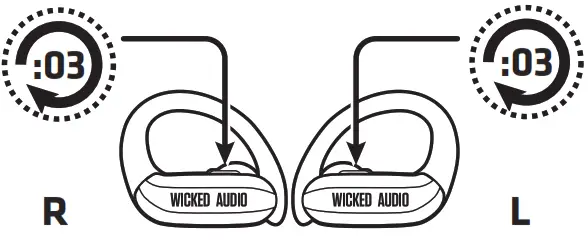 Power On (outside of case) Power On (outside of case)When outside the charging case and powered off, long press both earbuds for 2-3 seconds (Red/Blue LEDs) to turn them on. | 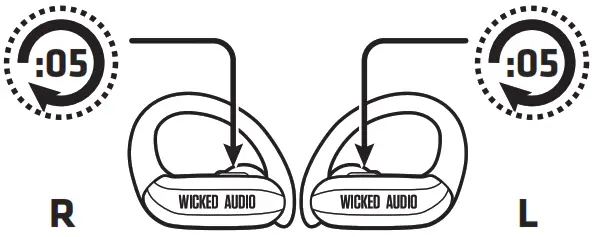 Power Off (outside of case) Power Off (outside of case)Long press left or right earbuds for 5 seconds to turn off the earbuds without putting them in the case. |
Charging
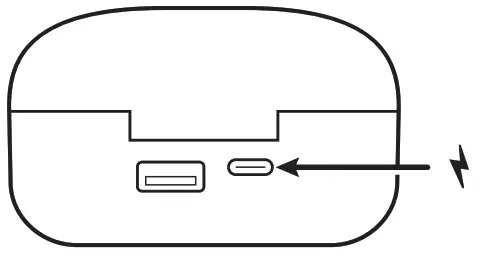 | 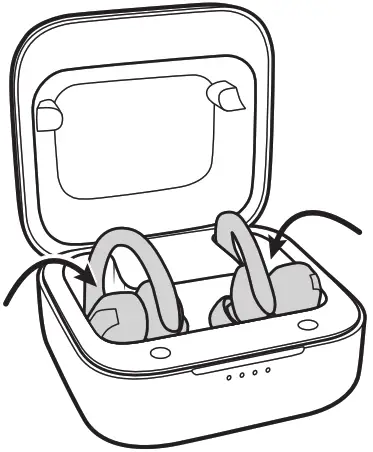 |
| Charging the Charging Case Using the USB-C charging cable, plug into a power source. While charging the charging case the LED will be flashing BLUE. Once fully charged, LED will be solid blue. | Charging the Earbuds Place earbuds in charging case to charge earbuds. They will turn off and automatically begin charging. While charging the earbuds, the charging case LED will be solid BLUE. When the earbuds are fully charged, the charging case LED will shut off. Tip: Earbuds will announce “low charge” when they are at 10% battery life. |
LEDs
Charging Case Lights when charging Case:
Flashing BLUE
Charging Case
Solid BLUE
Full Charge Reached
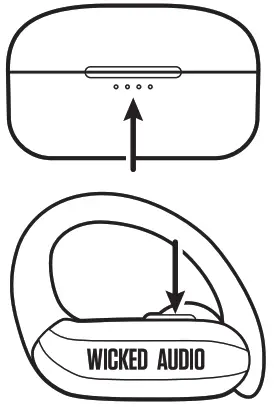
Charging Case Lights when charging Earbuds:
Solid BLUE
Charging Earbuds
OFF
Earbuds fully charged
Functions
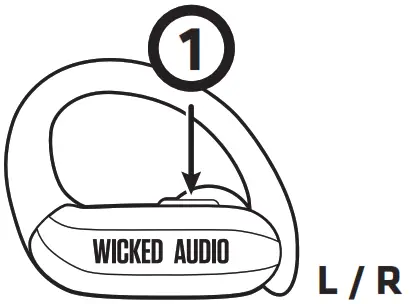 | Pause / Play Single Press (Left or Right Earbud) |
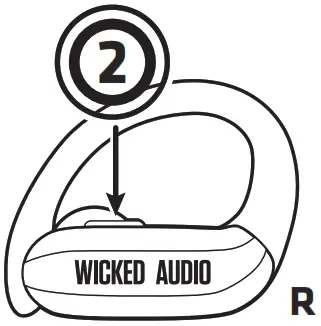 | Next Track Double Press (Right Earbud) |
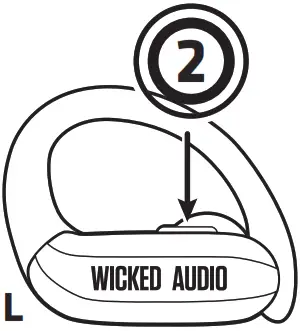 | Previous Track Double Press (Left Earbud) |
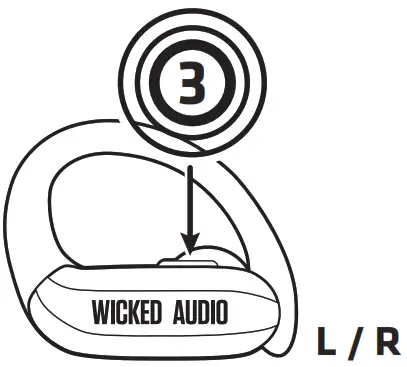 | Change EQ Modes Triple Press (Left or Right Earbud) Note: EQ modes rotate in the following order: Balance, Enhanced Bass, Rock |
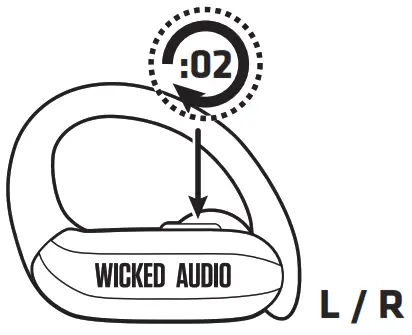 | Enter / Exit Voice Assistant Long Press (2 Second press and release) (Left or Right Earbud) |
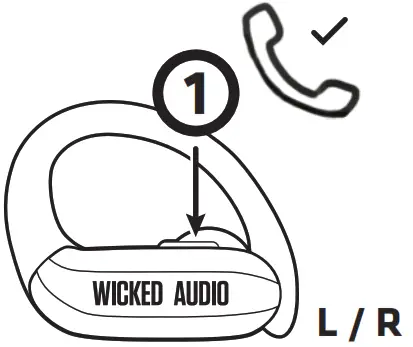 | Answer Call/Hang up Call Single Press (Left or Right Earbud) |
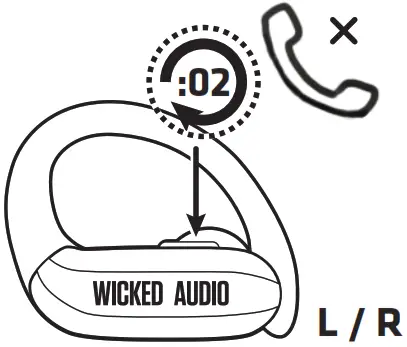 | Reject Incoming Call Long Press 2 Seconds (Left or Right Earbud) |
Troubleshooting
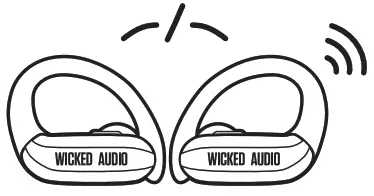
Reset
Only one earbud connecting to the device at a time?
Reset
Only one earbud connecting to the device at a time?
- From your device’s Bluetooth menu, delete the “Wicked Raen” pairing name
- Remove both earbuds from the charging case
- Turn off earbuds by holding down the button on the left or right earbud for 5 seconds.
- While in the off position, hold down either the left or right earbud’s button for 7 seconds.
- Repeat a 7-second hold on the second earbud
- Place both earbuds in the charging case.
- Remove earbuds from the charging case. Earbuds will automatically sync to each other.
- Once synced together you can locate “Wicked Raen” in your device’s Bluetooth settings.
PRECAUTIONS
LISTENING TO AUDIO AT EXCESSIVE VOLUMES CAN CAUSE PERMANENT HEARING DAMAGE. USE AS LOW A VOLUME AS POSSIBLE.
Overexposure to excessive sound, levels can damage your ears resulting in permanent noise-induced hearing loss (NIHL). Please use the following guidelines established by the Occupational Safety Health Administration (OSHA) on maximum time exposure to sound pressure levels before hearing damage occurs.
SAFE USE & HAZARD WARNINGS
90 dB SPL at 8 hours, 95 dB SPL at 4 hours, 100 dB SPL at 2 hours, 105 dB SPL at 1 hour, 110 dB SPL at 30 min, 115 dB SPL at 15 min, 120 dB SPL: Avoid damage may occur
IMPORTANT SAFETY INSTRUCTION
- Read these instructions.
- Keep these instructions.
- Heed all warnings
- Follow all instructions.
Attention should be drawn to the environmental aspects of battery disposal; The use of apparatus in moderate climates
This device complies with Industry Canada licence-exempt RSS standard(s). Operation is subject to the following two conditions: (1) This device may not cause interference, and (2) This device must accept any interference, including interference that may cause undesired operation of the device.
Limitation of Liability
Any changes or modifications not expressly approved by the party responsible for compliance could void the user’s authority to operate the equipment. The device has been evaluated to meet general RF exposure requirements. The device can be used in portable exposure conditions without restriction. In no event, under any cause of action of a theory of liability, shall Wicked Audio Inc., its distributors, or suppliers be liable to you or any third party for indirect, incidental, consequential, special, exemplary, or punitive damages, of any and all nature whatsoever, arising out of the use of or inability to use a product. This includes without limitation, property damage, loss of value of the product, or any third-party products that are used in or with the Wicked Audio products, even if the Wicked Audio product has been advised of the possibility of such damages that one may encounter. Without limiting the foregoing, you understand and agree that Wicked Audio has no liability for any damages or destruction to the consumer electronics devices or other personal property that are
contained inside or outside the Wicked Audio products. This includes without limitation, laptops, cellular phones, or other hand-held devices, or any loss of data contained on the foreign device. Notwithstanding any damages that you might incur for general damages in contract, tort (including negligence), or otherwise), the entire aggregate liability of Wicked Audio and any of its distributors and/or suppliers shall be limited to the amount actually paid by you for the Wicked Audio product giving rise to liability. Some states and/or jurisdictions do not allow the exclusion or limitation of incidental or consequential damages, so the above limitations or exclusions may not apply to you. The limitations of liability set forth above shall apply to the maximum extent permitted under applicable law.
MODEL #: WI-TW315X
IC: 20526-WITW315X
LIMITED ONE-YEAR WARRANTY
Keep your receipt to obtain warranty service. Go to
www.wickedaudio.com for more details.
Developed in Utah, U.S.A.
Made in China
 Wicked Audio – Wicked Audio, Inc.