 User Manual
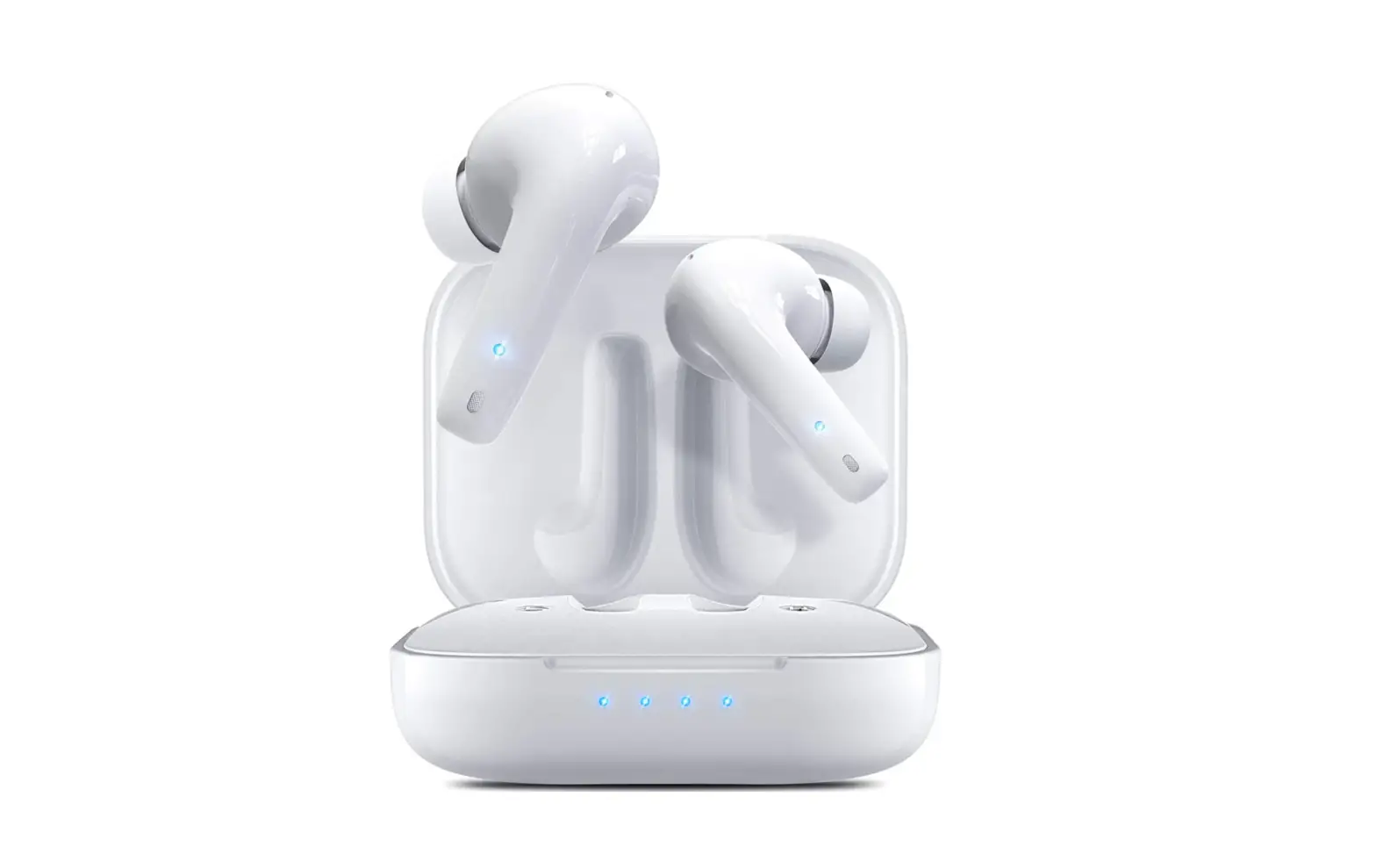
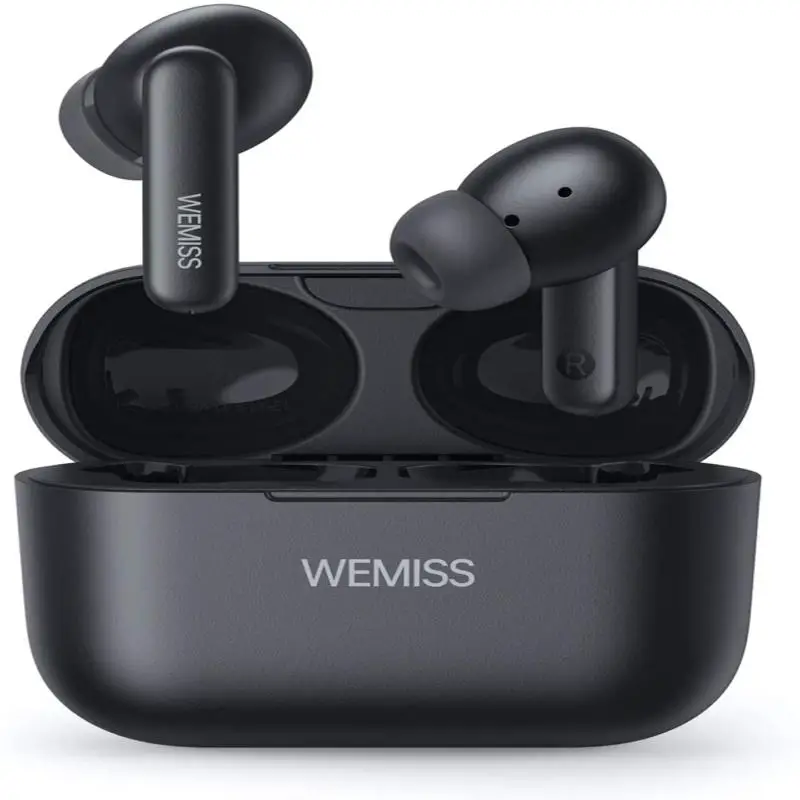
True Wireless Earbuds
 Please read the manual before using the product
 Please read the manual before using the product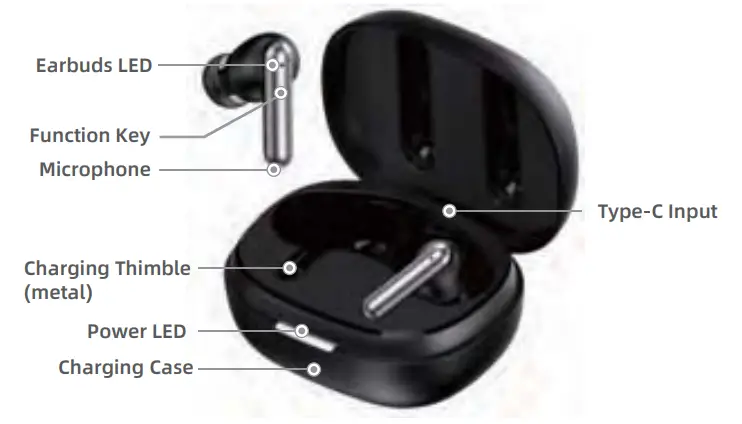
Technical Parameter
| Model | NC10 |
| BT Pairing Name | NC10 |
| BT Version | V5.2 |
| Effective distance | ≤.10M |
| BT Protocol | AVRCP, HFP, A2DP |
| Earphone Battery | 40mAh (Li-Ion Polymer Battery) |
| Charging Box Battery | 300mAh (Li-Ion Polymer Battery) |
| Play Duration | About 5 Hours |
| Charging Time | About 1.5 Hours |
| Type-C Input | DC3.7V= 300mA MAX |
| Earbuds Phone | DC3.7V= 40mA MAX |
Tips: Please use the 1A or below charger to charge, please disconnect the power after charging, please use do not use a mobile power bank to charge the headset.
Usage Method
1. Earphone LED indicates the status
| State | LED |
| Binaural pairing | The main ear blinks alternately white light. The secondary ear light is off |
| BT pairing successful | White Light goes out |
| BT connection back failed | The main ear blinks alternately white light. The secondary ear light is off |
| Power on | White light blinks 1 s |
| Power down | Light goes out |
| Low power | The 20s flashing 2seconds |
| Earphone charging | Normally on a white light |
| Earphone charging complete | Light goes out |
2. Function key operation
| State | Operation |
| Power on | Press function key 2s |
| Power down | Press function key 5s |
| Answer | Click the L/R ear function button |
| Call rejection / Hang up | 2- click the L/R ear function button |
| Play/Pause | Click the L/R ear function button |
| Last song | 2- click the Left ear function |
| Next song | 2- click the Right ear function |
| Open ANC mode | Press L/R ear function key 2s |
3. Charging box indicator status
| State | LED |
| Charging | White lights flashing |
| Charging complete | White Lighting From |
4.Operation steps
| Open the charging box cover |
| Remove the Earphone |
| Turn on BT |
| Search for BT name “NC10” |
| If pairing is successful, is received complete the above steps,the connection is complete.After removing the headset,it will automatically connect to the last paired device. |
| *Pairing mode When the earphone is turned on, the main and auxiliary ears are connected automatically. The main ear and accessory ear were interconnected successfully, and no pairing record was recorded, if there is a paring record, it will automatically connect back for 5 seconds.if it fails to connect back, it will automatically enter pairing mode. *Automatic shutdown When the headset is turned on if will turn off antomatically after 2 minutes when the device is not connected. |
Security information
Before using and operating the equipment, please read and observe the following precautions to ensure the best performance of the equipment and avoid dangerous or illegal situations.
Electronic equipment
Do not use this device in places where it is forbidden to use wireless devices, otherwise, it will interfere with other electronic devices or cause other hazards.
Impact on medical equipment
In medical and health care places where wireless devices are prohibited, please comply with the regulations of the place and shut down the device. The radio waves generated by devices may affect the normal operation of implantable medical devices or personal medical devices, such as pacemakers, cochlear implants, hearing aids, etc.lf you use these medical devices, please consult their manufacturers about the restrictions on their use of this device. When using this device, please keep a distance of at least 15 cm from the implanted medical devices(such as a pacemaker, ear pot, etc.).
Hearing protection
When you use headphones to listen to music or calls,it is recommended to use the minimum volume required for music or calls to avoid hearing loss. Prolonged exposure to high volume may cause permanent hearing loss. Exposure to high volume while driving can be distracting, leading to accidents.
| Battanty card | Please make sure to fill in the certificate card of three guarantees in the package | ||
| Battanty | |||
| Product name | Model | ||
| Customer name | Telephone | ||
| Contact address | |||
| Purchase date | Number | ||
| Distributor | Seal of distributor | ||
| Dealer address | |||
| Phenomenon | Common problems and | solutions Resolvent |
| Cause | ||
| Can’t power on/ Auto close | Battery low | Earphone charging 2-5 hours |
| Silent after pairing | Incorrect pairing | Rematch |
| White light flashes once every two minutes | The battery is low white light appears | Please charge the Earphone |
| Charging without indication | Charger no voltage output | Check charger is plugged in Or is the power switch on |
| Earphone echo | Excessive volume or the environment is too noisy | Adjust the volume or change places |
| The call is noisy | Environmental disturbance/ far away from the device | Move to another location/ get closer to the equipment |
| Small voice | Wrong wearing | Adjust headphone position |
| Unable to listen to music | Related to the phone settings | Cancel the pairing and reconnection |
Name and content of harmful substances in products
Basis of this form SJ/T 11364-2014 Establishment of the provisions of the
0: It indicates that the content of the • hazardous substance in • all homogeneous materials of the component is in conformity with GB I T 26572The specified limit requirements are below.
X: It means that the content of the • hazardous substance in • at least one homogeneous material of the component exceeds the limit specified in GB I T 26572, and there is no mature alternative in the industry at present.
| Name | Harmful substances | |||||
| Pb | Hg | Cd | Cr(VI) | PBB | PBDE | |
| Earphone | X | 0 | 0 | 0 | 0 | 0 |
| Charging box | X | 0 | 0 | 0 | 0 | 0 |
| Battery | X | 0 | 0 | 0 | 0 | 0 |
| Charging Cable | X | 0 | 0 | 0 | 0 | 0 |
The harmful substances contained in this product are all caused by the lack of substitutable substances due to the current technical restrictions, which meets the requirements of China’s “administrative measures for the restriction of the use of harmful substances in electrical and electronic products”, and is within the scope of EU ROHS exemption. Special consideration has been made in the product design to ensure that the appearance parts are made of non-toxic and harmless green environmental protection materials so that consumers will not be exposed to harmful substances under normal use and will not cause harm to the human body.
This device complies with part 15 of the FCC Rules. Operation is subject to the following two conditions: (1) this device may not cause harmful interference, and (2) this device must accept any interference received, including interference that may cause undesired operation. Any changes or modifications not expressly approved by the party responsible for compliance could void the user’s authority to operate the equipment.
NOTE: This equipment has been tested and found to comply with the limits for a Class B digital device, pursuant to Part 15 of the FCC Rules. These limits are designed to provide reasonable protection against harmful interference in a residential installation. This equipment generates, uses, and can radiate radio frequency energy and, if not installed and used in accordance with the instructions, may cause harmful interference to radio communications. However, there is no guarantee that interference will not occur in a particular installation. If this equipment does cause harmful interference to radio or television reception, which can be determined by turning the equipment off and on, the user is encouraged to try to correct the interference by one or more of the following measures:
- Reorient or relocate the receiving antenna.
- Increase the separation between the equipment and receiver.
- Connect the equipment into an outlet on a circuit different from that to which the receiver is connected.
- Consult the dealer or an experienced radio/TV technician for help.
The device has been evaluated to meet general RF exposure requirements. The device can be used in portable exposure conditions without restriction