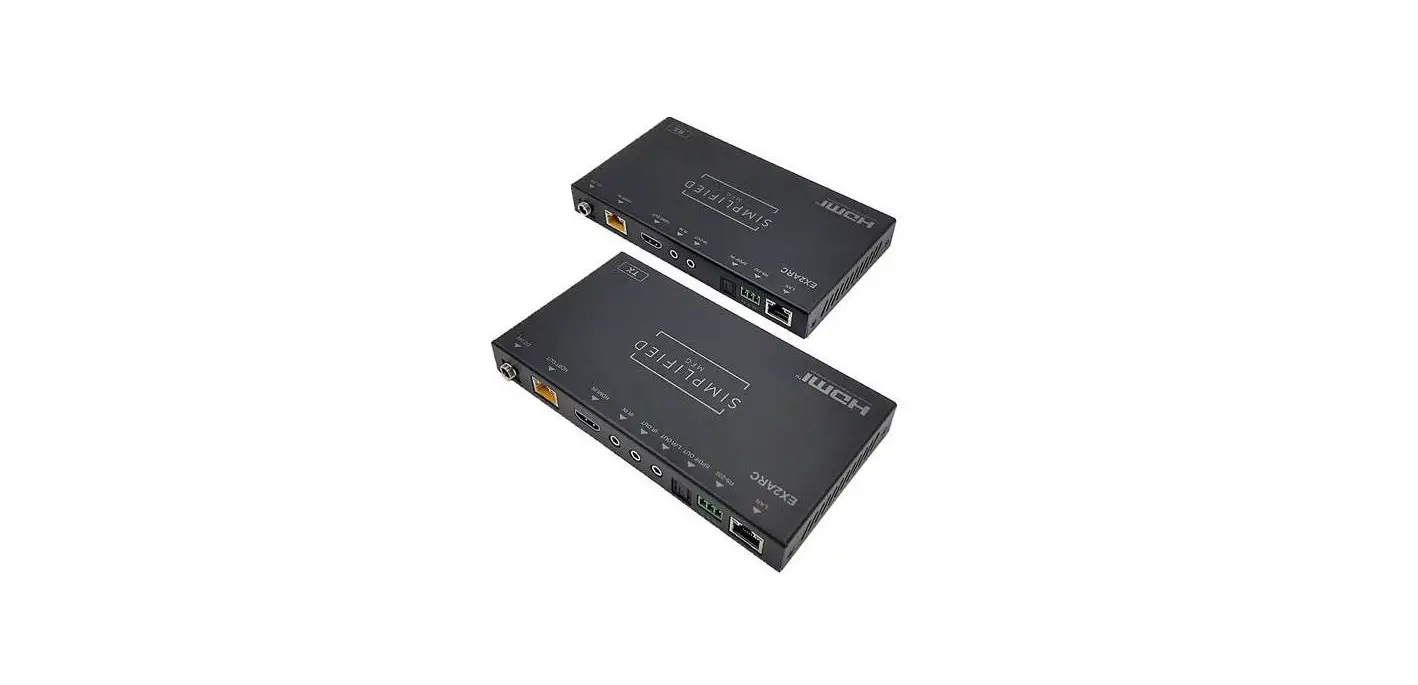
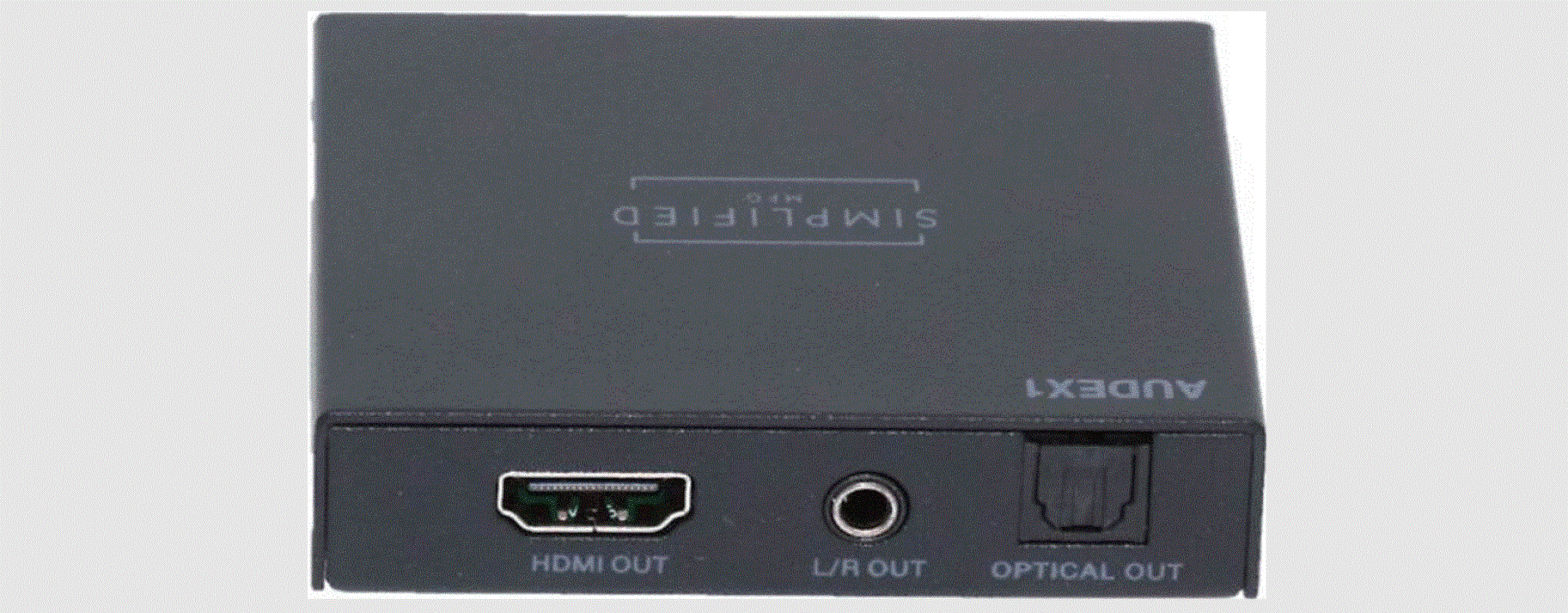
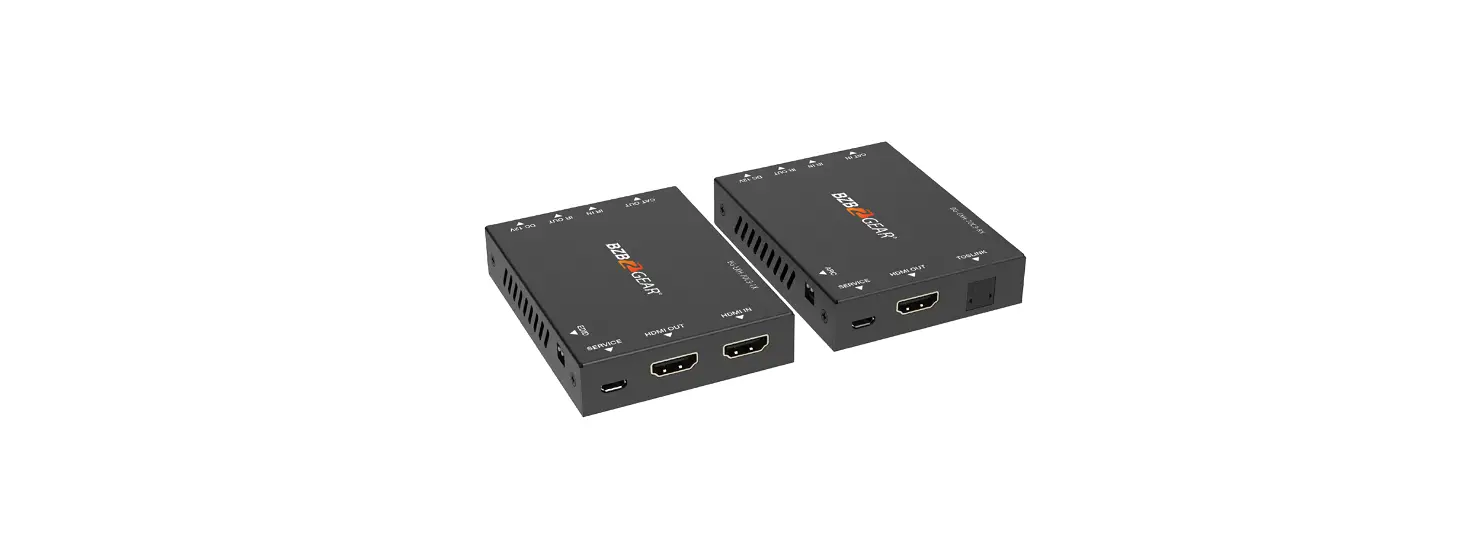
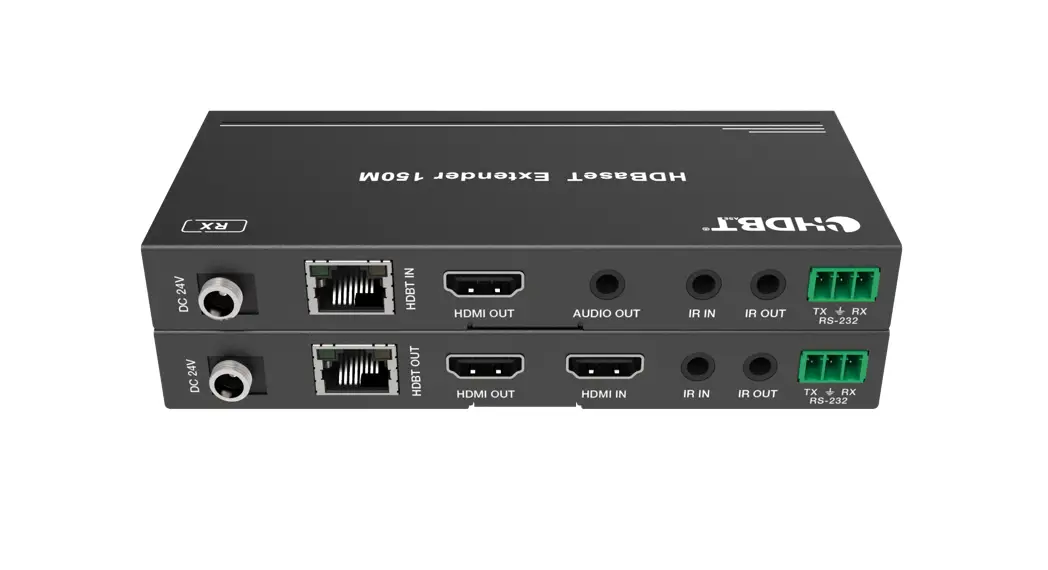
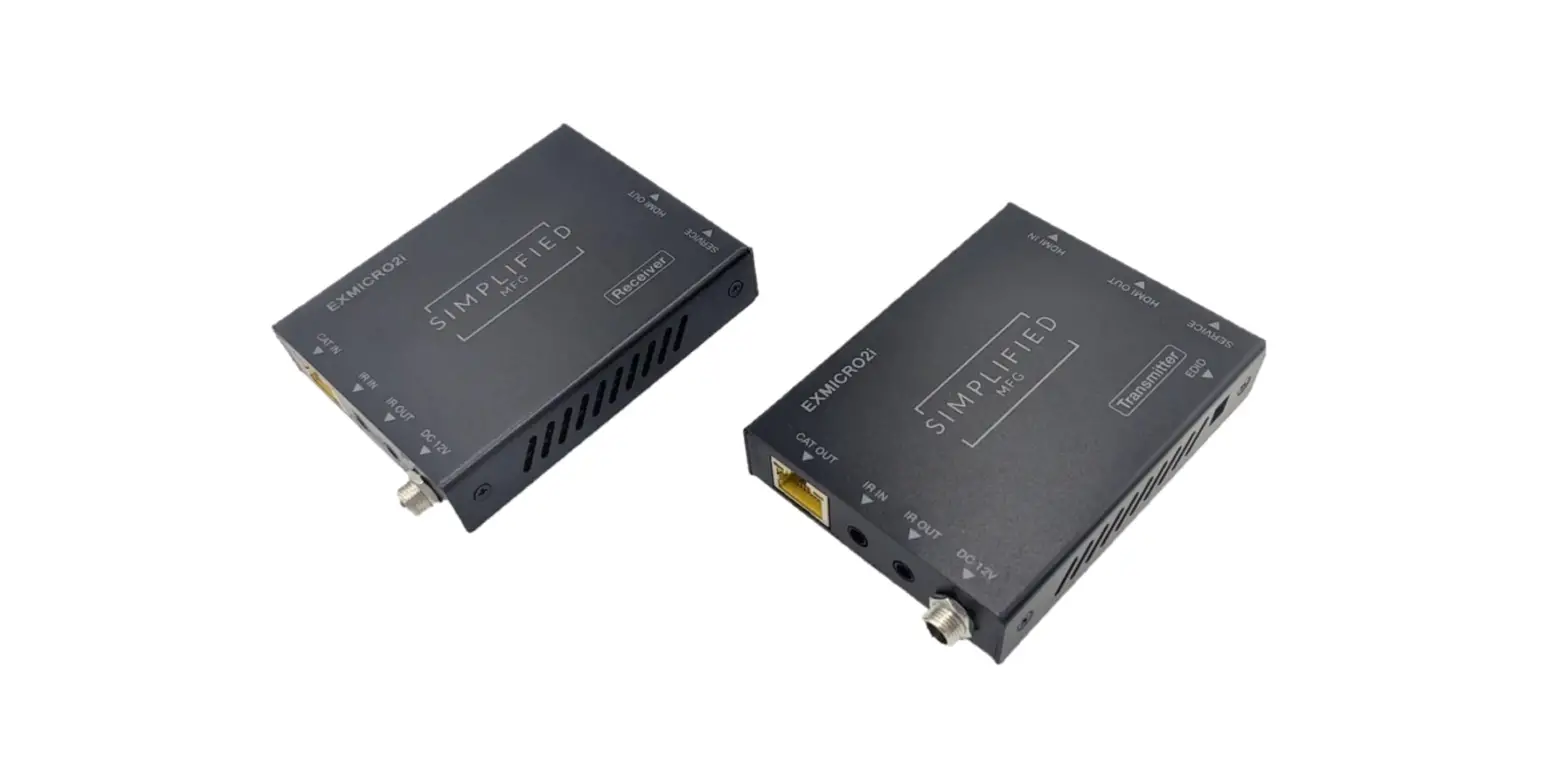
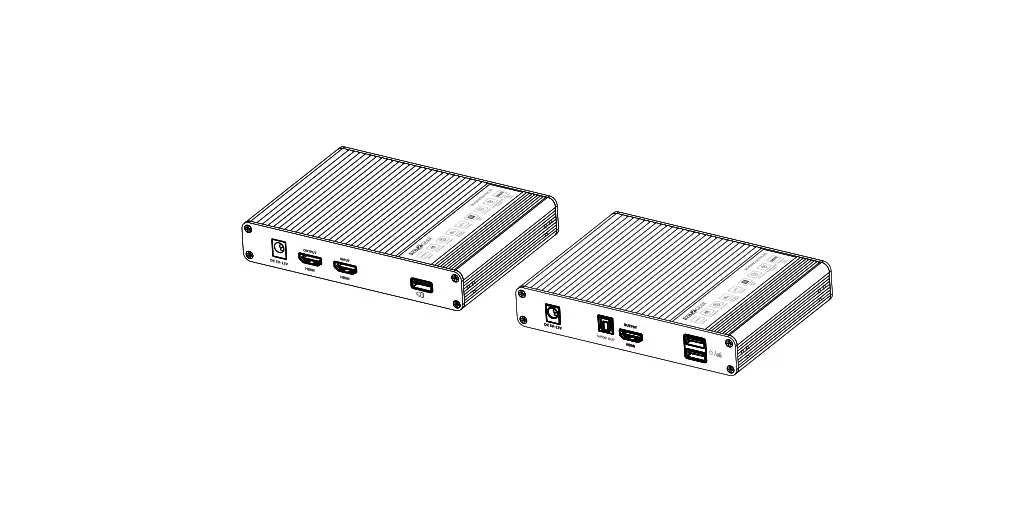
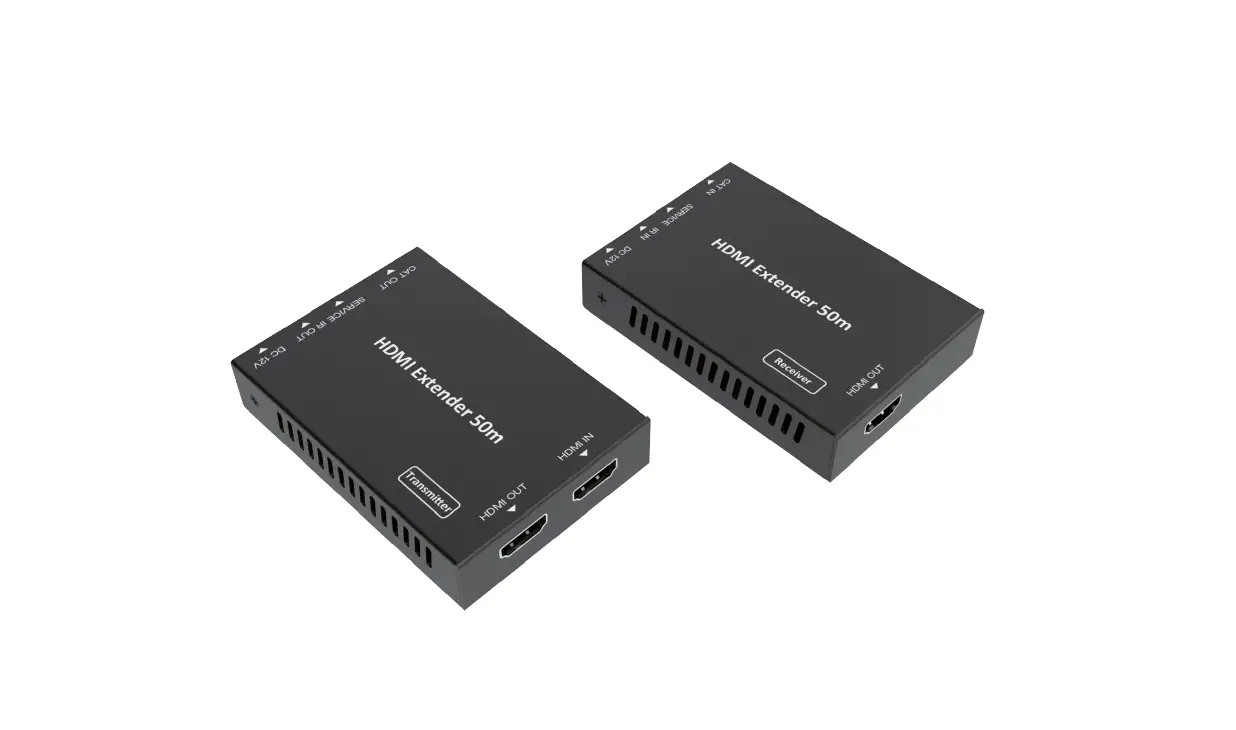
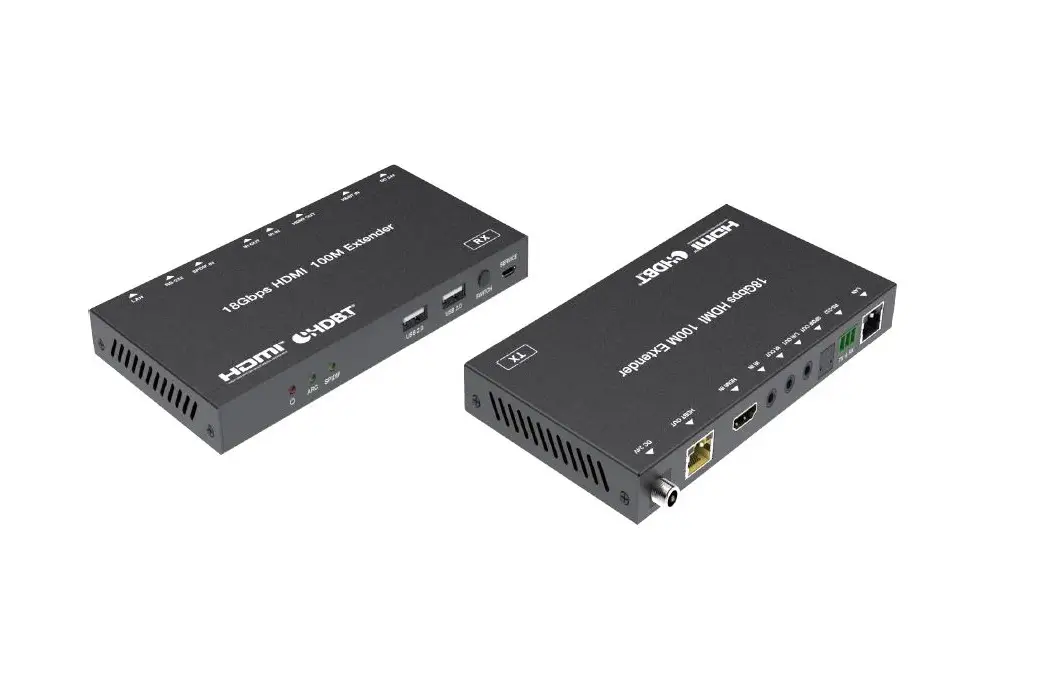
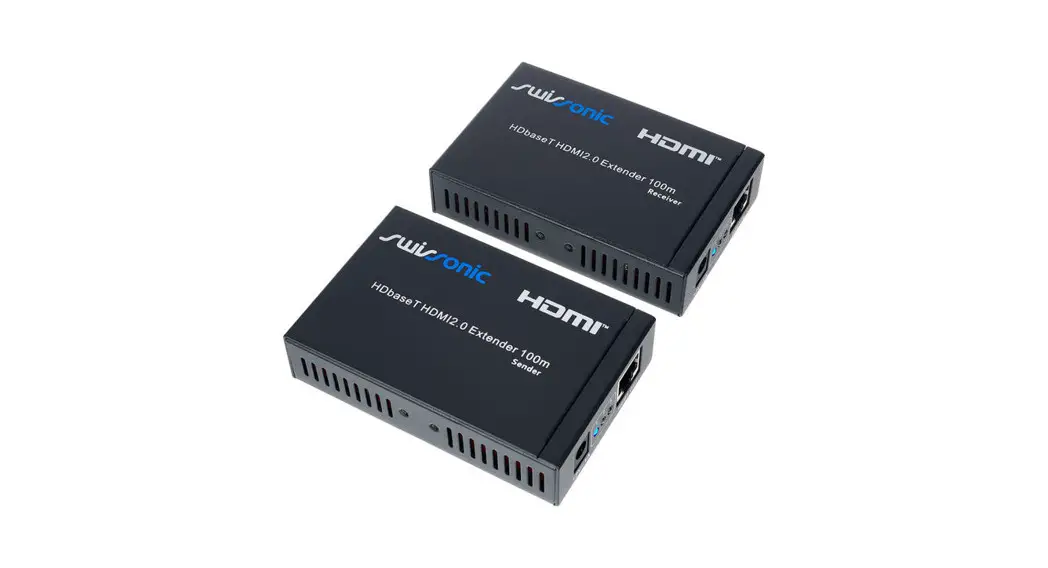
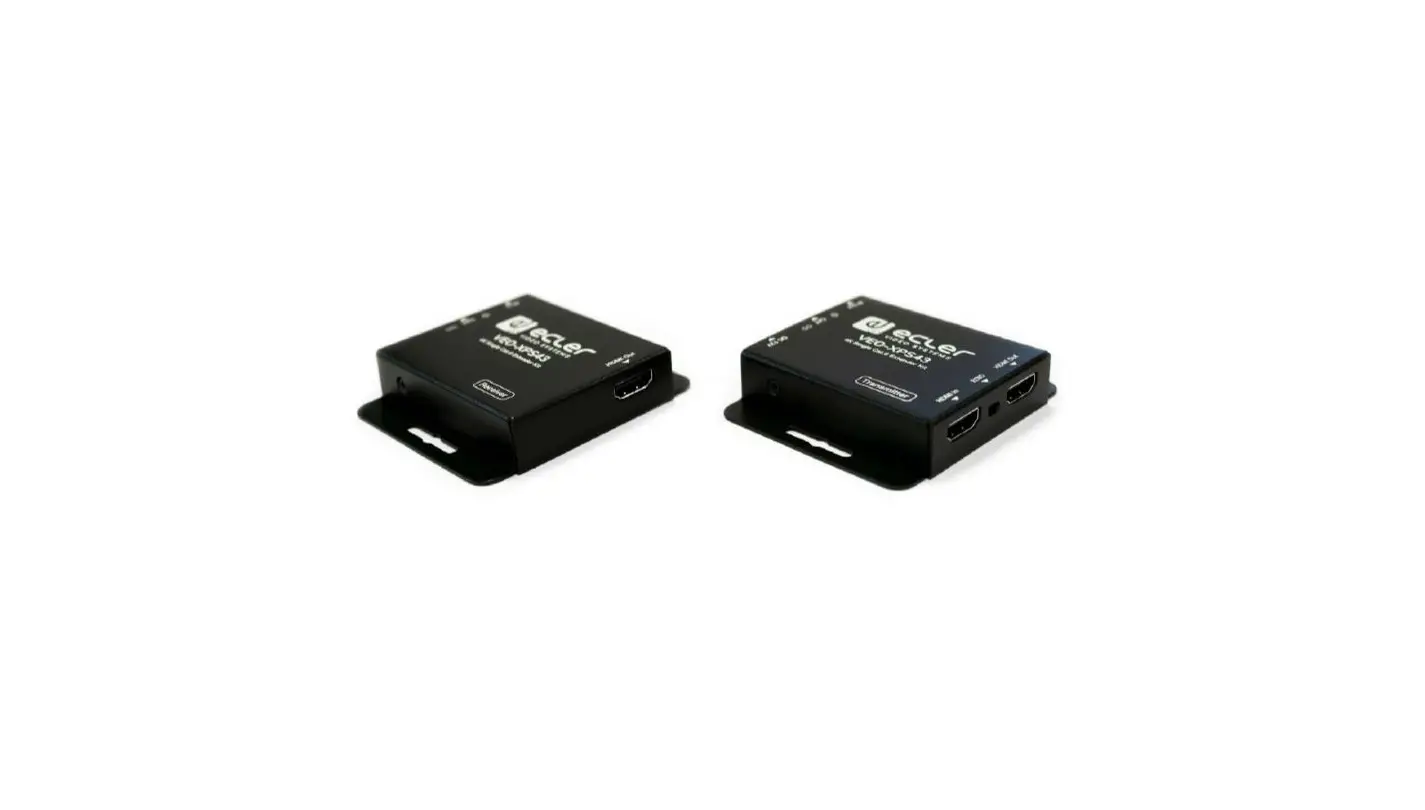
EXARC HDMI 2.0b 18Gbps 40m HDMI Extender
Product Information
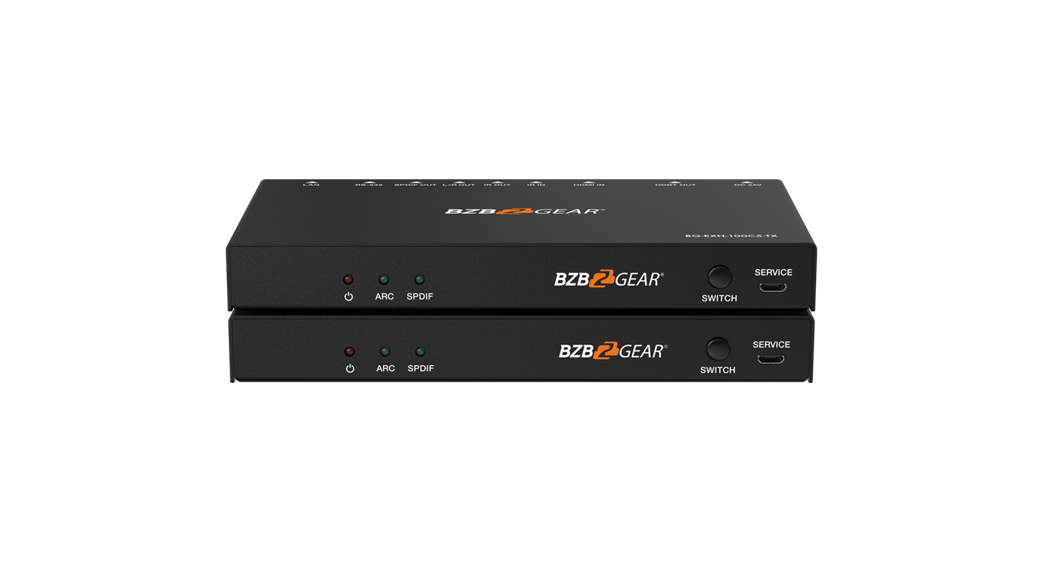
The Simplified MFG EXARC is a HDMI 2.0b (18Gbps) 40m HDMI
Extender with ARC (Audio Return Channel) and Optical audio return.
It is designed to provide years of reliable service and is
manufactured by Simplified MFG. This product contains sensitive
electrical components and surge protection systems are highly
recommended to protect and extend the life of the equipment. The
EXARC is compliant with HDCP and HDMI standards, supporting high
video bandwidth, HDR formats, various video resolutions, color
spaces, and color depths. It also supports multiple HDMI audio
formats, ARC audio formats, S/PDIF audio formats, and comes with
ESD protection.
Package Contents
- 1x EXARC Transmitter
- 1x EXARC Receiver
- 1x IR Infrared Receiver
- 1x IR Infrared Emitter
- 1x Power Adapter for Transmitter
- 1x Power Adapter for Receiver
- 1x User Manual / Instructions
Specifications
- Inputs (Transmitter): 1x HDMI Type A [19-pin
female], 1x IR in [3.5mm Stereo mini jack], 1x SERVICE [Micro USB,
update port] - Outputs (Transmitter): 1x IR out [3.5mm stereo
mini jack], 1x Optical (S/PDIF) audio port, 1x HDBaseT out [RJ45,
8-pin female] - Inputs (Receiver): 1x HDBaseT in [RJ45, 8-pin
female], 1x IR in [3.5mm Stereo mini jack], 1x Optical (S/PDIF)
audio port, 1x SERVICE [Micro USB, Update port] - Outputs (Receiver): 1x HDMI Type A [19-pin
female], 1x IR out [3.5mm Stereo mini jack] - Control: 1x 3 Conductor Phoenix connector
(Transmitter and Receiver) - Housing Color: Black
- Dimensions: (Transmitter and Receiver) –
[insert dimensions] - Weight: (Transmitter and Receiver) – [insert
weight] - Power Supply: DC 24V
- Power Consumption: [insert power
consumption] - Operating Temperature: [insert operating
temperature] - Storage Temperature: [insert storage
temperature] - Relative Humidity: [insert relative
humidity]
Product Usage Instructions
- Connect the HDMI source device (such as a Media server or other
4K source) to the HDMI In port on the Transmitter using an HDMI
cable. - If using ARC audio, set the audio selection switch on the
Receiver to HDMI ARC. In this position, the audio from the eARC/ARC
input on the display will be output via HDMI In or optical out on
the Transmitter. If not using ARC audio, set the audio selection
switch to SPDIF IN and the optical audio from the Receiver will be
sent to the Transmitter instead of ARC. - Connect the HDBaseT In port on the Receiver to the HDBaseT Out
port on the Transmitter using a CAT6 cable. - Connect the IR Infrared Receiver and IR Infrared Emitter to
their respective ports on the Transmitter and Receiver. - Connect the power adapter to the Transmitter and Receiver, and
plug them into a power source. - The Power LED on both the Transmitter and Receiver should
illuminate, indicating they are powered on. - Ensure that the Data signal LED on both the Transmitter and
Receiver is also illuminated, indicating a proper data signal
connection. - Refer to the user manual for additional information on
controlling and configuring the EXARC HDMI Extender.
Note: It is recommended to consult the user manual for specific
instructions on using the IR PINs and troubleshooting any potential
CEC issues.
EXARC
HDMI 2.0b (18Gbps) 40m HDMI Extender with ARC and
Optical audio return
VER 2.1
1
Thank you for purchasing this product
The Simplified MFG EXARC is designed to provide years of reliable service. At Simplified MFG, we want the experience with this device to be the best possible and are committed to helping achieve that experience.
Surge protection device recommended
This product contains sensitive electrical components that may be damaged by electrical spikes, surges, electric shock, lighting strikes, etc. Use of surge protection systems is highly recommended to protect and extend the life of your equipment. A HDSURGE is highly recommended on cable and satellite boxes.
Table of Contents
1. Introduction ………………………………………………………………………………………. 2 2. Features…………………………………………………………………………………………….. 3 3. Package Contents ……………………………………………………………………………….. 3 4. Specifications …………………………………………………………………………………….. 4 5. Operation Controls and Functions …………………………………………………………. 5
5.1 Transmitter Panel………………………………………………………………………… 5 5.2 Receiver Panel…………………………………………………………………………….. 6 5.3 IR Pin Definition………………………………………………………………………….. 6 6. Application Example ……………………………………………………………………………. 7 7. Warranty Information……………………………………………………………………… 8 8. Contact Information……………………………………………………………………….. 8
1. Introduction
The EXARC can extend an HDMI2.0b (18Gbps) high-definition audio and video signal and two-way IR up to 40 meters (132 feet) over a single Cat5e/6/7 cable, while simultaneously transmitting ARC or optical S/PDIF signals from the RX back to the TX. The EXARC supports resolutions up to 4K2K@60Hz 4:4:4, up to 18Gbps, and HDCP 2.2/1.4. In addition, the EXARC extender is equipped with two-way IR and RS232 which allows for source and display control. The EXARC extender is a great way to bring audio back from the display to the TX end either through the HDMI (ARC) or via optical S/PDIF. This transmission is independent of the AV and control features.
2
2. Features
· HDMI 2.0b and HDCP 2.2 compliant · Supports input and output video resolution up to 4k2k@60Hz 4:4:4 up
to 18Gbps · Supports HDR/HDR+/DolbyVisionTM · Distance up to 131ft/40m @ 4k – 230ft/70m @1080p · Brings ARC or optical S/PDIF from RX back to TX · Outputs ARC audio through optical S/PDIF and/or HDMI · Two-way 12V IR transmission and RS232 pass through · Single power supply can be powered from either the RX or TX
3. Package Contents
· 1× HDMI 18Gbps transmitter · 1× HDMI 18Gbps receiver · 1× IR Blaster (1.5m length) · 1× 20~60KHz IR Receiver (1.5m length) · 1× 24V/1A Locking Power supply · 2 x 3 Conductor Phoenix connectors · 4× Mounting Ears · 1× User Manual
3
4. Specifications
Technical HDMI Compliance HDCP Compliance Video Bandwidth HDR Formats Video Resolution Color Space Color Depth
HDMI Audio Formats
ARC Audio Formats S/PDIF Audio Formats ESD Protection
Connections Transmitter
Receiver
Mechanical Housing Color Dimensions
Weight Power Supply Power Consumption Op. Temperature Storage Temperature Relative Humidity
HDMI 2.0b HDCP 2.2 / HDCP 1.4 18Gbps HDR/HDR10+/DolbyVisionTM Up to 4K60Hz 4:4:4 RGB / YCbCr 4:4:4, YCbCr 4:2:2/4:2:0, YUV 4:4:4 8/10/12-bit (1080P60Hz, 4K30Hz, 4K60Hz YCbCr 4:2:2/4:2:0) 8-bit (4K60Hz 4:4:4) LPCM 2.0/2.1/5.1/6.1/7.1, Dolby Digital, Dolby TrueHD, Dolby Digital Plus (DD+), DTS-ES, DTS HD Master, DTS HD-HRA, DTS-X Dolby Digital 5.1 and down, DTS 5.1, PCM 2.0 Dolby Digital 5.1 and down, DTS 5.1, PCM 2.0 Human body model — ±8kV (Air-gap discharge) &±4kV (Contact discharge)
Inputs: 1x HDMI Type A [19-pin female] 1 x IR in [3.5mm Stereo mini jack] 1x SERVICE [Micro USB, update port]
Outputs: 1x IR out [3.5mm stereo mini jack] 1 x Optical (S/PDIF) audio port 1x HDBaseT out [RJ45, 8-pin female]
Control: 1x 3 Conductor Phoenix connector Inputs: 1x HDBaseT in [RJ45, 8-pin female]
1x IR in [3.5mm Stereo mini jack] 1 x Optical (S/PDIF) audio port 1x SERVICE [Micro USB, Update port] Outputs: 1x HDMI Type A [19-pin female] 1 x IR out [3.5mm Stereo mini jack] Control: 1x 3 Conductor Phoenix connector
Metal Enclosure Black Transmitter / Receiver: 140mm/5.5″ [W] x 65mm/2.56″ [D] x 18mm/.70″ [H] Transmitter: 235g/8.3oz., Receiver: 239g/8.43oz. Input: AC 100 – 240V 50/60Hz Output: DC 24V/1A 9.6W (Max) 32 – 104°F / 0 – 40°C -4 – 140°F / -20 – 60°C 20 – 90% RH (no condensation)
4
5. Operation Controls and Functions
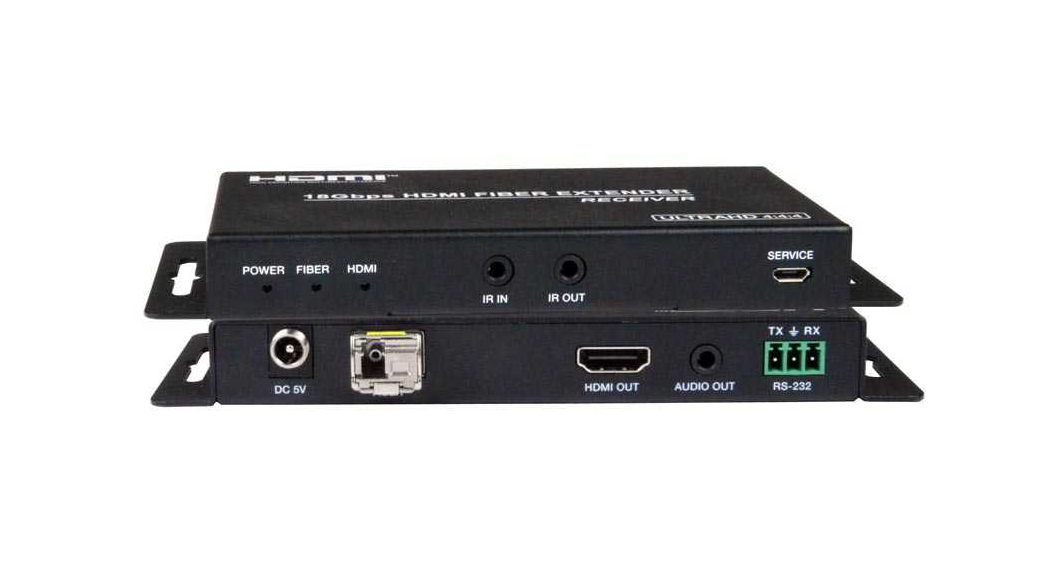
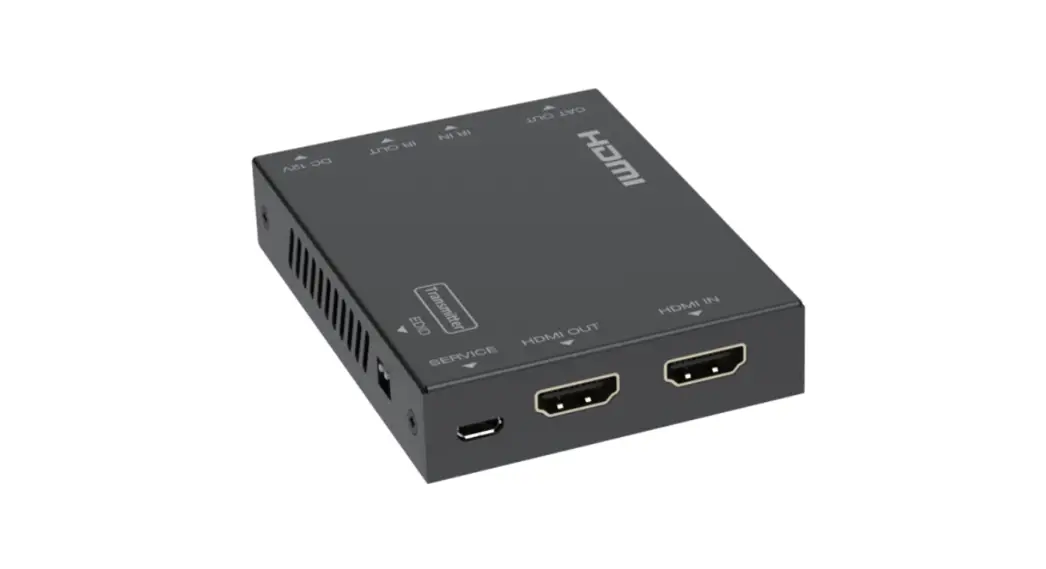
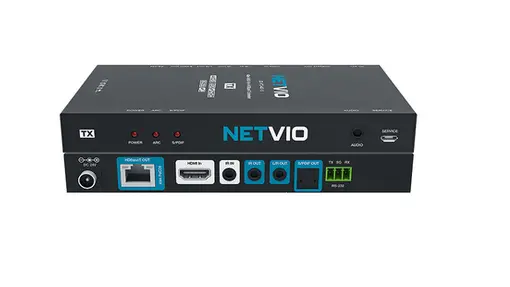
5.1 Transmitter Panel
Number
Name
1 HDMI In
2 S/PDIF Out 3 HDBaseT Out
4 Power LED (Green)
5 Data signal LED (Orange)
6 IR In
7 IR Out
8 RS232 (3-PIN Phoenix)
9 DC 24V
Function description HDMI input port, connect to HDMI source device such as Media server or other 4K source Optical output from ARC or S/PDIF at RX Connect to HDBaseT In port on the receiving end with a CAT6 cable. The LED will illuminate when the transmitter is powered on.
The LED will illuminate when the transmitter and the receiver have signal transmission (link) Connect to IR receiver (included). The IR signal is then sent to the IR Out to the IR Blaster at the receiver. Connect to wideband IR Blaster (included). The IR signal is from the IR In port of the receiver. Connect to third-party control system for 2-way RS232 communication with the RS232 connection at the RX Plug DC 24V/1A power supply into the unit and connect the adapter to an AC outlet. (Note: The EXARC can be powered from either the RX or the TX by 24V/1A power adapter, only one supply is needed)
EDID Switch is set to copy the display’s EDID. STD is a 1080p setting designed to help in troubleshooting
5
5.2 Receiver Panel
Number
1 2 3 4 5 6 7 8 9
Name HDMI Out
S/PDIF In
HDBaseT In Power LED (Green)
Data signal LED (Orange) IR In
IR Out
RS232 (3-PIN Phoenix) DC 24V
Function description HDMI output port, connect to HDMI display device such as TV or Projector with an HDMI cable. Connect to optical output of display, the signal will output at the S/PDIF on the TX Connects to the TX HDBaseT output via category cable The LED will illuminate when the receiver is powered on. It also indicates the connection from TX to RX The LED will illuminate when the transmitter and the receiver have signal transmission (link). Connect to wideband IR Receiver. The IR signal will be transmitted to the IR Out port of the transmitter. The IR from the TX IR In will be transmitted through the IR blaster connected here. Connect to third-party control system for 2-way RS232 communication with the RS232 connection at the RX Plug DC 24V/1A power supply into the unit and connect the adapter to an AC outlet. (Note: The EXARC can be powered from either the RX or the TX by 24V/1A power adapter, only one supply is needed)
The audio selection switch is set to HDMI ARC, in this position, the audio from the eARC/ARC input on the display will be output via HDMI in or optical out on the TX. In SPDIF IN position, the ARC is disabled and the optical from the RX is sent to the TX instead of ARC.
6
5.3 IR PIN Definition IR Use Example:
7
6. Application Example
Note that the optical S/PDIF on the RX will output the ARC or the S/PDIF from the display. ARC audio has a higher bandwidth than optical however, CEC issues may necessitate the use of the optical instead of the ARC. Also, ARC is backwards compatible with eARC. On some displays, CEC may cause issues and ARC will not operate without CEC. Put the display in eARC mode and this should solve the issue and pass ARC without CEC.
7. Warranty
Should you feel that this product does not function adequately due to defects in materials or workmanship, we (referred to as “the warrantor”) will, for the length of the period indicated below (starting from the original date of the purchase) either a) repair the product with new or refurbished parts. Or b) Replace the product with new or refurbished product. All Simplified MFG products are covered by a 3-year warranty. During this period there will be no charge for unit repair, replacement of unit components or replacement of the product if deemed necessary. The decision to repair or replace is made by the warrantor. The purchaser must mail in the product during the warranty period. This limited warranty only covers the product purchased as new and is extended to the original purchaser only. It is non-transferrable to subsequent owners, even during the warranty period. A purchase receipt or other proof of purchase date is required for the limited warranty service.
8
8. Contact Information
Sales and Tech Support P. 833-HDMI-411 (833-436-4411) E. [email protected]
Simplified MFG · 550 W Baseline Rd Ste 102-121 · Mesa AZ 85210
© Copyright Simplified MFG 2023
9
EXARC Quick Start Guide
042
ARC Audio
HDMI
IR
Optical out works with ARC as well
Third Party Control
Optical
RS232
Local device Controlled With RS232
RS232
ARC Audio
Cat6/6A/7/8
IR
HDMI
IR
· The EXARC is a 40m HDMI 2.0b (18Gbp)/
IR
Device
70m 1080p HDR Extender that supports ARC and return audio via optical S/PDIF.
at rack
etc.
· ARC is output via HDMI port or optical
S/PDIF port on the TX unit
· IR and RS232 commands are sent to and from both the TX and the RX allowing IR and RS232 to be sent from source end to display and/or from display end to source end
Simplified MFG · 550 W Baseline Road Ste 102-121 · Mesa, AZ 85210 · www.simplifiedmfg.com · 833-HDMI-411 (436-4411)
How to use and trouble shoot Simplified MFG Extenders
Typical Extender use
At the TX end:
Is everything connected (Cat, HDMI, Power etc)?
Is the HDMI cable in the HDMI input of the TX? We often use a loop out, make sure the input is not in this port.
What are the lights where the Cat cable plugs into doing?
Is the Green Lit Solid?
Yes, good! Flashing or off the category cable is poor. This can be the termination (check the manual for wiring termination), poor wire, or interference from being run poorly
Is the Amber Lit Solid?
Yes good! Flashing slowly means no HDCP, off means no signal at HDMI port(s)
At the RX end:
Is the Green Lit Solid?
Yes, good! Flashing or off the category cable is poor. This can be the termination (check the manual for wiring termination), poor wire, or interference from being run poorly
Is the Amber Lit Solid?
Yes good! Flashing slowly means no HDCP, off means no signal at HDMI port(s)
Other Techniques:
Make the circuit simpler. Move the source near the display or the display near the source and see if it works with a short HDMI cable. You can use this to verify the HDMI cables work as well. Add components until the system fails.
Use a known working run of category cable across the floor and see if behavior changes.
It is often the case that the display’s setting can cause odd/poor behavior. Consult the display’s tech resources. Also, it is possible we have seen the issue and may have a tech paper on this.
Not a bad idea to keep the following on your service vehicle:
· Test source like an AppleTV or signal generator
· Known working HDMI cables
· Known working terminated Category cable
· SP12S splitter for clocking issues, etc.
Simplified MFG · 550 W Baseline Road Ste 102-121 · Mesa, AZ 85210 · www.simplifiedmfg.com · 833-HDMI-411 (436-4411)
EXARC
HDMI 2.0b (18Gbps) Extender Specifications:
over Category cable with ARC
Technical
HDMI Compliance HDMI 2.0b
HDCP Compliance HDCP 2.2 and HDCP 1.4
Video Bandwidth Video Resolutions Color Space
18 Gbps up to 4K2K@50/60Hz (YUV4:4:4),4K2K@30Hz,1080P@120Hz, and 1080P 3D@60Hz RGB, YCbCr 4:4:4, YCbCr 4:2:2
The EXARC is a HDMI over category cable extender that supports ARC through the HDMI port or through the optical S/PDIF port on the TX. It can also be used as optical to optical. The optical content is independent of the AV going to the display. The EXARC supports all versions of HDR, WCG, and the entire HDMI 2.0b (18Gbps) format. Other features include single ended power (either end), Bi-Directional 12V IR, & RS232. Distance at 4K is 50m (164ft.).
Color Depth HDMI Audio Formats ARC Audio Formats S/PDIF Audio Formats ESD Protection
Connections
TX
10-bit, 12-bit LPCM 2/5.1/7.1CH, Dolby Digital, DTS 5.1, Dolby Digital+, Dolby TrueHD, DTS-HD Master Audio, Dolby Atmos, DTS:X Dolby Digital 5.1 and down, DTS 5.1, and PCM 2.0
Dolby Digital 5.1 and down, DTS 5.1, and PCM 2.0 Human body model — ±8kV (air-gap discharge) & ±4kV (contact discharge)
Inputs: 1x HDMI Type A [19-pin female] 1x IR INPUT [3.5mm Stereo Mini-jack] 1x MICRO USB Service port
Outputs: 1x IR Out [3.5mm mini jack] 1x Optical (S/PDIF) audio port 1x HDBaseT out [RJ-45, 8-Pin Female]
Control: 1x 3-PIN Phoenix connector Inputs: 1x HDBaseT In [RJ-45, 8-Pin Female]
1x IR INPUT [3.5mm Stereo Mini-jack]
Features:
1x Optical (S/PDIF) audio port
RX
1x MICRO USB Service port
· HDMI 2.0b (18Gbps) · HDR 8/10/10+ & Dolby VisionTM
Support · ARC through HDMI or S/PDIF · Single power supply (either end)
· RS232 · 2-Way 12V IR (kit included)
· 50m (164ft) Transmission distance · Supports HBR (High Bit Rate
Audio) · 3-Year Warranty
Mechanical
Housing Color Dimensions Weight
Power Supply
Power Consumption Operation Temperature Storage Temperature Relative Humidity
Outputs: 1x HDMI Type A [19-pin female] 1x IR Out [3.5mm mini jack]
Control: 1x 3-PIN Phoenix connector
Metal Enclosure Black 140mm [5.5″] x 65mm [2.56″] x 18mm [0/7″] TX: 235g/8.3oz., RX: 239g/8.43oz. Input: AC100 – 240V 50/60Hz Output: DC 24V/1A (US/EU standards, CE/FCC/UL certified) 18W (Max)
32 – 104°F / 0 – 40°C
-4 – 140°F / -20 – 60°C
20 – 90% RH (no condensation)
833-HDMI411 (436-4411) · www.simplifiedmfg.com · 550 W Baseline Rd., Ste #102-121 · Mesa, AZ 85210
 Simplified MFG Cutting Edge HDMI Solutions