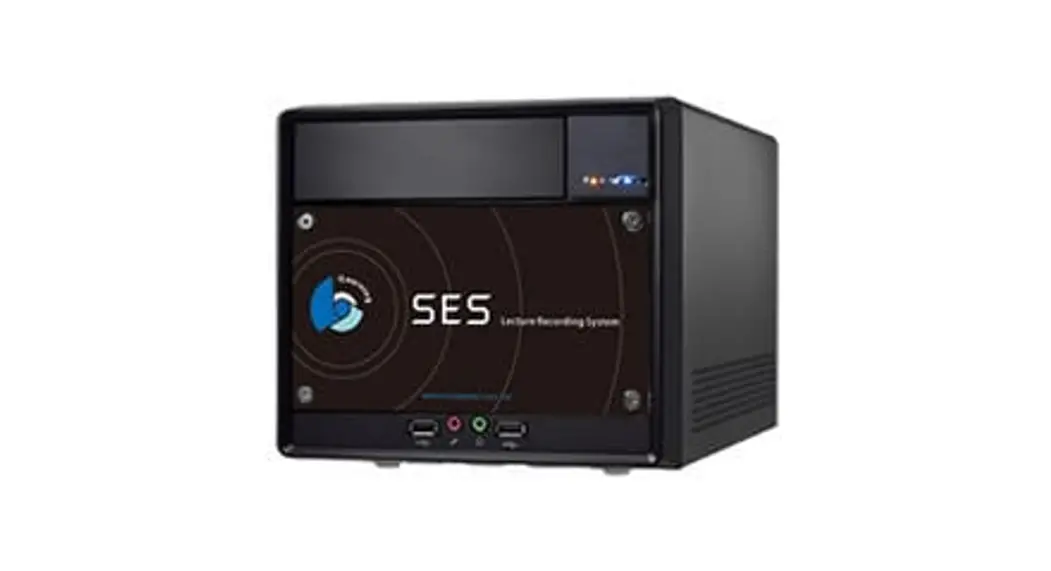
 SES Installation Guide
 http://manual.blueeyes.com.tw/
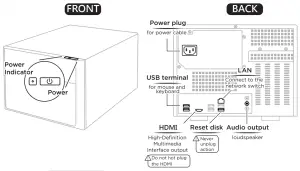
Diagram
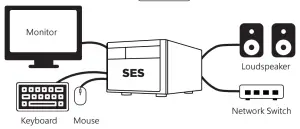
Boot
Please make sure power, network, keyboard, mouse, loudspeaker, and monitor are connected.
Modify IP of SES
- SES → Press
 Start → Control Panel
→ Network and Internet→ Network and Sharing Center
→ Change adapter → Ethernet → Settings
→ Select Internet Protocol Version 4 ( TCP / IPv4 ) → Settings - Based on the network environment to modify the IP address
 Start → Control Panel
SES Network Default
| IP | 192.168.1.169 |
| Subnet Mask | 255.255.255.0 |
| Default Gateway | 192.168.1.1 |
IP setting of iCam Max at SES
- SES → Settings → iCam → Enabled
- Setting related info of camera. Please find the default below
Camera Default
| ID | root |
| PWD | 27507522 |
Contact us +886 4 22970977 ext. 335,336,306
Manuals:https://manual.blueeyes.com.tw
21.11