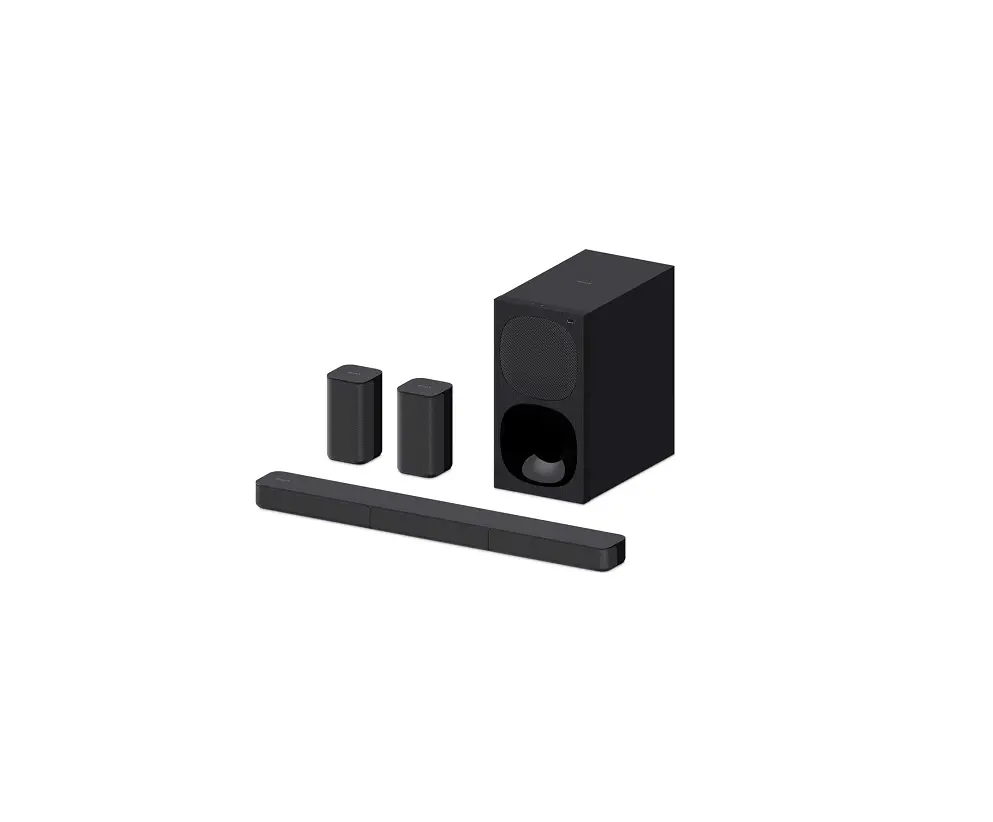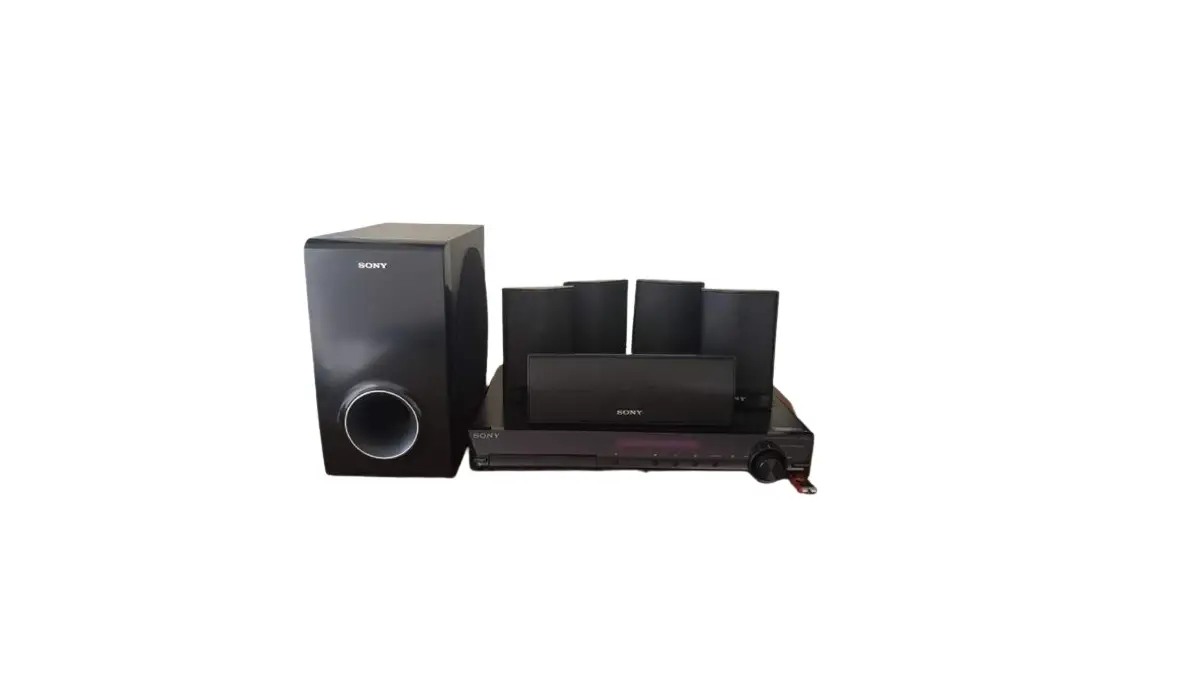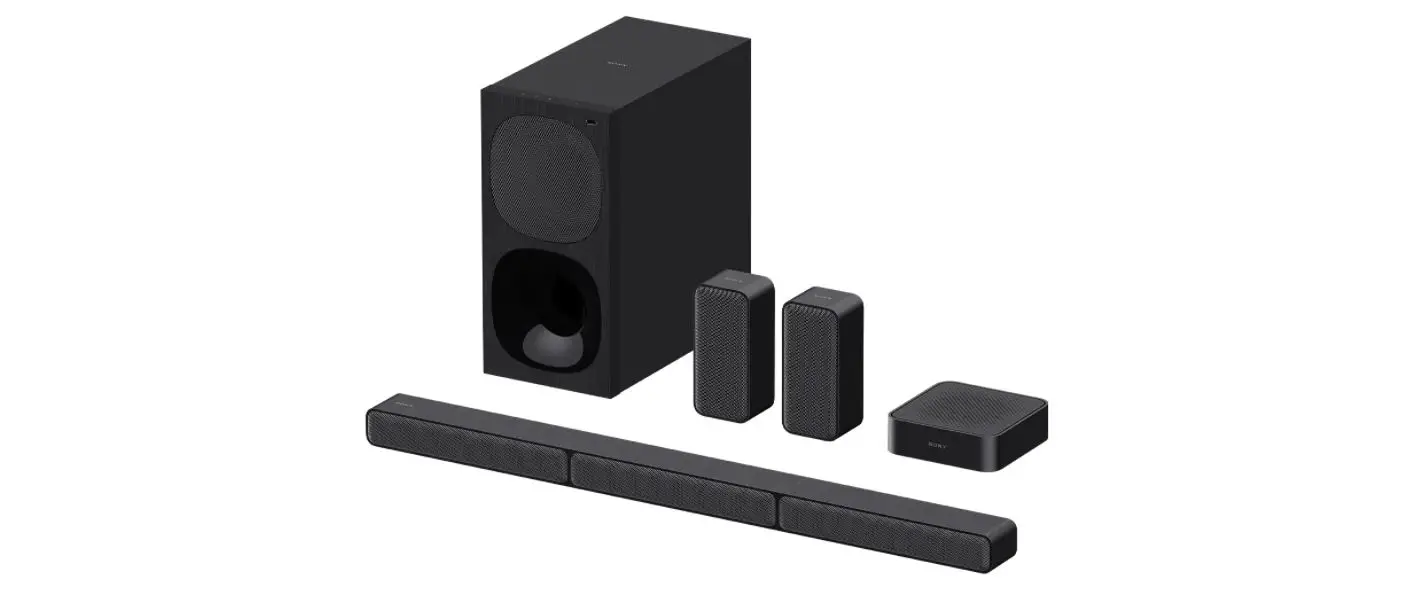
SONY Home Theatre System HT-S40R
User Guide
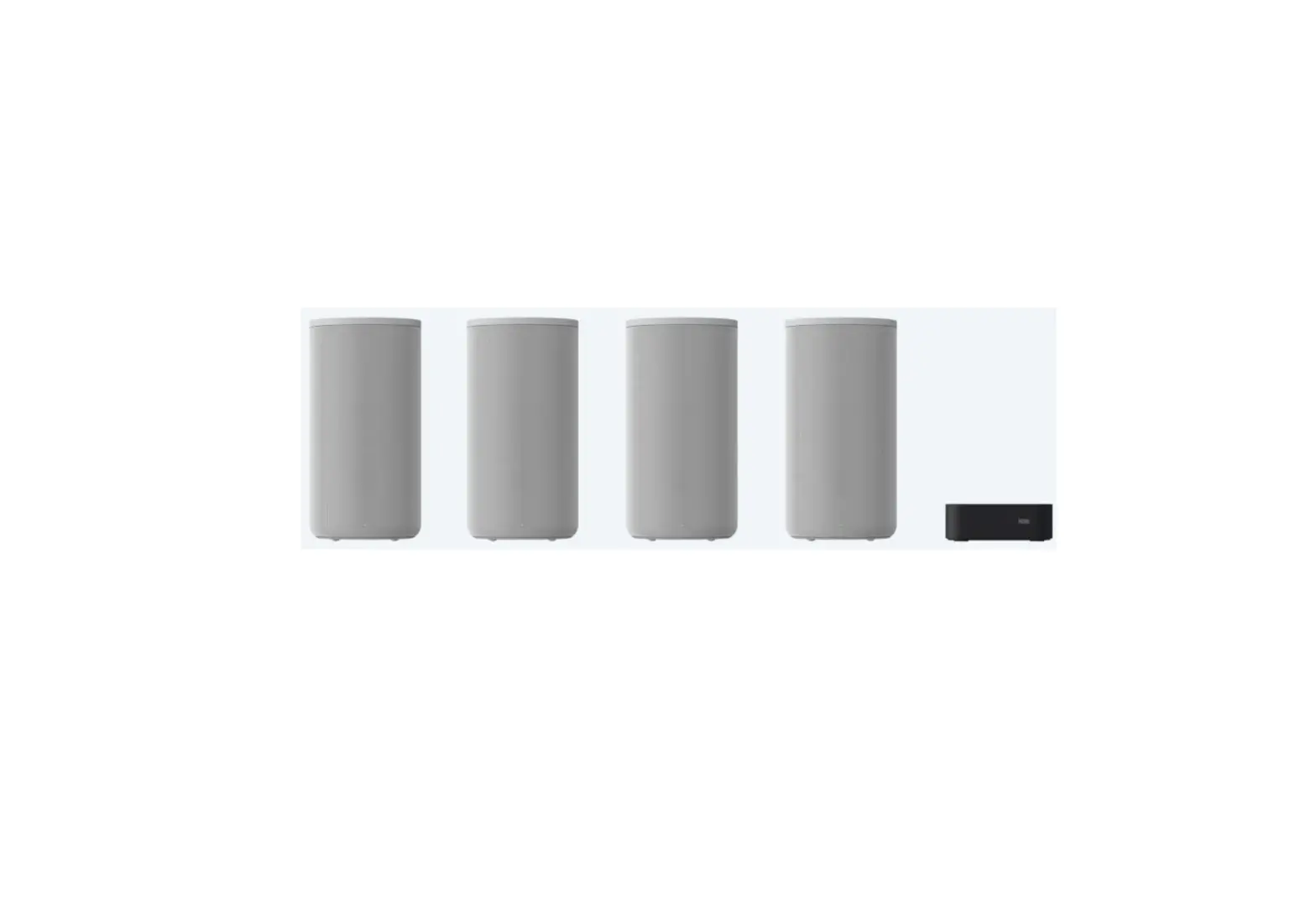
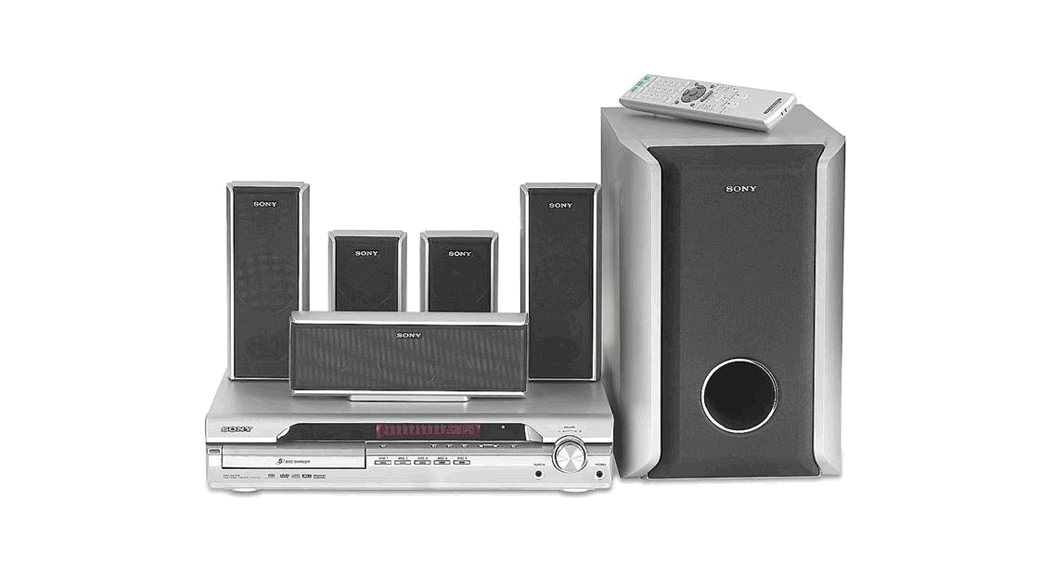
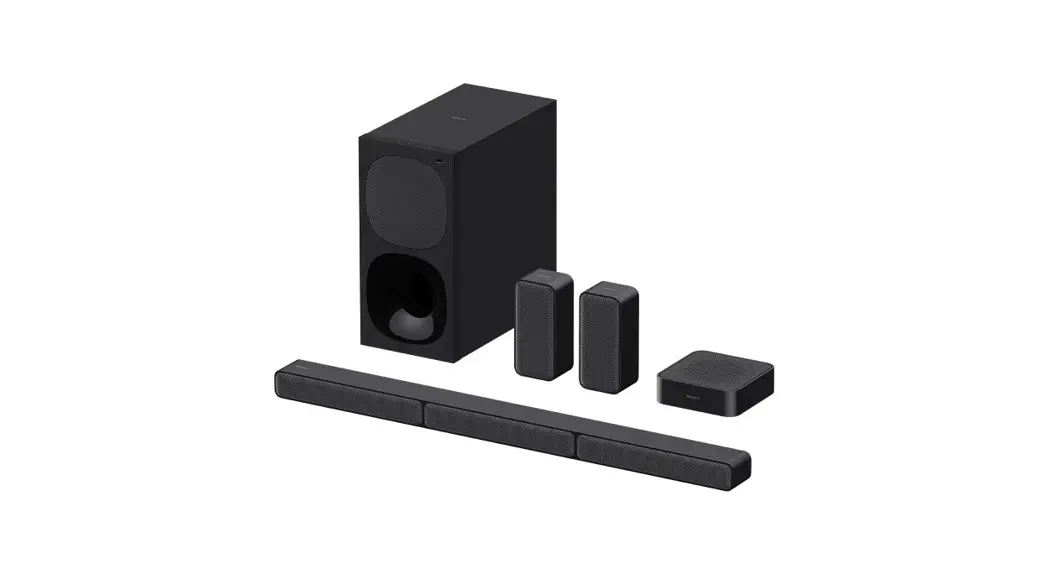
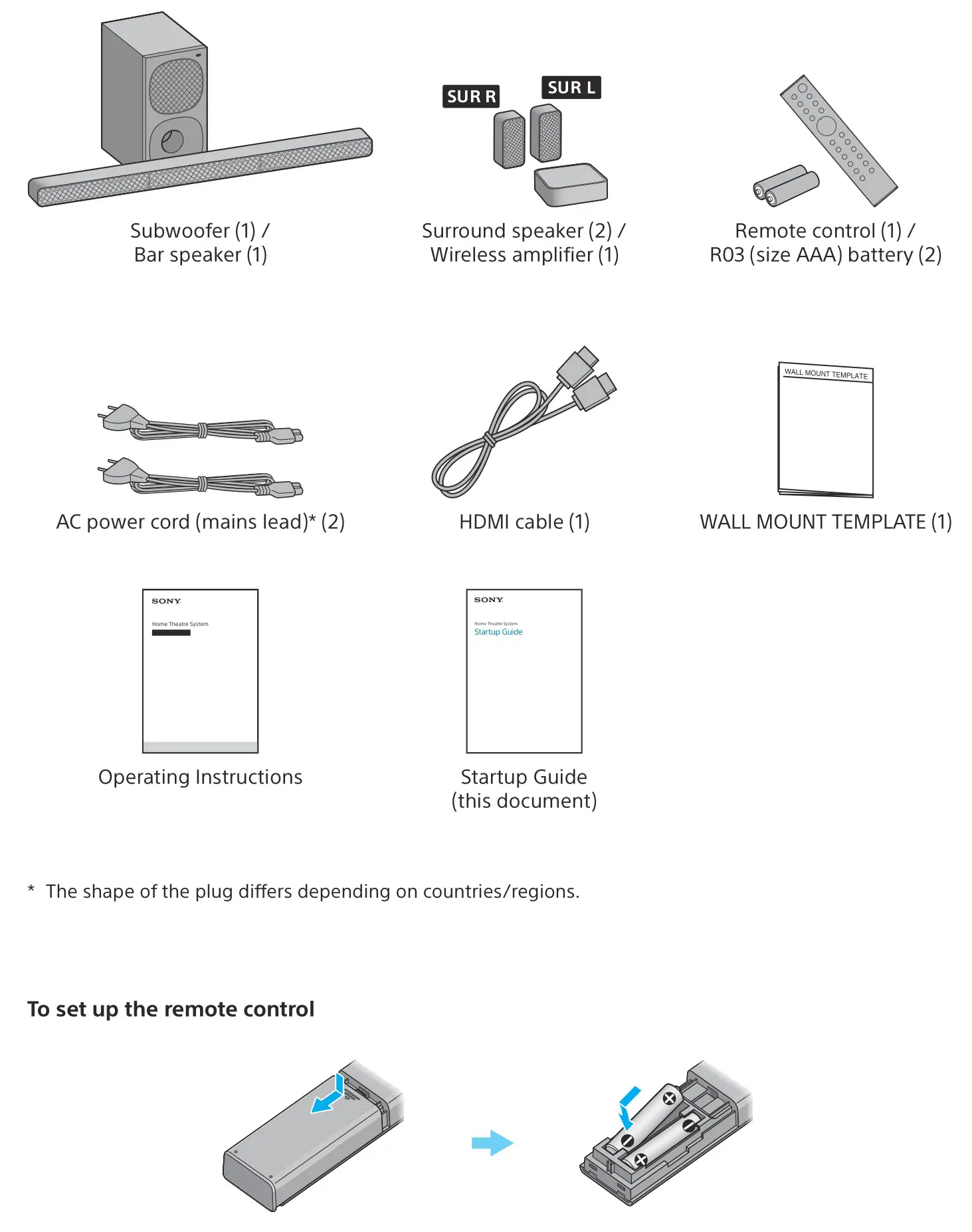
What’s in the box
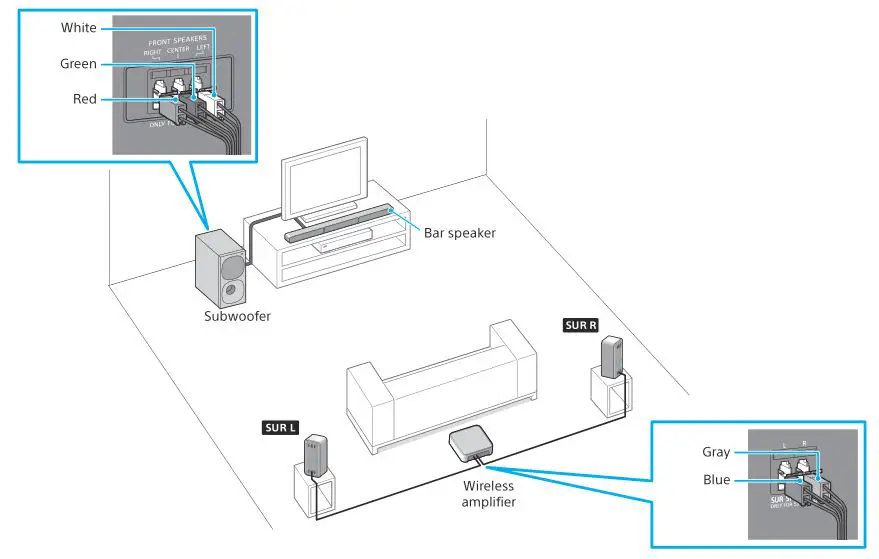
Connect the speakers
Connect the speaker cords to match the color of the FRONT SPEAKERS jacks on the rear of the subwoofer and SUR SPEAKERS jacks on the rear of the wireless amplifier.
Note
- Disconnect the AC power cords (mains leads) of the TV and devices from the AC outlets (mains) in advance. The AC power cords (mains leads) must be reconnected in step 3.
- Place the subwoofer 5 cm (2 in) or more away from a TV rack, walls, etc.
- Check the labels on the bottom of each surround speaker to identify “SUR L” (left) and “SUR R” (right).
Connect with a TV
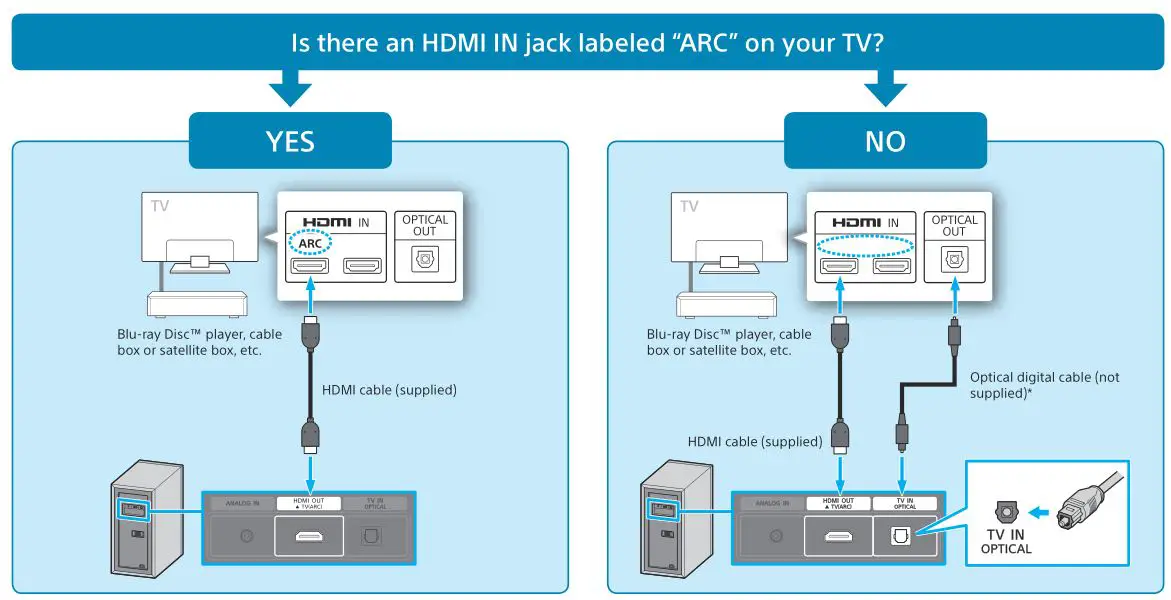
* If your TV does not support the ARC (Audio Return Channel) function, connect an optical digital cable (not supplied) to listen to the TV sound.
Note
- Check the shape of the TV IN (OPTICAL) jack on the subwoofer and the optical digital cable’s connector, then insert the connector into the jack in the right direction. If you insert the connector in the wrong direction, the connector and jack may be damaged.
Connect AC power cords (mains leads) of the TV and the speaker system
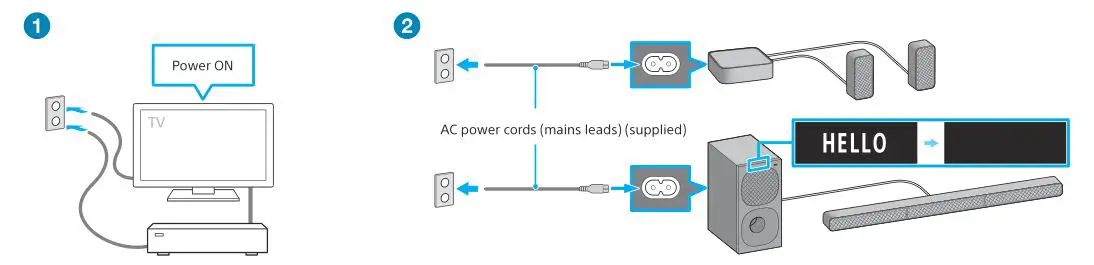
- Connect the AC power cord (mains lead) of the TV and turn on.
- Connect the AC power cords (mains leads) (supplied) to the subwoofer and the wireless amplifier, and then connect the cords to the AC outlets (mains).
The remote control of the speaker system does not work until [HELLO] in the front panel display on the subwoofer disappears.
Listen to the sound
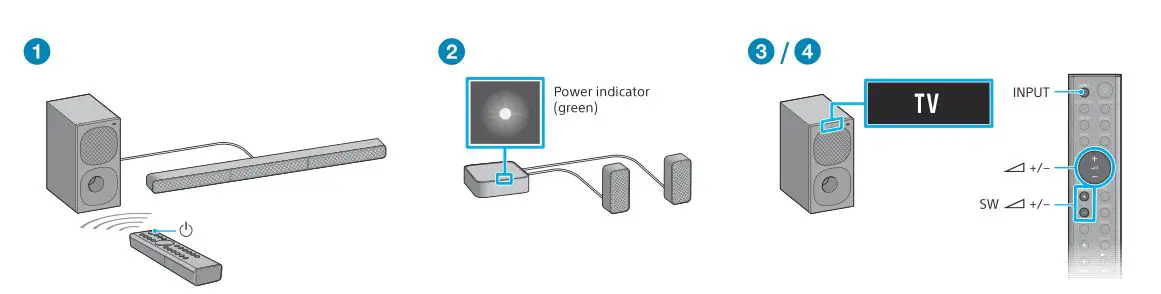
- Press
 (power) on the remote control of the speaker system.
 - Confirm that the power indicator of the wireless amplifier is lit in green.
When the connection with the subwoofer is completed, the power indicator of the wireless amplifier is lit in green. - Press INPUT to select [TV] input.
Then select the program you want using the TV remote control. - Press
 to adjust the speaker system volume and press SW to adjust the subwoofer volume.
 (power) on the remote control of the speaker system.
 to adjust the speaker system volume and press SW
 Note
- Depending on the order in which you turn on the TV and the speaker system, the system may enter muting mode. In this case, turn on the TV first, then the system.