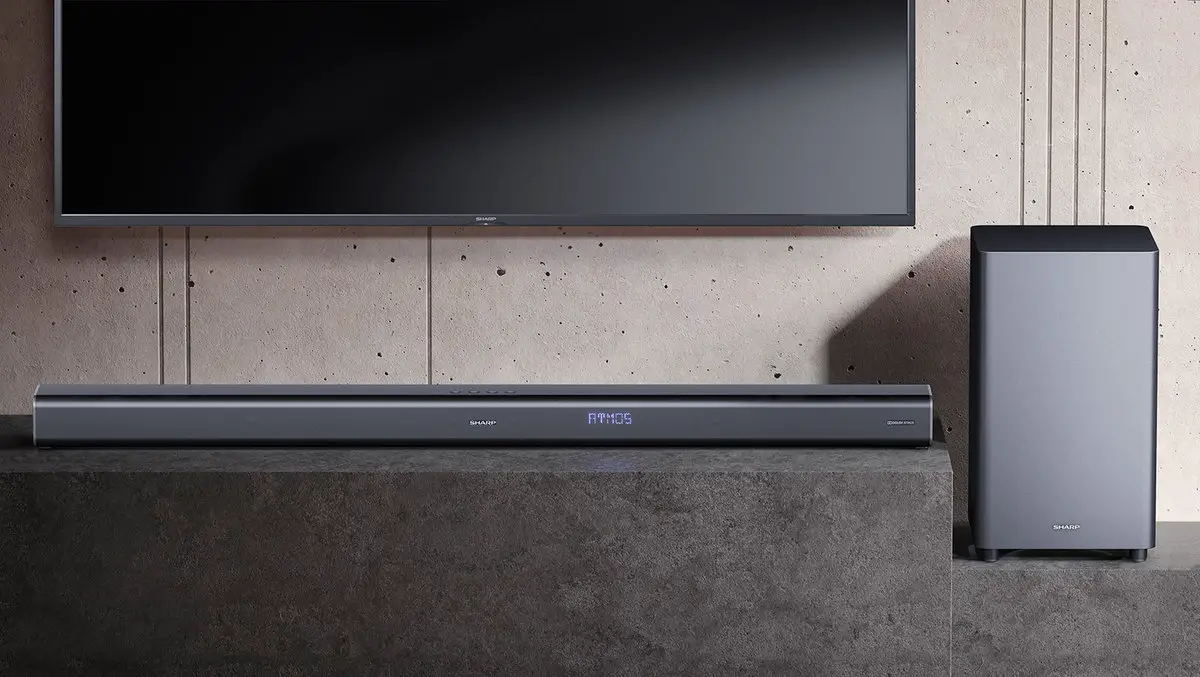
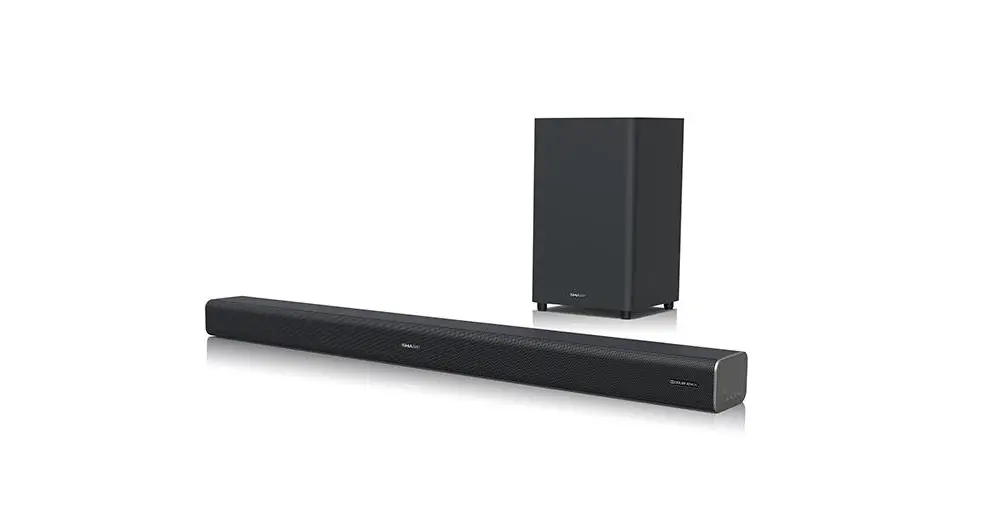
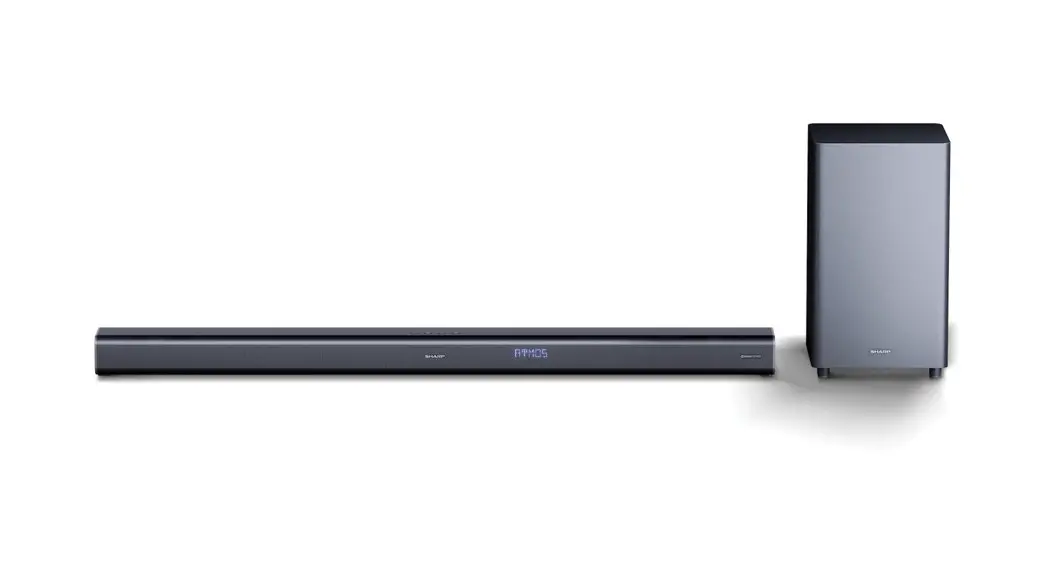
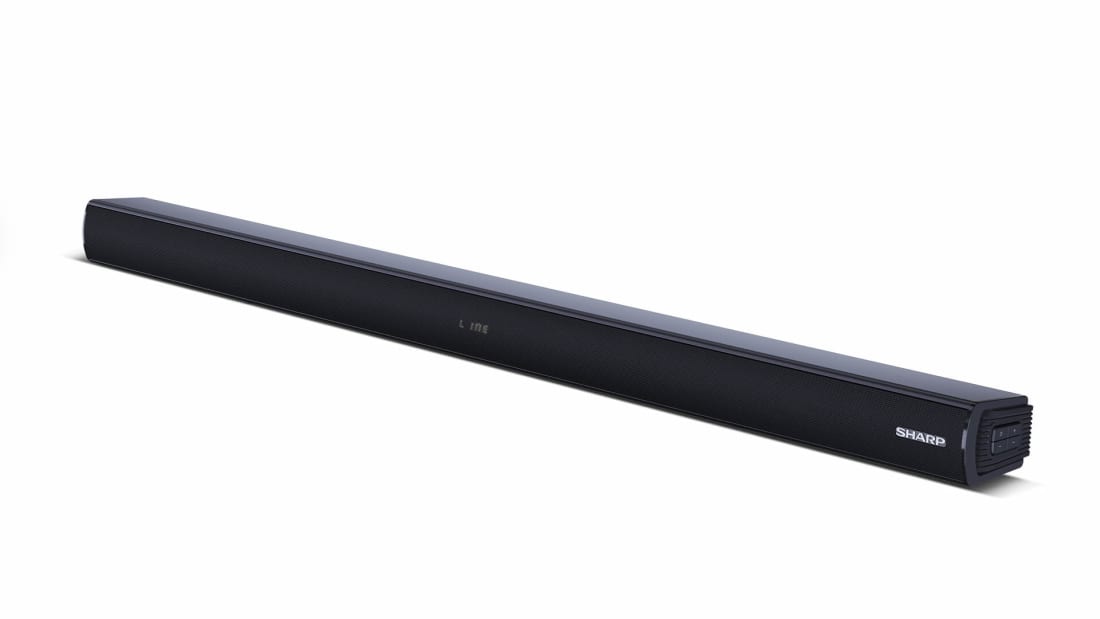
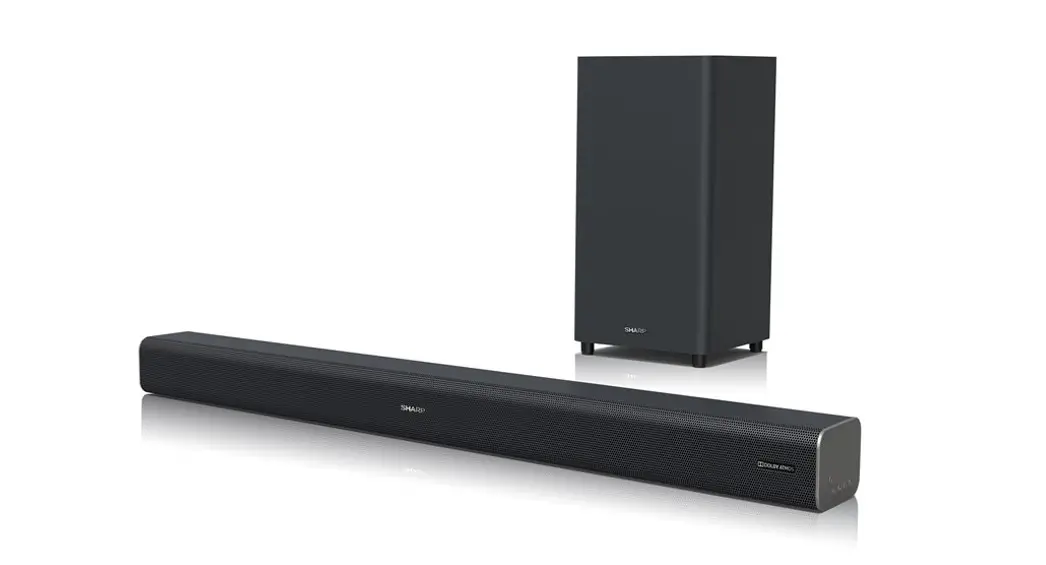
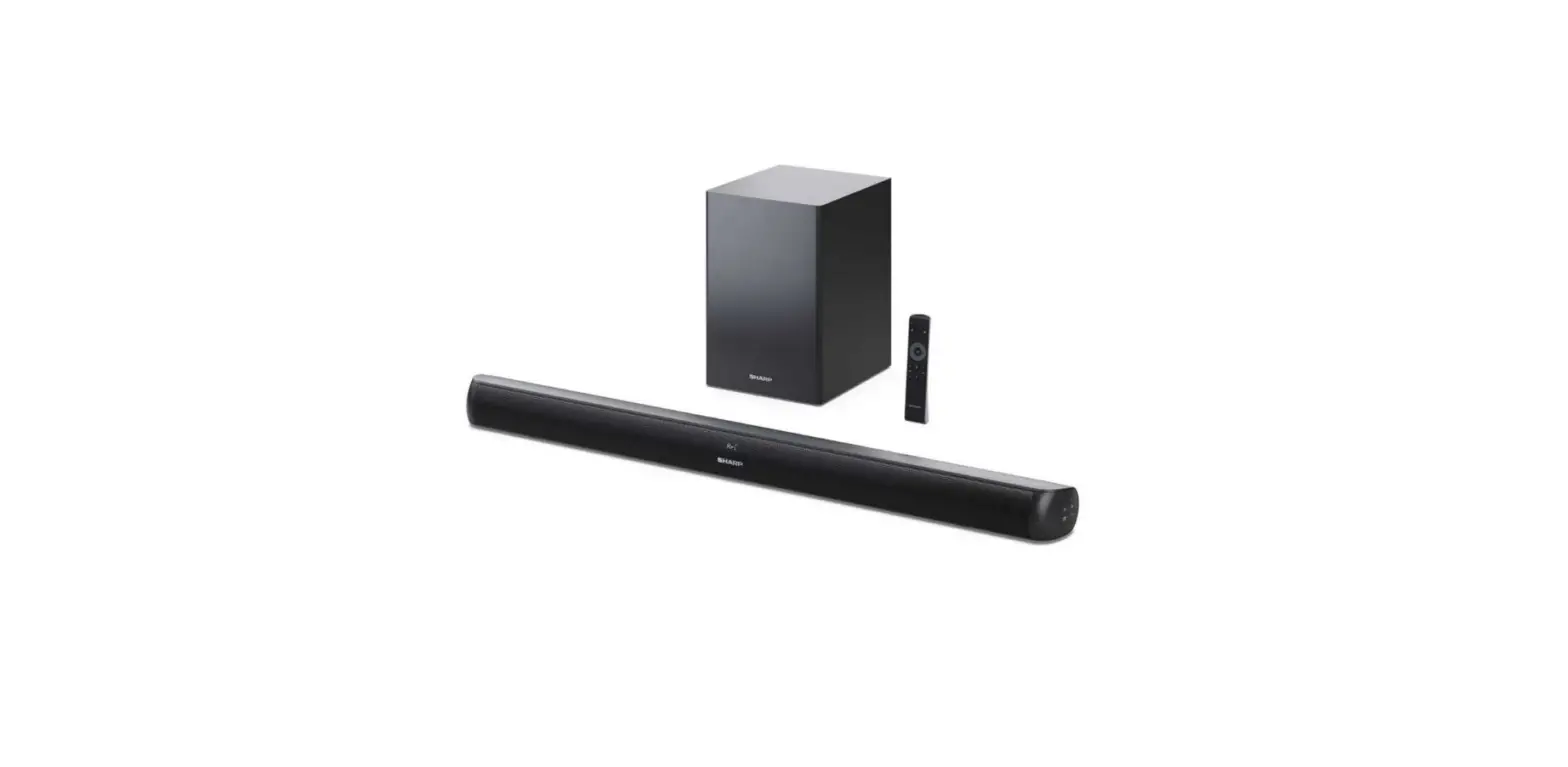
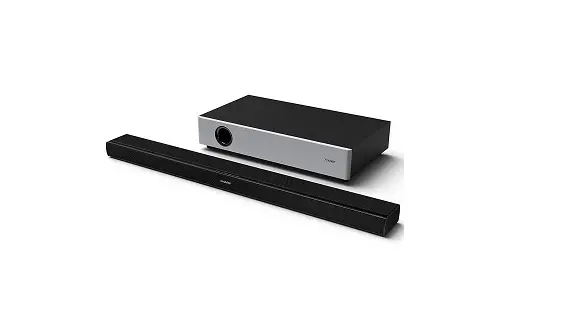
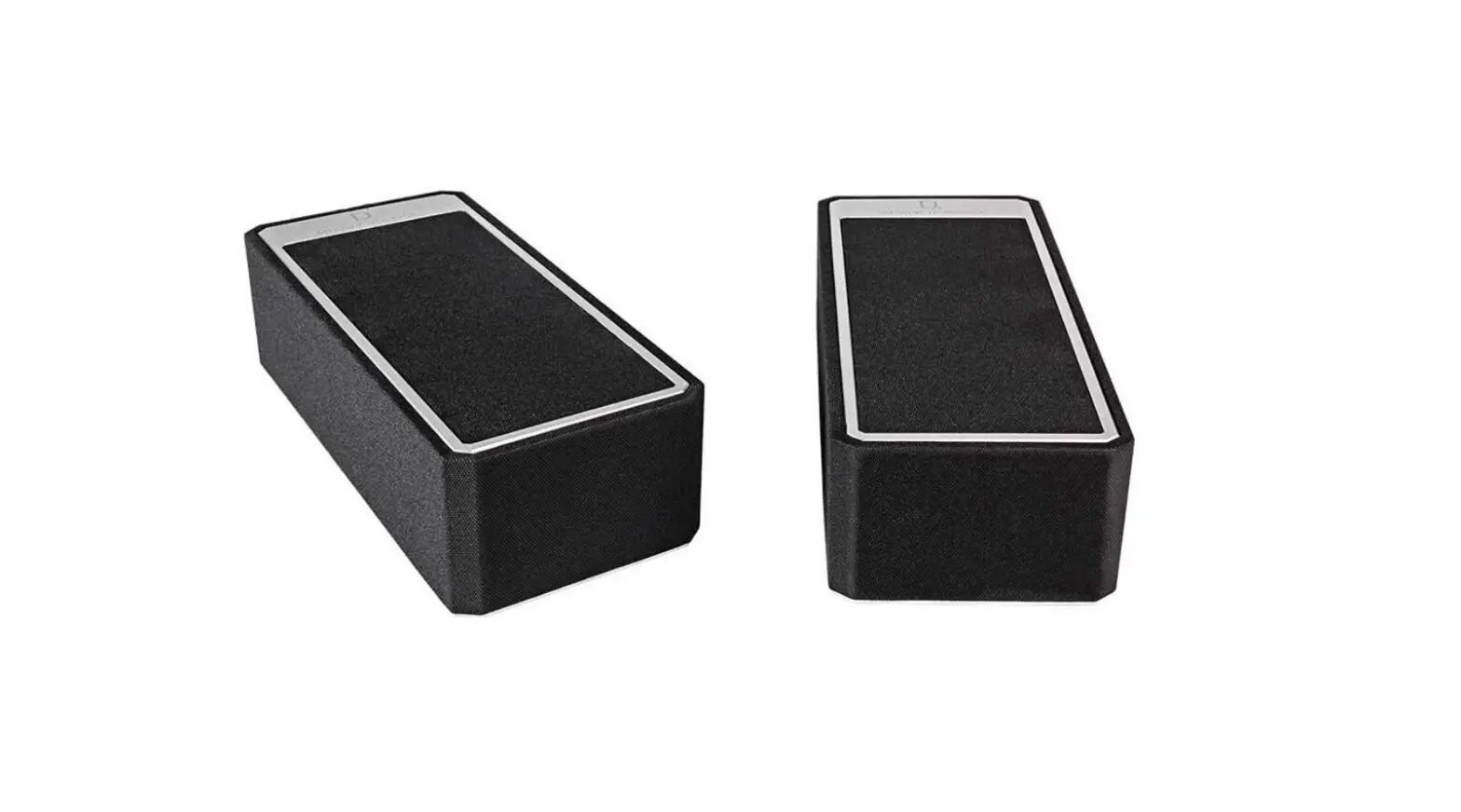
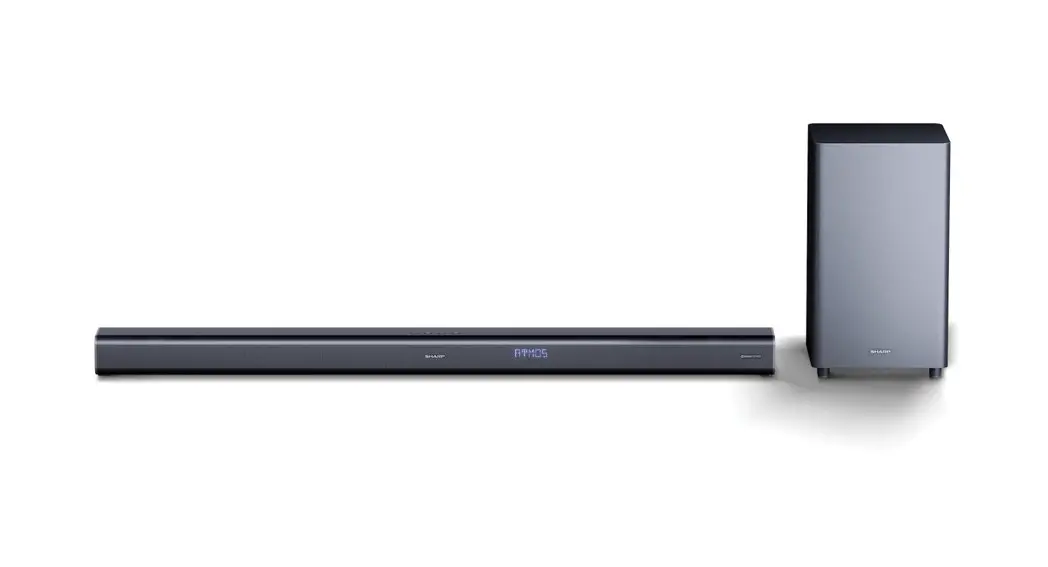
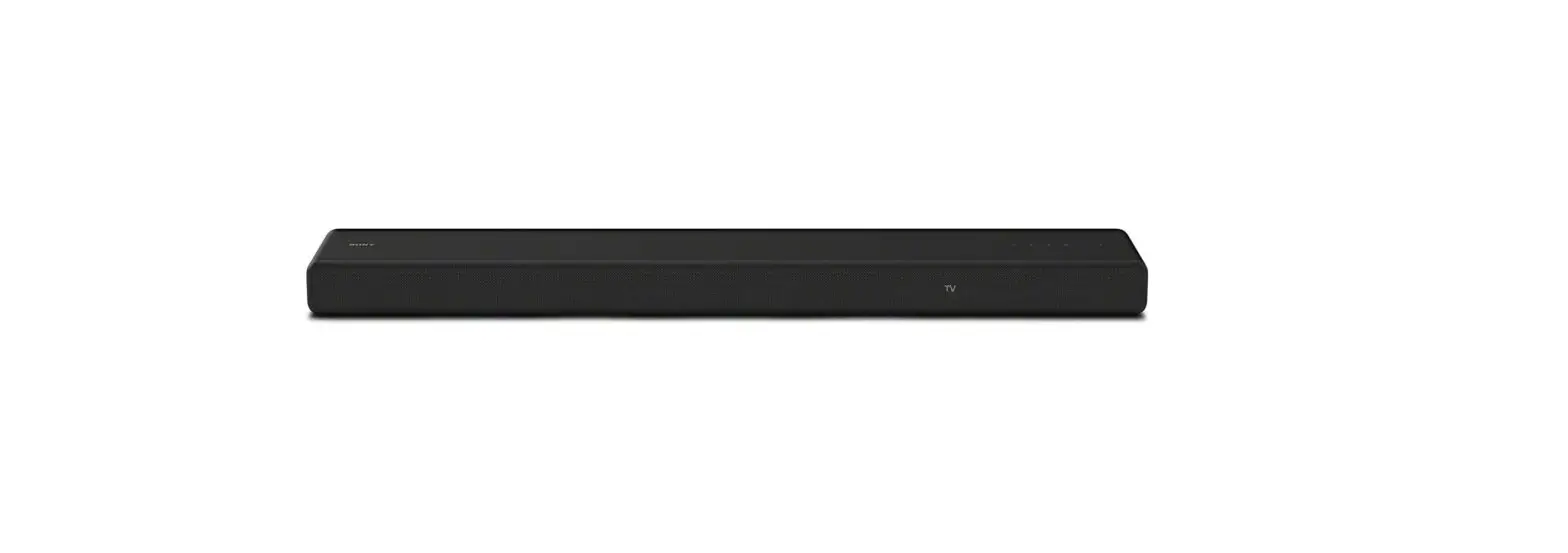
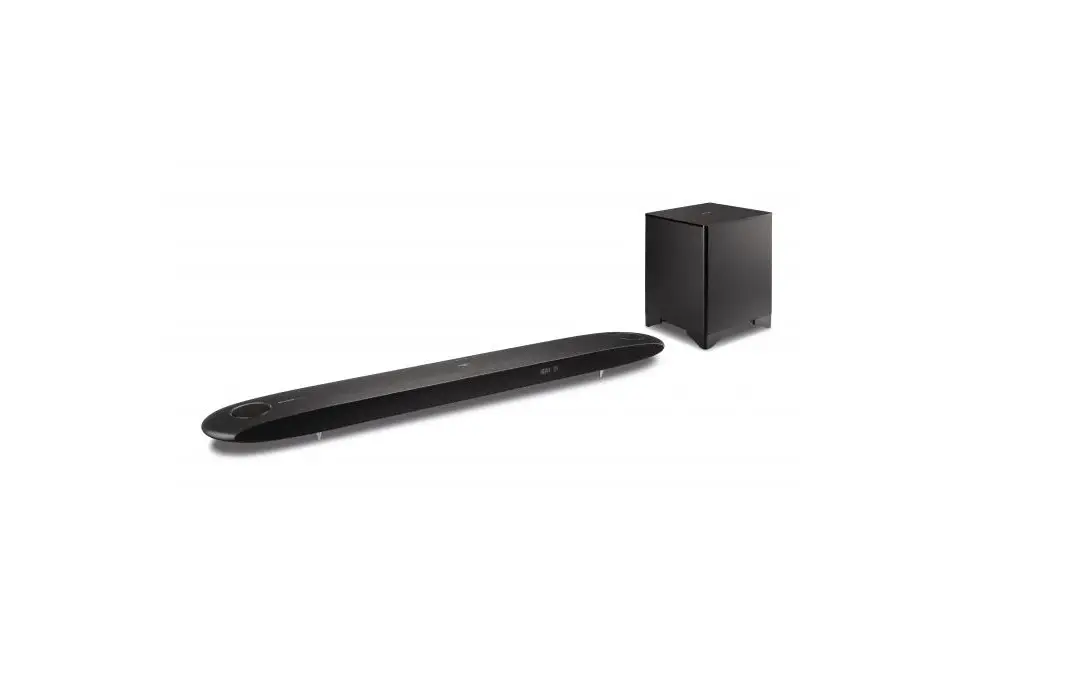
HT-SBW800 Dolby Atmos Home Theatre System
Product Information
Product Name: HT-SBW800
Description: 5.1.2ch Dolby Atmos Home Theatre System with
wireless subwoofer
Manufacturer: Sharp Consumer Electronics Poland sp. z o.o.
Address: Ostaszewo 57B, 87-148 Lysomice, Poland
Country of Origin: Made in China
Website: www.sharpconsumer.eu
Product Usage Instructions
- Check if your device requires a firmware update:
- Devices with version V1 or V2 on the serial number label will
benefit from the update. - Devices with V3 on the serial number label or higher do not
require firmware updates. - Refer to the product label at the back of your device or on the
product box to check the serial number.
- Ensure there is only one file on the USB drive.
- Connect the soundbar to a power source and switch it on.
- Change the source mode to USB (refer to the instruction
manual). - Insert the USB flash drive into the USB port on the back of the
soundbar. - Wait for approximately 30 seconds until “OK” is displayed on
the screen, indicating a successful software update. - Safely remove the USB drive from the soundbar.
- Turn on the unit.
IMPORTANT: Do not turn off the power or remove
the USB during the update process.
So ware upgrade manual
HT-SBW800
5.1.2ch Dolby Atmos Home Theatre System with wireless subwoofer
EN
Does my device need an updated firmware?
Only devices with version V1 or V2 on serial number label will benefit from new update. Devices with “V3” on the serial number label or higher does not require firmware updates. Use below image to check device serial number.
USB
What changes are included in the update?
· Device saves the level of volume after being powered off. · Flat EQ is removed. · HDMI CEC- Correction for standby functionality. · Improvement of sound level in surround mode. · Improvement to sound crossover between subwoofer and soundbar. · Improvement of volume levels between all the channels. · Improvement in delay between soundbar and subwoofer. · Improvement to sound quality of Subwoofer at max volume. · Improved subwoofer performance on lower volume levels. · Changed Bluetooth name
How to check device version number?
4. Soundbar will start reading the software automatically and it will display “UPD M” on its screen, it means it is in the process of upgrading.
5. After a while (approx. 30s) display will show “OK” on screen, that means software update has been completed successfully.
6. You can now safely remove the USB drive form the back of the soundbar and turn on the unit.
IMPORTANT: Please DO NOT turn off the power or remove the USB while the unit is updating.
Please find product label at the back of your device or on the product box, it should look like this:
HTSBW800V01277543907 00025
If the product serial number starts with HT-SBW800V01 or HT-SBW800V02, then your device will benefit from the update. If the product serial number starts with HT-SBW800V03 or higher version, then your device won’t benefit from the update.
How to prepare USB flash drive?
· Prepare empty USB flash drive, (capacity= 32GB max, file format= FAT32). · Download the firmware file from “https://www.sharpconsumer.com/
audio/htsbw800/” website on to your computer. File name “HT-SBW800- Software update” · Unzip the file and copy extracted file to the root directory of your USB flash drive. · Ensure that USB flash drive has only one file “jl_690x.bfu”.
How to upgrade the firmware?
1. Connect soundbar to power source and switch it on. 2. Change source mode to USB. (follow the instruction manual) 3. Make sure that there is only one file on a USB and next insert the it to
the USB port on the back of the soundbar.
Sharp Consumer Electronics Poland sp. z o.o. Ostaszewo 57B, 87-148 Lysomice, Poland Made in China
SAU/MAN/0188
www.sharpconsumer.eu
 Sharp Consumer Products Europe - Sharp Europe
 Sharp Consumer Products Europe - Sharp Europe