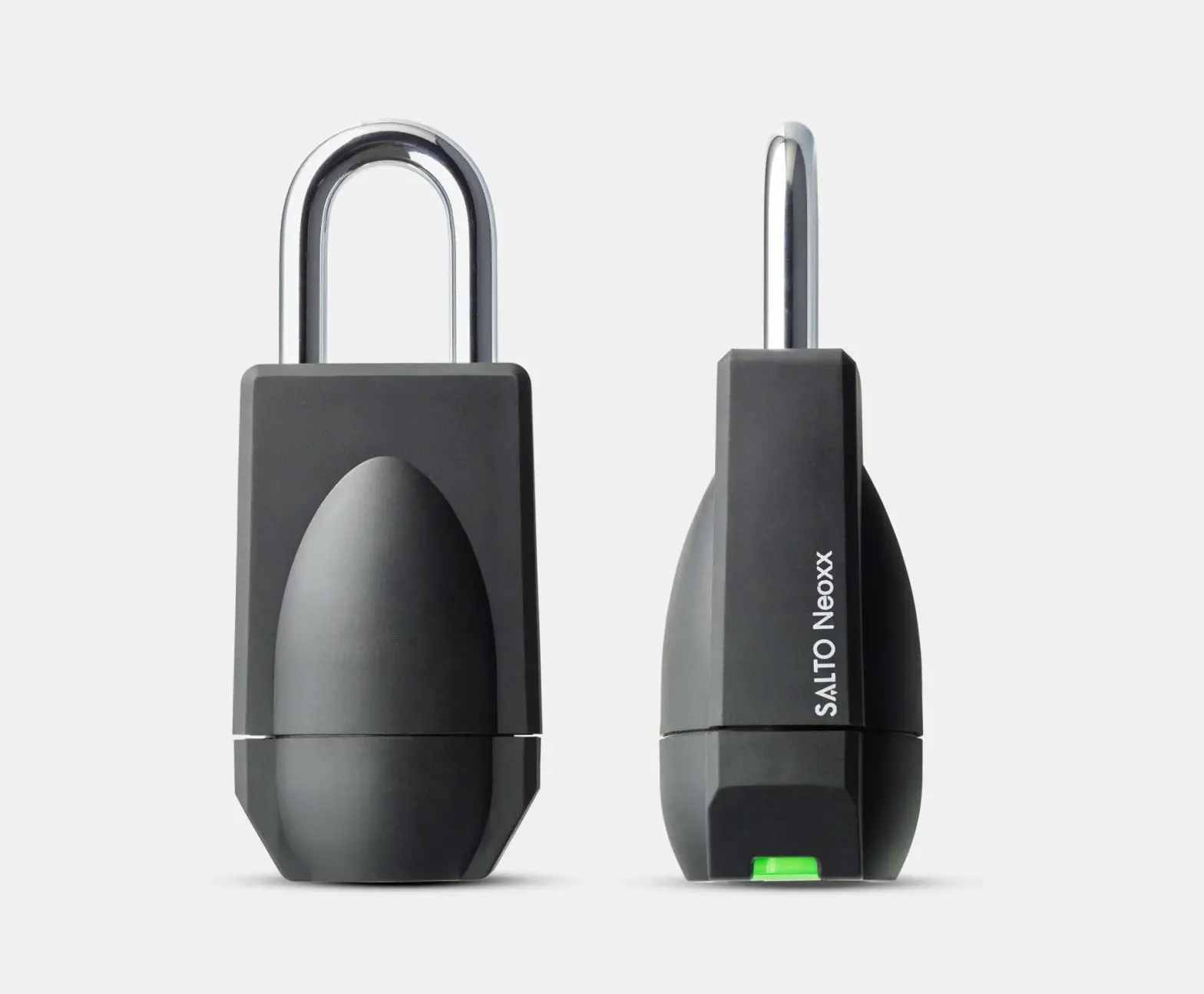
P4 Neoxx Padlock
Product Information
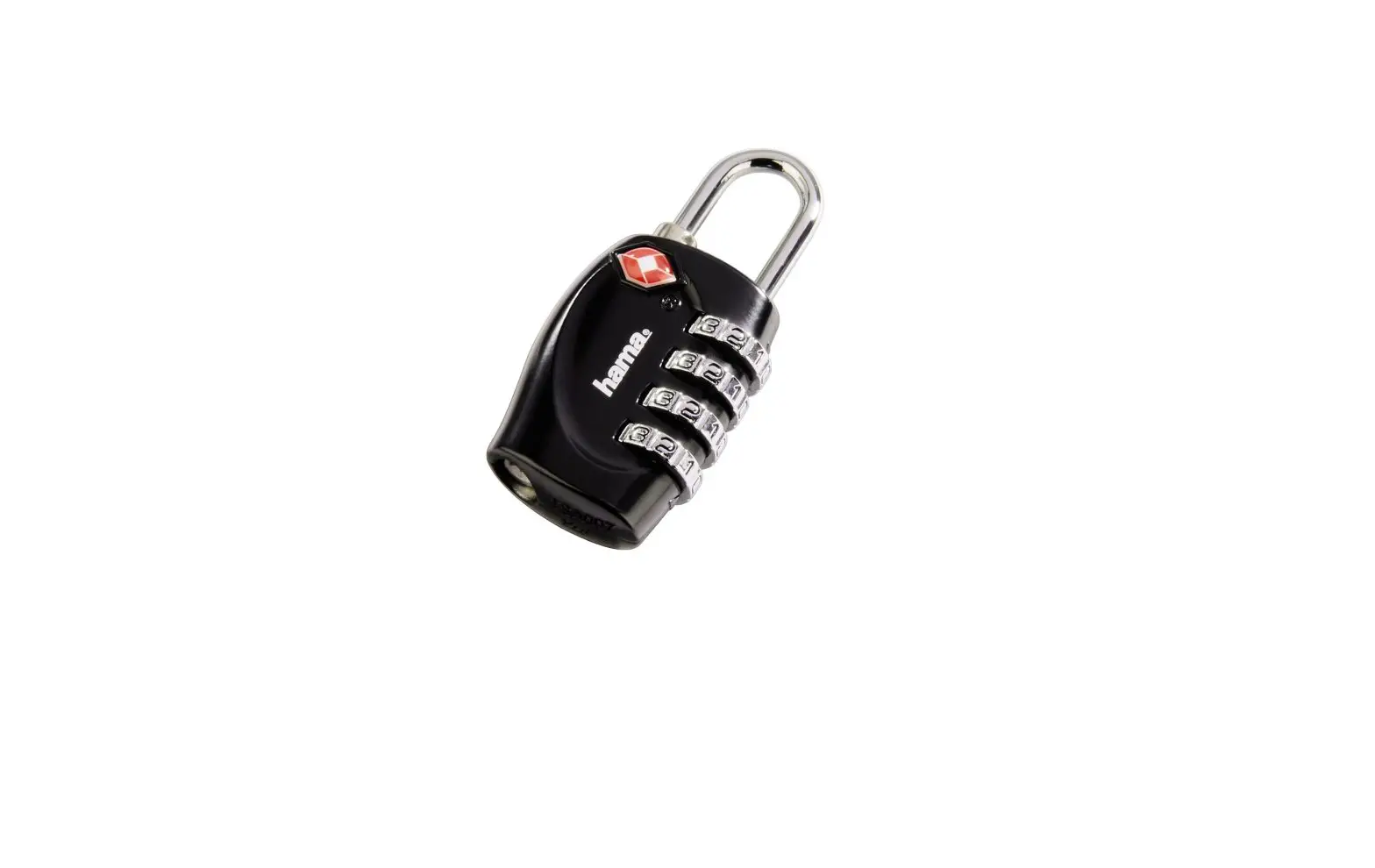
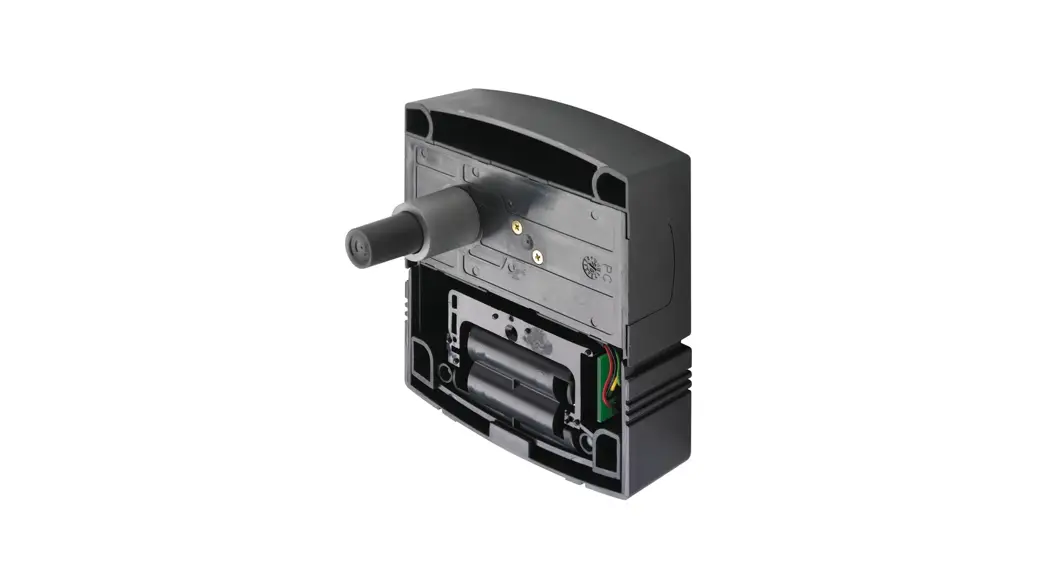
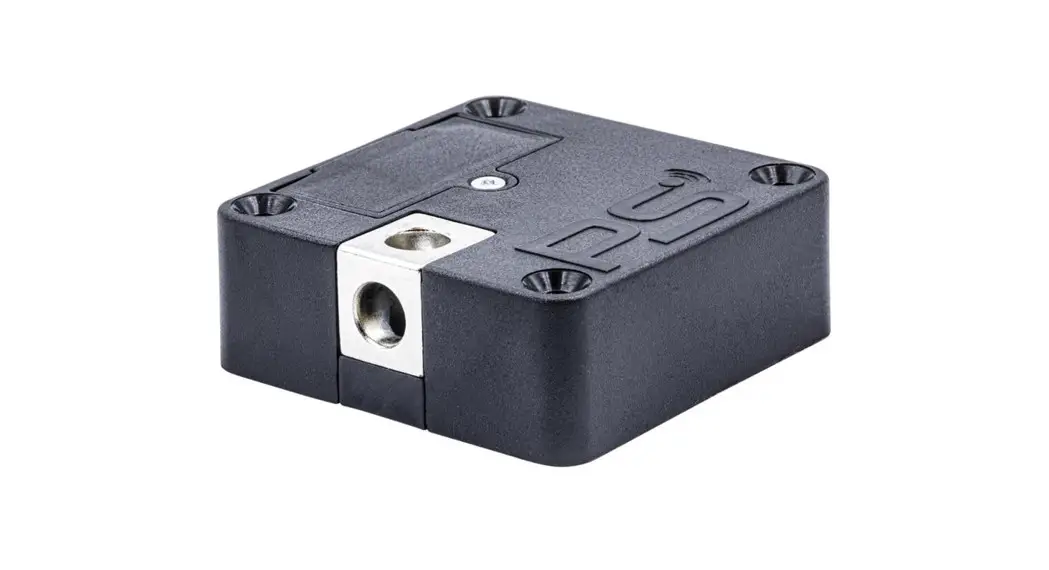
The SALTO Neoxx Padlock is a wire-free, battery-operated
electronic padlock that provides access control without the need
for door wiring, reducing installation costs. It offers an
additional level of security for specific doors, gates, or storages
while retaining convenience and control. The padlock is suitable
for installation in almost every type of situation requiring a
padlock locking solution.
What’s in the Box
- SALTO Neoxx electronic padlock
- 4 battery LR1 type (SALTO just warrantee the correct and best
autonomy with Alkaline LR1 Energivm batteries) - Installation guide
Accessories
- Battery replacement tool (SP226009)
- 4 LR1 batteries for SALTO Neo cylinders (SP01926-5)
Range and Models
The SALTO Neoxx Padlock range includes the P4 model
(NxP4xx).
Dimensions
The dimensions of the padlock are not provided in the
manual.
Certifications
The SALTO Neoxx Padlock is CE, FCC, IC, RCM, and MIC
certified.
Technical Data
- Current Required: 4 x LR1 batteries
- Environmental Conditions: -20 C / +55 C (without
condensation) - RW System
- SALTO KS System
Access Control Features
| Access Control Feature | RW System | SALTO KS System |
|---|---|---|
| Maximum number of users per door | 4,000,000 | 1000 for IQ1, 10000 for IQ2 |
| Maximum number of doors per system | 65,000 | Unlimited |
| Maximum events on lock audit | 2,200 | 1462 (BLUEnet), 472 (RFnet) |
| Time zones | 1,024 | 128 |
| Time periods | 256 | Unlimited |
| Calendars in system | 256 | Unlimited |
| User groups | Unlimited | Unlimited |
| Management software | ProAccess SPACE | SALTO KS |
Opening Models
- Standard: locked at all times.
- Office: free passage ability.
- Timed Office: free passage with automatic locking.
- Automatic Opening: 8 pairs of hands-free timed lock and unlocks
per day with holidays. - Automatic Opening + Office.
- Toogle: present card to lock, present card to unlock.
- Time Toogle: present car to lock, present card to unlock
depending on schedules. - Two Person Rule: present two valid cards to unlock.
Product Usage Instructions
To use the SALTO Neoxx Padlock, follow these instructions:
- Insert the four LR1 batteries into the padlock.
- Select the desired opening model according to your access
control needs. - Present a valid card or cards to unlock the padlock, depending
on the chosen opening model. - To replace the batteries, use the battery replacement tool
(SP226009) and ensure that you purchase the correct LR1 batteries
(SP01926-5) for optimal performance. - For maintenance of the cylinder, SALTO recommends purchasing
the installation tool (SP226009), sold separately.
Note that the product should not be modified in any way except
in accordance with those modifications described in the
instructions.
EN
SALTO Neoxx | User Manual
The SALTO Neoxx Padlock offers a unique solution for all those projects that needs an additional level of security to control very specific doors, without losing a piece of convenience and control.
INDEX
PRODUCT DESCRIPTION WHATS IN BOX ACCESORIES SALTO Neoxx Padlock RANGE
MODELS DIMENSIONS CERTIFICATIONS TECHNICAL DATA ACCESS CONTROL FEATURES OPENING MODELS TIMEZONES EVENT AUDITOR INSTALLATION PROGRAMMING BATTERIES SALTO Neoxx Padlock SIGNALS
SALTO Neoxx Padlock | User Manual www.saltosystems.com
2 2 2 3 3 3 4 4 4 5 5 5 5 5 6 7
.
1
SALTO Neoxx Padlock| User Manual www.saltosystems.com
PRODUCT DESCRIPTION
SALTO Neoxx Padlock is a battery operated electronic padlock that brings all the advantages and benefits of an access control without wiring the door reducing installation costs and allowing you to control and manage virtually any kind of door.
The SALTO Neoxx Padlock offers a unique solution for all those projects that needs an additional level of security to control very specific doors, gates or storages, without losing a piece of convenience and control.
A wire free fully stand-alone electronic access control solution, it is suitable for installation in almost every type of situations that requeires a padlock locking solution.
WHATS IN THE BOX
When you purchase a SALTO Neoxx Padlock, you get: SALTO Neoxx electronic poadlock 4 battery LR1 type (SALTO just warrantee the correct and
best autonomy with Alkaline LR1 Energivm batteries) Installation guide WARNING: for the maintenance of the cylinder in order to perform replacement of batteries, SALTO recommends to purchase the Installation tool (SP226009 – sold separately).
ACCESSORIES
Battery replacement tool (SP226009). 4 LR1 battery for SALTO Neo cylinders (SP01926-5). WARNING: “The product should not be modified in any way except in accordance with those modifications described in the instructions”.
SP01926-5
2
SALTO Neoxx Padlock RANGE
MODELS
P4 = Padlock. NxP4xx..
SALTO Neoxx Padlock | User Manual www.saltosystems.com
DIMMENSIONS
.
3
SALTO Neoxx Padlock| User Manual www.saltosystems.com
CERTIFICATIONS
CE FCC IC RCM MIC
EN 16864 (1 1 4 4 D 3 4) IEC 60529 (IP66)
TECHNICAL DATA
CURRENT REQUIRED 4 x LR1 batteries. ENVIRONMENTAL CONDITIONS: -20 C / +55 C (without condensation).
-35 ºC* / +55 ºC (exterior, only MIFARE). (*) Battery life reduced significally. ACCESS CONTROL SYSTEM:
RW System. SALTO KS System.
ACCES CONTROL FEATURES
Maximum number of users per door
Maximum number of door per system Maximum events on lock audit Time zones Time periods Calendars in system User groups Management software
RW System
4,000,000
65,000 2,200 1,024 256 256 Unlimited ProAccess SPACE
SALTO KS System
1000 for IQ1 10000 for IQ2
Unlimited 1462 (BLUEnet)
472 (RFnet) –
128 –
Unlimited
SALTO KS
4
OPENING MODELS
SALTO Neoxx Padlock | User Manual www.saltosystems.com
STANDARD: locked at all times. OFFICE: Free passage ability. TIMED OFFICE: free passage with automatic locking. AUTOMATIC OPENING: 8 pairs of “hands free” timed lock and unlocks per day with holidays. AUTOMATIC OPENING + OFFICE. TOOGLE: present card to lock, present card to unlock. TIME TOOGLE: present car to lock, present card to unlock depending on schedules. TWO PERSON RULE: present two valid cards to unlock.
TIMEZONES
Each user can be assigned to a calendar and a time table consists of up to 8 different time intervals with a resolution of 10 minutes assigned to each day of the week. You can also distinguish between holidays, special days and working days.
EVENT AUDITOR
Authorized access events auditor registration, denied access events auditor registration, system maintenance events auditor registration (low battery, PPD connection,…) and automatic actions events auditor registration (automatic opening…).
Each events is logged: event type, user, date and time of the event. Permanent events registration. Non-volatile memory of the last X events (see table). The events are saved in a non-volatile memory, so the events are recored forever. The events are saved in a “Ring buffer” system. When the event storage capacity is full, creating a
new event removes the last one.
INSTALLATION
To install the SALTO Neoxx Padlock: following the instructions attached with the product, or visiting our website: www.saltosystems.com/en/quick-links/manuals-and-guides/
PROGRAMMING
To grant or deny access permissions are used to the right SW license. Once you update the system configuration:
RW SYSTEM: the system allows electronic cylinders to read, receive and write information via its operating smart cards or “intelligent keys”. This data is captured from the cards at SVN on-line hot spots located at strategic points around the building. The “online points” uploads and downloads user related information that is then used to permit, control or deny access.
KS SYSTEM: the system allows electronic cylinders to read, receive and write information via radio SALTO KS.
.
5
SALTO Neoxx Padlock| User Manual www.saltosystems.com
BATTERIES In the case of complete battery failure the product both safe and secure, i.e. the outside handle fails “locked” to avoid intrusions, the inside handle fails “open” to permit emergency openings. If the batteries are removed, the product does not work. If they are put back again, the product works but it loses the RTC. If it is an online access point, the RTC is recovered instantly. If not, the access point must be programmed again. When the product has lost the RTC, if the user does not have time restrictions, it opens. However, if the user has time restrictions, the access point does not open even if the user has access to it. There are 3 different posibilites regarding the power level of the batteries: – Low level batteries: “Low battery status” signalization, the event is recorded and the access point opens when a valid card is presented. – Very low batteries: “Low battery status” signalization, the event is recorded but the access point does not open even if a valid card is presented. – Extremely low level batteries: the access pint does not work. WARNING: electronic cylinder in standalone or offline mode needs to be update with the PPD to recover the hour. “The product should not be modified in any way except in accordance with those modifications described in the instructions”. SALTO just warrantee the correct and best autonomy with Alkaline LR1 Energivm batteries (SP01926-5).
6
SALTO Neo SIGNALS
ACCESS GRANTED
Present a valid user key and get the access granted.
SALTO Neoxx Padlock | User Manual www.saltosystems.com
1 High pitched beep
1 Green light
ACCESS DENIED
Present a not valid user key and get the access denied.
2 Short low pitched beeps
2 Red lights
LOW BATTERY STATUS
After presenting a valid user card that has access to the door and opening the door, the cylinder will show 4 light red signal and then grant the access.
4 Short low pitched beeps
4 Red lights
BATTERY CHANGE (RESET)
Each time you change the batteries, the electronic will do a reset. The cylinder memory will not be erased. Toshow this reset, the cylinder show yellow lights with a lite sound.
3 Short low pitched beeps
3 Yellow lights
.
7
SALTO Neoxx Padlock| User Manual www.saltosystems.com
OFFICE MODE NOTICE
Present a valid user key, the cylinder show a green ligth with a lite sound. The cylinder is in “office mode”.
1 High pitched beep
1 Green light
ACCESS GRANTED IN OFFICE MODE
Present a valid user key, the cylinder show 3 green ligths with a lite sound and get the access granted.
3 Short high pitched beeps
3 Green lights
ACCESS DENIED IN OFFICE MODE
Present a not valid user key, the cylinder show red ligths with a lite sound and get the access denied.
6 Short high pitched beeps
6 Red lights
OFFICE MODE END
Present a valid user key, the cylinder show 2 red ligths with a lite sound. The “office mode” is over.
2 Short low pitched beeps
2 Red lights
8
ACCESS GRANTED + TOOGLE
After presenting a valid user card with “TOOGLE” credentials, the SALTO Neo cylinder will start the “TOOGLE” mode. This will be shown by 3 green lights and high pitched beeps.
SALTO Neoxx Padlock | User Manual www.saltosystems.com
3 Short low pitched beeps
3 Green lights
END TOOGLE
After presenting a valid user card with “TOOGLE” credentials, the SALTO Neo cylinder will end the “TOOGLE” mode. This will be shown by 2 red lights and low pitched beeps.
2 Short low pitched beeps
2 Red lights
SECURITY ERROR
When the cylinder shows continuous blinking light Finished and a combination of high and low pitched beeps and yellow lights, it means that the knob and the cylinder are not paired and they can not be mounted together.
Short / low pitched beeps
Yellow lights
.
9
4DS00043-
Learn more about innovative SALTO access control technologies through this QR Code using your smartphone to link to the SALTO website.
4DS00059-ED.-09/10/2020
Viale Jenner, 50 20159 Milano Italy Tel +39 02 680250 Fax +39 02 6081791 [email protected]
CONFIDENTIAL – This document contains confidential and privileged information. The reproduction of any part of the document is strictly prohibited without the prior written consent of SALTO Systems S.L. – © SALTO Systems 2020 SALTO reserves the rights to modify technical specifications, designs and performance without notice.
 saltosystems.com