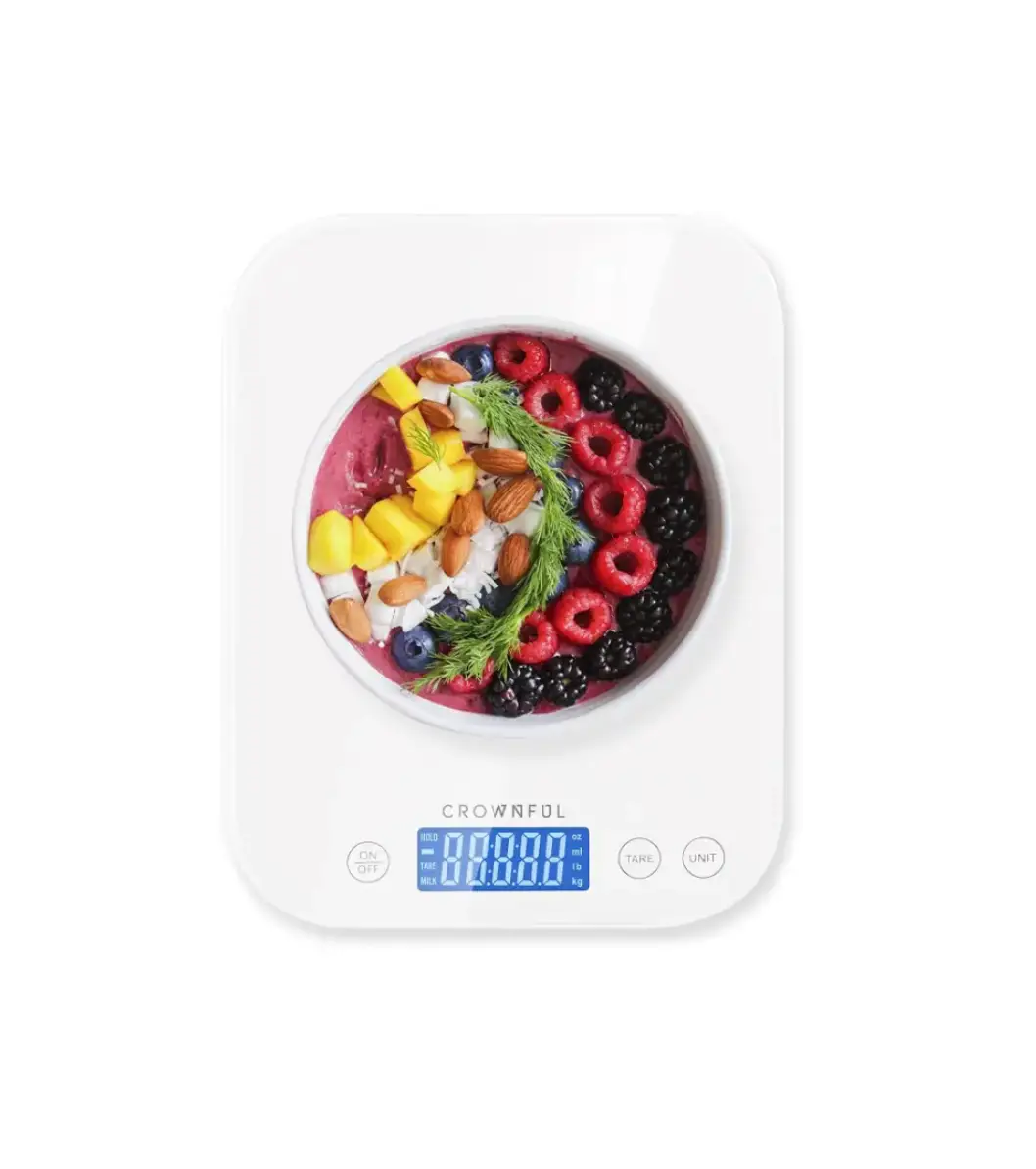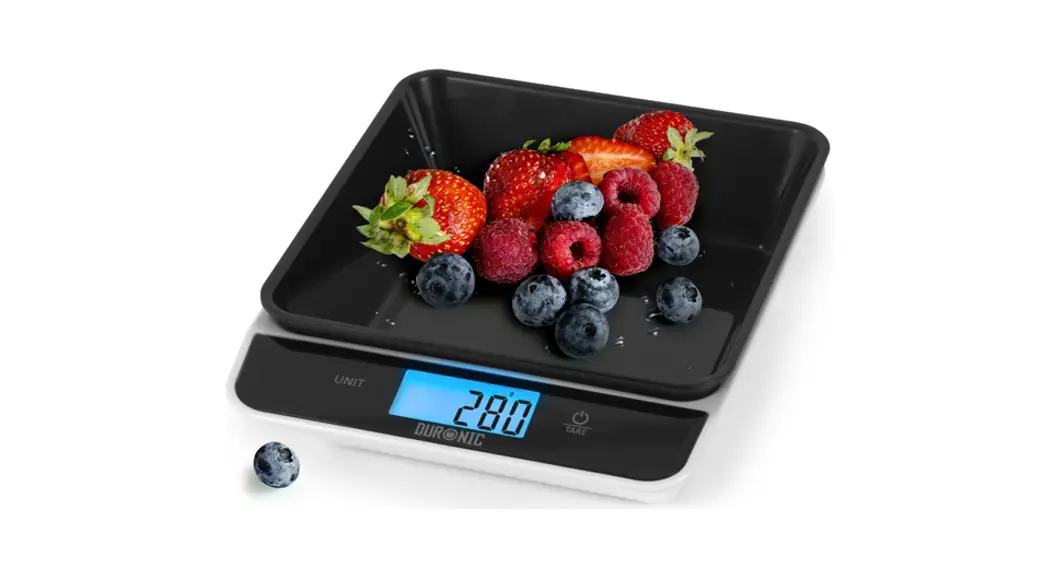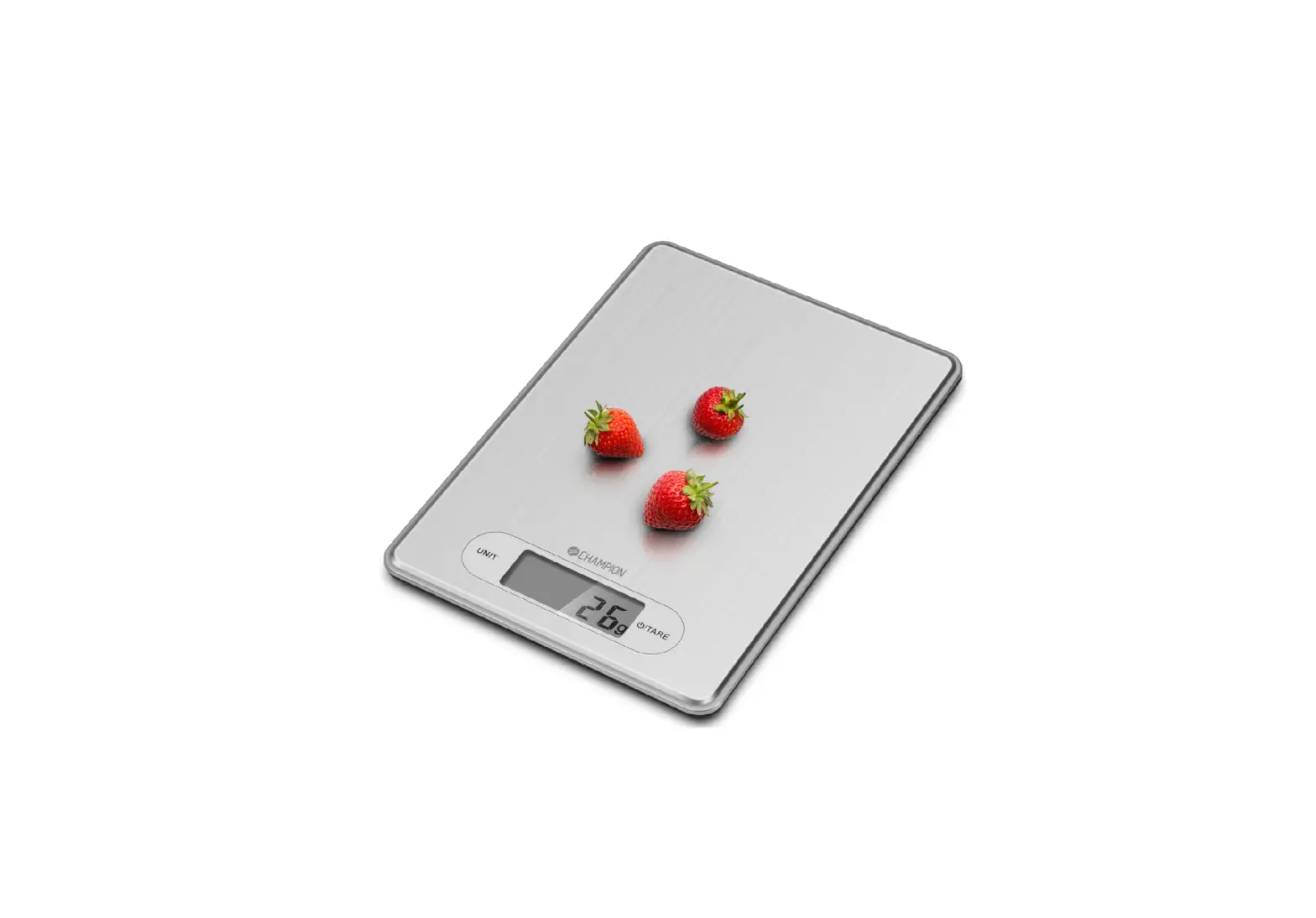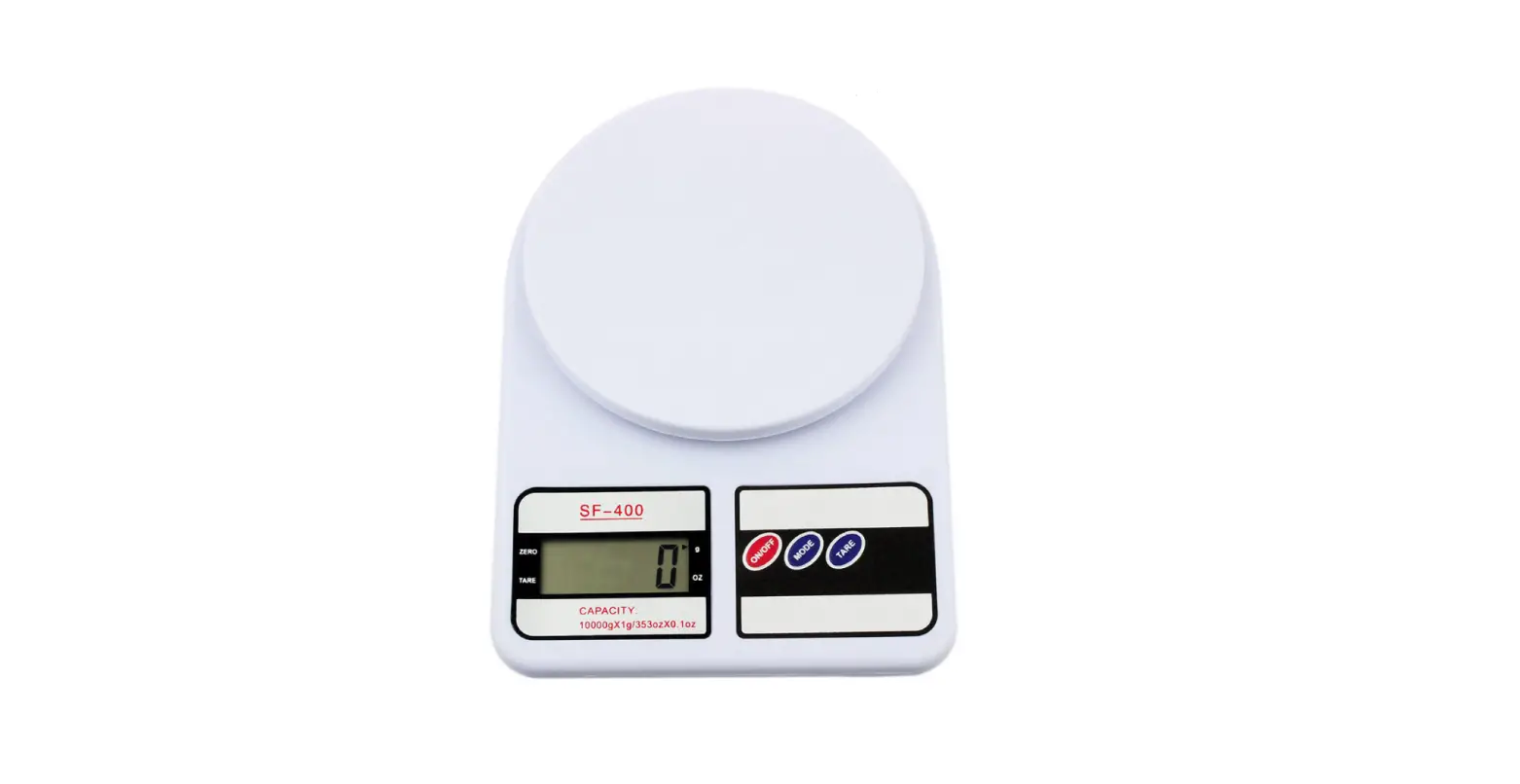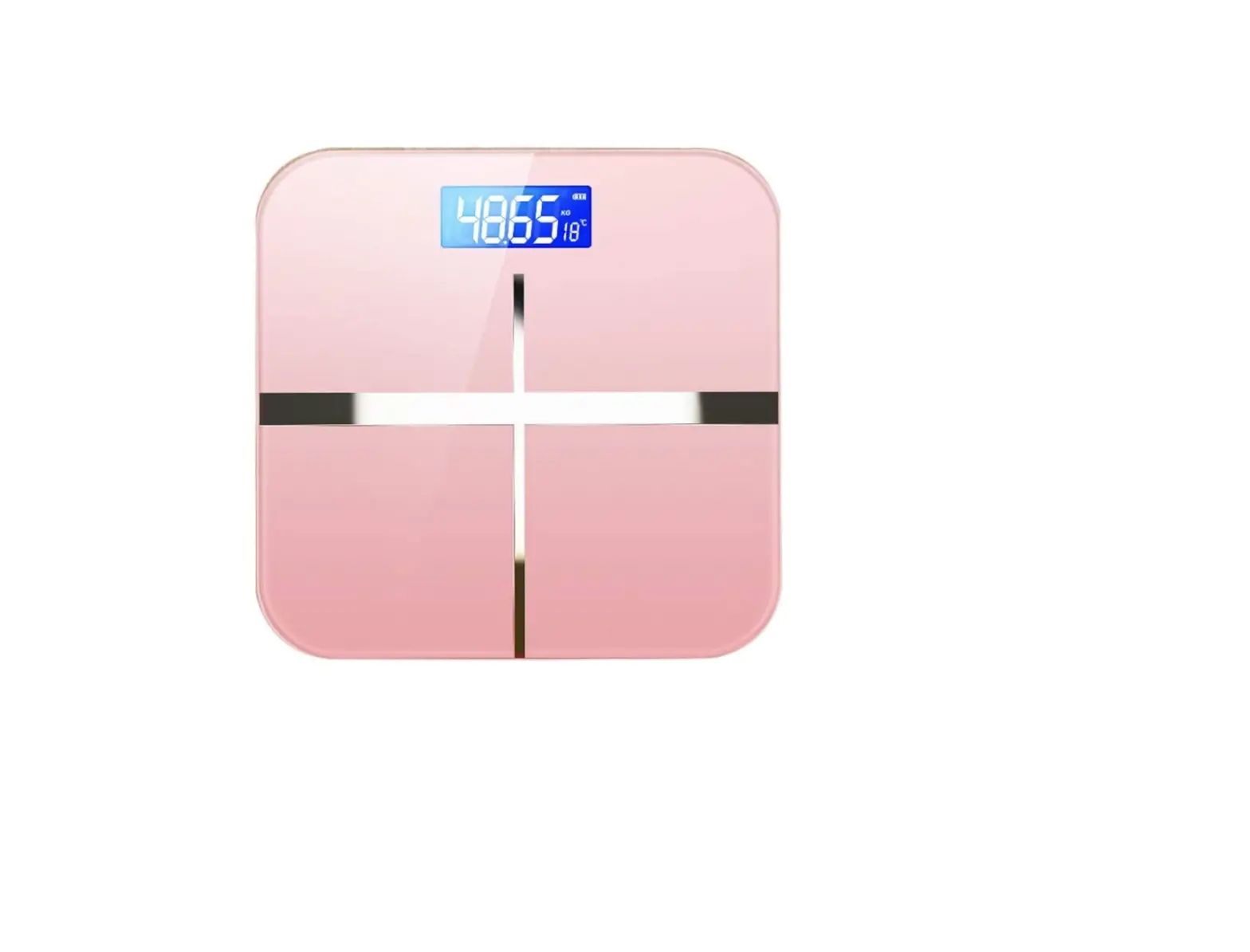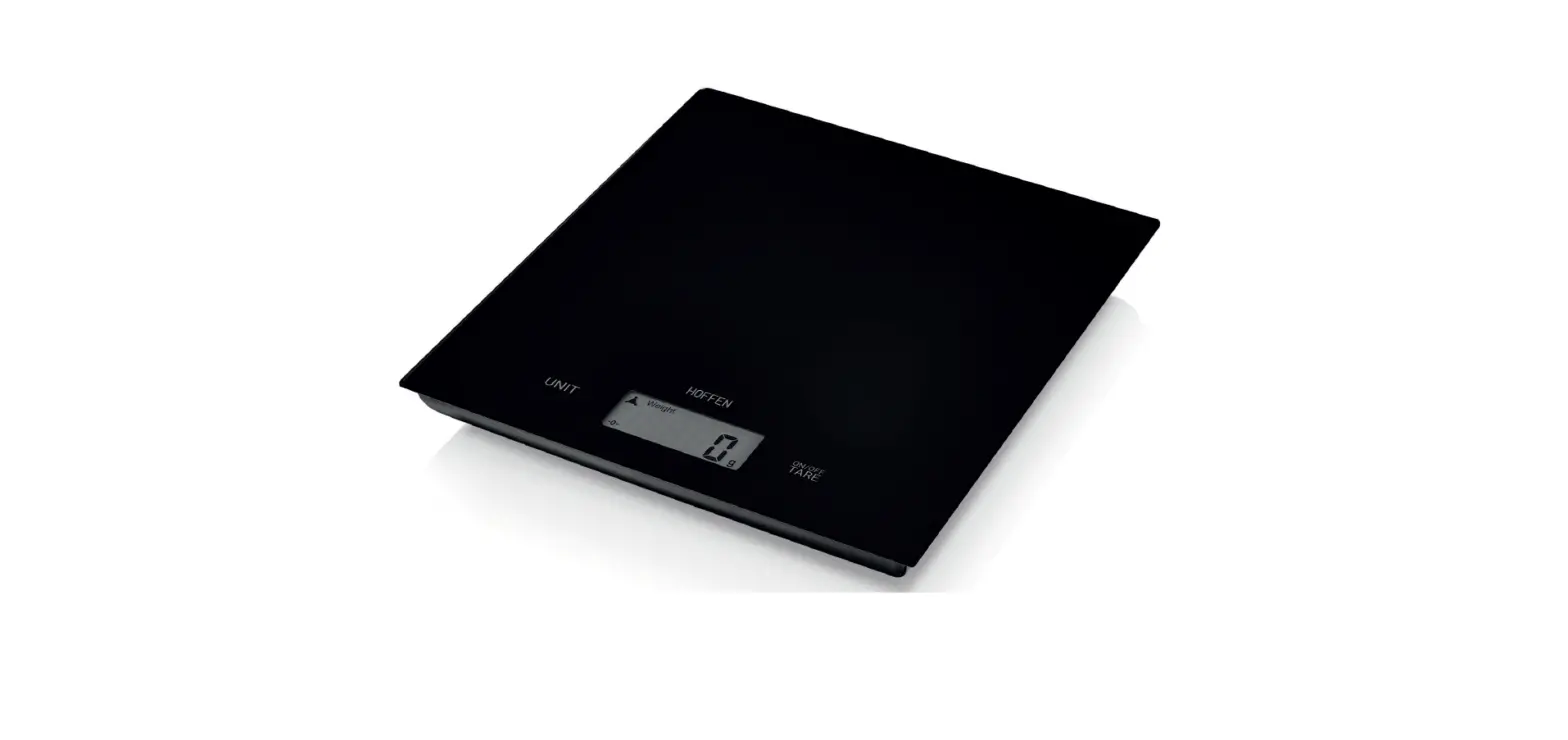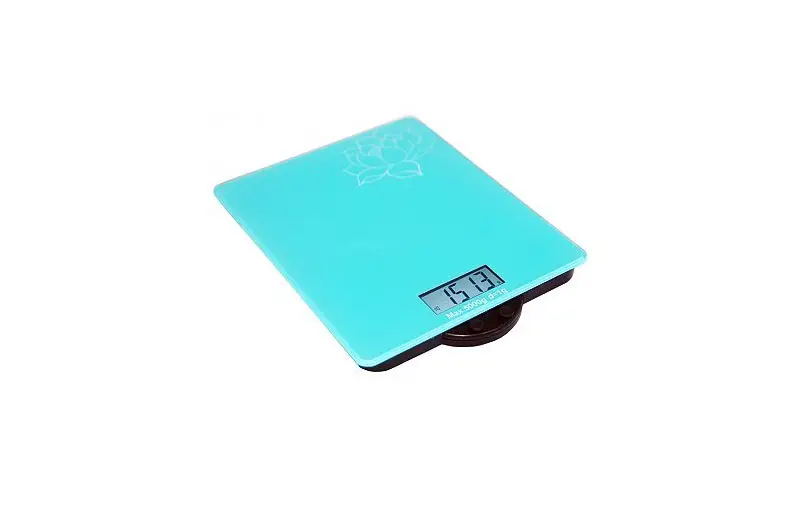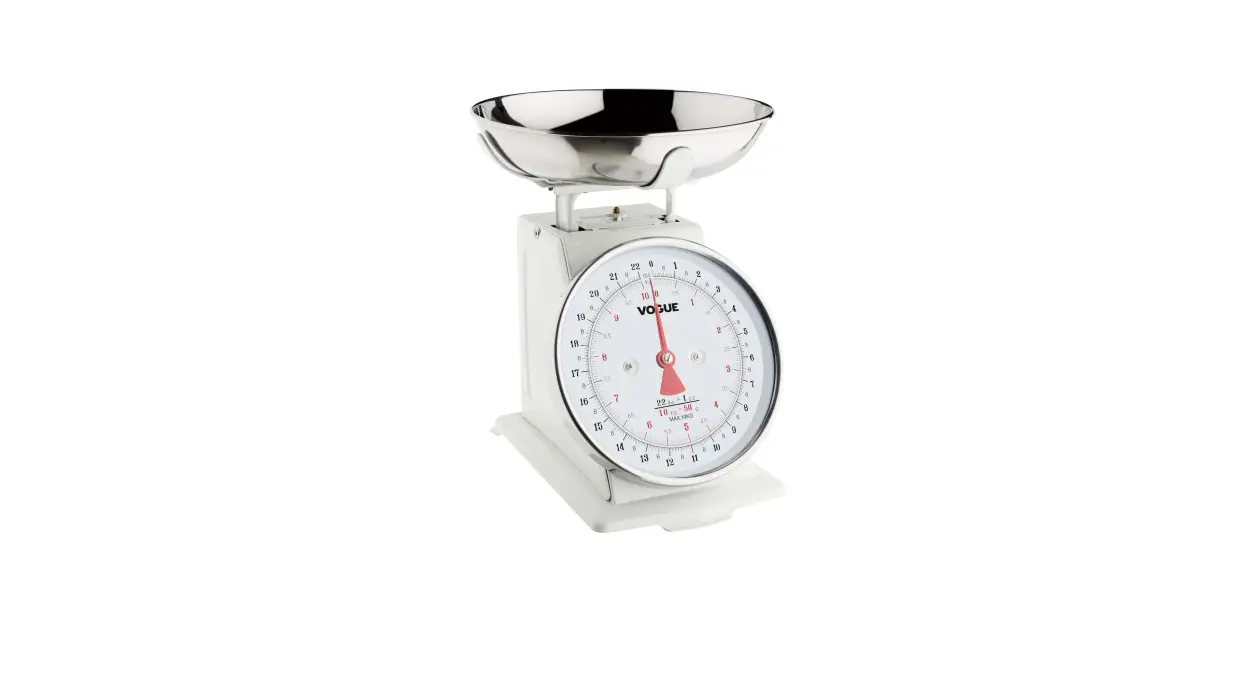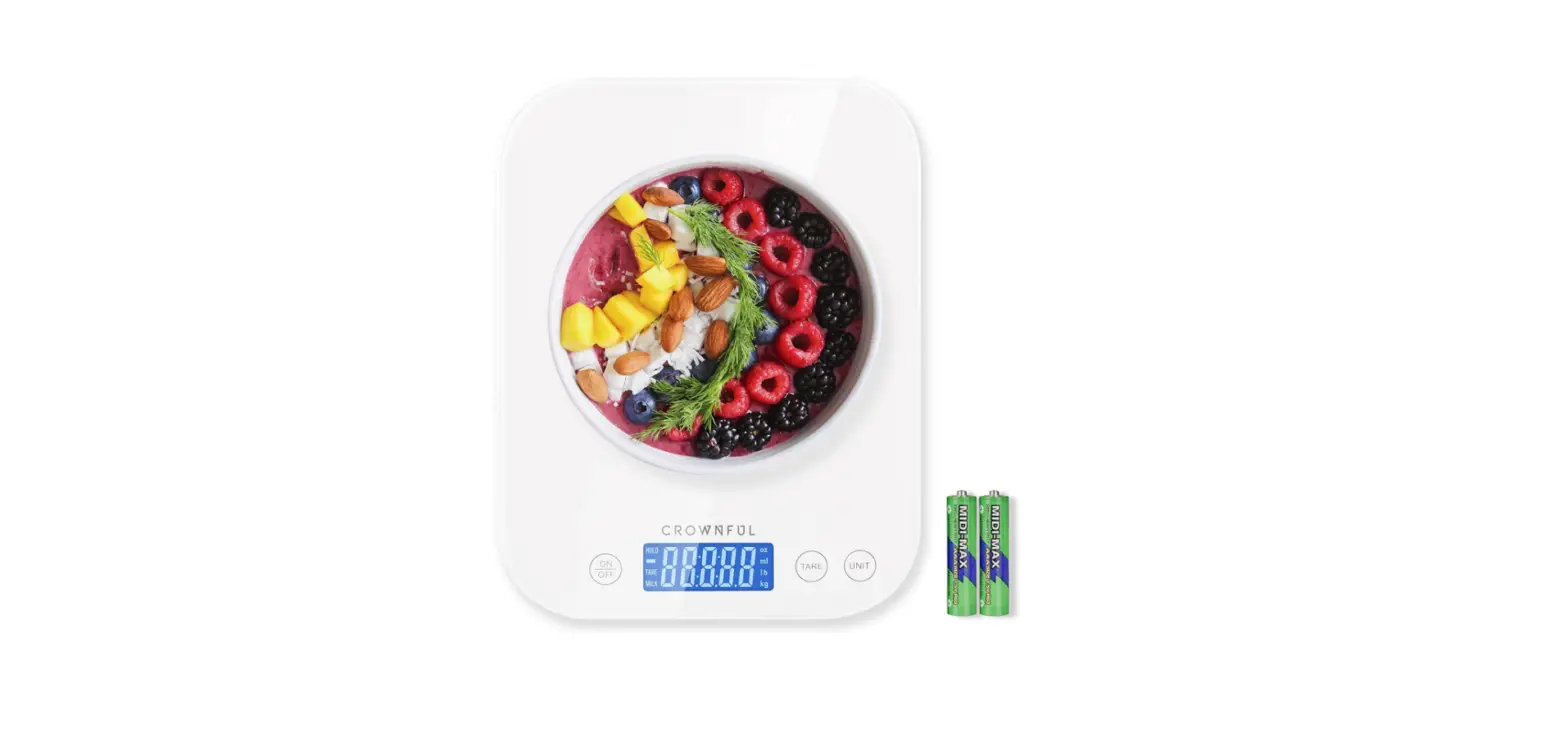

Crownful K100H Digital Kitchen Scale Weight Grams
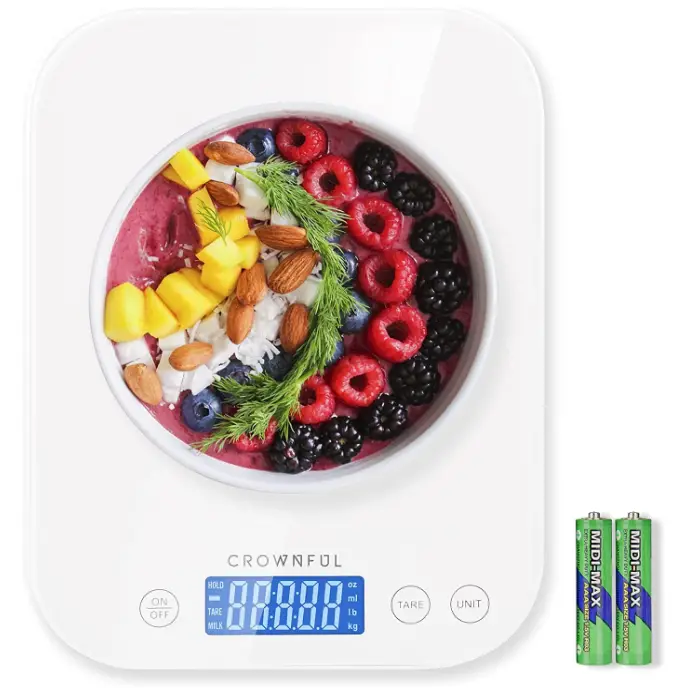
Specifications
- DIMENSIONS:1″L x 6.89″W x 0.83″H
- WEIGHT:86 grams
- WEIGHT LIMIT: 22 Pounds
- WEIGHING UNITS: 6
- RATED POWER: 2 x AAA 1.5 V Batteries
Introduction
This digital food scale can precisely weigh objects weighing between 0.1oz and 22lbs thanks to its four built-in high-precision sensors and high sensitivity (3g to 10kg). It can quickly switch between several units at the touch of a button, including g/kg/oz./lb./ml/milk ml, with 0.1oz/1g exact increment. It will become the ideal kitchen ally for you.
PACKAGE CONTENTS
- 1 x CROWNFUL Digital Scale
- 1 x User Manual
- 2 x AAA 1.5V batteries
FOREWORD
To ensure proper usage, maintain the weighing accuracy and extend the scale’s life span, please read this manual carefully before use. If there’s anything you don’t understand or confused about, please don’t hesitate to contact our Customer Support Team. You can reach us at [email protected].
BASIC PRODUCT FEATURES
- This product uses high-precision sensors and high-performance CPU, accurate and reliable weighing.
- LCD blue background showing white words
- Overload prompt, automatic shutdown (2 minutes),etc.
- With unit transfer switch
- Super tempered glass panel support
BATTERY INSTALLATION METHOD
First, take out the scale from the packaging box. Then, open the battery cover which is located at the back of the unit. Insert the 2×1 .5V (AM)batteries making sure they are in the correct position(positive and negative polarities). Finally, put the battery cover back to ensure that the unit sits stable and level.
DISPLAY DESCRIPTION
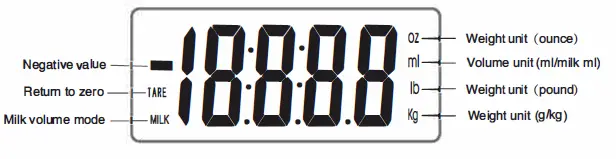
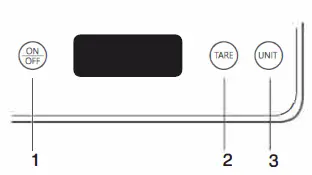
- “ON/OFF” button: This button is used for turning the unit on and off. When the unit is OFF, Press this button to turn it on. When the unit is ON, press this button to turn it off.
- “TARE” button: Place the carrier tray on top of the scale (if there’s one).Press this button to perform the tare operation. It will start weighing when the display is zero. “UNIT” button: This product has a variety of units.
WEIGHING INSTRUCTIONS
- Place the product on a hard horizontal surface.
- Place the carrier on the scale.
- Press the “ON/OFP’ button to turn it on. After powering on, press “ON/OFF” to turn it off.
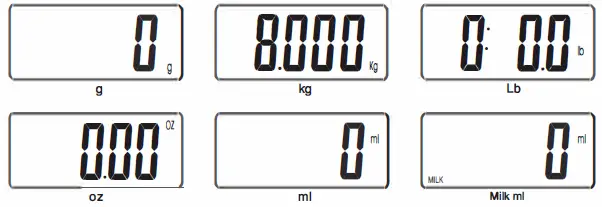
- Wait for the display to display “0” before you can start weighing. Press the “UNIT’ button to perform unit conversion. Specifically, there are 6 conversion units as follows.

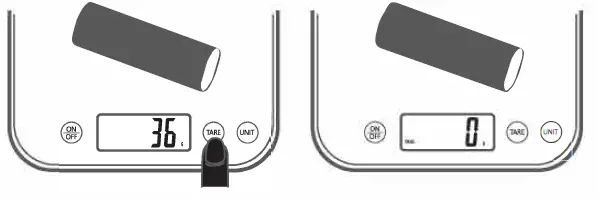
- Tare Function: lf you are using a bowl or container to weigh an object/ingredient/liquid but you only need the weight of the actual object inside the container, then use the TARE function. While the unit is turned on, place the bowl or container on top of the scale. The scale will then show the weight of the container. Press the TARE button and wait until the screen shows “0”.then,put the object that you would like to weigh and the screen will show the weight of that object.
USE SUGGESTIONS
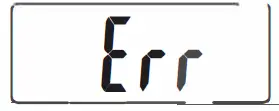
- Display “Er” means that the maximum weighing weight is exceeded.

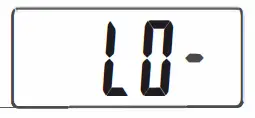
- The “LO-“‘ flashing indicates that the battery is low. Please replace the battery in time.

AUTOMATIC SHUT-DOWN
The product will automatically shut down if there is no button operation or the weight changes within about 2 minutes.
PRECAUTIONS
- Place the scale on a clean, level surface during use.
- The weighing capacity of the scale is 10000g maximum including the weight before peeling.
- Do not product use this belongs product to in a high-precision humid, hot, cold electronic place.
- If you measurement, see a smudge etc. on the scale,wipe it with a soft cloth. Do not use any chemical agents and prevent water from entering the scale’s body.
- Please remove the battery when not in use for a long time.
- When the LCD display shows “LU-“‘, the battery is too low. Please replace the battery in time.
- When the LCD display shows “Err”, the item is overweight. Please remove the item in time to avoid damage to the product (the maximum range of the product is 1 0000g)
Frequently Asked Questions
The scale will display a negative reading if the bowl is removed after pushing the tare button and the weight is still attached. You can calculate the amount for what you just added by adding to that bowl and placing it back on the scale before it shuts off.
It will allow you a few seconds to add the food if you’ve never seen a hold function.
Despite the fact that I am not an expert, the scale appears to be accurate in my opinion. It’s highly user-friendly. Every morning I measure my cereal. Before turning on the scale, I place my bowl or plate on it. There are buttons for each measurement as well as a tare button to reset the scale to zero.
A scale is a terrific tool for staying on track if you’re attempting to eat more mindfully. You can easily measure portion sizes using a kitchen scale, allowing you to calculate your intake of calories and other nutrients.
Anyone who is serious about losing weight needs a kitchen scale. The majority of people overestimate portion sizes, making it nearly impossible to eyeball serving sizes when preparing meals. You may learn what a real serving of food looks like by using a kitchen scale.
Before cooking.
Ketchup, honey, any nut butter, sauces, dressings—basically, if the serving size on the nutrition label is written in grams, you should weigh it; if it is listed in ounces or milliliters, you should measure it—are examples of “wet” foods that you should weigh. Prefabricated foods: You have a choice when it comes to prepackaged foods.
Up to 0.1 grams.
“7 lbs. x 1 oz.” might be written on a small kitchen scale. Thus, it weighs objects in increments of one ounce up to a maximum weight of seven pounds. This label’s metric equivalent is “3kg x 25g,” which indicates that the scale measured objects up to 3 kilograms in increments of 25 grams.
Turn on the scale after placing it on a level, flat surface. Allow the scale to steady its readings for a few seconds. To start the calibration mode, find the calibration switch (some scales require a series of numbers on the control panel). Check the reading after placing the quarter in the center of the scale.
Issues with the display and functionality of digital scales are frequently caused by batteries. Remove the batteries by carefully opening the battery compartment. Clear the compartment of any dust or other objects that could obstruct the battery connection using a small, clean paintbrush or cotton swab.
To ensure uncompromised performance and optimum output, every manufacturer requires routine calibration and maintenance. We have experts on staff that can do any kind of repair or maintenance work on both mechanical and digital scales.
This is due to the possibility that every brand of scale has a unique calibration, and certain scales may be adjusted for your particular body type or BMI. If the scales are reliable, they should provide an accurate reading that is extremely close to your actual body weight.
One of the most crucial tools for anyone trying to lose weight is a food scale, especially if they are just starting out. As was already said, it allows you to maintain a calorie deficit and provides a more realistic reflection of your daily caloric consumption.