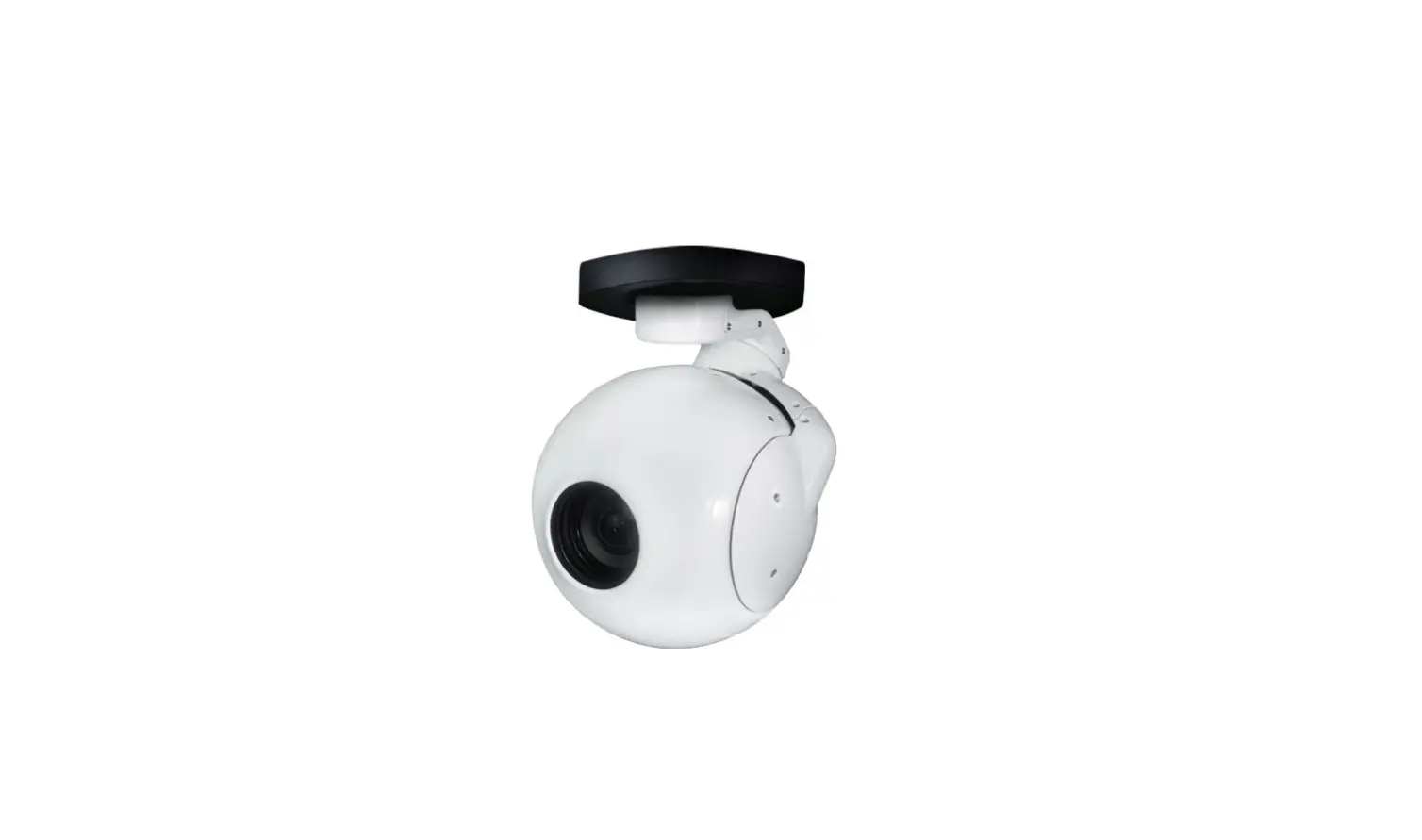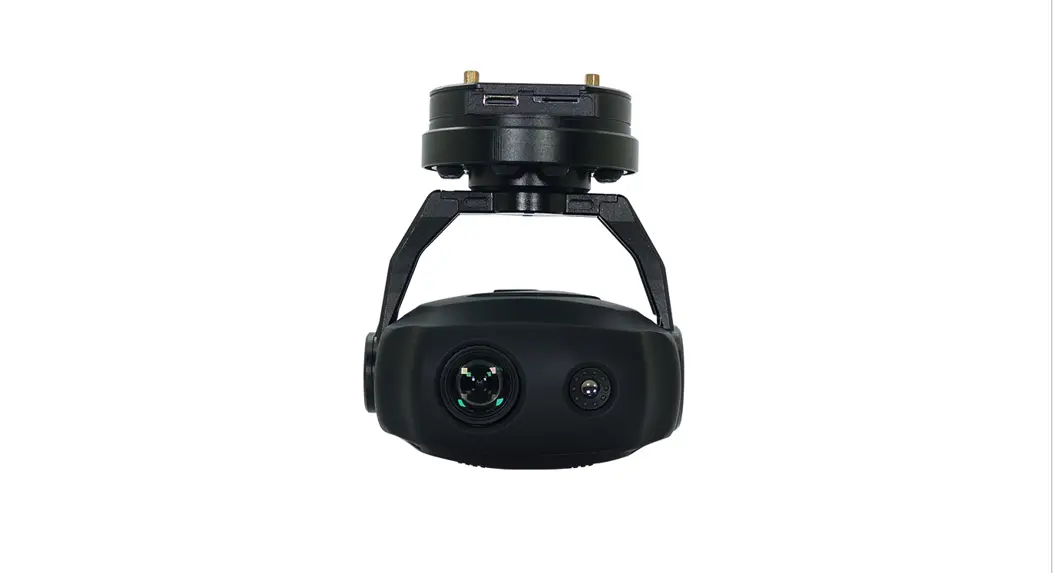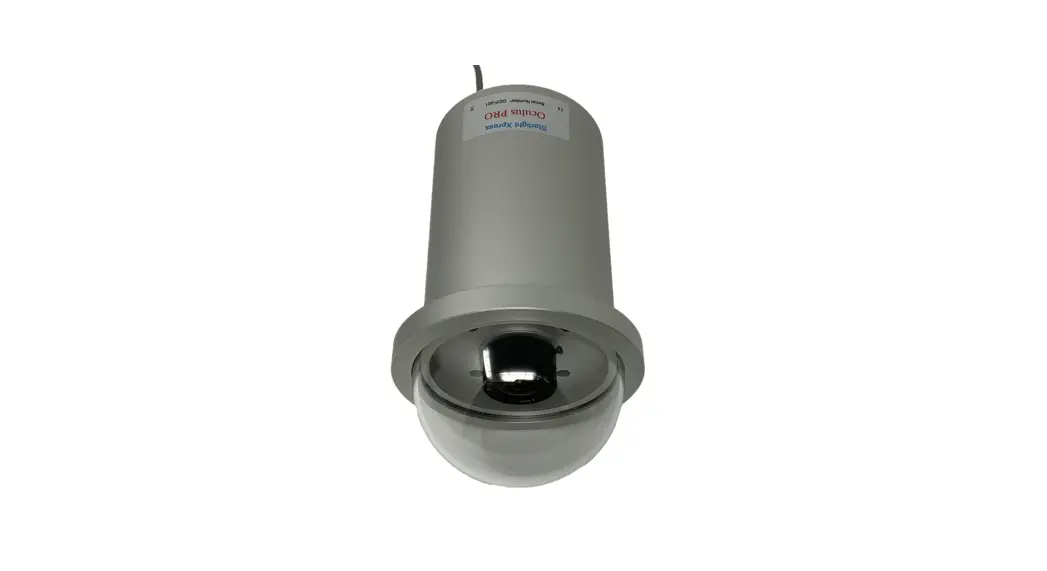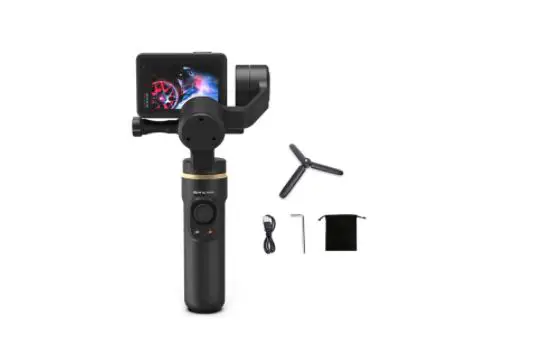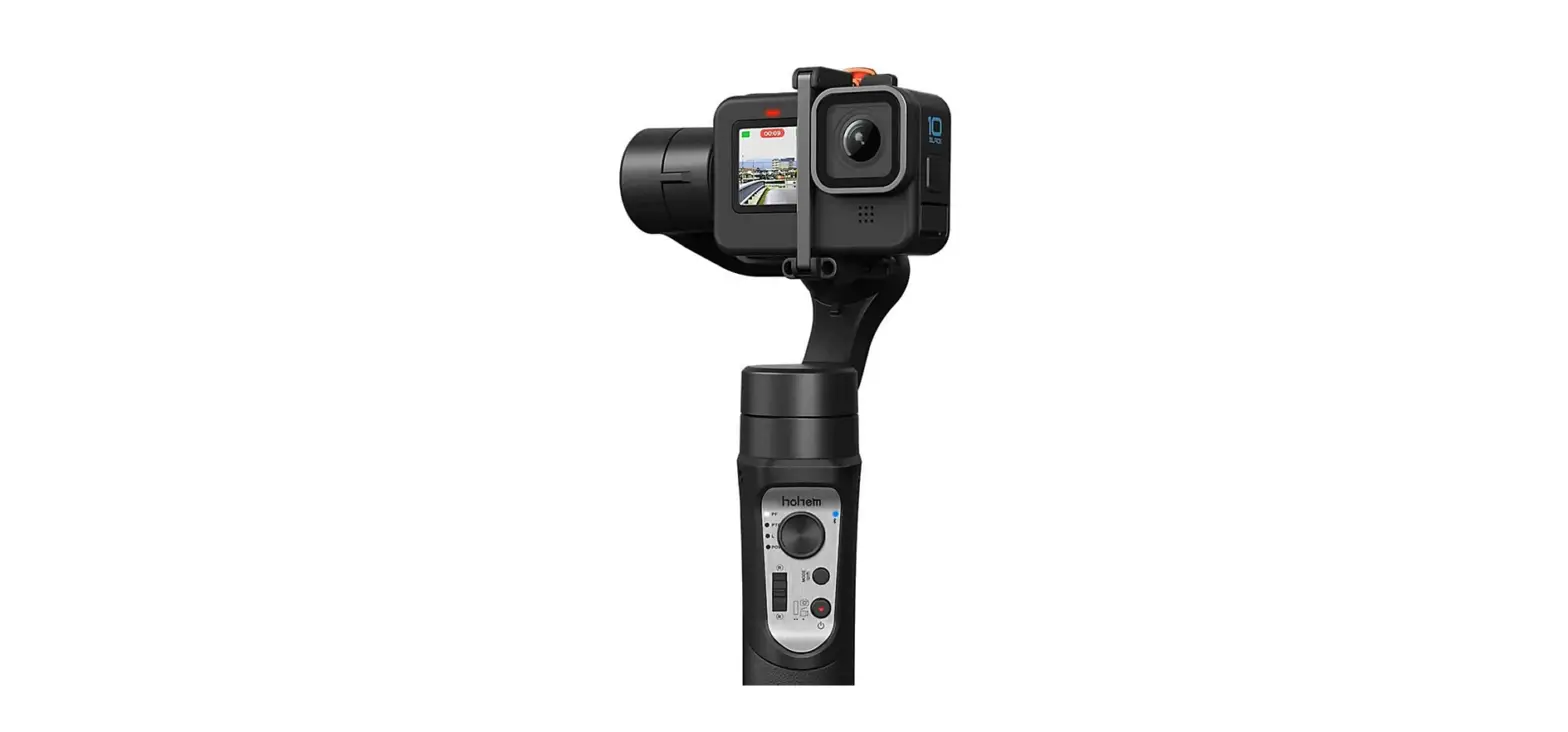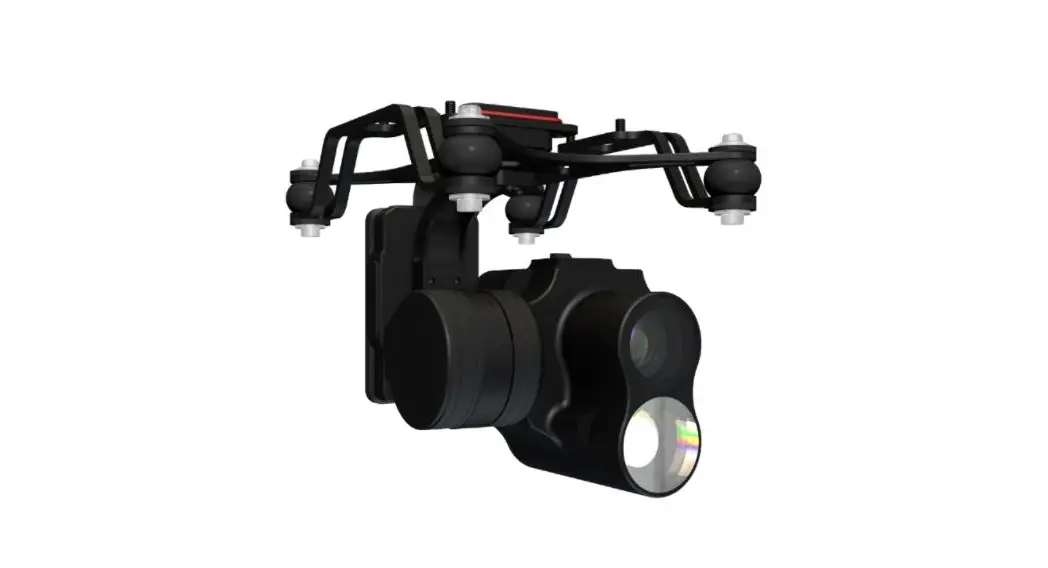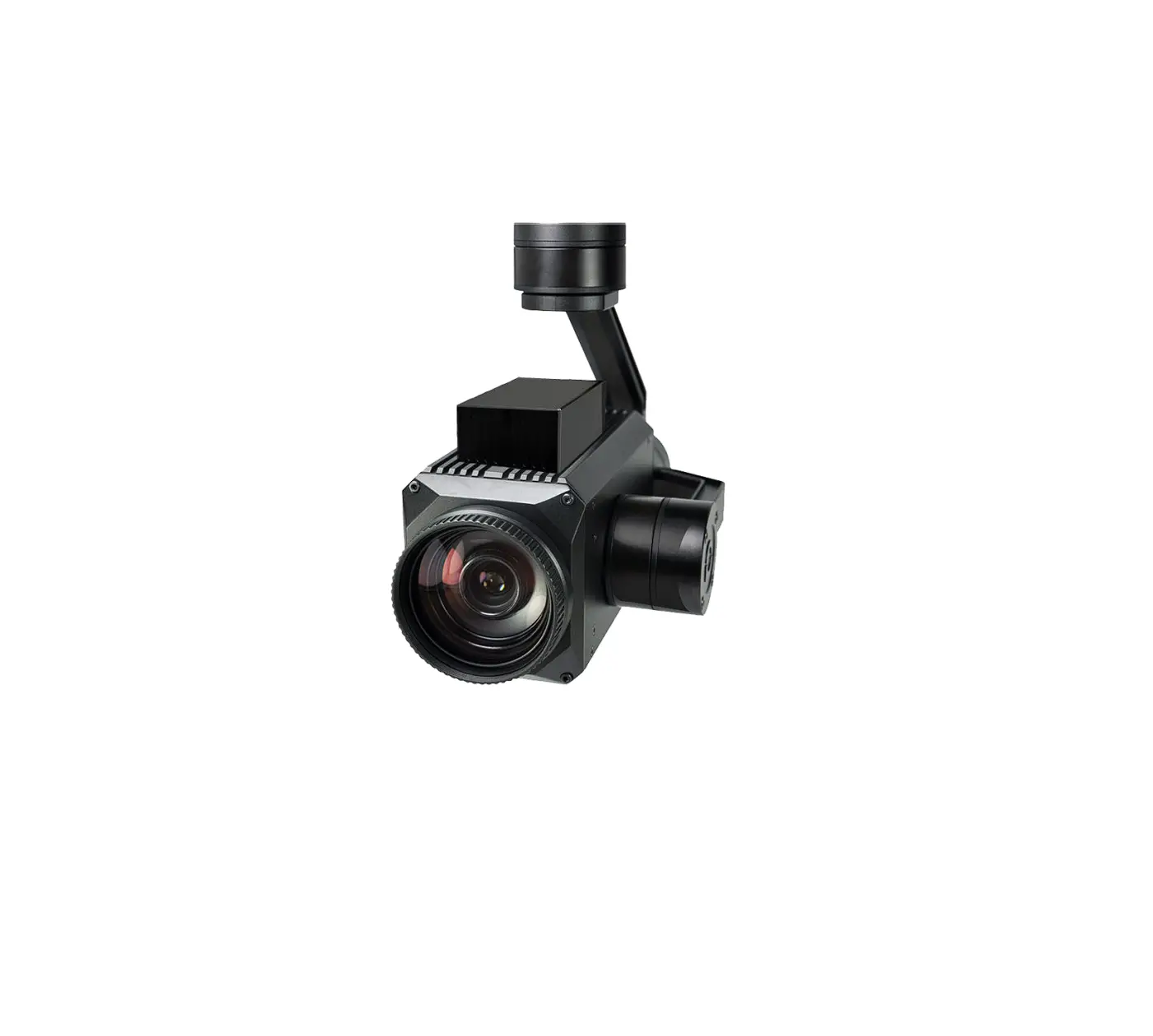
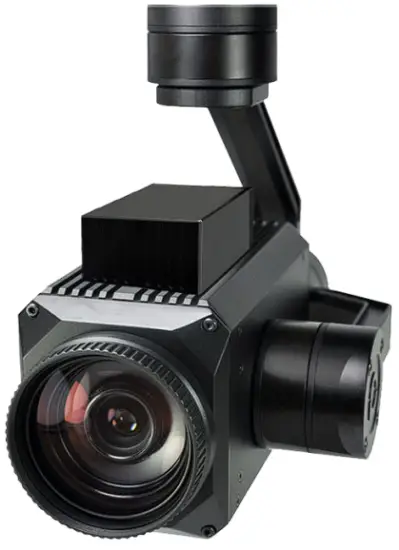
FOXTECH FH336 V2 36X Optical Zoom Starlight Camera with 3-axis Gimbal
Warning and Disclaimer
Make sure not to adjust the gimbal or change its mechanical structure by yourself. Be sure to mount the camera to gimbal before power on,and then install the gimbal on the aircraft.
To avoid gimbal performance degradation or damage caused by imbalanced payload,please do not add other peripherals for the gimbal camera (filter,hood,etc).
When in aerial photography,make sure your aircraft flight control system is working at the safe mode. We strongly recommend that you remove aircraft propellers before doing gimbal configuration.Use extra non-power battery for gimbal.Keep children away from the preset flight region.
Considering that we are not able to control user’s specific usage,installation, assembly,modification ( including the use of non-specified parts ),and improper use. Direct or indirect damage or injury caused by the behavior above, our company will not cover any loss and responsibility.
Main features
- 945g, light weight
- 1/2 inch 2.17MP CMOS sensor
- 36X optical zoom, 1080P 30 /25fps HDMI output
- 1080P 60/30 H.264 video recorded for on-board TF card
- Auto object tracking
- Geotagging
- PWM/ Serial command/Sbus control
- Convenient wiring hub for RC receiver and video output
- 3-aixs high stabilized gimbal system
Gimbal description
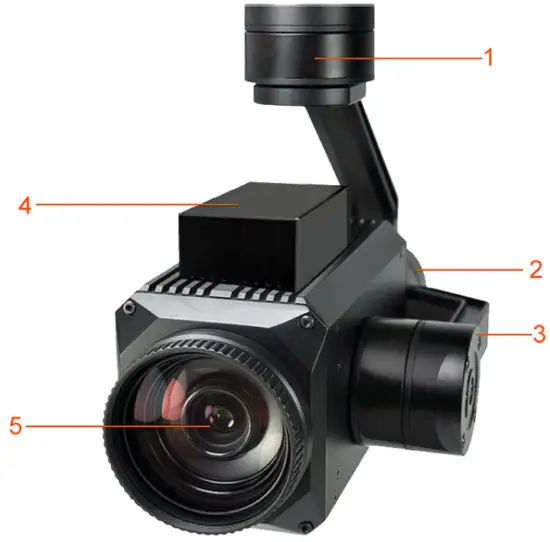
- Yaw axis motor
- Roll axis motor
- Pitch axis motor
- Wiring hub
- Camera
System specification
| 36X zoom camera | |
| Sensor | 1/2 inch 2.17MP CMOS SENSOR |
| Video Output | HDMI+Ethernet |
| Focal length | 36x optical zoom, 6.0-216mm |
| Wide Dynamic | Up to 120dB |
| Auto focus | Less than 1S |
| IR cut | Support |
| FOV | Horizontal: WIDE 56.50° TELE 2.12° Vertical: WIDE 34.58° TELE 1.99° |
| Low illumination | Color DSS(1/1s, 77.7dB): 0.001Lux Black&white DSS(1/1s, 77.7dB): 0.0002Lux |
| Aperture | Φ 16.0 |
| Vertical Roll / Horizon Mirror/Static | Support |
| Gimbal system | |
| Input voltage | 3S-4S |
| Rotate range | Pitch: -45°~+90°; Roll:±70° Yaw:±290° |
| Angle amount of jitter | Pitch and roll:±0.01° Yaw:±0.01° |
| Control interface | PWM/ Serial command/Sbus control |
| Working Current | Static current:450mA(@12V) Dynamic current:550mA(@12V) |
Gimbal wiring hub drawing
Size : 64*45*20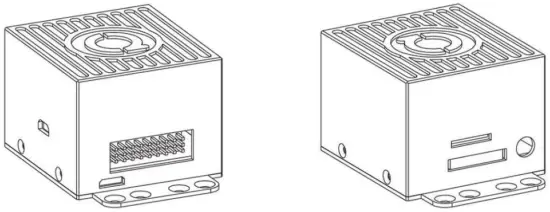
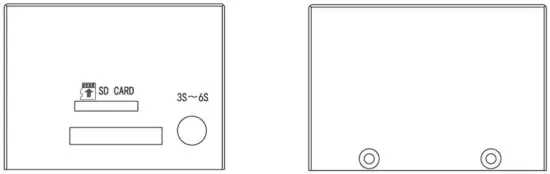
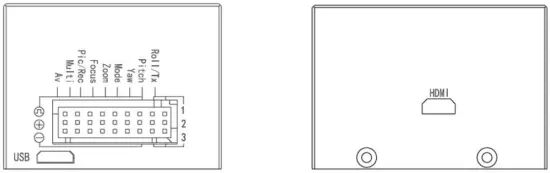
Notice:HDMI output is 1080P 30FPS,SD card supports max class 10 128G
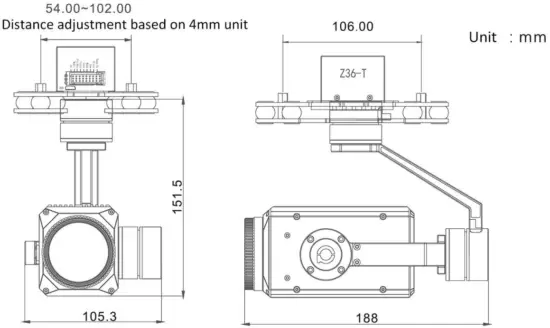
Dimension
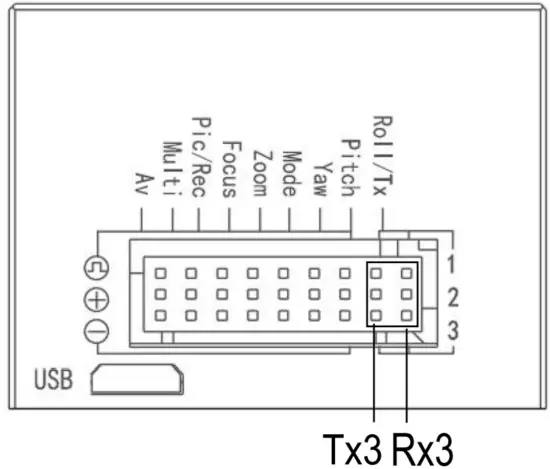
GPS data overlay and serial port wiring diagram
GPS Baud rate:115200,8,1,null
Serial ports will be needed(marked by the black box,see photo above),please connect
RX1 and RX2,TX1 and TX2,with wire jumper.TX and RX from external serial cable connect to TX3 and RX3 respectively.GND from external serial cable connect to GND of the wiring hub.
Please notice:DO NOT connect 5V and GND to the ports marked by the black box.
Gimbal and camera control via PWM
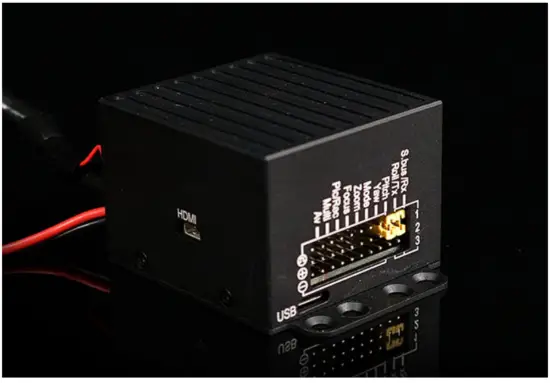
Gimbal control
- Yaw axis control: speed mode, connect stick channel(or 3-position switch channel, push stick to middle position to stop)
- Pitch axis control: speed mode, connect stick channel(or 3-position switch channel, push stick to middle position to stop)
- Mode control: angle mode, connect knob channel(speed mode: connect 3-position switch channel or Stick channel)
If connecting knob channel, rotate to one end, the gimbal is at lowest speed when controlling YAW and PITCH axis.
Rotate the knob to any position, gimbal is at higher speed when controlling YAW and PITCH axis. Rotate to knob to another end, gimbal back to center position. - Multi:tracking function control
Camera control
- Zoom control:connect 3-position switch or stick channel
- Focus: connect 3-position switch or stick channel for manual focus control. If do not connect any channel, then camera will auto focus after zooming
- Pic/REC:taking picture/recording, connect 3-position switch channel
Flip the stick from middle position to high position, taking picture/recording mode switch
Flip the stick from middle position to low position:
A: If under recording mode:record start,flip from middle to low again,record stop B:If under taking picture mode,start taking pictur
Mode function description(connect “MODE”to knob channel)
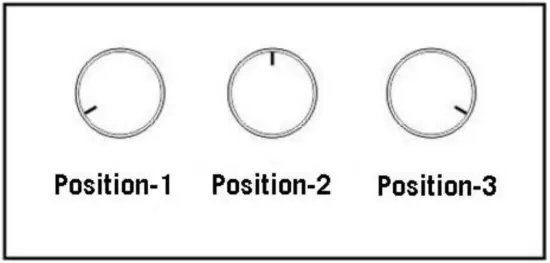
Rotate knob to position-3:low speed lock mode.The gimbal will move at the lowest speed when controlling YAW and PITCH, and gimbal YAW axis will not follow drone flight direction.
Rotate knob to any position except position-3:variable speed follow mode. Gimbal speed will be faster(the speed depends on the angle you rotate the knob, the bigger the faster).
Rotate knob to position-1,gimbal back to home position.
Flip 1 time between position 2 and position 1,gimbal goes back to home position
Flip 2 times between position 2 and position 1,gimbal goes to speed mode.
Flip 3 times between position 2 and position 1,gimbal goes to angle mode.
Flip 4 times between position 2 and position 1,gimbal goes to accelerometer calibration
Flip 5 times between position 2 and position 1,gimbal goes to gyro calibration
Notice: gimbal will goes to gyro calibration automatically if the gimbal stays still with the power on.The gimbal will works in the mode that is used last time.Thefactory work mode for the gimbal is angle mode.
FH336 V2 36X with tracking connect block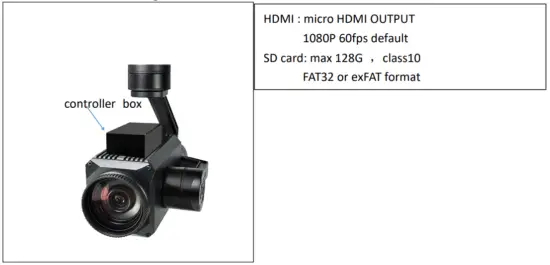
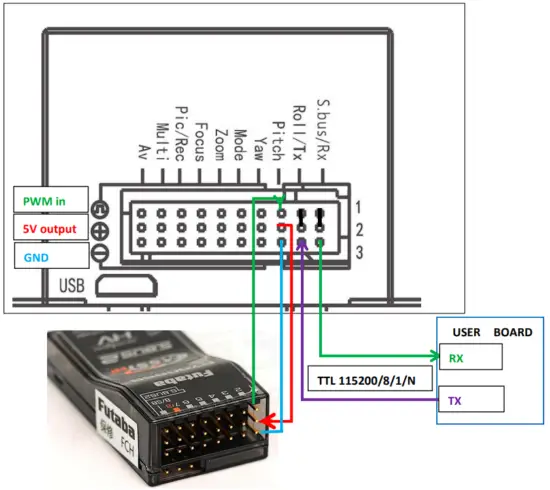
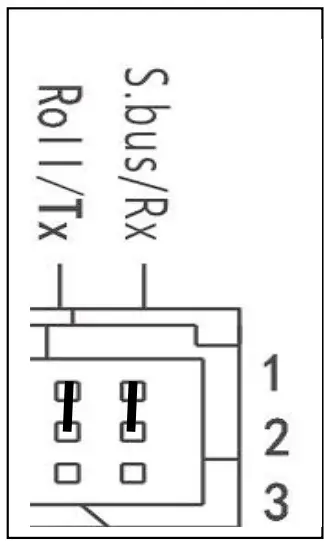
S.bus/Rx : connect to Rx2 for track function.
Roll/ Tx : connect to Tx2 for track function.
Pitch: : PWM in, pitch control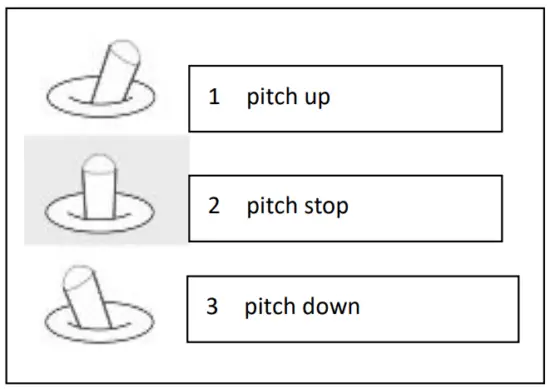
Yaw : PWM in, Yaw control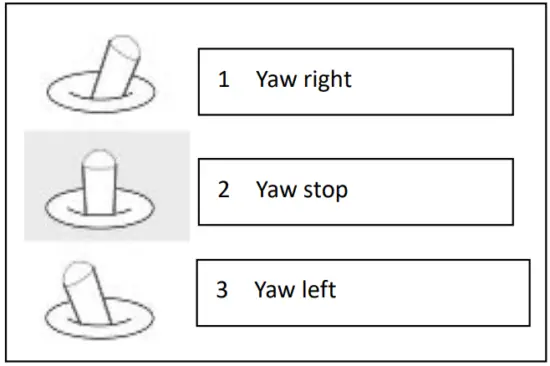
Mode: change the speed / home position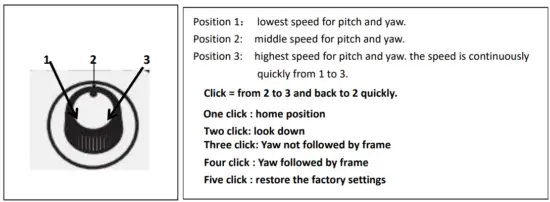
ZOOM: zoom the camera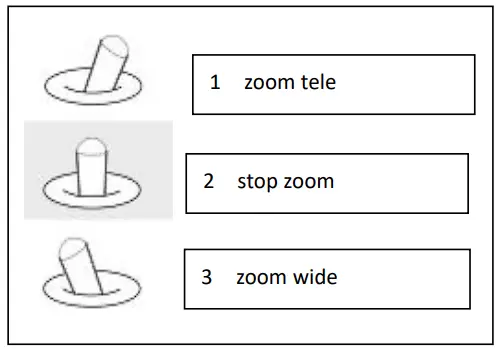
focus : focus the camera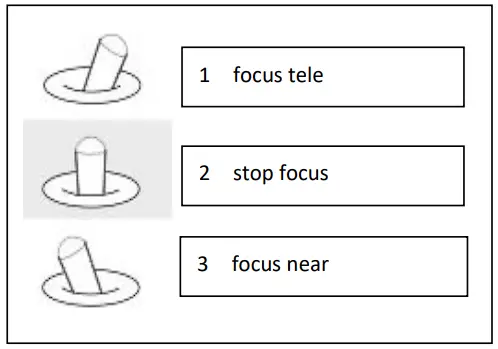
Pic/Rec : picture / start record, stop record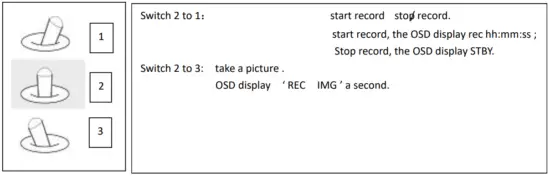
Multi: tracking control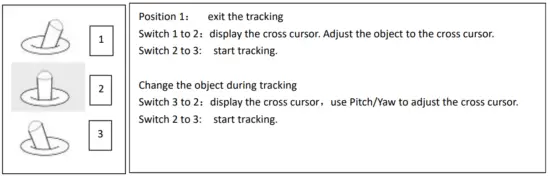
AV: NO AV output this model。

 Foxtech drone store - Professional shop for industrial drones