Indigi
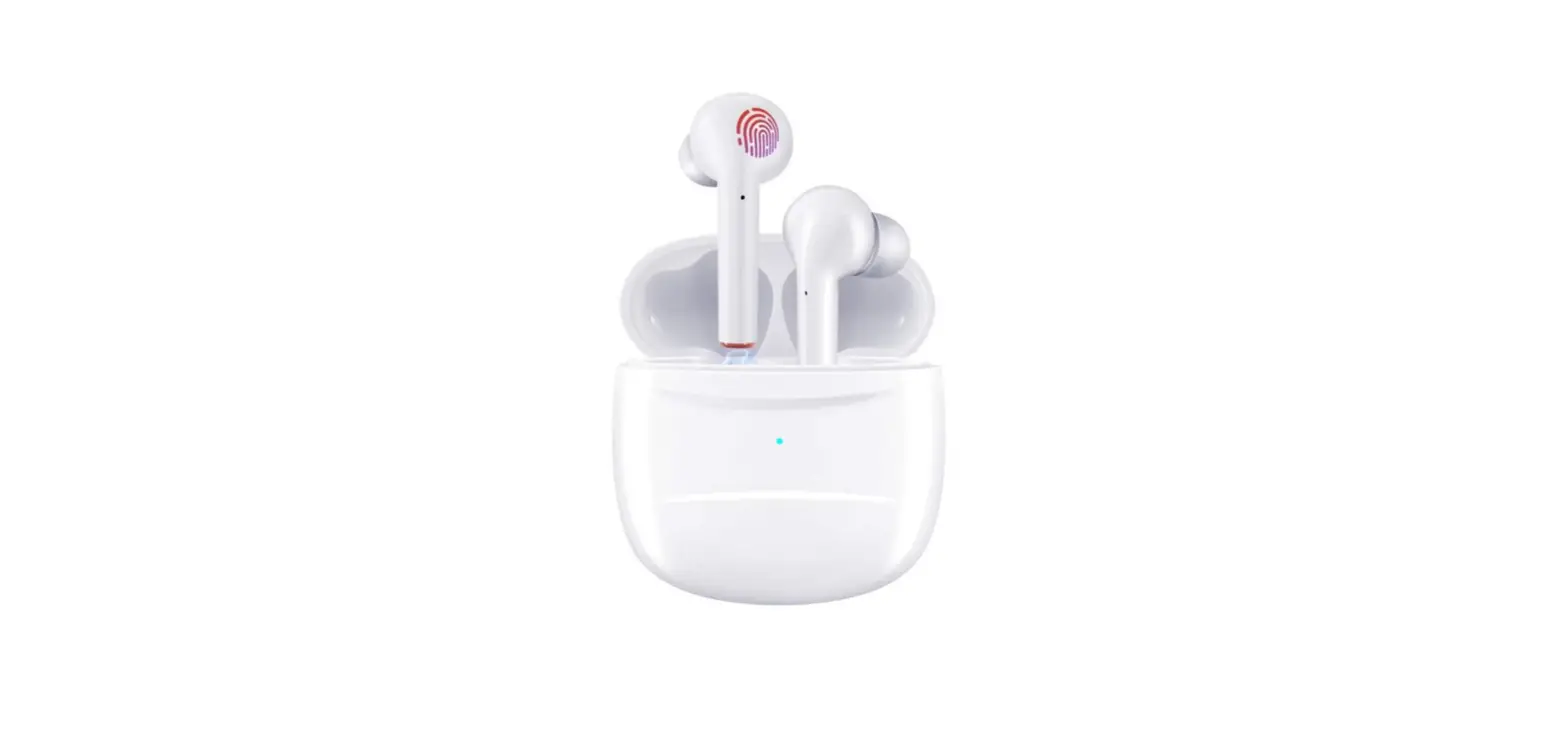
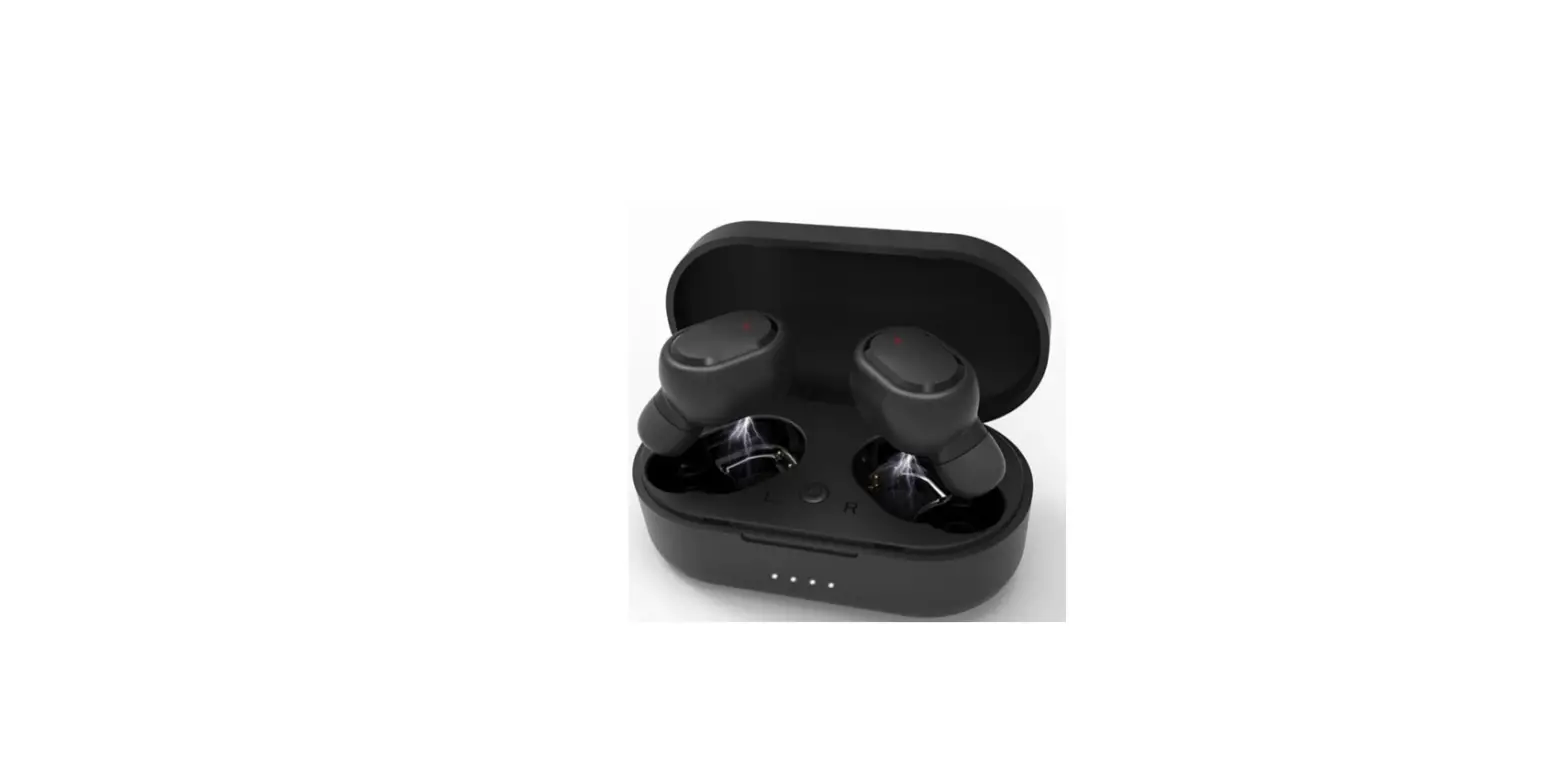
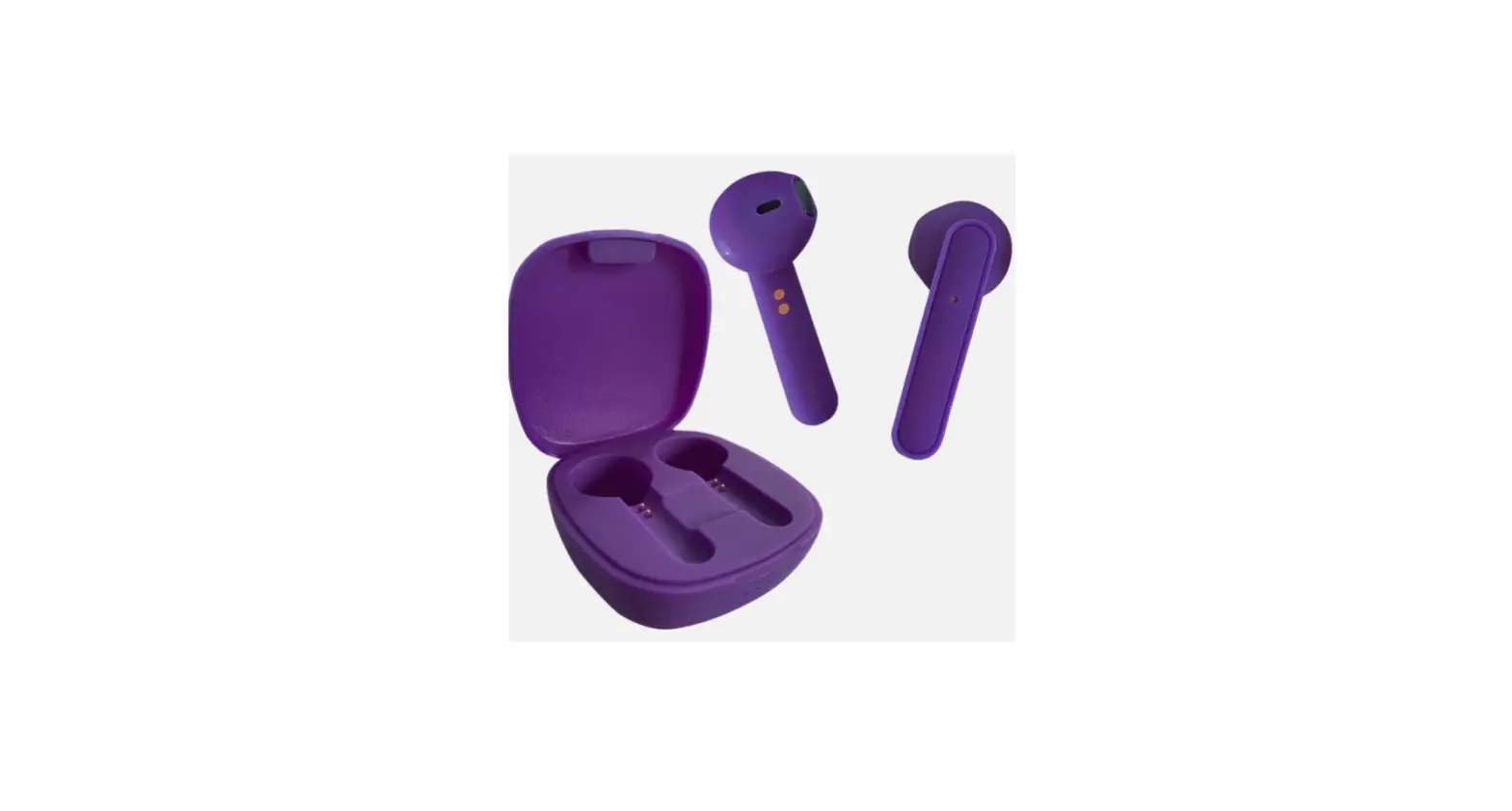
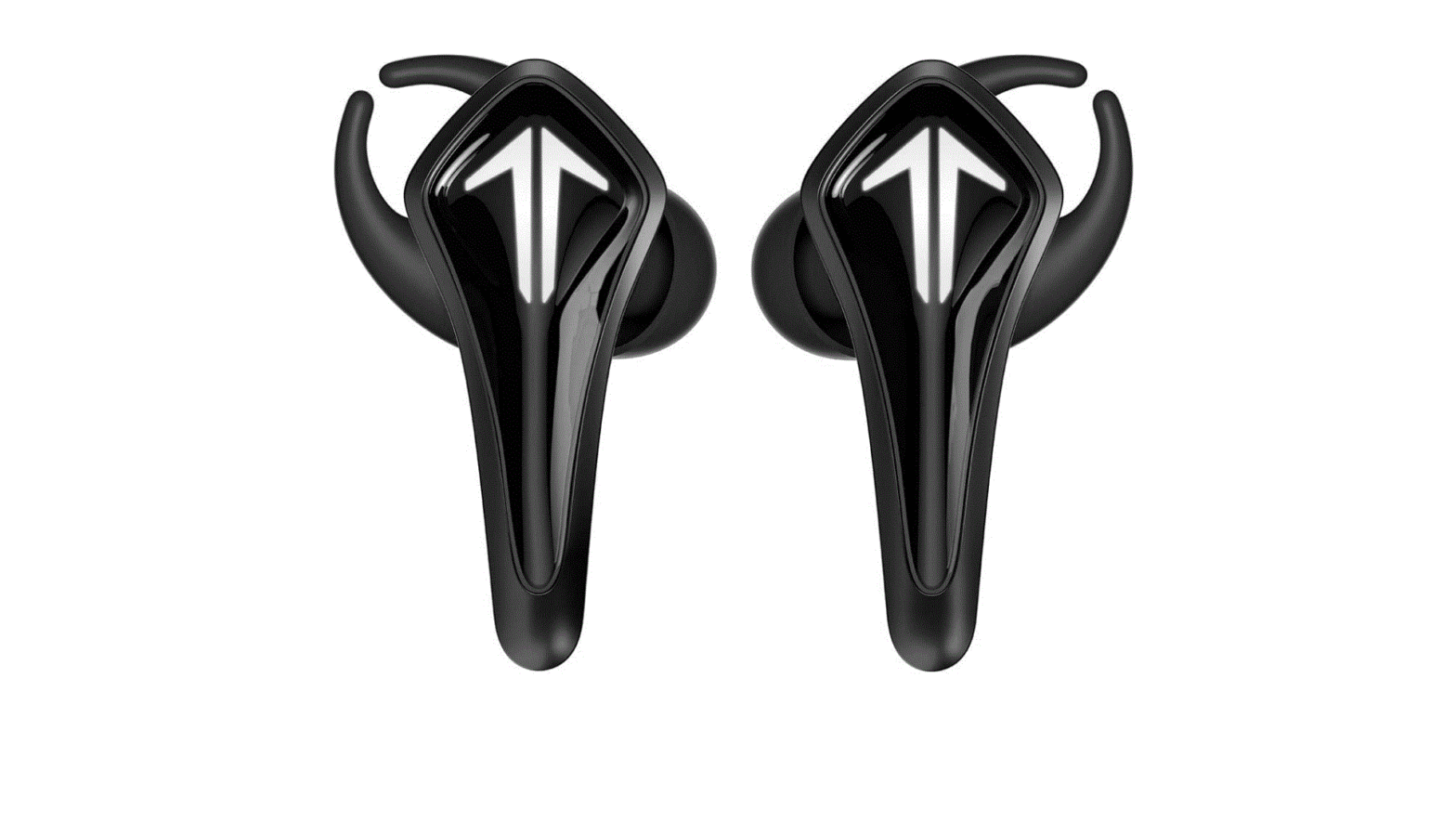
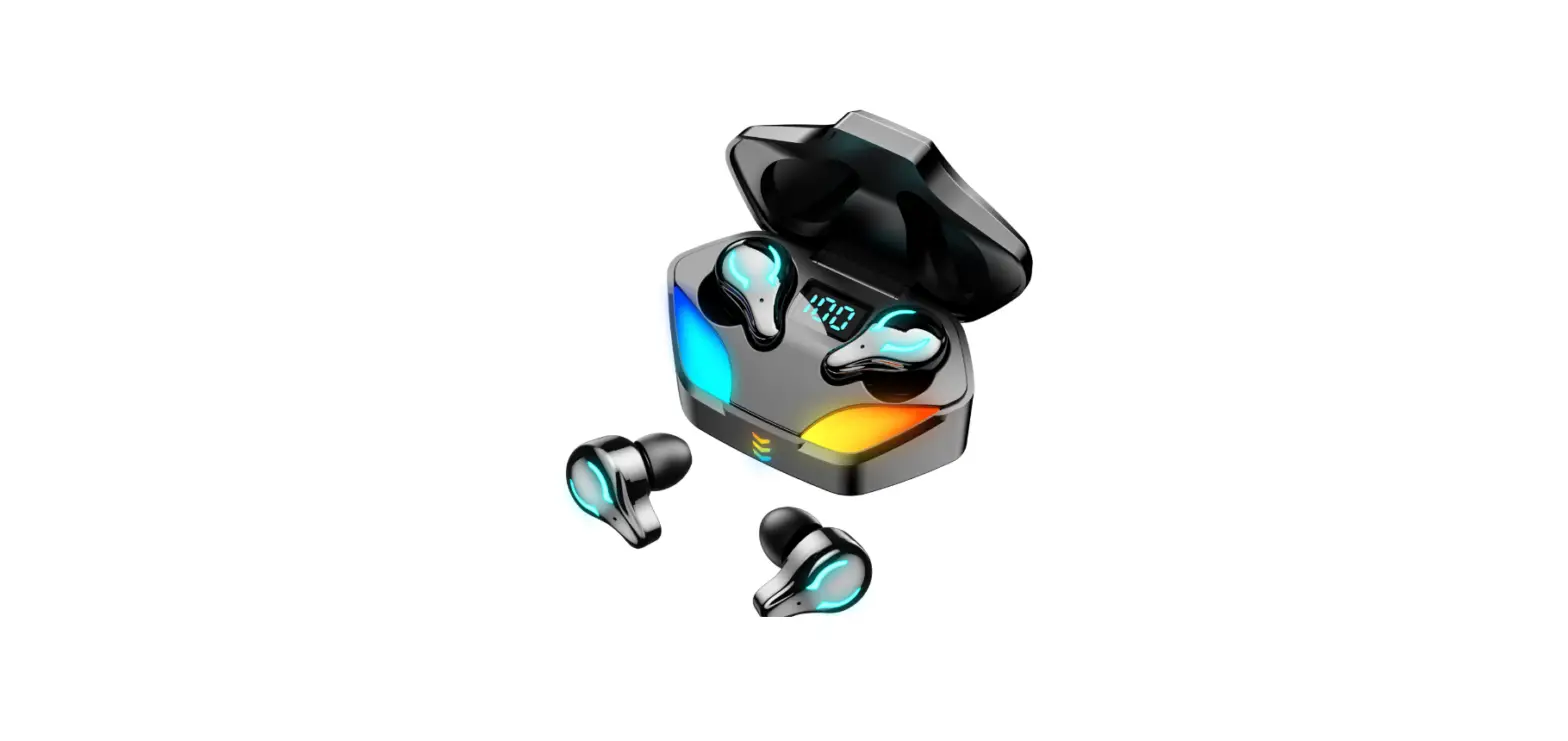
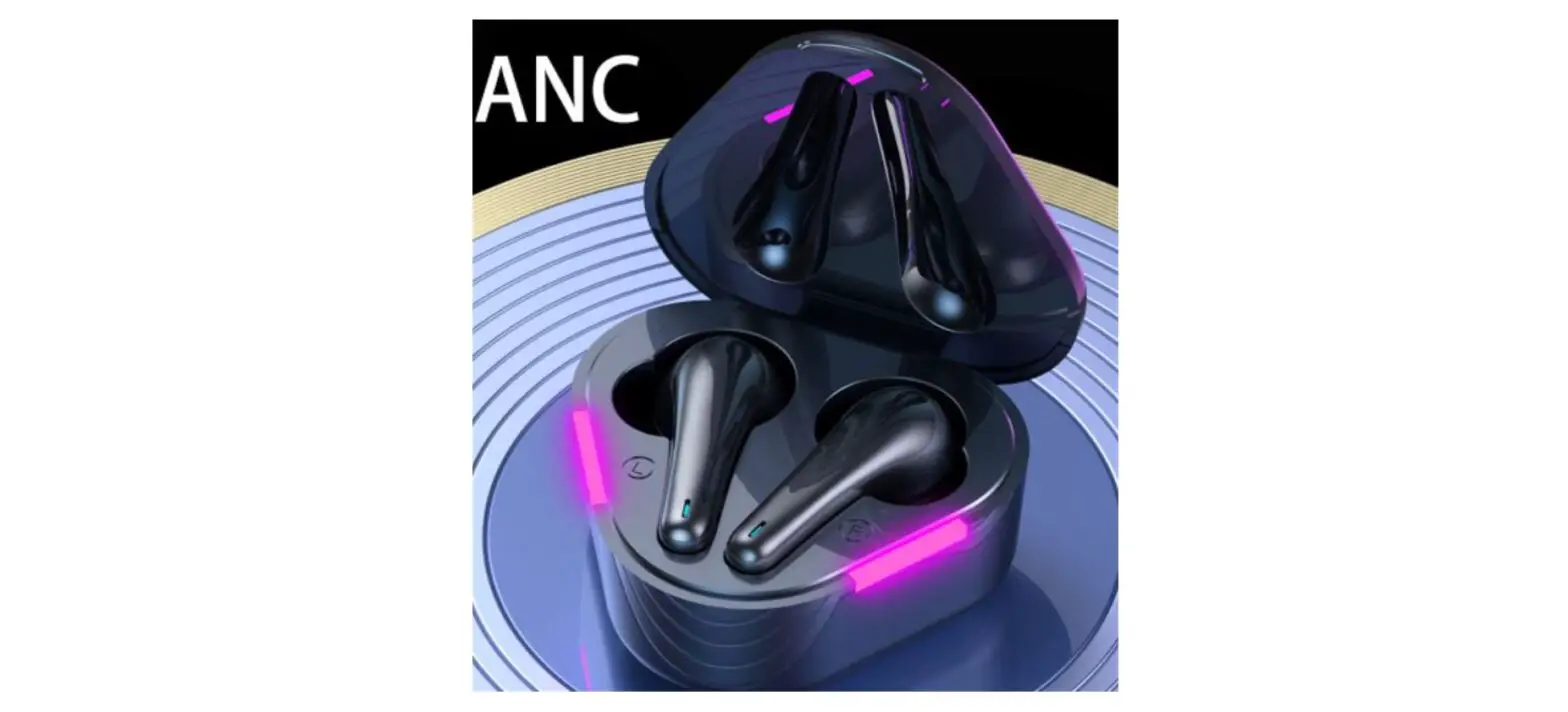
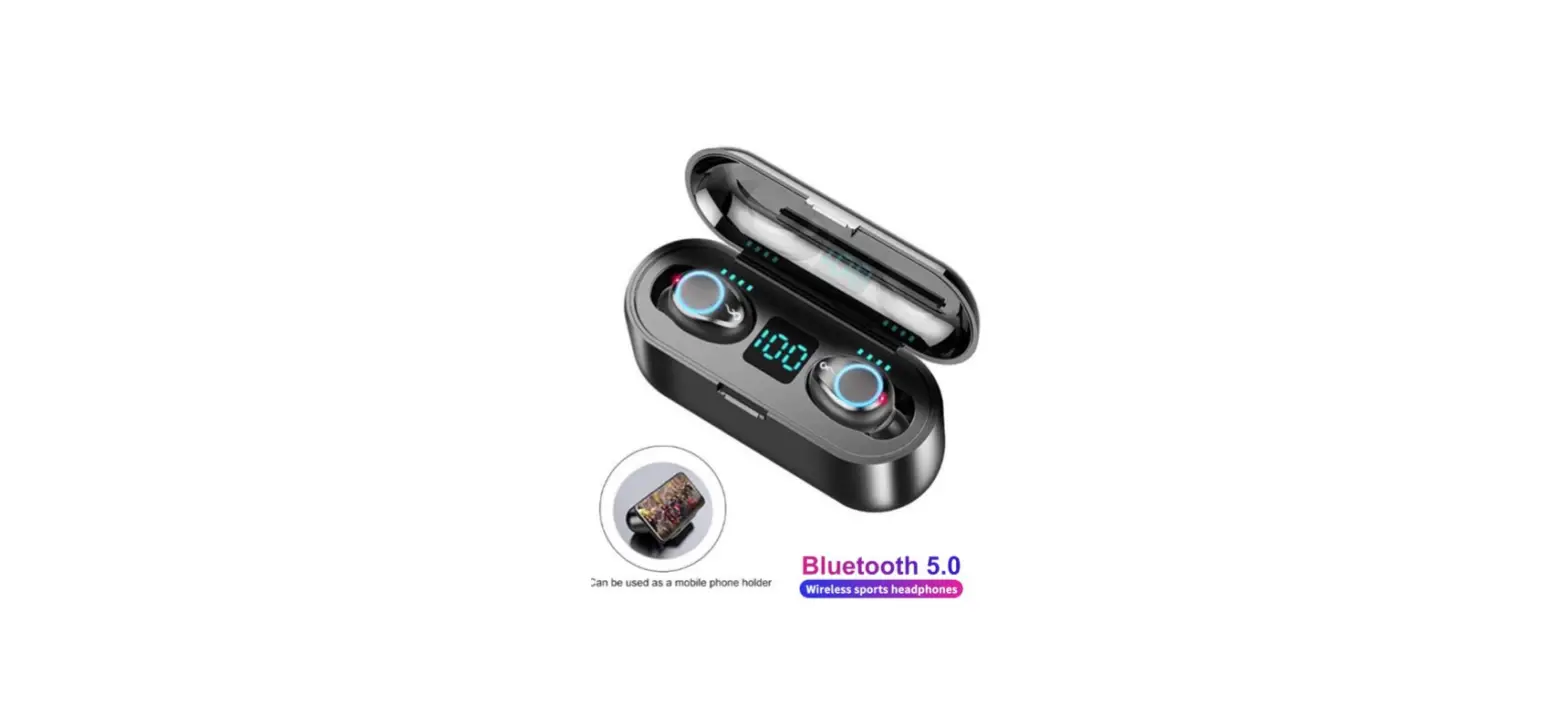
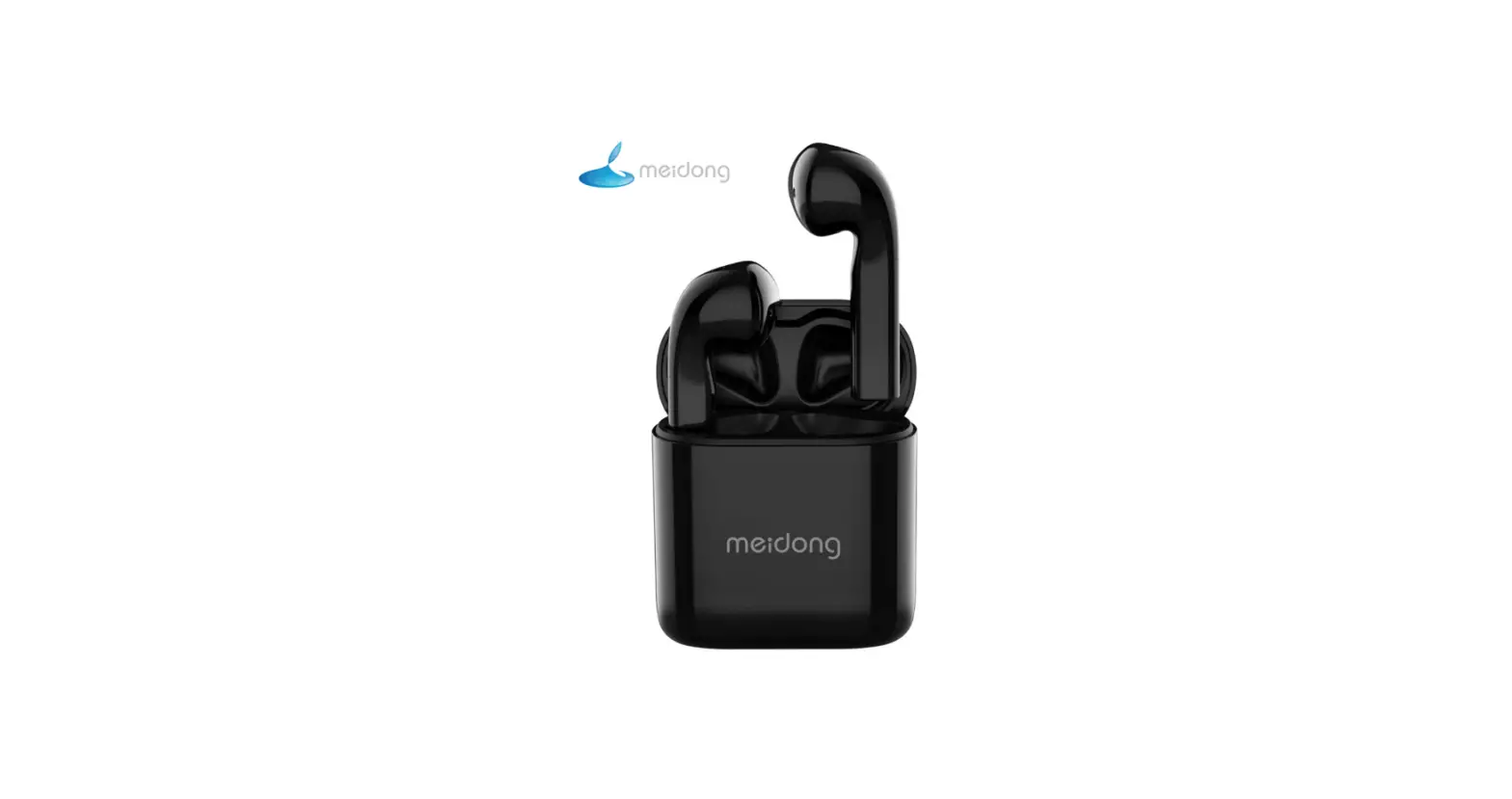
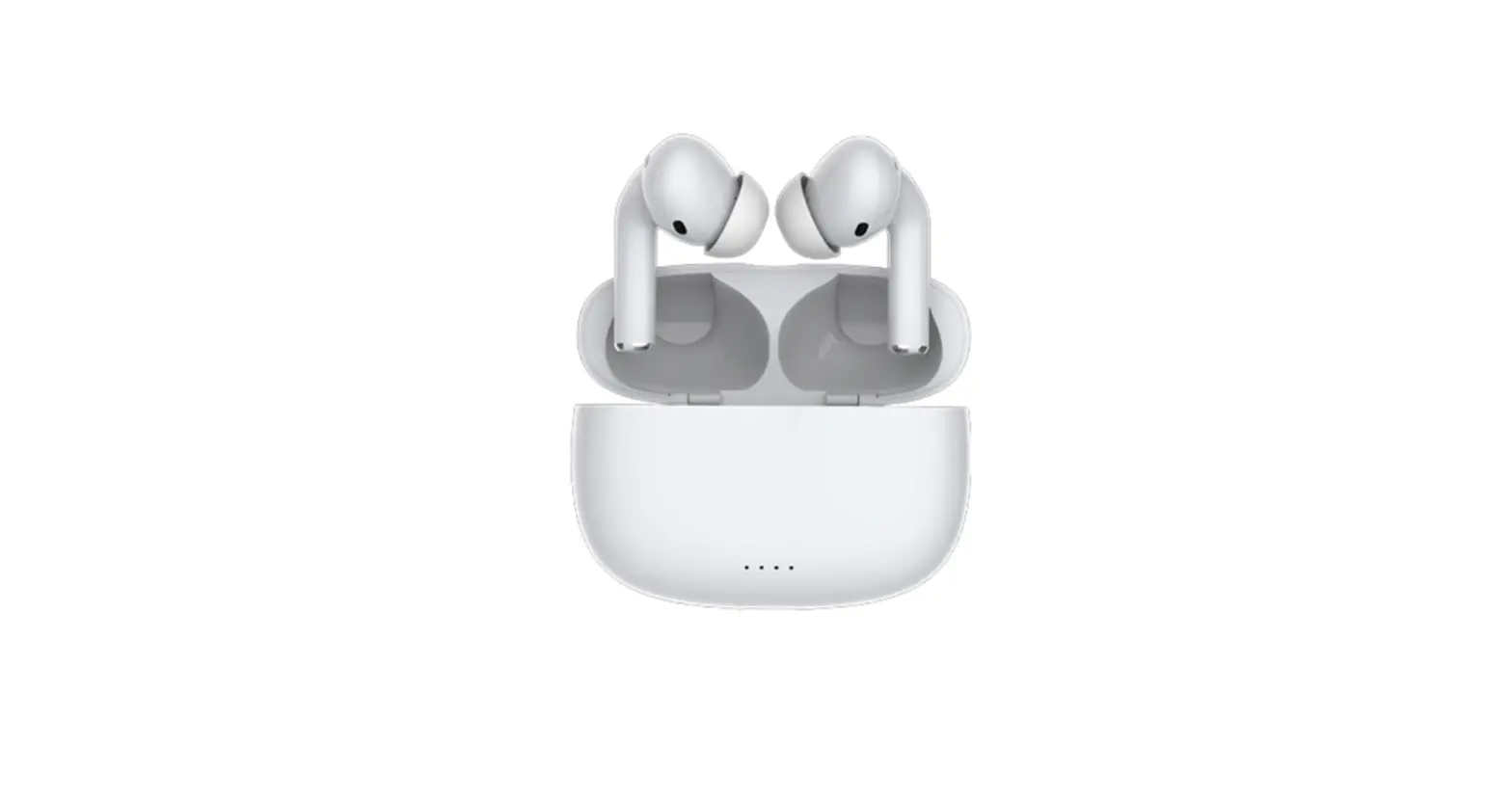
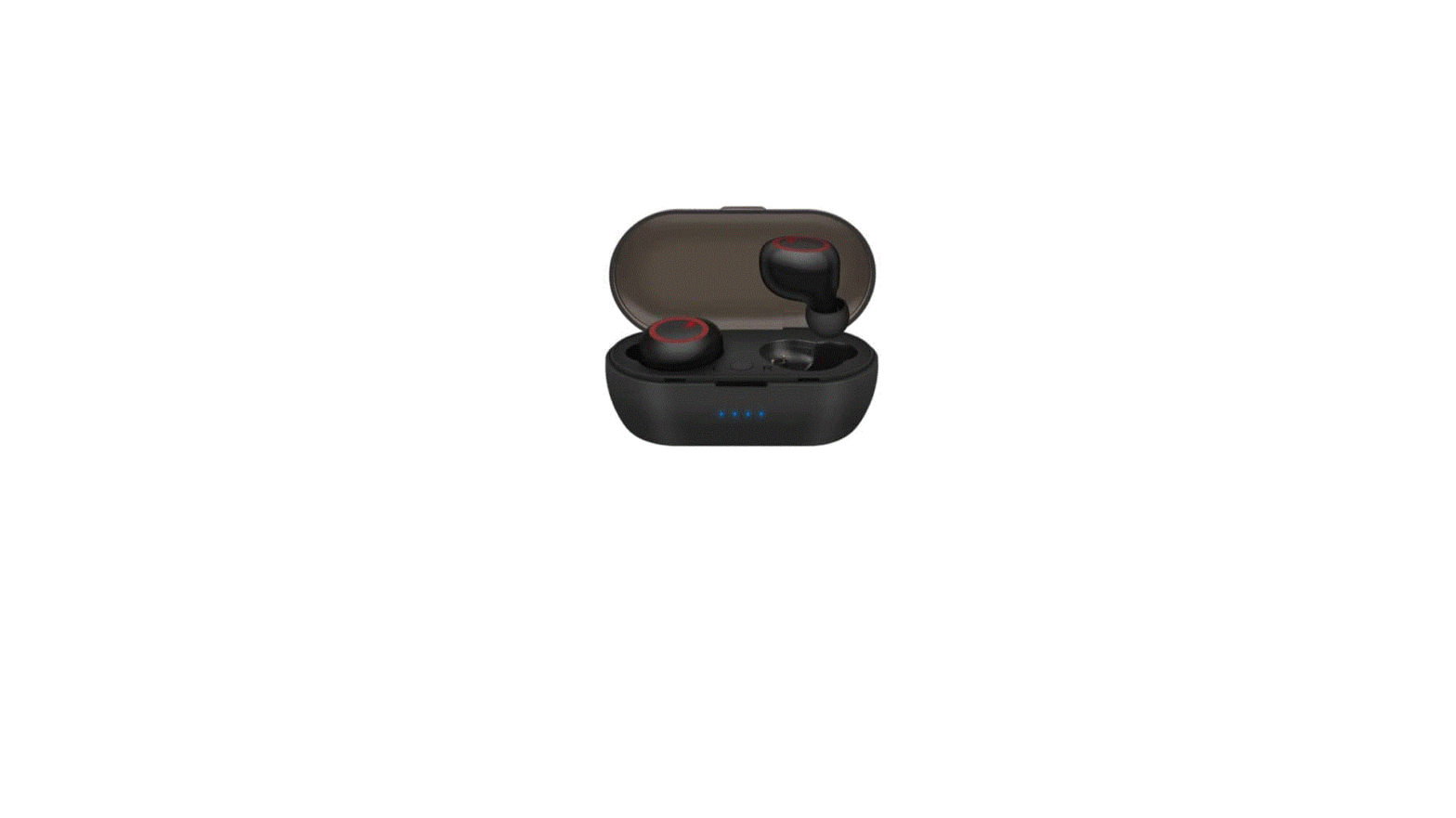
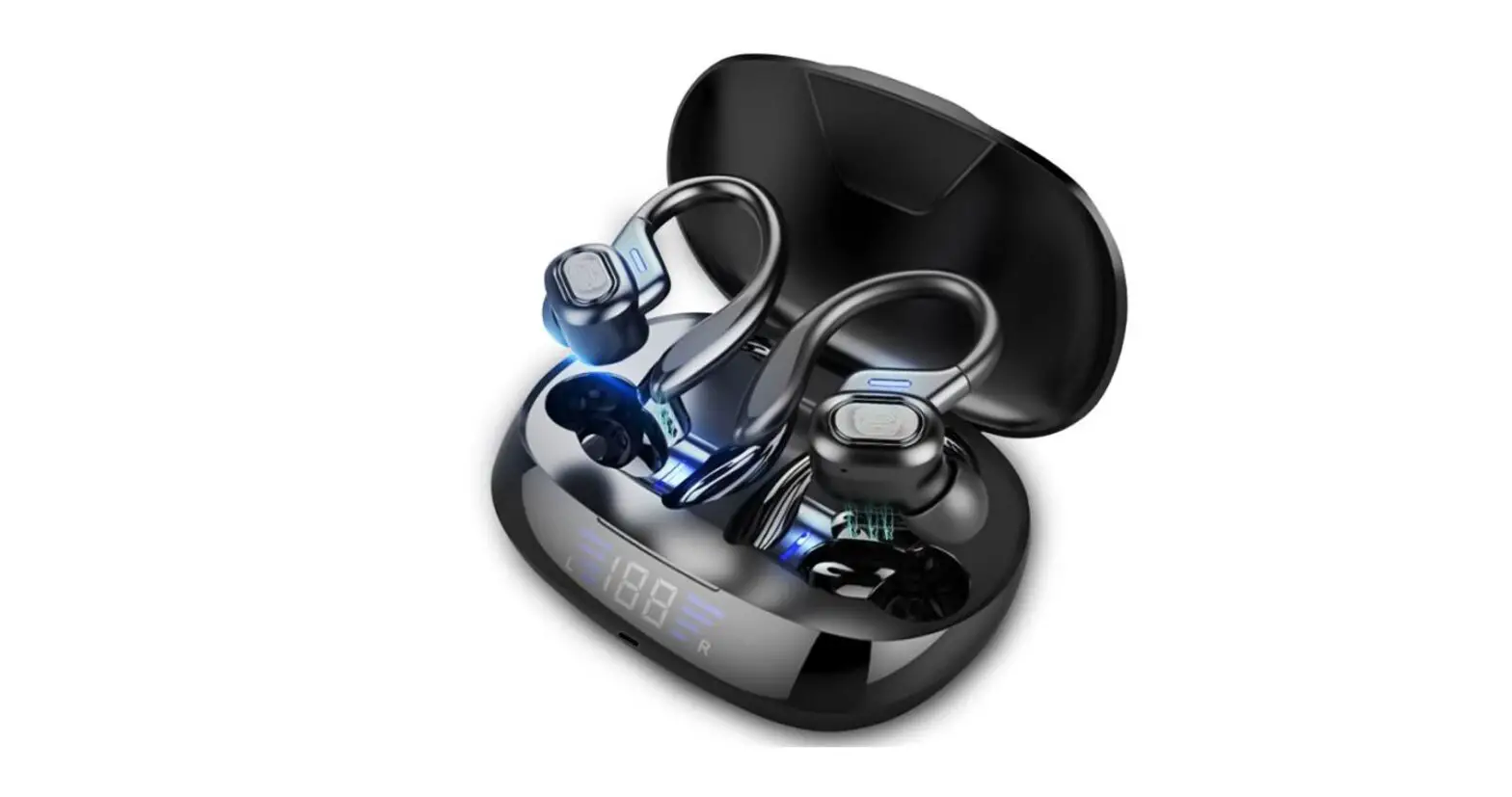
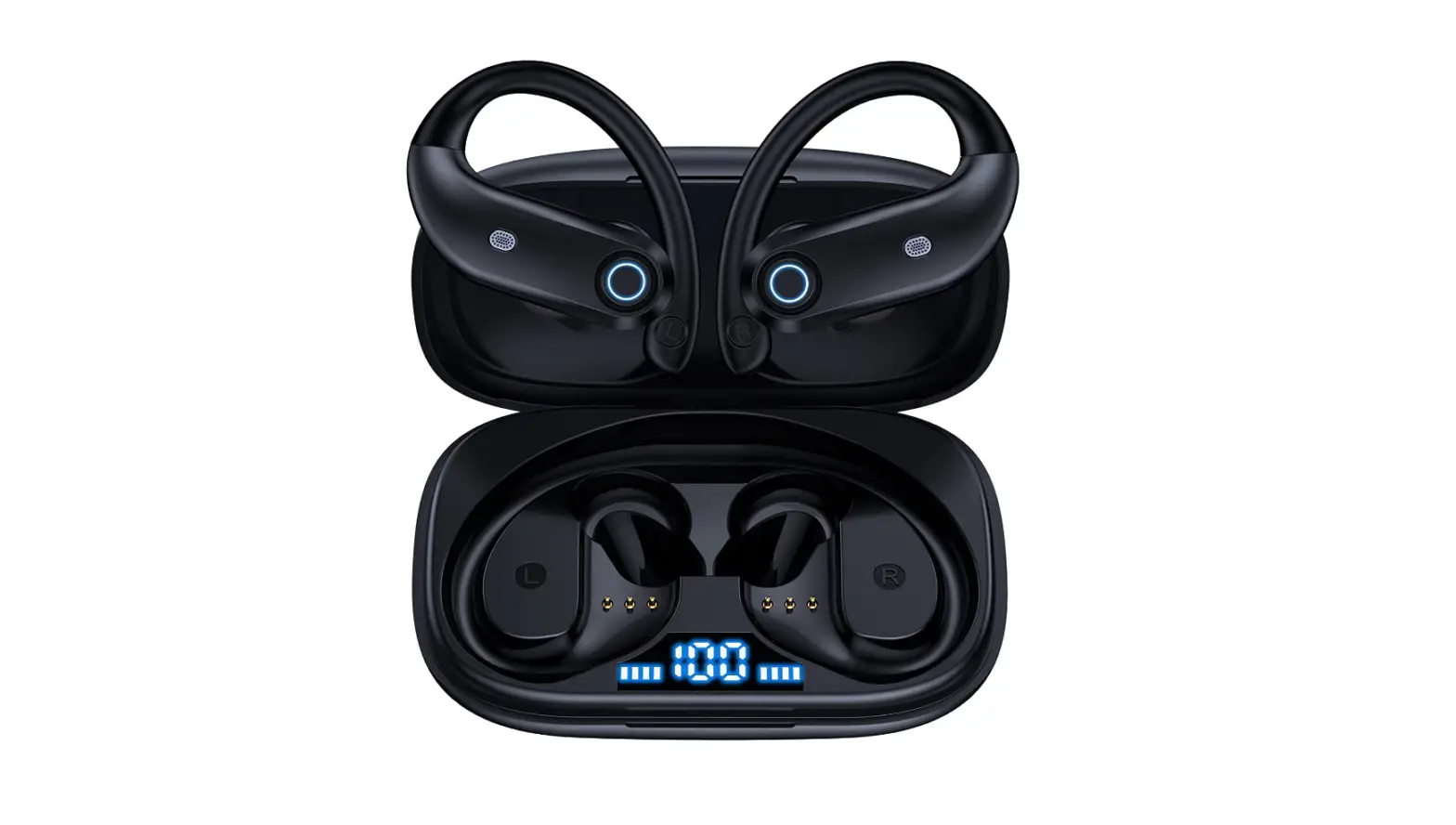
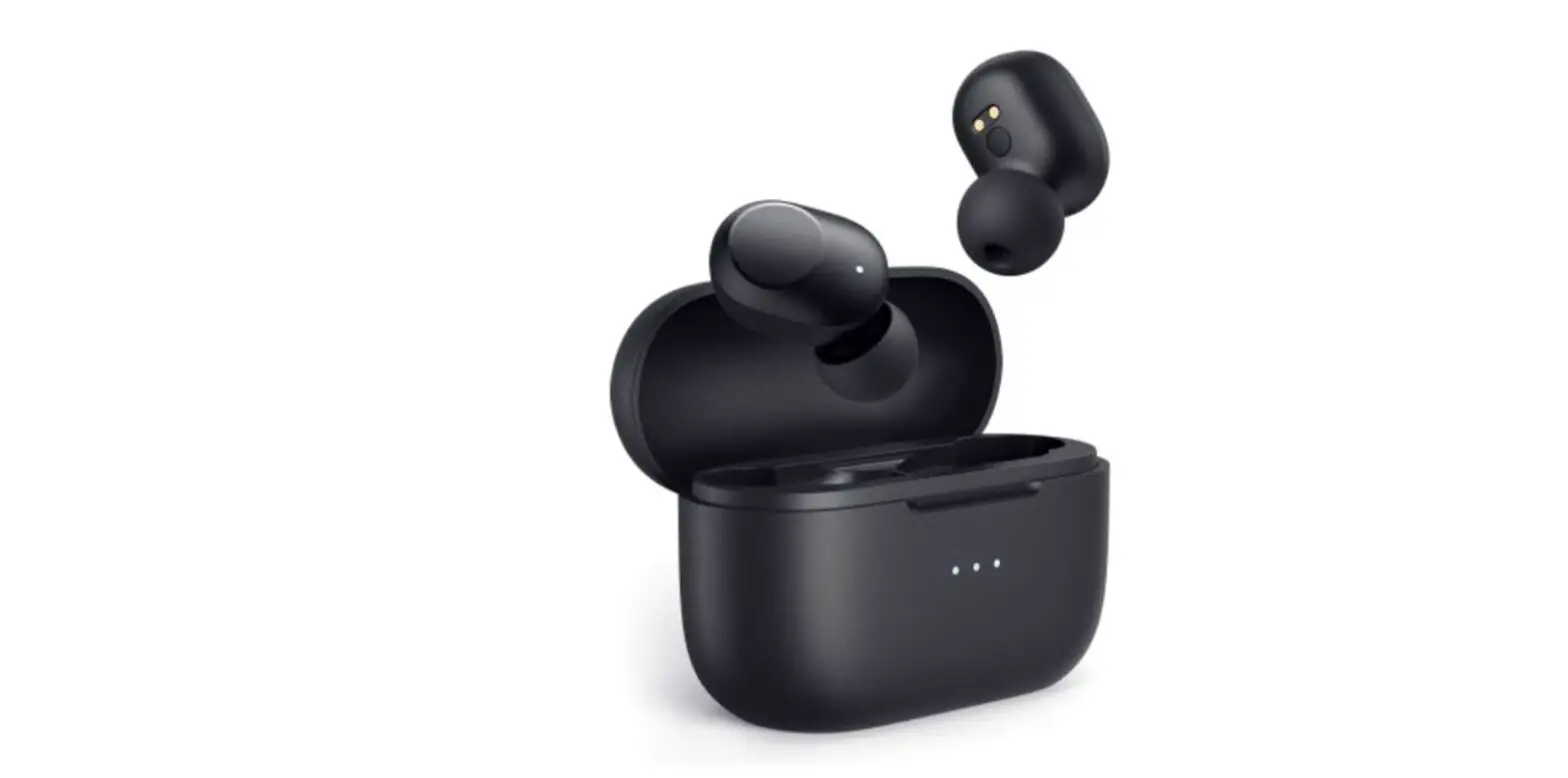
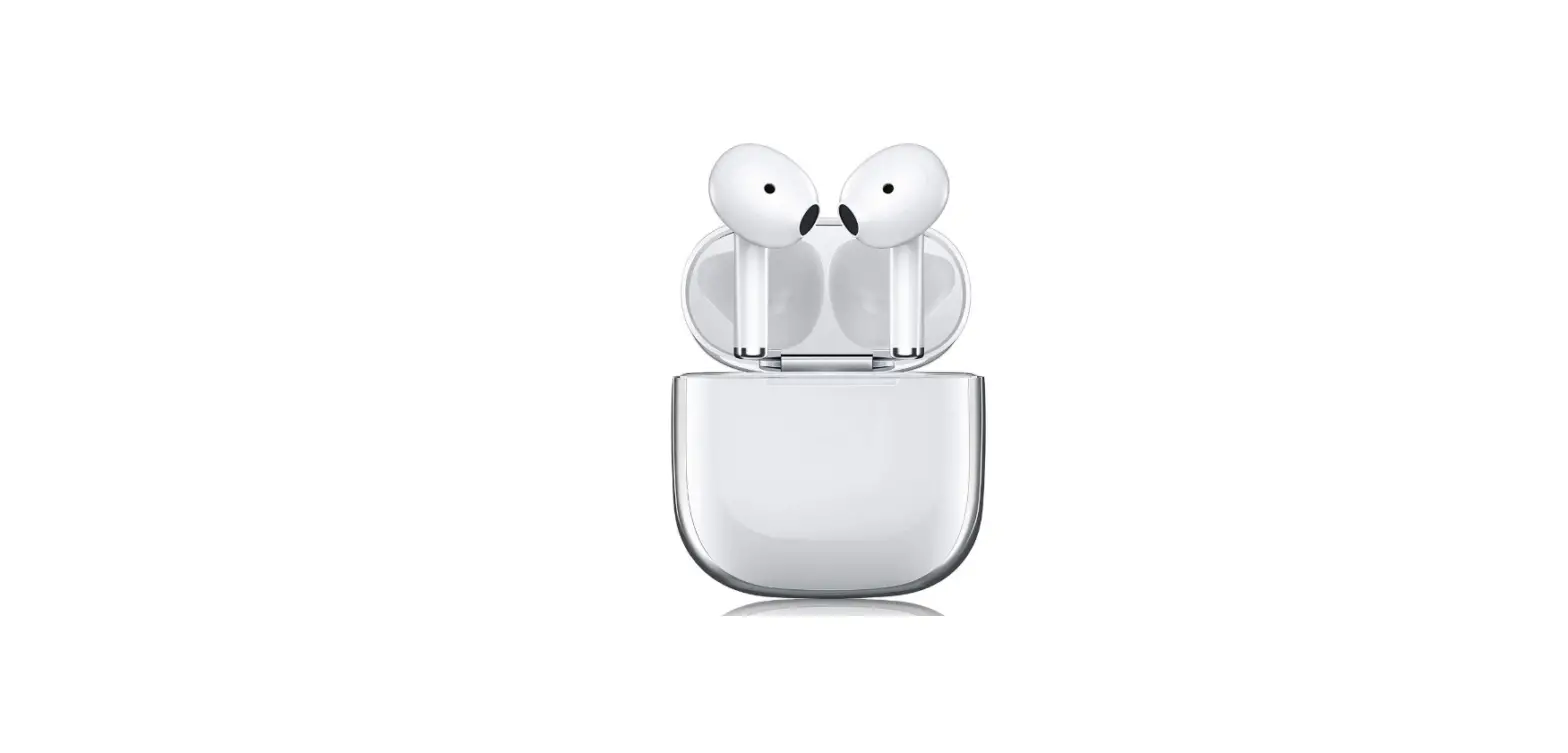
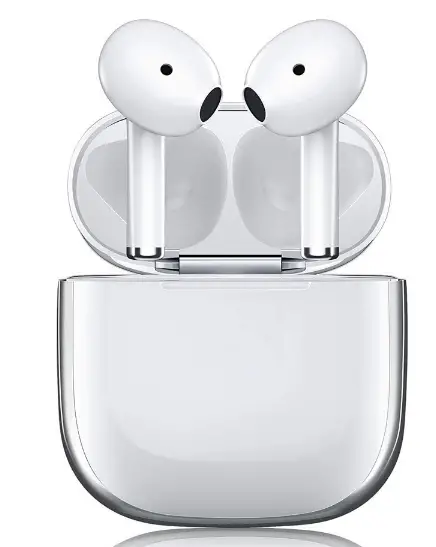
Great Gift! TWS Wireless Bluetooth Earphone Headset EarBuds with Portable Charging Case
Specifications
- BRAND: Indigi
- COLOR: White
- DESIGN: Universally Compatible Design, Lightweight Design
- WIRELESS VERSION BLUETOOTH: V 5.0+EDR
- CAPACITY: Up to 5hrs of use 100hr standby
It is snug and lightweight. The earbuds are compact and light, weighing only 4 grams a piece, and are sturdy whether jogging, riding, or exercising. Universal Acceptance Compatible with the latest iPhone 11 pro/ 11 / X / XR / XS / XS Max / 8 / 8 Plus / Android Smartphones Acoustic components that are state-of-the-art and generate outstanding sound quality with deep bass and crystal clear treble. You may charge your earbuds up to 4 times using the Quick Charge Box 500mAh Rechargeable Battery.
INSIDE THE BOX
- Bluetooth Headset X 2PCS
- Charging Case X1PCS
- USB lightning charging cable X1PCS
- User Manual X1 PCS
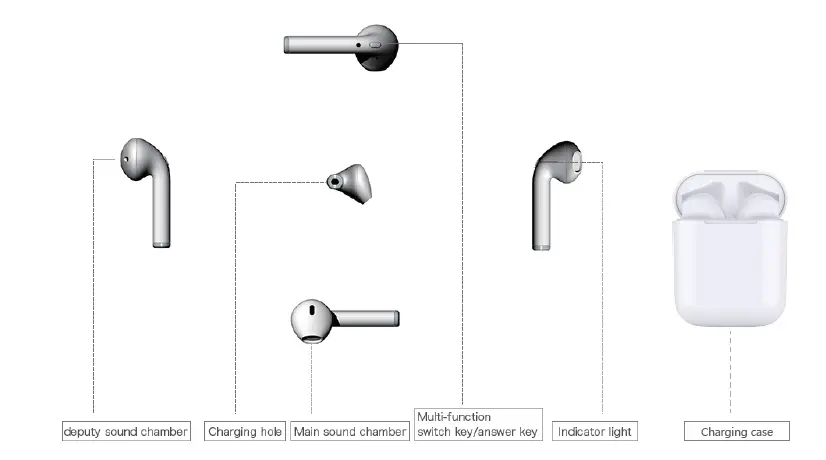
FUNCTIONAL DIAGRAM
HOW TO USE
TO CHARGE THE CHARGING CASE
- Connect the lightning cable to lightning port on the charging case
- Plug the USB connector of the cable into a USB Power source
- The indicator light will show RED while the charging case is charging, depending on the power delivered to the charging case, the charging case will take approximately 2 hours or more to completely charge
- The indicator light will go solid blue, then blink, then turn off when the case is fully charged
TO CHARGE EARPHONES
- Put the earphones in the charging case correctly, the charging case will start to charging automatically
- The indicator light on the earphones will turn RED while charging
- The indicator light on the earphones will turn OFF when fully charged
POWER ON
Press and hold the multi-function key on BOTH L and R earphones for 3 seconds simultaneously, release when the BLUE light is on with a voice prompt: “POWER ON”
PAIRING
- When power on, L and R earphones will connect each other automatically and sound with a voice prompt: “CONNECTED”, and the indicator lights of R earphones will flash blue and red with a voice prompt: “PAIRING”, While the blue indicator light of L earphone flash slowly (*)

- Enable the Bluetooth pairing mode on your phone device. Tap on “Air plus” to connect. Right earphone will respond with a voice prompt: “CONNECTED “and blue light flash when connected successfully

- Earphones will respond with a voice prompt: “DISCONNECTED” when the Bluetooth signal is cut off, and shutdown 5mins later automatically
- When powered on, the earphones will connect the last paired mobile automatically. If not, pls repeat step 2.

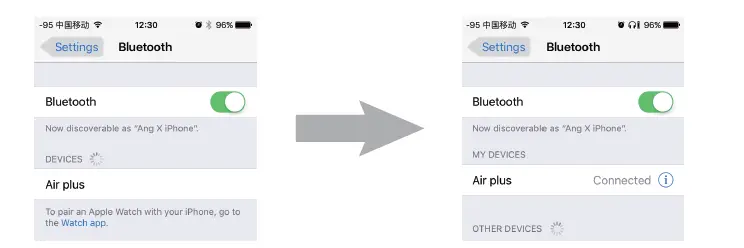
NOTE: IF you see 2 Airplus entries in available devices then the earphones are not paired correctly. Pls follow below steps to get it paired correctly
Both L and R earphones are well-paired before it leaves the factory, Right earphone is the Main-headset by default, thus you may connect with your Bluetooth devices directly. If they are not paired or reset to defaults, you need to pair 2 earphones manually as below steps:
- Press and hold the multifunction key for 6 seconds of both earphones simultaneously, release when the indicator lights turn in red and blue, and response with a voice prompt: “PAIRING”, then they will be paired and connected automatically and response with a voice prompt: “CONNECTED”
- When paired successfully, the indicator lights of R earphone will flash alternately in blue and red, While blue indicator light of L headset flash slowly
- Go back to step 2 to connect with your devices
SINGLE EAR FOR INDEPENDENT USE
- Press and hold the multi-function key for 6 seconds on either earphone (base on your personal preference), release when the red and blue light flash alternately
- Enable your phone’s Bluetooth pairing function and search for the “Air plus “to pair and connect
POWER OFF
- TWS mode (Due-ear) Press and hold the multi-function key on either earphone for3 seconds. Release when the red indicator light is on with a voice prompt: “POWER OFF”
- Independent use mode (Single Ear, L or R) Press and hold the multi-function key on the used earphone for 3 seconds. Release when the red indicator light is on with a voice prompt: “POWER OFF”
- Put the earphones in the charging case correctly, will auto shutdown
The battery status of earphones is visible on connected devices, when it’s running out of power, the earphones will remind you with a voice prompt: “LOW BATTERY, PLEASE CHARGE”, pls recharge in time
PHONE & MUSIC
- To Answer a Call
Press the multi-function key of the right earphone one short - To End a Call
Press the multi-function key of the right earphone one short. Voice response tone “call ended” - To Reject a Call
Press and hold the multi-function key of the right earphone for 1s. Voice response tone “call rejected” - To Redial a Call
Press the multi-function key of the right earphone twice, Voice response tone “redialing” - To Play and Pause Music
Press the multi-function key on either earphone once - To Play the next song
Press and hold the multi-function key on either earphone for 2s
OUTDOOR USE
A right headset is the Main-headset by default
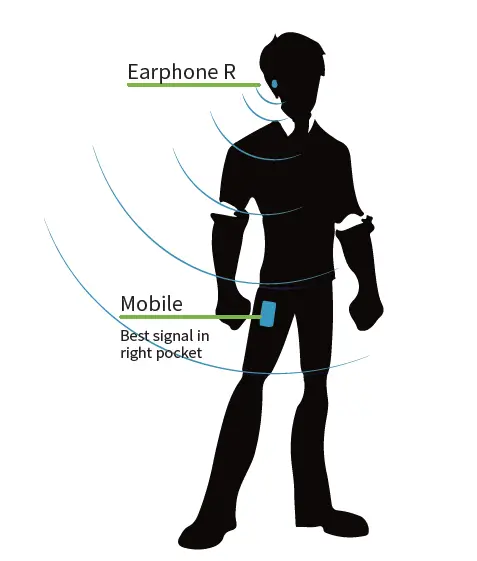
Right earphones receiving mobile Bluetooth signal suggest putting mobile in the right pocket. This can avoid signals cut off by the human body and increase the anti-jamming capability of outdoor use.
Frequently Asked Questions
- What are your thoughts on TWS wireless earbuds?
Check to see if your phone’s Bluetooth is turned on. The distance between your phone and earbuds should be less than 3 feet (1 meter). You’re connected and ready to listen to music! Turn on your earbuds and search for new devices in your phone’s Bluetooth settings. - What does TWS mean in terms of Bluetooth earbuds?
Wireless earbuds have grown into a very compact size and cordless form factor with the emergence of Bluetooth® technology, which we term True Wireless Stereo (TWS). - What is the procedure for turning on the tw11 earbuds?
1) Open the charging case, both LED indications flash green, and the earbuds turn on and pair immediately. 2) When the LED indication on any of the earphones alternates between green and white, both earbuds are in paring mode. handicraft. - Is TWS a reputable brand?
They have outstanding battery life and sound quality, as well as a lovely compact battery case, just like the Airpods. This product has exceeded my expectations. - Is TWS dangerous?
Increased cancer risk, cellular stress, an increase in dangerous free radicals, genetic damage, structural and functional alterations in the reproductive system, learning and memory deficiencies, neurological diseases, and negative effects on human well-being are only a few of the side effects. - How can I boost the loudness of my earbuds?
Simply open your phone’s Settings app and scroll down to the Sound and vibration area. More options, including a Volume selection, will appear when you tap on that option. Then you’ll notice multiple sliders for controlling volume across your phone. - What is the procedure for resetting my TWS t11?
To turn on the earbuds, press and hold both sides of the earphones together for a few seconds. Step 5. Re-pair the i11 TWS earphones with your phone’s Bluetooth. - What is the duration of TWS?
Wireless earphones typically have a battery life of up to 8 hours on a single charge. This is due to the fact that the battery life of wireless earphones is greatly influenced by how loudly you listen to your music. - Is TWS harmful to the ears?
For example, you should only be exposed to sound at 100 dB for 15 minutes every day to protect your ears. That implies that even if you keep your volume below 85 decibels, wearing earbuds for too long can harm your ears. - Is Bluetooth beneficial to the brain?
Bluetooth is safe for people and does not offer any health dangers to the brain because it belongs to the non-ionizing category of EMR that emits low-frequency waves. These frequencies are insufficient to alter cell structure.
![Wireless Earbuds, [2020 Ces Award] Earfun Free Bluetooth 5.0 Earbuds With Wireless Charging Case-complete Features/owner's Guide](https://static-data1.manualsee.com/1/img/213/3779604/2022/07/Wireless-Earbuds-2020-CES-Award-EarFun-Free-Bluetooth-5.0-Earbuds-with-Wireless-Charging-Case-Featured-1568x740.png "Wireless Earbuds, [2020 Ces Award] Earfun Free Bluetooth 5.0 Earbuds With Wireless Charging Case-complete Features/owner's Guide")