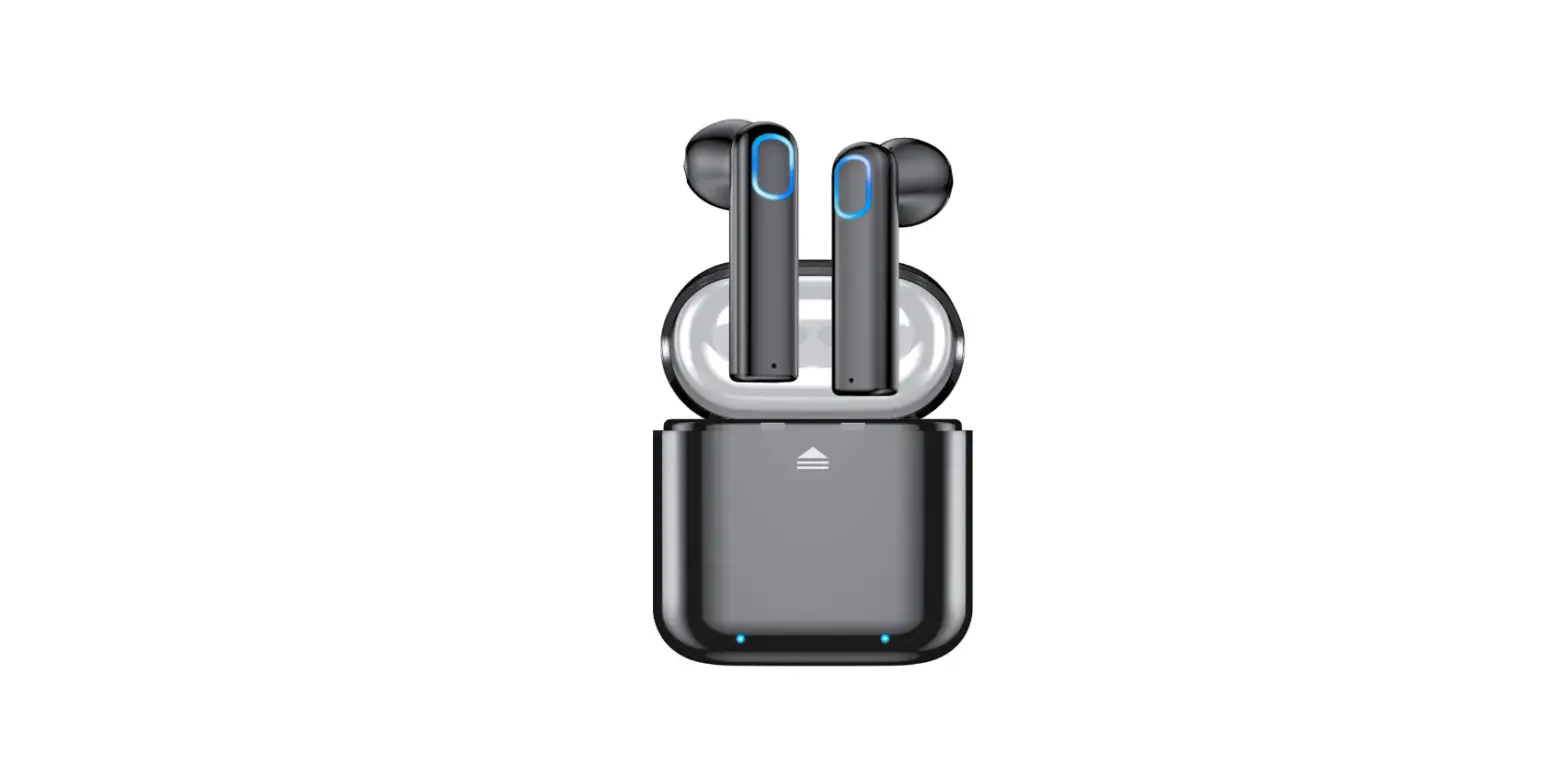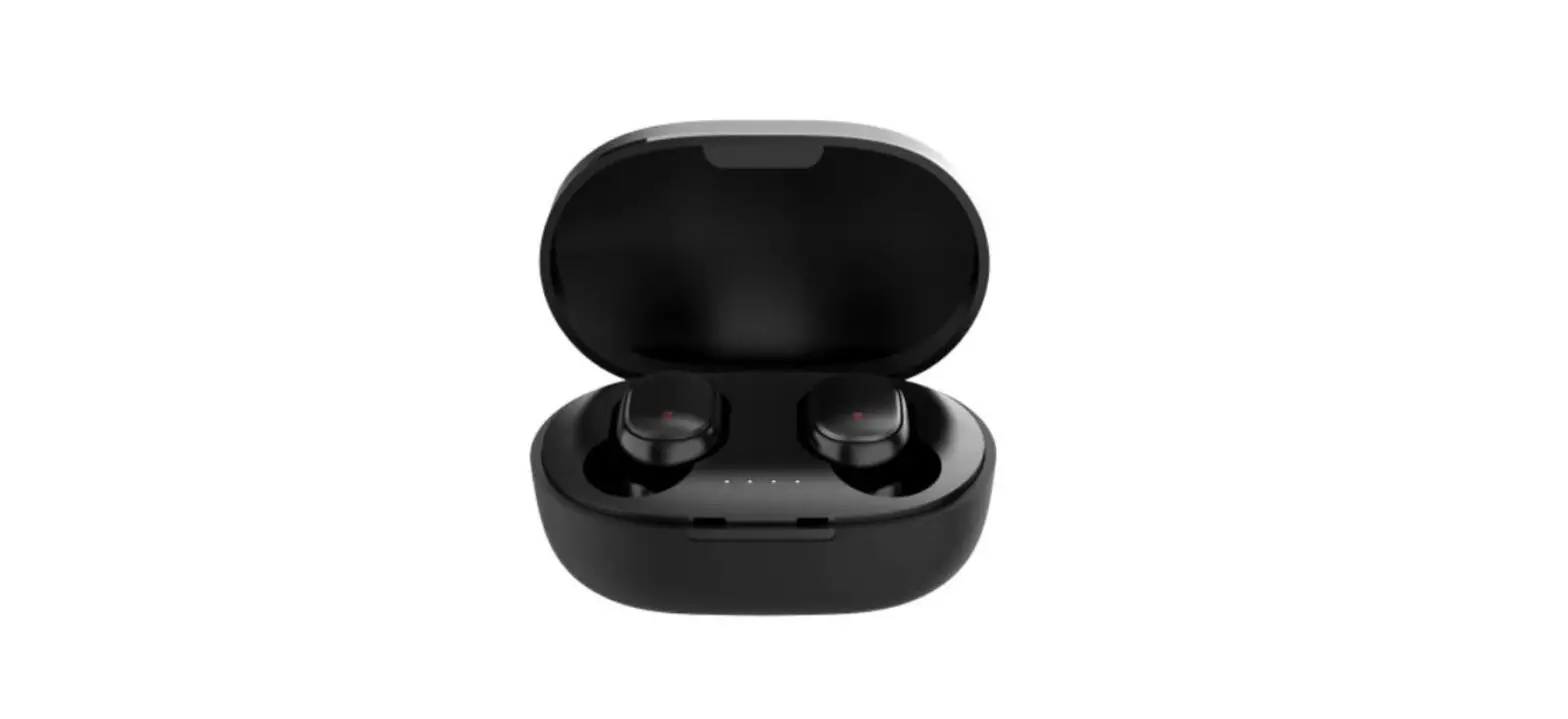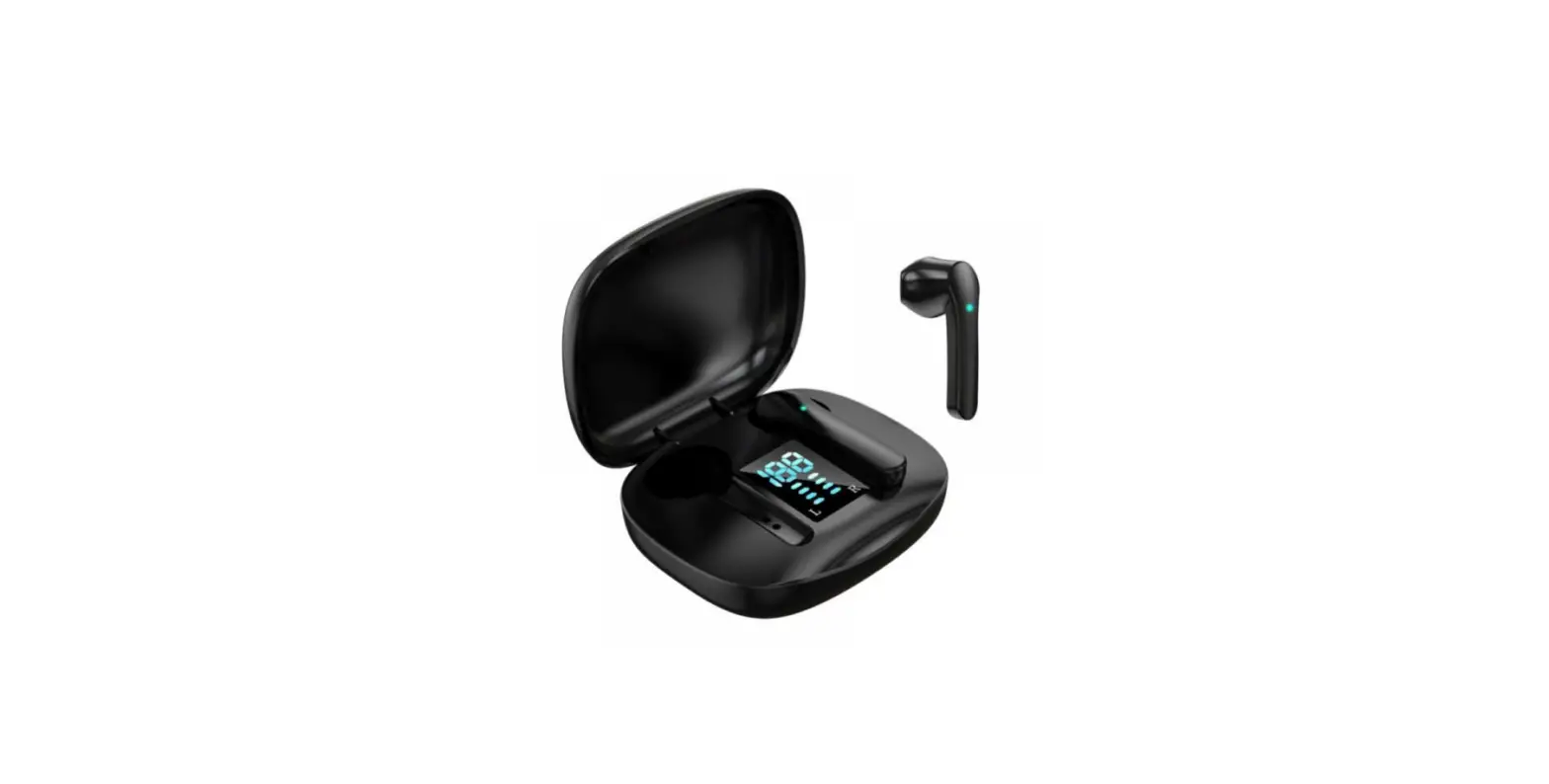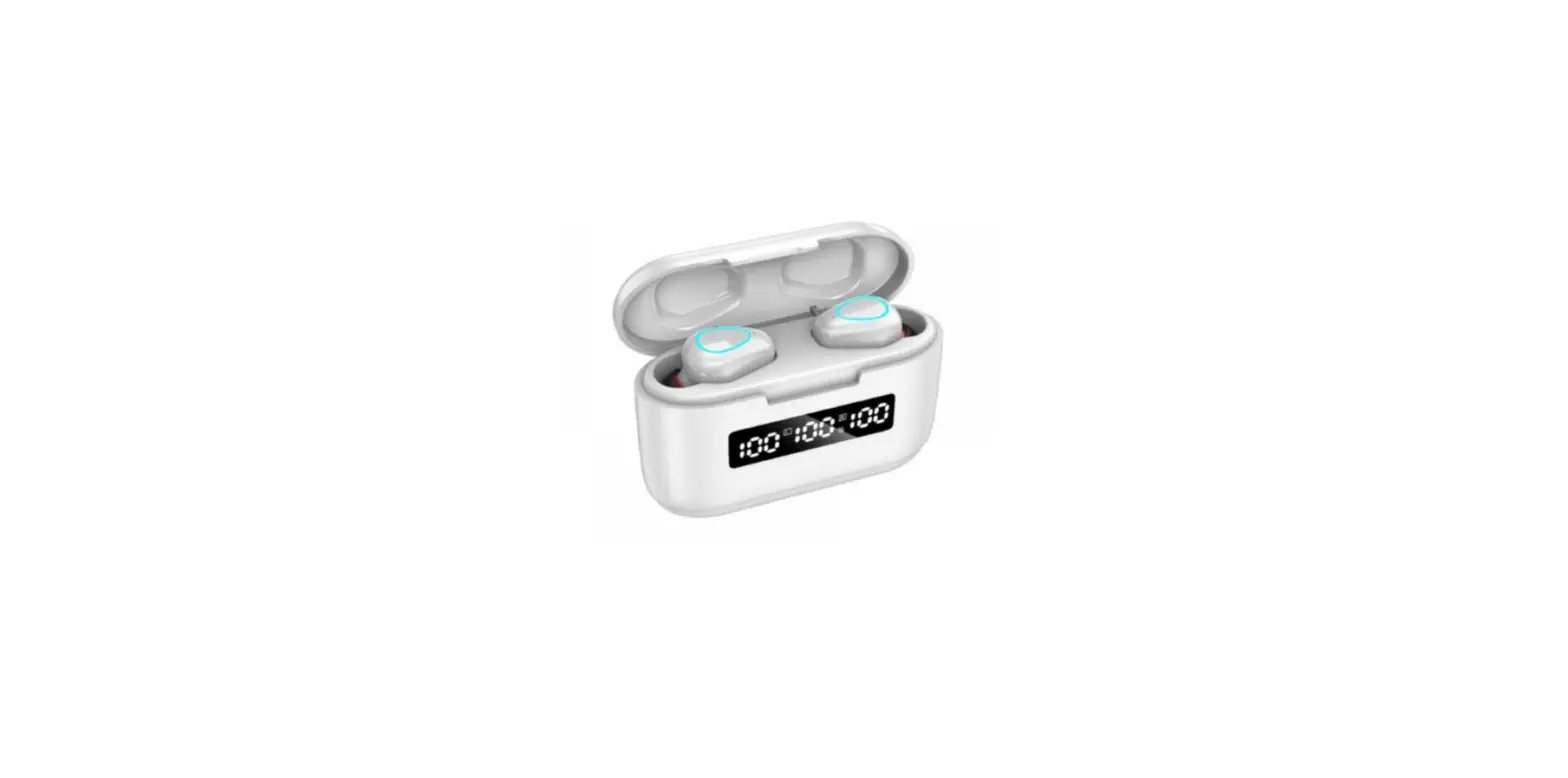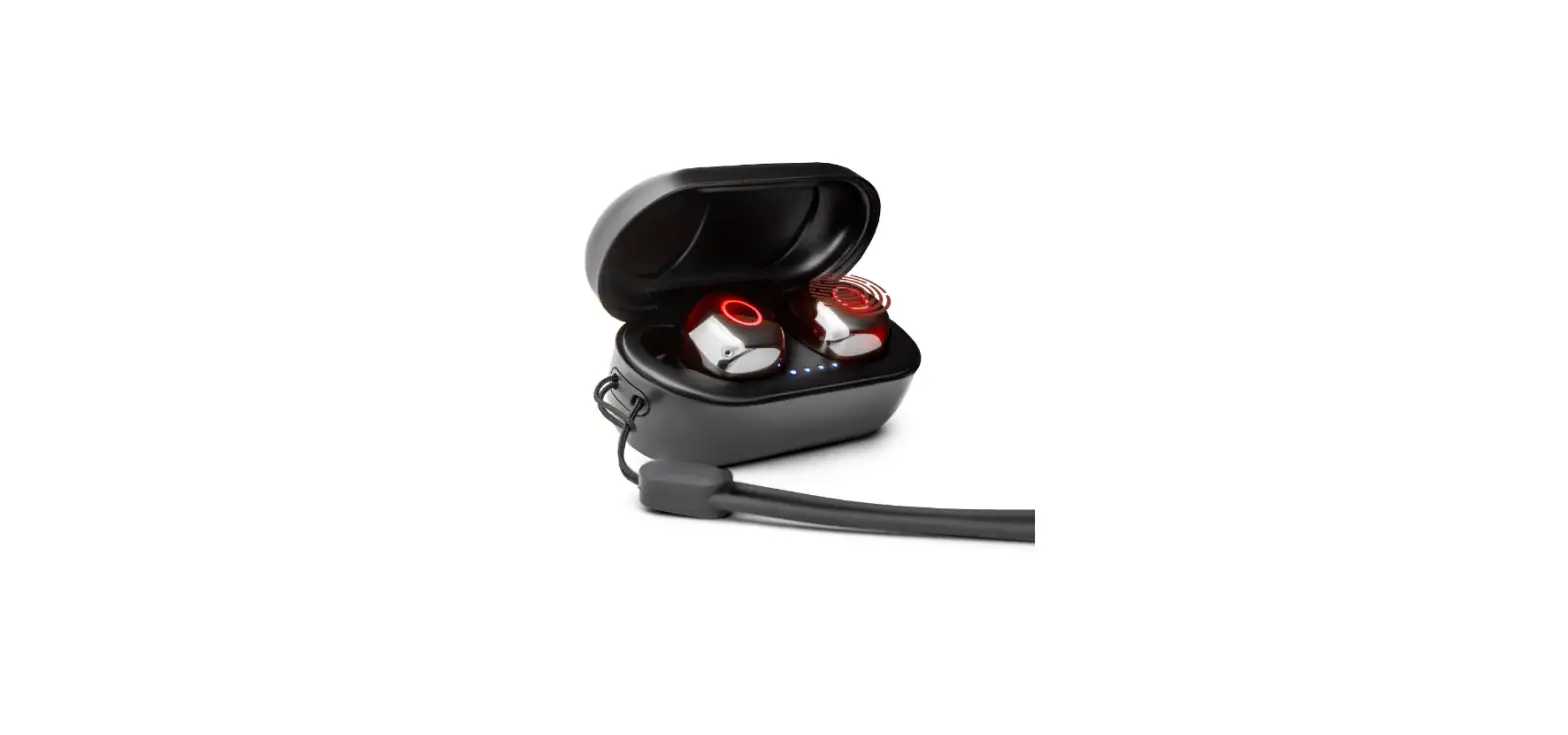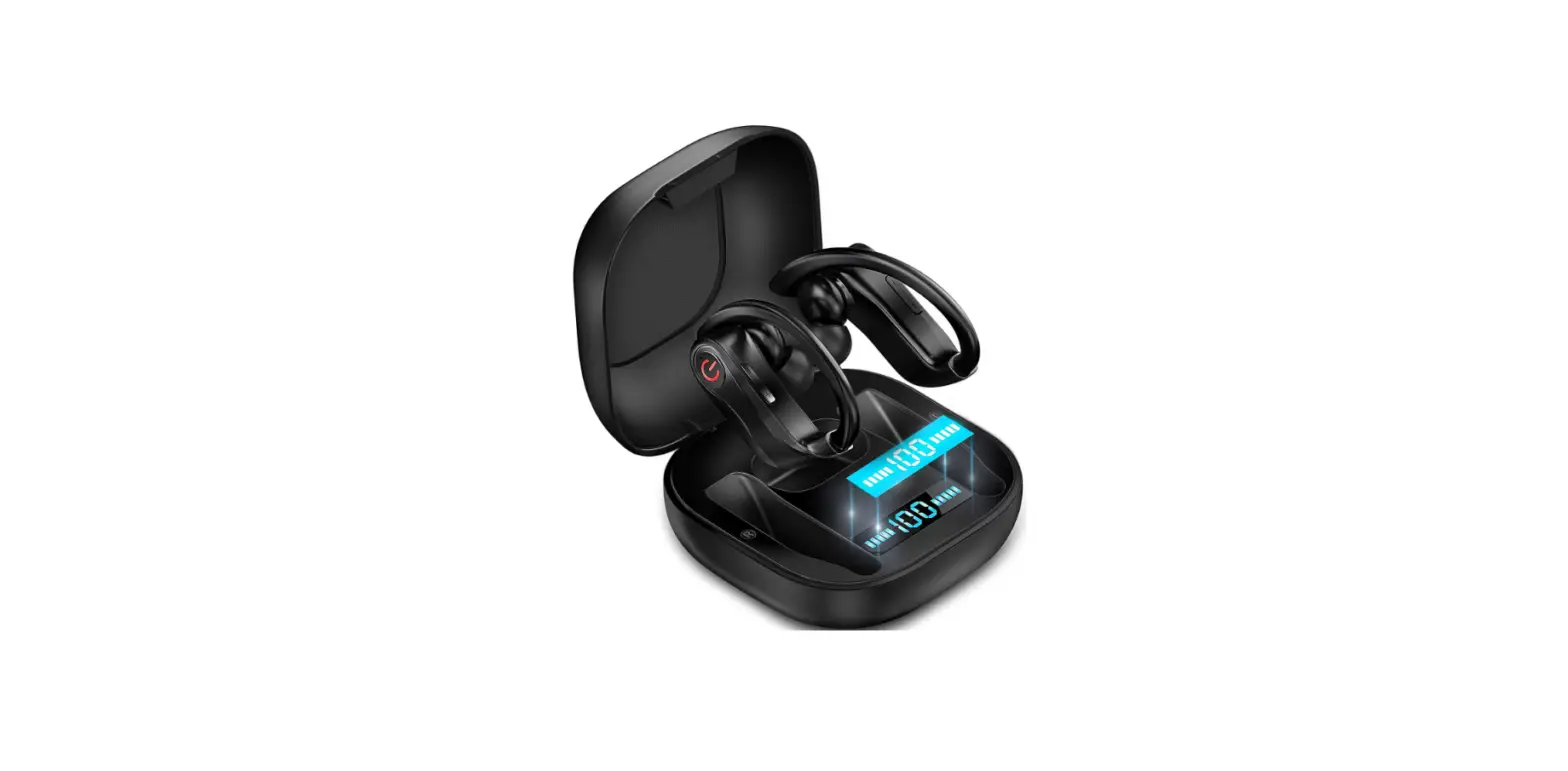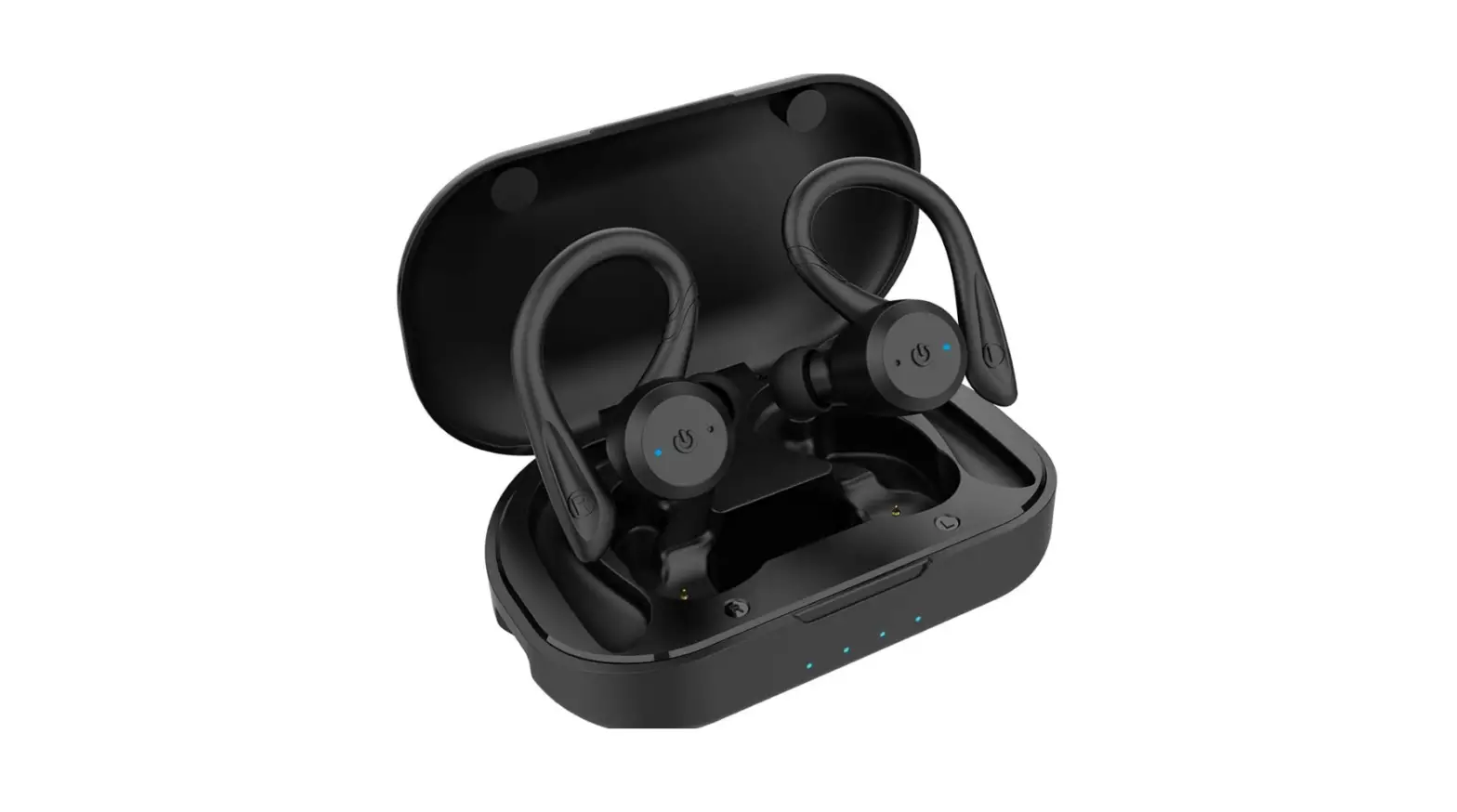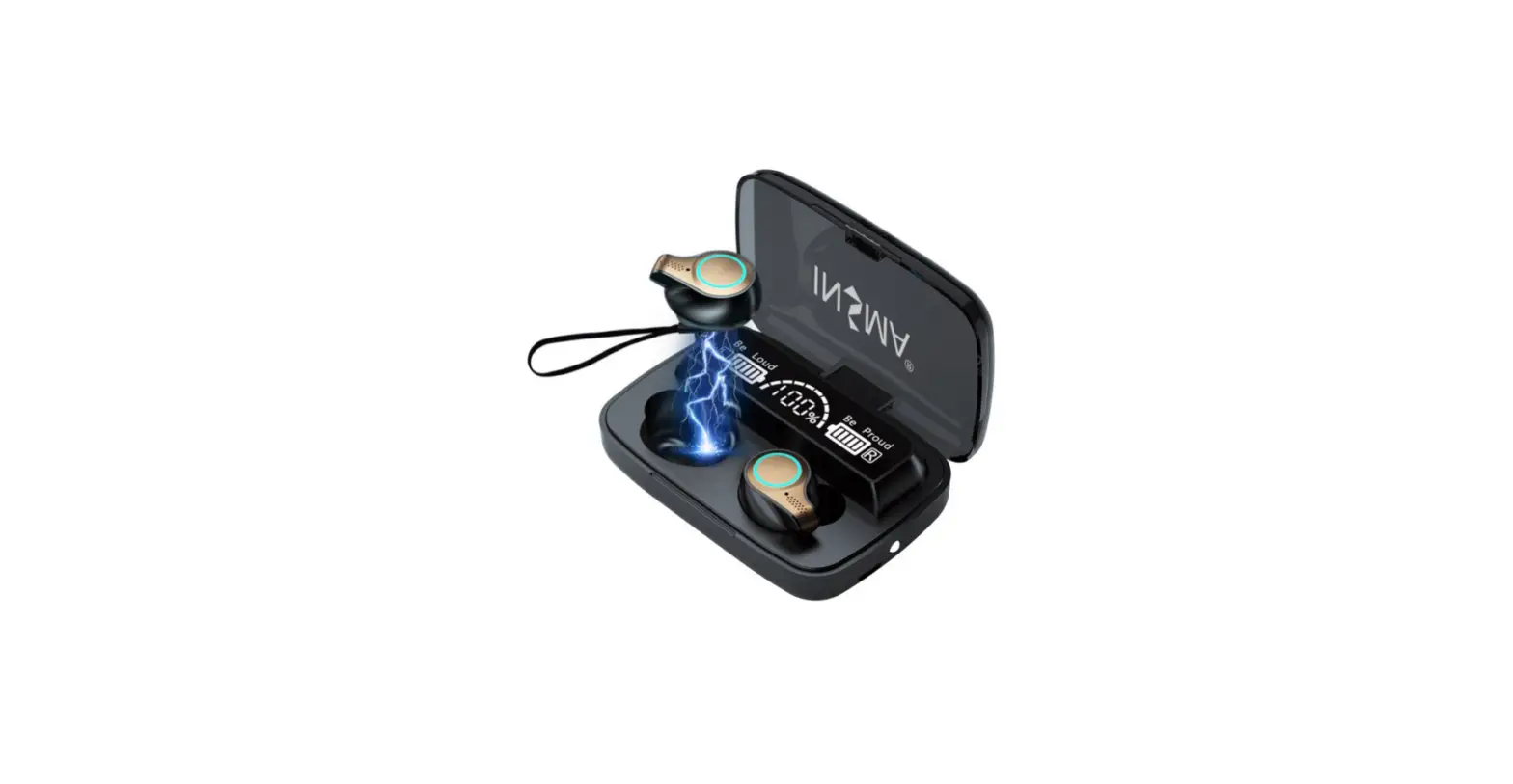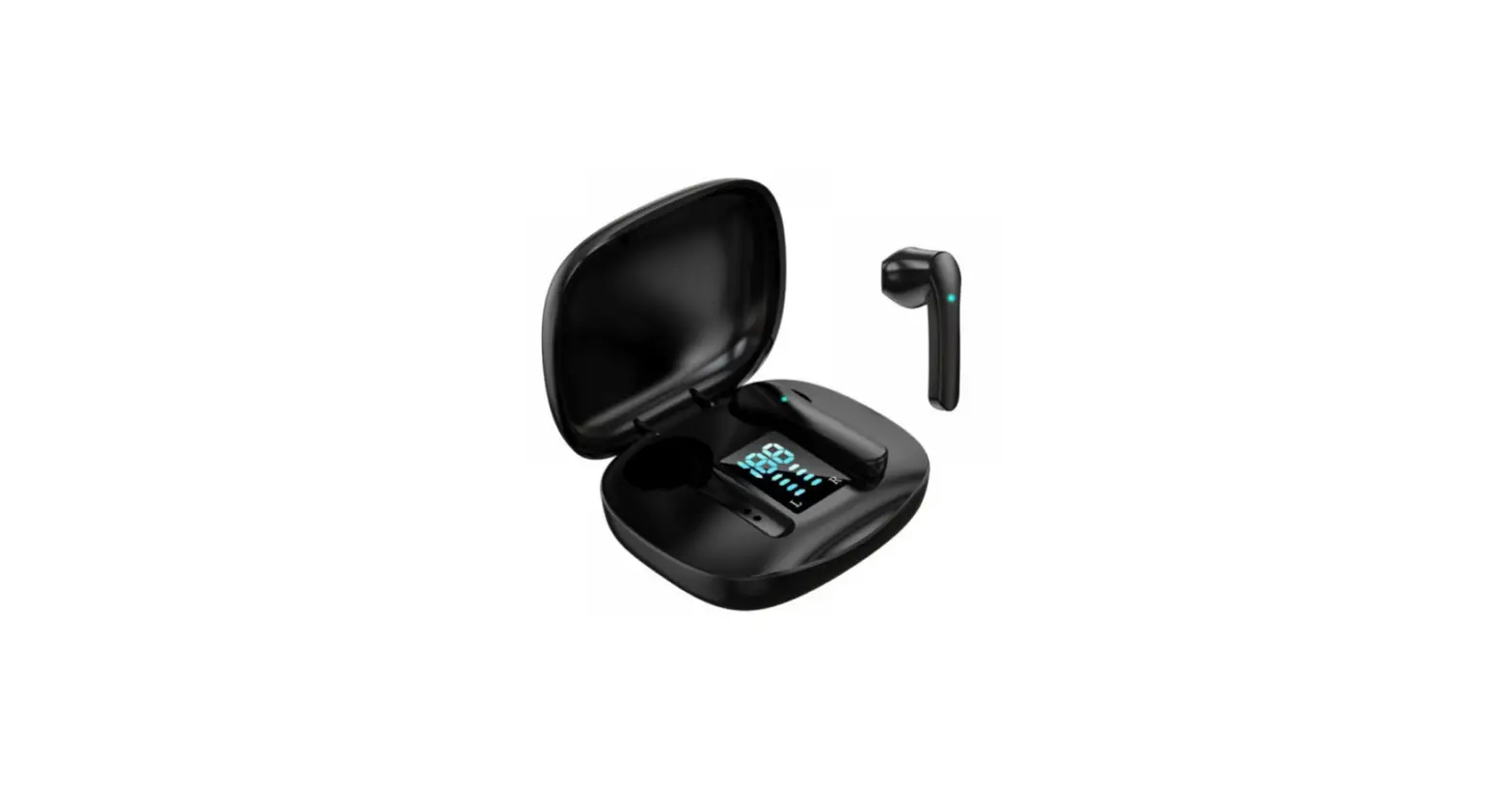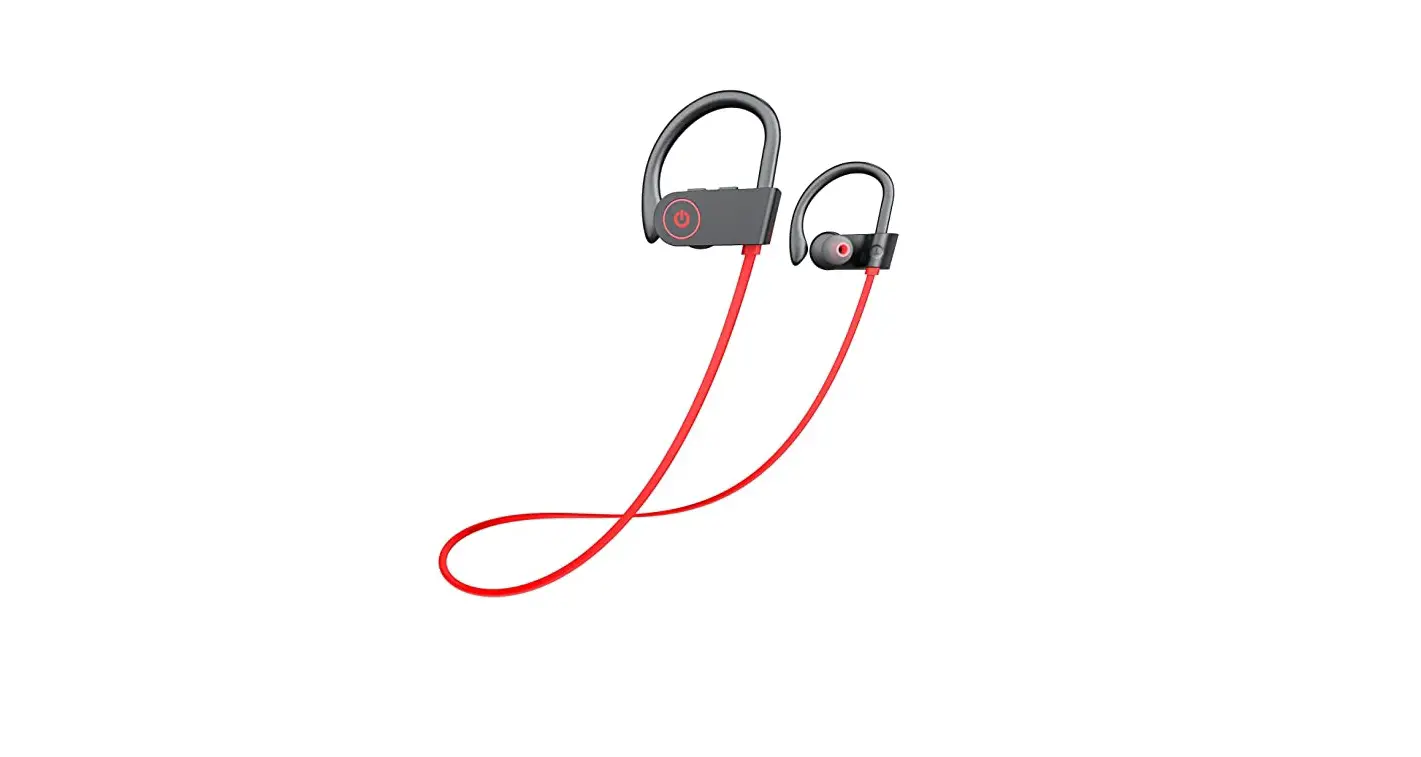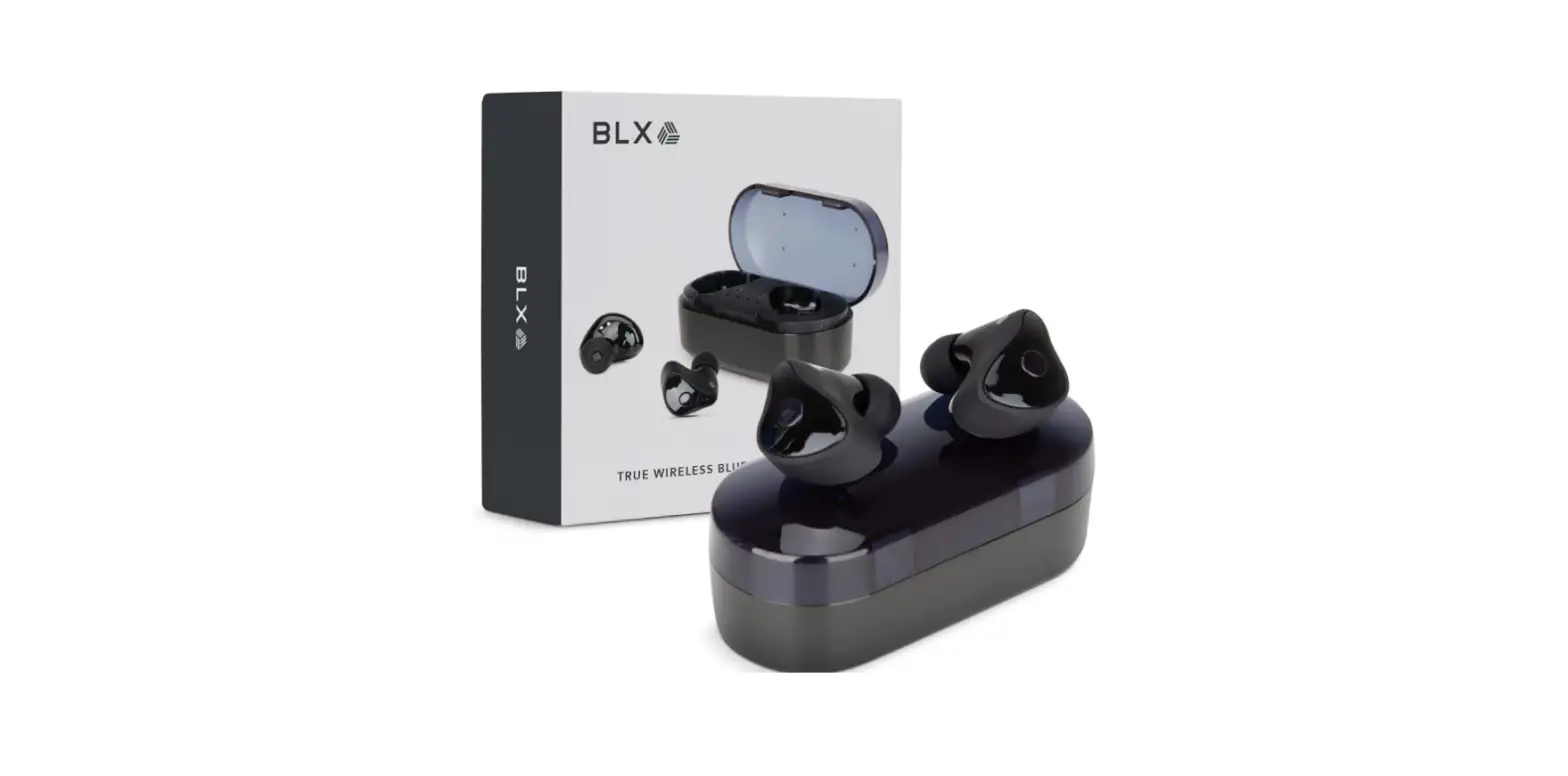

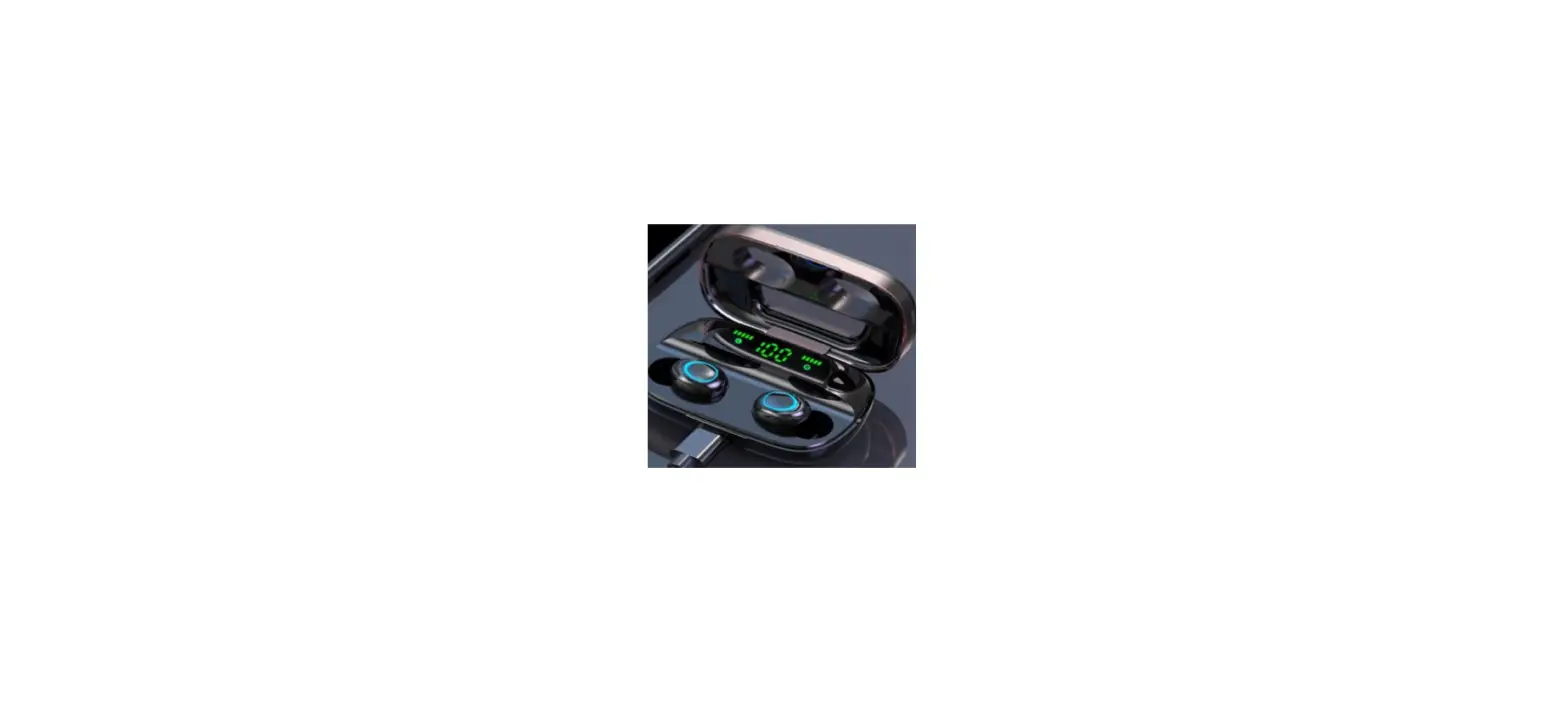
BLX Earbuds – Wireless Bluetooth 5.1 Earbuds with Charging Case | TWS Dual Stereo Bluetooth Headphones
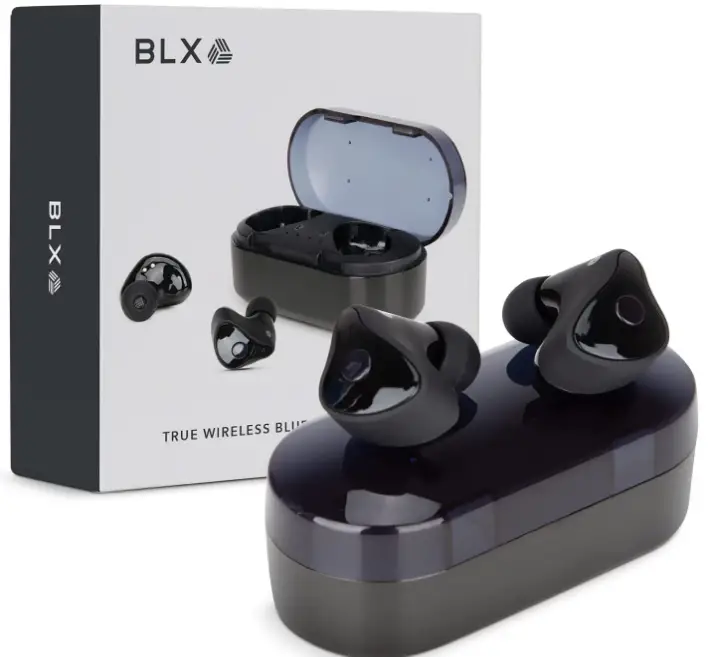
Specifications
- Product Dimensions
3.9 x 3.9 x 1.5 inches - Item Weight
1.55 ounces - Batteries
Lithium-Ion batteries required - Ear Placement
In Ear - Connectivity Technology
Wireless - Brand
BLAUX
Introduction
BlauxBuds wireless headphones let you listen to music on the go in style. With superior 5.1 Bluetooth headphone technology, our true wireless Bluetooth earbuds produce immersive sound so you can enjoy audio without wires. Our wireless earbuds feature a 10m range, allowing you to hear clear, loud audio even when you’re not near your device. The best earbuds for marathon runners and sportsmen that participate in urban sports.
BlauxBuds high-performance wireless headphones for Android and iPhone provide audio in elegance and comfort. The small earbuds wireless are designed to deliver a comfortable and tight fit, with a no-fall, lightweight fit that keeps them snug in your ears for all-day comfort. Ideal for long days at work, outdoor sports, and other activities. BlauxBuds wireless earbuds for tiny ears are guaranteed to stay in place no matter how hard you push them.
What’s In the Box?
- Micro USB cable
- 3 sets of silicone buds
- Charging case
What is the procedure for pairing Bluetooth earbuds
First, learn how to pair Bluetooth headphones with an Android phone. Open the Settings menu.
- After that, go to Connections.
- Then choose Bluetooth…
- Then, in the top-right corner of your screen, hit Scan.
- Then, on your headphones, hit and hold the power button.
- Finally, locate and tap your headphones.
Frequently Asked Questions
- Does the case support wireless charging?
If your case is fully charged it will provide energy to your buds for at least 3 full charges without any additional power. - Have you had Bluetooth interference at the gym?
Featuring advanced Bluetooth 5.1 and wielding the audio power of full TWS dual wireless stereo, BLXBuds provide an incredible audio range of 20 Hz to 20 kHz. Bluetooth interference will occur when the distance between the phone and BLXBuds exceeds 33 feet (10 meters). If there are signal-blocking objects between the phone and the BLXBuds. - Can box wireless earbuds pair with a Samsung smartwatch?
BLXBuds will pair with any iOS or Android device. Just open the case, and then select BLXBuds from your device’s Bluetooth settings. After your initial pairing, they will pair automatically with that device from then on. - What are the best earbuds that i can pair with my Samsung smartwatch for jogging without them falling off from my ears?
BLXBuds will pair with any iOS or Android device. Just open the case, and then select BLXBuds from your device’s Bluetooth settings. After your initial pairing, they will pair automatically with that device from then on. - Why is the image name different from than customer photos, it should be blx buds but in the customer review photos, it clearly says blaux ?
Yeah, I think they’re interchangeable. At least that’s the way the company seems to use them. - How do you pair these for use for watching the tv?
To pair the BLX Earbuds, your TV should have the Bluetooth function to begin with. Take the BLX Earbuds out of the charging case first then open your TV’s Bluetooth settings then look for ‘BLXBuds’ and choose to pair your TV with the earbuds. - Do these earbuds have volume control?
Unfortunately, the BLX Earbuds don’t have volume control but you can answer phone calls on each earbud independently, you can also play/pause and end calls just by tapping the function button. - Could i use just one headphone? And still, work?
Yes, you can use just one side of the BLX Earbuds and keep the other one on the charging case. - Is it Bluetooth backward compatible? Ie 4.0 or lower?
None of the literature says anything other than Bluetooth 5.1. I do not know if the buds are backward compatible. - Do they work independently?
if you are asking if you can use only one side then the answer is yes. - Can you use either earbud without the other?
Yes, you can! Our product has a single earbud mode. - How long is the talk time on the phone? i use my earbuds just for talking or listening to messages. I cannot seem to find one that lasts the day?
Earbuds battery capacity: 40 mAh. Full charge for Earbuds: About 1 hour and Battery of charging case: 5V/300mAh Full charge for Case: About 1.5 hours with Play time: 4.5 hours. Earbuds: Input DC 3.7V 40mA. - Can I pair two different pairs to one device? so two people can listen to the same thing?
I would think so. - I lost the charger cord, is there a special one or can I just pick up whatever fits?
U should be able to use whatever fits it just may charge a little slower - Is it MFI certified?
The unit is not MFI certified yet but nonetheless, the BLX Earbuds feature advanced Bluetooth 5.1, and wielding the power of full TWS dual wireless stereo, BLX Earbuds provide Best-in-Class performance at an incredibly reasonable price. - Does it use a USB-c charging cord?
You can use any micro USB to USB-A charging cable to charge your BLX Earbuds charging case. - Does anyone know the return address for the blx earbuds? I think my original package got trashed.
Do it thru your Amazon account. - Are the earbud rechargeable batteries replaceable? They will eventually not hold a charge
The built-in batteries inside each earbud are not replaceable. Each has a battery capacity of 40mAh and can last up to 4.5 of playtime. - How can I reset the earbuds themselves? I received these earbuds from a friend and I can’t get my computer to recognize them.
You should be able to pair thru Bluetooth. - It says noise cancelation, I don’t feel that these are. Am I missing a button to turn this on?
I feel that mine are, they do have a strange way of sitting in your ear. When I first used them they were not comfortable to wear until I literally turned them upside down – so that the larger piece is above the part that goes into your ear (not sure if you understand what I mean). Try that – I think you will be surprised - Is there a trick to removing earbuds from the charger? Or is it just me?
They are slick little buds. Getting them out of the charging case without breaking a sweat was tricky.
![Wireless Earbuds, [2020 Ces Award] Earfun Free Bluetooth 5.0 Earbuds With Wireless Charging Case-complete Features/owner's Guide](https://static-data1.manualsee.com/1/img/213/3779604/2022/07/Wireless-Earbuds-2020-CES-Award-EarFun-Free-Bluetooth-5.0-Earbuds-with-Wireless-Charging-Case-Featured-1568x740.png "Wireless Earbuds, [2020 Ces Award] Earfun Free Bluetooth 5.0 Earbuds With Wireless Charging Case-complete Features/owner's Guide")