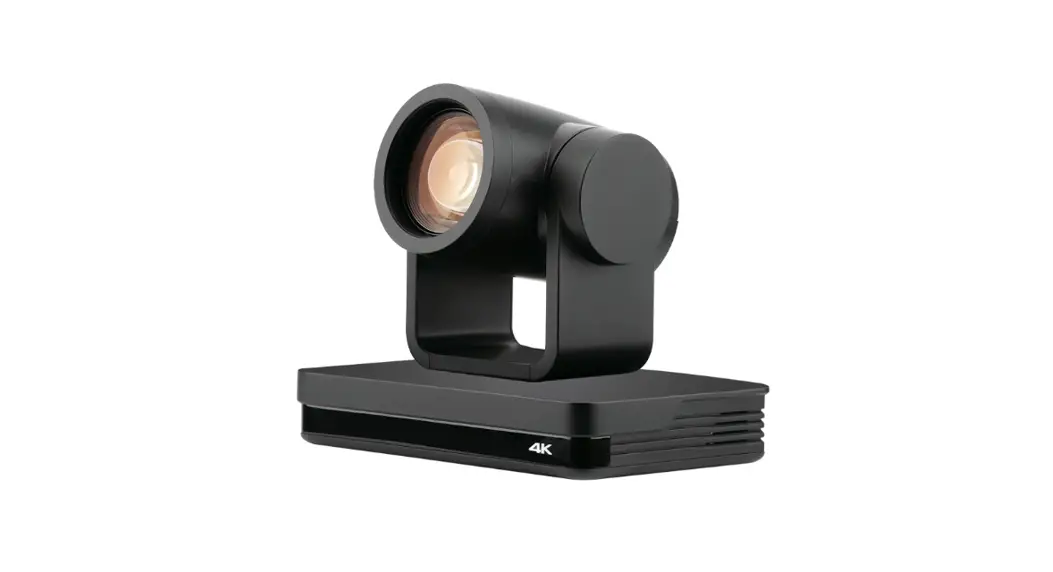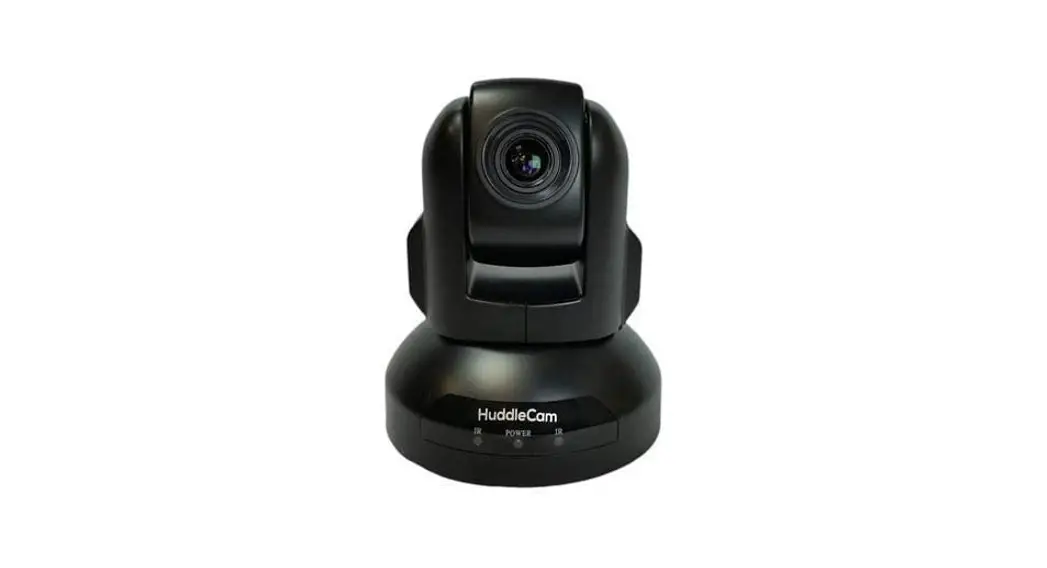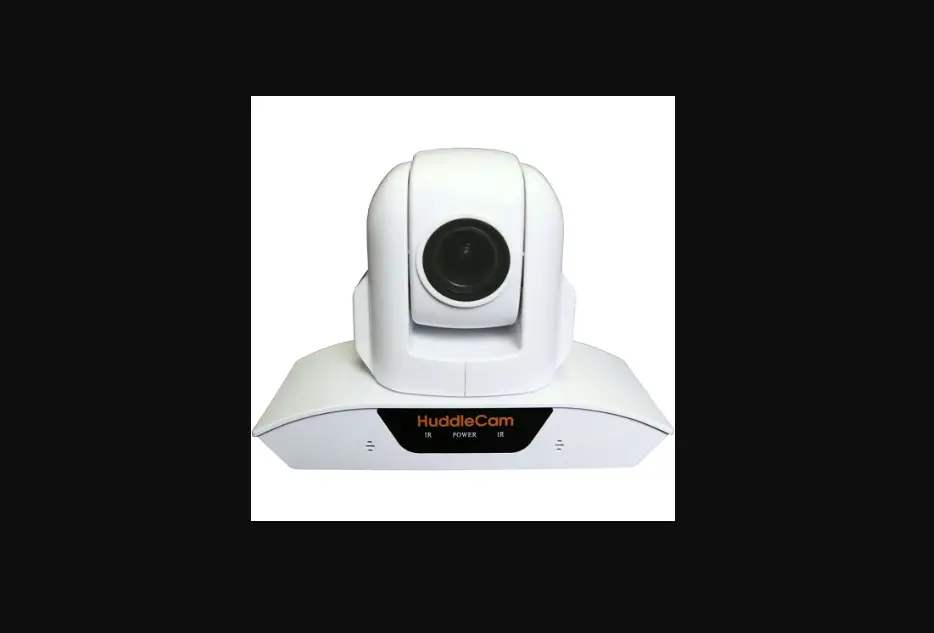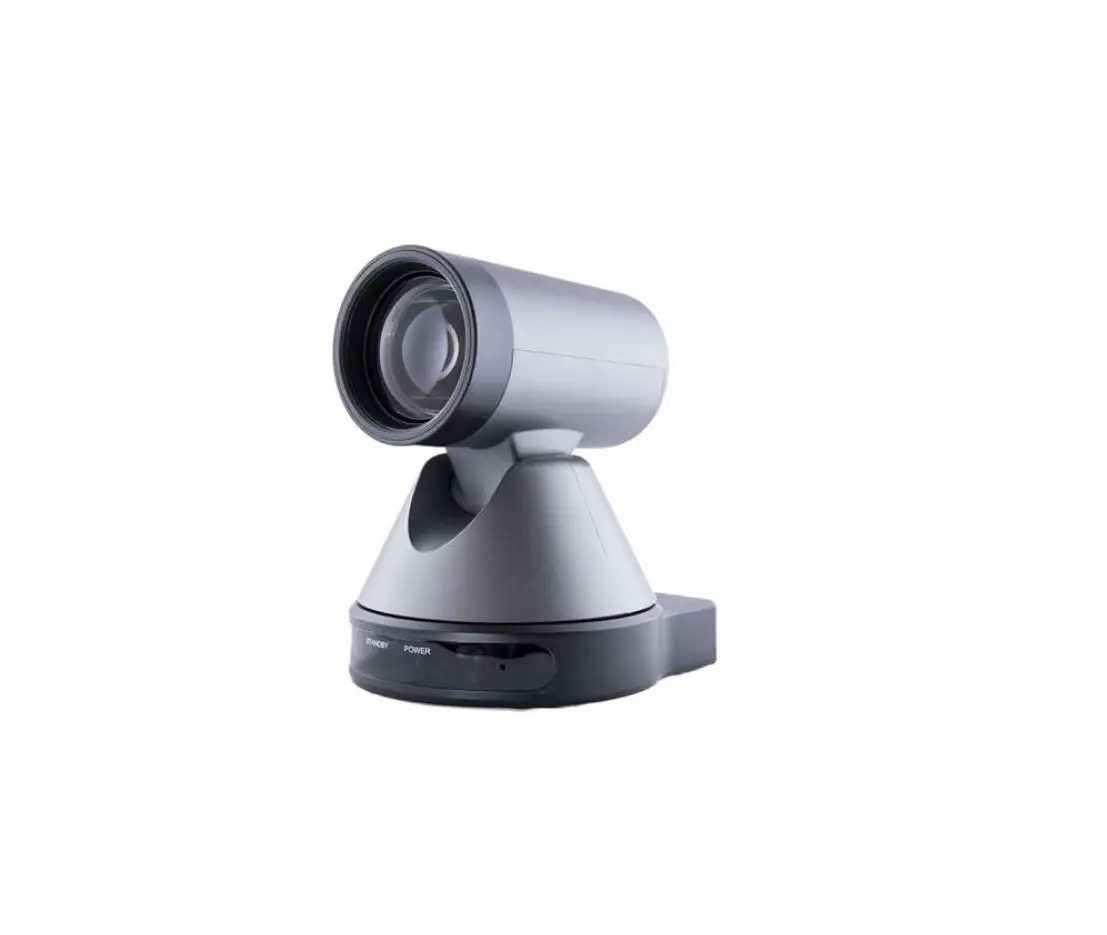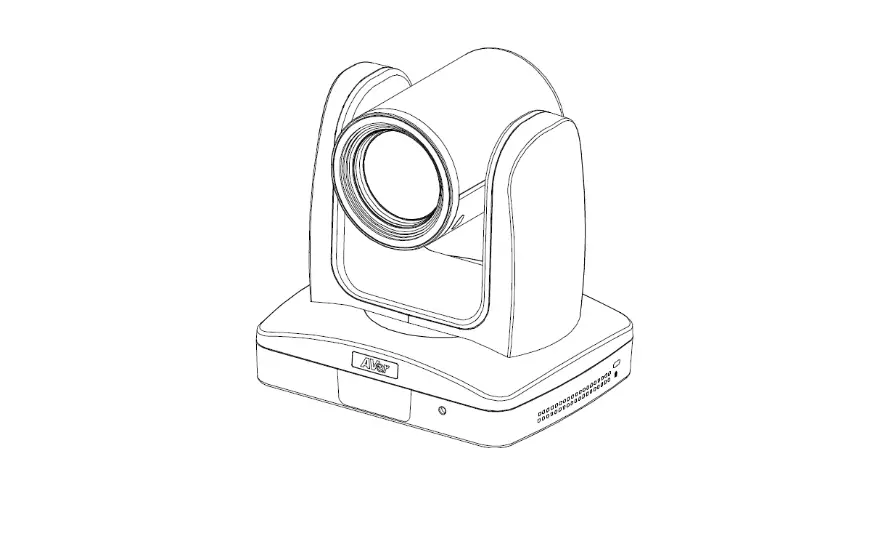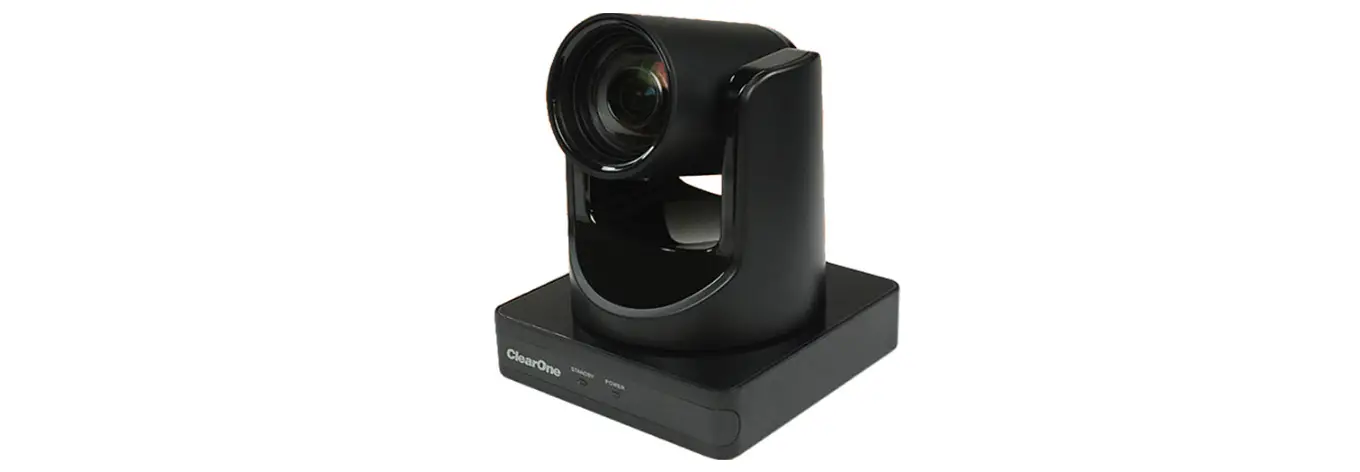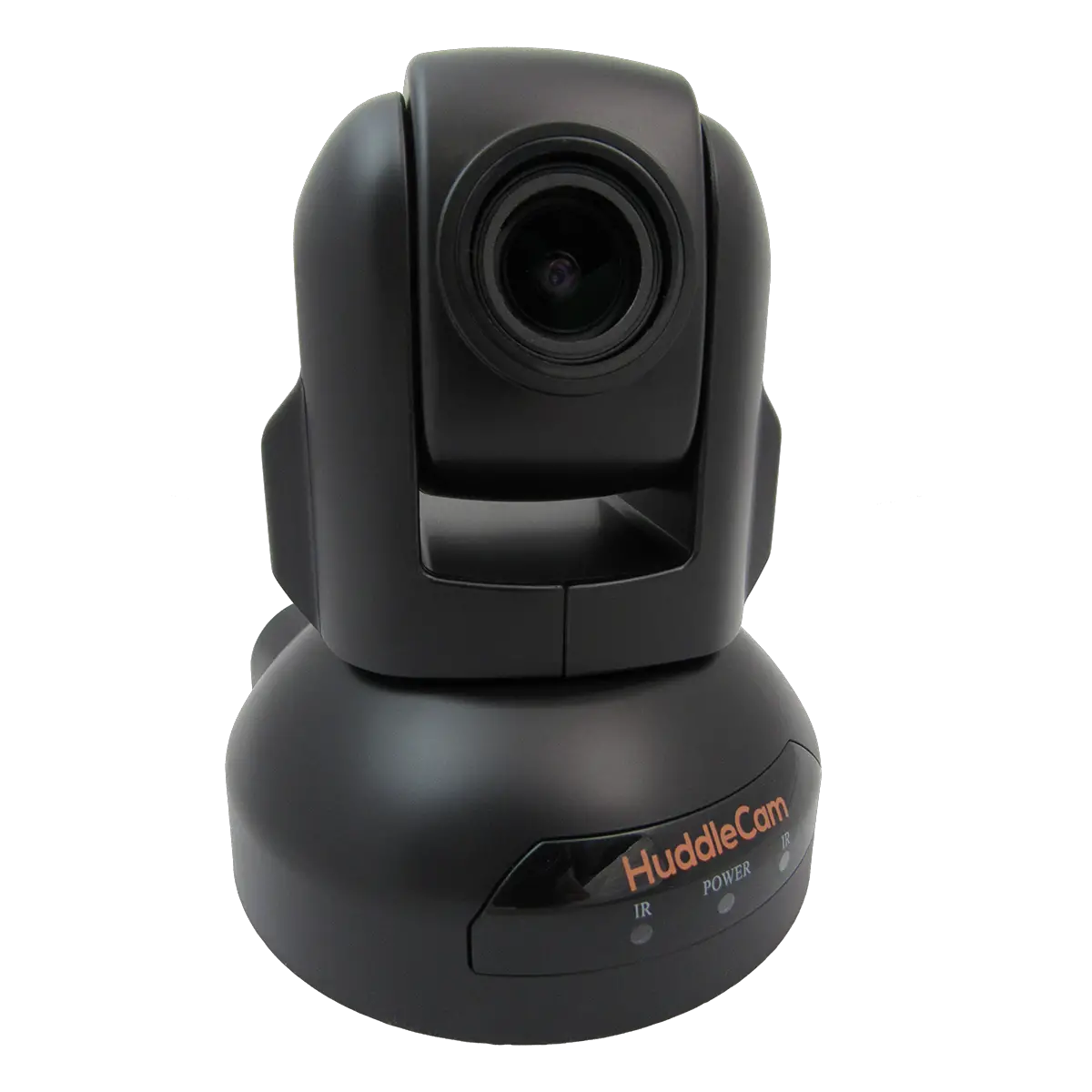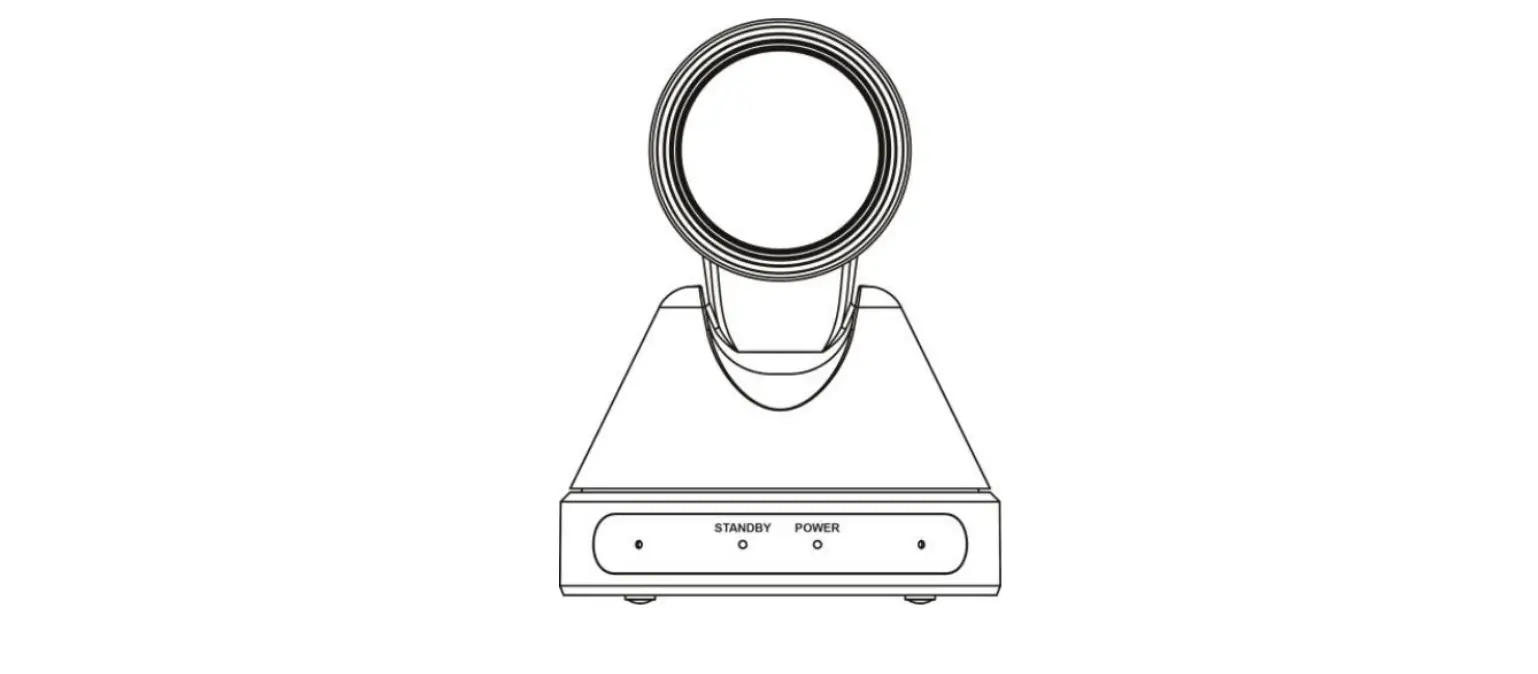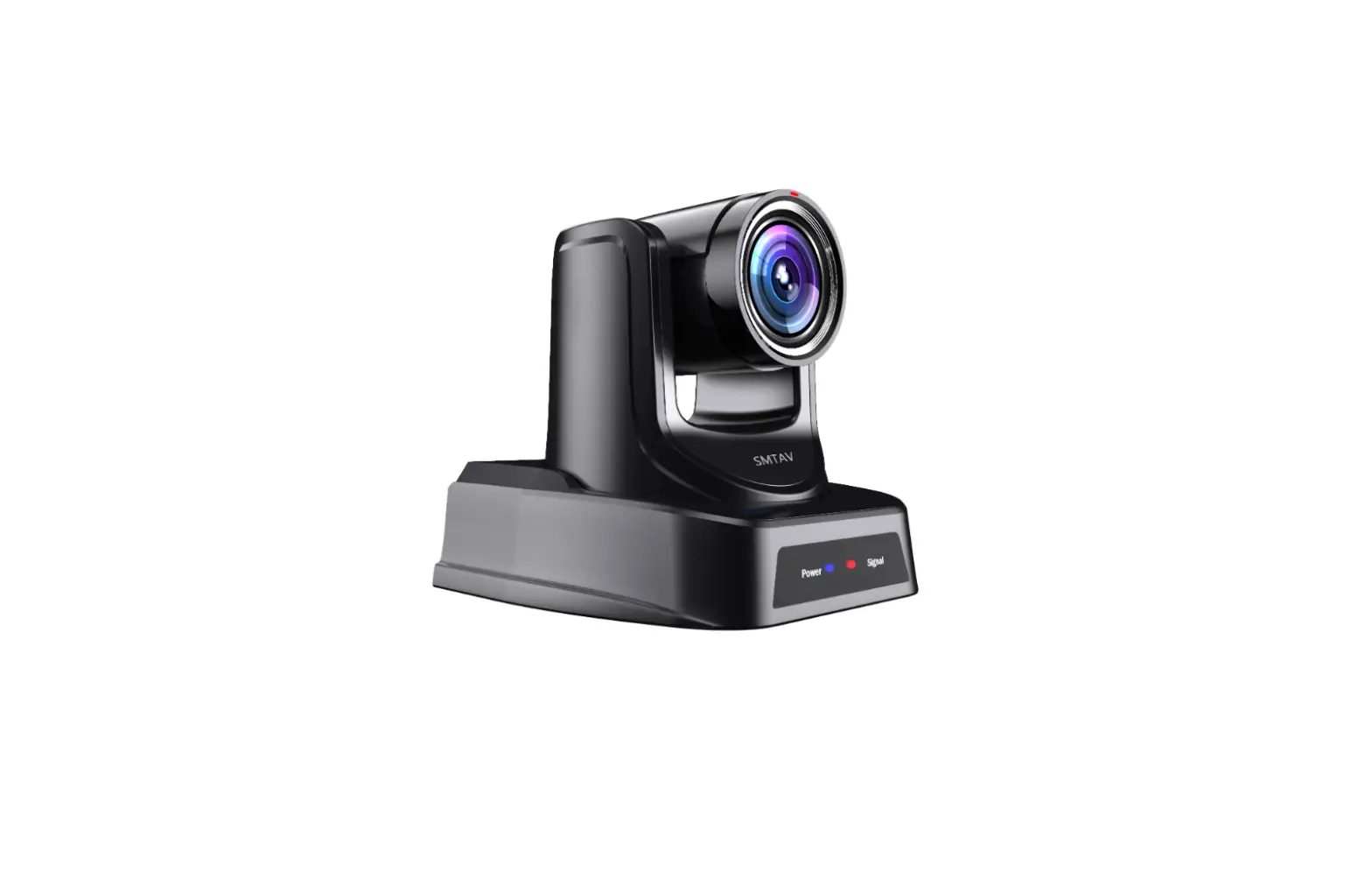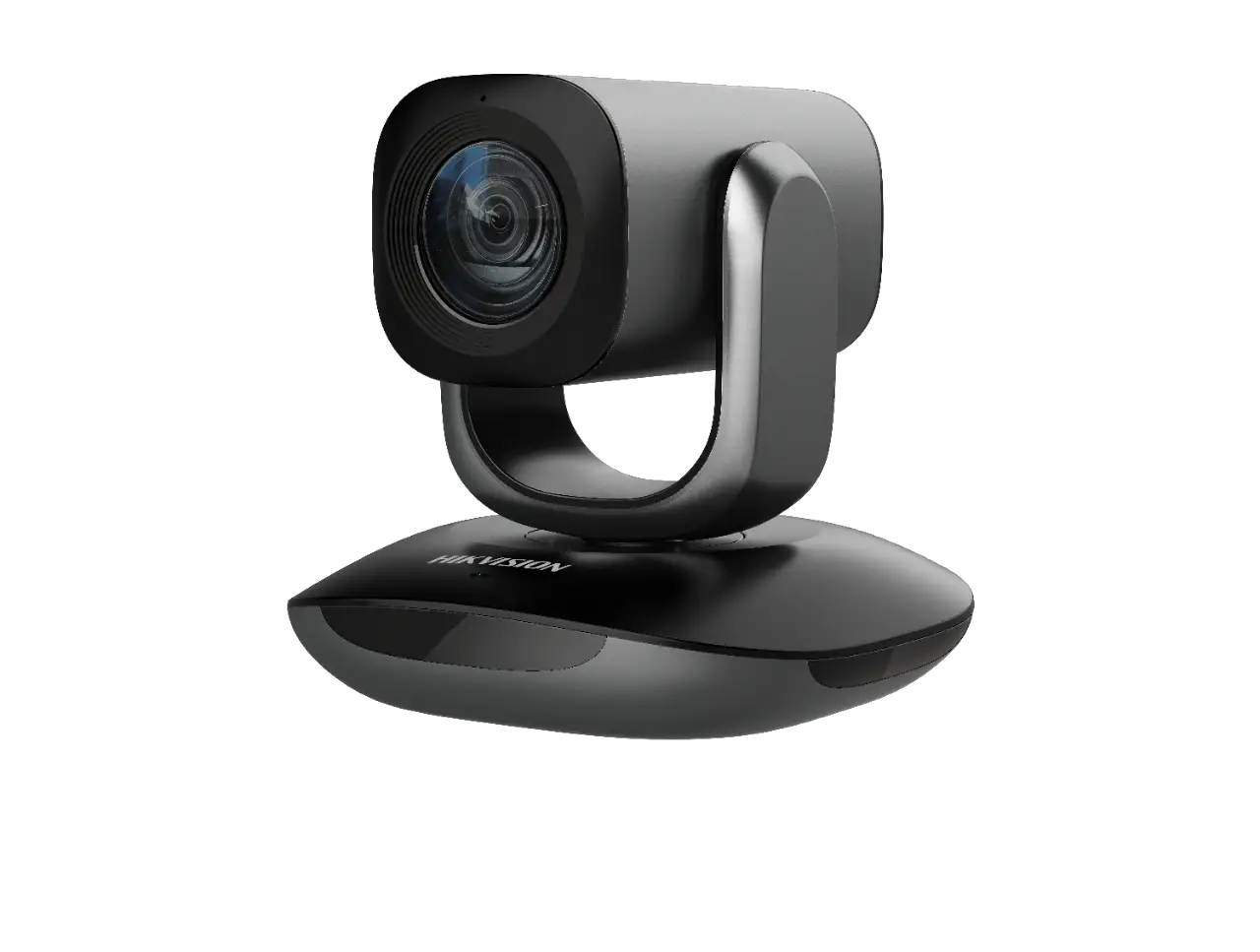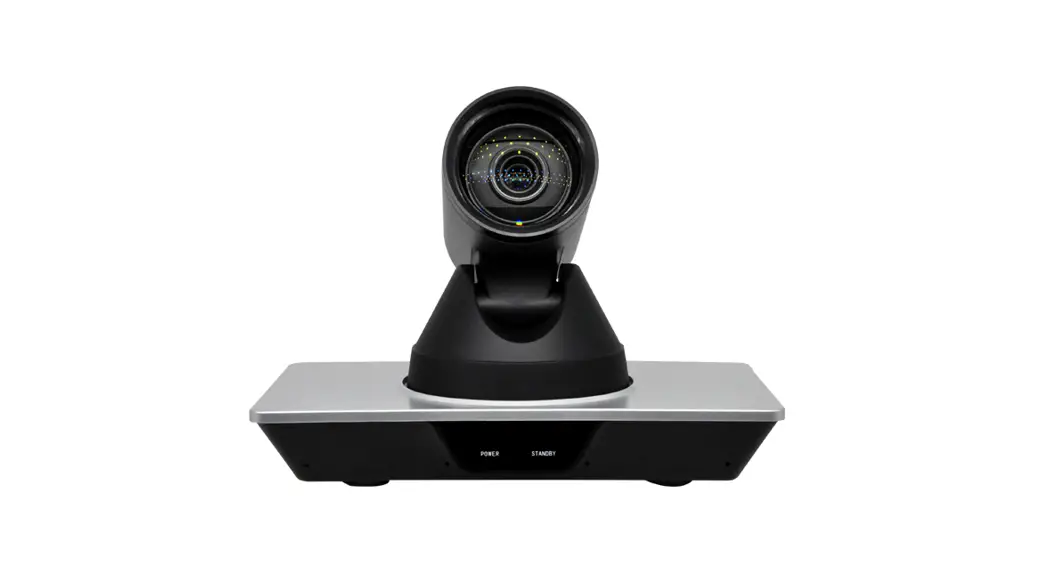
USB HD PTZ Camera
User Manual V1.0
SAFETY NOTES
- Before installing the device, please read this manual carefully and follow the instructions indicated to ensure proper operation. Please keep this manual for future reference.
- Before powering on the device, please check the input power voltage carefully, the camera accepts DC5V, otherwise, it may cause damage to the camera.
- Please put USB data cable, video, and control cables a safe place in order not to cause malfunction to the device.
- Please put the device into use at the required working temperature and humidity, working condition of the device is 0℃~+40℃,humidity at<90﹪. Please avoid having unrelated objects get into the device like corrosive liquid that may cause damage/danger.
- Please avoid shock, vibration, soaking that may cause to the device when transporting and installing, otherwise, it may cause damage to the camera.
- Please only refer to authorized personnel to repair the device, do not disassemble the camera by yourself.
- Only use USB date cable and control cables, and the cables should be connected separately in order to ensure proper use. Do not aim the camera lens at sunlight or strong lights that may cause damage to the imaging system of the device.
- Please use a soft cloth to clean the device, do not use strong or abrasive detergent to clean that will damage the device’s housing/lens.
 Warnings
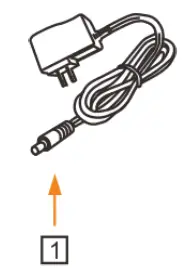
- If you need to extend the power cable, please extend the power cable from the part on below picture (220V/110V), do not extend from part 1 on the below picture (DC12V), otherwise, it will cause unexpected damage to the device.
- To prevent infringement of the rights of others, please confirm that it is installed and used within the scope permitted by local law!
PRODUCT OVERVIEW
Features
- Using the newest CMOS sensor, up to
1920x1080P30; - 3X/10X optical zoom;
- 3X: Max FOV: 99.6°;
- Support H.264, MJPEG compressed video output, standard UVC protocol;
- Power consumption <5W;
- HDMI, USB output;
- Advanced 2D/3D noise reduction the algorithm, excellent noise control;
- Support USB and remote control to control the camera;
- DC servo motor drive, smooth operation, accurate positioning;
- Base with tripod thread interface for tripod fixing;
Packing List
When you open the package, please make sure the below items are included. If any items is missing, please contact your supplier.
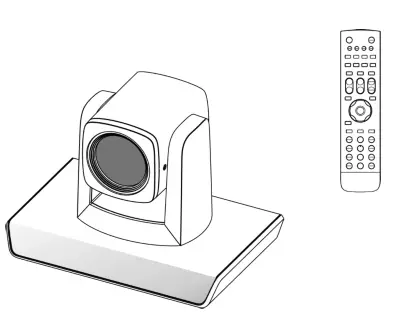
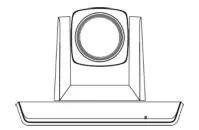
PTZ Camera (1)
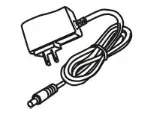
Power Adapter (1)
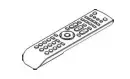
Remote Control (1)
USB Cable (1)
 Software Disc (1)
Main Parts And Control Interfaces
PTZ Camera
Front View
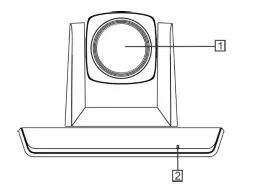
1 Camera Module
2 Power Indicator
Bottom View
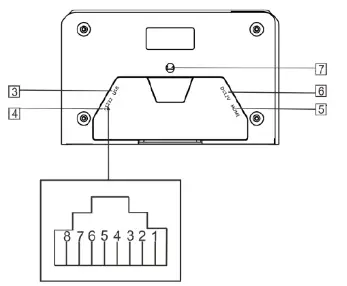
3 USB
4 RS-232
5 HDMI
6 Power(DC12V)
7 Installation Hole
1/4” inch screw, used to fix the camera
| Pin Definition Of Control Port | |
| Pin No | Definition |
| 1 | / |
| 2 | / |
| 3 | RXD |
| 4 | GXD |
| 5 | / |
| 6 | TXD |
| 7 | / |
| 8 | / |
Remote Control
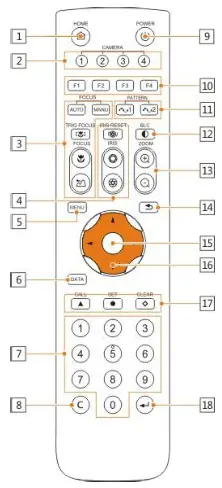
- HOME button
Press HOME button, camera moves to the initial position where both pan and tilt angle is zero. - Camera Selection Button
Used to switch among 4 cameras, press 1-4 number buttons to control cameras with 1-4 addresses respectively. For example, press button 1 to control the camera with address 1. - Focus
Camera does not support this feature. - Iris
Press“ ”button to reset the brightness value to default. “
  ”button to increase brightness, “ ”button to decrease brightness.
 - Menu
Camera does not support this feature. - Data
Camera does not support this feature. - Number Keys
Used to input numbers, for example, preset numbers. - Cancel
Used to delete number inputted. - Power
After the camera has been connected to a power source, press this button to turn on / off the camera. - Reserved Buttons(F1, F2, F3, F4)
These buttons are reserved for future use. - Pattern
Camera does not support this feature. - BLC
Used to open/close backlight compensation.
 ”button to reset the brightness value to default. “
  ”button to increase brightness, “
13 Zoom
Used to adjust zooming times.
“ ”button to zoom in
“ ”button to zoom out.
14 Back
Camera does not support this feature.
15 OK
Press this button to switch among pan/tilt control speeds.
16 Direction Operation
Press these four buttons to pan left/right and tilt up/down.
17 Preset Setting
“  ” button to call a preset. Input number key(s), and then press this button to call a preset.
“  ”button to set a preset. Move the camera to a specific position, adjust focus value and etc., and then press this button to set a preset. “
 ”button to clear a preset. Input number key(s), and then press this button to clear a preset.
18 Enter
After inputting numbers, press this button to confirm.
INSTALLATION
The camera has 2 installation types: desktop, wall (optional) installations.
Note
• Make sure the installed place is strong and safe enough to hold the camera and relative parts, it is suggested that the installed place can withstand 4 times the weight of the camera and its relative parts
Desktop Mount Installation
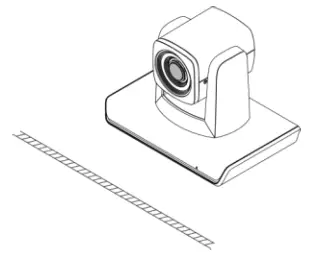
- Put the camera on a flat surface. In case the camera has to be placed on an inclined surface, make sure the cline angle is less than 15 degrees to ensure proper pan /tilt operation.
 Note
Note
- Take effective measures to avoid the camera from dropping.
- Do not grab the camera head when carrying.
- Do not rotate the camera head with hand. It may cause a malfunction to the camera.
Wall Mount Installation
( optional )
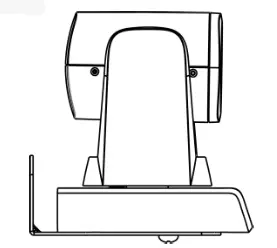
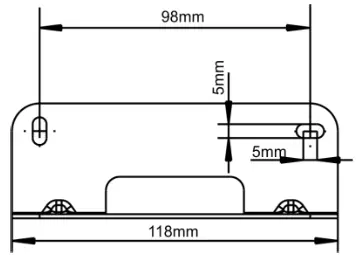
- According to the diameter and position of the 2 installation holes (As shown below) on the bracket, drill 2 holes on the wall and fix the bracket.

- Before fixing the camera, set the DIP switches of the camera correctly.
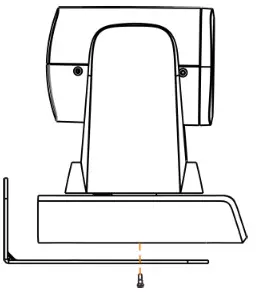
- Use inch screws to fix the camera on the bracket, fix the limitscrew. According to an actual requirement, and make sure the camera is tightly fixed onto the bracket before your hands leave the
camera.
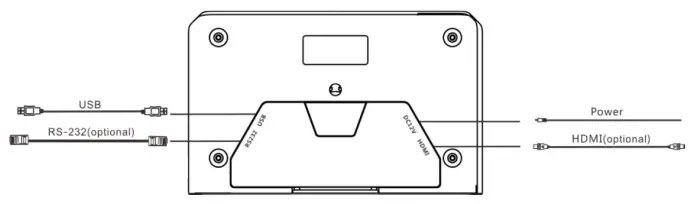
CABLE CONNECTING
Note
•If preset 0 has been saved, after powered on, the camera moves to preset 0 automatically; if preset 0 has not been saved, after powered on, the camera moves to Home position, where both pan and tilt angle is zero and zooming time is 1x.
AMCAP CAPTURE
SOFTWARE
Open software, choose “USB”, from “Options”, tick “Preview” to view camera image.
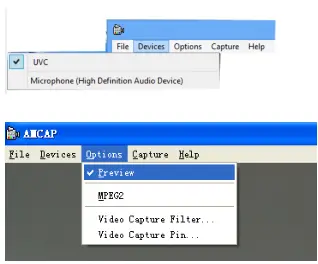
If the frame rate is not enough, go to “Capture” / “Set Frame Rate” / “Use Frame Rate” and disable it.
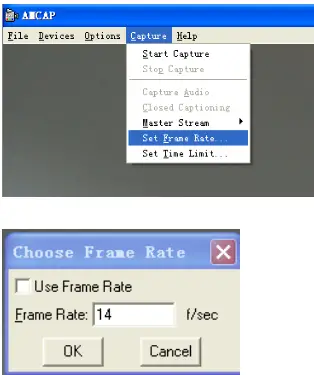
To change frame rate or resolution, go to “Capture” / “Set Frame Rate” / “Use Frame Rate” and change value accordingly.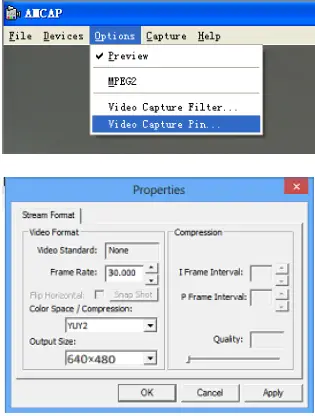
DRIVER INSTALLATION OF USB VIRTUAL SERIAL PORT
The camera supports one USB virtual serial port at the same time, with which the camera can be controlled via RS-232 cable. Driver installation is required. Before installation, the USB connection between PC and the camera needs be removed.
ANNEX 1 TECHNICAL SPECIFICATIONS
| VIDEO | ||
| Image Sensor | 1/2.8” CMOS, 2.16megapixel | |
| Optical Zoom | 3X, f=3.35.-10.05mm, F1.7-F3.0 | 10X, f=5.15-47.38mm, F2.38 |
| Field of View | 99.6°-30.6° | 62.2°-7.08° |
| Focus System | Auto, Manual, PTZ Trigger, One Push Trigger | |
| Exposure Control | Auto/ Manual | |
| White Balance | Auto, Manual, One Push Trigge, Auto Tracking | |
| Min. illumination | 0.5 lux (color), 0.1Lux (B/W) | |
| Gain | Auto /Manual | |
| Shutter Speed | 1/25 to 1/10,000s | |
| BLC | Support | |
| DNR | 2D/3D | |
| S/N Rate | ≥50dB | |
| PTZ | ||
| Pan Angle | -90°~+90° | |
| Tilt Angle | -30°~+90° | |
| Pan Speed | 15°/S | |
| Tilt Speed | 10°/S | |
| Preset Number | 32 | |
| Interface | ||
| HDMI Port | 1920x1080P30 | |
| Control Interface | RS-232 | |
| IR Remote Control | Support | |
| USB | ||
| Resolution | Max Support 1920*1080@30fps | |
| Image Compression | H.264/MJPEG | |
| UVC Protocol | USB2.0, UVC 1.0~UVC 1.4 | |
| UVC PTZ Control | Support | |
| General | ||
| Power | DC12V | |
| Power Consumption | <5W | |
| Operating Temperature | 0°C ~ + 40°C | |
| Storage Temperature | -20°C~+60°C | |
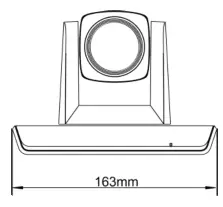
| Dimensions (W×D×H) | 163 mm×101 mm×114mm | |
| Weight | 0.6KG | |
| Body Color | Black | |
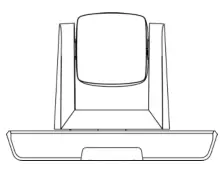
ANNEX 2 SIZE AND DIMENSION
Front
Rear
Top
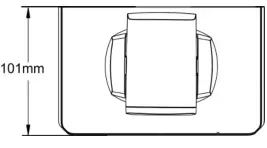
Side
Bottom
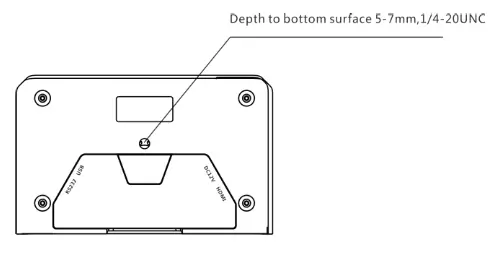
TROUBLESHOOTING
| Problem | Possible Cause | Solution |
| No action or image after powered on, No self-testing after powered on, or with motor noise | Power supply failure | Check power supply |
| USB cable failure | Replace USB cable | |
| Use a non-standard USB cable, the cable is too long | Add an external power supply, or add a USB HUB for external power supply | |
| Mechanical failure | Repair | |
| Not controllable from the remote controller | The low battery of remote controller | Change battery for remote controller |
| Exceed remote control distance | Control within a distance of 8M | |
| After power on, self-test successfully, but not controllable | Wrong address / protocol / baud rate | Check & set again |
| Wrong connection or open circuit of RS-232 cable | Check & reconnect |
The user manual is only for reference, it is subject to change, please ask for the latest version from your supplier.