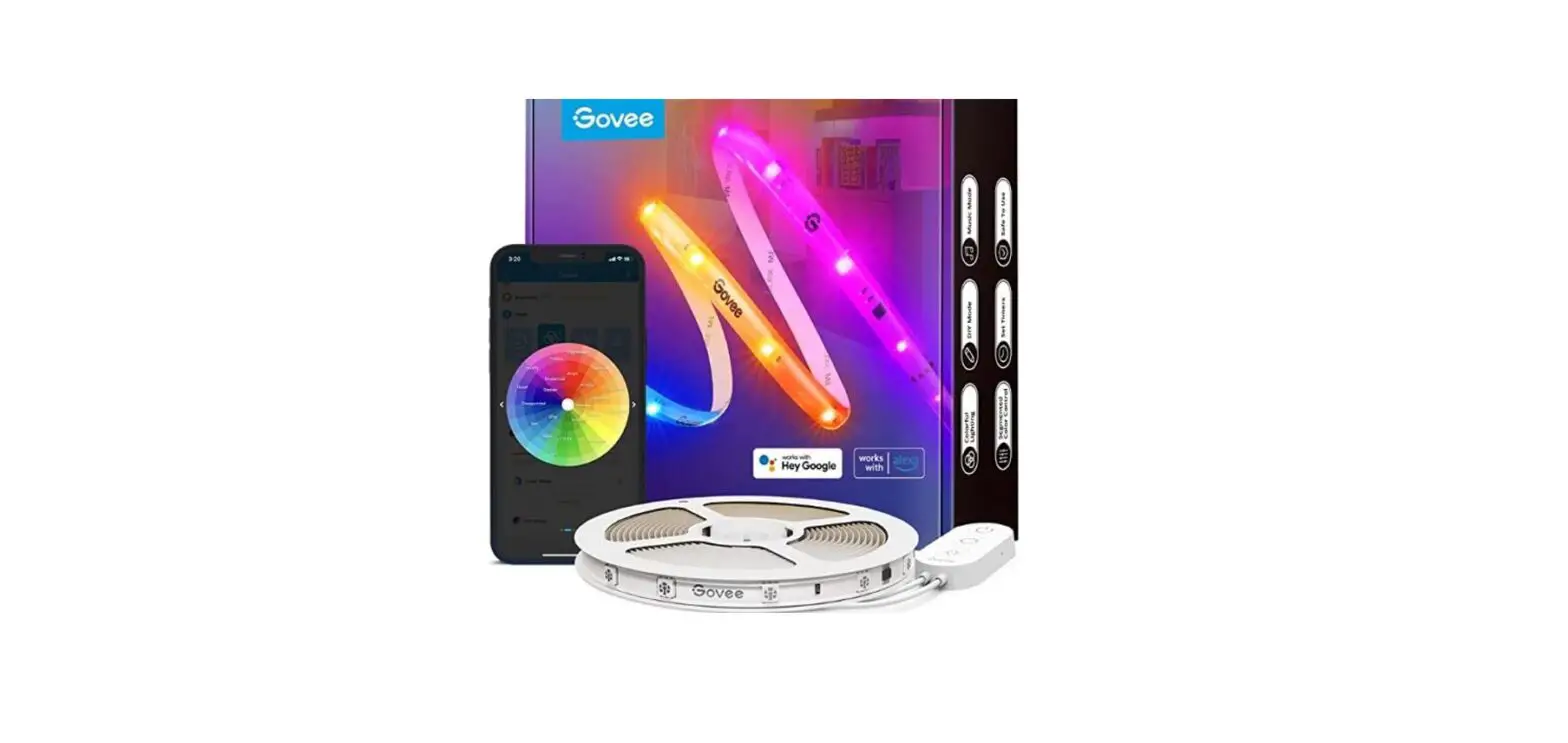
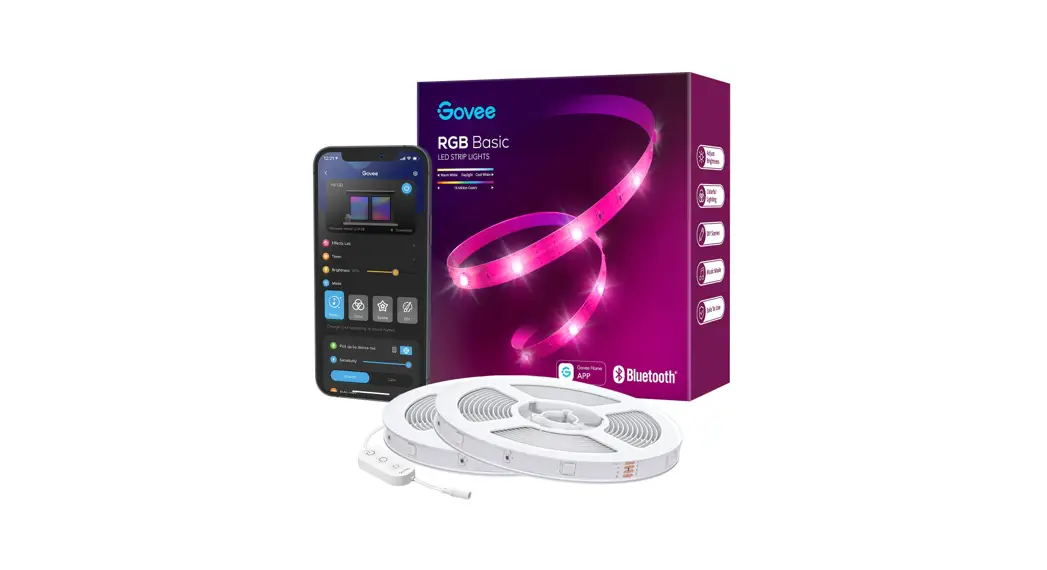
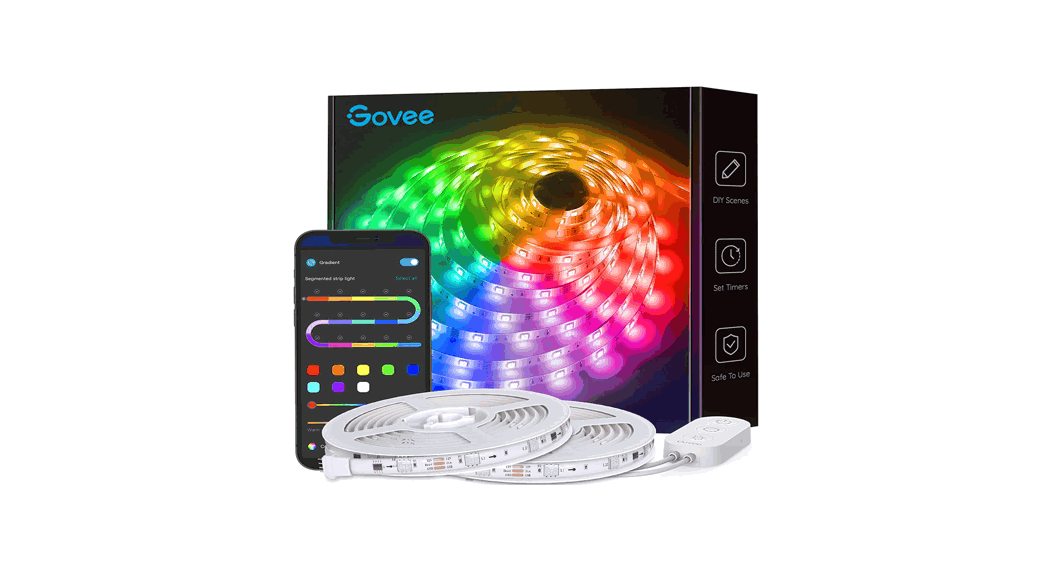
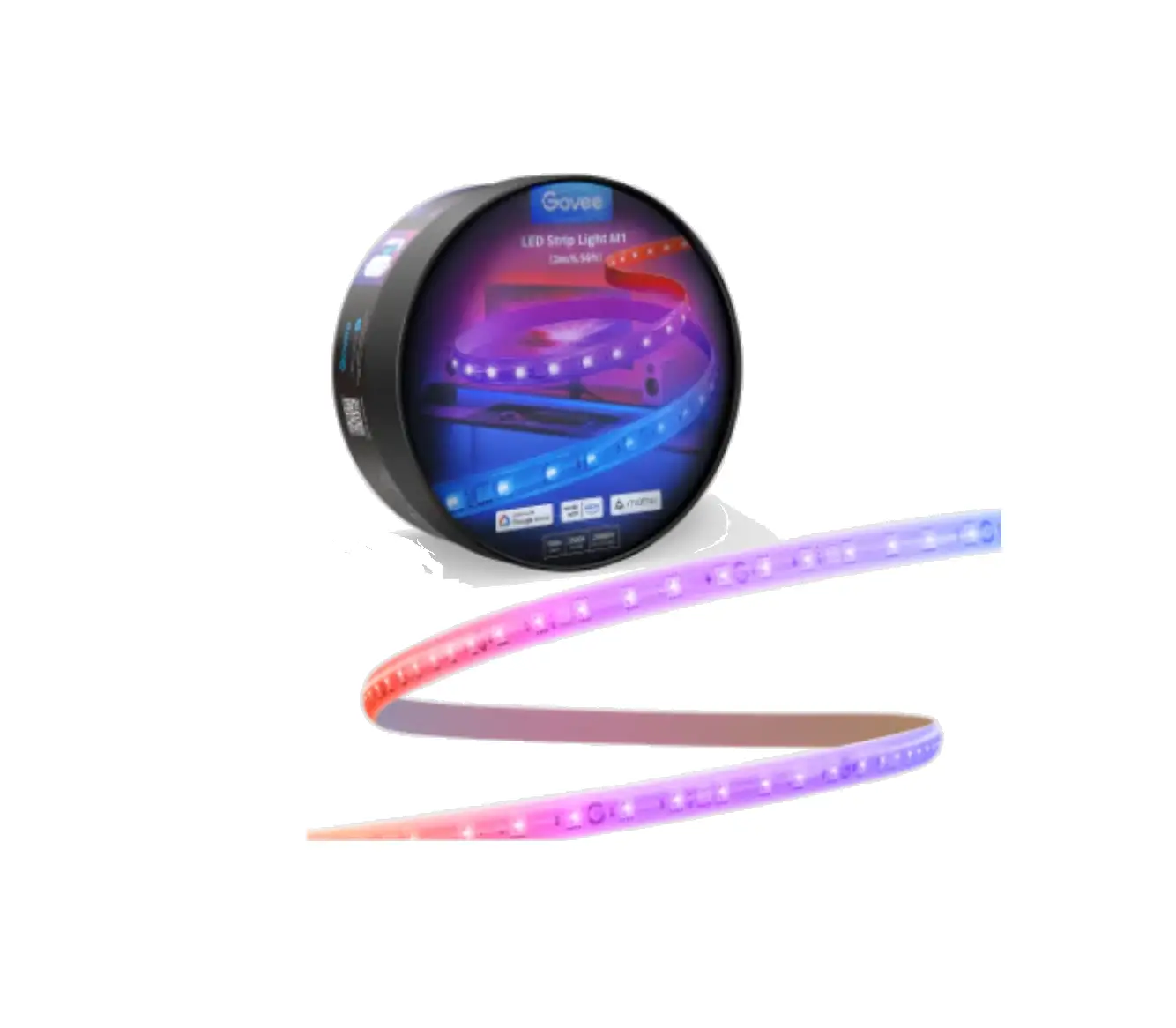
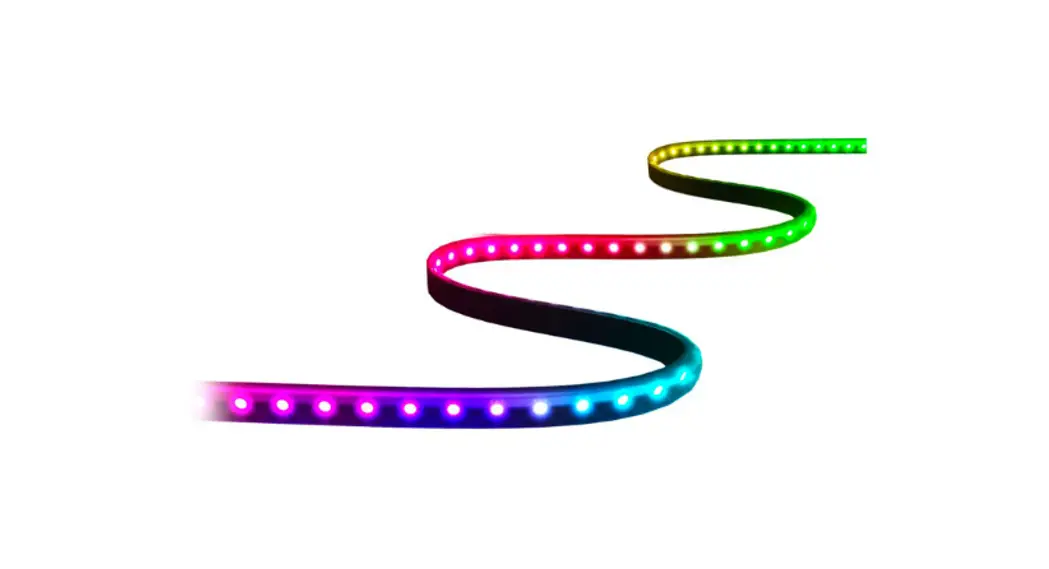
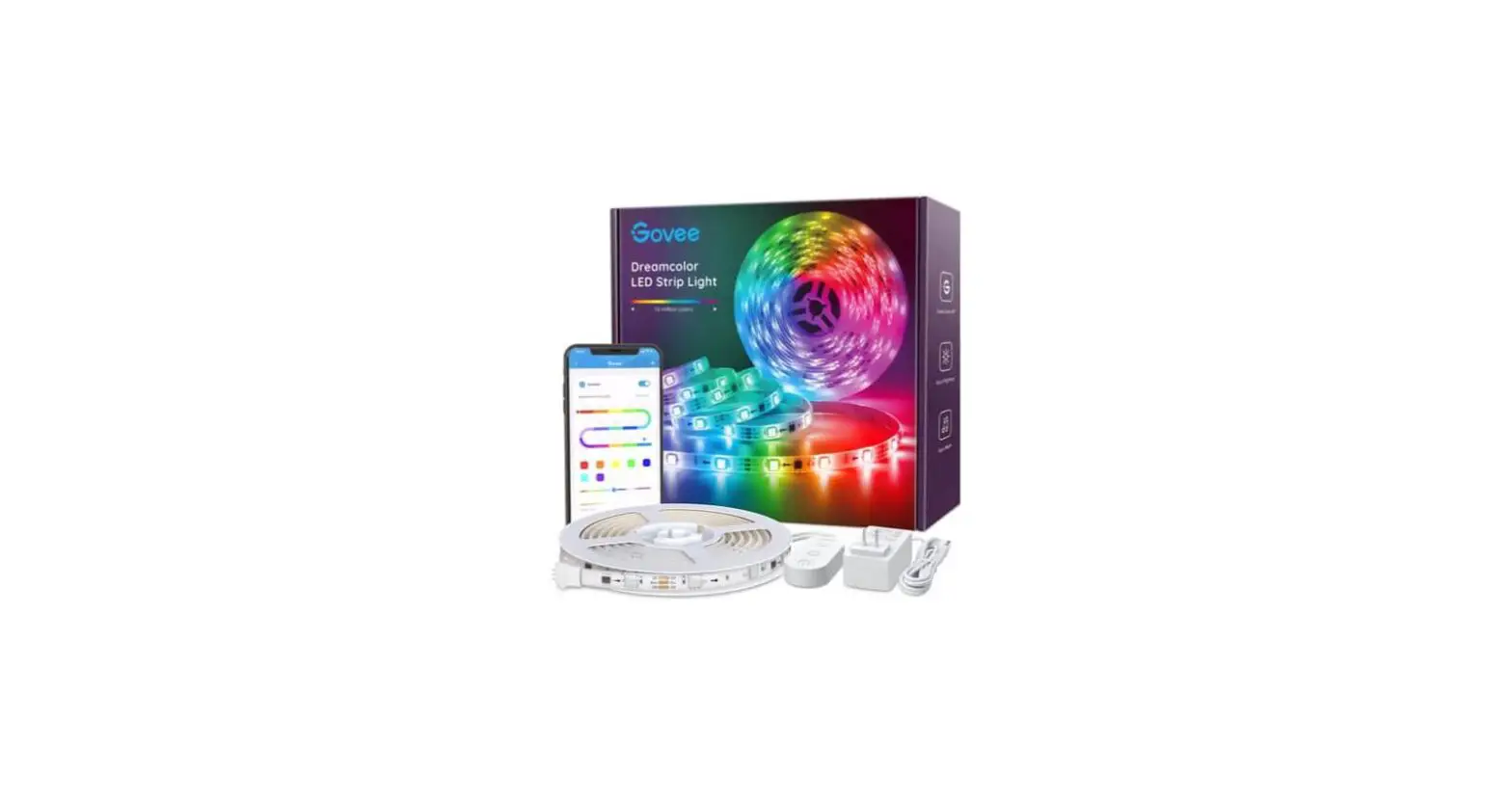
ARCUS LED Strip Light
Product Information:
- The LED light bar is a versatile lighting device that can be
controlled through a smartphone app. - It features scene modes, brightness levels, and music
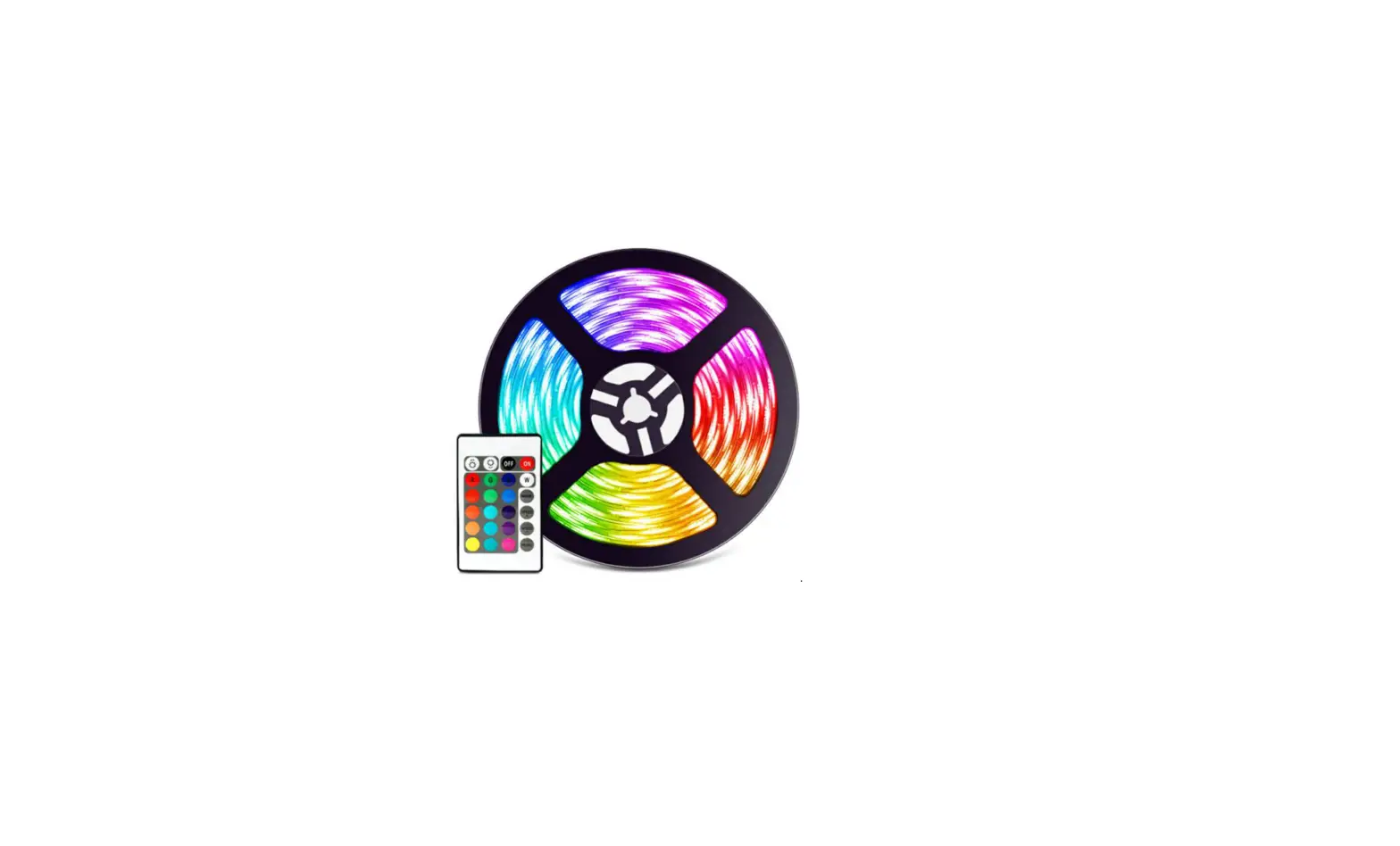
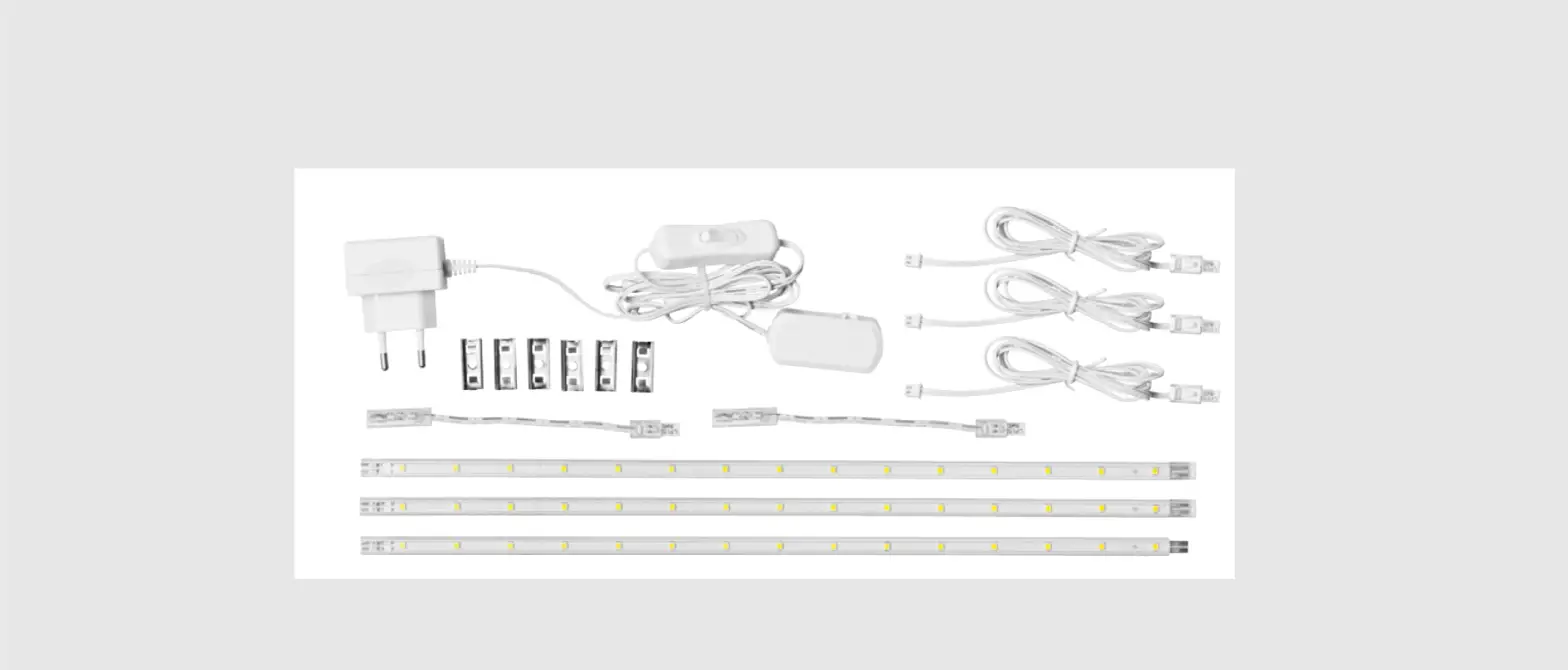
modes. - The product comes with RGB strips, a 12V controller, and an AC
adapter. - The LED light bar is designed for flat, smooth, and non-porous
surfaces. - Installation requires cleaning the installation surface,
peeling off the protective film, firmly attaching the strip,
reinforcing with provided clips and screws, and connecting the
controller and strips. - The device complies with Part 15 of the FCC Rules and has
radiation exposure limits set forth for an uncontrolled
environment.
Product Usage Instructions:
- Power On/Off: Press the power button to turn the LED light bar
on or off. - Scene Mode: Press the scene mode button to switch between
different preset modes. - Wireless Configuration Mode: Press and hold the scene mode
button for about 5 seconds to enter wireless configuration mode.
This is required to add the device in the smartphone app. - Brightness Levels: Press the brightness button to cycle through
different brightness levels. - Music Modes: Press the music mode button to start or cycle
through different modes that synchronize with music. - App Control: Scan the QR code or visit the App Store/Play Store
to download the app for controlling the LED light bar.
Note: Before connecting the LED light bar,
ensure that you understand the direction of the signal indicated by
the arrows to avoid misplacement.
Installation Steps:
- Ensure the surface you are installing onto is clean and free
from dust, oil, and fingerprints. Use the included alcohol-based
cleaning cloth to wipe the surface before attaching. - Make sure the surface is clean and dry. The RGB strips are best
suited for flat, smooth, and non-porous surfaces. - Peel off the protective film on the tape of the strip and
firmly place it on the desired surface. - Press down on the strip light for about 10-15 seconds to ensure
proper contact and adhesion. - Reinforce the installation by using the provided clips and
screws. - If you need to install the strip around corners, gently bend
the strip over itself as shown in the instructions. - Connect the 12V Controller to the AC Adapter and then connect
your RGB Strips to complete the installation.
Warning: Any changes or modifications not
expressly approved by the responsible party may void the user’s
authority to operate the equipment. Please comply with FCC rules
and maintain a minimum distance of 20cm between the radiator and
your body during installation and operation.
Press to power on / off.
Press to switch scene mode. Press and hold for about 5 seconds to enter Wireless configuration mode. ( Required to add device in smartphone App )
Press to cycle brightness levels.
Press to start or cycle music modes.
App Store Play Store
Scan & Download APP to control
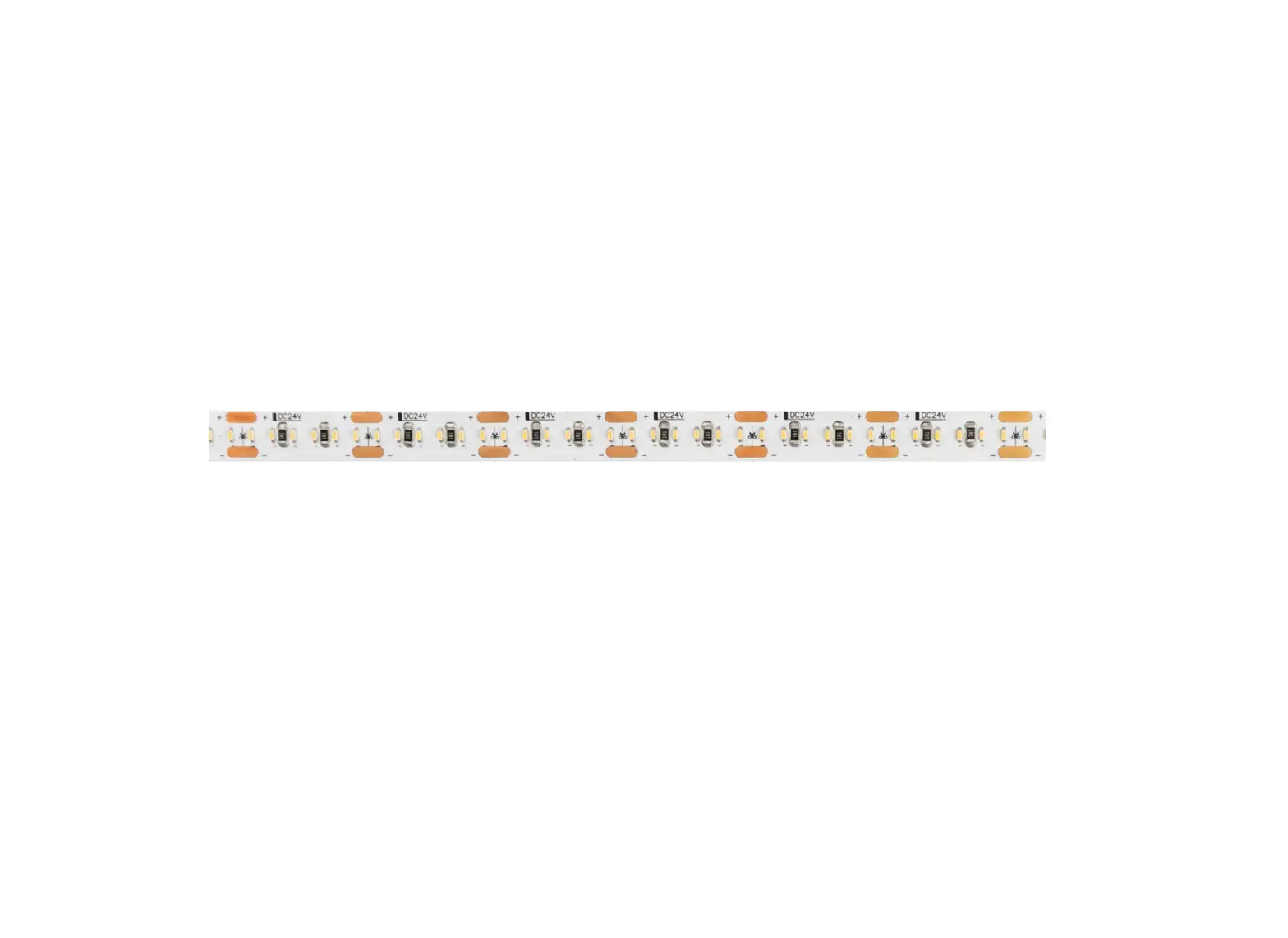
The arrows indicate the direction of the signal. Please note before connecting to avoid misplacement.
Installation Steps
Before attempting to use the LED light barplease make sure that there is no dust, oil or fingerprints on the surface you are installing onto. For best results, use the included alcohol-based cleaning cloth to wipe the surface before attaching.
æ
ç
è
Wipe the surface to make sure it’s
clean and dry. Our RGB Strips are best
suited for flat, smooth and non-porous
surfaces.
é
Peel off the protective film on the tape, place the strip on desired surface and press down firmly.
ê
Stick the strip light and press down for about 10~15s to ensure contact.
ë
Reinforce via clips and screws provided.
For corners, gently bend the strip over itself as shown above.
Connect the 12V Controller to the AC Adapter and your RGB Strips to complete installation.
App Store Play Store
The arrows indicate the direction of the signal. Please note before connecting to avoid misplacement.
Scan & Download APP to control
Installation Steps
Before attempting to use the LED light barplease make sure that there is no dust, oil or fingerprints on the surface you are installing onto. For best results, use the included alcohol-based cleaning cloth to wipe the surface before attaching.
æ
ç
è
é
ê
ë
Wipe the surface to make sure it’s clean and dry. Our RGB Strips are best suited for flat, smooth and non-porous surfaces.
Peel off the protective film on the tape, place the strip on desired surface and press down firmly.
Stick the strip light and press down for about 10~15s to ensure contact.
Reinforce via clips and screws provided.
For corners, gently bend the strip over itself as shown above.
Connect the 12V Controller to the AC Adapter and your RGB Strips to complete installation.
This device complies with Part 15 of the FCC Rules. Operation is subject to the following two conditions: (1) this device may not cause harmful interference, and (2) this device must accept any interference received, including interference that may cause undesired operation
NOTE: This equipment has been tested and found to comply with the limits for a Class B digital device, pursuant to Part 15 of the FCC Rules. These limits are designed to provide reasonable protection against harmful interference in a residential installation. This equipment generates, uses and can radiate radio frequency energy and, if not installed and used in accordance with the instructions, may cause harmful interference to radio communications. However, there is no guarantee that interference will not occur in a particular installation. If this equipment does cause harmful interference to radio or television reception, which can be determined by turning the equipment off and on, the user is encouraged to try to correct the interference by one or more of the following measures: — Reorient or relocate the receiving antenna. — Increase the separation between the equipment and receiver. — Connect the equipment into an outlet on a circuit different from that to which the receiver is connected. — Consult the dealer or an experienced radio/TV technician for help.
Warning: changes or modifications not expressly approved by the party responsible for compliance could void the user’s authority to operate the equipment
Radiation Exposure Statement This equipment complies with FCC radiation exposure limits set forth for an uncontrolled environment. This equipment should be installed and operated with minimum distance 20cm between the radiator and your body.