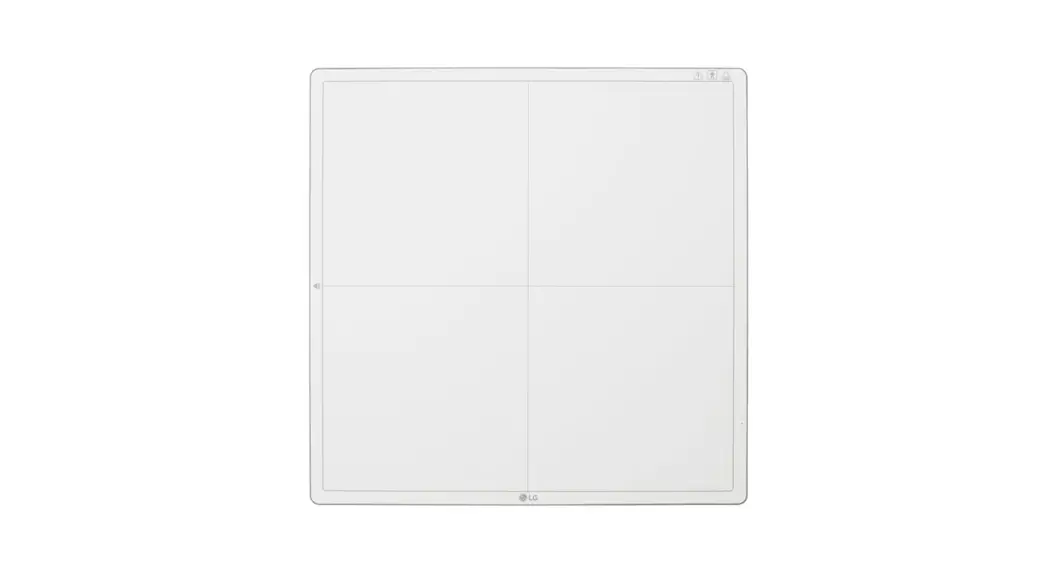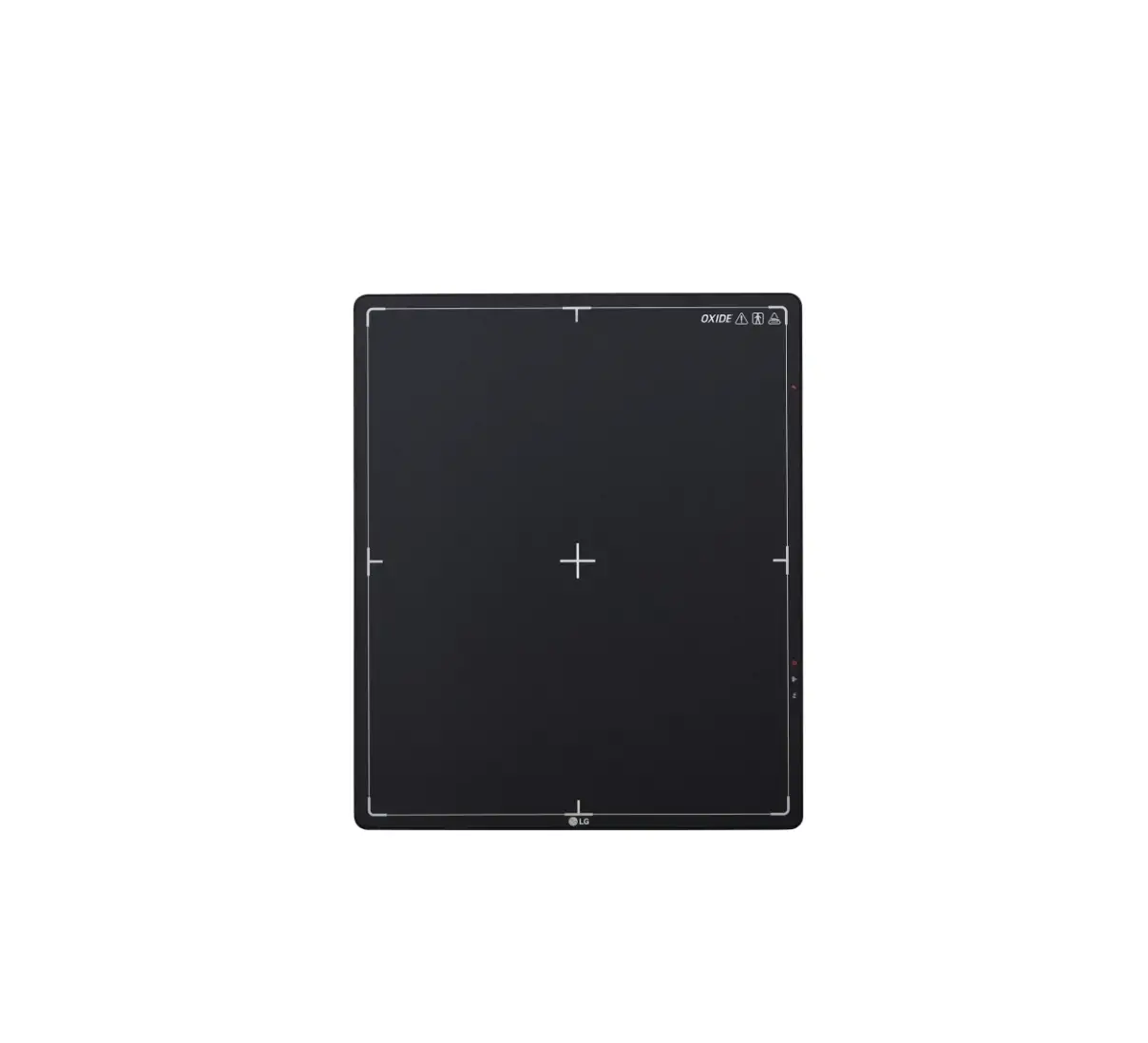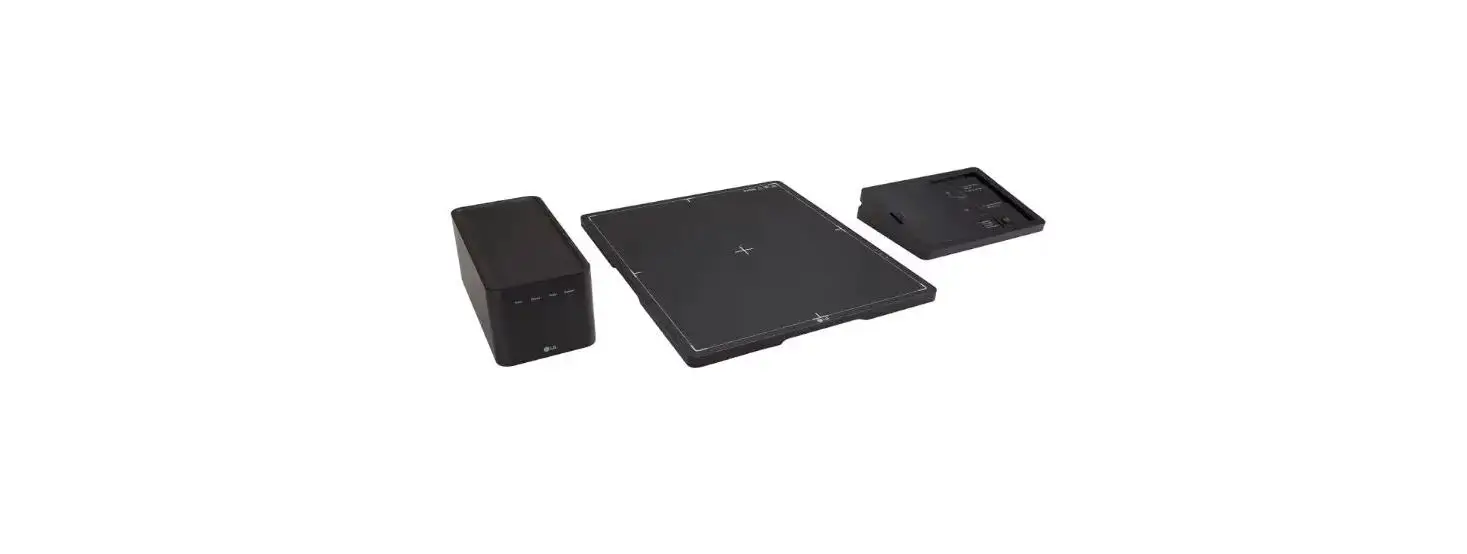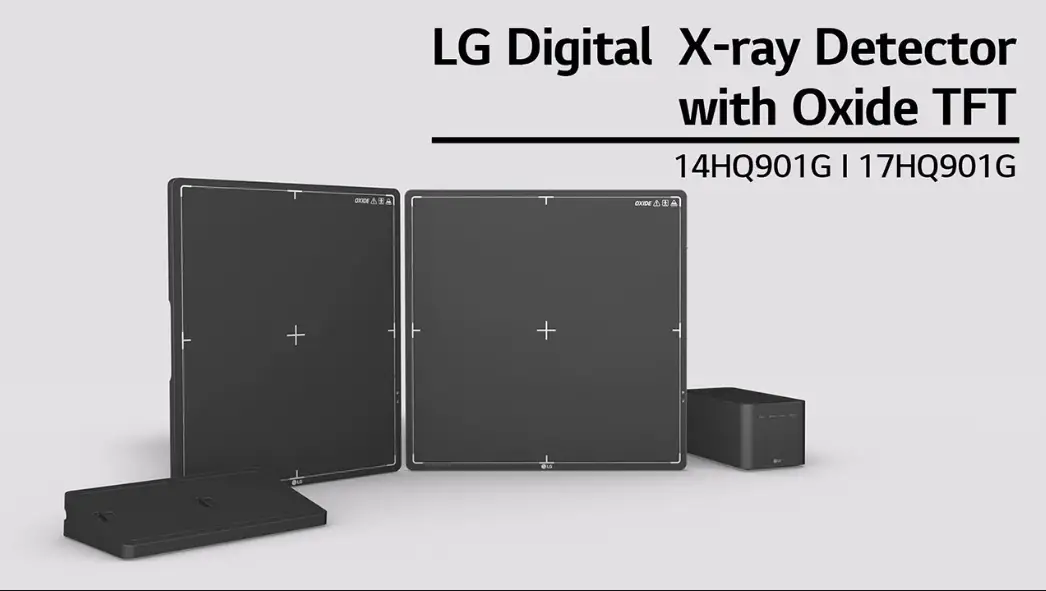

LG 17HQ901G-B Flat Panel Digital X-Ray Detector
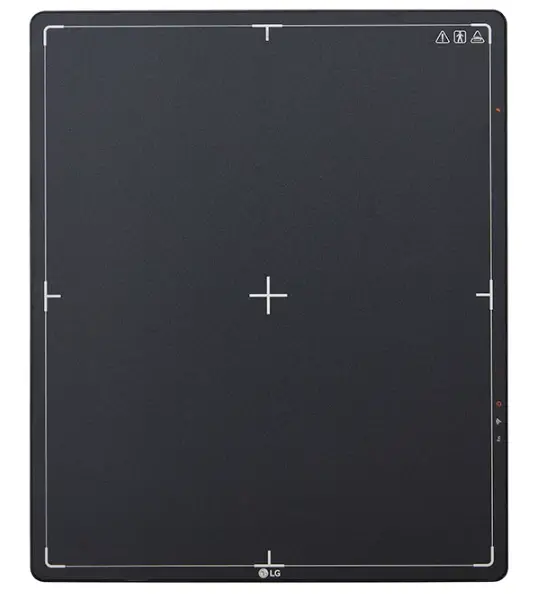
Product Information
| Product Name | Flat Panel Digital X-ray Detector |
|---|---|
| Model Number | 17HQ901G-B |
| Manufacturer | LG Electronics |
| Website | www.lg.com |
Product Usage Instructions
Cleaning
To clean the product, please follow these steps:
- Use recommended cleaning chemicals.
- Apply the cleaner to a soft cloth or tissue.
- Gently wipe the surface of the product.
- Avoid using excessive liquid, and do not spray directly on the product.
Product Components
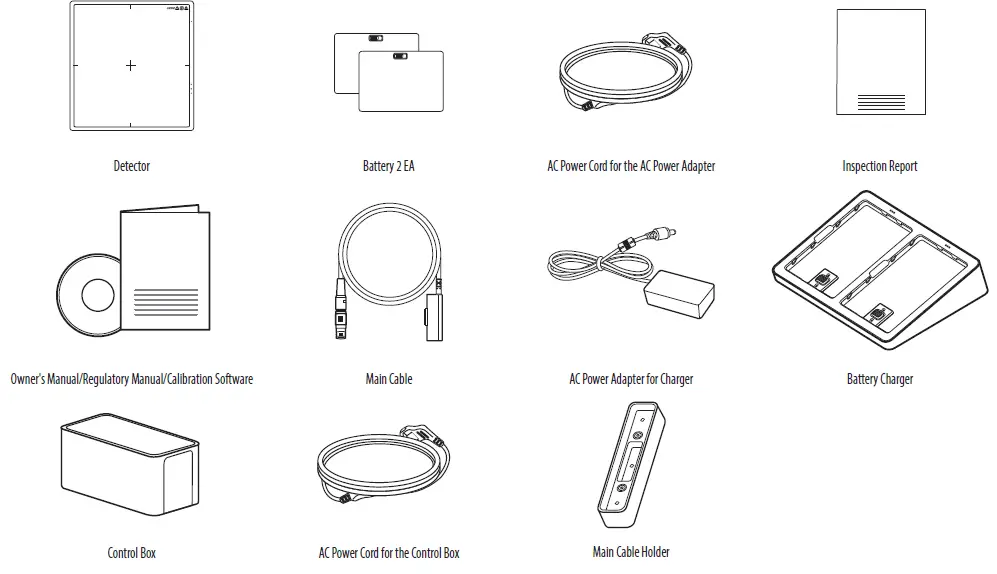
The product includes the following components:
| Component | Quantity |
|---|---|
| Detector | 1 |
| Battery | 2 EA |
| AC Power Cord for the AC Power Adapter | 1 |
| Inspection Report | 1 |
| Owner’s Manual/Regulatory Manual/Calibration Software | 1 |
| Main Cable | 1 |
| AC Power Adapter for Charger | 1 |
| Battery Charger | 1 |
| Control Box | 1 |
| AC Power Cord for the Control Box | 1 |
| Main Cable Holder | 1 |
Optional Accessories
The following optional accessories can be purchased separately:
- LAN Cable (Standard: More than CAT5E)
- Power Cord
Naming and Functions of Components
The product has the following components:
Detector
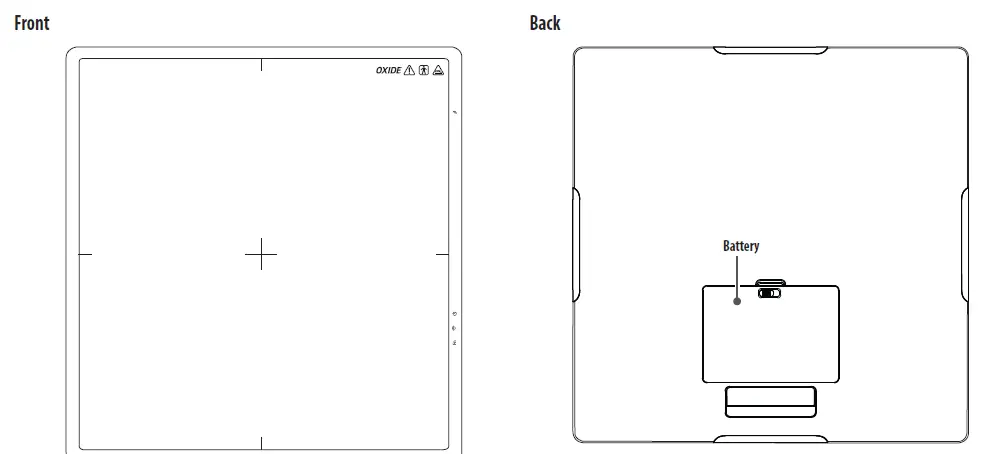
- Front
- Back
- Side
- Connection to Main Cable
- OLED Indicator
- Button Information
Battery
- LED Indicator
Control Box
- Front
- Back
- LED Indicators
LED Indicators on the Battery Charger
The LED indicators on the battery charger indicate the remaining battery levels as follows:
| Battery Status | LED Indicator Color |
|---|---|
| Blinking | 0 ~ 30% |
| Blinking | 30 ~ 70% (On charging) |
| Blinking | 70 ~ 99% |
| Completion of charging | 100% |
LED Indicators on the Control Box
The LED indicators on the control box indicate various status as follows:
| LED Indicator | Status |
|---|---|
| Power | Normal operation (Power on) |
| Ethernet | Normal operation (Ethernet connected) |
| Ready | Ready signal from X-ray Generator is active |
| Exposure | Exposure signal from X-ray Generator is active |
OPEN SOURCE SOFTWARE NOTICE INFORMATION
To obtain the source code that is contained in this product, under GPL, LGPL, MPL, and other open source licenses that have the obligation to disclose source code, and to access all referred license terms, copyright notices and other relevant documents, please visit https://opensource.lge.com.
LG Electronics will also provide open source code to you on CD-ROM for a charge covering the cost of performing such distribution (such as the cost of media, shipping, and handling) upon email request to [email protected].
This offer is valid to anyone in receipt of this information for a period of three years after our last shipment of this product.
ON CLEANING
Recommended Cleaning Chemicals
- Isopropanol 70 %
- Ethanol 70 % 0.9 %
- NaCl solution
- Biospot 500 ppm
How to Use Cleaner
- Prior to cleaning, turn off the Detector and remove the power cable.
- Soak a soft cloth in a recommended cleaner, then lightly rub the screen with no more than 1 N of force.
- The cleaner could cause serious damage if it leaks inside the Detector while cleaning.
- Do not use benzene, thinner, acids or alkaline cleaners or other such solvents.
- Cleaning guidelines for Detector must only be carried out by medical professionals (doctors or nurses) and must not be handled by patients.
GENERAL DESCRIPTION
Overview
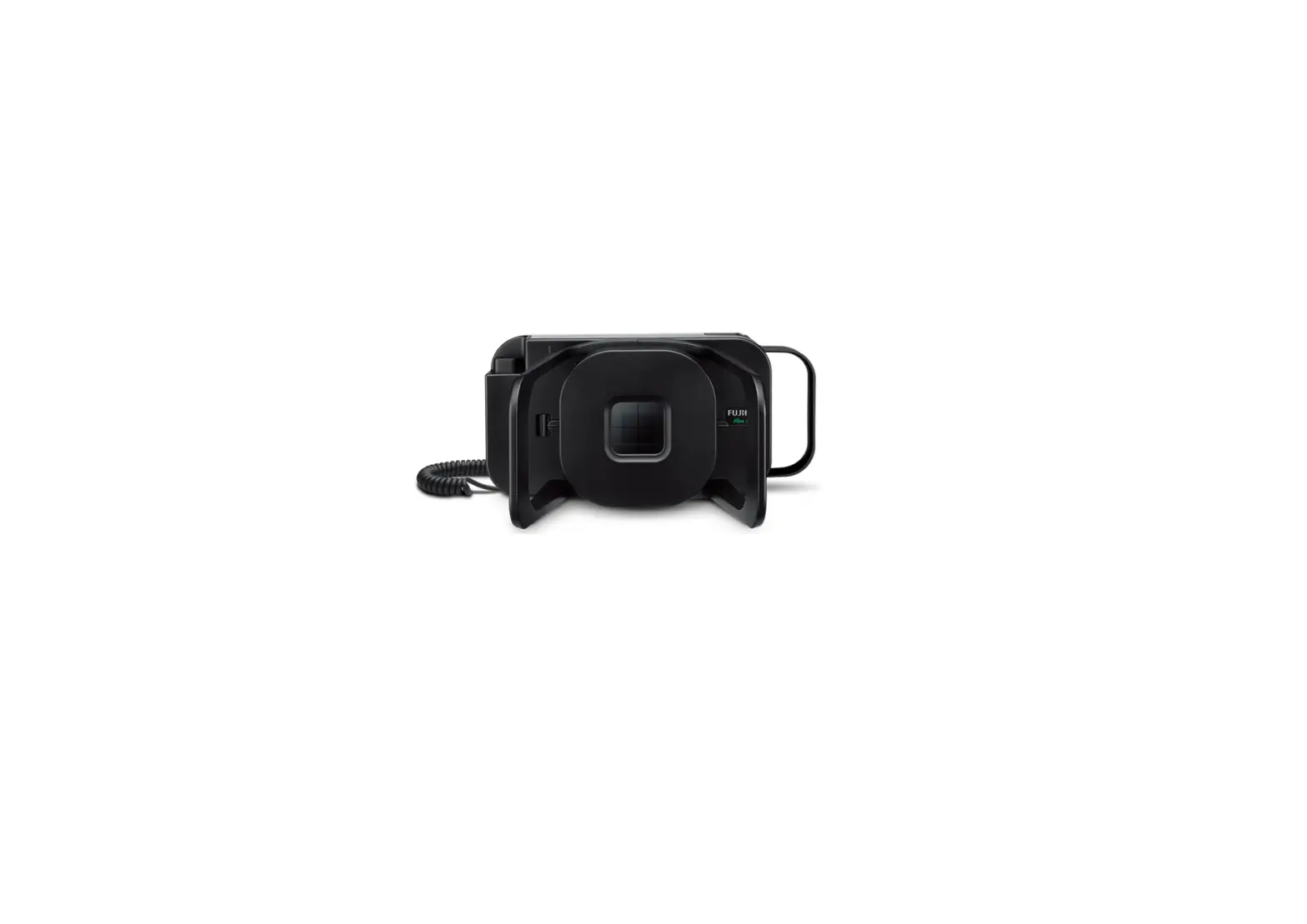
This model is an x-ray imaging device, a system that can acquire and process X-ray images as digital images. It utilizes amorphous silicon and a high-performance scintillator to ensure sharp high-definition image quality with the resolution of 3.6 lp/mm and the pixel pitches of 140 um. This device is a flat panel based X-ray image acquisition device. This device must be used in conjunction with an operating PC and an X-ray generator. This device can be used for digitizing and transferring X-ray images for radiological diagnosis. The data transmission between the detector and PC can be enabled with a wired (cable) or wireless connection.
Product Components
Basic Accessories
Optional Accessories
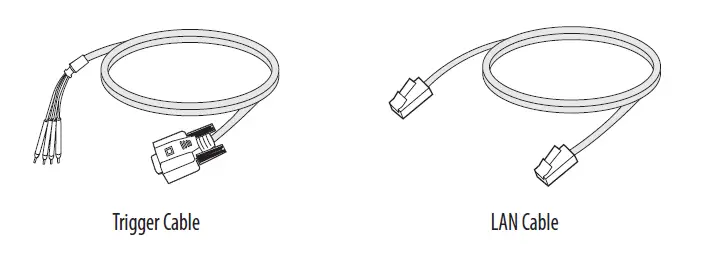
Some models may not include optional accessories.
CAUTION
You must use the authorized components as per the specification below. Unauthorized components may cause damage and/or cause the product to malfunction.
| Component | Standard |
| LAN Cable | More than CAT5E Standard |
| Power Cord | US – Approved Medical grade regulation Others – Approved country safety regulation |
The AC/DC adapters etc. that are being used, with the exception of the upper components, must be supplied by the manufacturer.
NAMES AND FUNCTIONS OF COMPONENTS
Detector
Side
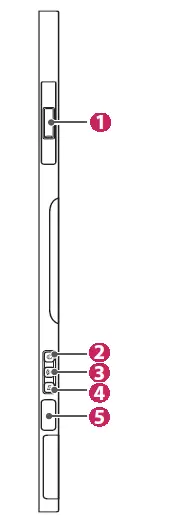
| 1 | Connection to Main Cable |
| 2 |
|
| 3 |
|
| 4 |
|
| 5 | OLED Indicator |

Button Information
| Button | Description |
| (Power button) | Press the Power button to turn the power on or off.
|
| (Wired/Wireless Connection button) | Press this button for at least one second to switch between the following connection modes, in respective order: Ethernet/Station/AP mode. |
| (Function Switch button) | Press this button for at least one second to switch between the following menus, in respective order: Check connection mode, video acquisition, image auto save. The menu is shown on the OLED indicator.
|
NOTE
Press and hold  the and buttons at the same time for at least ten seconds to restore to factory settings.
LED Indicator
| LED | Description | |
| (Power LED Indicator) | Displays the power and battery status of the detector. | |
| Off | Power off | |
| White | Power on | |
| Orange | The battery level is greater than 10 % and less than 30%. | |
| Orange(blinking) | The battery level is less than 10%. | |
| (Wired/Wireless LED Indicator) | Displays the connection mode status of the detector. | |
| Green | Ethernet connected | |
| Green(blinking) | Ethernet disconnected | |
| White | Wireless(Station/AP) connected | |
| White(blinking) | Wireless(Station/AP) disconnected | |
| (LED Indicator for Function Switch) | Briefly lights up in green when the Function Switch button is used to change the on/off settings. | |
NOTE
- If the LED indicators show the following behavior, a system error may have occurred. Please contact the manufacturer. – (White(blinking)) + (Green(blinking)) + (Green(blinking))
The OLED indicator displays the information below.
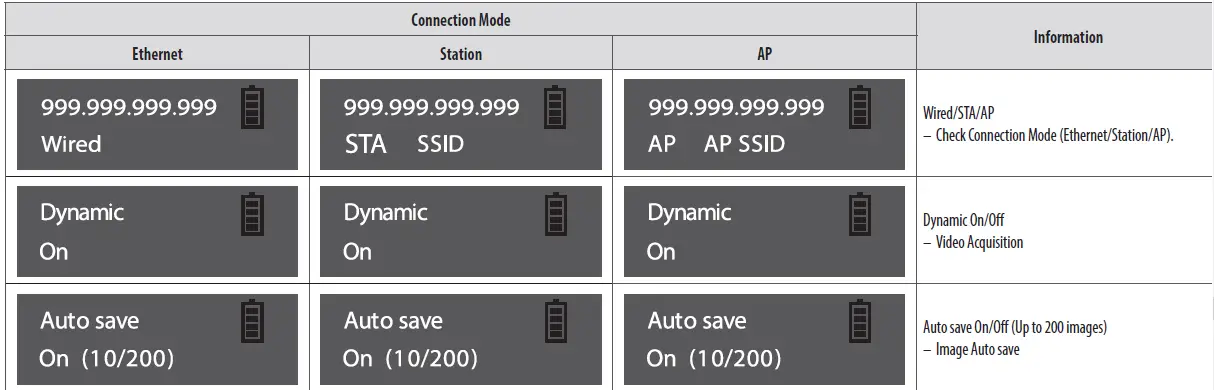
NOTE
- The information displayed on the OLED indicator will vary depending on the connection mode (Ethernet/Station/AP).
- If left idle for ten seconds after pressing the button, the OLED indicator turns off. When the OLED indicator is turned on again, the starting screen is displayed.
Battery and Battery Charger
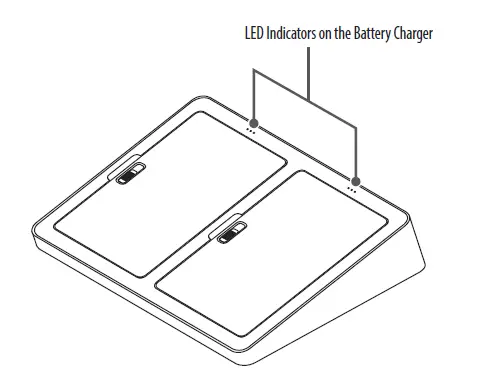
| LED Indicators on the Battery Charger | 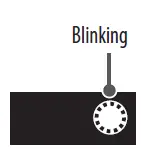 | 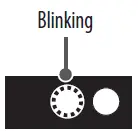 | 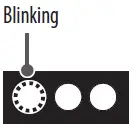 |  |
| Remaining Battery Levels | 0 ~ 30 % | 30 ~ 70 % | 70 ~ 99 % | 100 % |
| Battery Status | On charging | Completion of charging | ||
NOTE
- Battery: Lithium ion polymer battery (charging time – Typ. 3 hours)
- Battery Charger: 2-port cradle type
- The remaining battery level and status for each battery can be checked through the LED indicators on the battery charger.
- If the LED indicator does not turn on when charging the battery, it may be a connection error. Please reinstall the battery.
Control Box
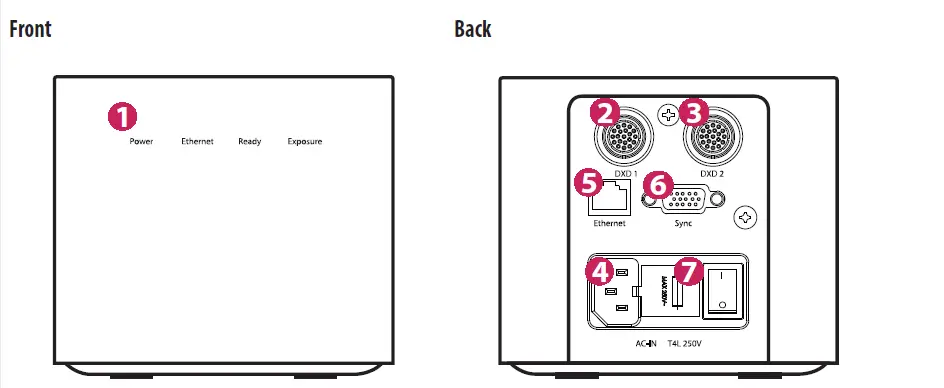
| Number | LED Indicator | LED Colour | Description | ||||
| 1 | Power | Green | Power normal operation | ||||
| Off | Power off (AC power cord no connection or Power error) | ||||||
| Ethernet | Green | Ethernet normal operation | |||||
| Green(blinking) | On data communication | ||||||
| Off | Ethernet disconnected | ||||||
| Ready | Green | Ready signal from X-ray Generator is active | |||||
| Off | Ready signal from X-ray Generator is inactive | ||||||
| Orange(blinking) | Power error | ||||||
| Exposure | Orange | Exposure signal from X-ray Generator is active | |||||
| Off | Exposure signal from X-ray Generator is inactive | ||||||
| Orange(blinking) | Power error | ||||||
| 2 | DXD 1 | Connects the Control Box to the Detector A. This connector supplies power (24 V 2.1 A) to the Detector and transmits the X-ray generator’s sync signal and Ethernet image data. | |||||
| 3 | DXD 2 | Connects the Control Box to the Detector B. This connector supplies power (24 V 2.1 A) to the Detector and transmits the X-ray generator’s sync signal and Ethernet image data. The Control Box supports connection to up to two detectors. One is for a bucky stand and the other is for a table(bed). Hospital X-ray examination rooms are typically equipped with both bucky stand and table type detectors. This makes it more convenient and efficient to use the detectors. | |||||
| 4 | AC-IN | Connects the AC power cord. | |||||
| 5 | Ethernet | An Ethernet port to transmit images/commands between the Detector and a PC. | |||||
| 6 | Sync | Synchronizes the Detector and X-ray generator. | |||||
| 7 | Fuse | Control box power fuses are 4 A, 250 V to Type T fuse. Power rating: T4L 250 V | |||||
 LG Electronics & Home Appliances | Shop Now | LG USA
 LG Open Source
 LG Open Source