
Vstarcam Cs881q-x5 Network Ip Camera User Manual

Vstarcam Cs881q-x5 Network Ip Camera User Manual

VSTARCAM-logo

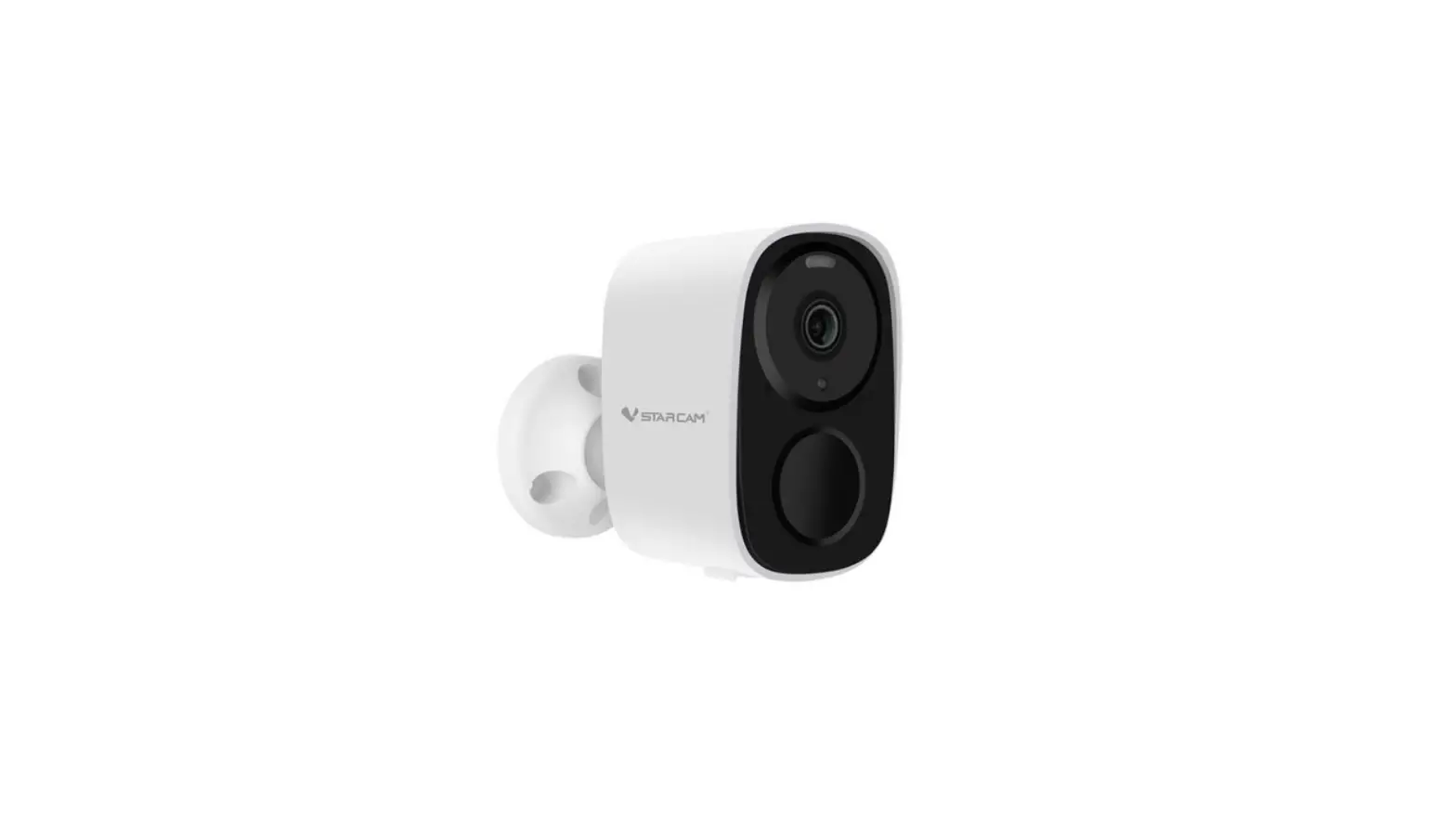
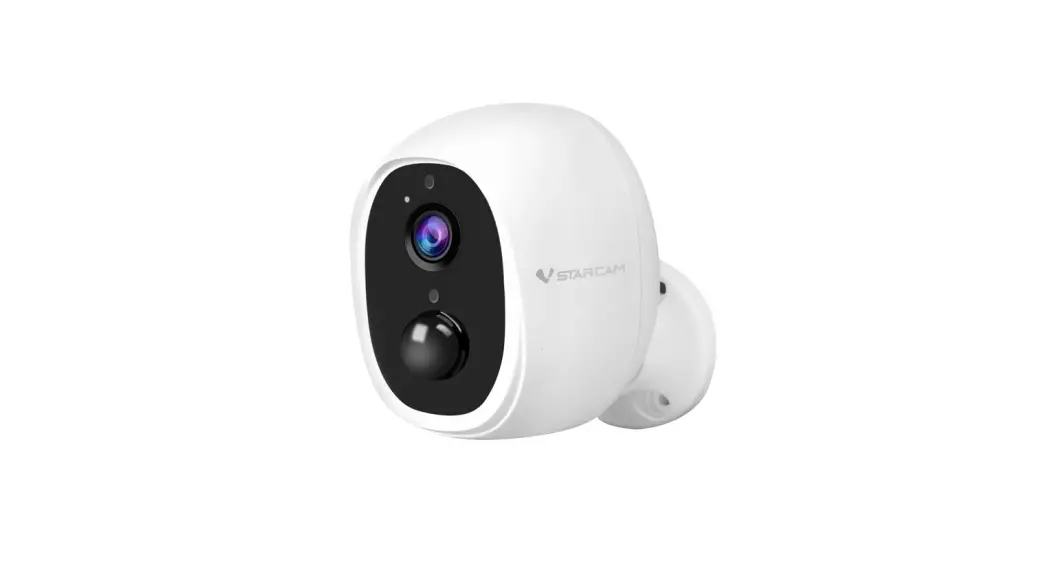
VSTARCAM CS881Q-X5 Network IP Camera
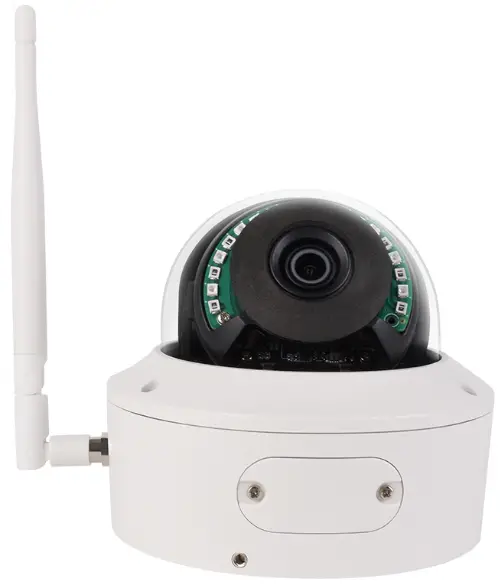
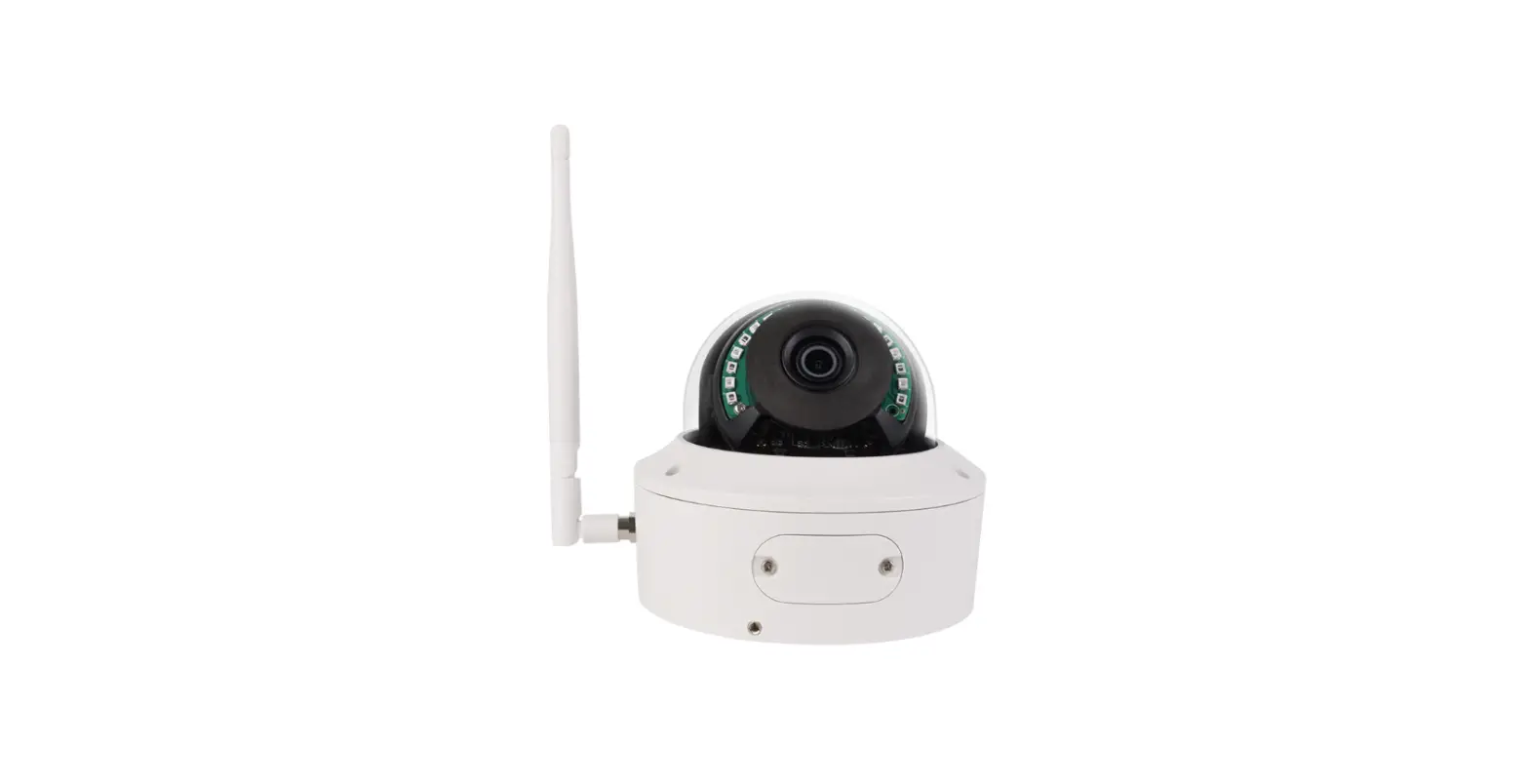
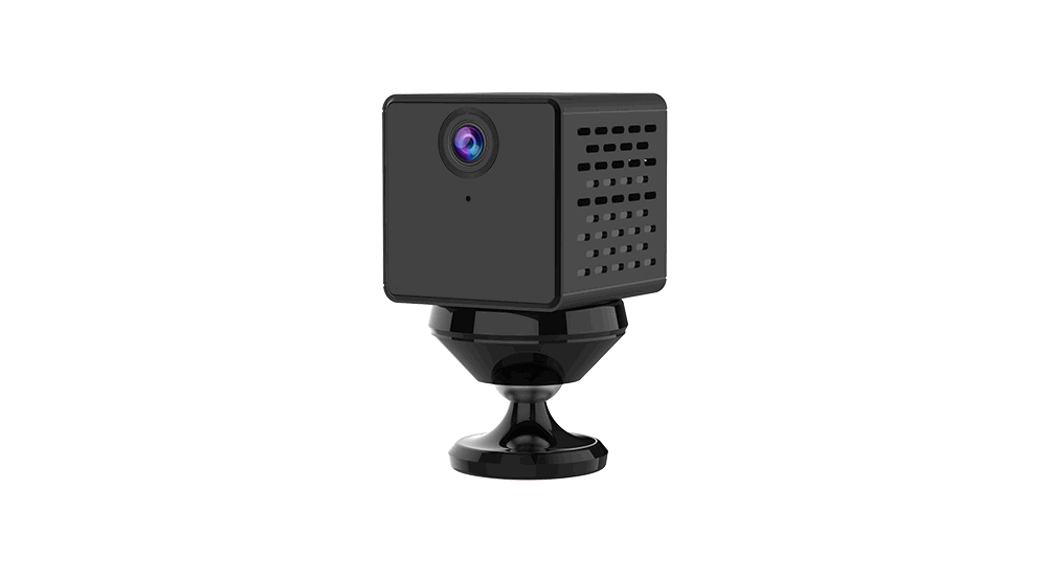
VSTARCAM-CS881Q-X5-Network-IP-Camera-product

Download and register to log in to the App

VSTARCAM-CS881Q-X5-Network-IP-Camera-fig- (1)

  • Scan the QR code to download the software, register and log in to the App.

Add devices
VSTARCAM-CS881Q-X5-Network-IP-Camera-fig- (2)

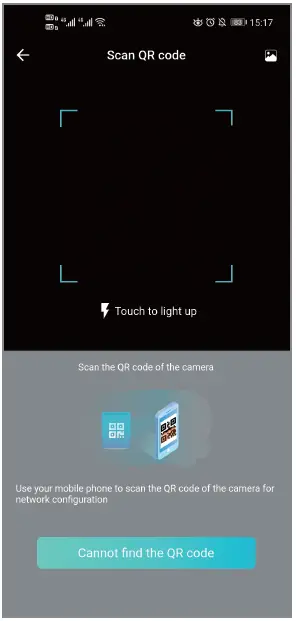
  • Open the app, log in to the account, click”+” in the upper right corner–scan the QR code of the body; follow the instructions of the app to complete the adding action.
Documents / Resouces

Download manual
Here you can download full pdf version of manual, it may contain additional safety instructions, warranty information, FCC rules, etc.


Related Manuals