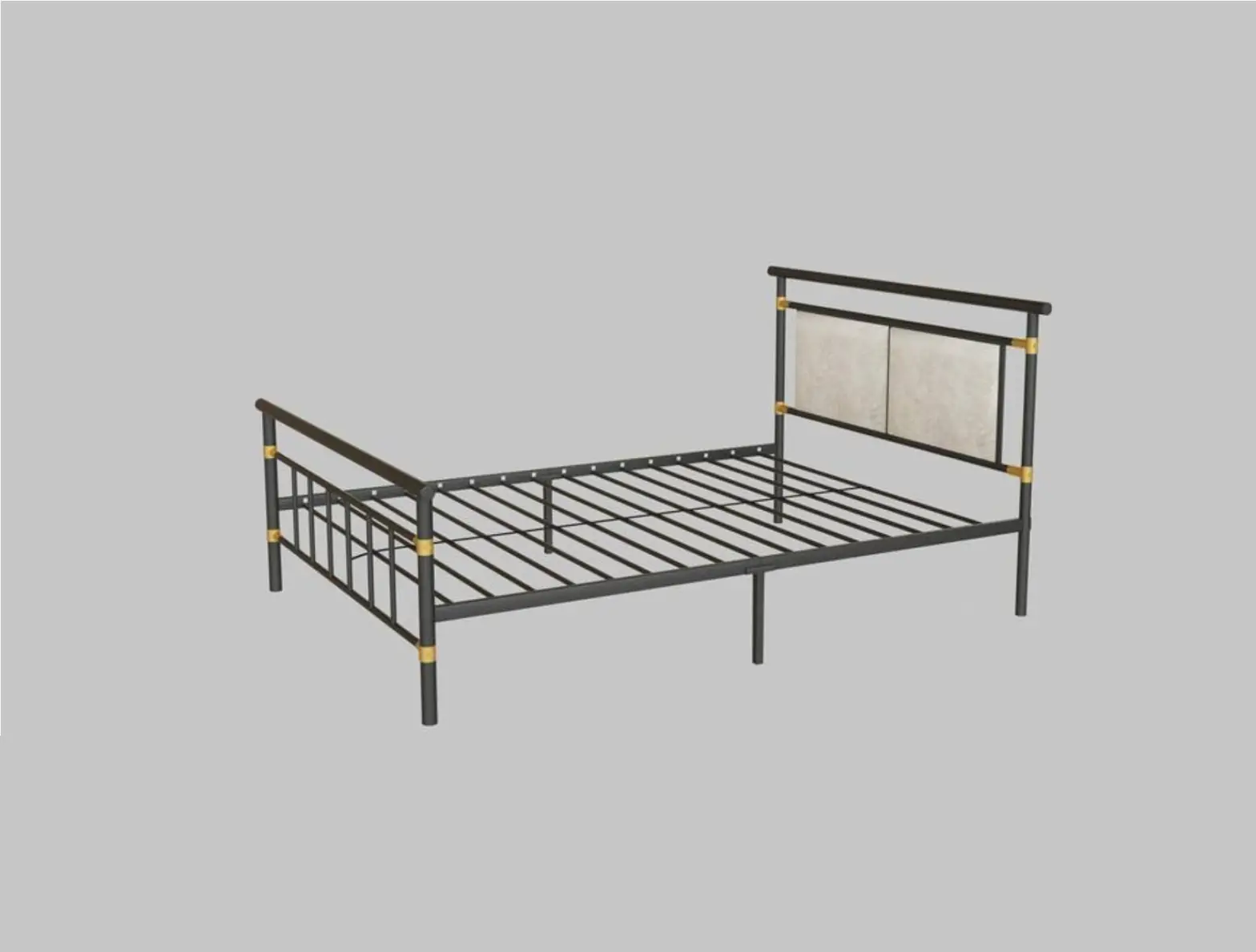
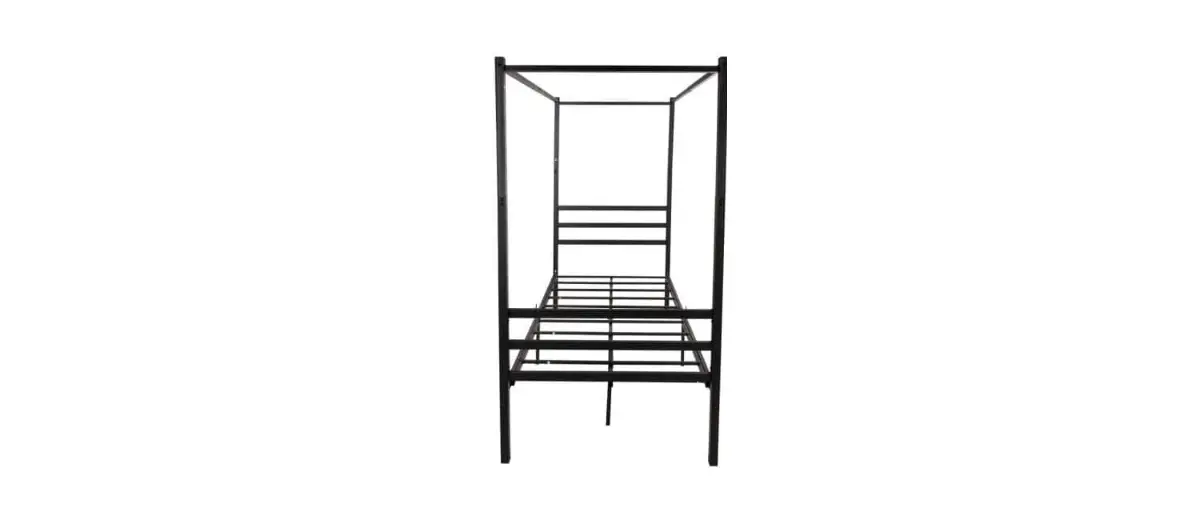
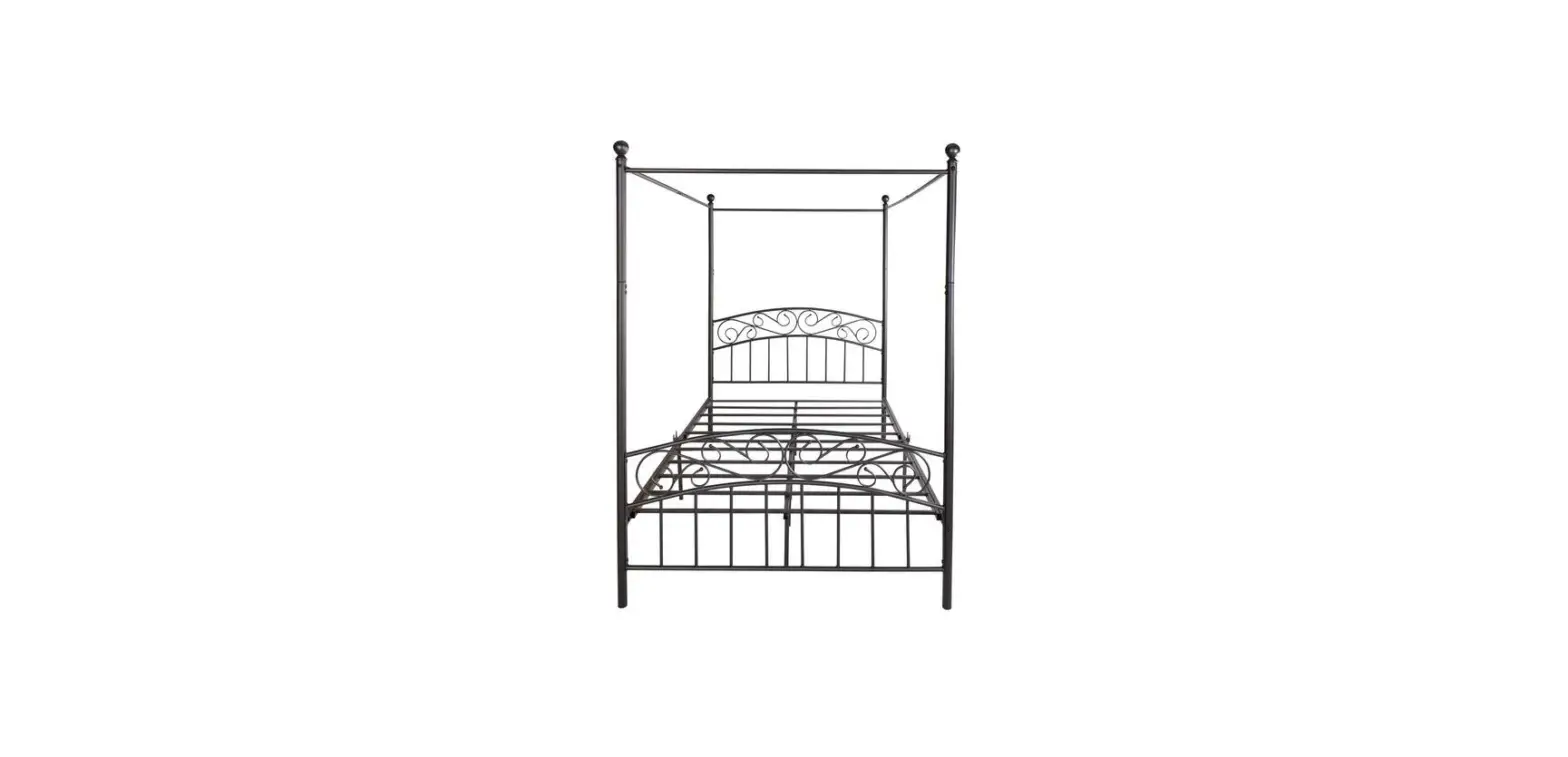
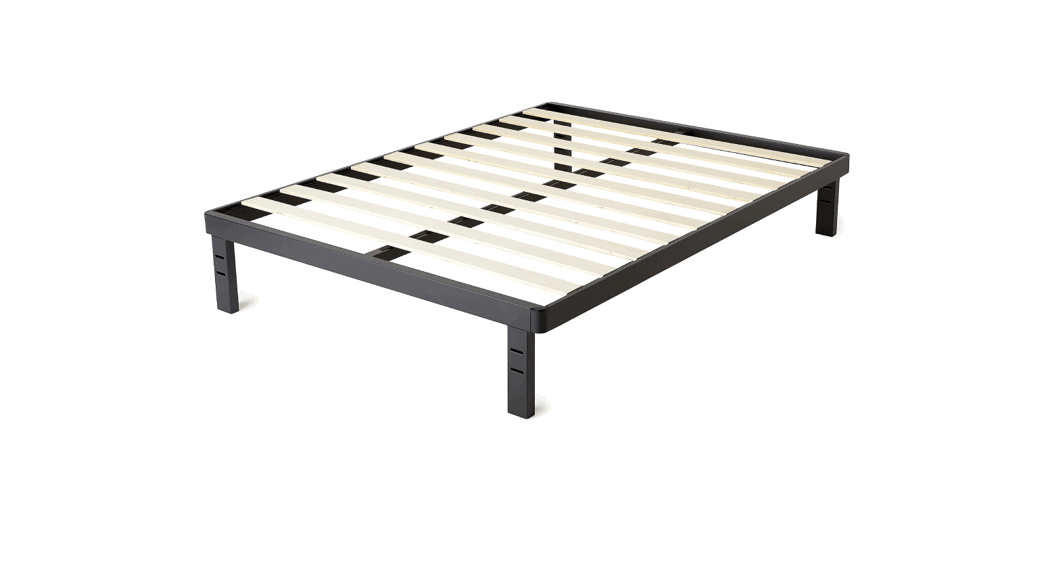
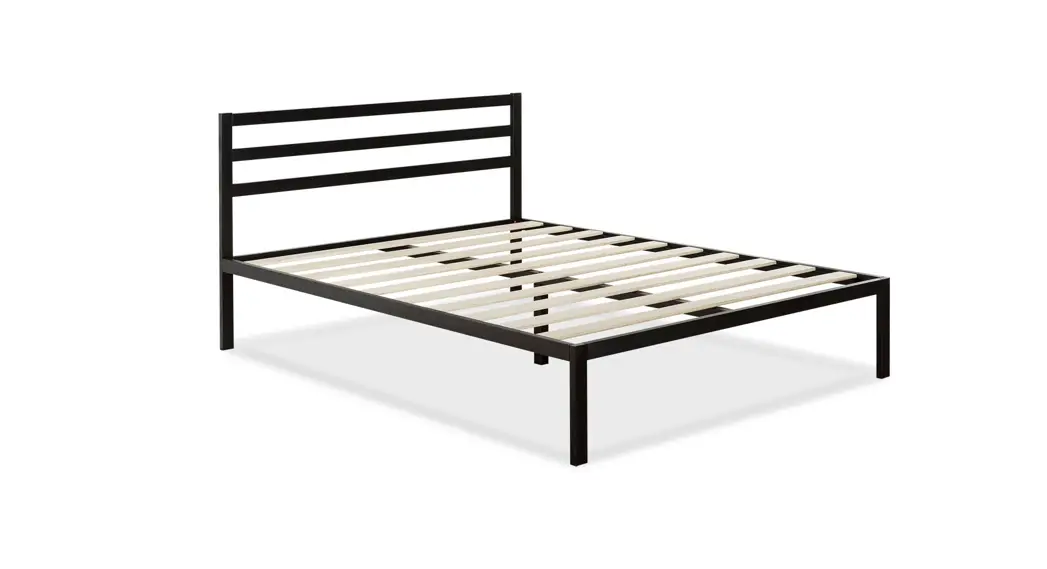
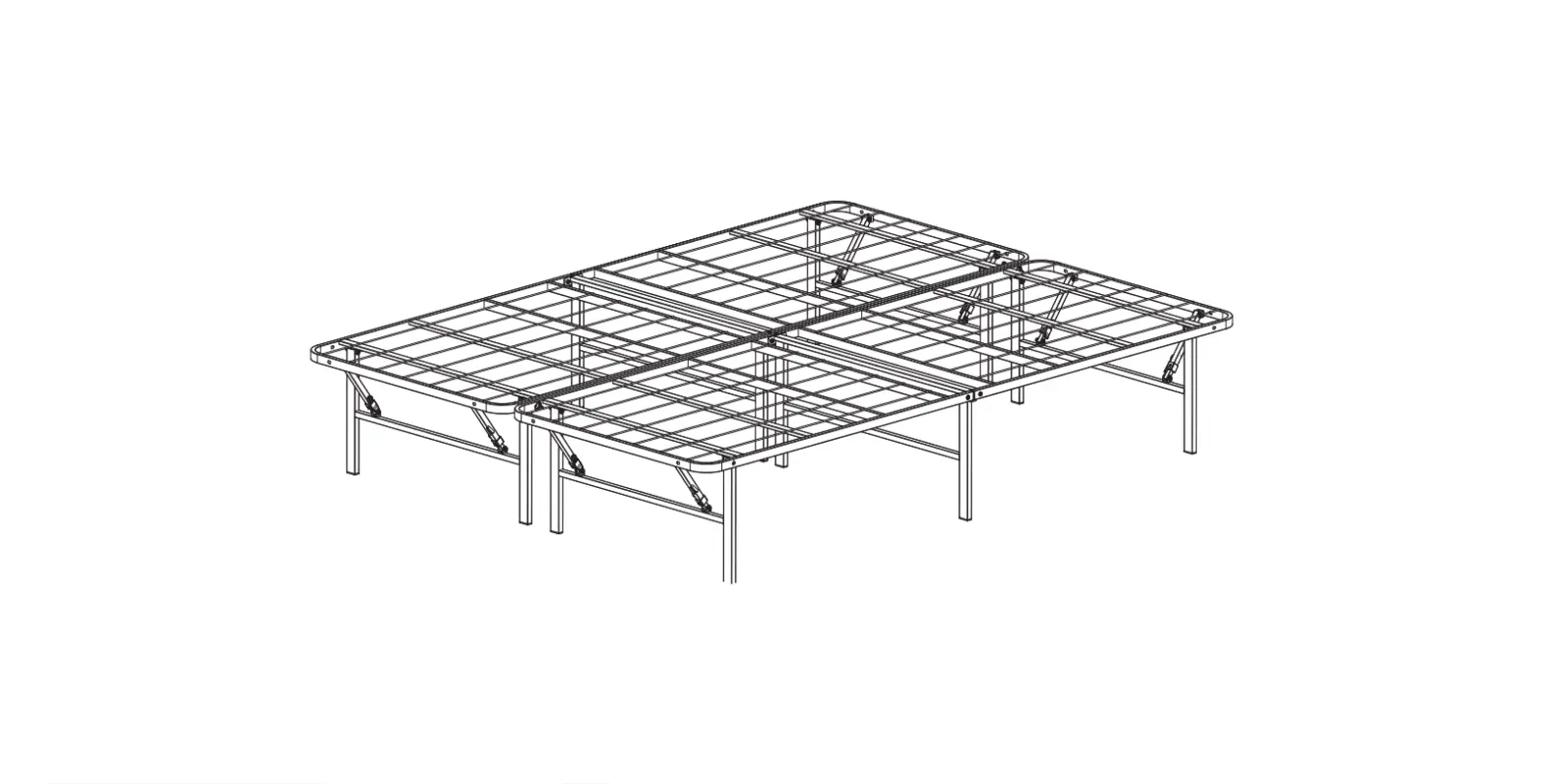
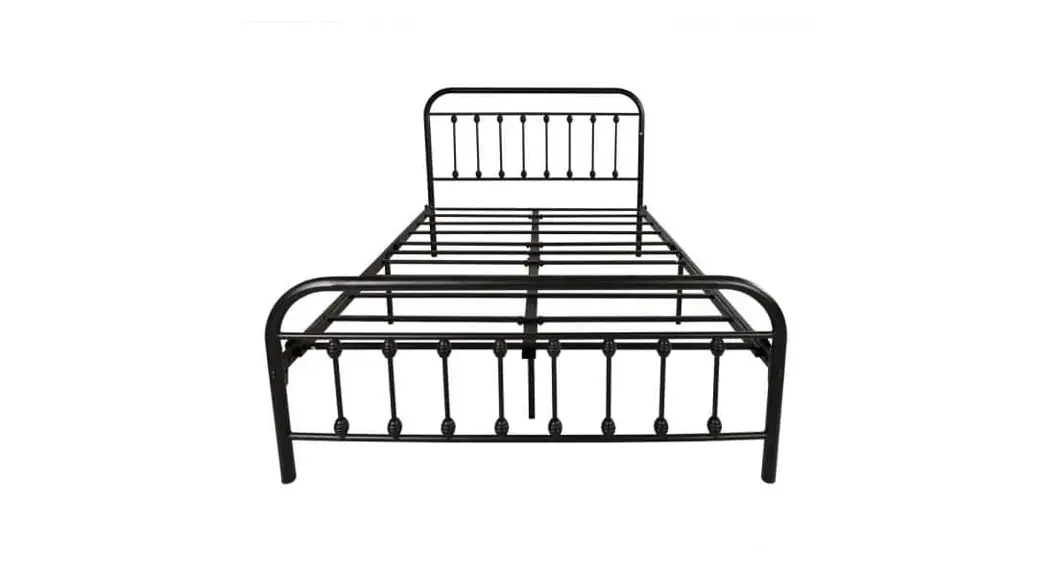
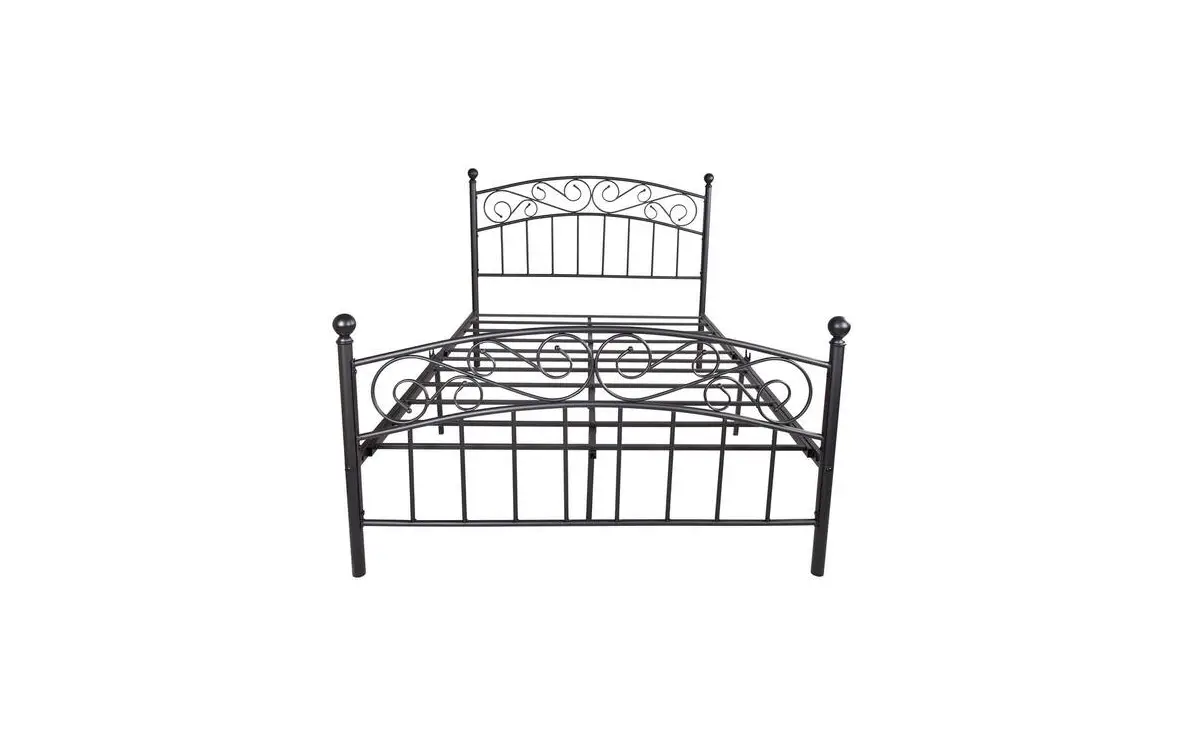
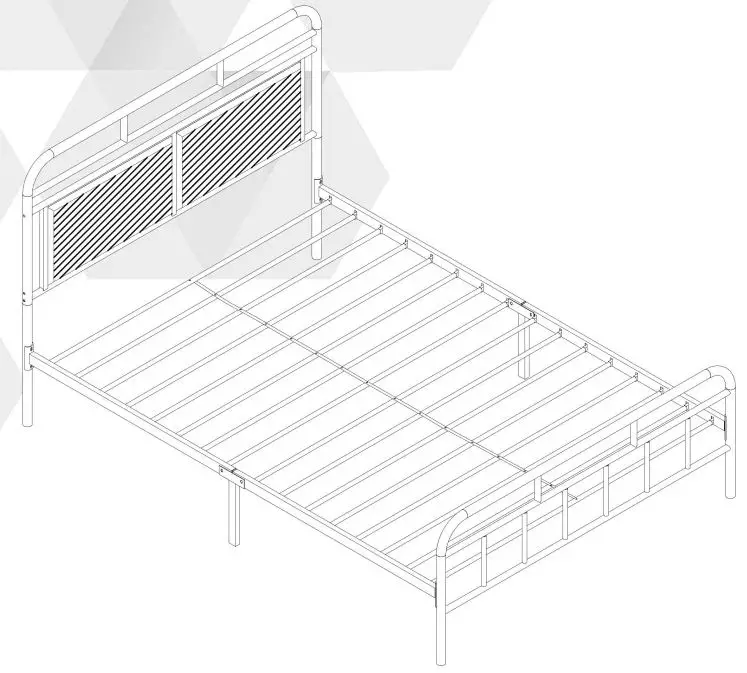
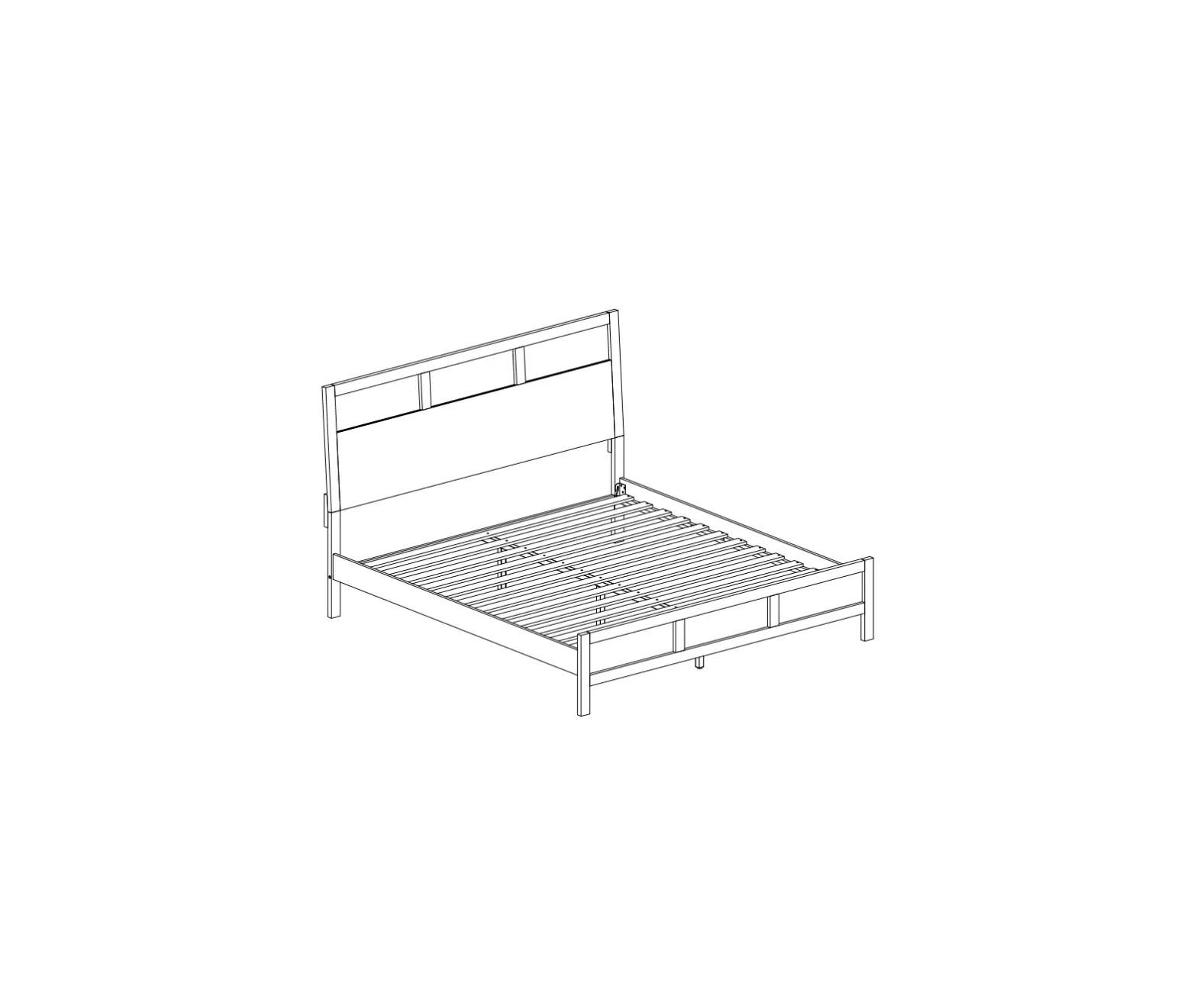
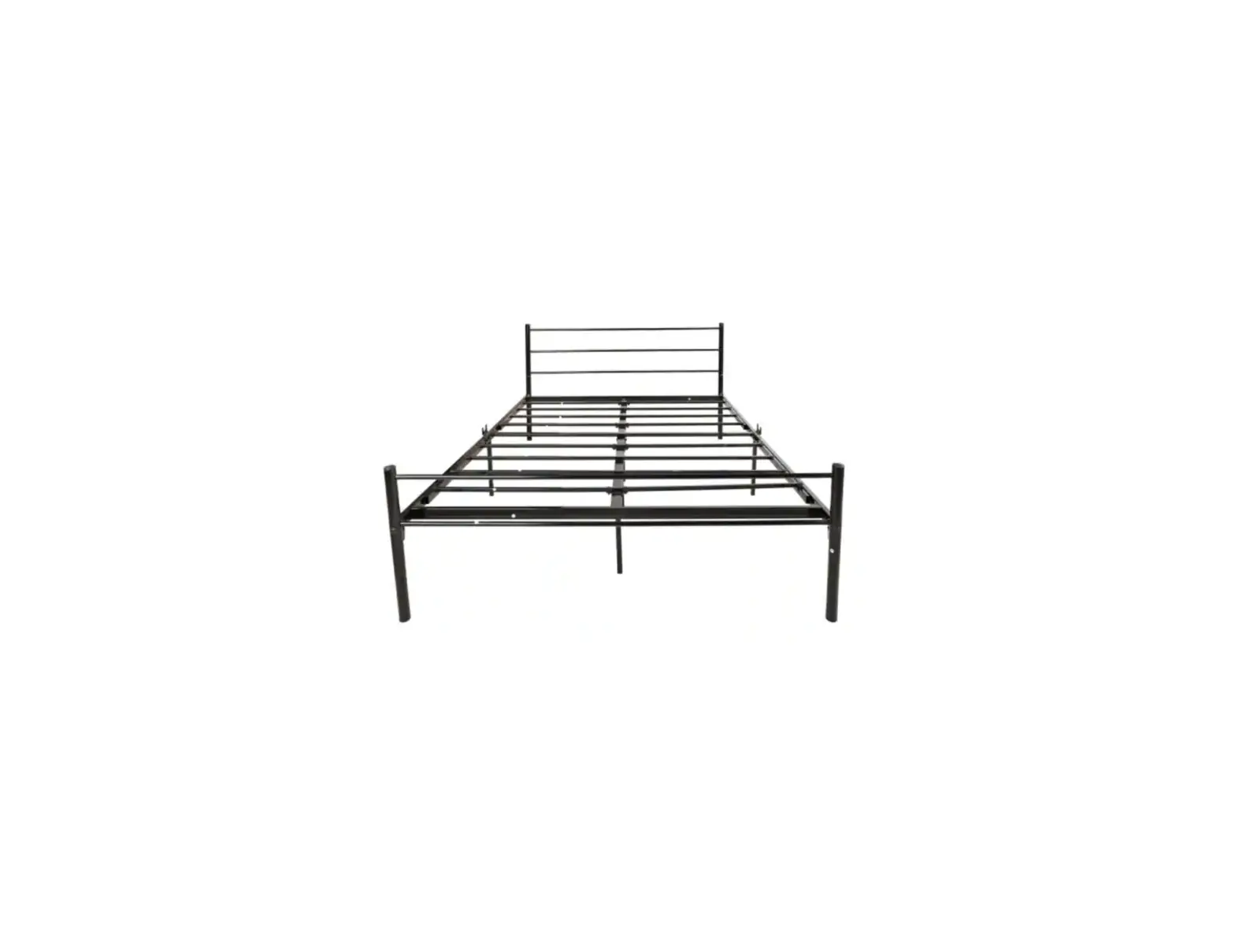
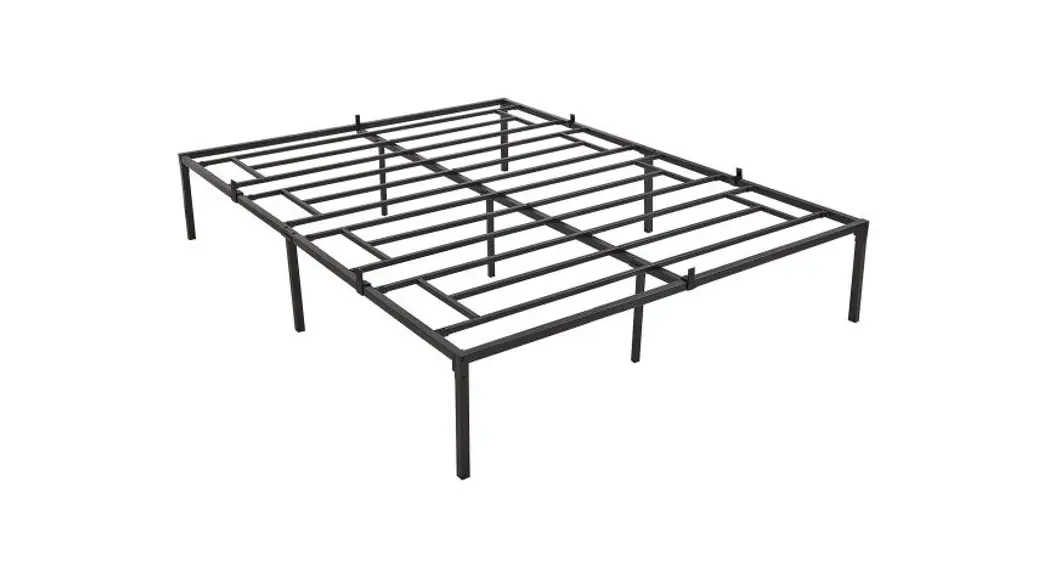
T-01409-B Full Size Metal Platform Bed Frame with Sockets and USB Ports
Product Information
This is the assembly instructions manual for WF290264 product.
The manual contains a Parts List and Hardware List, along with
detailed instructions to assemble the product.
Parts List
- 1pc – Part #1
- 1pc – Part #2
- 1pc – Part #3
- 1pc – Part #4
- 1pc – Part #5
- 3pcs – Part #6
- 1pc – Part #7
- 1pc – Part #8
- 1pc – Part #9
- 1pc – Part #10
- 1pc – Part #11
- 1pc – Part #12
- 4pcs – Part #13
- 4pcs – Part #14
- 10pcs – Part #15
- 2pcs – Part #16
- 4pcs – Part #17
- 1pc – Part #18
Hardware List
- M6*55mm 8pcs – Hardware A
- M6*45mm 8pcs – Hardware B
- M6*20mm 6pcs – Hardware C
- M6*16mm 16pcs – Hardware D
- M6*12mm 20pcs – Hardware E
- M6 8pcs – Hardware F
- M6 4pcs – Hardware G
- M4*14mm 2pcs – Hardware H
- 2pcs – Hardware J
Product Usage Instructions
Please follow the below instructions to assemble the
product:
Step 1:
Attach Part #10 to Part #11 using Hardware D as shown in the
diagram.

Step 2:
Attach Part #11 to Part #8 using Hardware A and Part #4 using
Hardware B as shown in the diagram.
Step 3:
Attach Part #13 and Part #14 to Part #2 using Hardware J and
Part #6 using Hardware G as shown in the diagram. Then, attach Part
#1 to Part #13 using Hardware AA.
Step 4:
Attach Part #9 and Part #6 to Part #5 using Hardware E and
Hardware B as shown in the diagram. Then, attach Part #3 to Part #9
using Hardware C.
Step 5:
Attach Part #15 and Part #16 to Part #13 using Hardware F and
Hardware E as shown in the diagram. Then, attach Part #7 to Part
#15 using Hardware H.
Step 6:
Attach Part #12 to Part #11 using Hardware D. Then, attach Part
#12 to Part #13 using Hardware E as shown in the diagram.
Step 7:
Attach Part #14 to Part #4 using Hardware B. Then, attach Part
#14 to Part #13 using Hardware E.
Step 8:
Attach Part #18 to Part #5 using Hardware E. Then, attach Part
#18 to Part #4 using Hardware E.
Step 9:
Attach Part #17 to Part #5 using Hardware G. Then, attach Part
#16 to Part #17 using Hardware F.
Step 10:
Attach Part #1 to Part #2 using Hardware A. Then, attach Part #1
to Part #4 using Hardware A.
ASSEMBLY INSTRUCTIONS
WF290264
3
18
4 3
3
2
5
7 6
8
10
1
9
11
13
14
12 12 12 12 12 11
15 10
13
11
10
14 14
12 12 12 12 12 11
15 10
14 16
17
2
Parts List
1
2
3
4
1pc
5
1pc
6
3pcs
7
1pc
8
1pc
9
1pc
10
1pc
11
1pc
12
1pc
13
4pcs
14
4pcs
15
10pcs
16
2pcs
4pcs
2pcs
1pc
17
18
1pc
1pc
3
Hardware List
A
B
C
M6*55mm 8pcs
M6*45mm 8pcs
M6*20mm 6pcs
D
E
F
M6*16mm 16pcs
G
H
M6*12mm 20pcs I
M6
8pcs
M6
4pcs
M4*14mm 2pcs
J
2pcs
1pc
4
STEP 1:
D 10
11
12 12 12 12 12
11
D
10
D
80%
X 2
STEP 2:
11
D
8PCS
D
A
4PCS
80%
X 2
11
14 13
A
13
11
14
5
STEP 3:
A
G
J
4PCS
4PCS
1PC
AA
80%
10
J
G
G 10
15
STEP 4:
B
4PCS
B
E
4PCS
80%
B 1
3
6
E
E 7
2 B
9
B 6
STEP 5:
H H 18 5
E E
E
E
6PCS
H
2PCS
80%
C
STEP 6:
6PCS
8 C
C
C
7
C
C
C
80% 7
STEP 7:
B B
3
3
B
B B
4PCS
80%
E
STEP 8:
6PCS
4 E
E E
80% 8
E
STEP 9:
4PCS
E
17 E
16
E
E
STEP 10:
D
F
8PCS
8PCS
F
F
D
D
9