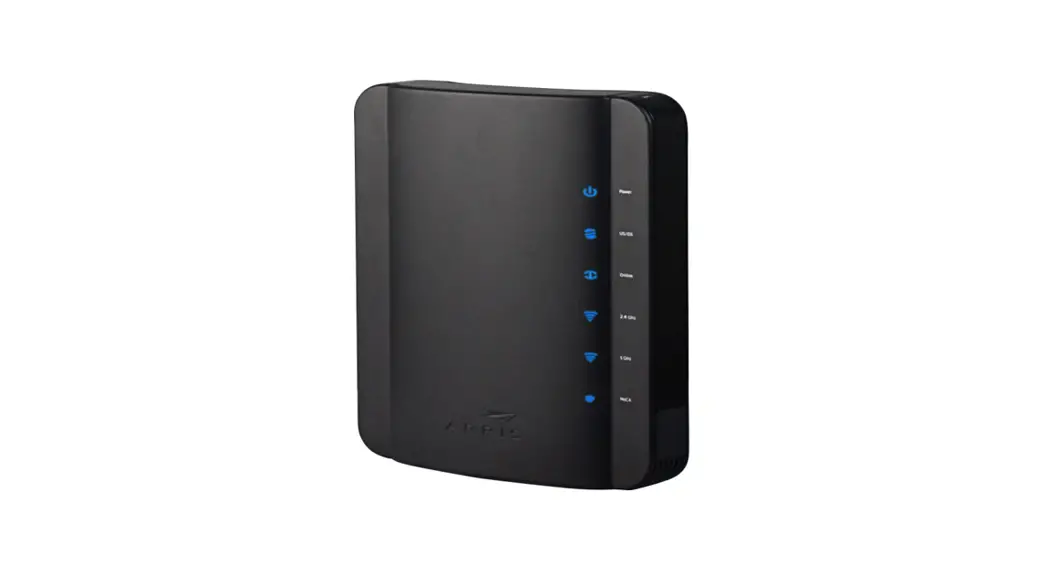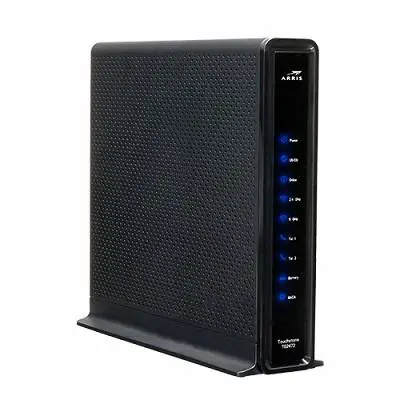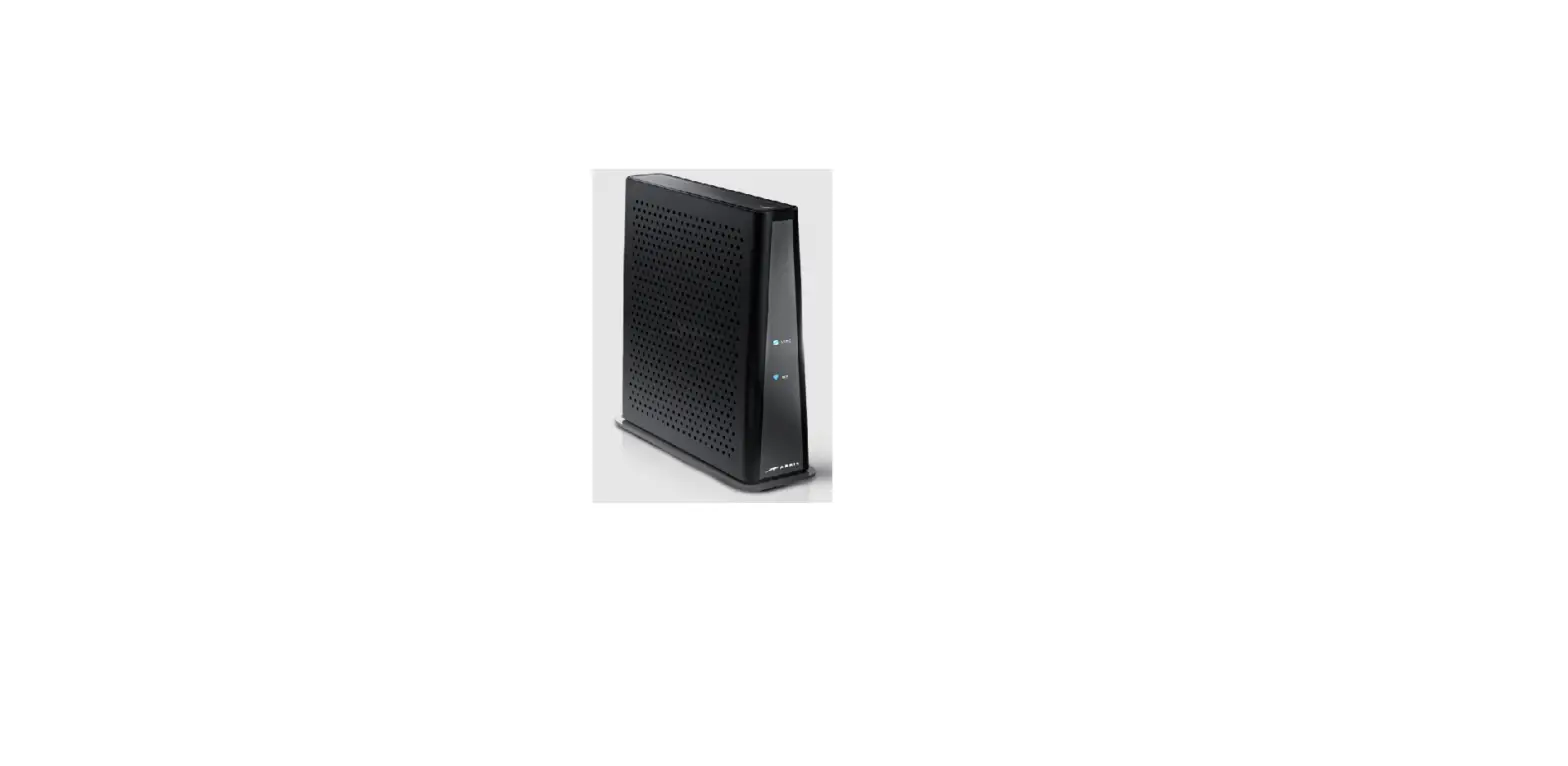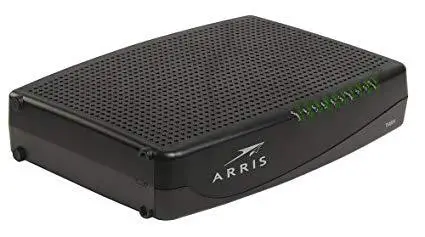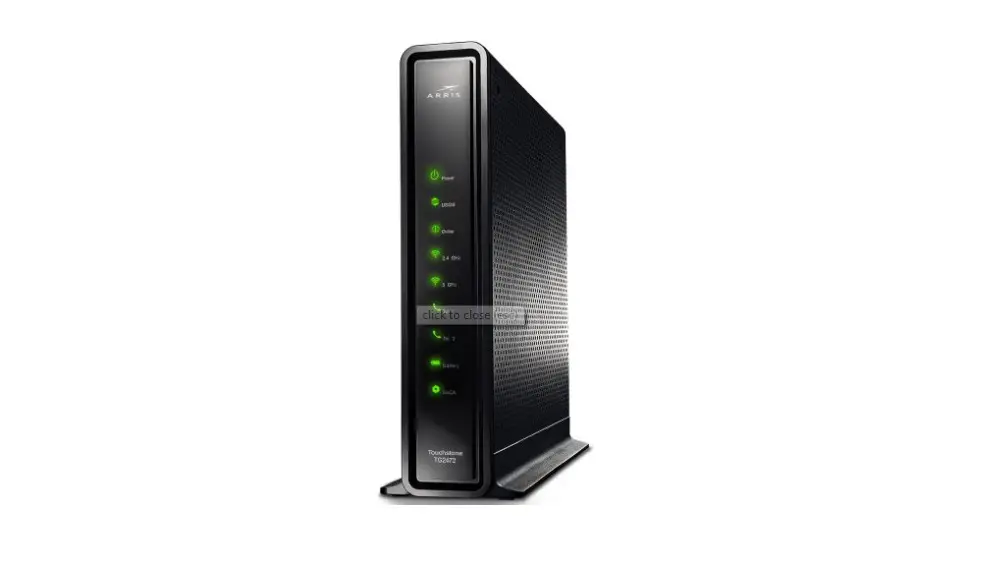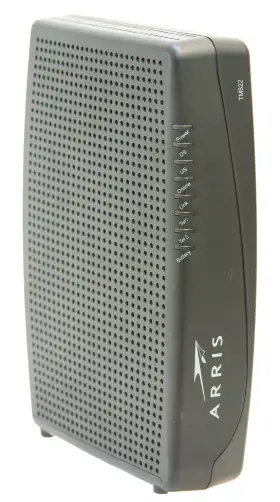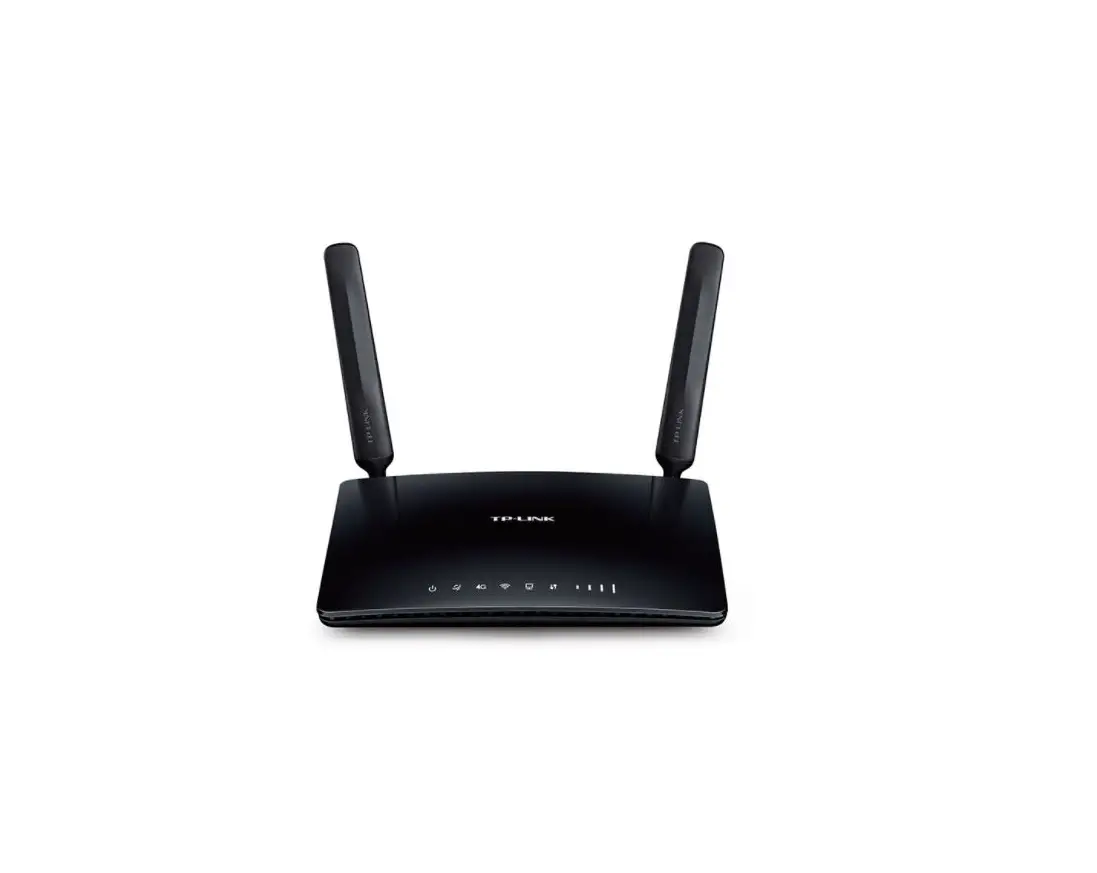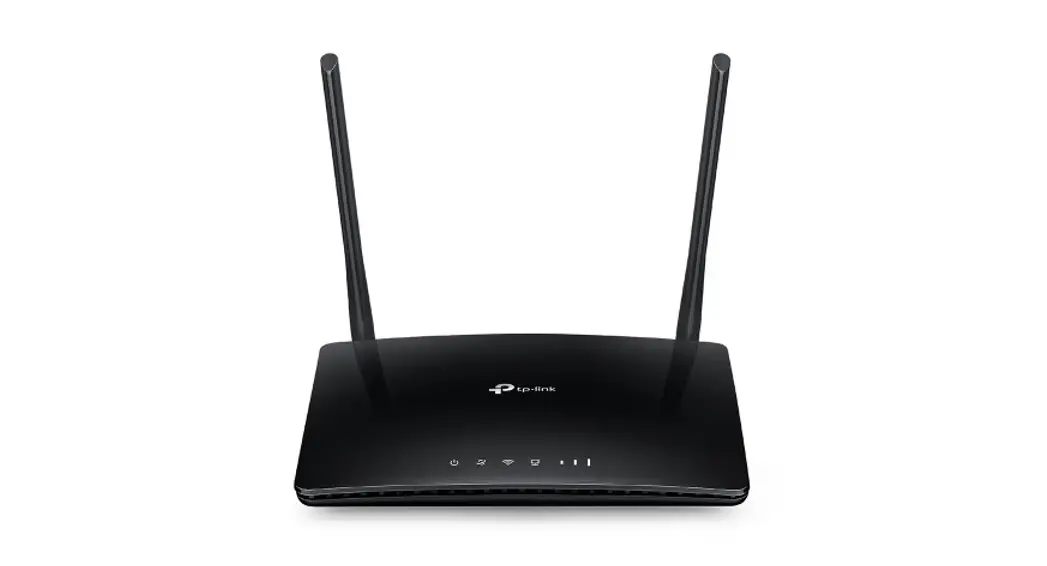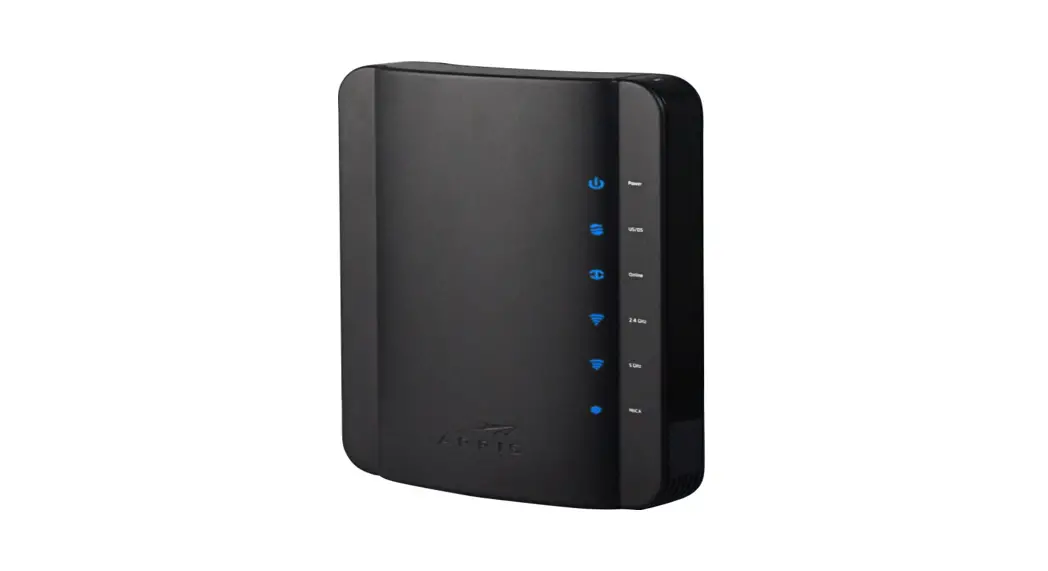

TG1672 Touchstone Telephony Gateway
Installation Guide
Suddenlink TG1672 Gateway
These instructions will guide you through installing or replacing a Suddenlink Gateway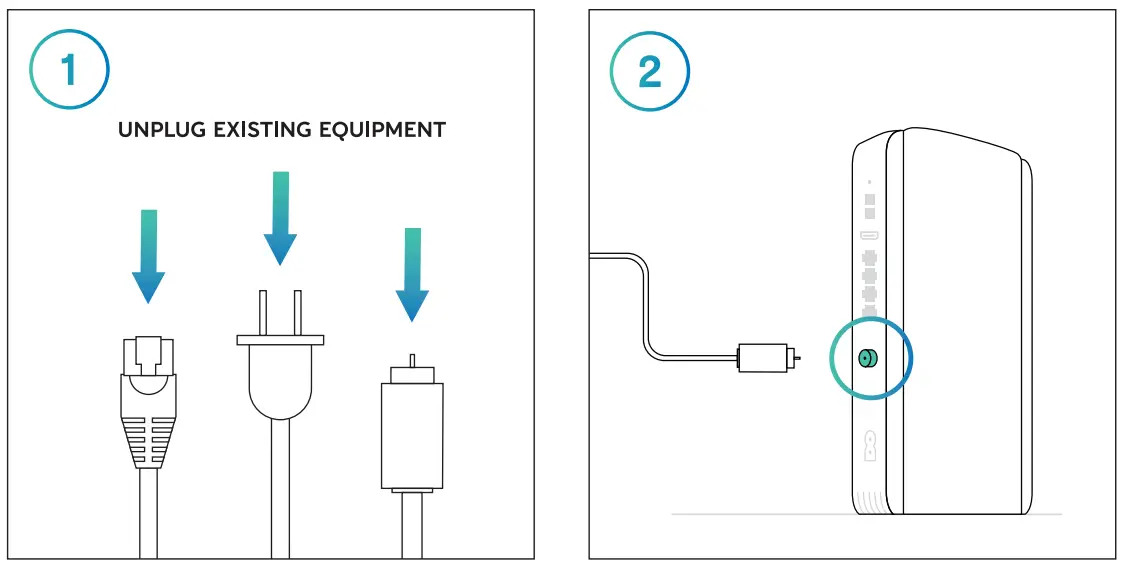 Disconnect everything from your existing equipment.
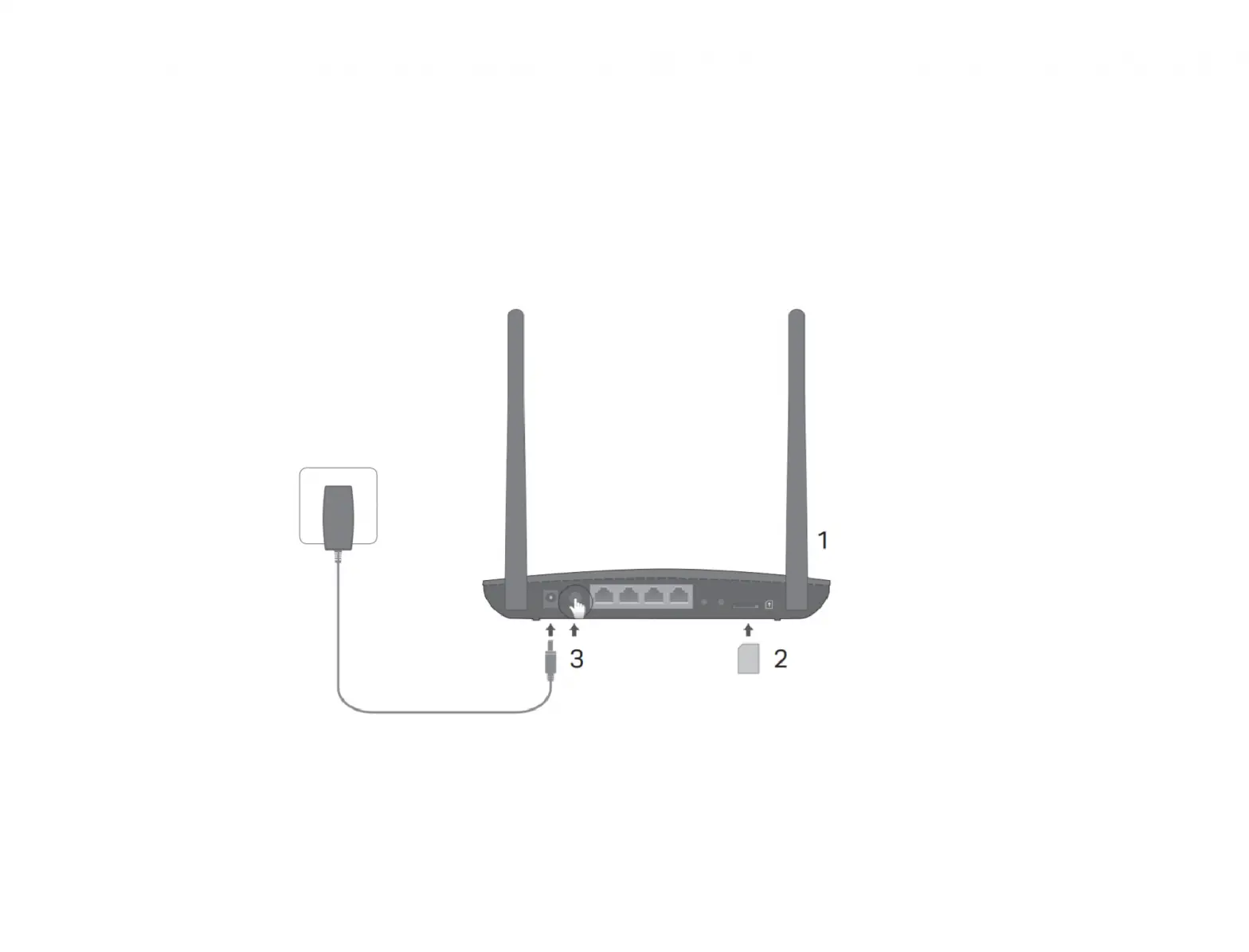
Connect the open end of your coaxial cable to the back of the new Gateway.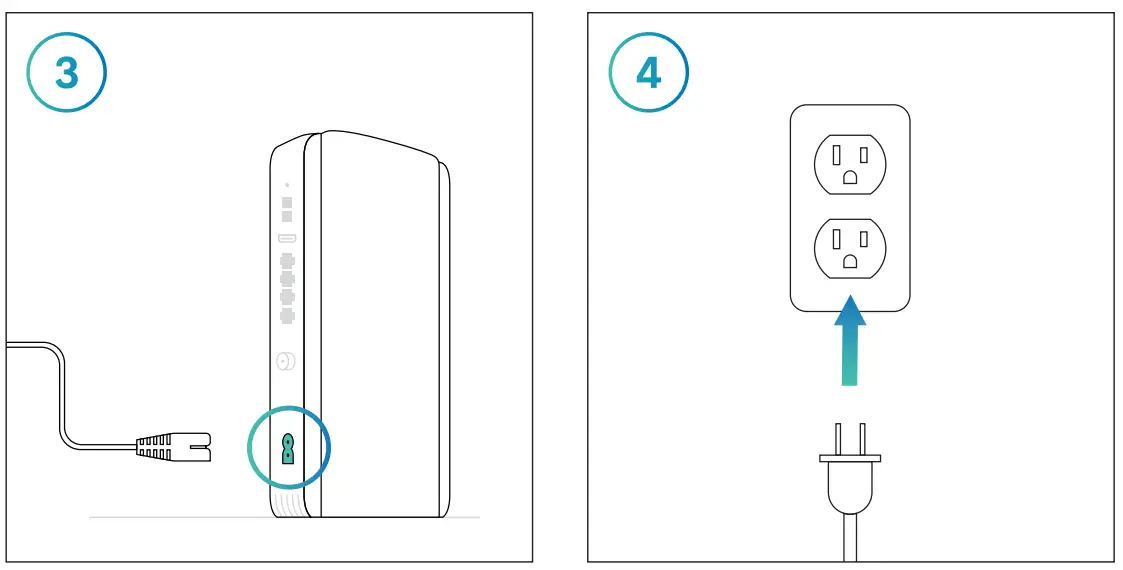 Plug the Gateway power cord into the back of the device.
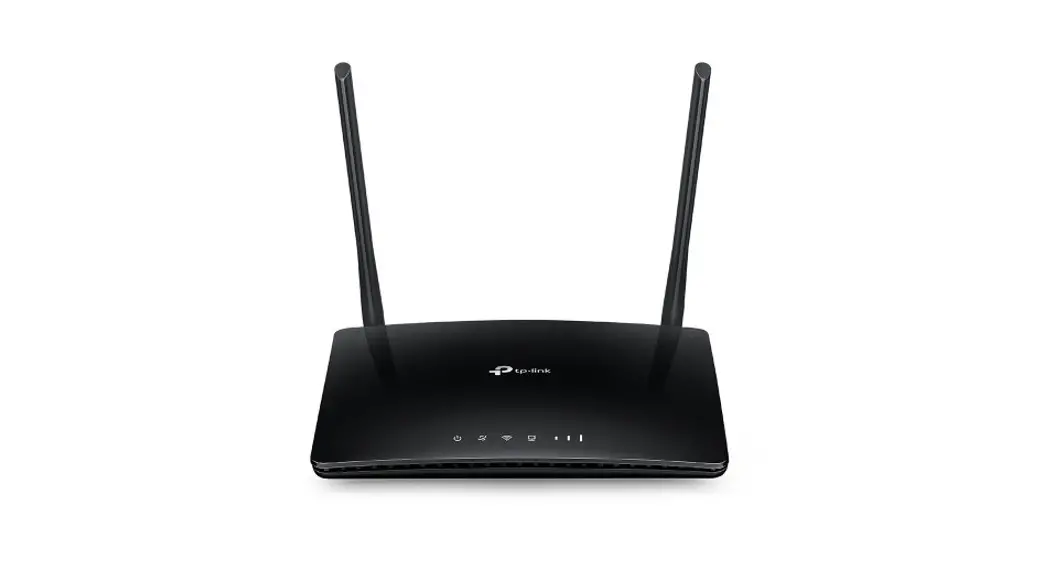
Plug the other end of the power cord into an electrical outlet.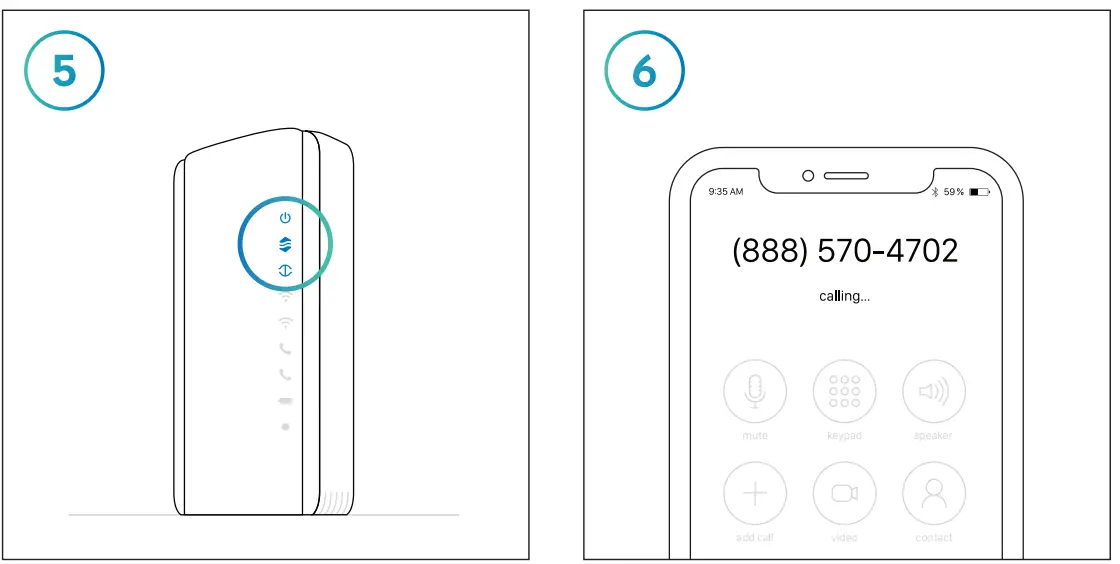 The Gateway is ready for the next step when the top 3 lights on the front panel are solid blue. This may take a few minutes.
Once you’ve connected and powered on your new Gateway, call 888.570.4702 to begin the activation process.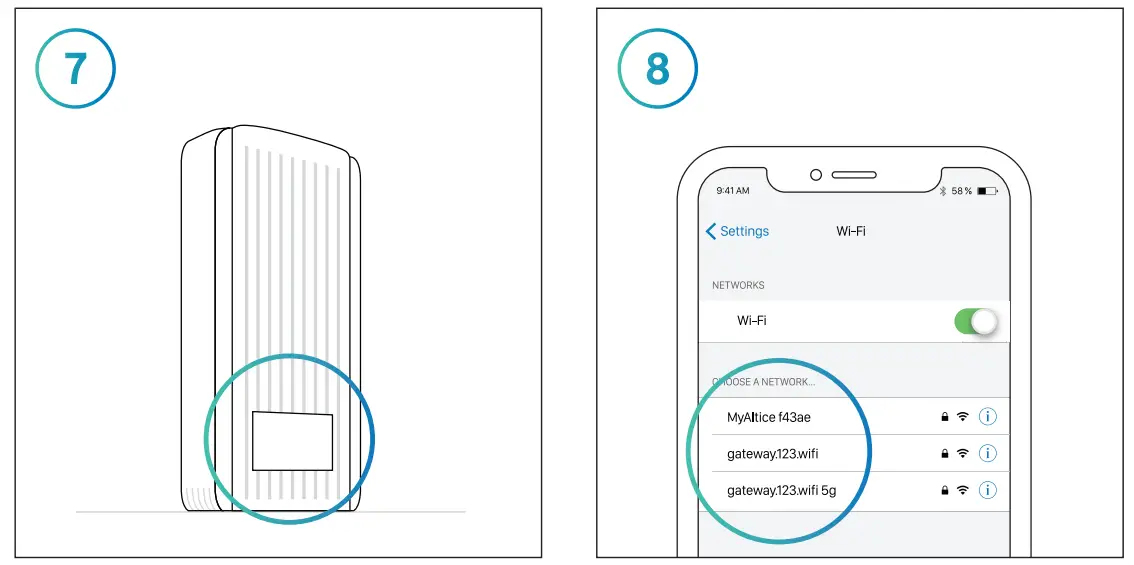 Connect to the WiFi Network shown on the label on the side of your Gateway. Your password will be listed as the “Pre-Shared Key.”
To personalize your in-home network name:
+ Enter 192.168.0.1 into the address field of your browser.
+ Login as “admin” and enter “password” in the password field.
+ Find your network name on the Basic Settings tab and save your changes.
To connect to the Internet, go to WiFi settings on your device. Select your in-home WiFi network name from the list and when prompted, enter your password.
Repeat this step for all of your connected devices.
Rather use your own WiFi router? Connect to your network as shown in Step 7, then visit suddenlink.com/usemyrouter for details.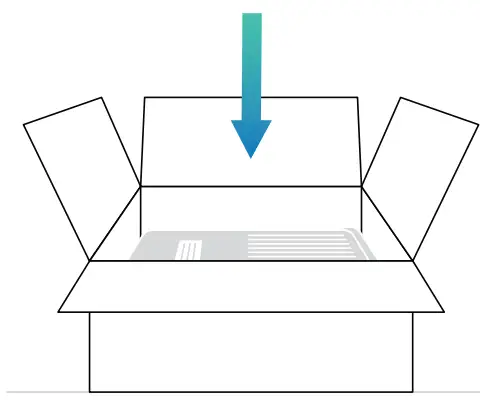
Make sure to return your old equipment.
Learn how at suddenlink.com/returns
Suddenlink is a registered trademark of Suddenlink
Communications, a subsidiary of Altice USA, Inc.
© 2021 Suddenlink Communications.
COL0121SDL1672F
 Equipment Return Instructions | Suddenlink