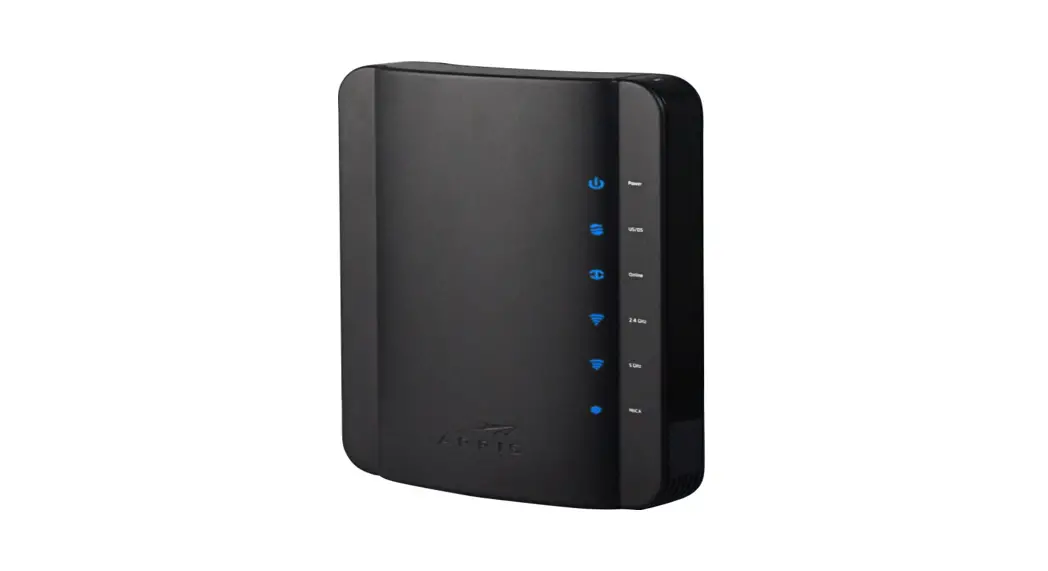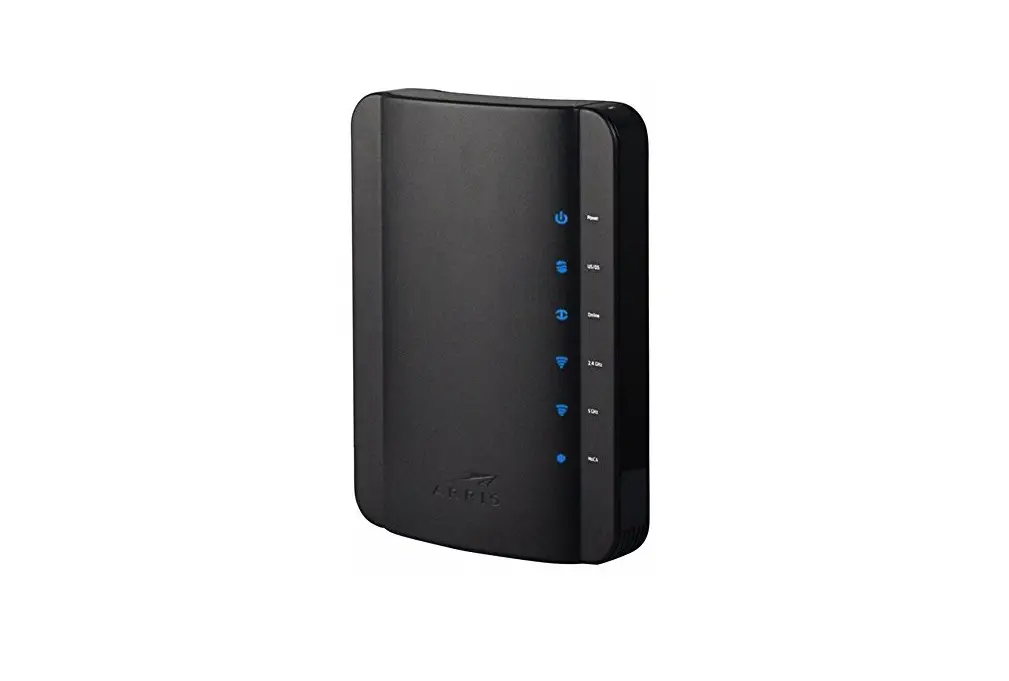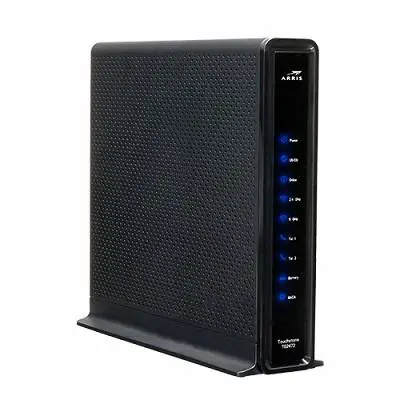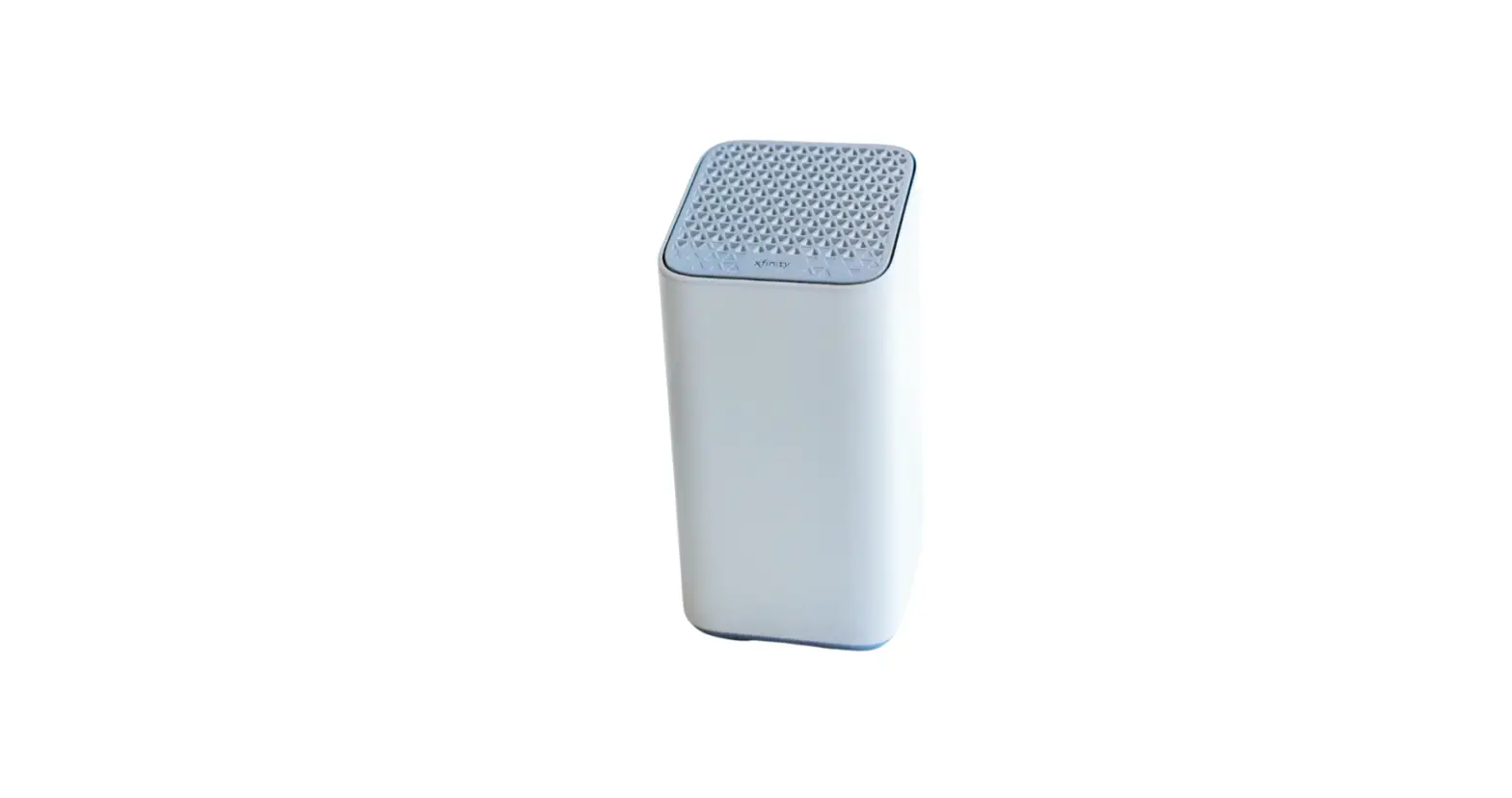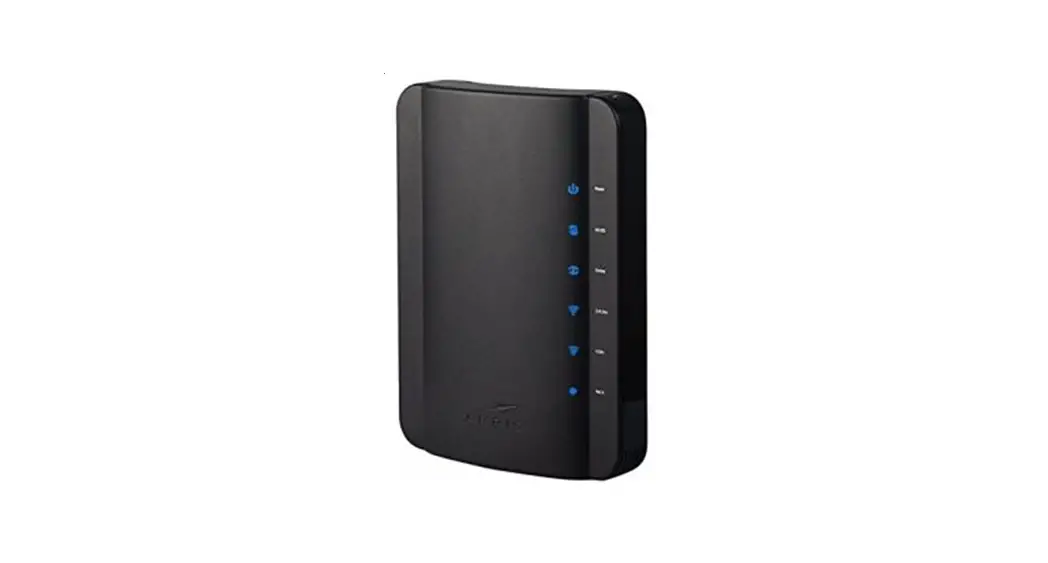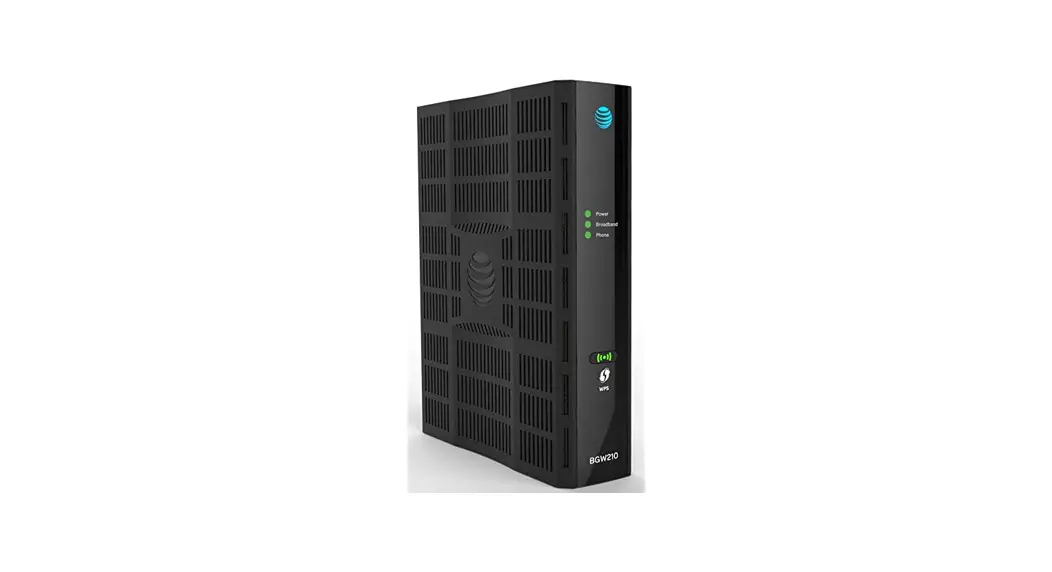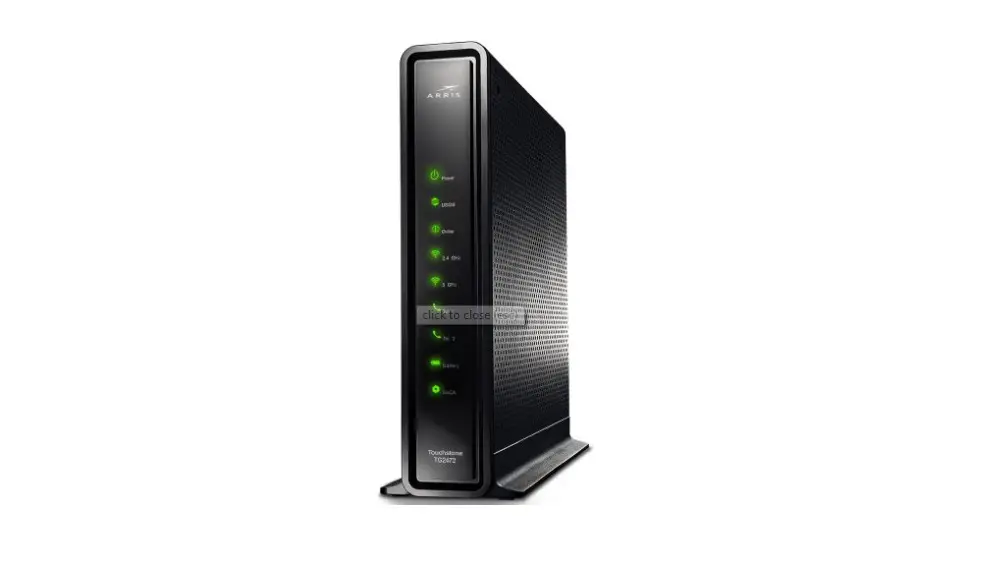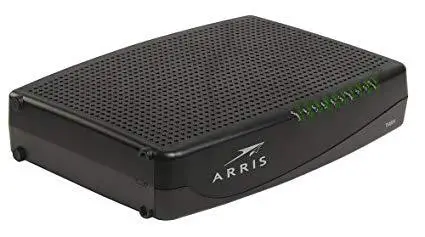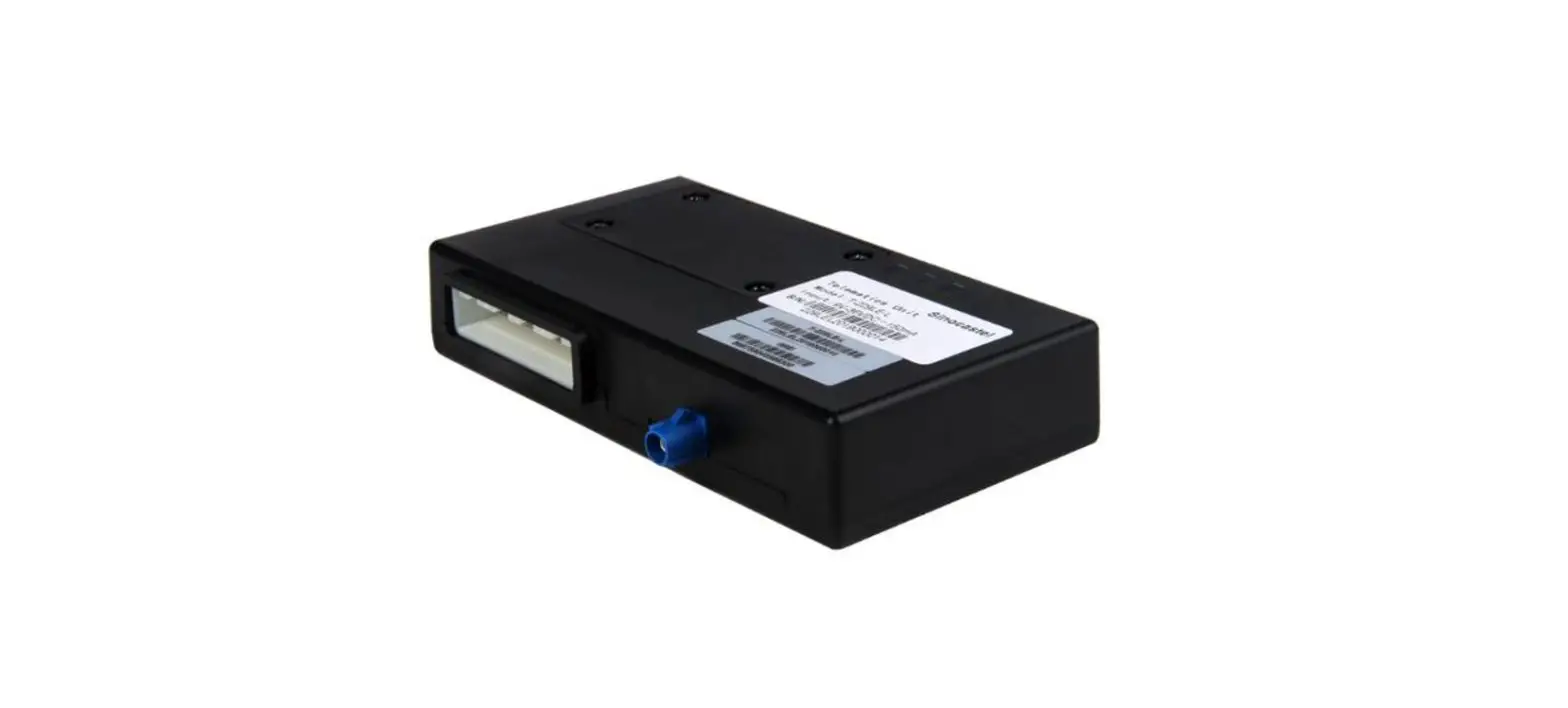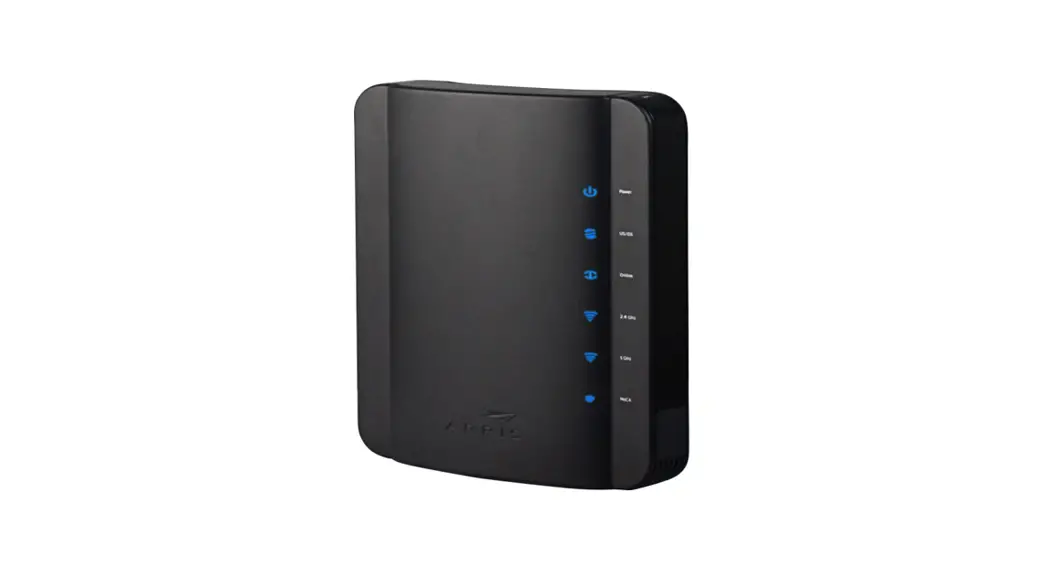
 Suddenlink TG1672 Gateway
These instructions will guide you through installing or replacing a Suddenlink Gateway
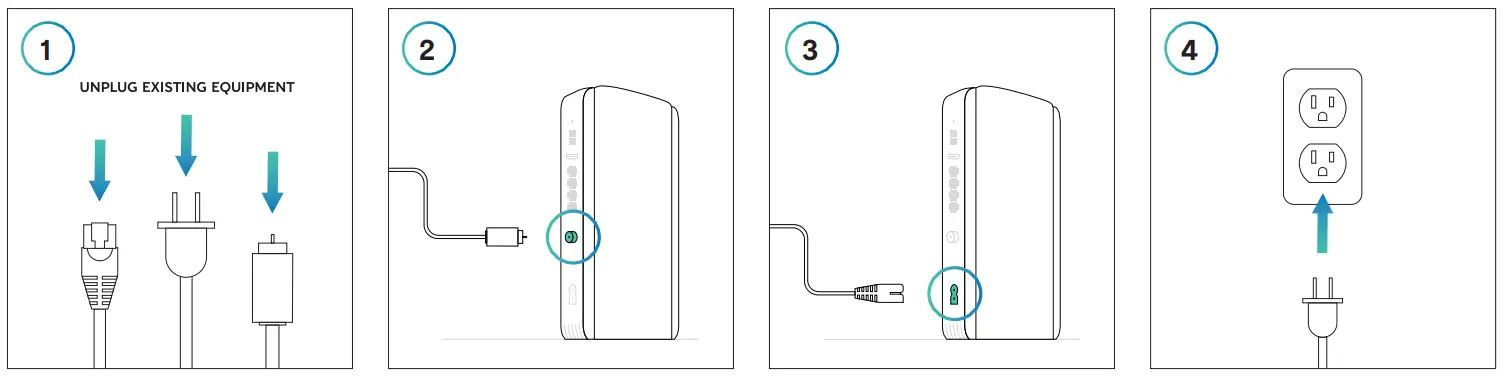 | |||
| Disconnect everything from your existing equipment. | Connect the open end of your coaxial cable to the back of the new Gateway. | Plug the Gateway power cord into the back of the device. | Plug the other end of the power cord into an electrical outlet. |
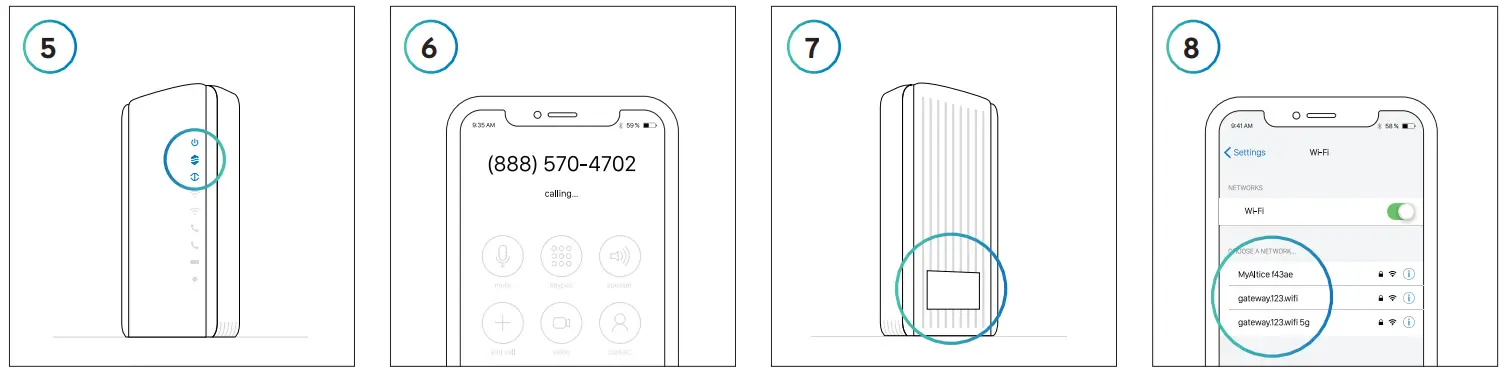 | |||
| The Gateway is ready for the next step when the top 3 lights on the front panel are solid blue. This may take a few minutes. | Once you’ve connected and powered on your new Gateway, call 888.570.4702 to begin the activation process. | Connect to the WiFi Network shown on the label on the side of your Gateway. Your password will be listed as the ”Pre-Shared Key.” To personalize your in-home network name: + Enter 192.168.0.1 into the the address field of your browser. + Login as “admin” and enter “password” in the password field. + Find your network name on the Basic Settings tab and save your changes. | To connect to the Internet, go to WiFi settings on your device. Select your in-home WiFi network name from the list and when prompted, enter your password. Repeat this step for all of your connected devices. |
Rather use your own WiFi router? Connect to your network as shown in Step 7, then visit suddenlink.com/usemyrouter for details.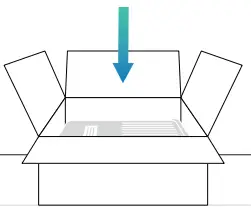 Make sure to return your old equipment. Learn how at suddenlink.com/returns
Suddenlink is a registered trademark of Suddenlink
Communications, a subsidiary of Altice USA,
Inc. © 2020 Suddenlink Communications.
COL0121SDL1672
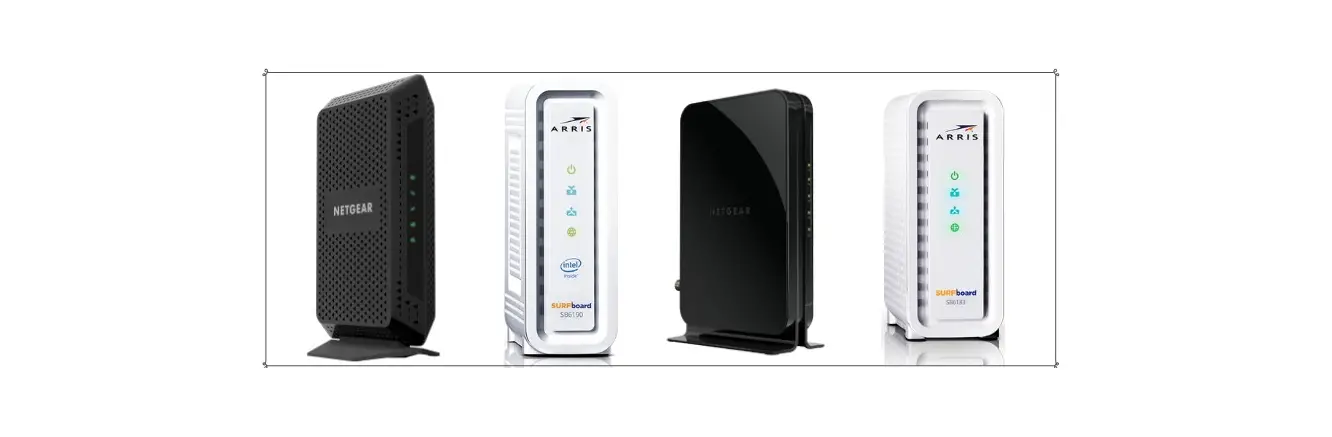
 Equipment Return Instructions | Suddenlink