

Quick Installation Guide
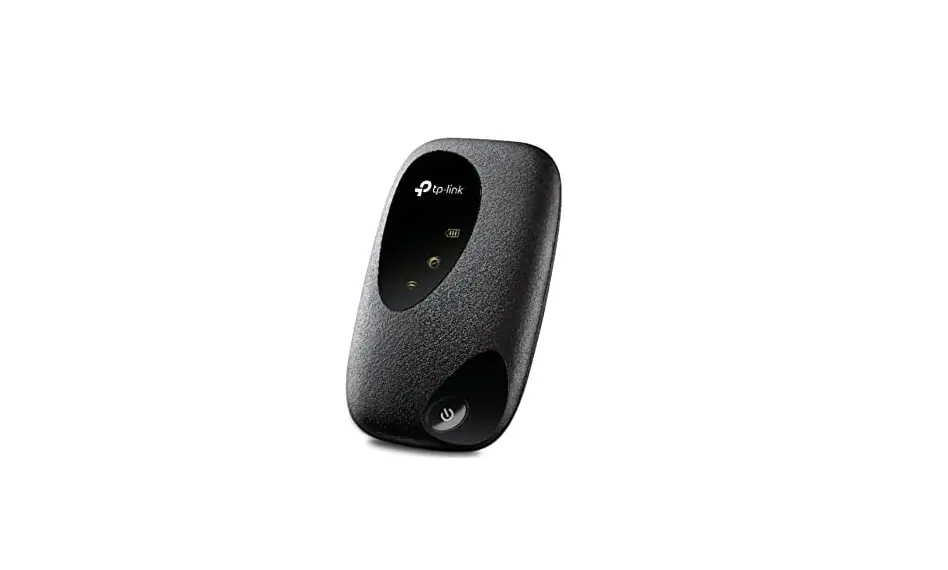
Mobile Wi-Fi
* Images are for demonstration only.
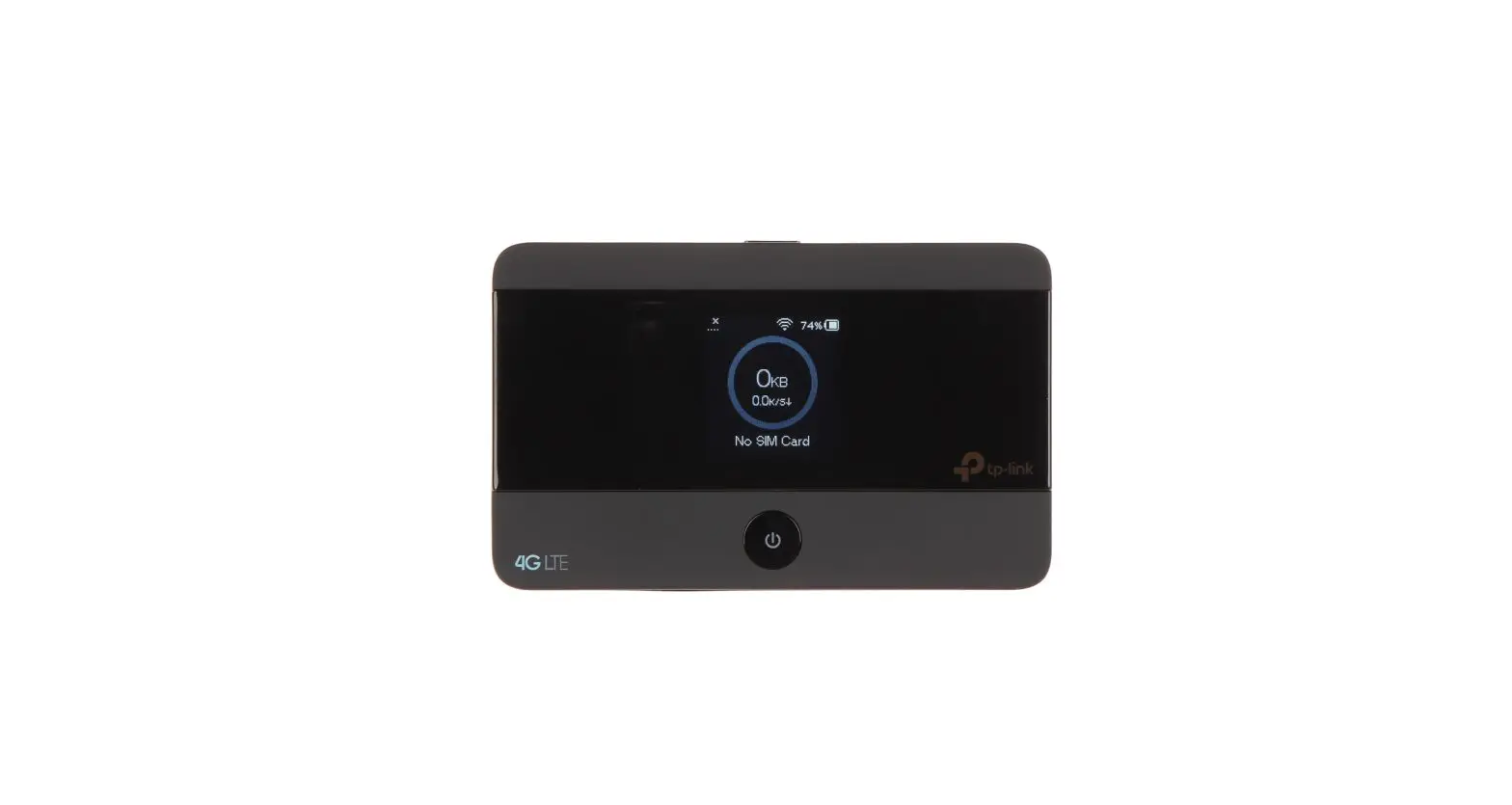
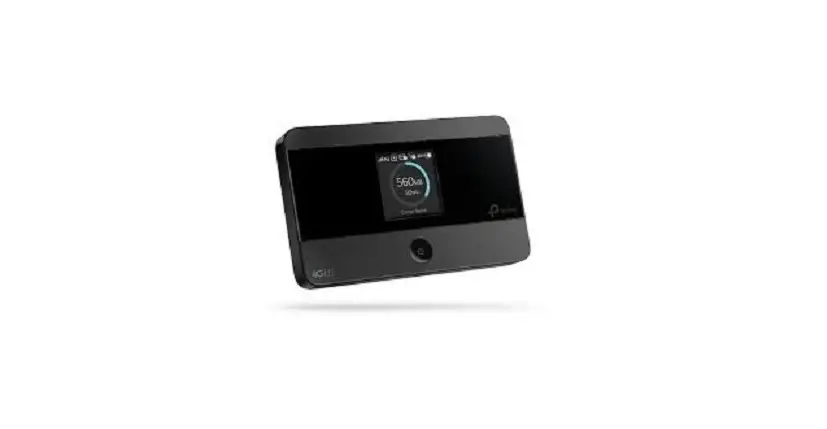
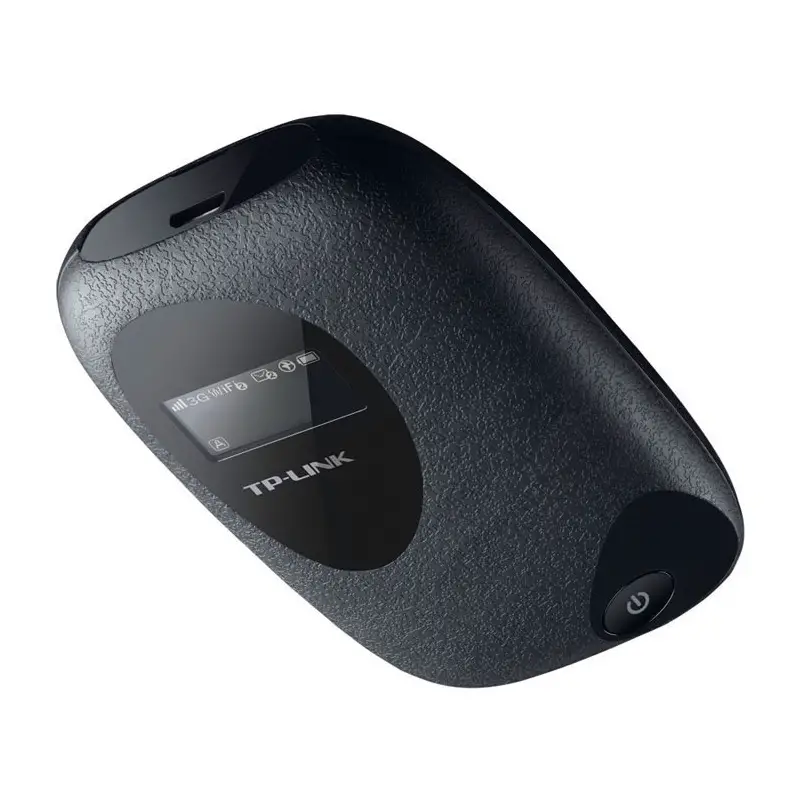
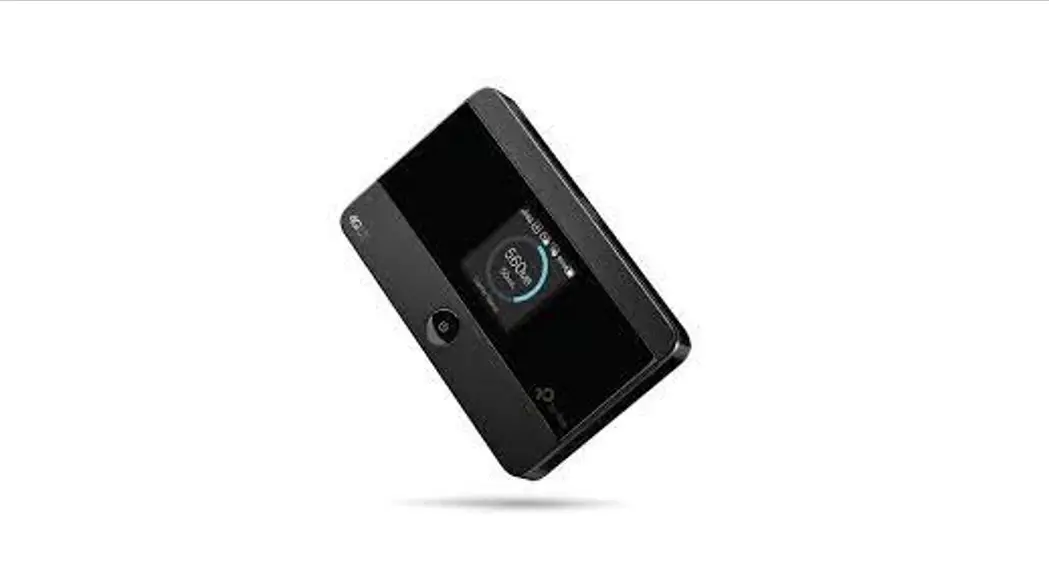
Screen Display
| Home Screen | Menu Screen |
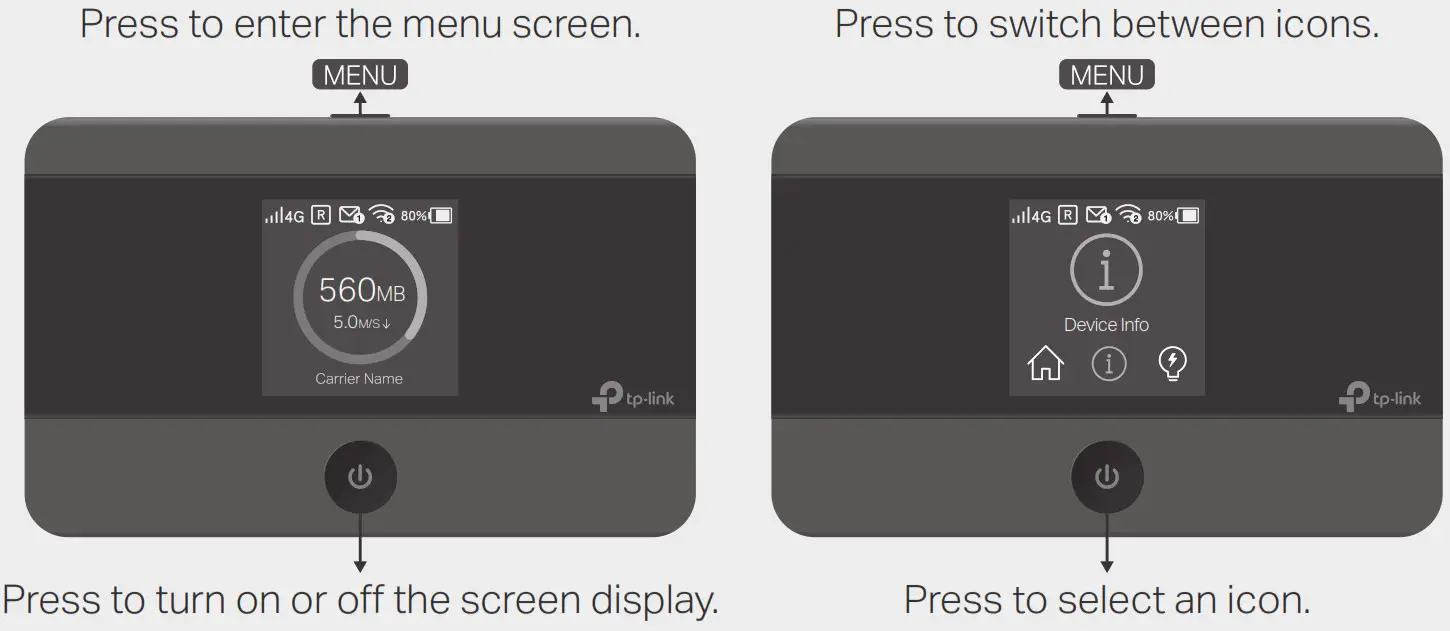 | |
The screen display will automatically turn off after being idle for a while. To turn it on again, press the or MENU button.
Install the SIM Card and Battery
| a. Remove the back cover. | b. Install your SIM card. | c. Install the provided battery. | d. Replace the back cover. |
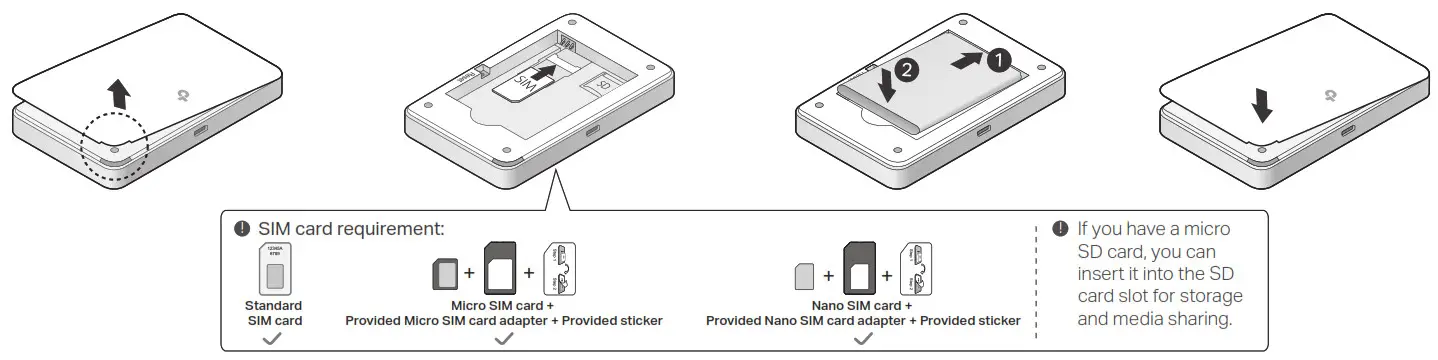 | |||
Connect to the Internet
a. Power on the Mobile Wi-Fi.
Press and hold the Power button  until the welcome screen appears.
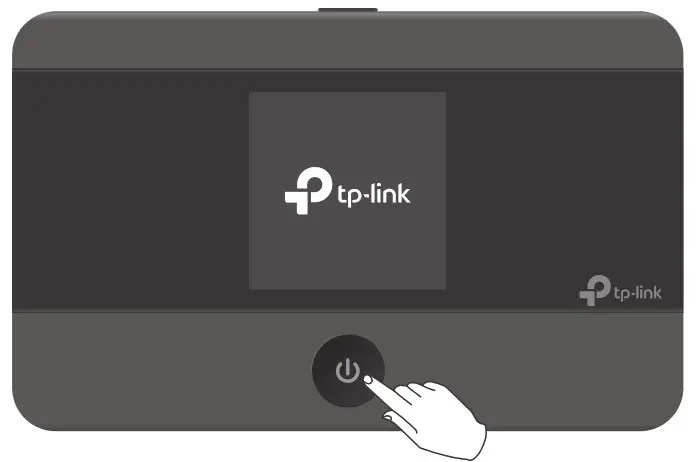 b. Connect your smart device to the Mobile Wi-Fi.
To view the SSID and password, press the MENU button to switch to the Device Info icon, then press the Power button to enter the screen.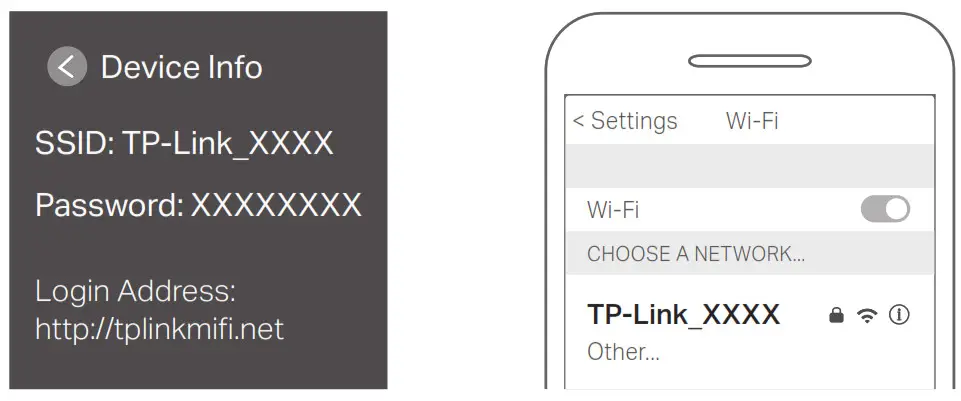
 Enjoy the internet!
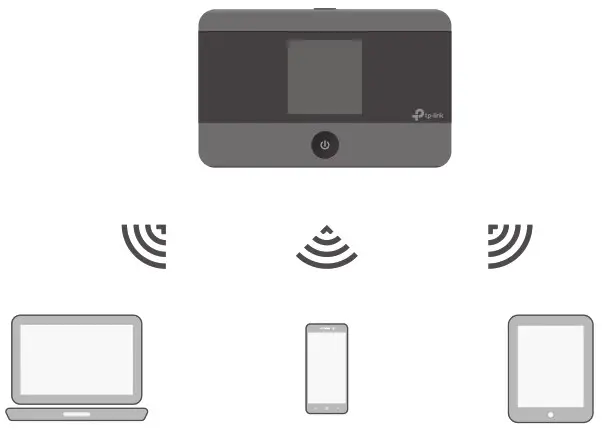
- If you cannot access the internet, refer to FAQ > Q1.
- By default, Power Saving is enabled and the Mobile Wi-Fi will turn off Wi-Fi when no wireless devices are connected to it for 10 minutes. To resume the Wi-Fi connection, press the or MENU button.
Managing Your Mobile Wi-Fi
Manage your Mobile Wi-Fi using any of the methods below. You can customize Wi-Fi settings, block Wi-Fi devices and more.
tpMiFi App
- Get the tpMiFi app from App Store or Google Play, or by scanning the QR code.

https://www.tp-link.com/app/qrcode/?app=tp-mifi - Connect your wireless device to the Mobile Wi-Fi.
- Launch the tpMiFi app and create a password to log in.

Web Management Page
- Connect your wireless device to the Mobile Wi-Fi. If it is a computer, make sure it is set to obtain an IP address automatically.
- Launch a web browser and visit http://tplinkmifi.net or http://192.168.0.1.Create a password to log in.
 For technical support, replacement services, user guides, and other information, please visit https://www.tp-link.com/support, or simply scan the QR code.
 http://www.tp-link.com/support
Charging Your Mobile Wi-Fi
| Method 1 Via a Wall Outlet (Recommended) | Method 2 Via a Computer |
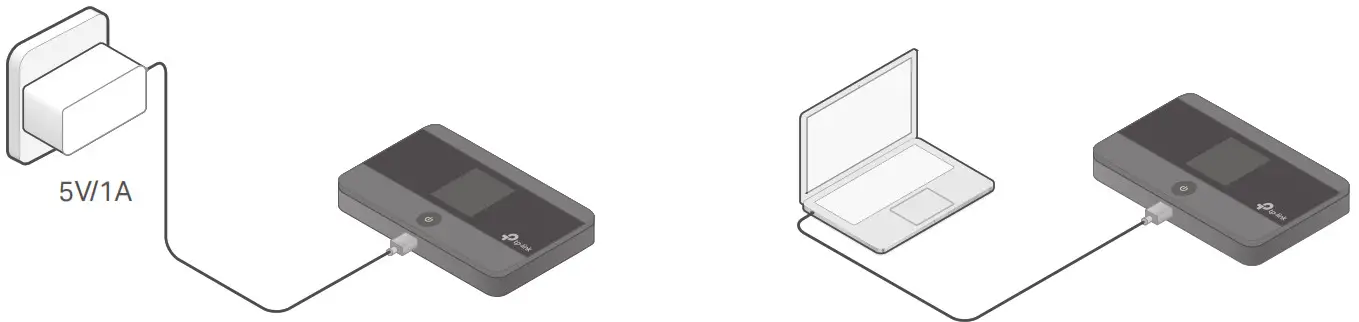 | |
- When on the battery icon disappears, the Mobile Wi-Fi is fully charged.
- The power adapter is not provided by TP-Link.
FAQ (Frequently Asked Questions)
Q1. What should I do if I cannot access the internet (one of the following messages appears on the home screen)?
A1. PIN Required
- Your SIM card is PIN protected. Log in to the web management page (http://tplinkmifi.net) on your phone, then enter the PIN provided by your mobile carrier.
A2. No SIM Card - Power off the Mobile Wi-Fi and reinstall your SIM card.
A3. No Service - Verify that your SIM card is an LTE or WCDMA SIM card.
- Verify that your SIM card is in your carrier’s service area and has sufficient credit.
- Log in to the web management page (http://tplinkmifi.net) on your phone. Go to Dial-up, tap View profile details, and verify that the parameters (i.e. APN, username and password) provided by your mobile carrier are correct. If they are not correct, return to the Dial-up page and create a new profile with the correct information. A4. icon
- Enter the Menu screen, go to Data Roaming, and turn on Data Roaming. Q2.
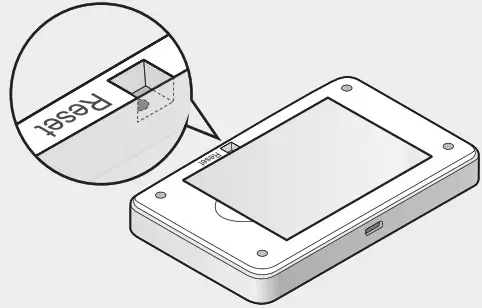
How do I restore the Mobile Wi-Fi to its factory default settings?
A. With the Mobile Wi-Fi-powered on, remove the cover, then use a pin to press and hold the Reset button until “Power Off” appears on the screen.
Note: Restoring the device to its factory defaults will clear all your settings.
Safety Information
- Keep the device away from water, fire, humidity or hot environments.
- Do not attempt to disassemble, repair, or modify the device. If you need service, please contact us.
- Do not use the device where wireless devices are not allowed.
CAUTION! - Avoid replacement of a battery with an incorrect type that can defeat a safeguard.
- Avoid the disposal of a battery into fire or a hot oven, or mechanically crushing or cutting of a battery, which can result in an explosion.
- Do not leave a battery in an extremely high temperature surrounding environment that can result in an explosion or the leakage of flammable liquid or gas. Do not leave a battery subjected to the extremely low air pressure that may result in an explosion or the leakage of flammable liquid or gas.
CAUTION! - Risk of explosion if the battery is replaced by an incorrect type.
 Trying to configure the MiFi? | TP-Link
 TP-Link Product Support - Wireless Networking Equipment Support