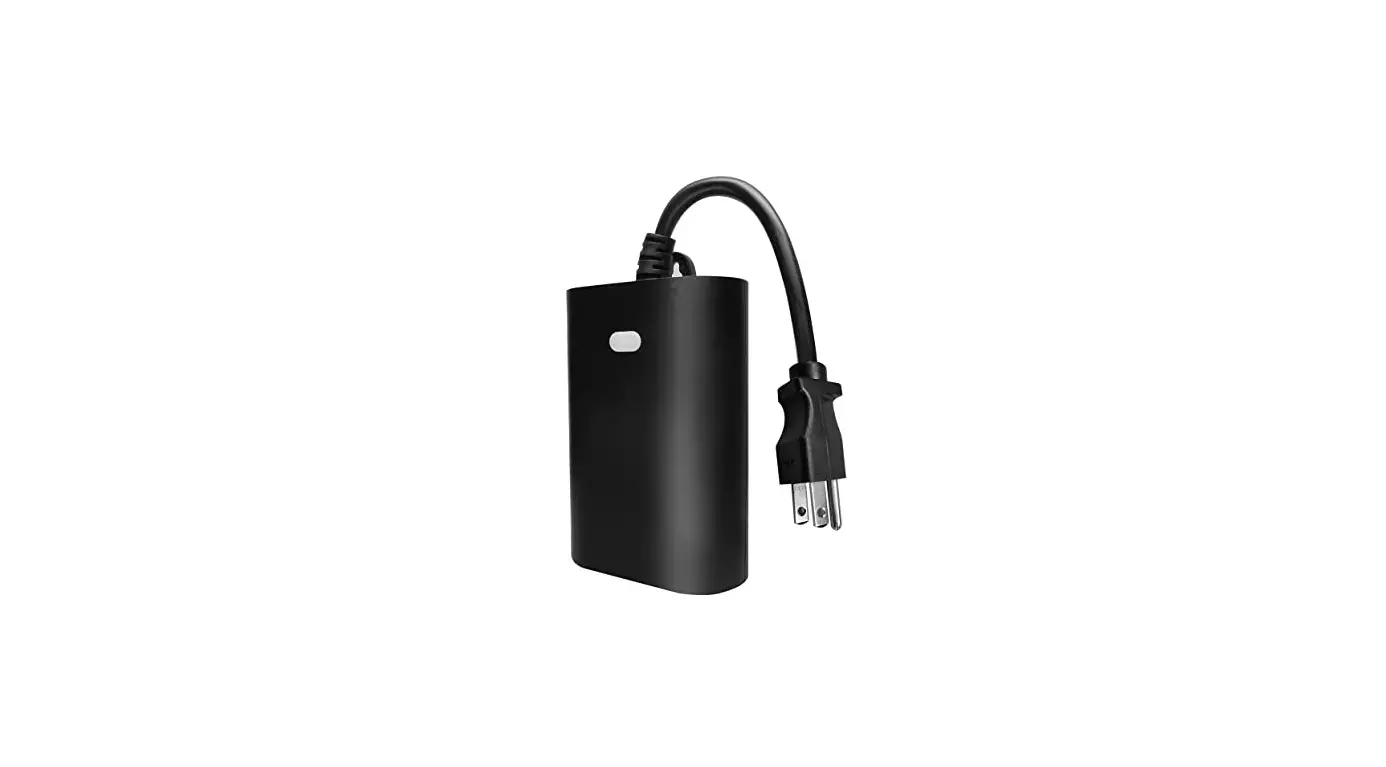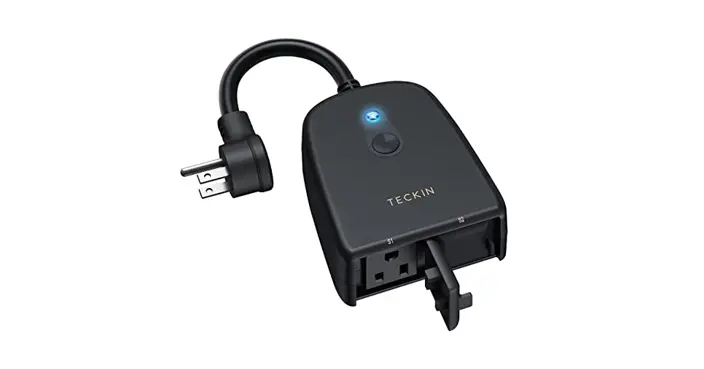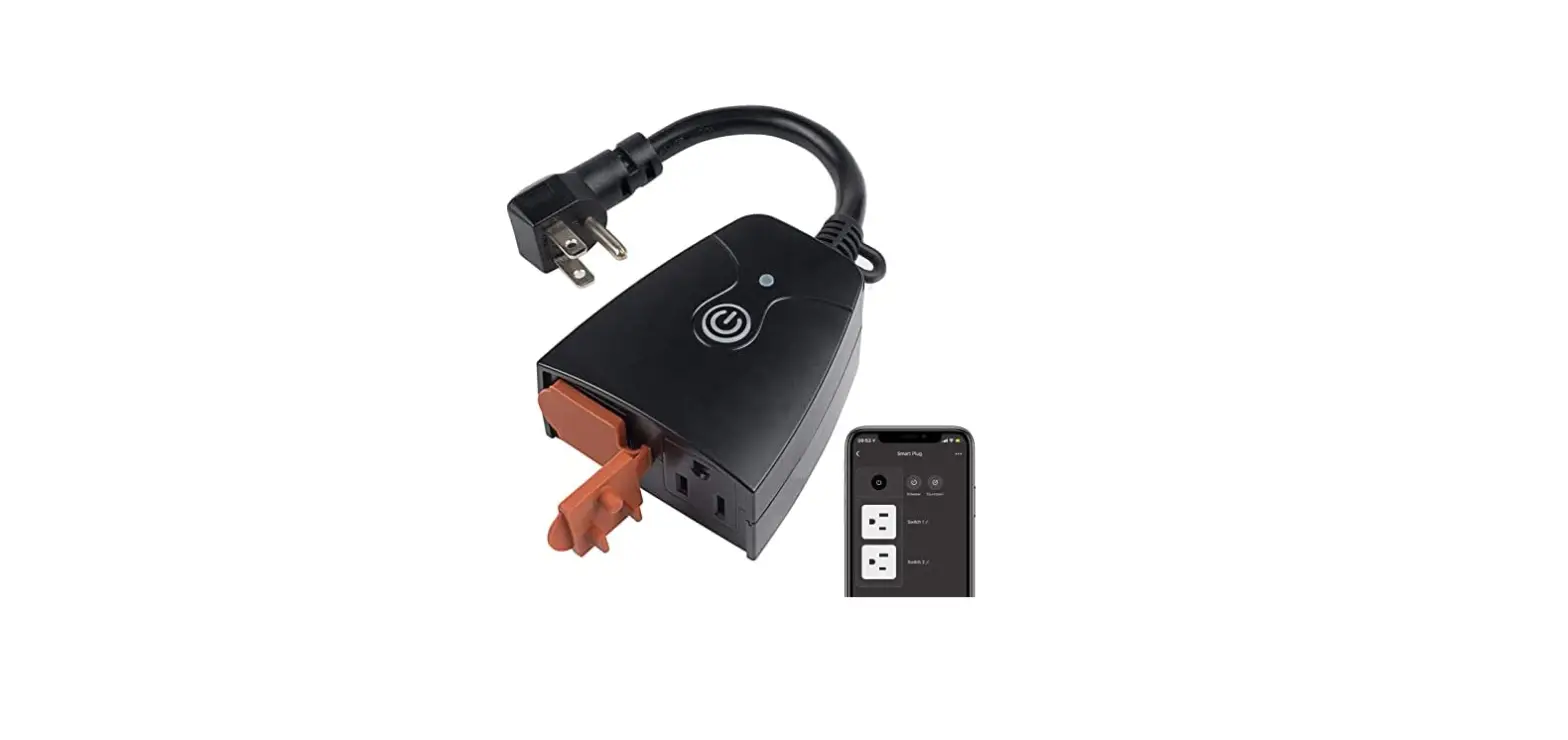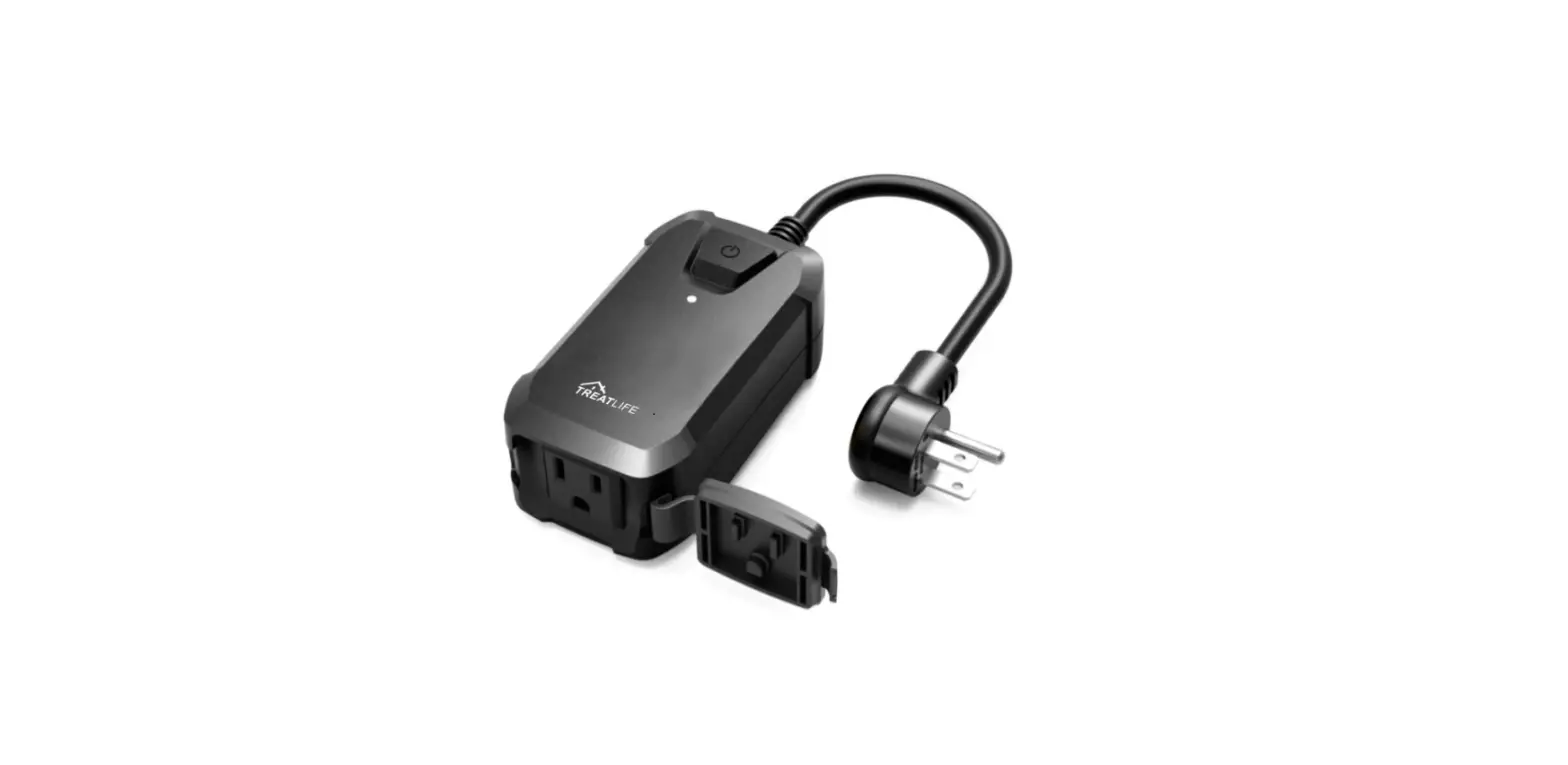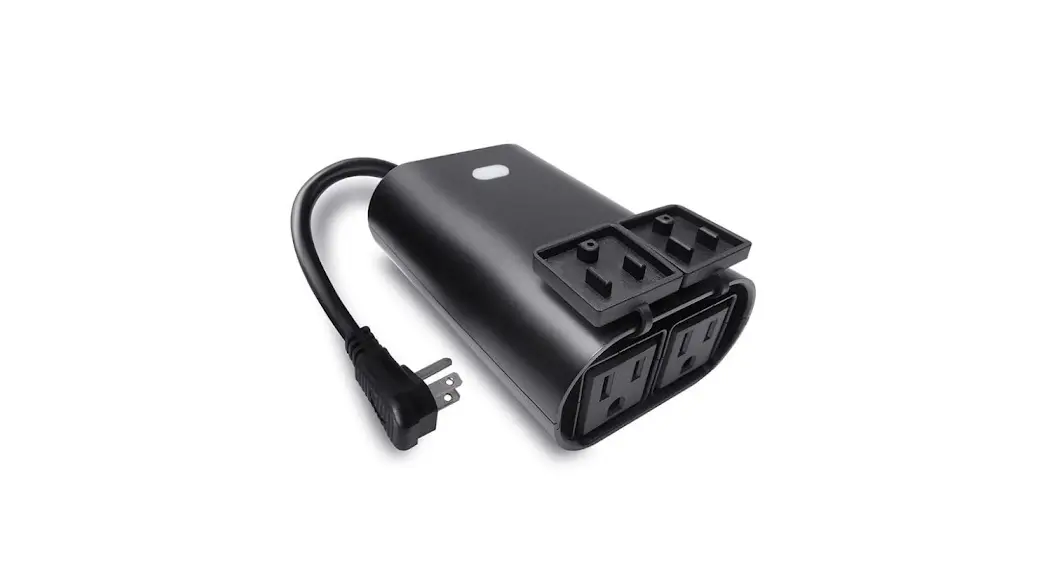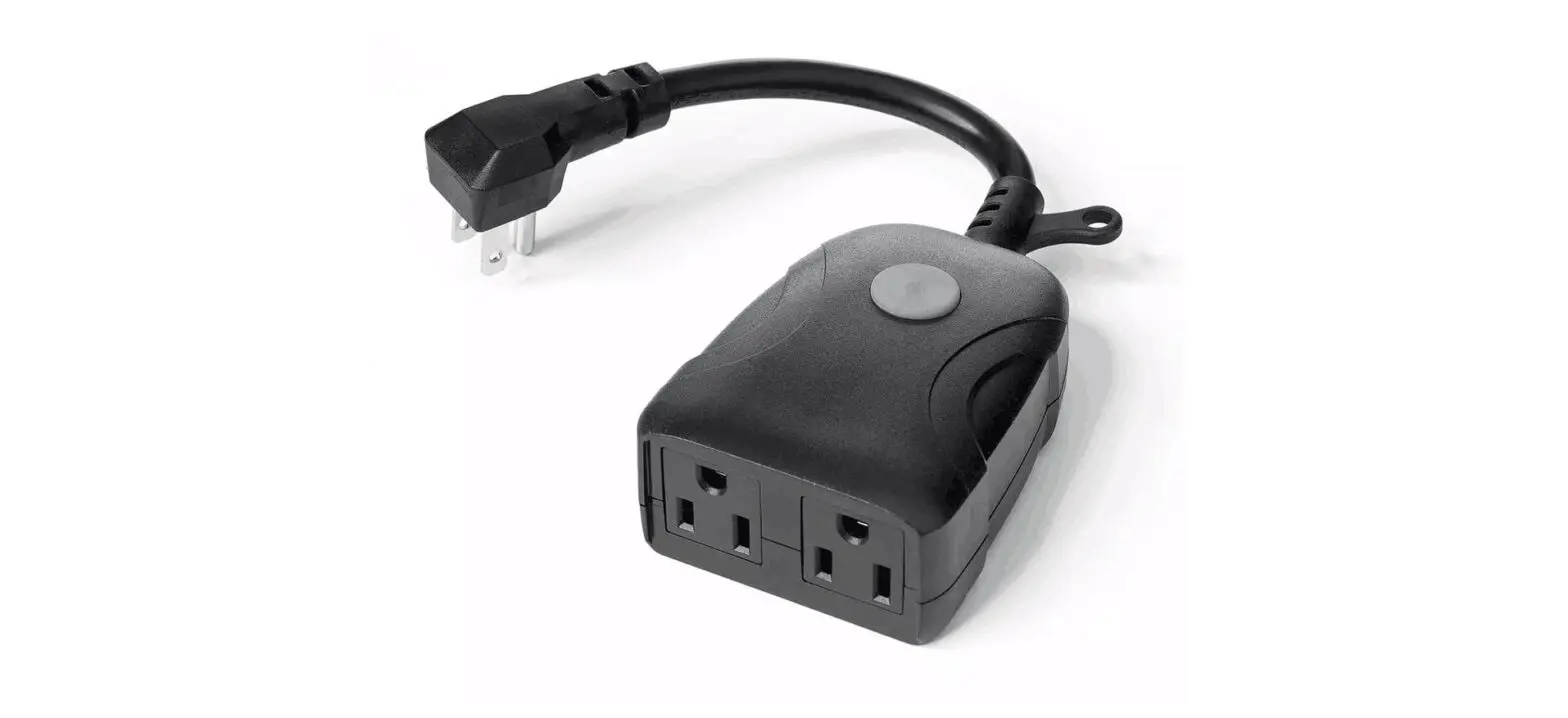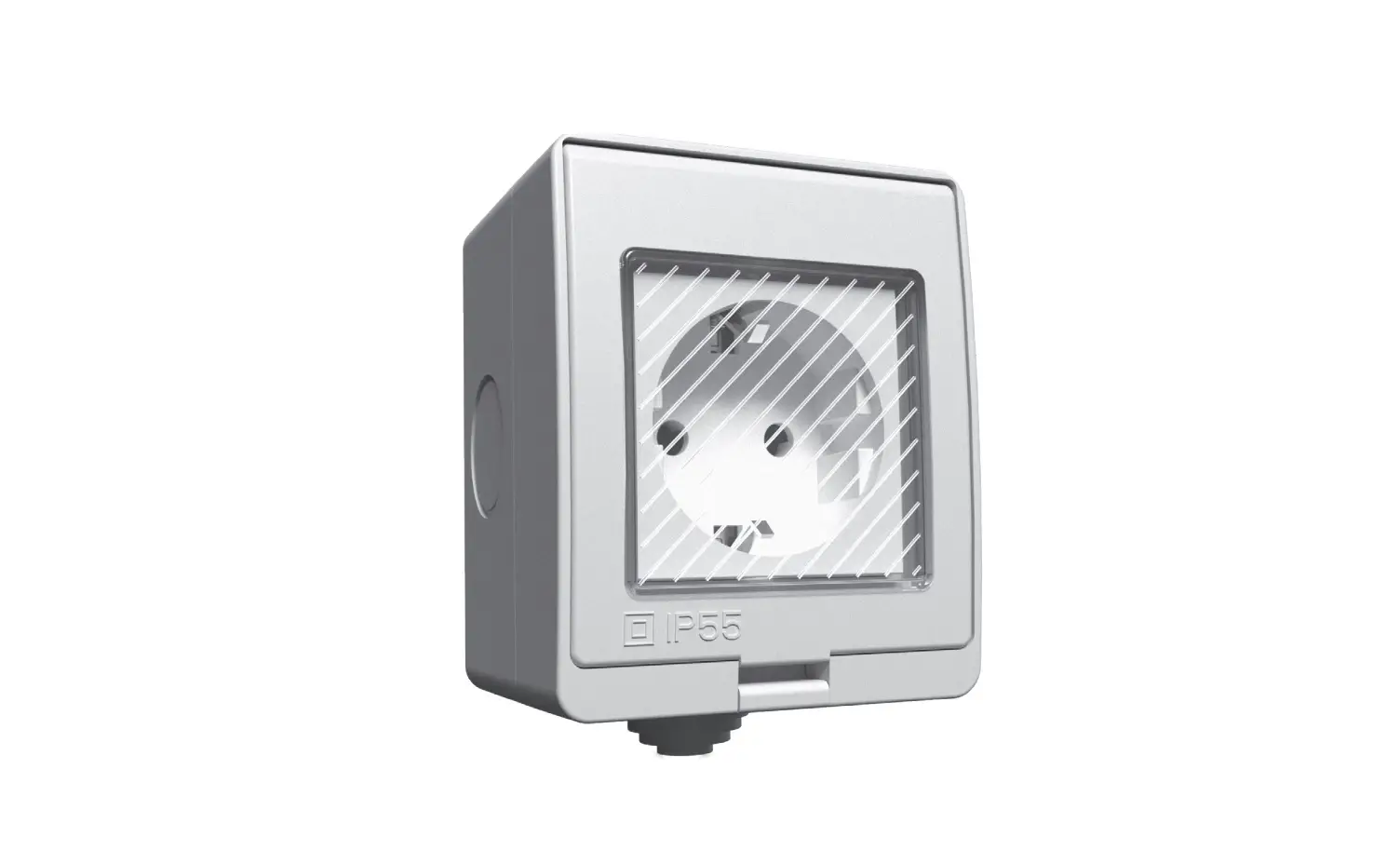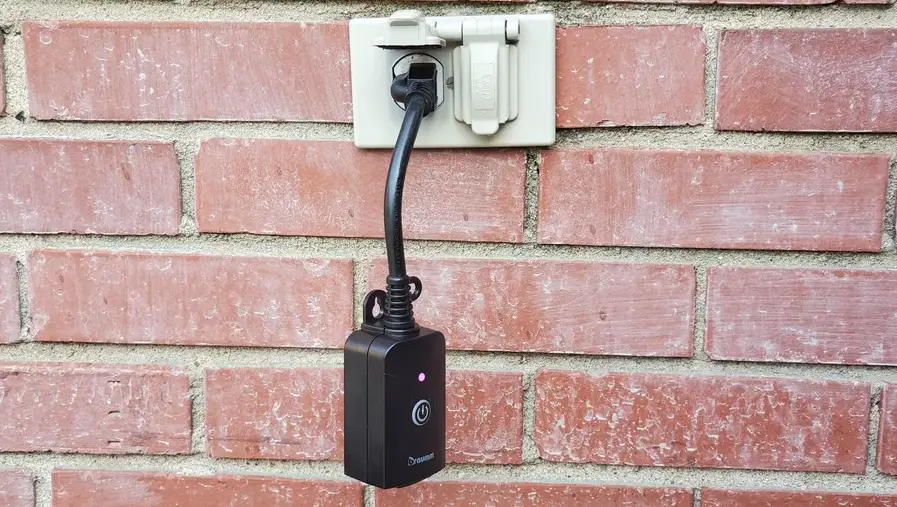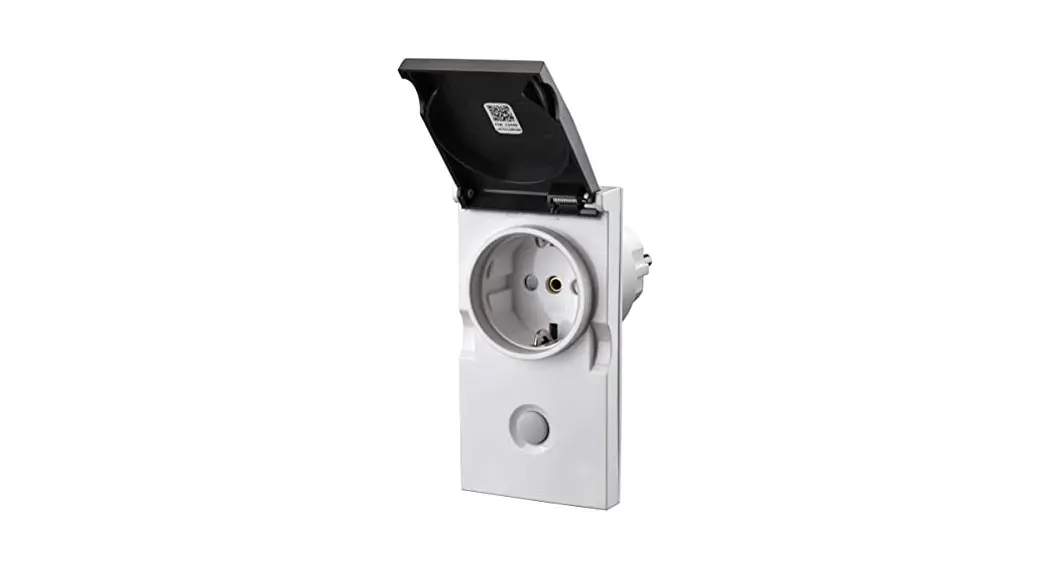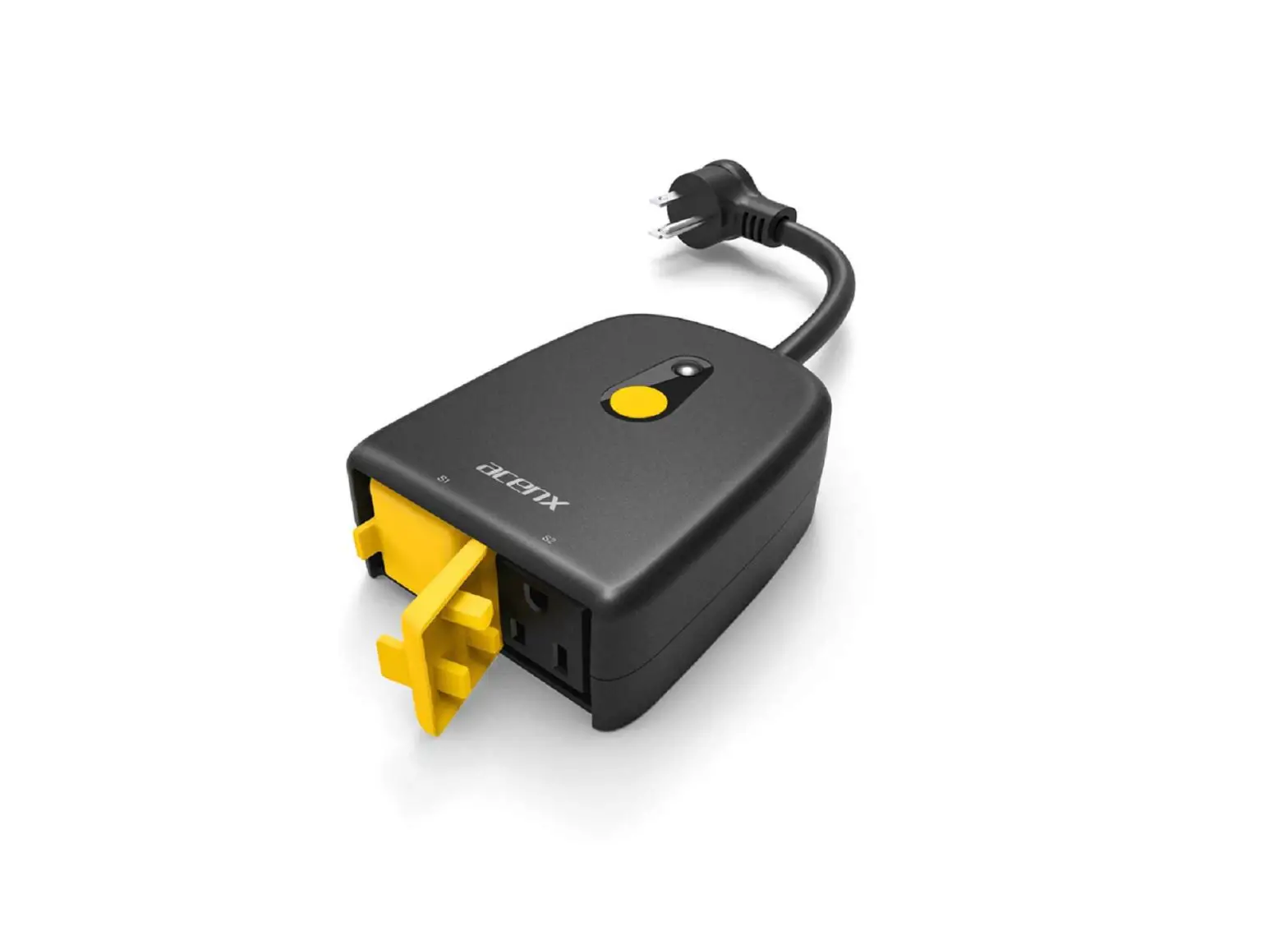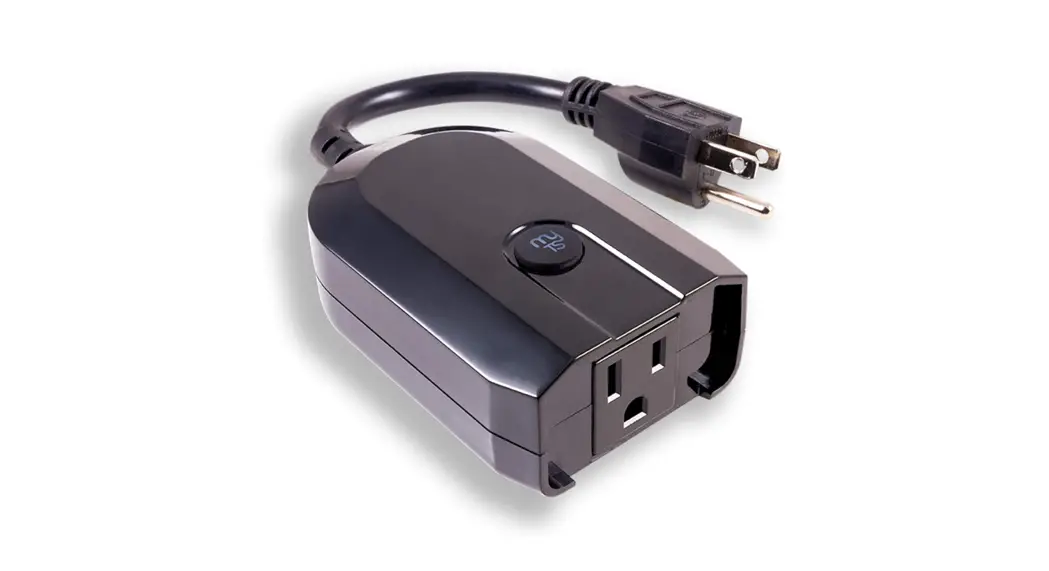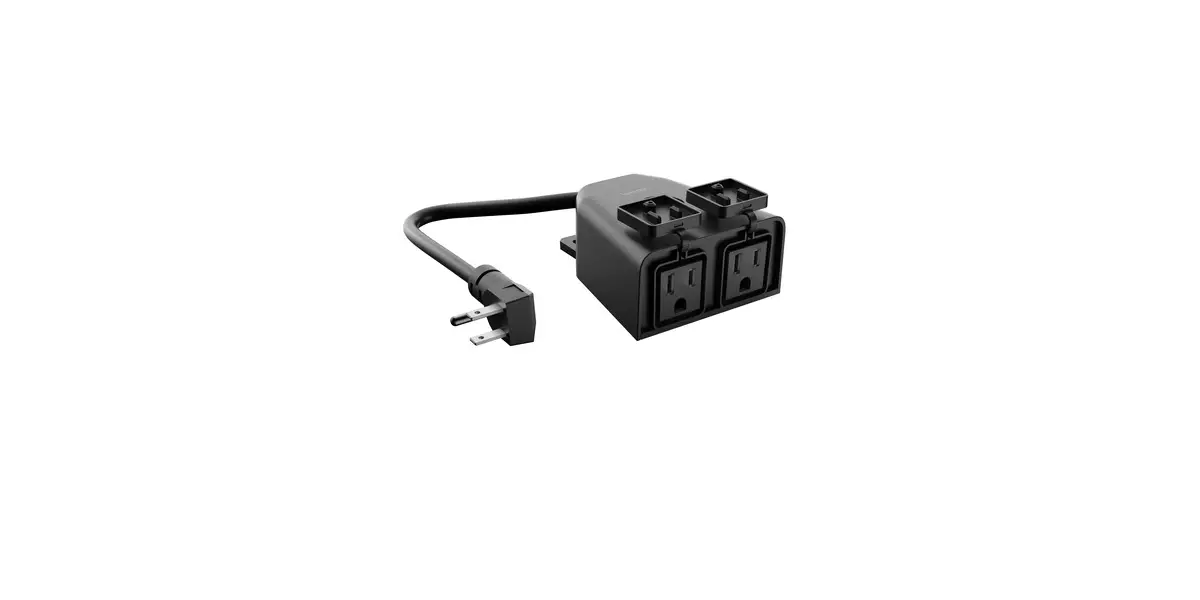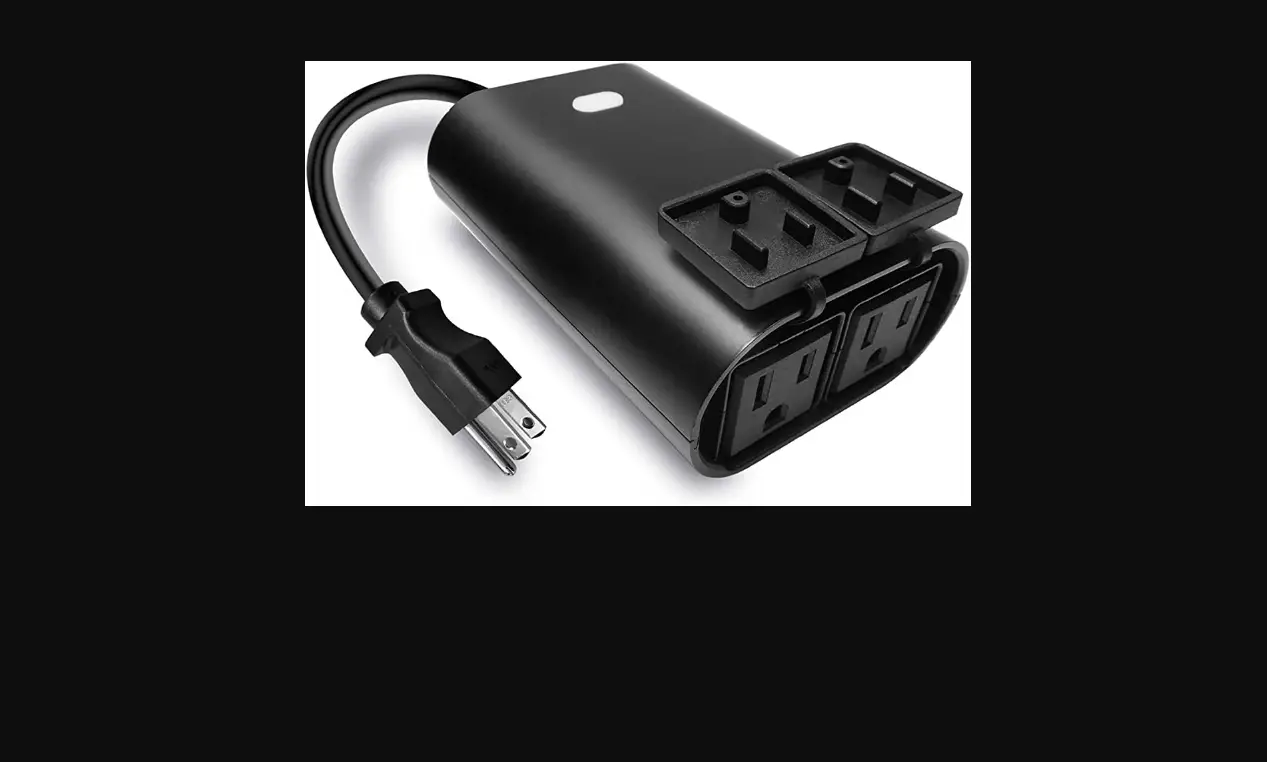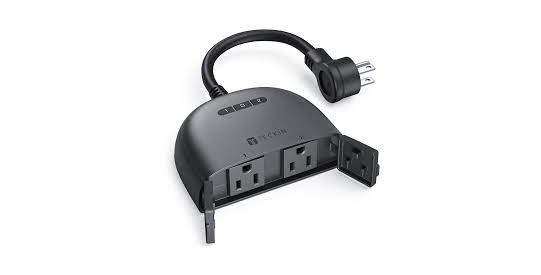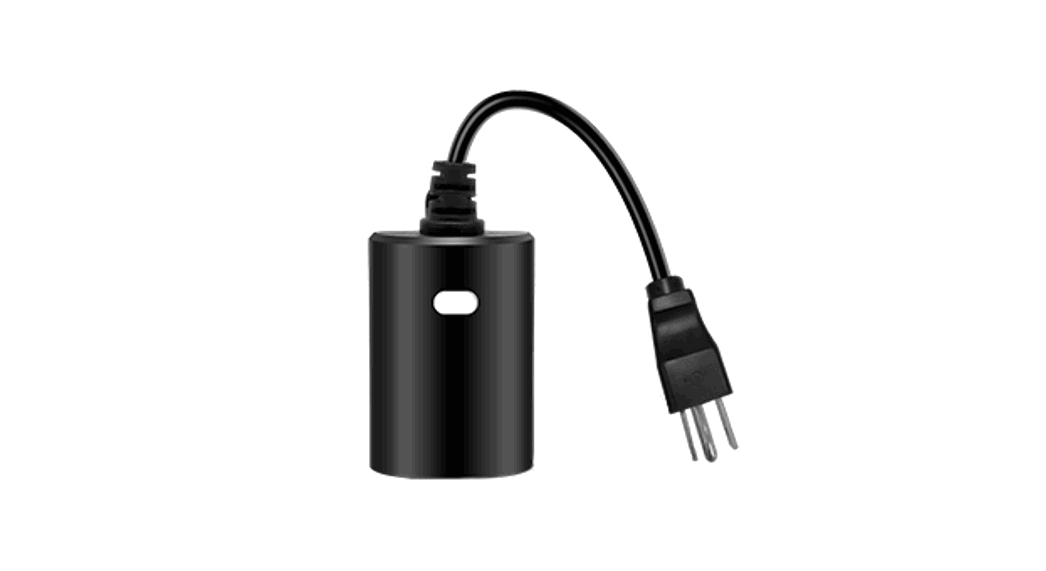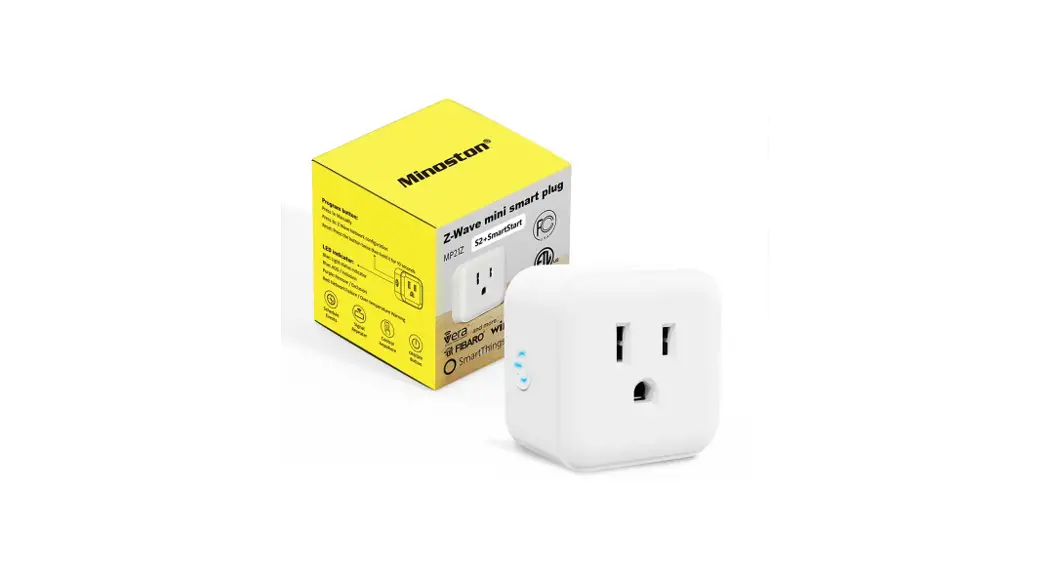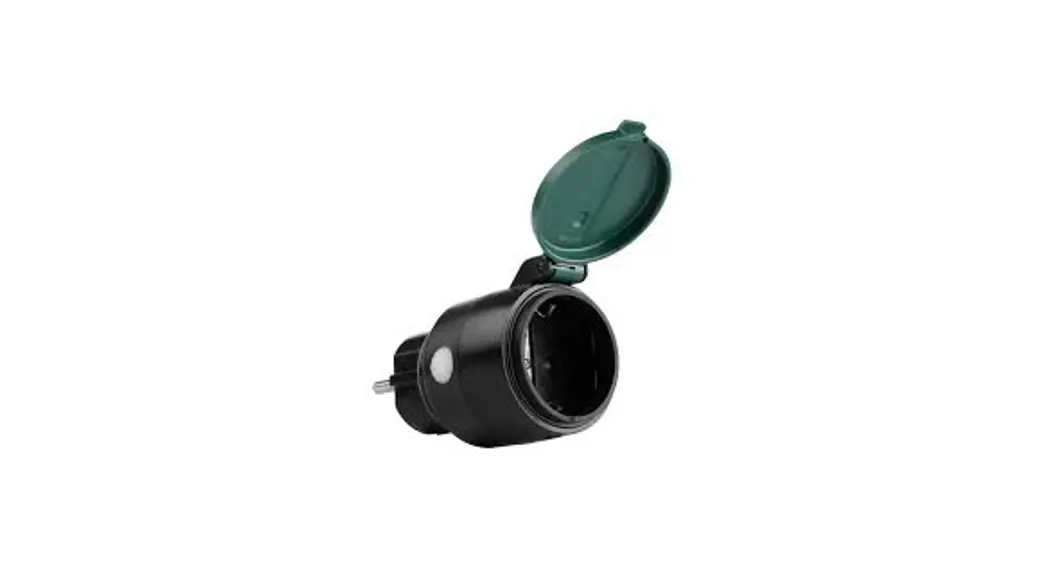
 TRIBERG Smart Outdoor Plug
User Manual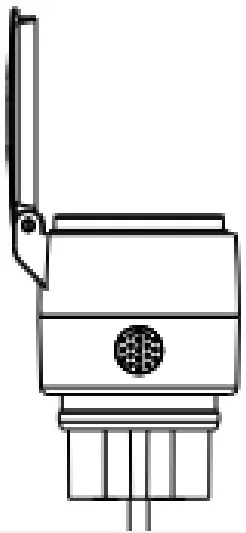
Features
 | Wi-Fi & Bluetooth Connection |  | Voce Control |
 | No Hub Required |  | Timer & Schedule |
 | Remote Control |  | Grouping |
 | Overload Protection |  | Waterproof IP 44 |
Parameters
| Electrical Rating | AC 220-240V, 50-60Hz, 8.7A load 2000W general use |
| Warking Temp | -20-35ºC |
| Wi-Fi Protocol | 2.40 Hz Only |
| Wi-Fi Standard | IEEE 802.11 b/g/n |
| Bluetooth Protocol | 4.2 |
| Bluetooth Standard | IEEE 802.15 b/g/n |
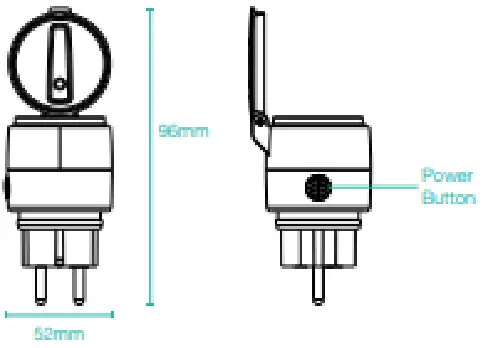
Structure Introduction
Download App
- Search ‘Tuyo Smart” from the App Store or Google Play.

- Scan the OR code from the label or user manor).


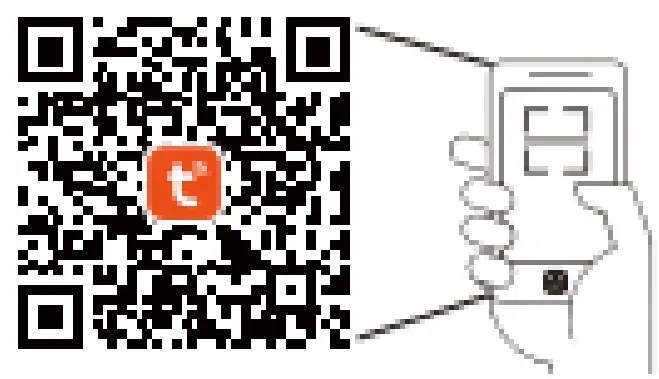
https://smartapp.tuya.com/tuyasmart
The APP is compatible with Aneroid 4 4 and 1059.0 and the higher versions.
Log In / Register Account Number
Open the Tuyo Sinai APP, and sign up for a new account 3r log in with an existing account. 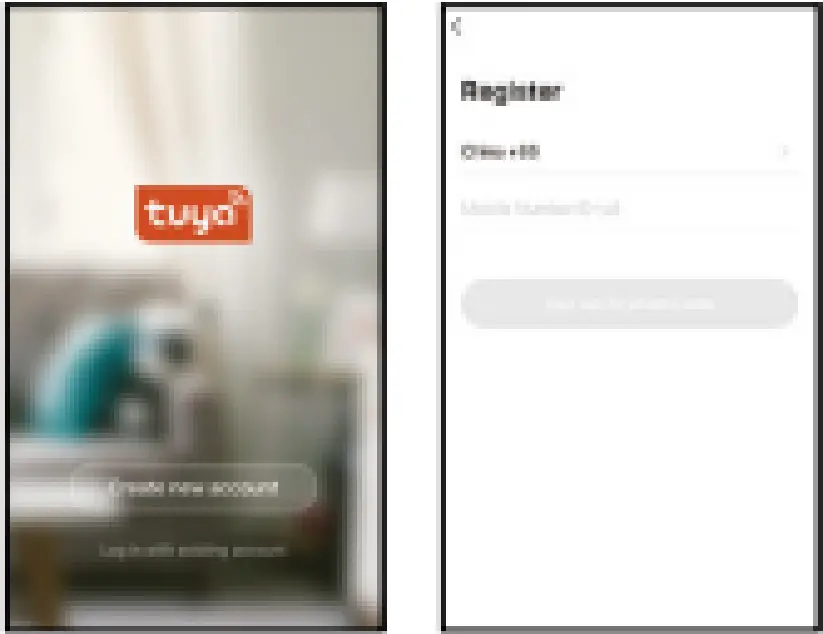
Quick Mode Conflgurcdlon
Power the Smart Plug on and enter the home of the APP while ensuring Bluetooth is on and the Wi-Fi signal is good and stable.
The switch indicator light will flash when turning on the power supply. Stay at the home page and find the Push notification, then click to odd”.
Note: If the indicator light is not blinking, please press and hold the power button on the Smart Plug for 6 seconds until the indicator light binds rapidly. 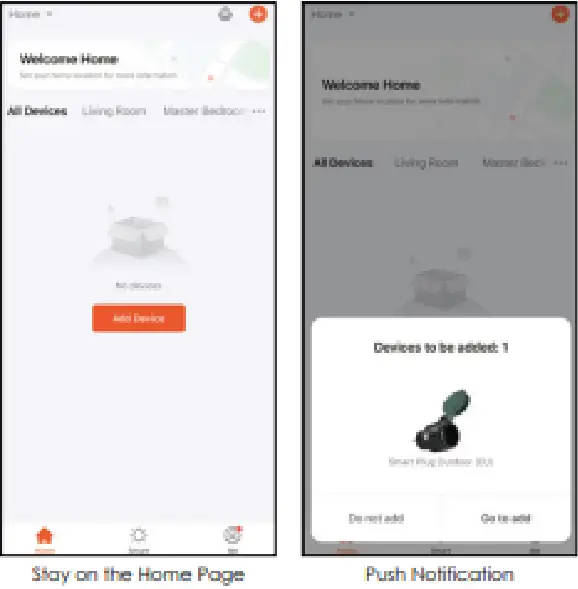 Select Wi-Fi Network
Select Wi-Fi connection to the smart device. input the Wi-Fi password, and then click “Next” to wait for the matching to succeed. (Make sure smart devices shore ‘the same Wi-Fi, the network must be 2.4Ctiz) 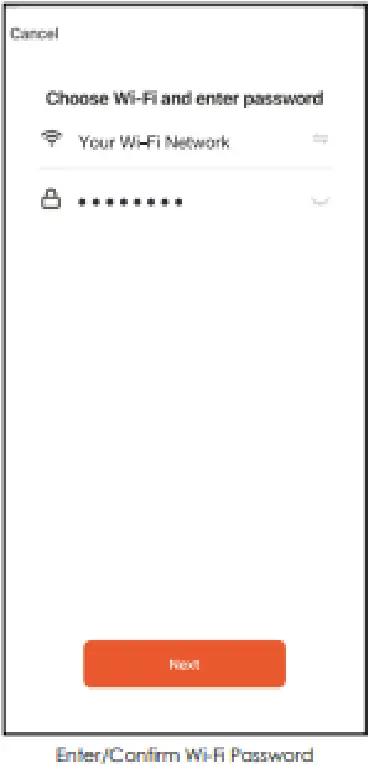 Add Successfully
The interface of connecting will appear, when the device is found, the indicator light MI stop blinking_ and then Wading deice veal be complete.
The Smart Outdoor Plug is added once they are communicating on the same Wi-Fi network. You can rename the smart device by clicking on the pencil icon. Press the “Done” button at the bottom of the screen to continue to the next step. 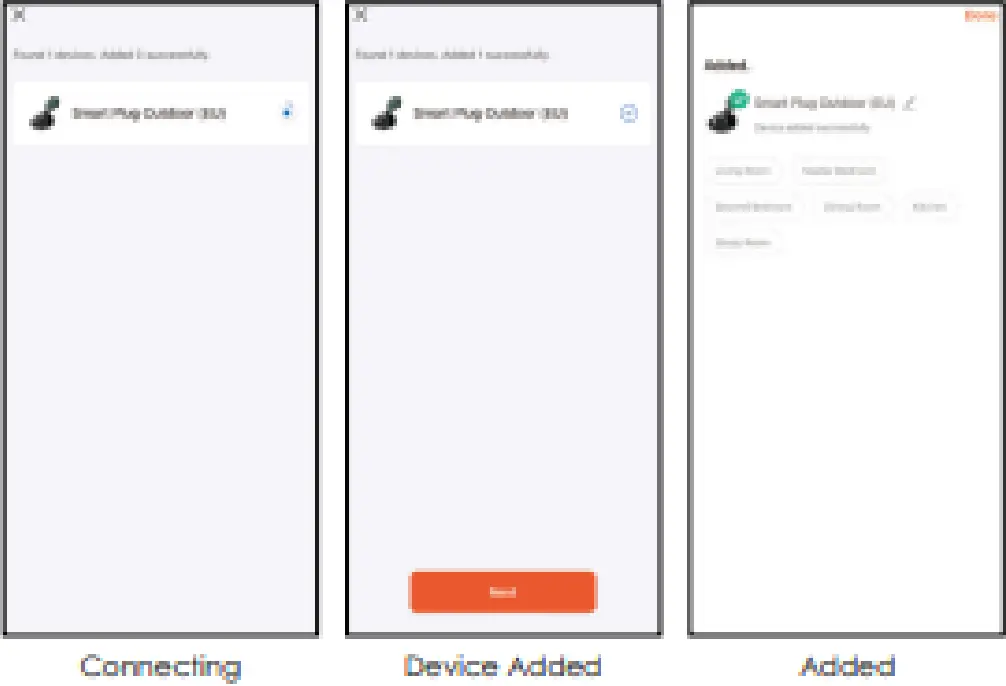
Control Device
Control the Smart Plug from different locations using your motile data of another WI-Fi connection.
Countdown
Click the “Schedule”, you can choose the length of the countdown tune from 0 to 23 hours and 59 minutes. If the Snort Plug is on when the countdown starts. the Smart Outdoor Plug wi turn itself off at the end time. 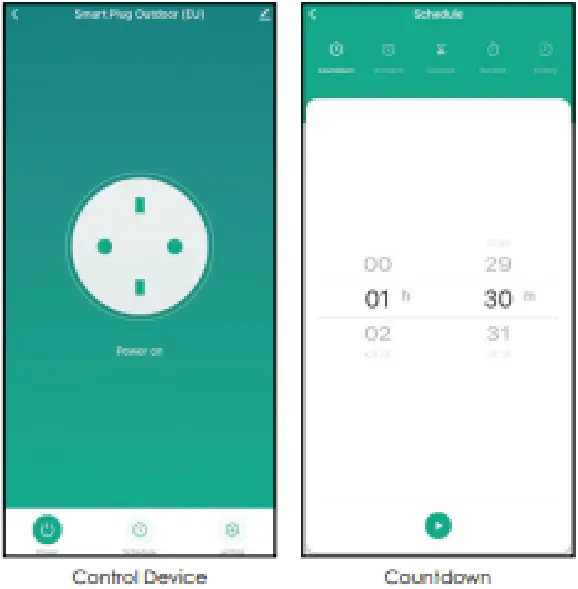 Schedule Mode
Click -Schedule” then you can set up multiple schedules for some plug. such as turning it on at one time and off at another.
Circulate Mode
Under this function. the Smart Outdoor Plug will turn itself ON/Off at several time nodes set by you with on drugstore cycling program. 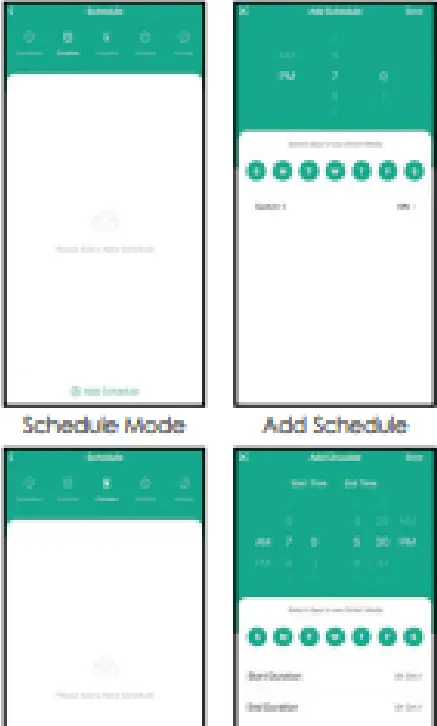 Random Mode
Tap “Random” to enter the control panel of Random mode. then choose the Start/End Time. In his mode, the 5mo-I Plug wit turns itself ON/OFF of a random time point which vanes horn 3Crnins before pre-set Start/End Time to 30mins after pre-set Start/End Time.
Inching Mode
Enabling this feature will put the device in an automatic state. Each time the device is switched on. it will automatically switch off after a set period of time. 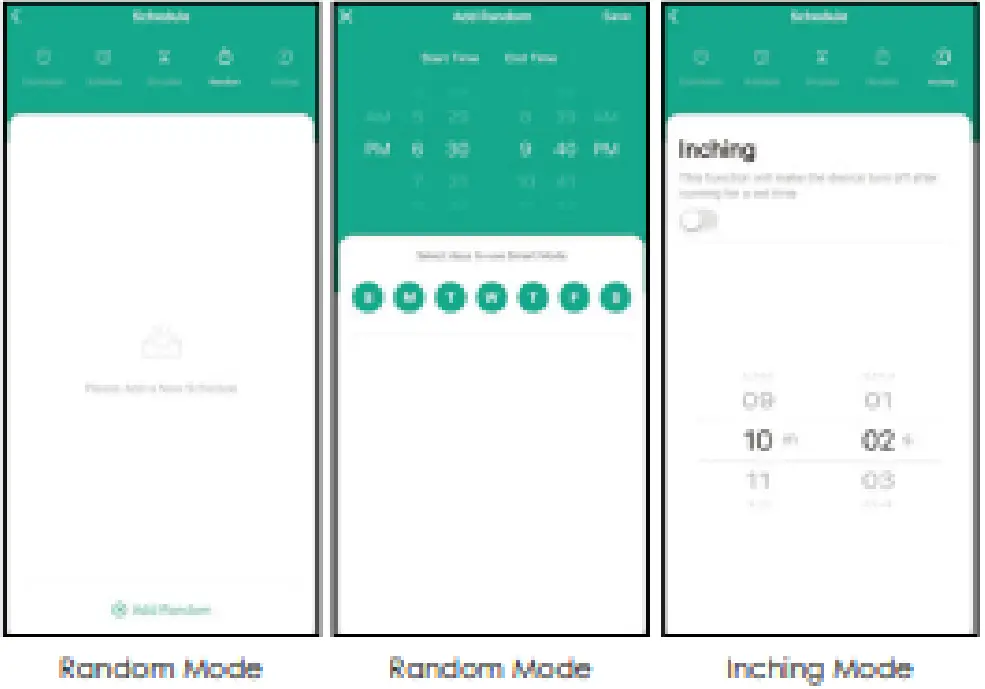 Create Group
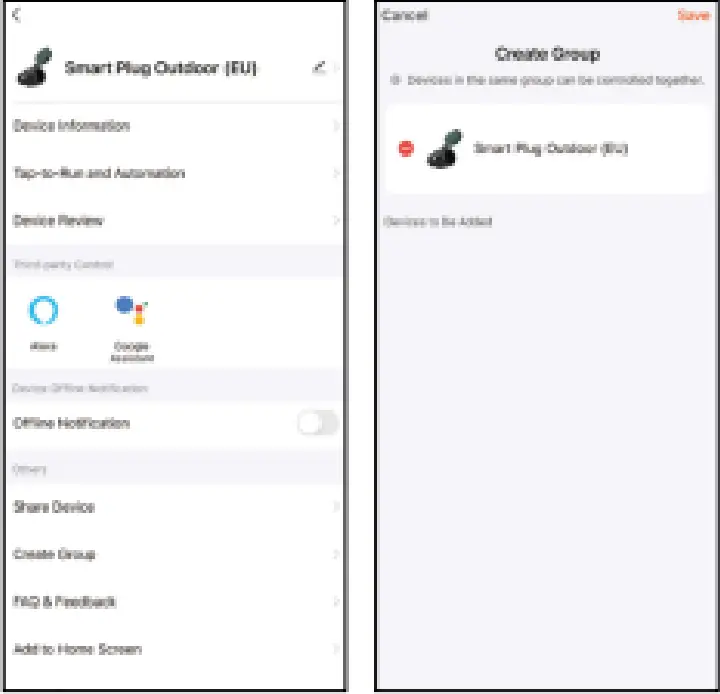
If you got two or more Smart Pugs. please tap ”  ” in the upper right corner of the control panel and create a group, The Smart Group will recce synchronous switch, cola changes, and scene mode selection. trier. etc.
  Third-Party Control
In the Tura Smart APP: Find more services in the “me” menu, click to enter ‘Ivaco service” (Alexa/ Google Assistant) and other services. click on the Me service you need. Connect to the Thad-party service device according to the operation guide. 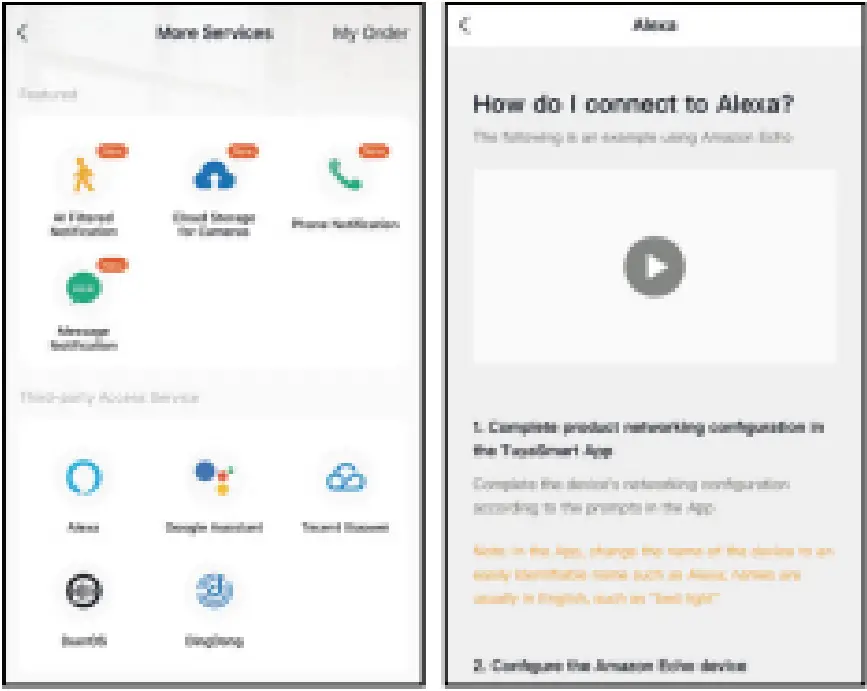 For any product and APP updating crease contact customer service.
Caution
- To ensure a safe and steady operation, do not exceed the kited power range.
- Risk of electric shock. Grounding continuity must be maintained.
- Don’t use where directly exposed or submerge in water.
- Do not operate a store this product close to any source of heat, combustible flammable materials.
- Place the device out of reach from children.
Trouble Shooting
Q: How to set the indicator light as rapid facing?
- Power on the device power off after Los and then power on.
- Hold the reset button for Ss.
- Confirm indicator light is now rapidly flashing.
Q: Flow to set indicator light as slow flashing?
- Power on the device power off after 10s and then power it on.
- Hold the reset button for 5s.
- Confirm indicator might is now rapidly flashing.
- Hold the reset button for 5s until the indicator light is slowly flashing.