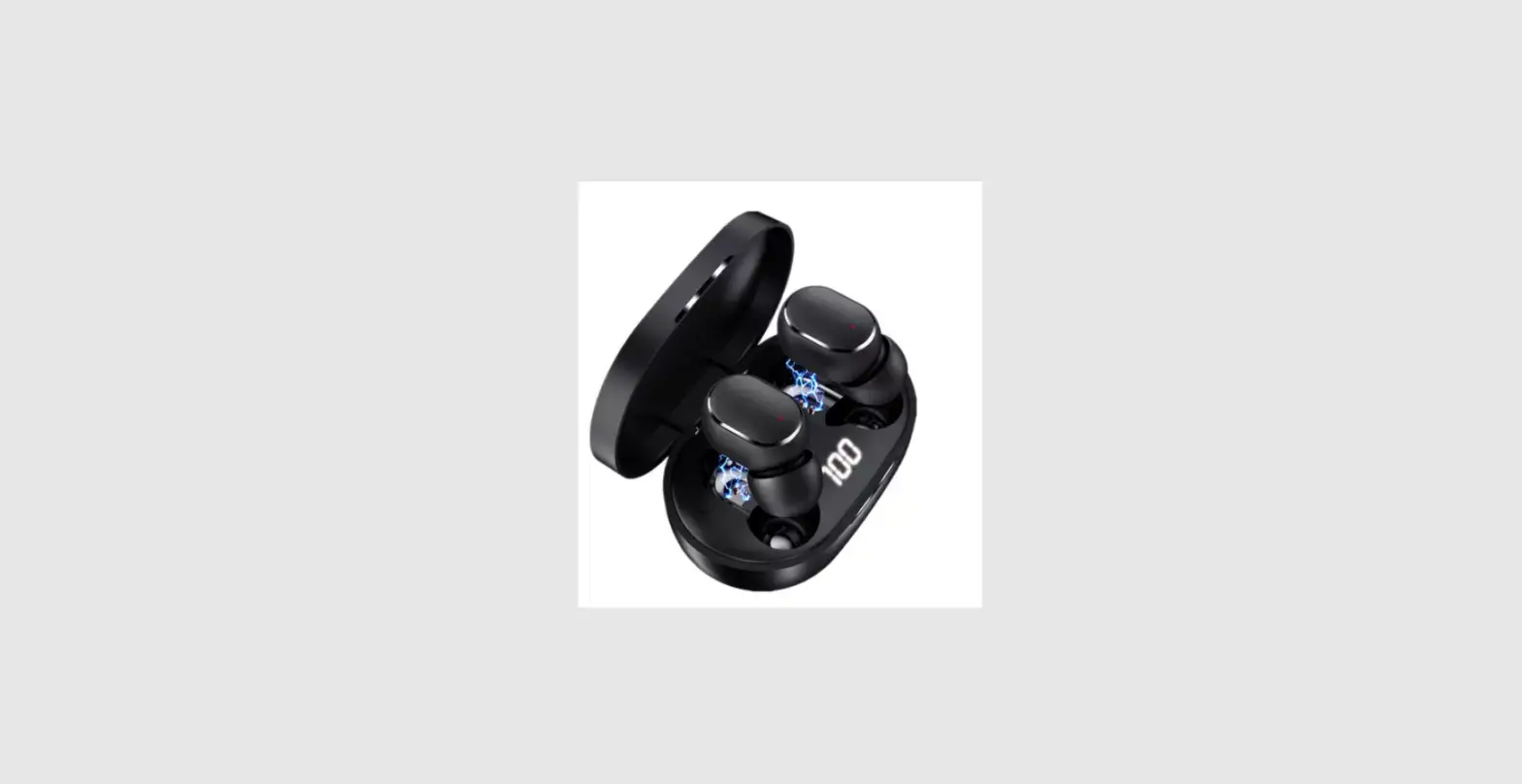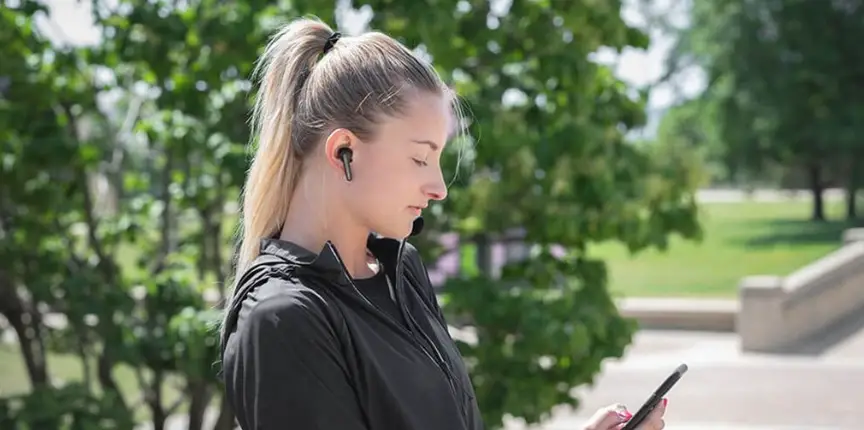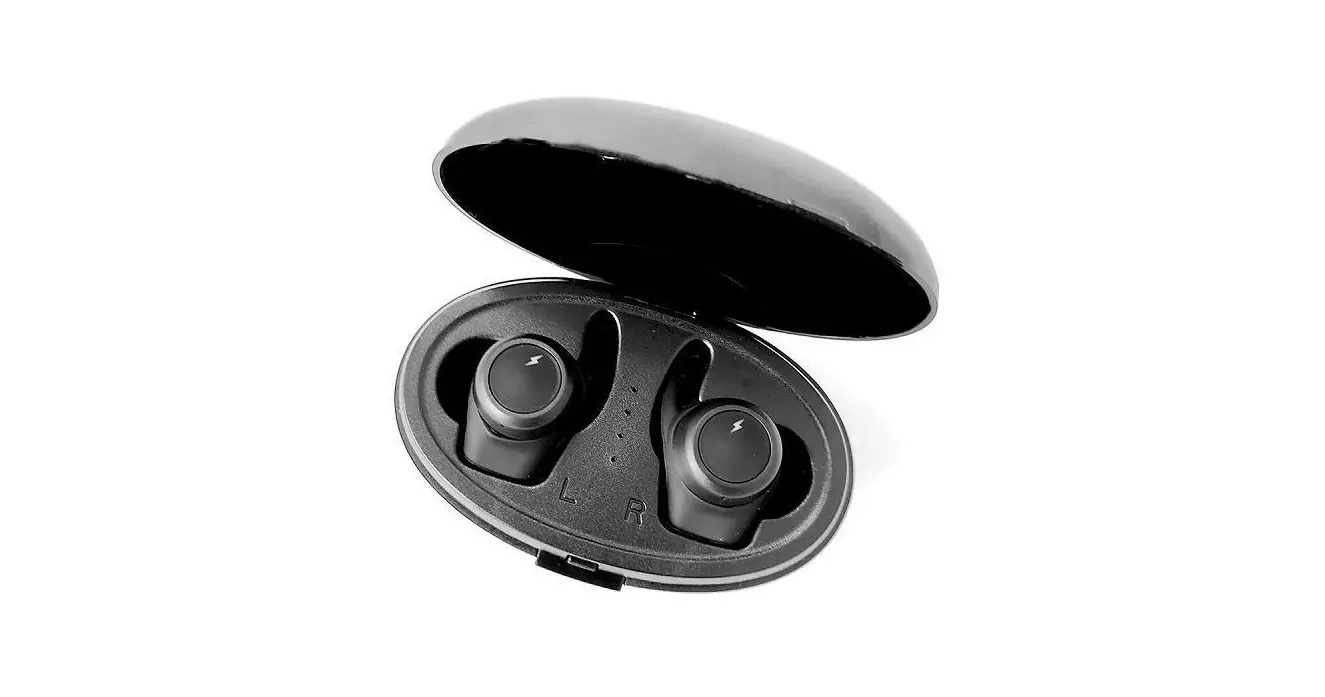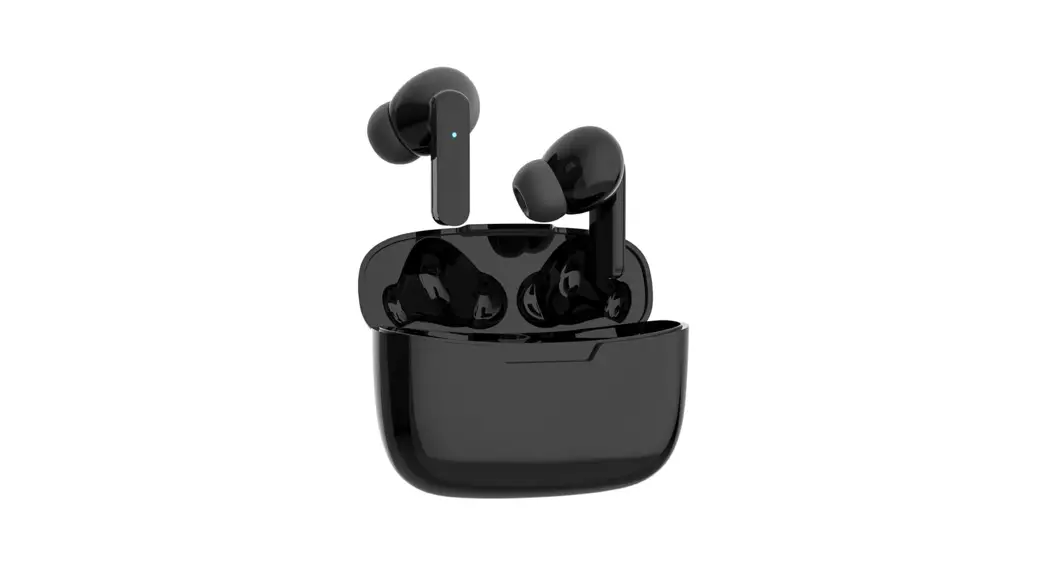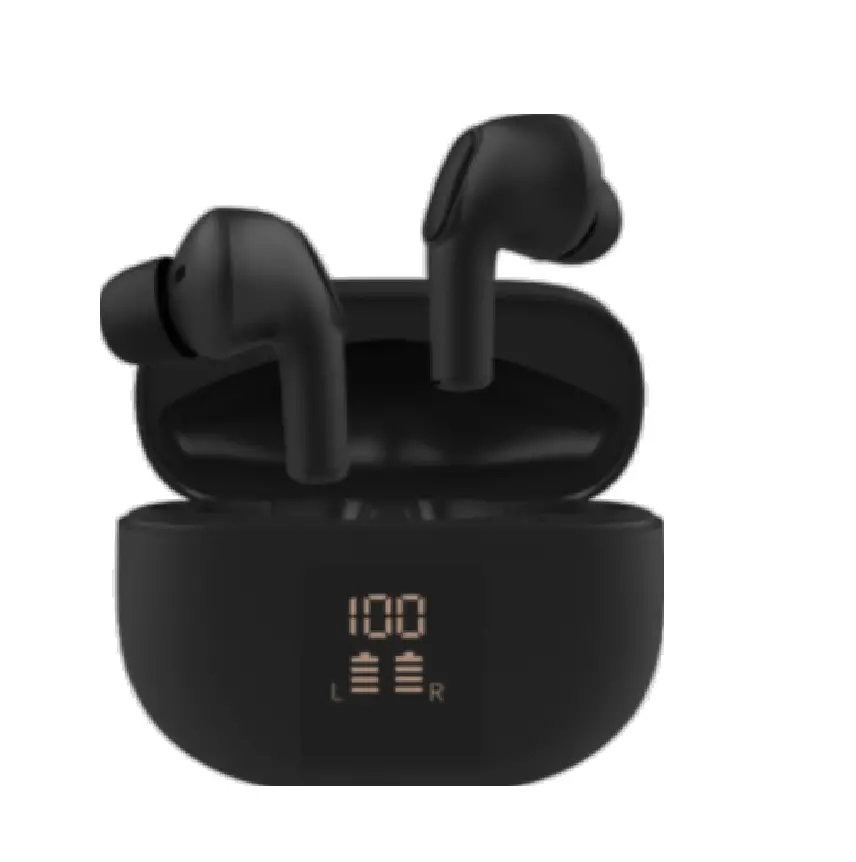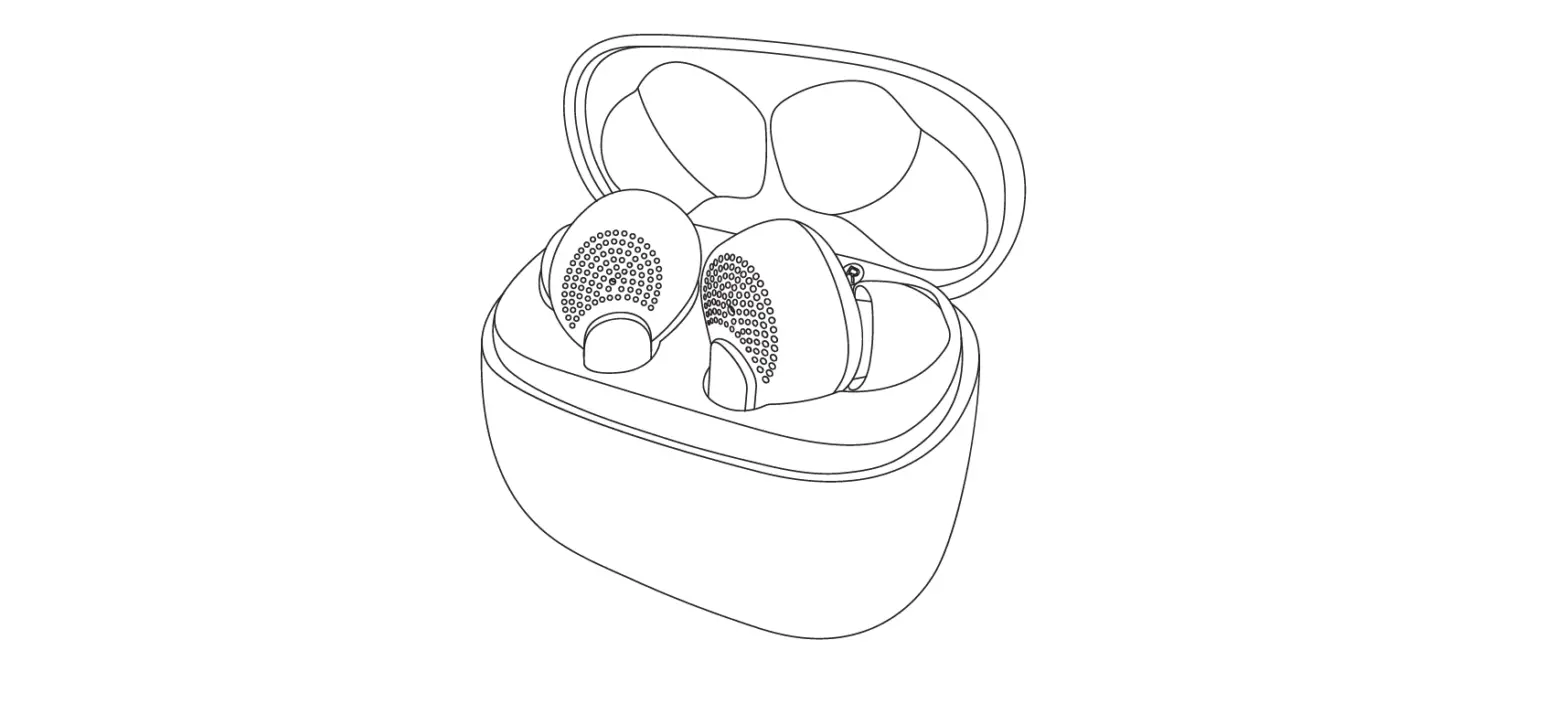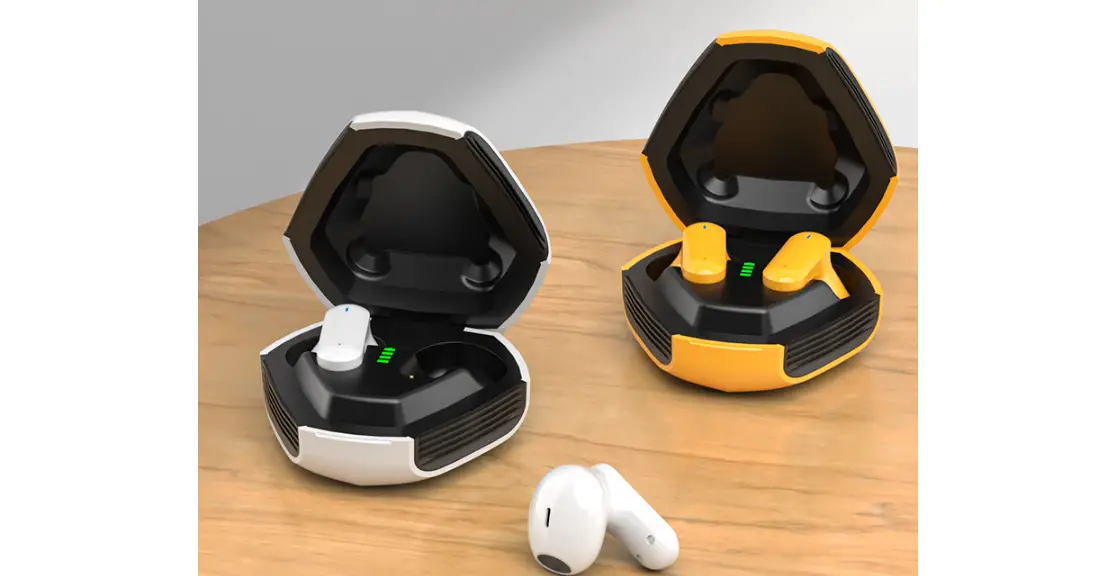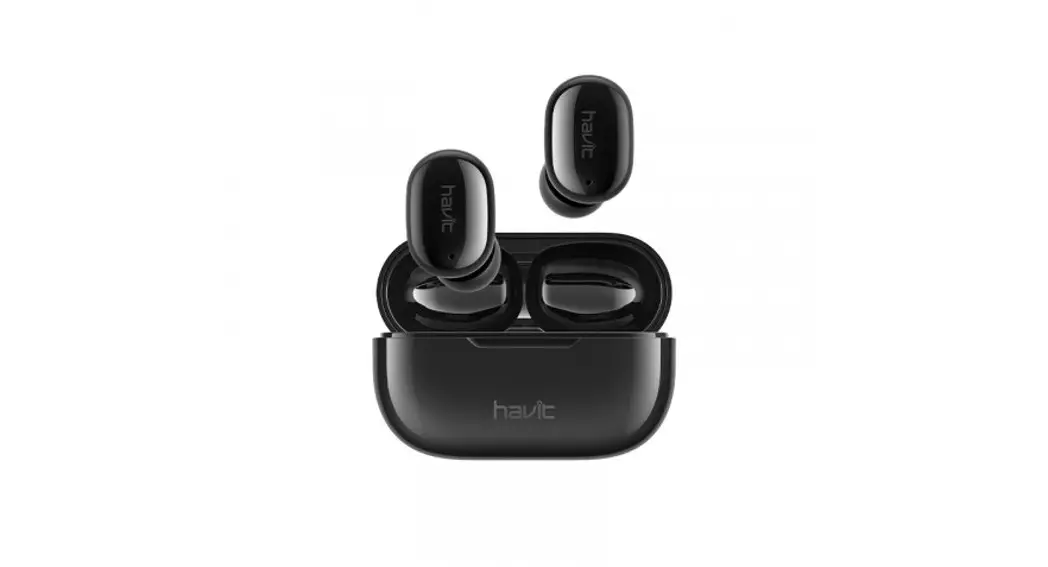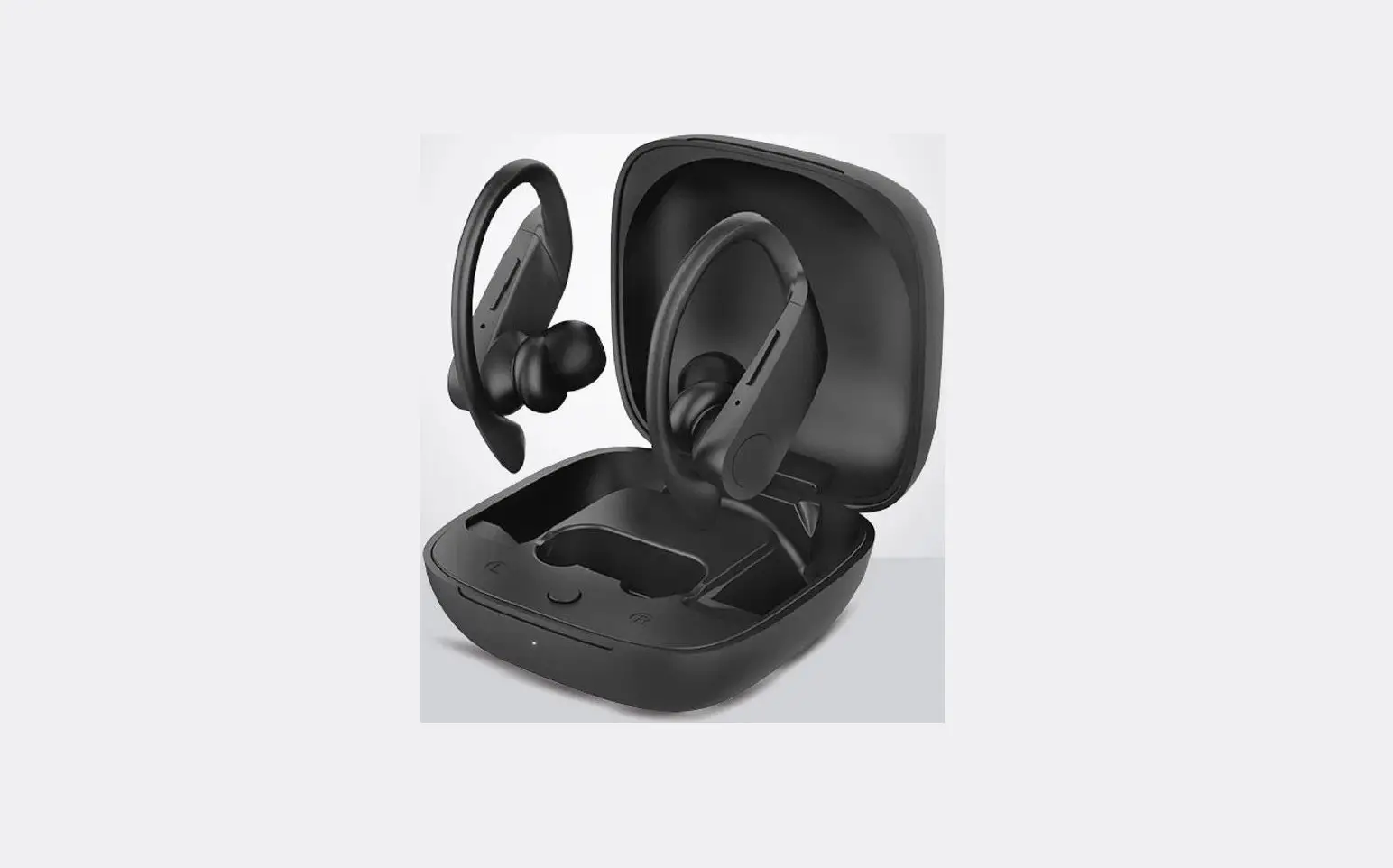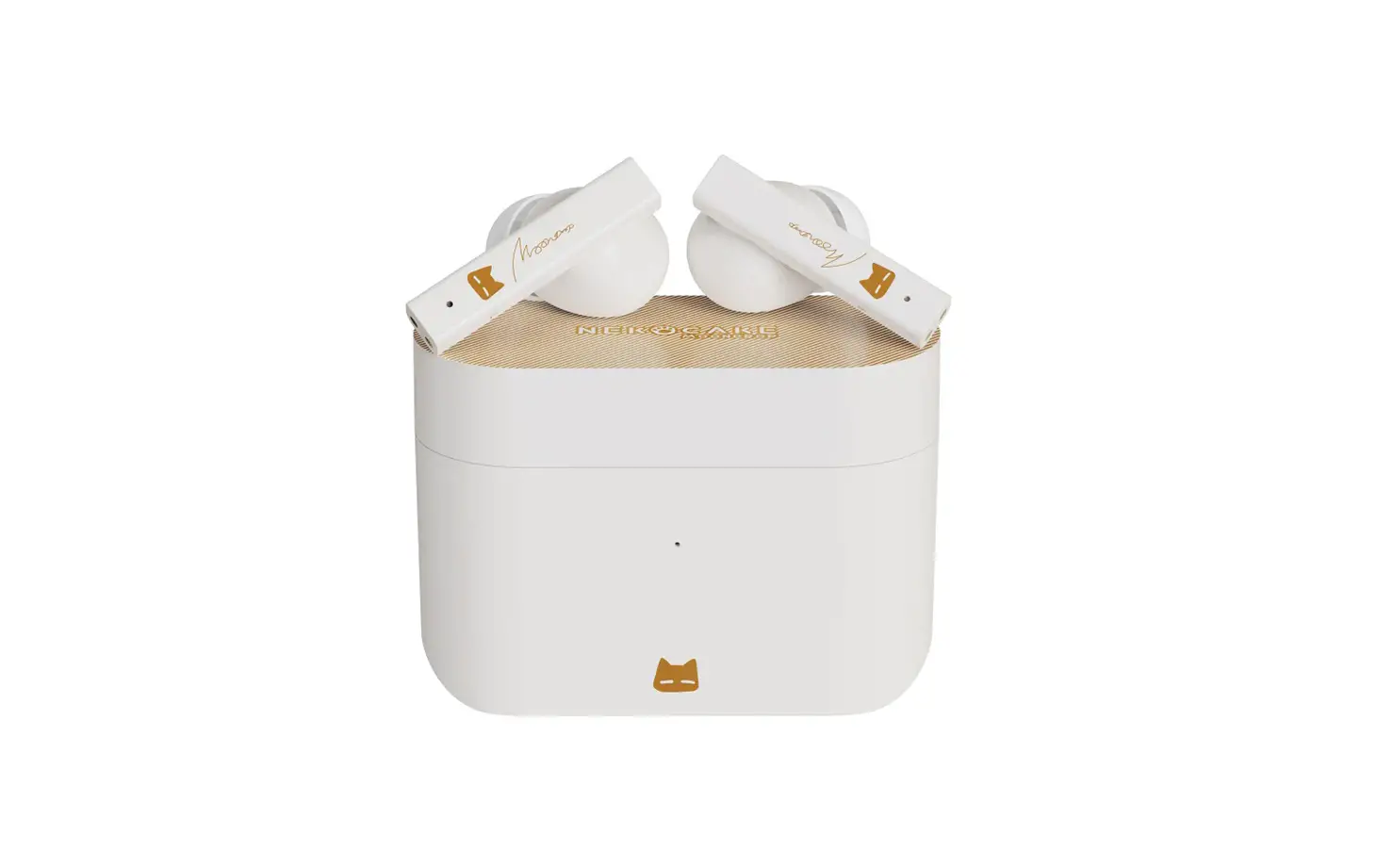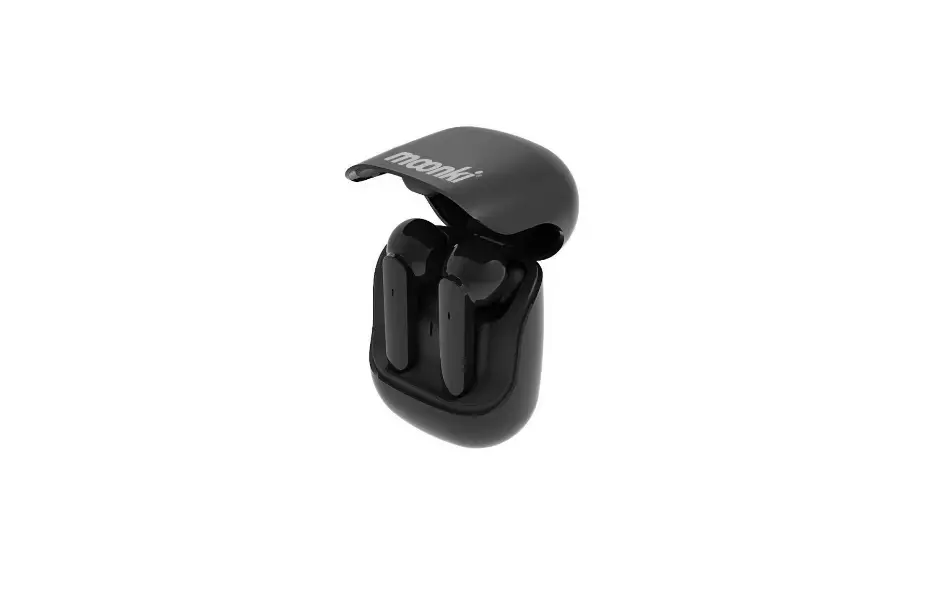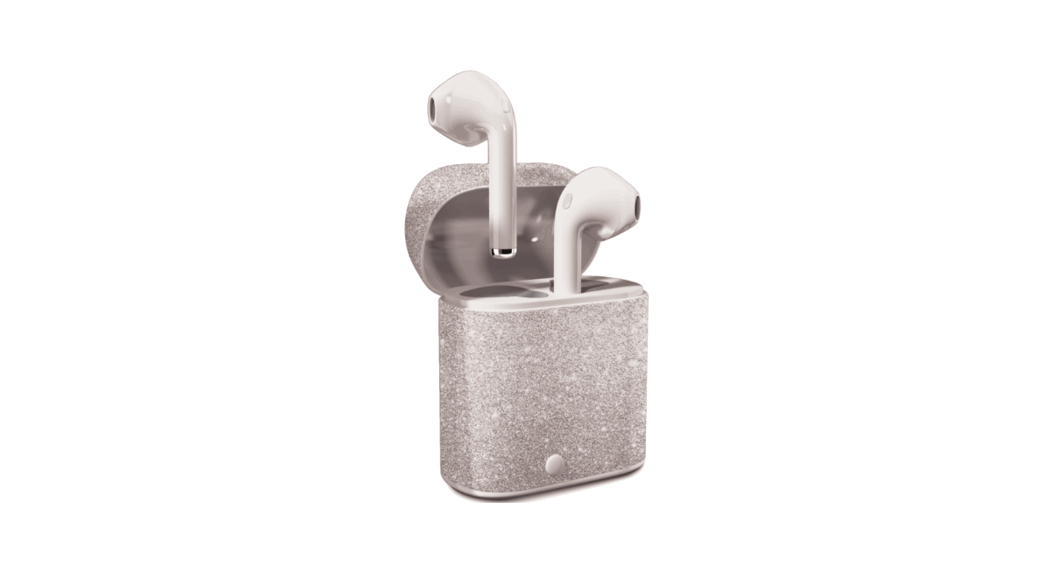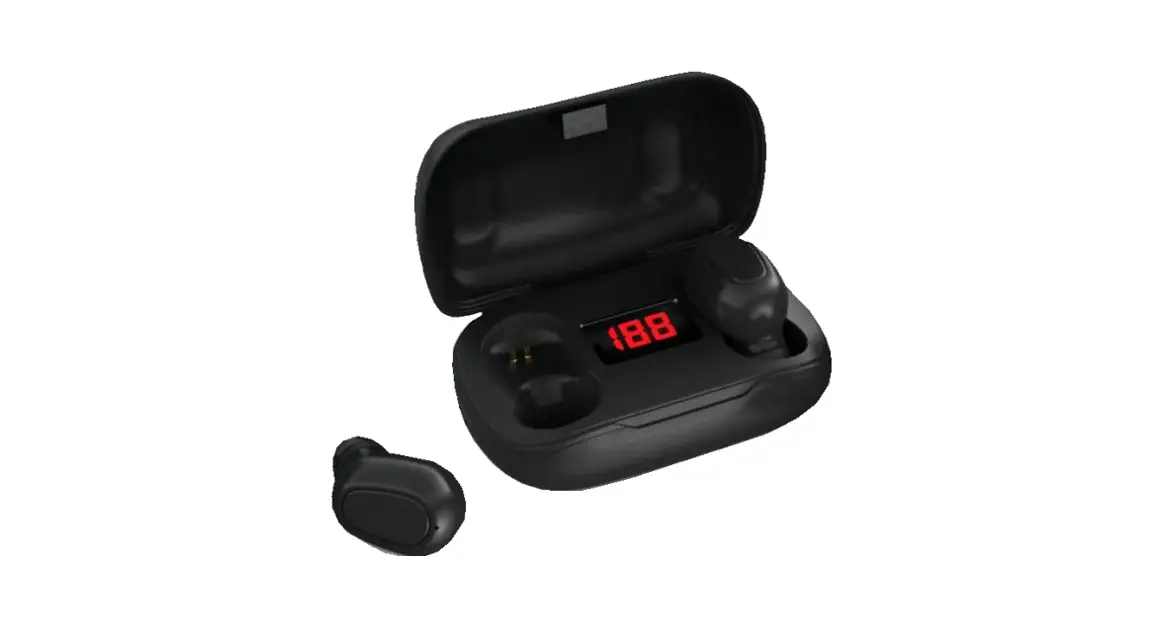

TWS(true wireless stereo)earphones
V5.0+EDR
TWS-L21 Manual
| Bluetooth version | V5.0 + EDR |
| Bluetooth protocol | A2DP1.3/HFP1.6/HSP1.2/AVRCP1.6/D11.3 |
| Bluetooth Frequency | 2.4GHZ |
| Battery capacity | The headset is 50 mah. 300 mah rechargeable storehouse |
| Bluetooth Range | 10-15metesrs with no obstacles |
| Talk/playtime | Single earbud mode: 4 hours One pair earbuds mode: 3 hours |
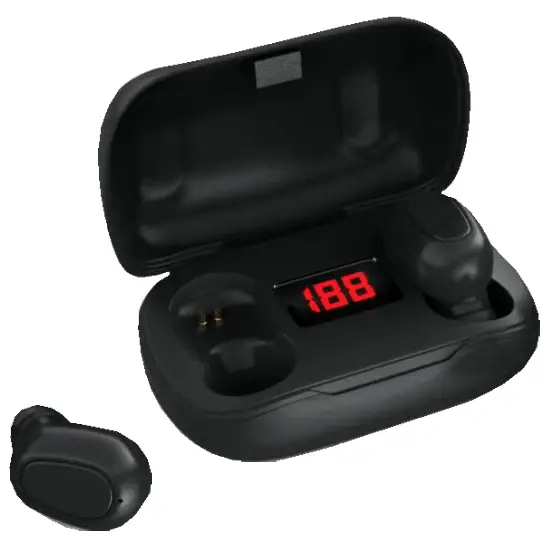
Key Functions
| Power on | Long press the function button for 3 seconds |
| Play/Play pause | Press the function button |
| Previous piece | Double-click the vice machine |
| Next track | Double-click on the host |
| Add voice | Three strikes the host |
| Sound reduction | Three pairs of machine |
| SIRI | Long press the function button for 2 seconds |
| Switch Chinese and English | In the pairing state, double-click the function button to switch the prompt tone in Chinese and Englis |
Instructions
| Pick up the charging bin and start it up automatically. After starting up, the main and secondary engines will pair up | |
| Bluetooth pairing | automatically. After successful pairing, the host machine will flash red and blue alternately. This time the phone searches for Bluetooth name connection. |
| After the earphone alarm low power alarm sound, it is put into | |
| Charging | the charging bin for charging. After charging, it is automatically turned off. When charging, the red light is long and the lamp is off when it is fully charged. |
| Answer calls | When calling, press the function button to answer the call and then press the button again to hang up the call. |
- Please do not overuse this earphone or put it under heavy pressure, keep away from wet and heat.
- Far-high WIFI router and other high-frequency transmitting equipment will affect the signal reception of the unit, resulting in sound card breaking and disconnection.
- Please use this product in the working environment (10m), and there should be no physical barriers (such as walls, etc.) between the Bluetooth device and the headset.
This device complies with part 15 of the FCC Rules. Operation is subject to the following two conditions: (1) this device may not cause harmful interference, and (2) this device must accept any interference received, including interference that may cause undesired operation.
Any changes or modifications not expressly approved by the party responsible for compliance could void the user’s authority to operate the equipment.
NOTE: This equipment has been tested and found to comply with the limits for a Class B digital device, pursuant to Part 15 of the FCC Rules. These limits are designed to provide reasonable protection against harmful interference in a residential installation. This equipment generates, uses, and can radiate radio frequency energy and, if not installed and used in accordance with the instructions, may cause harmful interference to radio communications. However, there is no guarantee that interference will not occur in a particular installation. If this equipment does cause harmful interference to radio or television reception, which can be determined by turning the equipment off and on, the user is encouraged to try to correct the interference by one or more of the following measures:
— Reorient or relocate the receiving antenna.
— Increase the separation between the equipment and receiver.
— Connect the equipment into an outlet on a circuit different from that to which the receiver is connected.
— Consult the dealer or an experienced radio/TV technician for help.
The device has been evaluated to meet general RF exposure requirements. The device can be used in portable exposure conditions without restriction