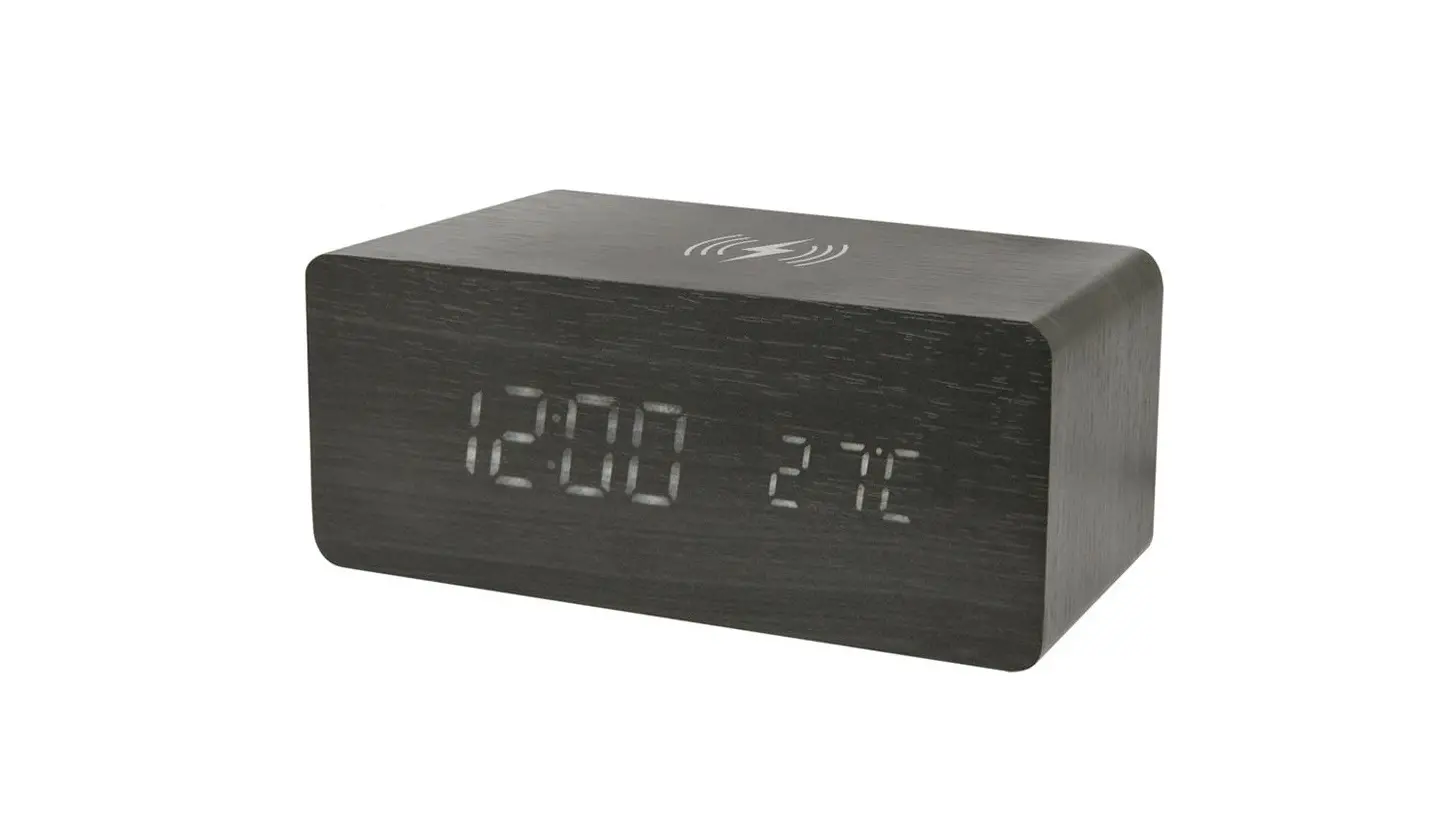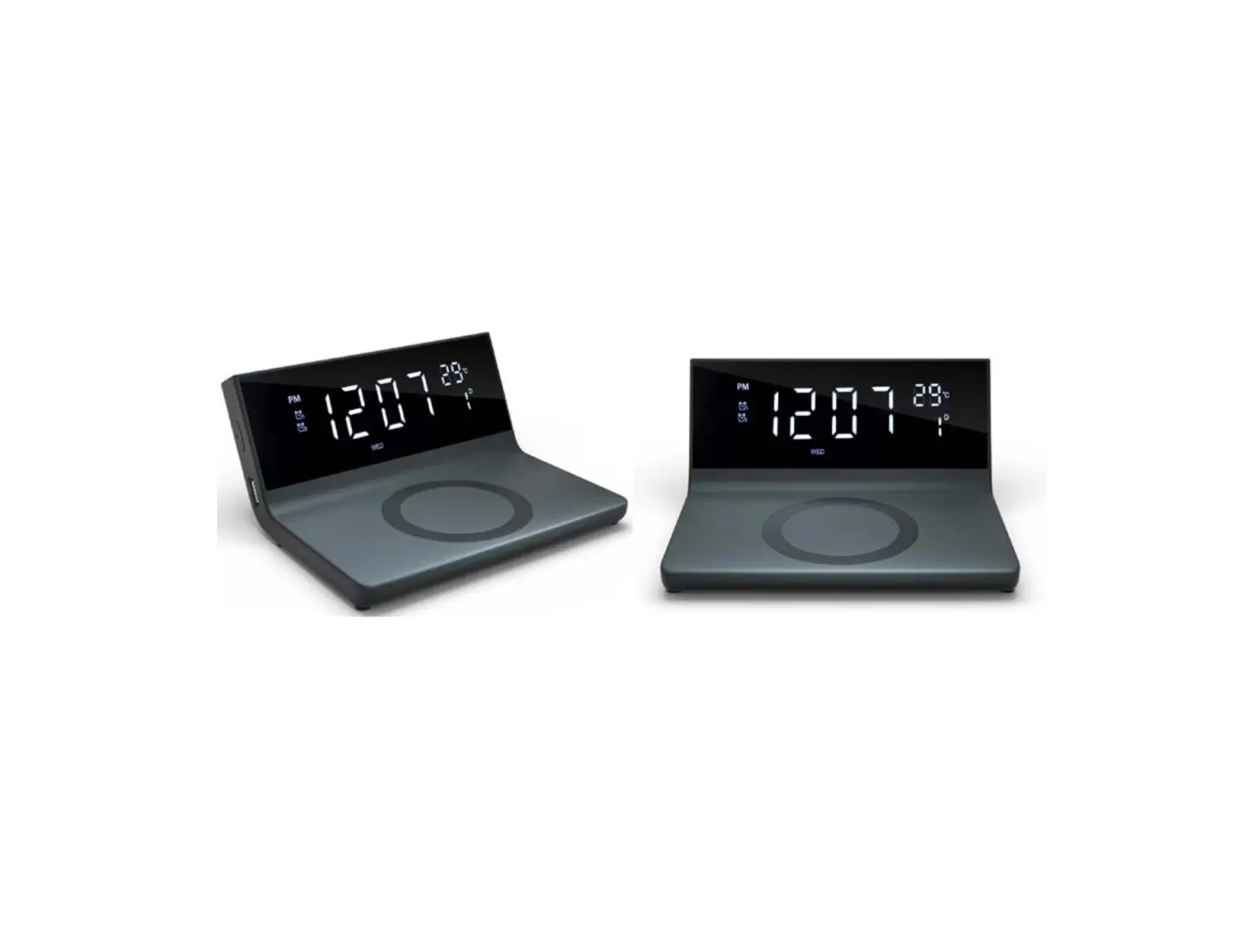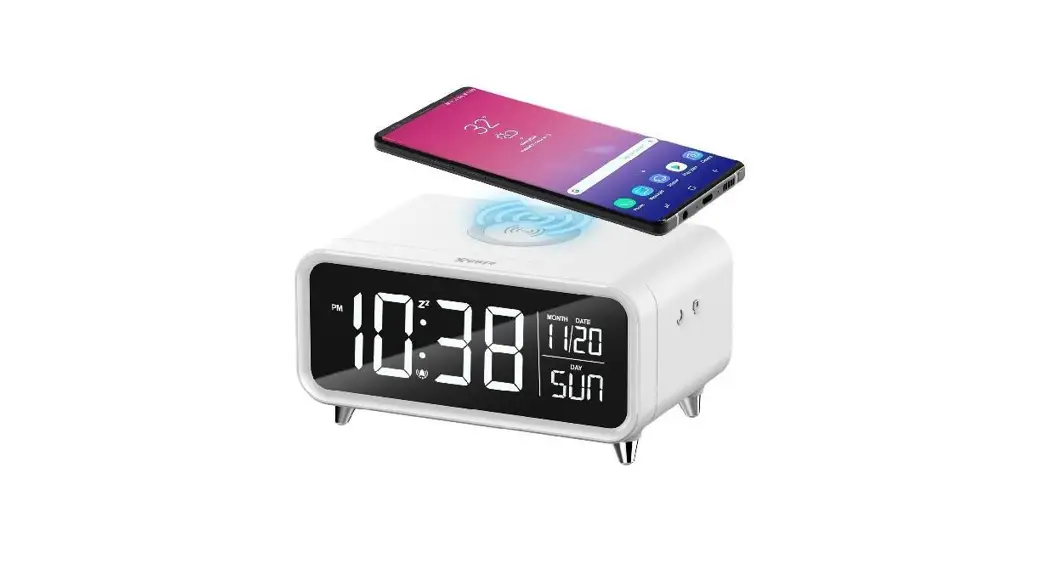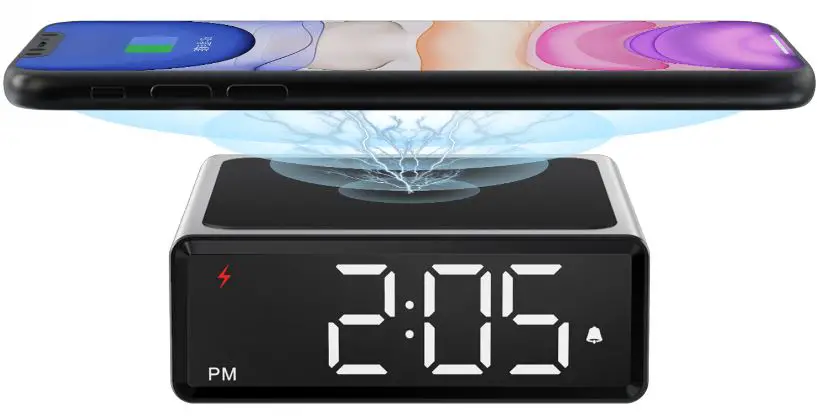
OPERATION MANUAL
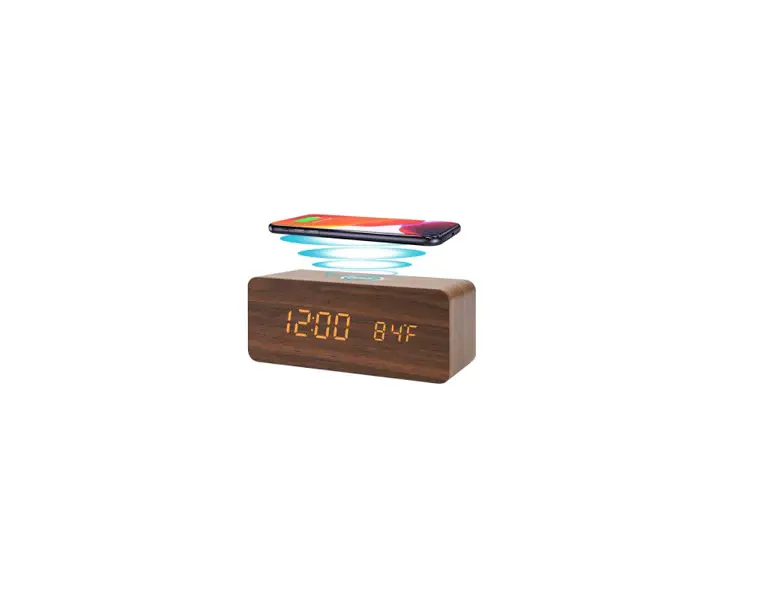
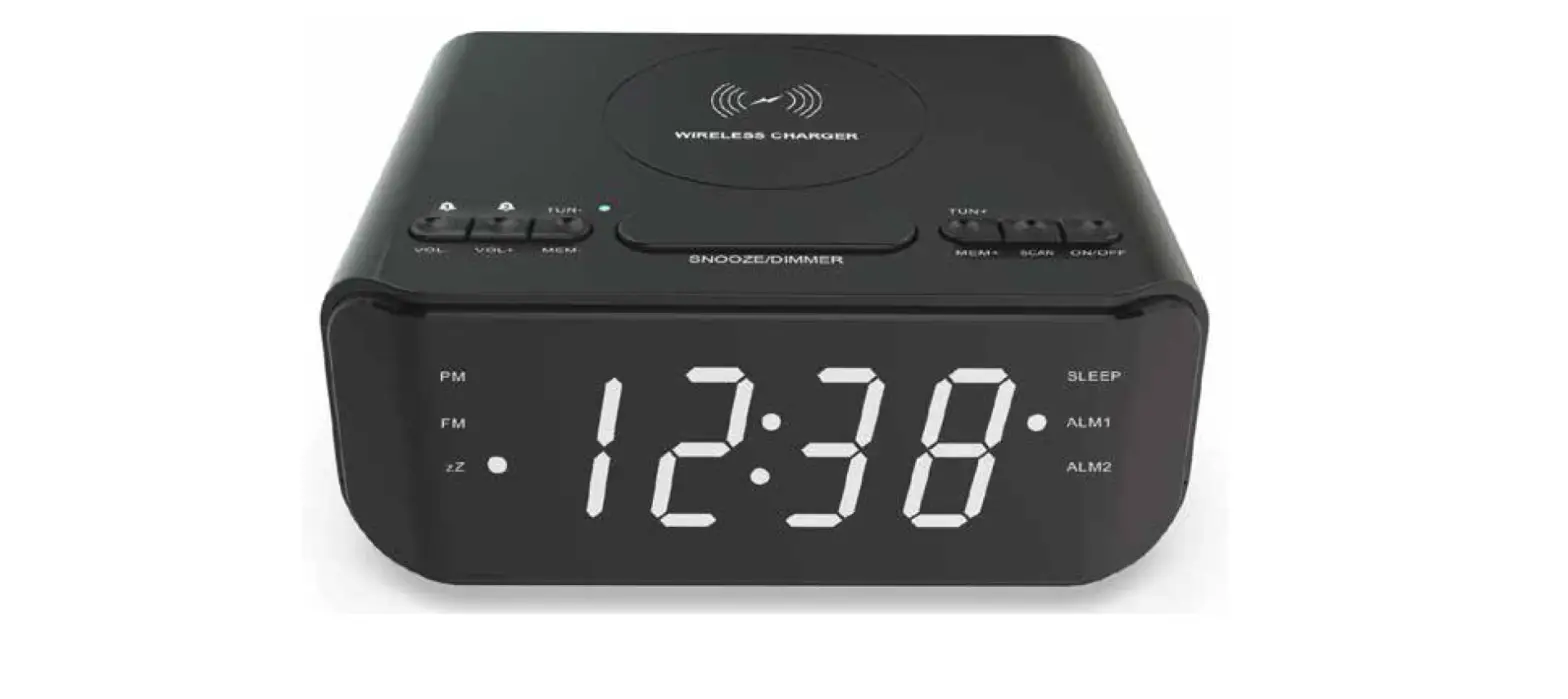
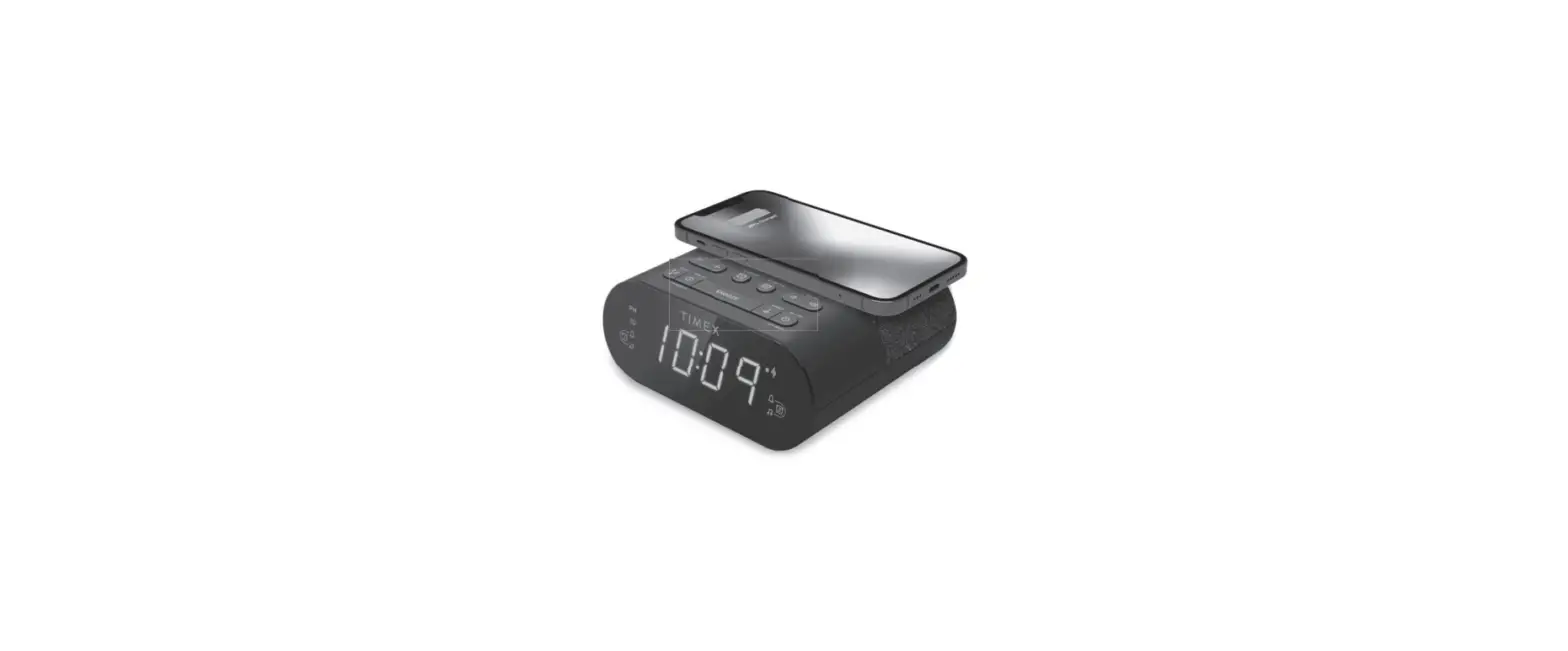
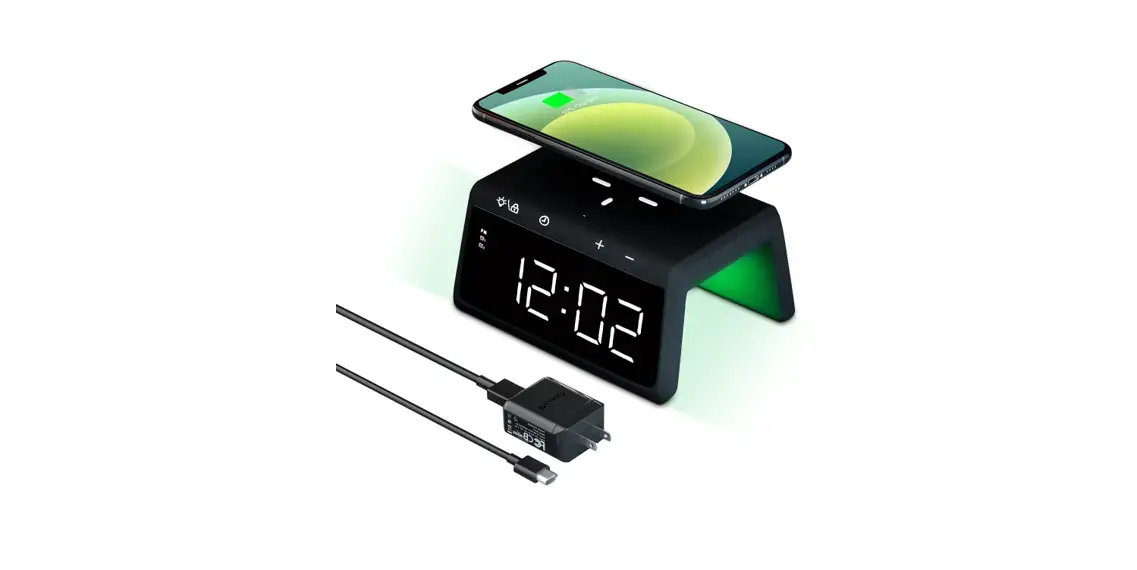
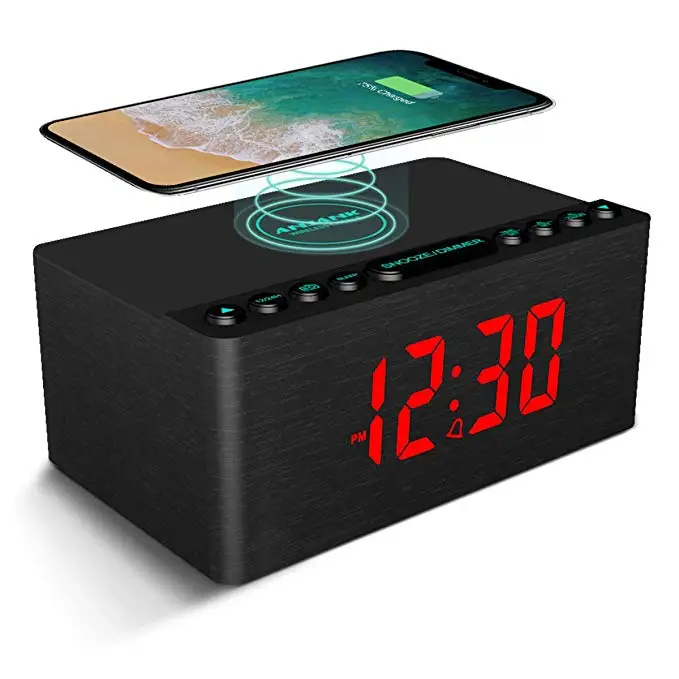
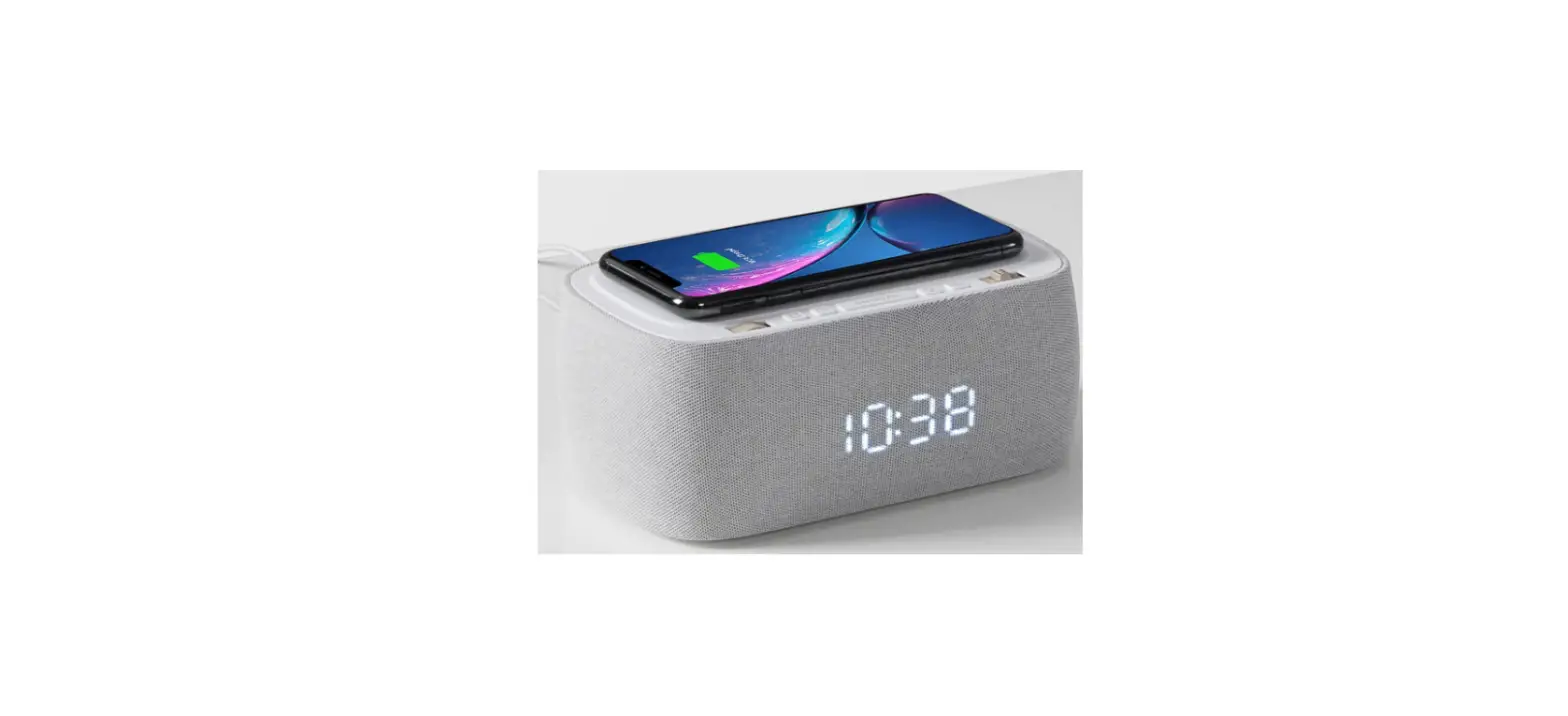
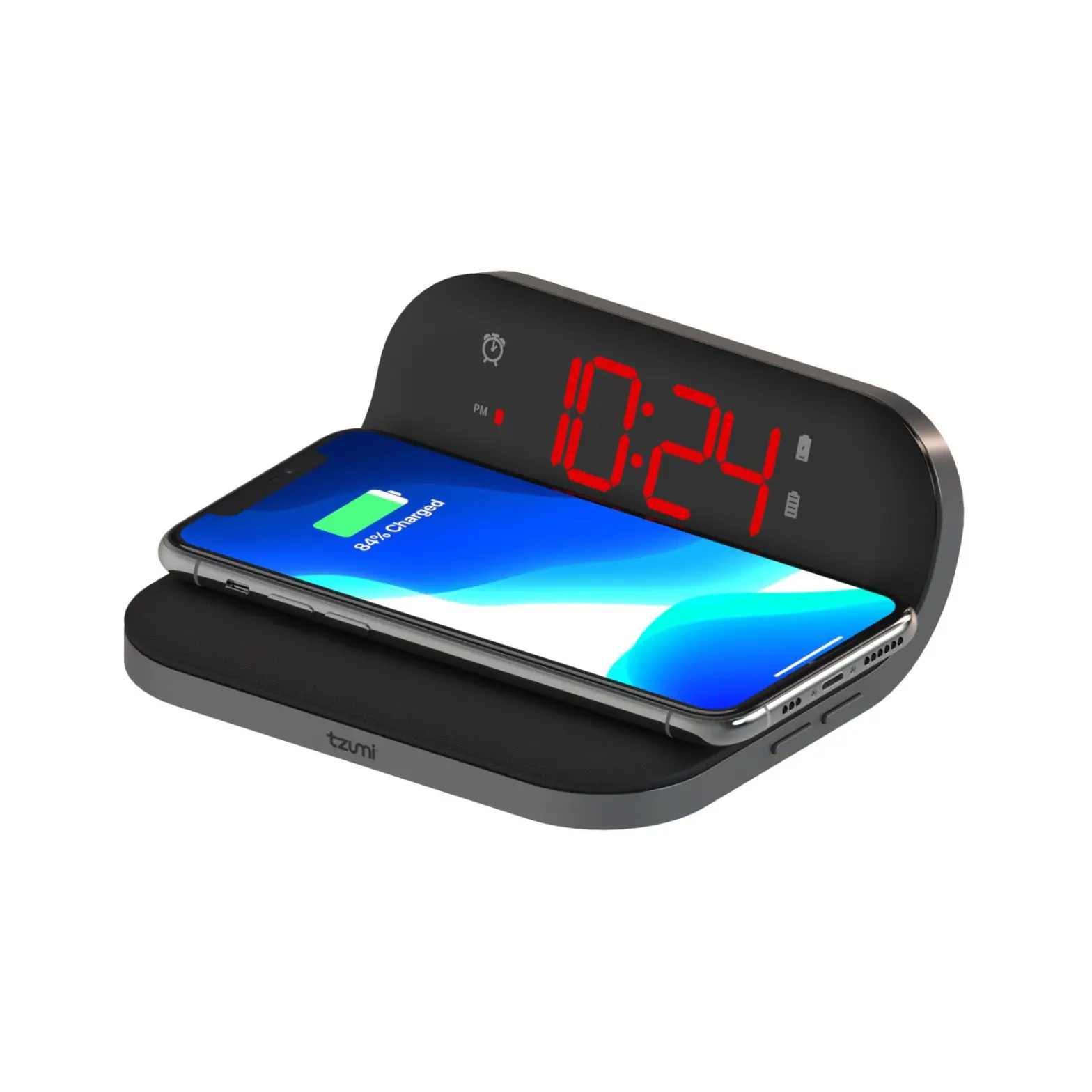
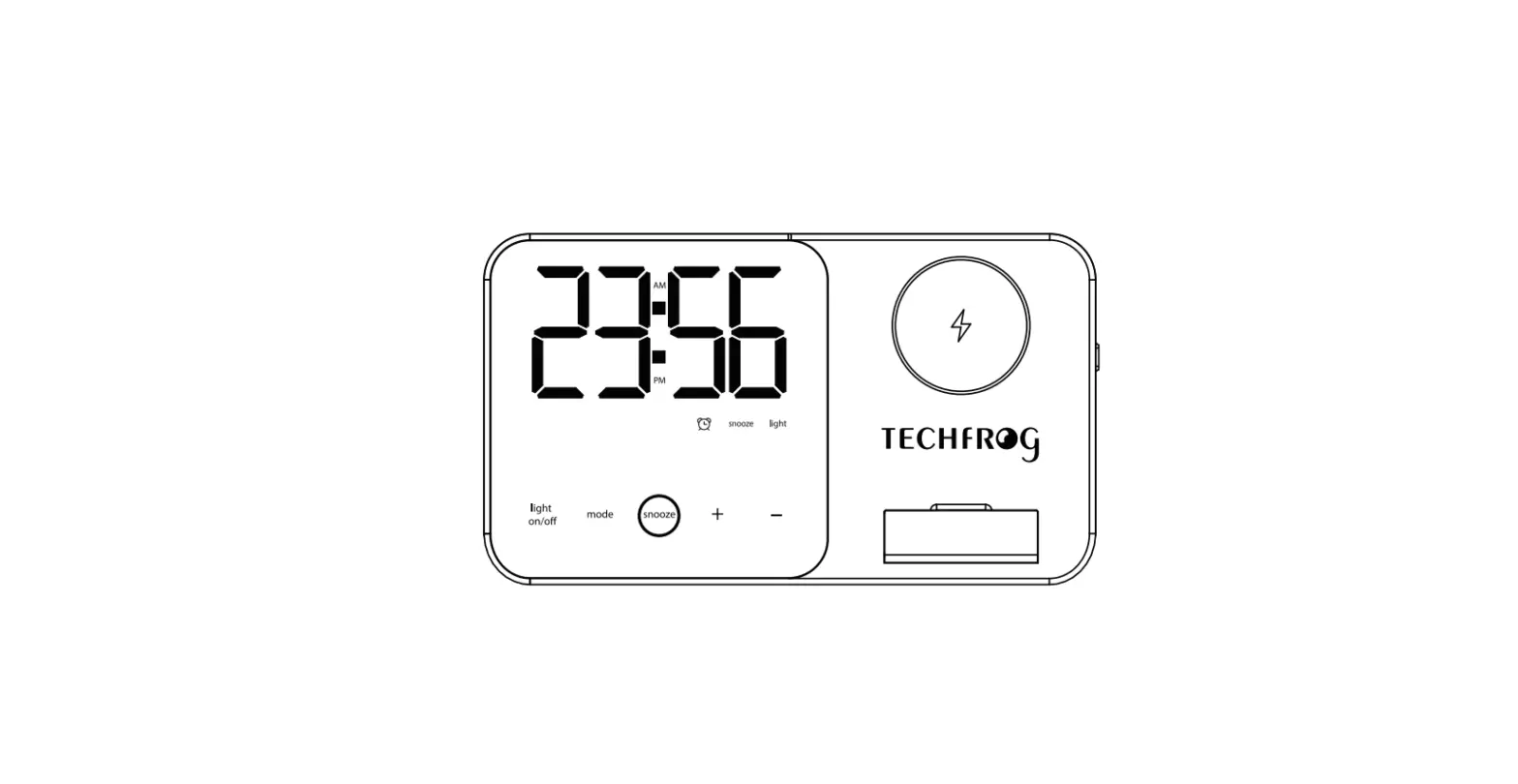
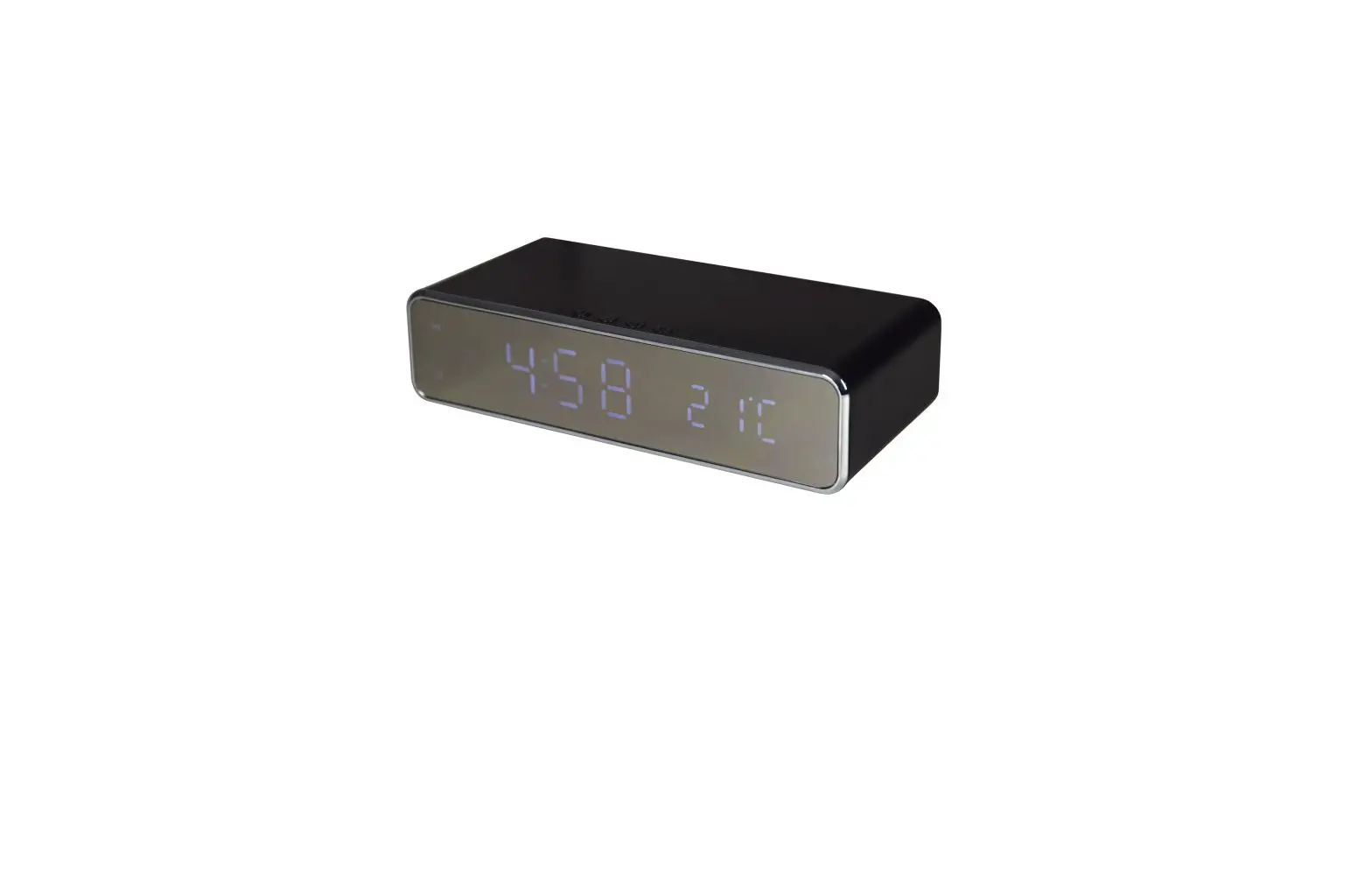
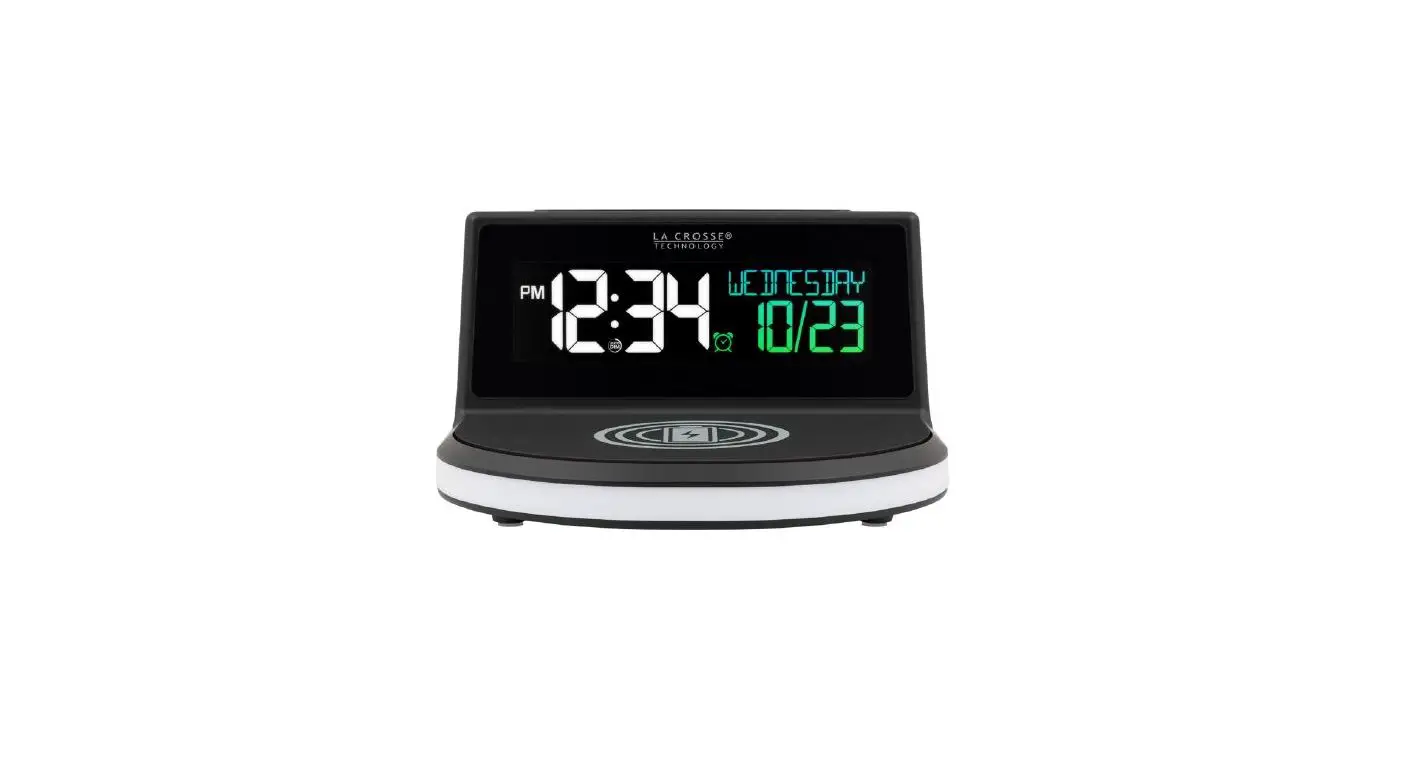
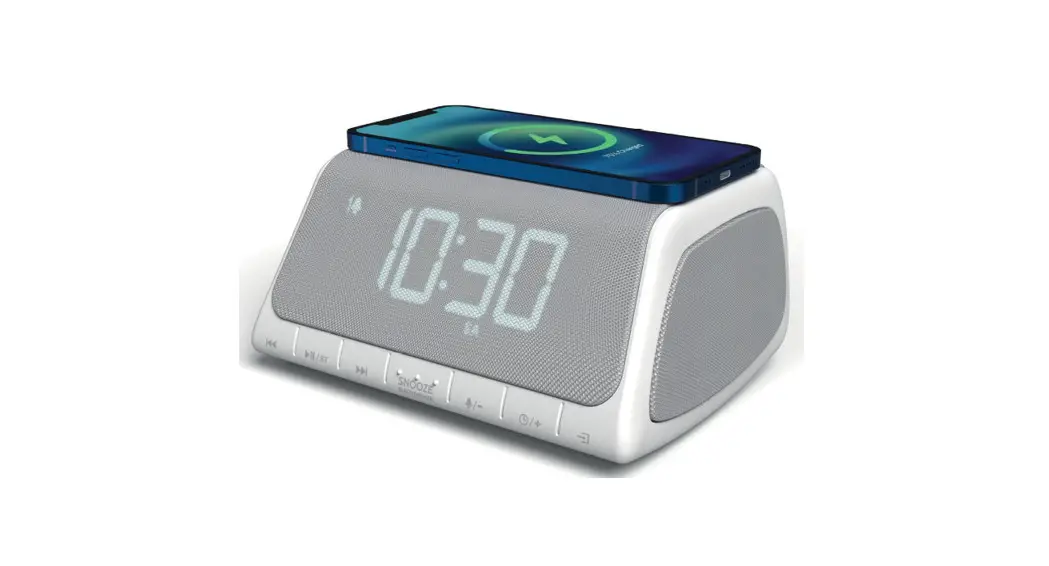
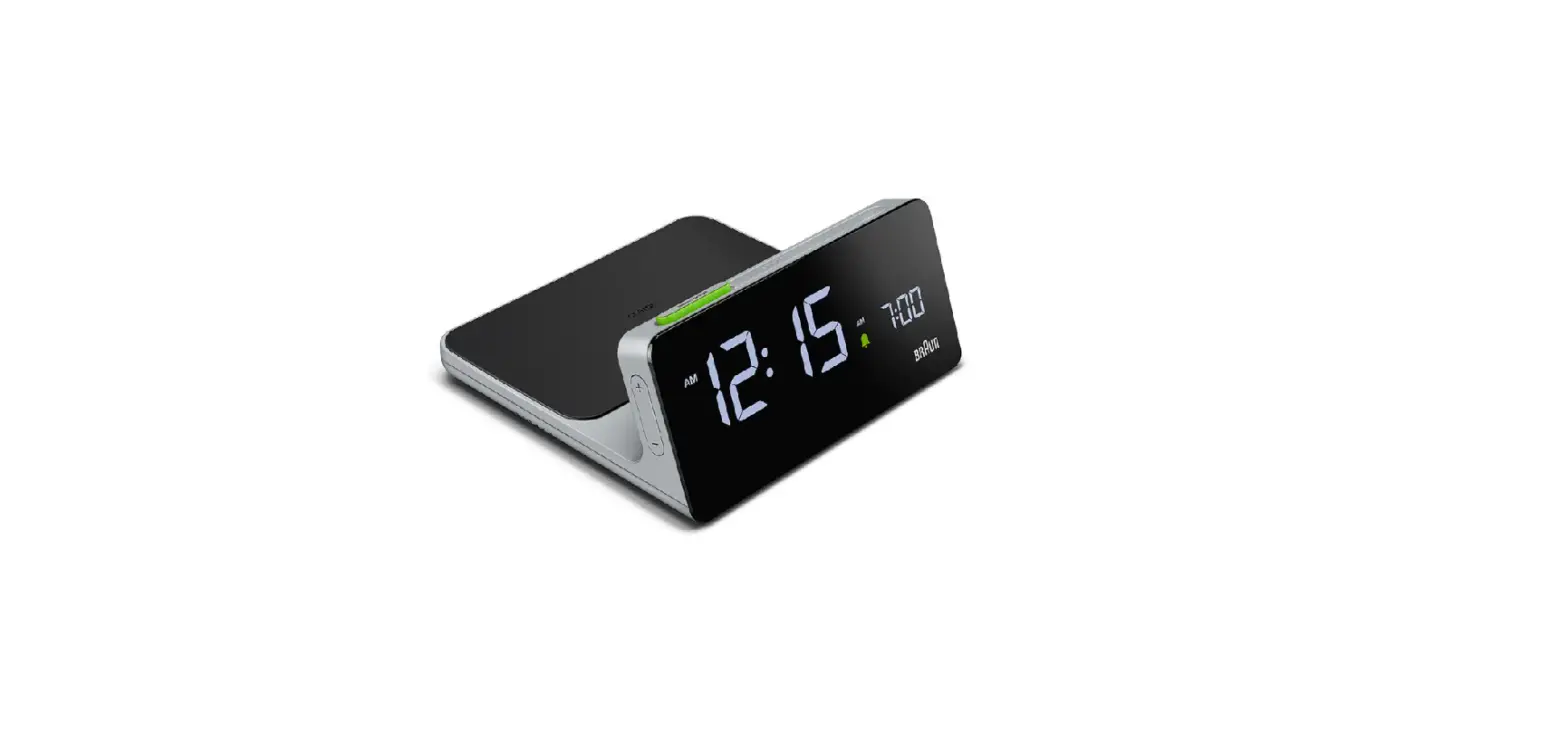
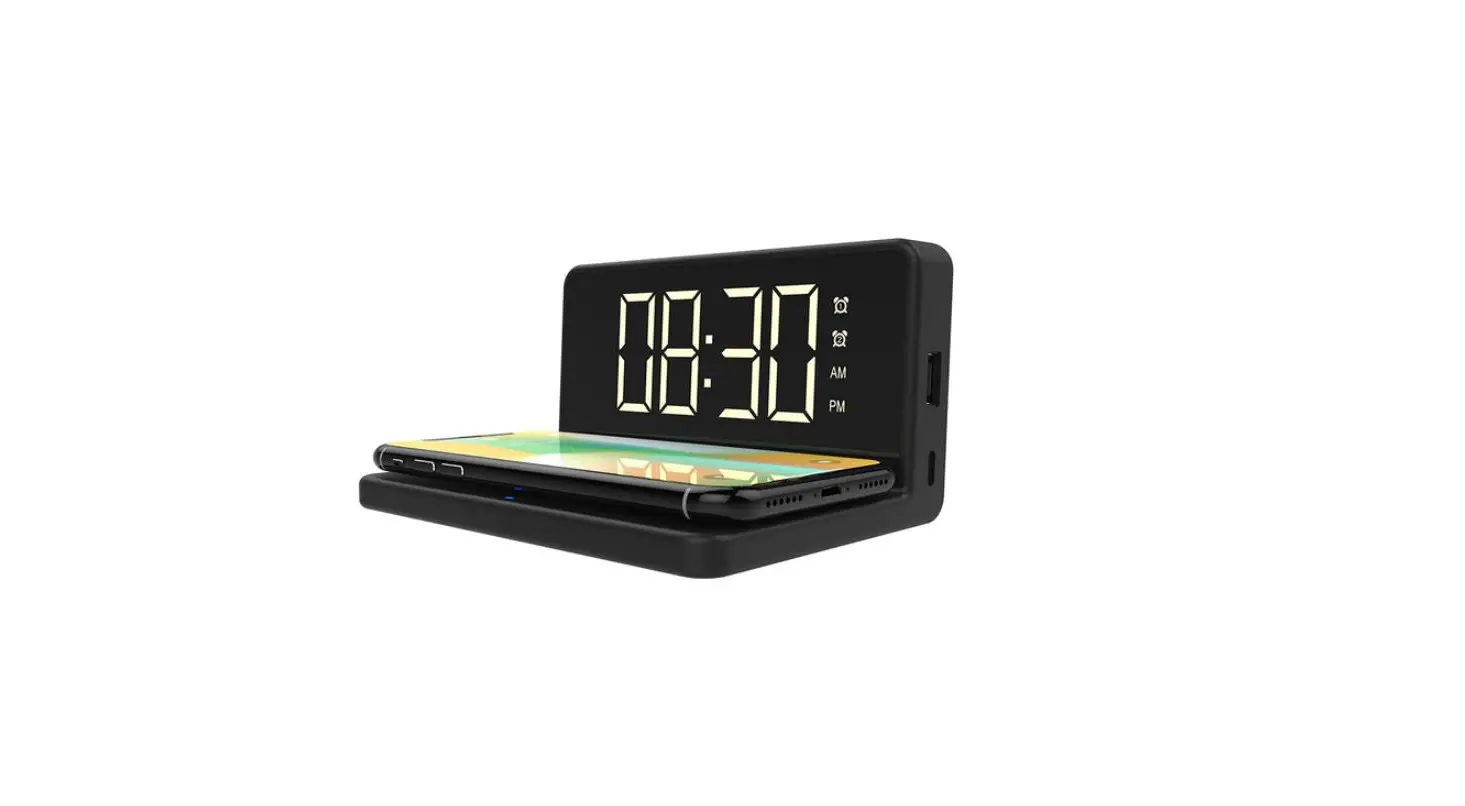
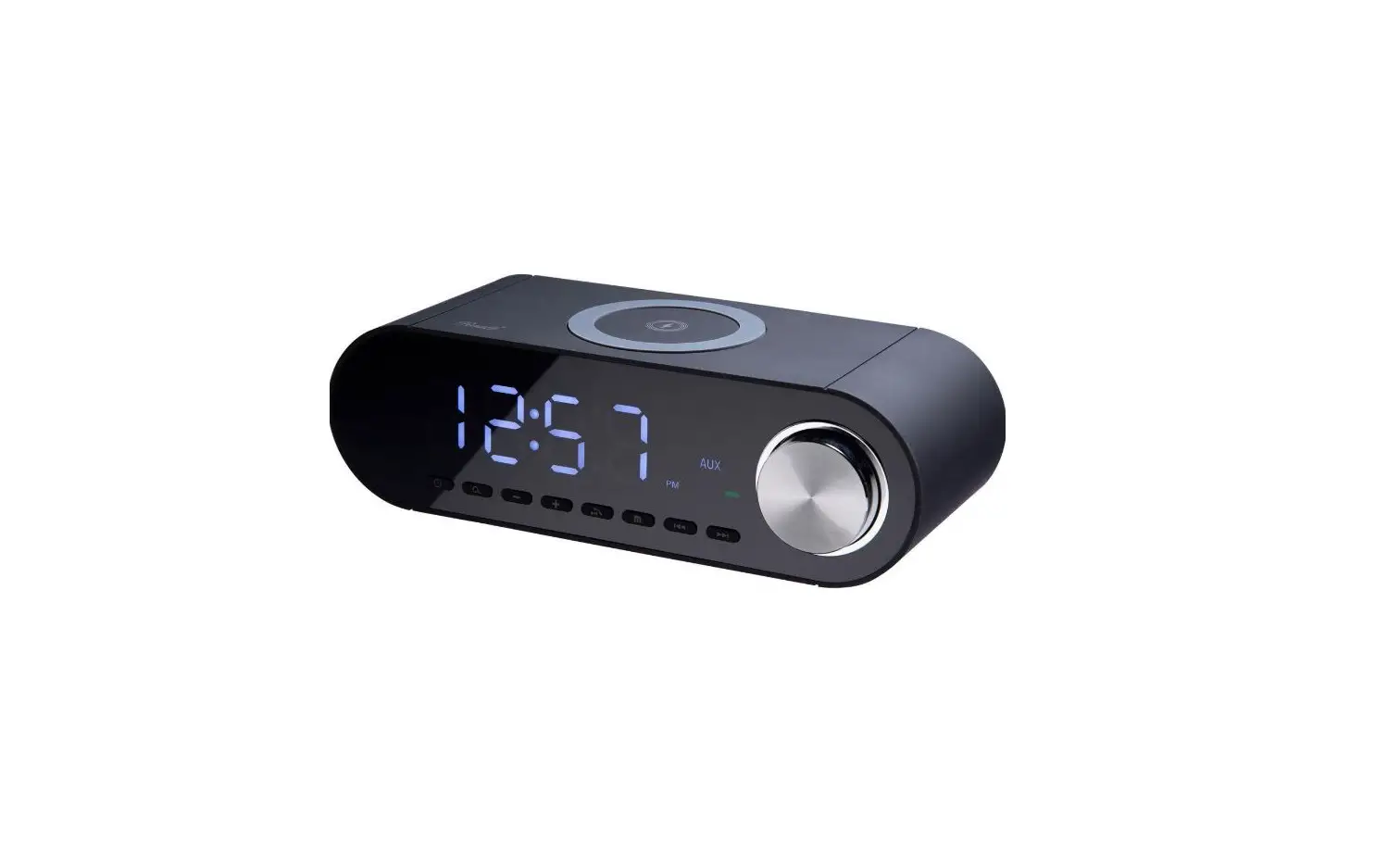
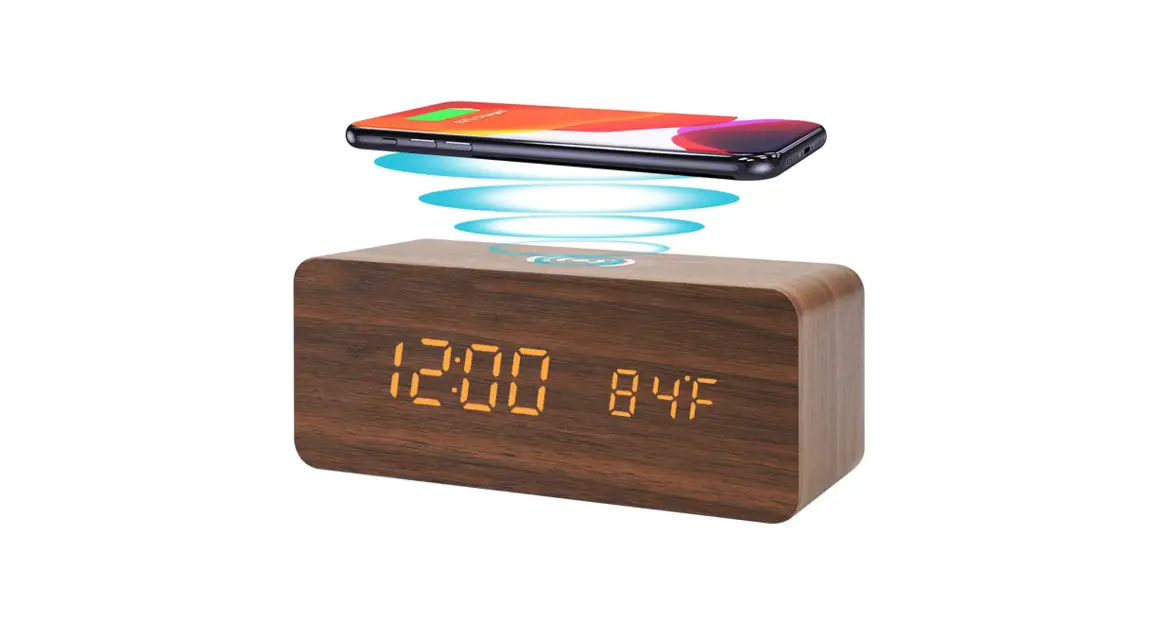
Wireless Charging Alarm Clock
Main Features
- Alarm Setting:
Three separate alarm times set - Time Display Mode:
– 12 / 24-hour time display optional - Calendar Mode:
Display month and date - Temperature Mode:
F/C display optional,range from 32F-122F (0C 50C) - Display Modes:
Three different display mode - Power Saving Mode:
Activate display by sound or touch - Memory Function:
3V builtin battery to keep time and alarm settings - Wireless Charging:
Supports with the QI certificate devices to wireless charge - Power supply:
3 x AAA Batteries or USB Cable
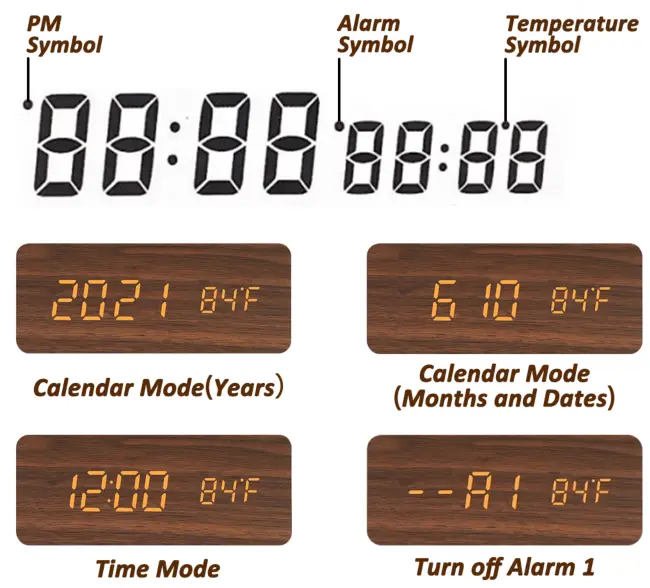
Introduce of Displays
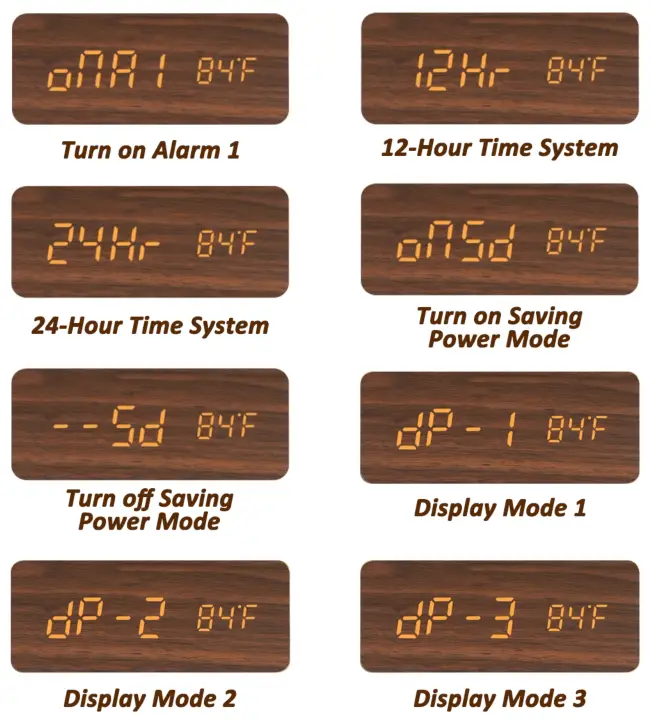
Different alarm screen displays have different meanings which are of importance for subsequ ent operations. Please familiarize yourself with them.
 |  |
Operating Instructions
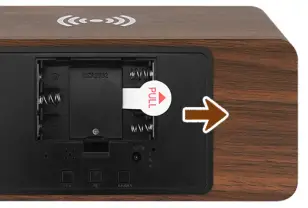
Please pull Insulation Sheet out before using
Mode Switch
After power on, enter the time setting mode, press the ‘SET’ button to check below in sequence Time–> Calen-dar –> Alarm 1, Alarm 2, Alarm 3
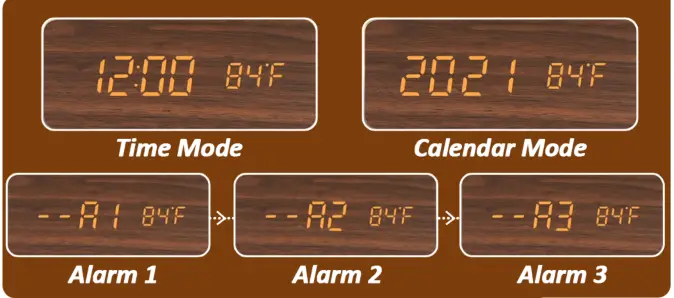
l.The setting mode will return to time display mode if there is no operation for 15 seconds.
2. Press the ‘SET’ button for 2 seconds to start setting, and through the ‘UP/DOWN’ button adjusts the digitals, hold the ‘UP/DOWN’ buttons to speed up the scanning of the digitals. When setting comp listed, press the ‘SET’ button to complete the operation.
Time Setting
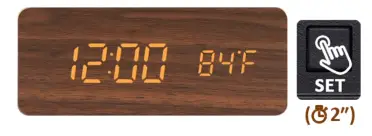
- Under the Time Mode, press the ‘SET’ button for 2 seconds to set the clock.

- Press the ‘UP/DOWN’ button to change the 12/24 hours display. Press the ‘SET’ button again to end-setting.

- Press the ‘UP/DOWN buttons to adjust the hour and minute digits. Press the ‘SET’ button to complete the operation.
 PS: When the 12-hour format is set, the PM indicator on the top left corner will appear in the afternoons.
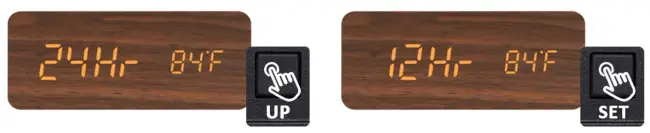
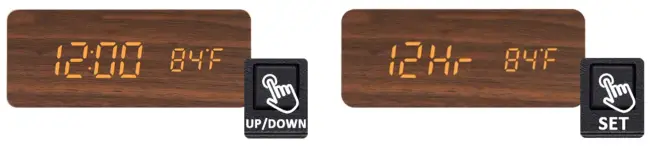 PS: When the 12-hour format is set, the PM indicator on the top left corner will appear in the afternoons.
- Under the Calendar Mode, press the ‘SET’ button for 2 seconds to set the Year. Press the ‘UP/ DOWN’ buttons to adjust digitals. Press the ‘SET button to complete the operation.

- Then set the Month and Date. Press the ‘SET’ button tocom complete the operation. Press the ‘SET’ button to complete the op eration.


Convert °F /°C
Press the ‘DOWN’ button for 2 seconds to switch between Celsius(°C) and Fahrenheit(“F)

Alarm Setting
- Under the Alarm Mode Al, press the ‘UP’ button to turn on the alarm (on Al) and press again to turn it off (–A1).
- Press the ‘SET’ button for 2 seconds and the display will flash now you can set the alarm time.
- Press the’ UP/DOWN’ buttons to adjust the alarm time.
- Press the ‘SET’ button to complete the operation.
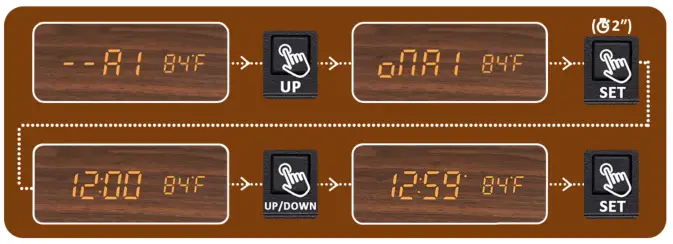
A2 and A3 alarms can be set in the same way as Al.
Keep the Screen Display
- Under Time Mode, press the ‘DOWN’ button.
- When the clock displays ‘odd’, press the ‘DOWN’ button again. Then the screen will keep displayed.

Display Modes
Press the ‘UP’ button to switch between DP-1, dP-2, dP-3
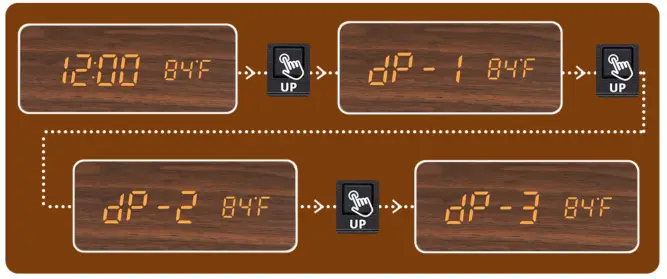
After-Sales Service
We have also prepared a video in introduction for you, you can scan the QR code on the right to watch it on youtube.
If you have any problems, please feel free to contact the sellers. We will provide a 100% after-sales service. E-mail: [email protected]