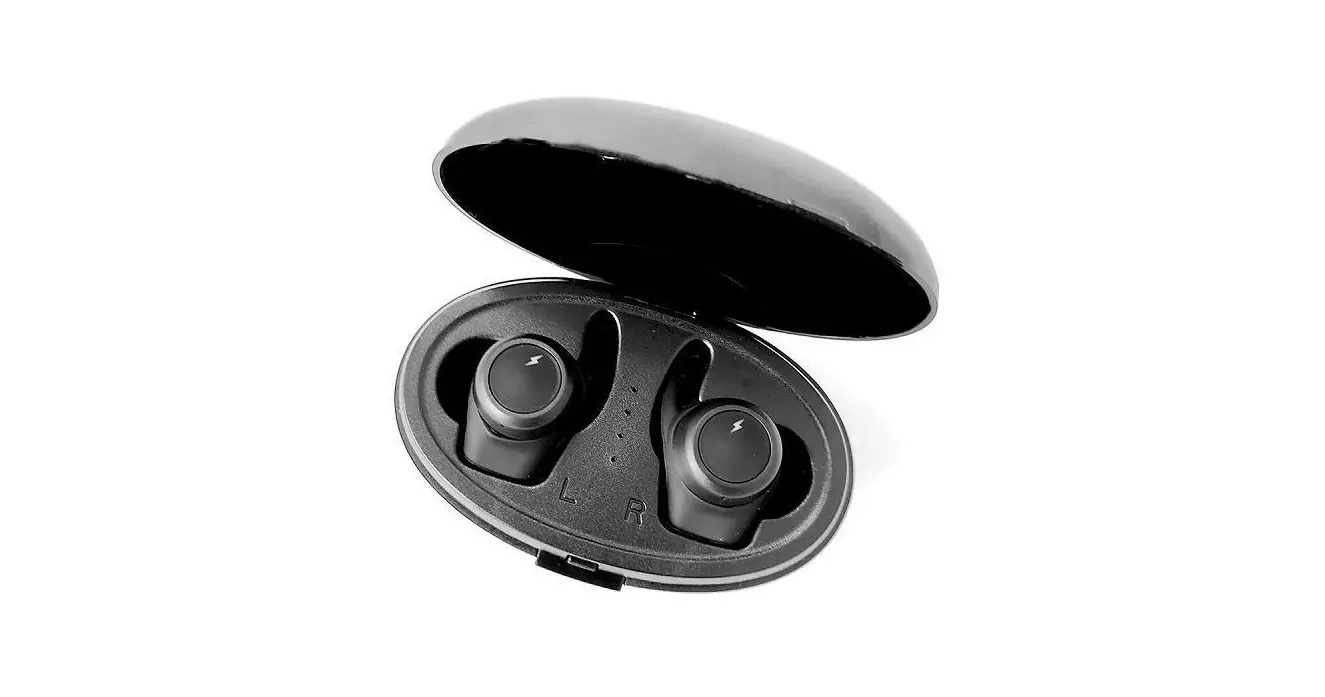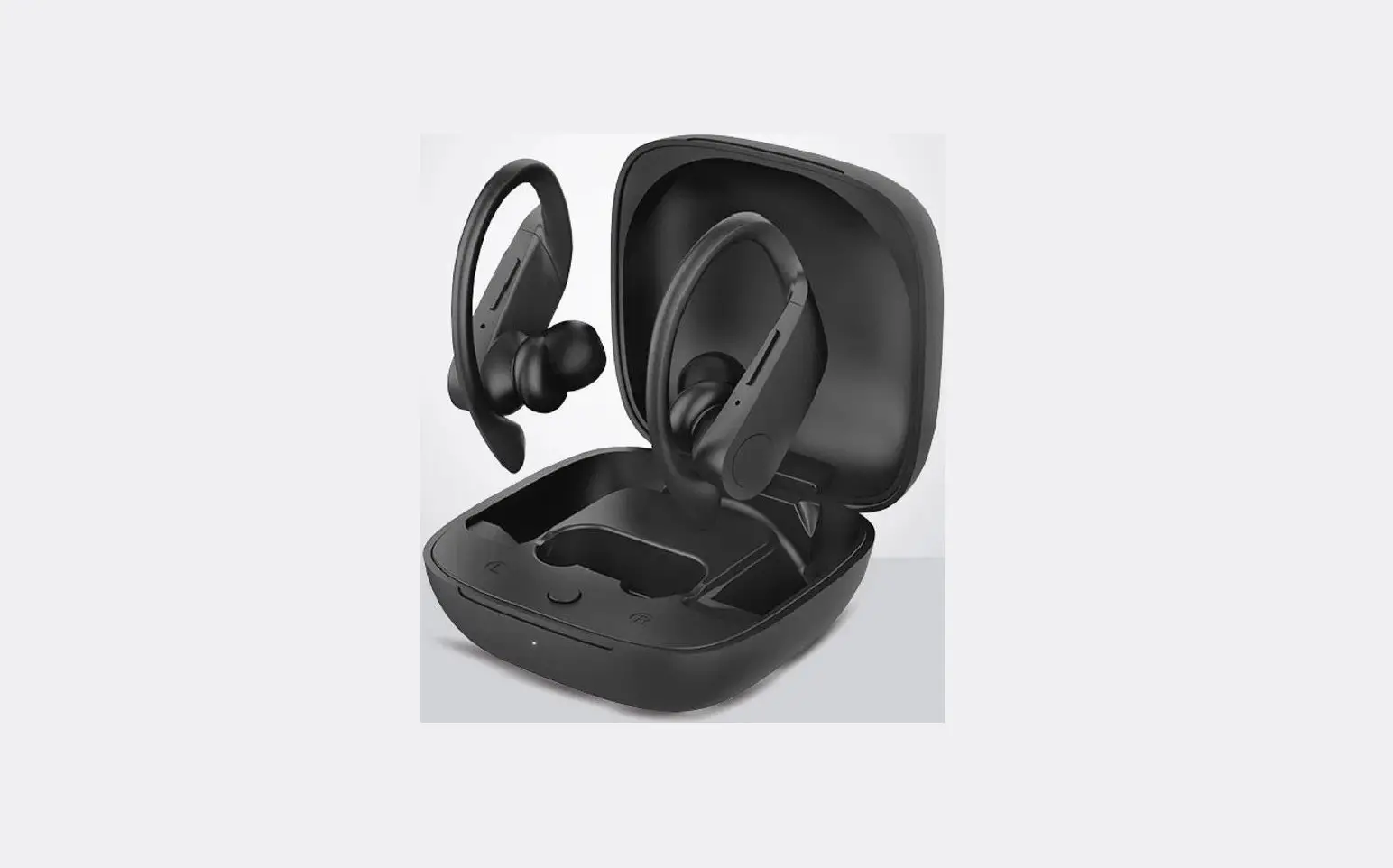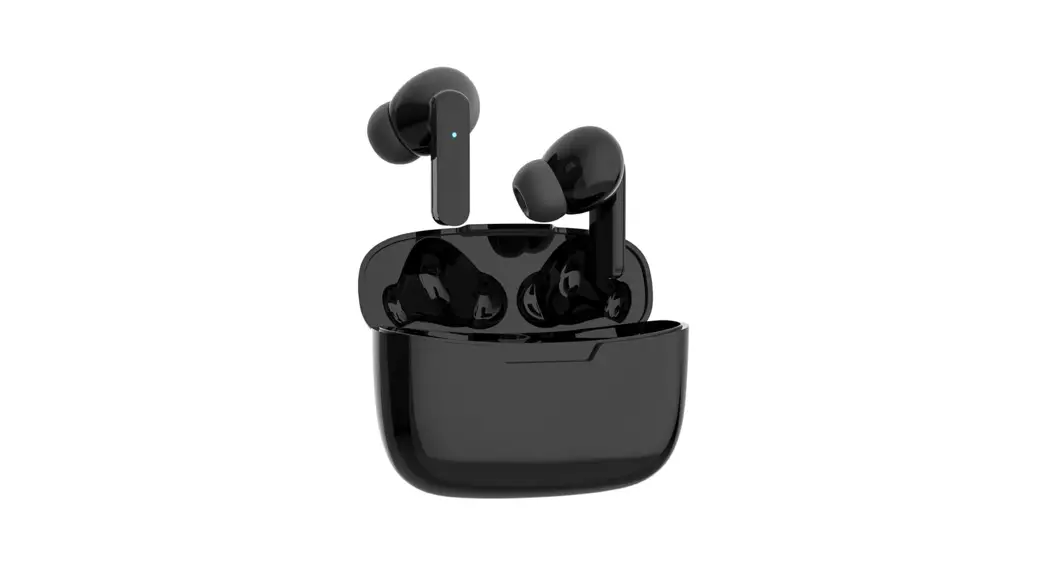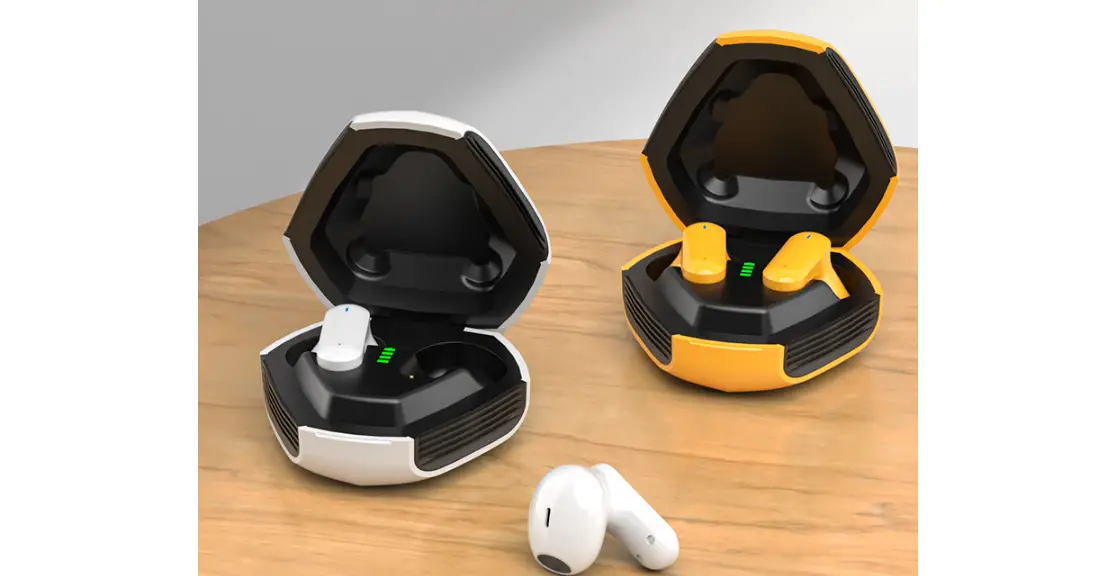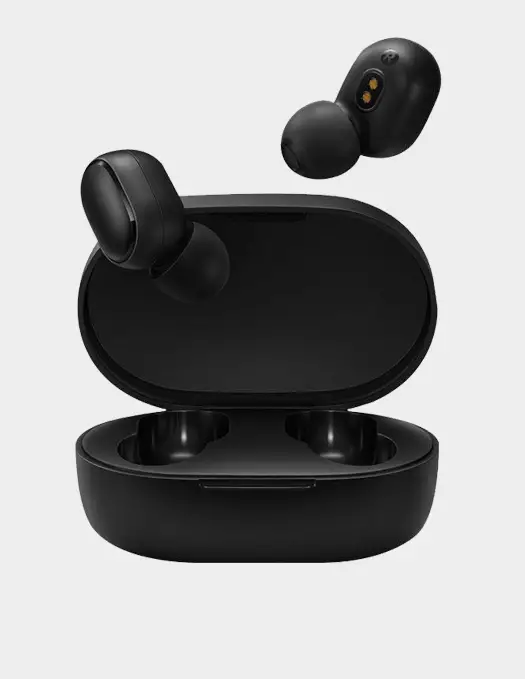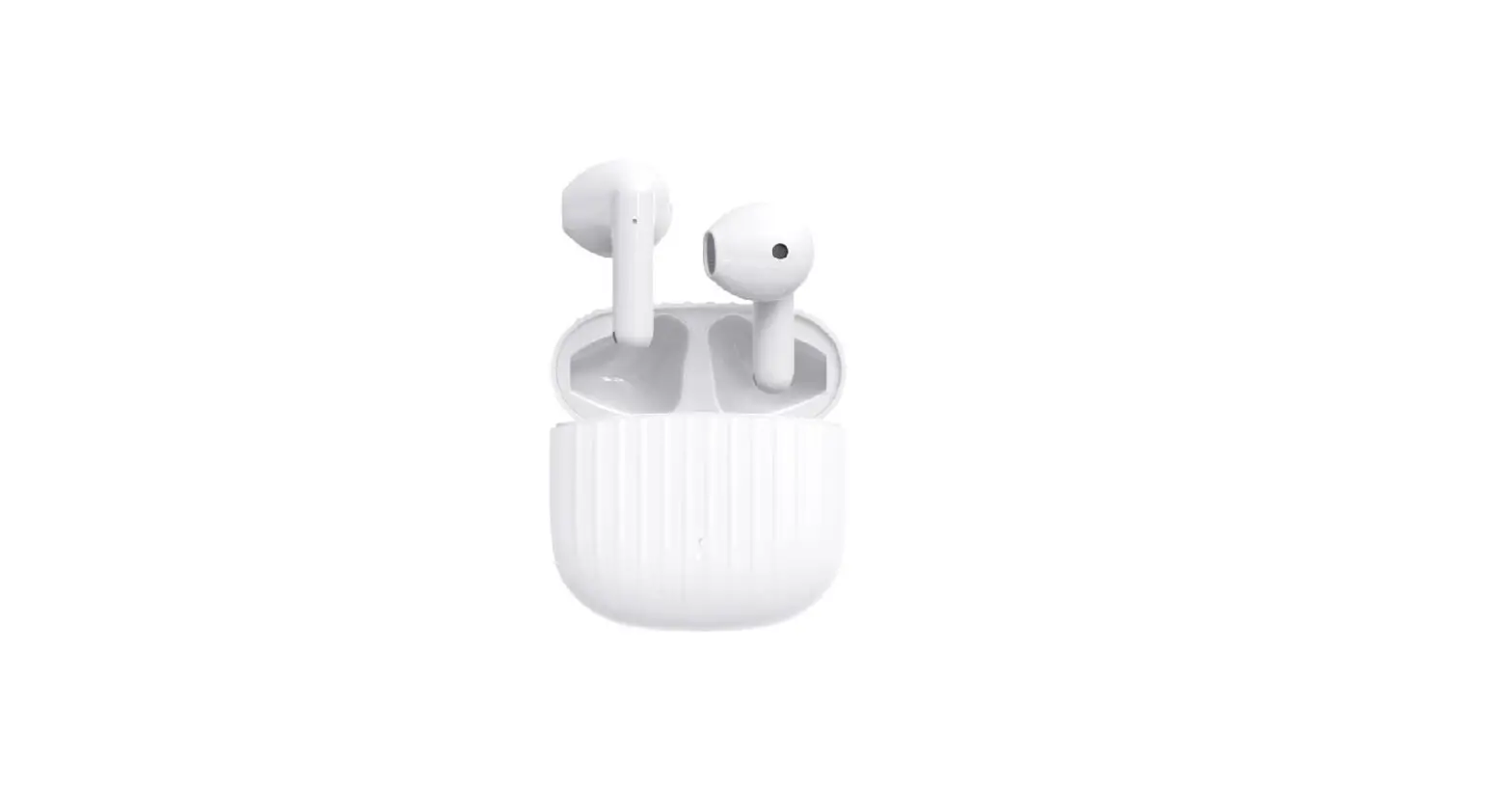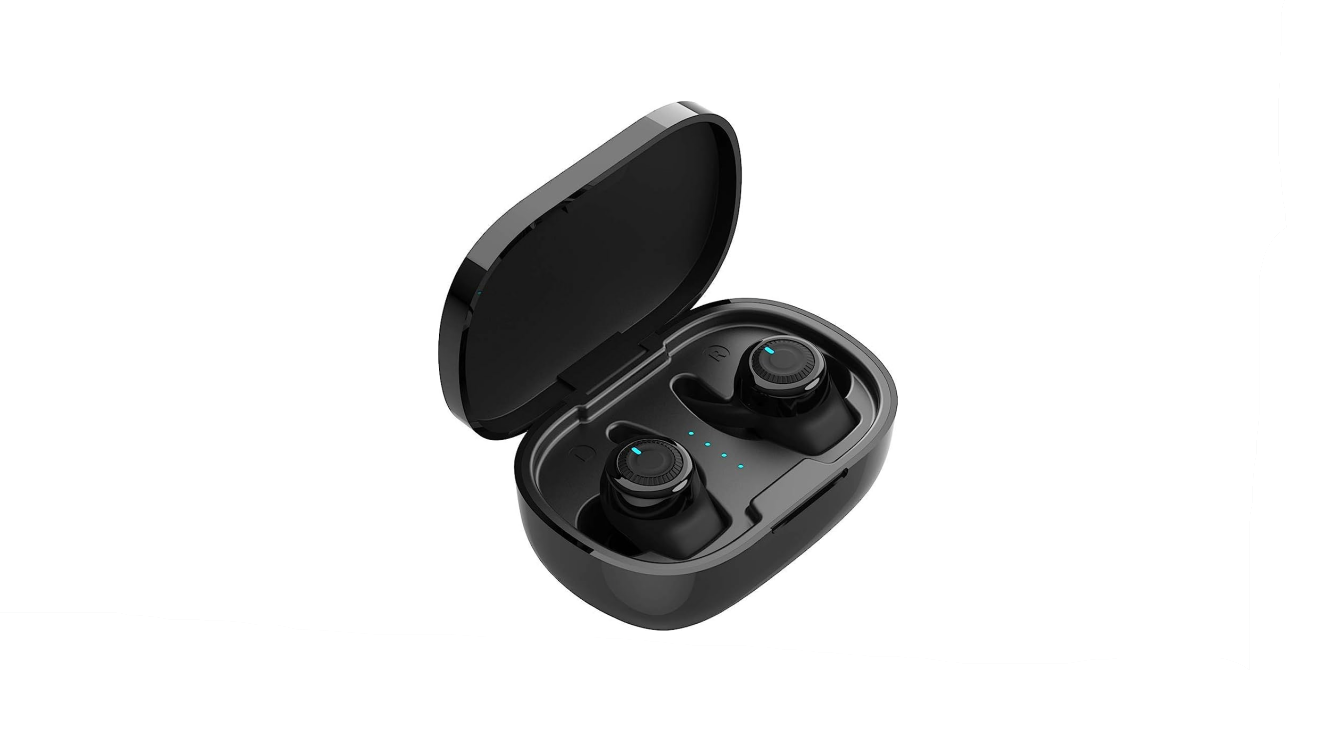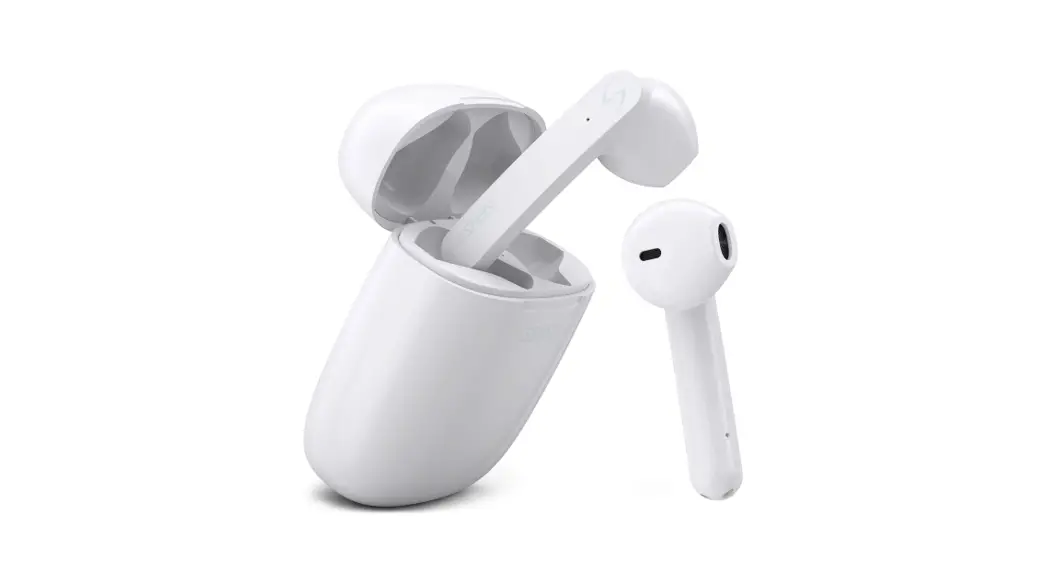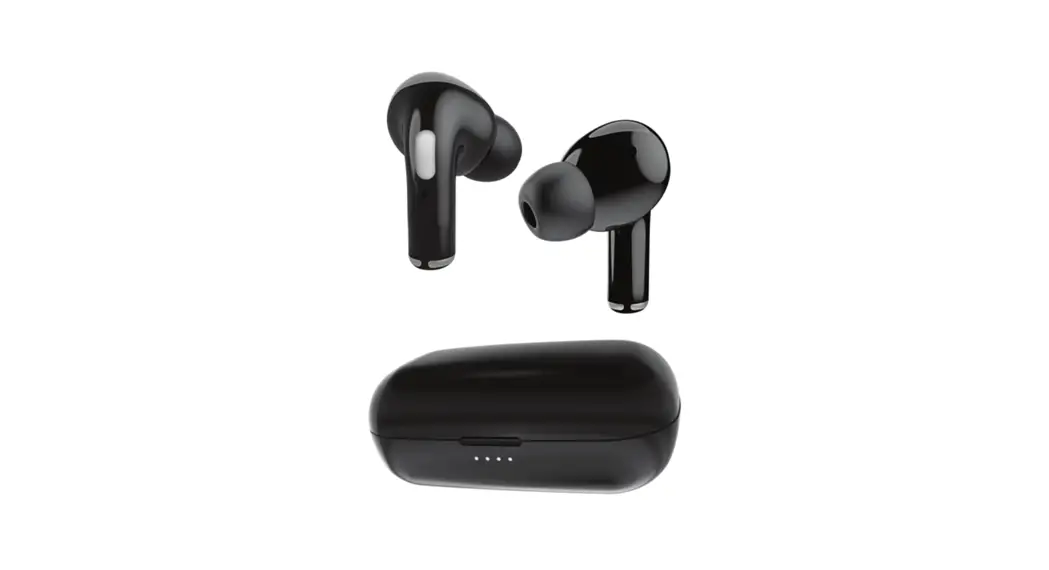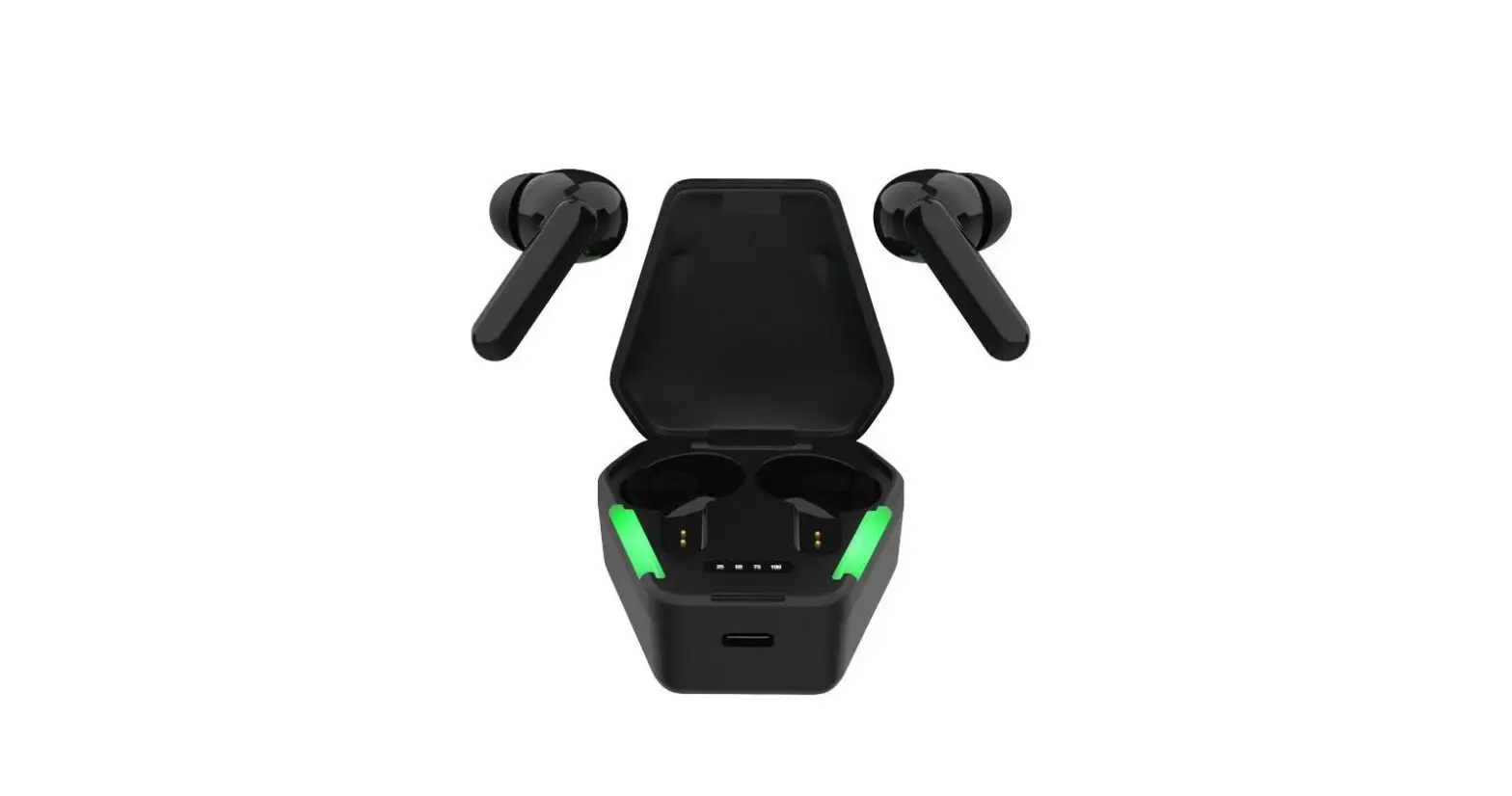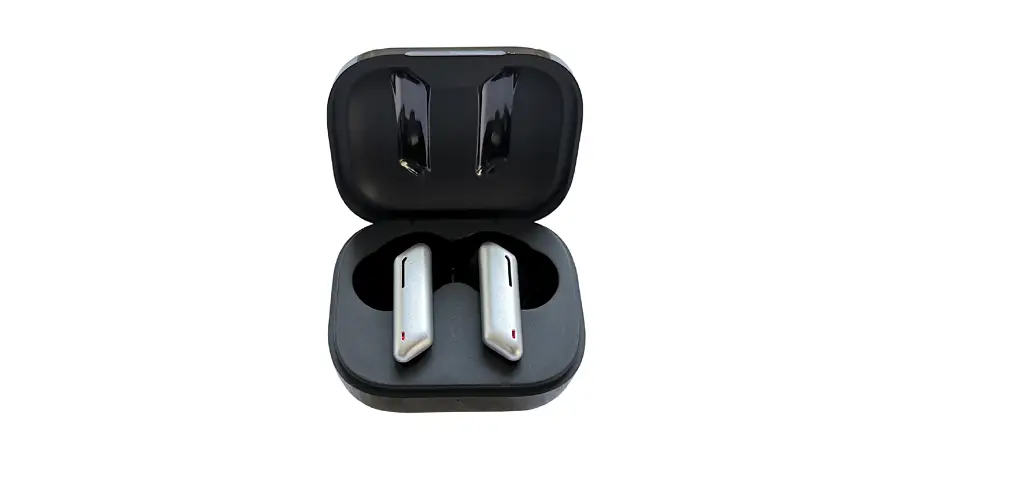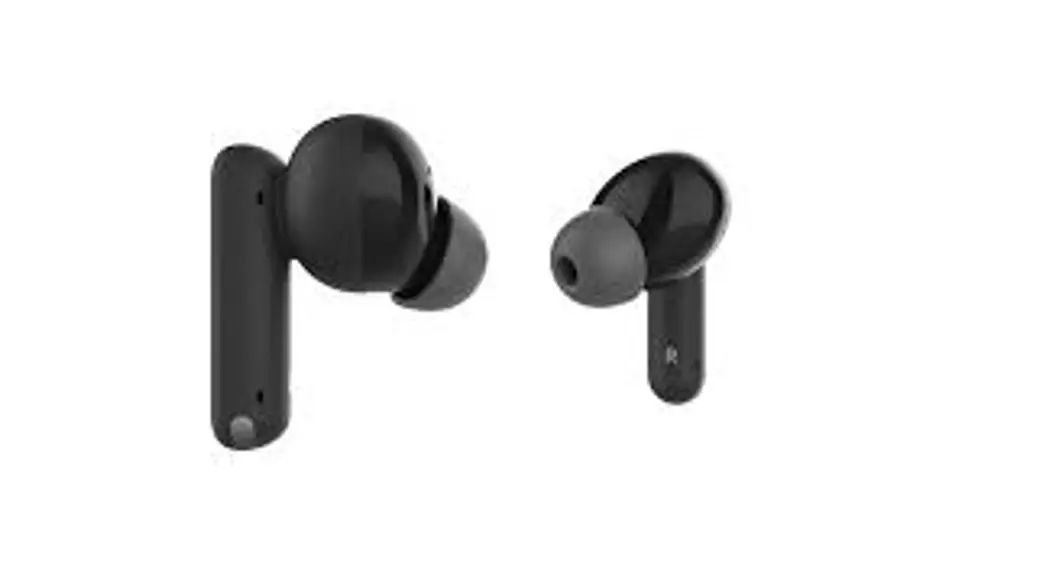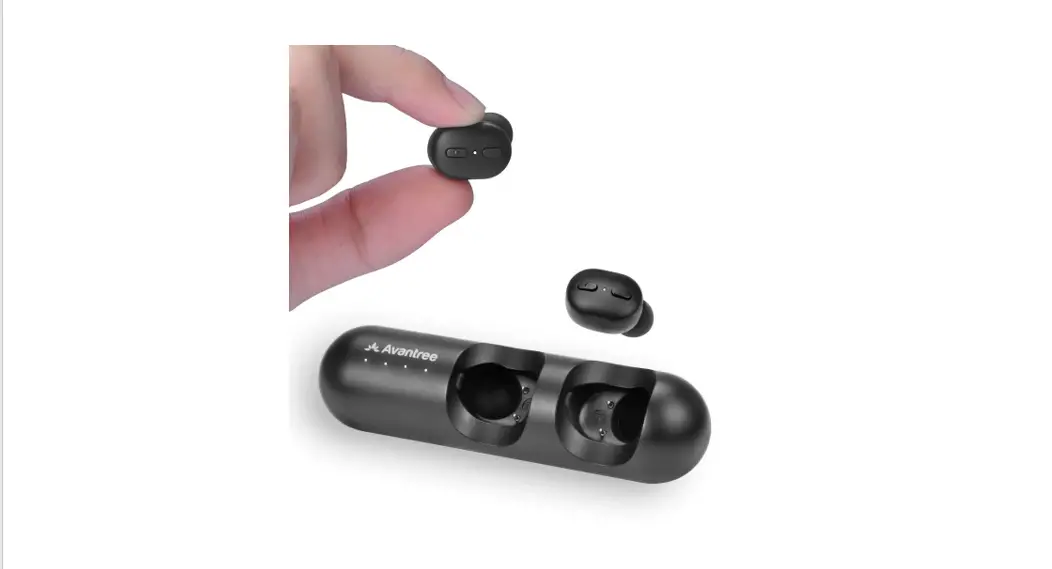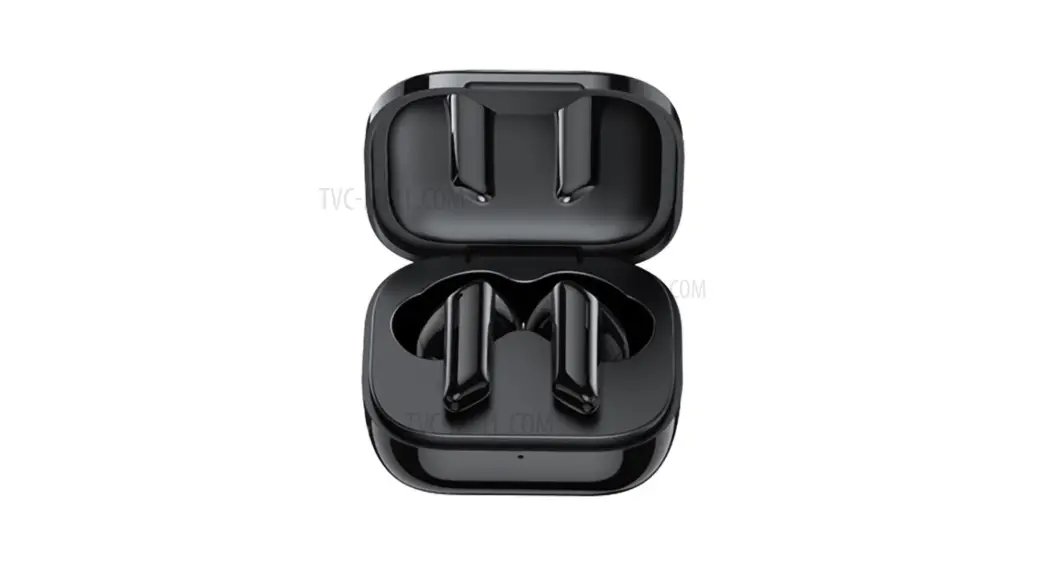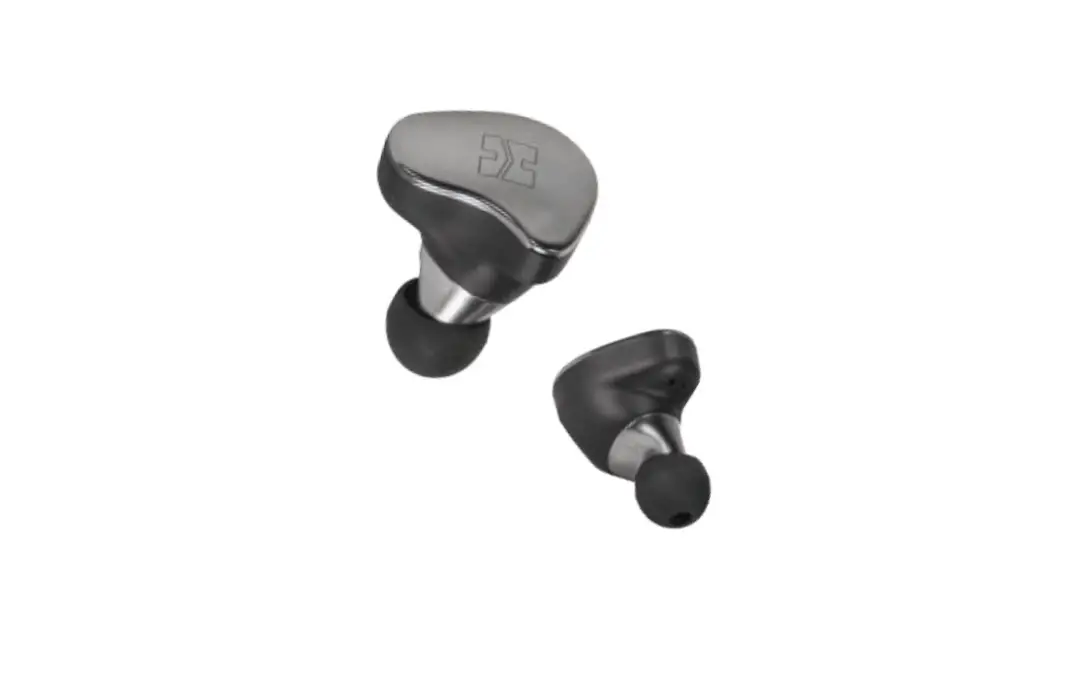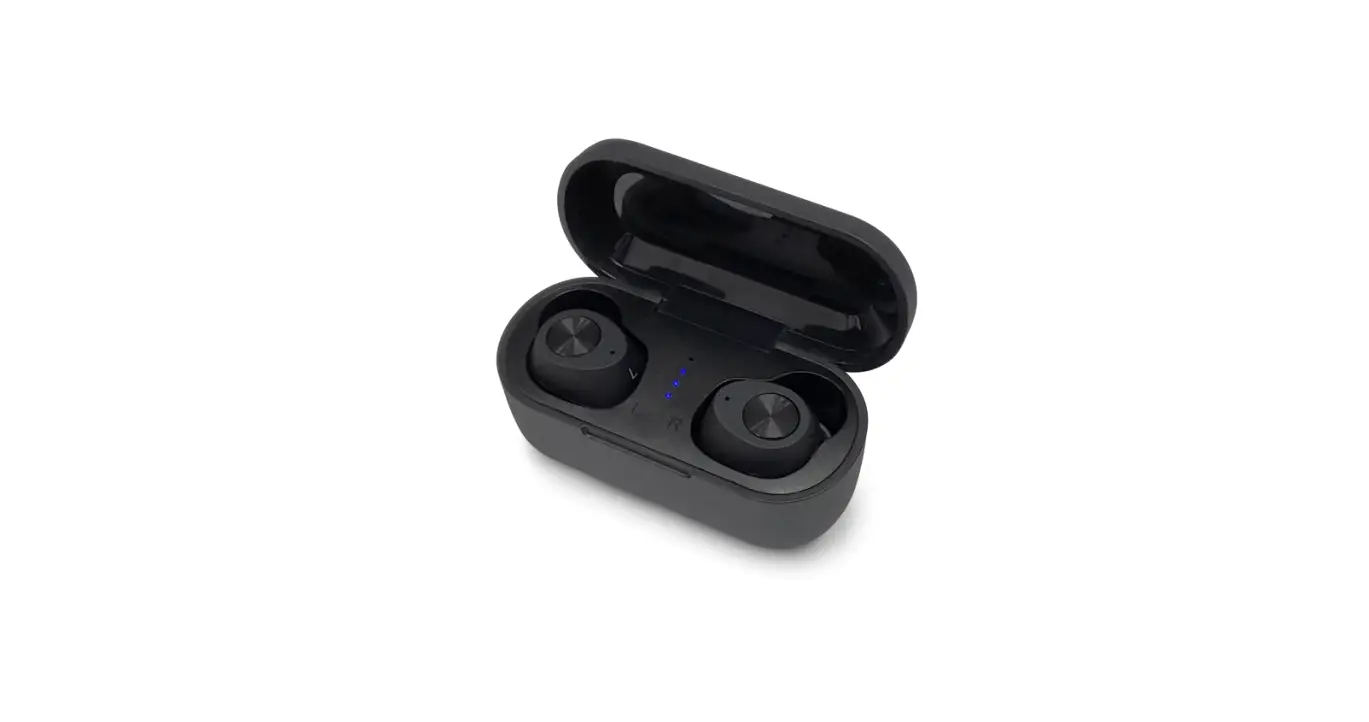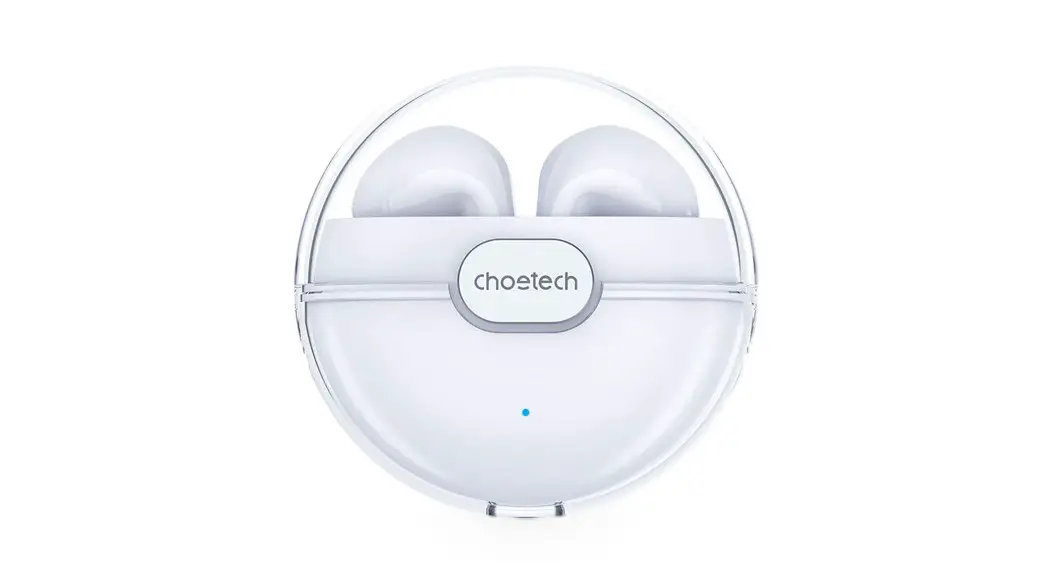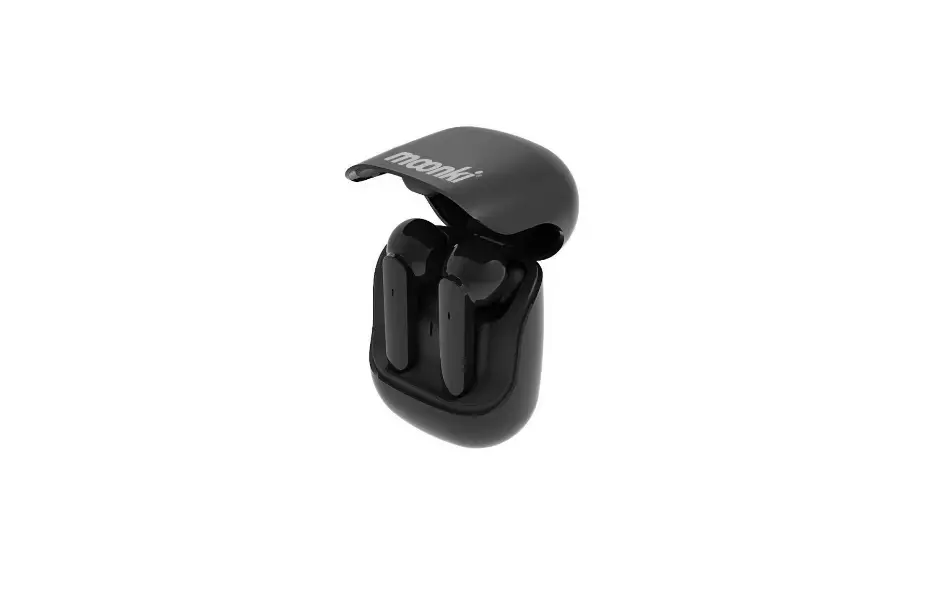

moonki MH-TWS33 True Wireless Earbuds
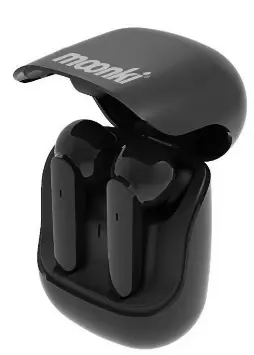
Wireless Earbuds
True Wireless Earbuds to achieve realize wireless stereo, separate left and right channels, HIFI sound effect, both left and right earbuds with complete wireless function, it can be used alone or in pairs, and support dual microphone calls.
Specifications
- Wireless Version: V5.0
- Reach Range: 10M
- Battery Specifications: 30mAh
- Playing time: 4 Hours
- Charging time : 1.5 Hour
- Sensitivity: 100 + 3 dB
- Frequency Range: 20Hz-20KHz
- Driver: 8 MM
- Impedance: 320hm S.P.L (at 1 KHz)
Charging case
- Battery Specification: 400mAh (Earphones can be charged 3 times.)
- Charging Voltage: DC4.5-5.SV
- Charging time: 2 Hours
Function
|
| Power on: Take outthe earbuds from the charging case, it will turn on automatically. Power off: Put the earbuds into the charging case, it will turn off automatically. |
|
| When you take out both earbuds from the charging case at the same time, they will be paired automatically. The red and blue LED indicator will flash alternatively until both earbuds are paired successfully. At this time, the earbuds are ready to be paired with your mobile phone. The LED indicator will turn blue after successful connection. (Support single earphone connection) |
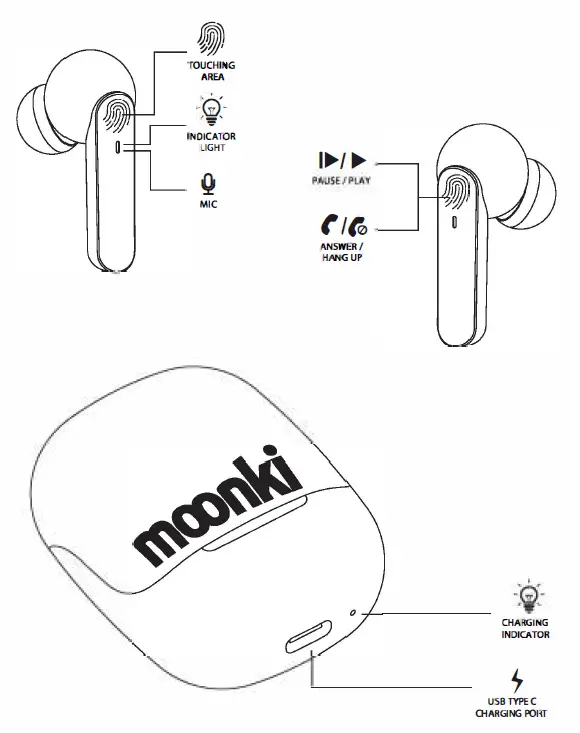
 Play/Pause Play/Pause | Pause: Double-press the touching area on either side to pause. Play: Double-press the touching area again to play. |
 Phone Calls Phone Calls | Answer the Call: Double-press the touching area on either side to answer the call. Hang up the call: Double-press again to hang up the call. Reject the Call: Long press 2 seconds to reject. the call. |
 On/Off
 Pairing
 Voice Assistant Voice Assistant | Long press the touching area for 3 seconds to start the phone’s voice assistant. |
 Earphone Charging Earphone Charging | Put the earbuds into the charging case, the earbuds will automatically shut down and enter the charging state. The LED indicator will turn red while charging and turn solid blue when fully charged. |
|
| Insert the small connector of the supplied Type-C charging cable into the USB charging port at the bottom of the charging case. Insert the larger connector of the supplied Type-C charging cable into the USB port on a computer, or a charging device containing a USB port, or a SV USB adapter. The LED indicator light will turn solid blue when fully charged. The LED indicator light will turn solid green while the earbuds is charging and will keep on for 10 seconds once fully charged, then it will turn off. |
Attention:
- Please do not treat the product with violence, and do not squeeze the product with heavy objects. Keep away from high temperature and humidity
- For the best performance, please avoid close contact with WIFI or router, otherwise it may affect the wireless signal or disconnect.
- Please use this product within the effective distance environment (1 O meters), and there should be no physical obstacles between the wireless device and the earbuds block (such as a high wall).
Functional operation diagram