 User Manual
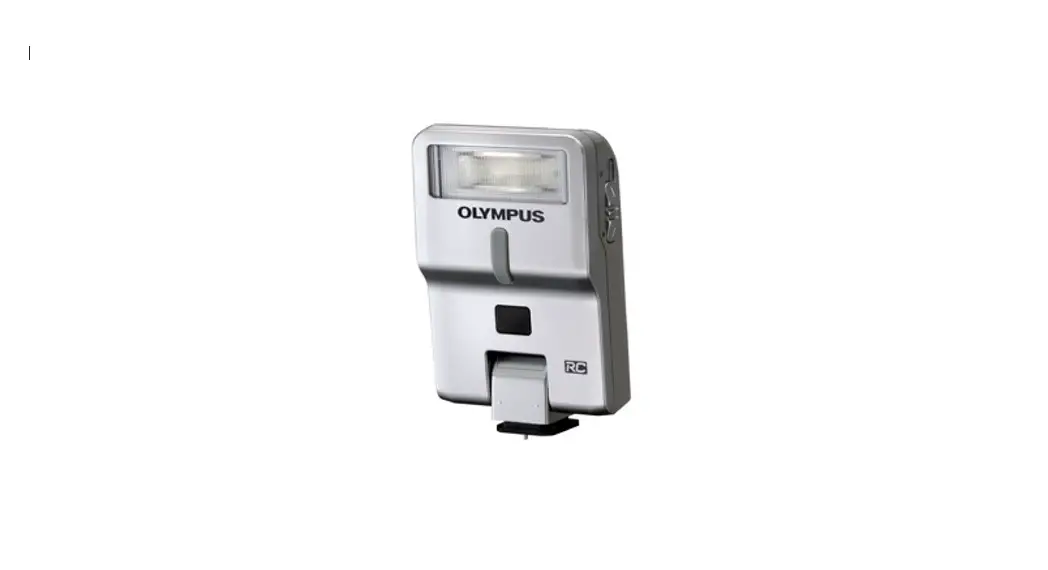
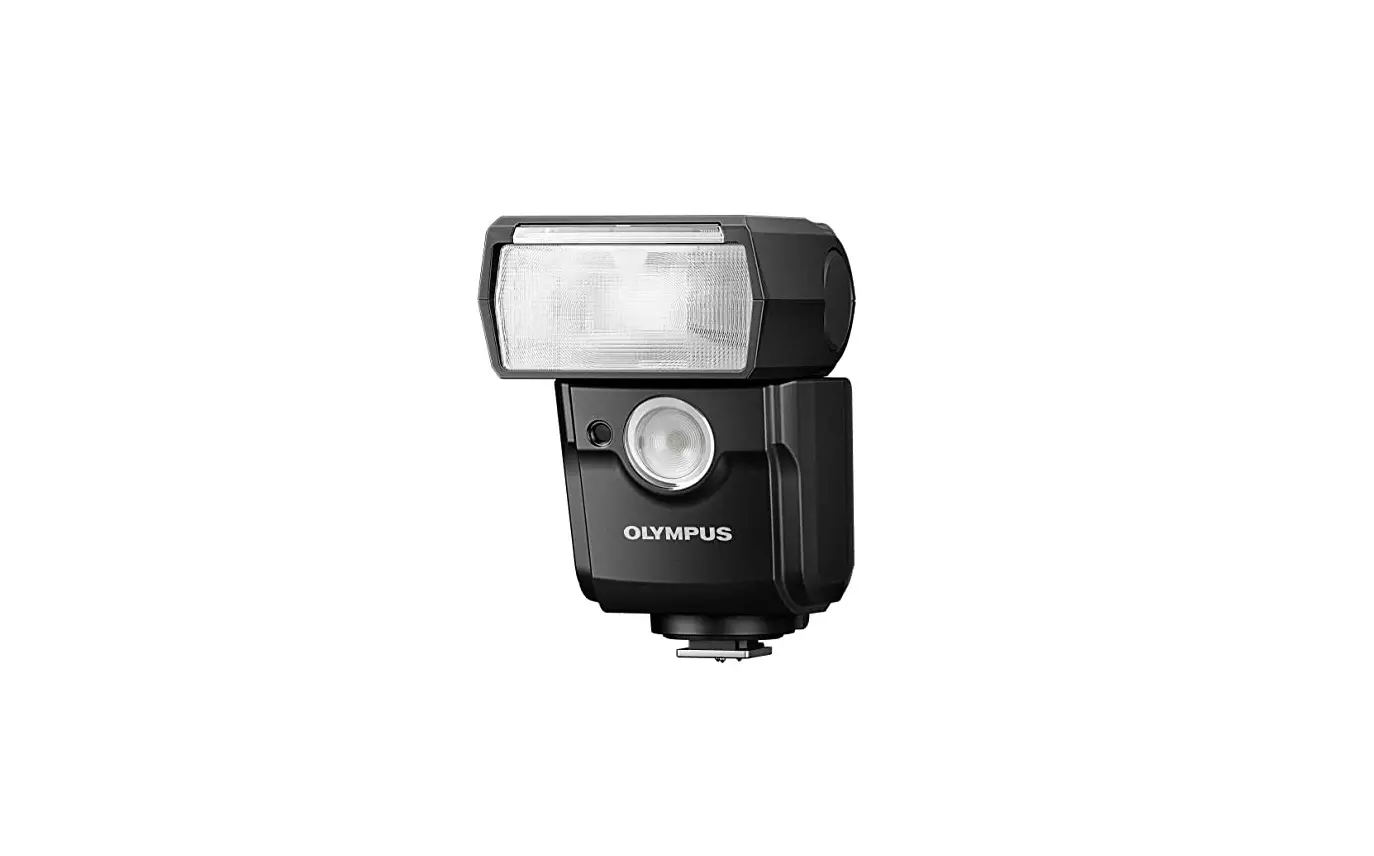
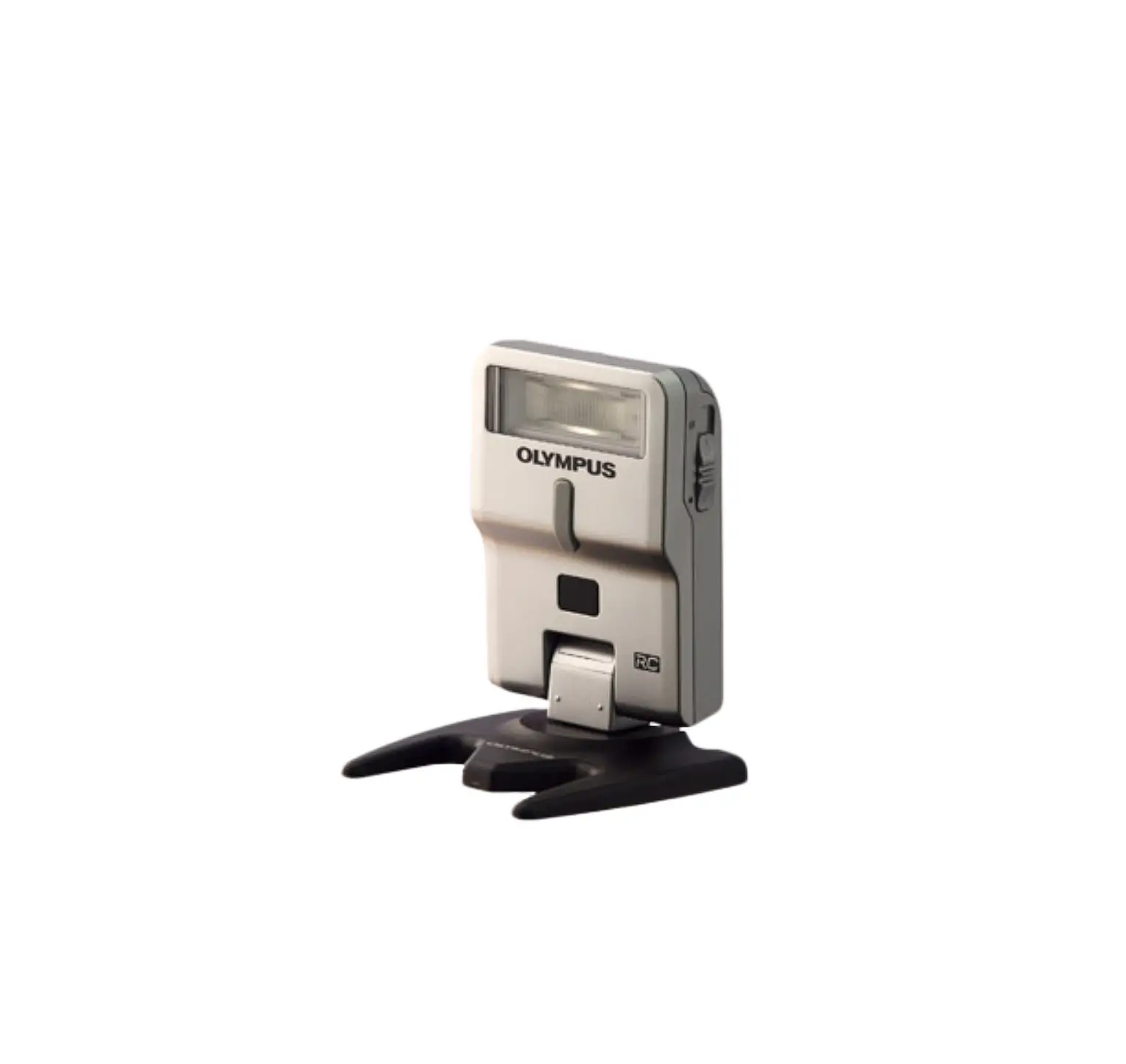
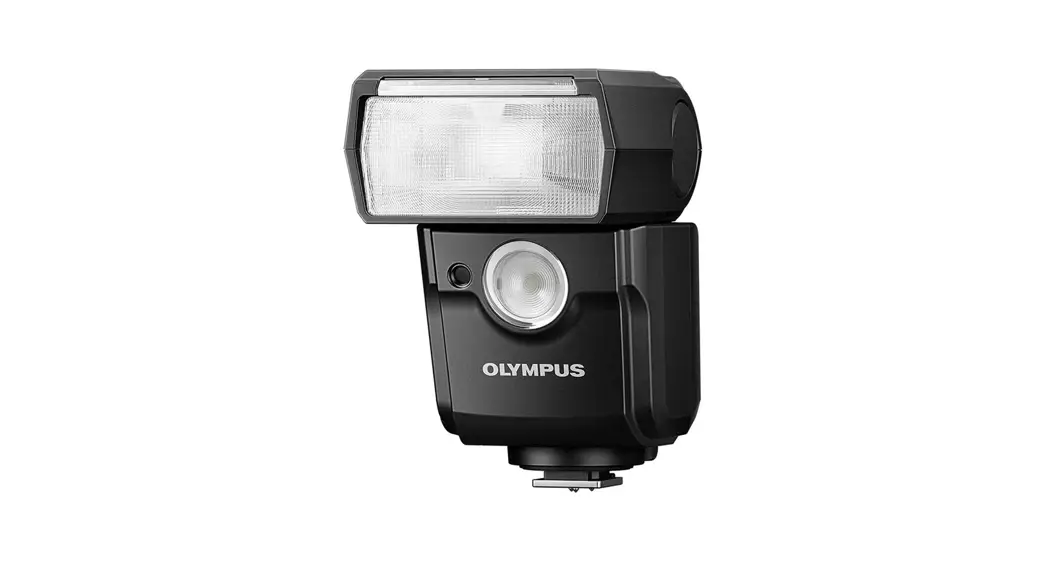
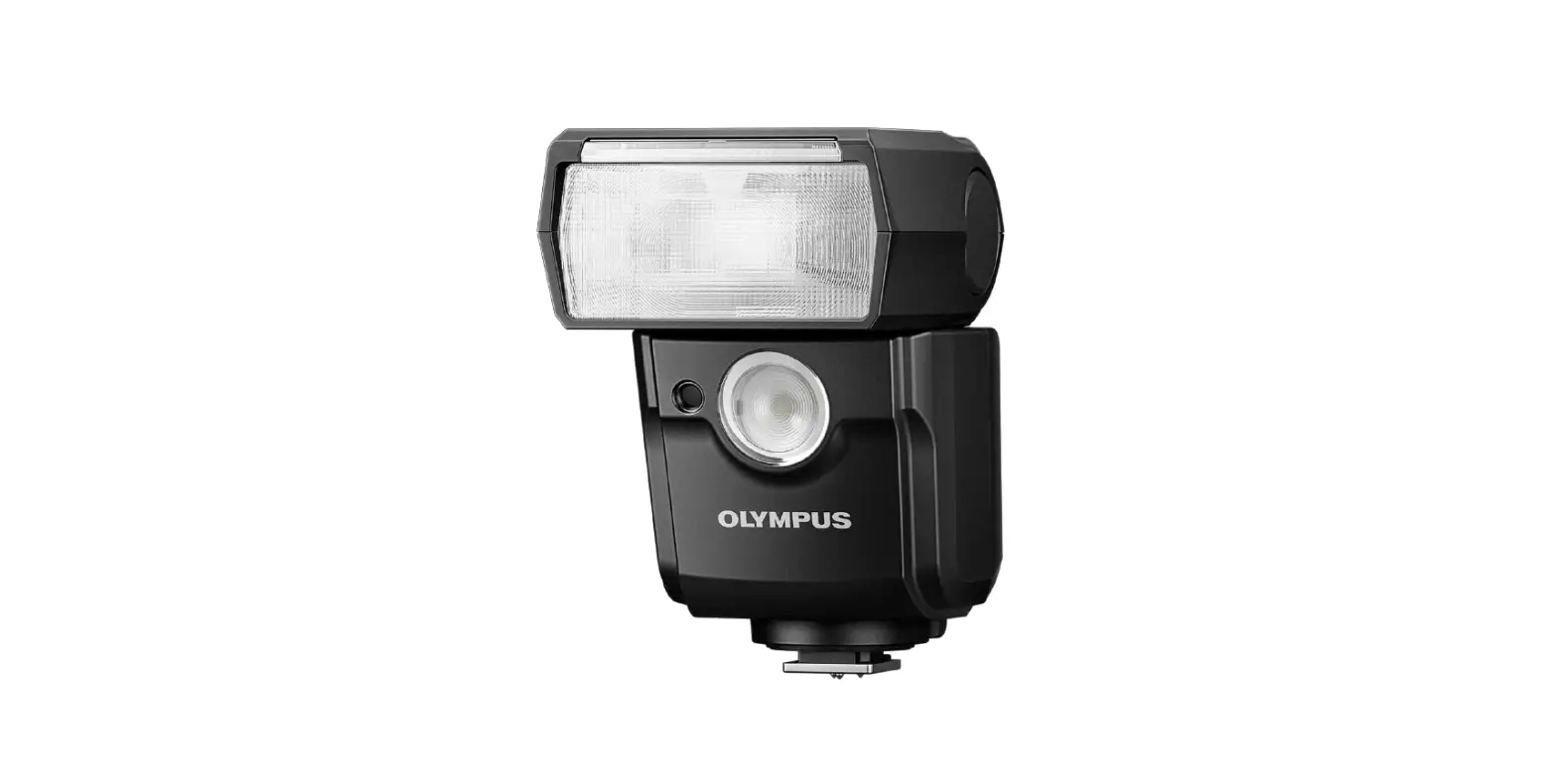
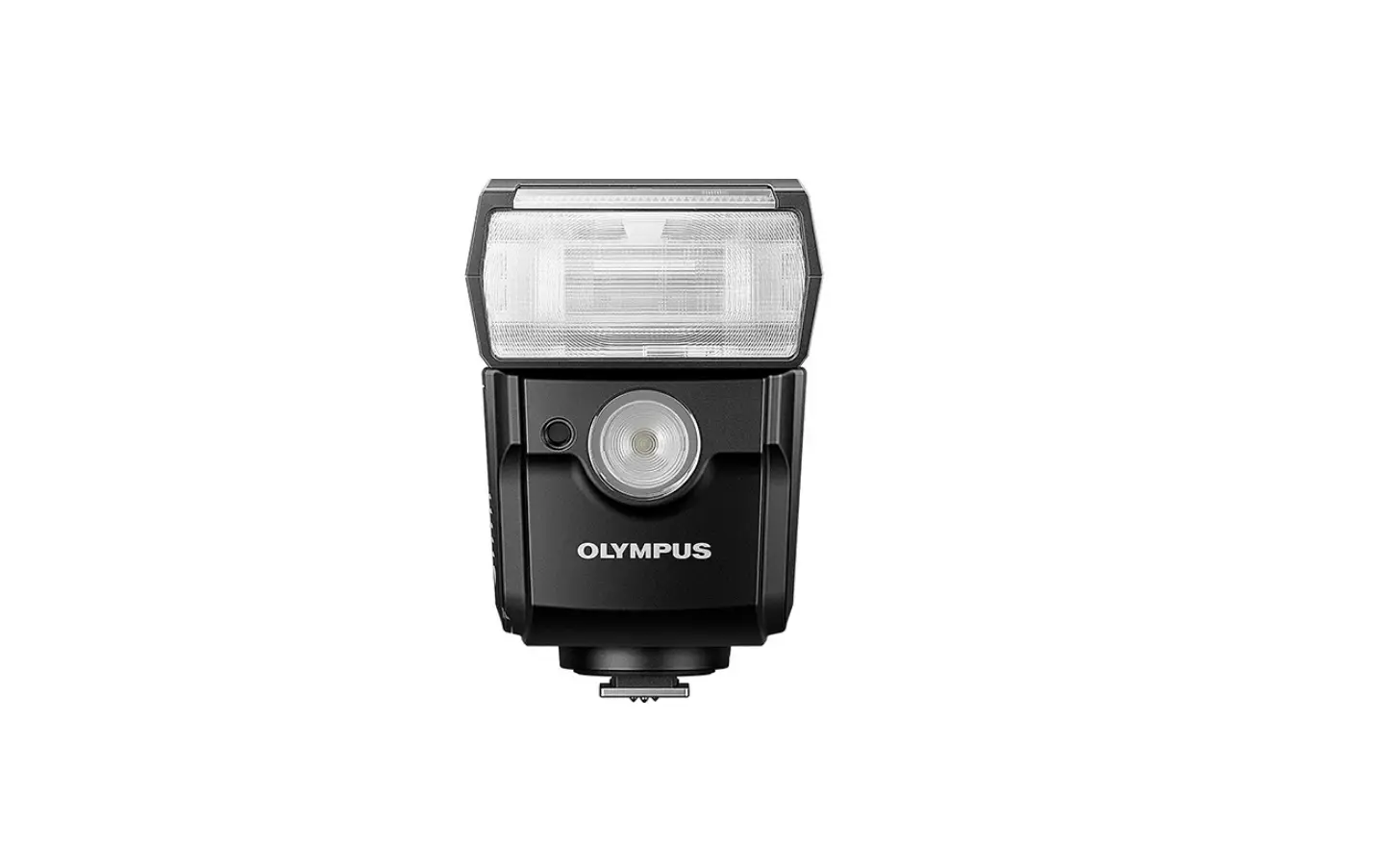
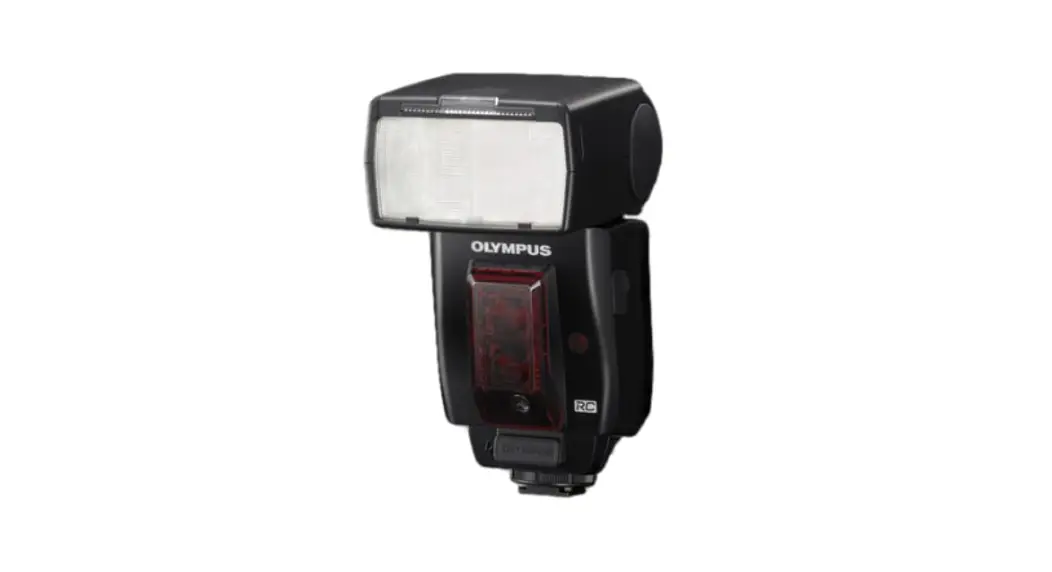
FL-50R Shoe Mount Flash
FL‑50R
- Wireless remote control in three groups (A, B, C)
- Control settings directly from the camera LCD
- Bounce and swivel head
- Guide number 50
- Choice of four channels to avoid interference
- Super FP Mode up to 1/8000s
- Option of TTL Auto, Auto, and Manual modes
- Compact design and lightweight
Professional flash with GN50
Forget dealing with cumbersome cables when wanting to get the perfect lighting for your photographic subjects. Thanks to the new Olympus remote control (RC) wireless flash units FL‑50R and FL‑36R, cordless lighting set‑ups are a convenient reality. Both are ideal for use with the Olympus E‑3 professional D‑SLR which enables the control of up to three different flash groups directly from the camera ‑ no separate commander unit is required. Photographers benefit from extreme flash unit versatility and never again need to be hindered in the studio on in the field by troublesome wires.
Specifications
Guide Number
| Automatic switching | 28 (12mm) ‑ 50 (42mm) |
Firing Angle
| Automatic switching | Yes |
| 42mm | Up‑down 21° / left‑right 28° |
| 12mm | Up‑down 61° / left‑right 78° |
| 8mm | Up‑down 83° / left‑right 101° When the built‑in wide panel is used. |
Flash Modes
| Modes | TTL AUTO, AUTO, MANUAL, FP TTL AUTO, FP MANUAL, RC, SL AUTO, SL MANUAL |
Bounce Angles
| Left / Right | 180° / 90° |
Wireless Flash Control
| Number of channels | 4 channels |
| Group setting | 3 groups |
| Modes | TTL Auto Auto Manual FP TTL Auto FP Manual |
| Available when used together with cameras compatible with the Olympus wireless RC flash system. |
Power Supply
| Power source | 4 AA batteries |
Dimensions
Specifications and appearances are subject to change without any notice or obligation on the part of the manufacturer