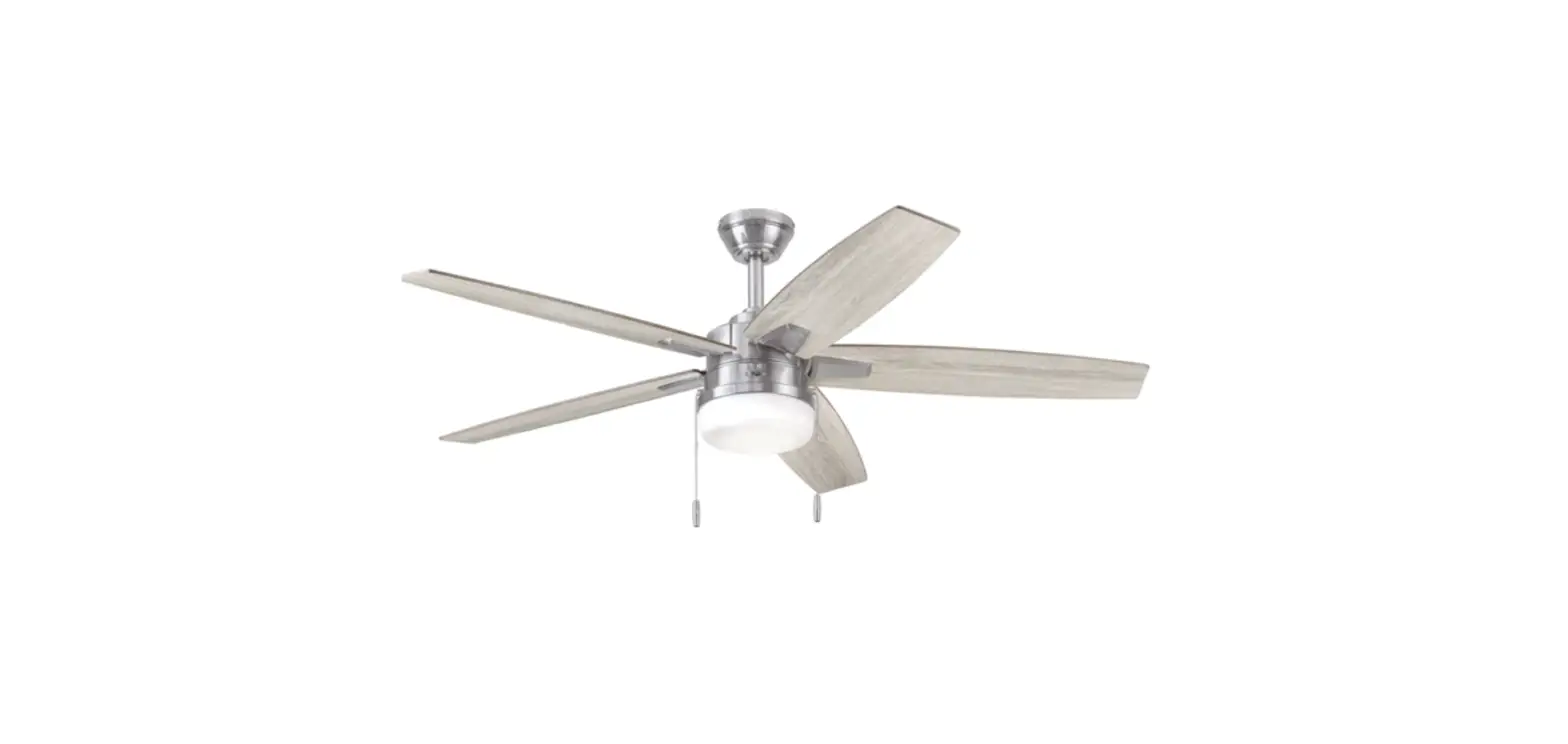
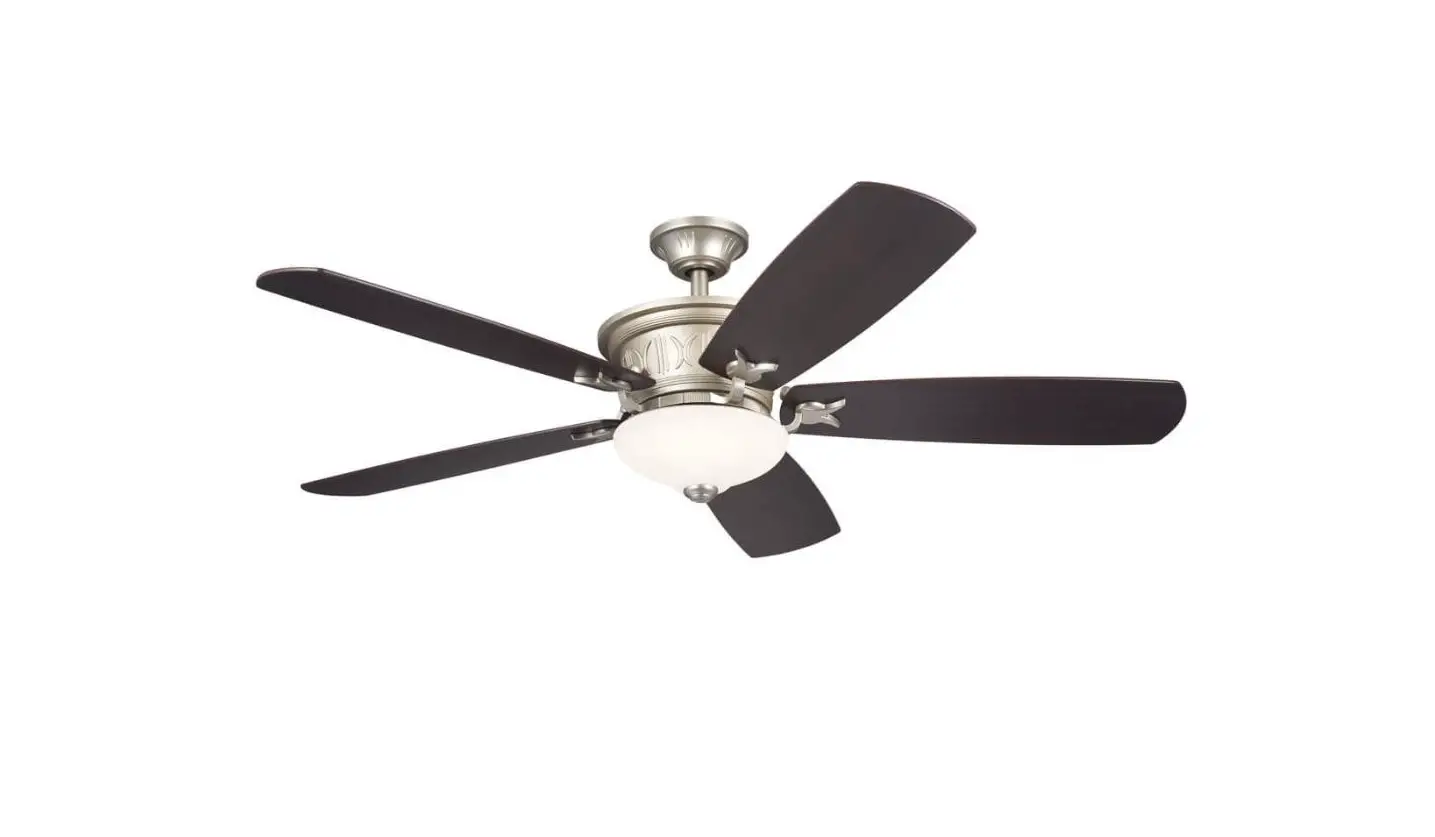
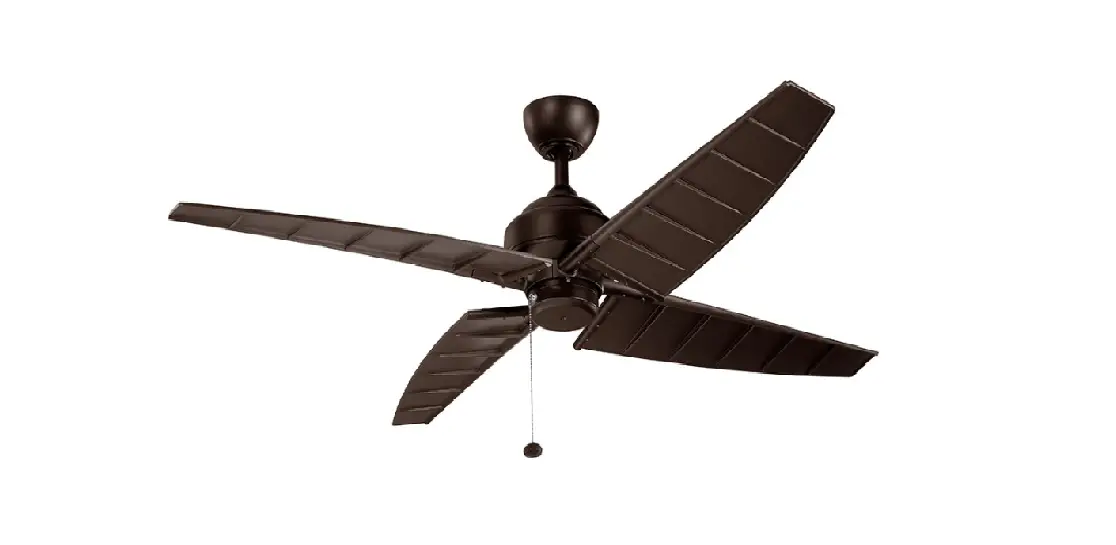
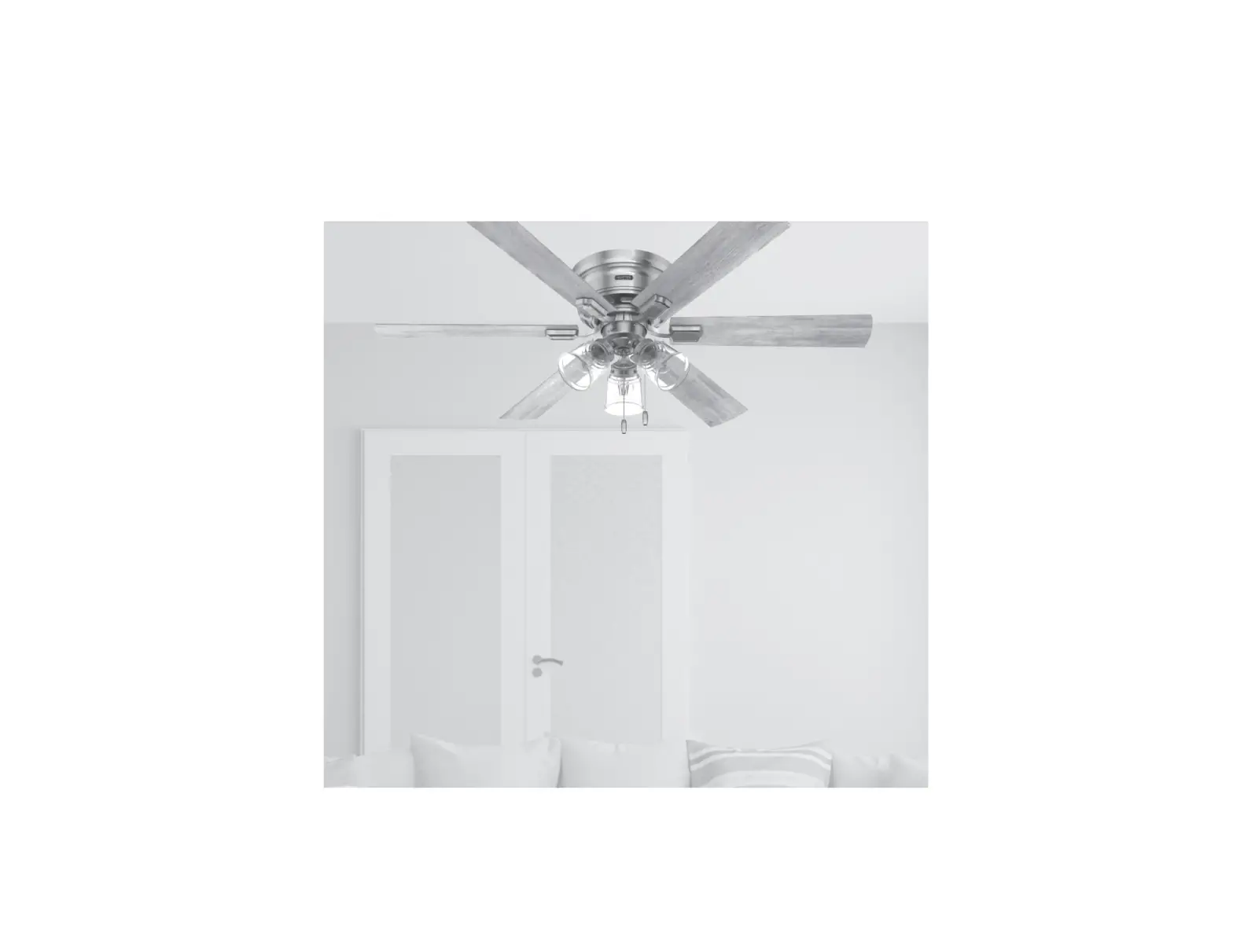
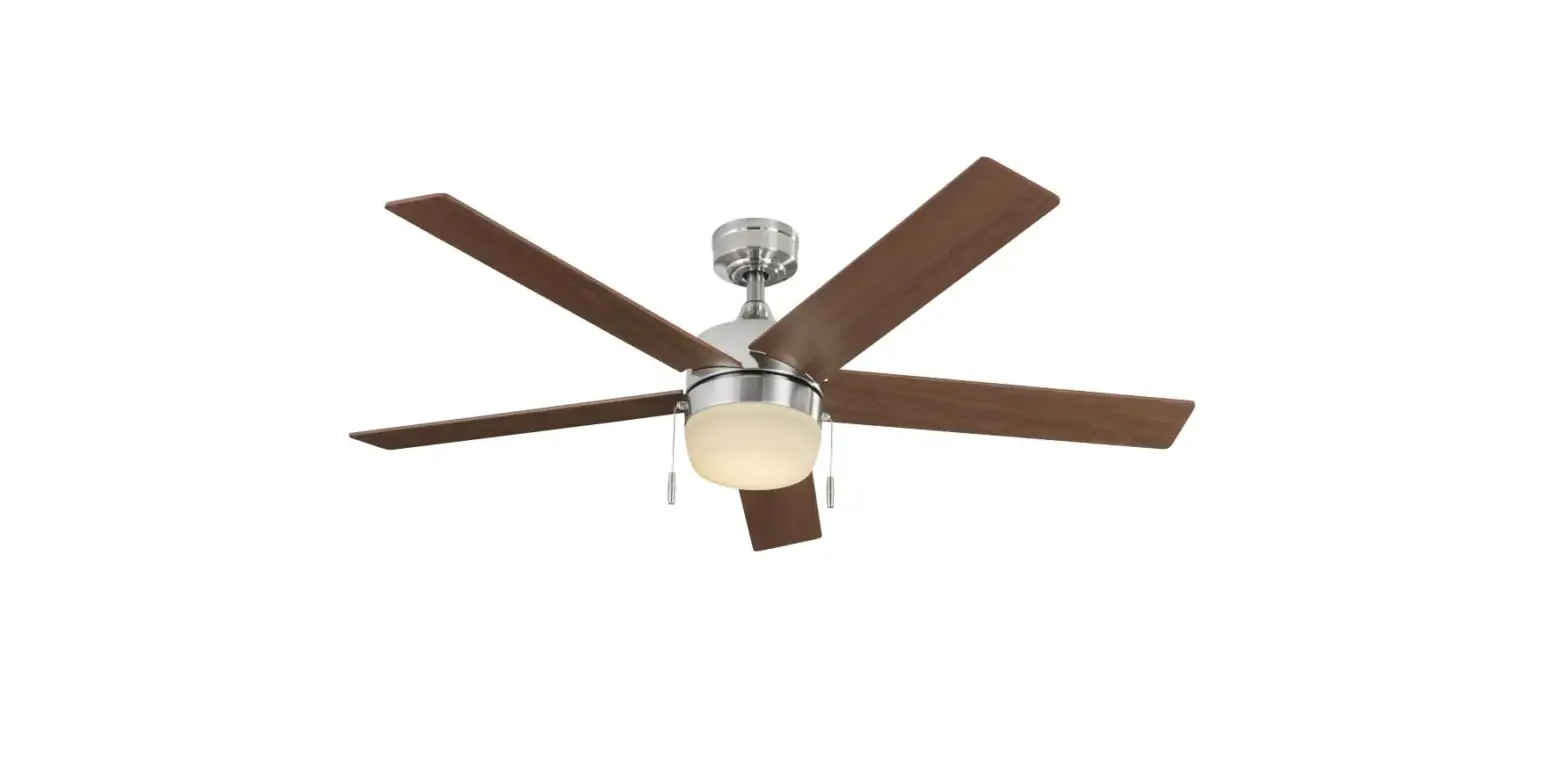
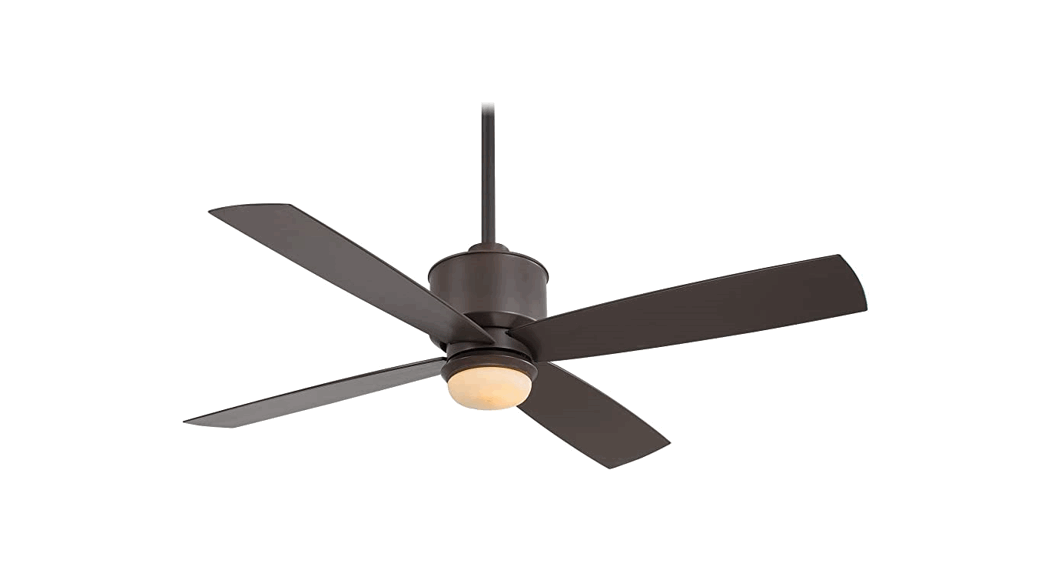
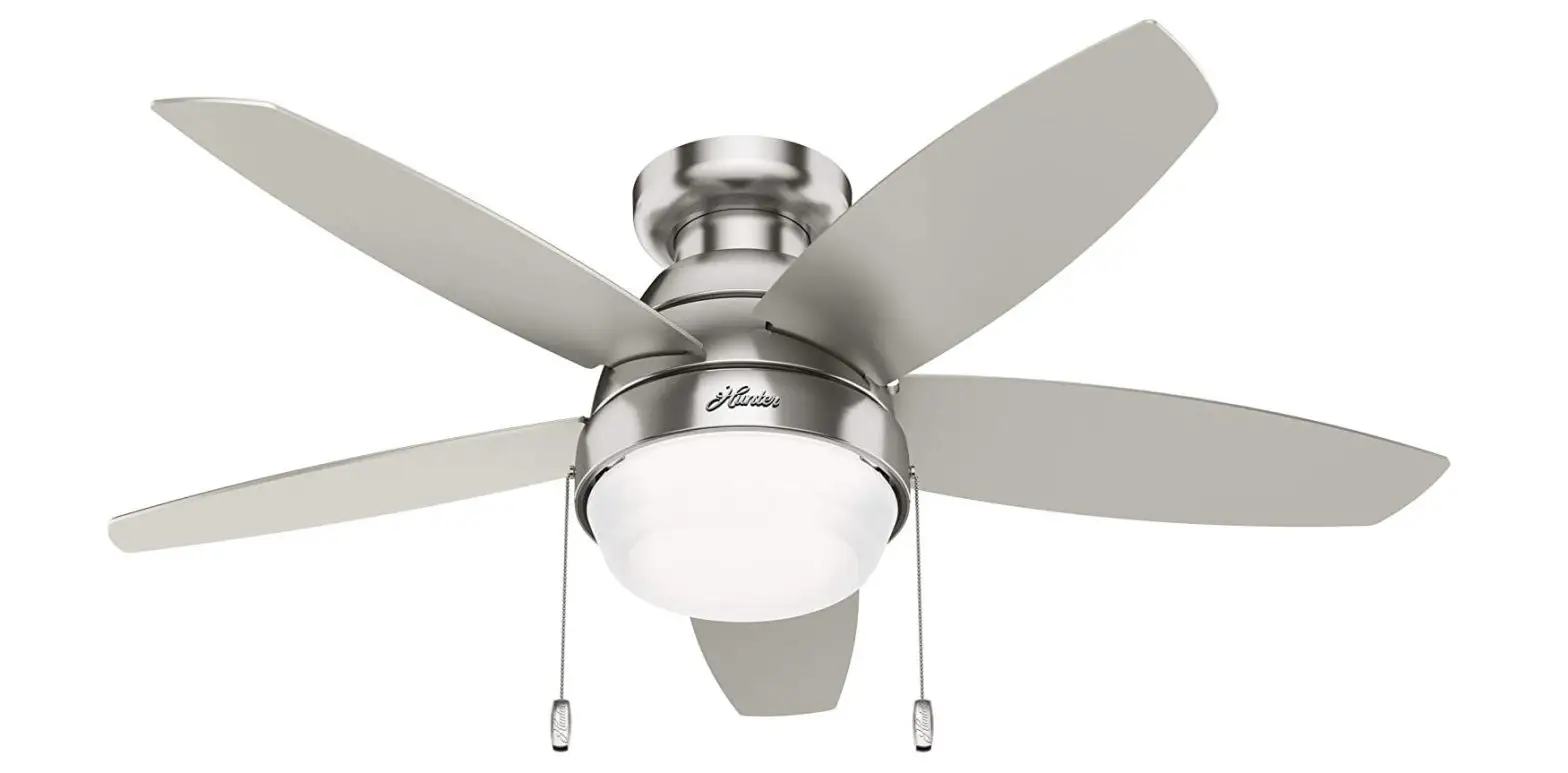
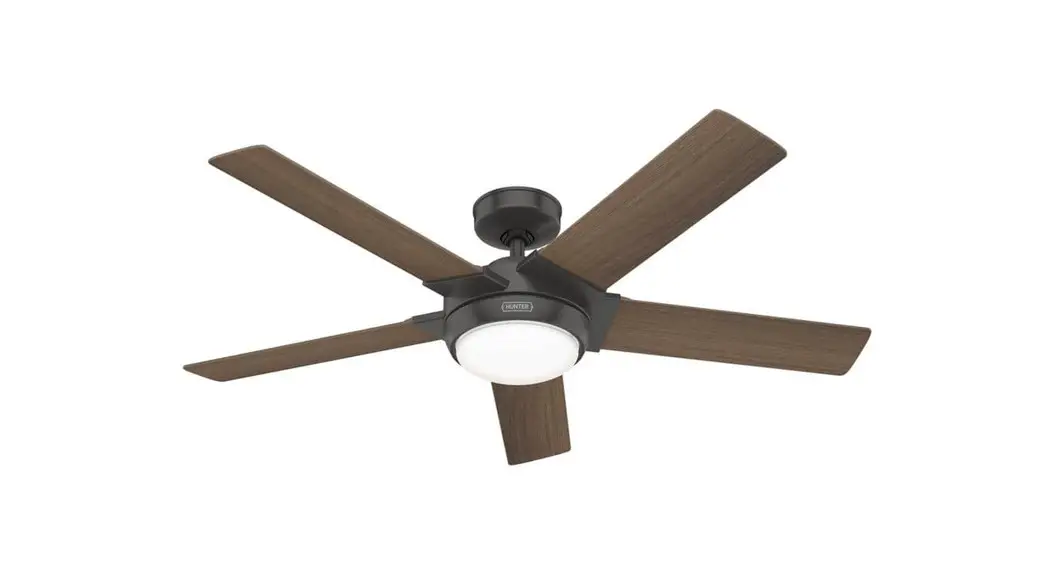
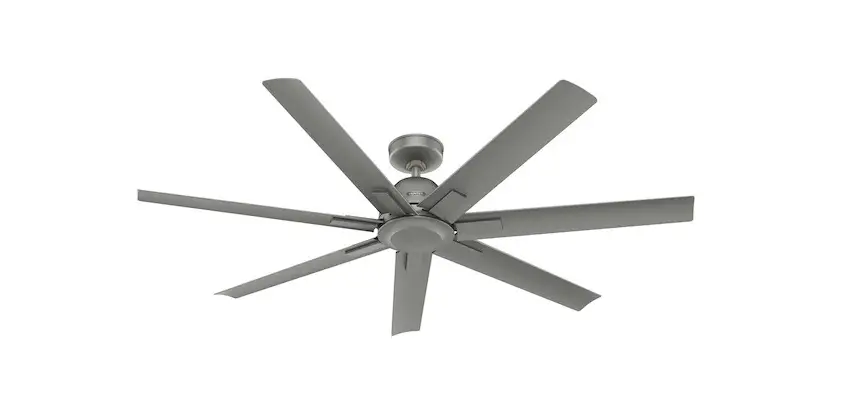
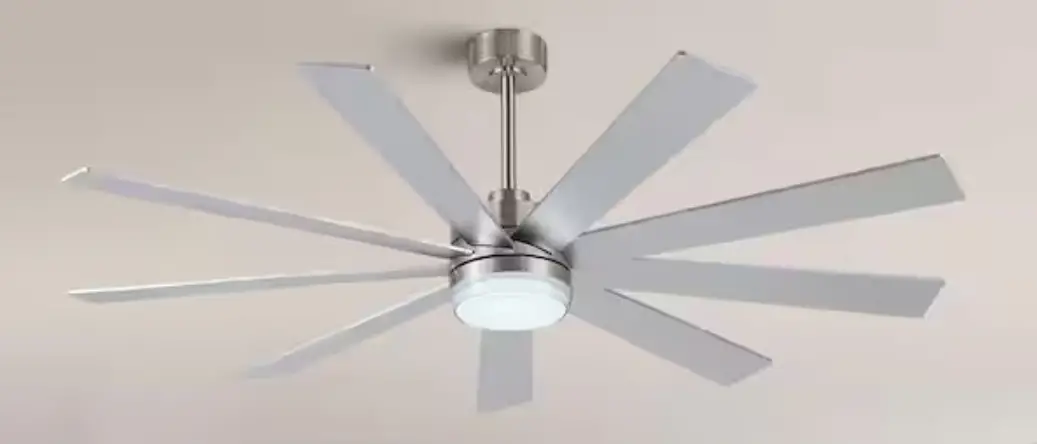
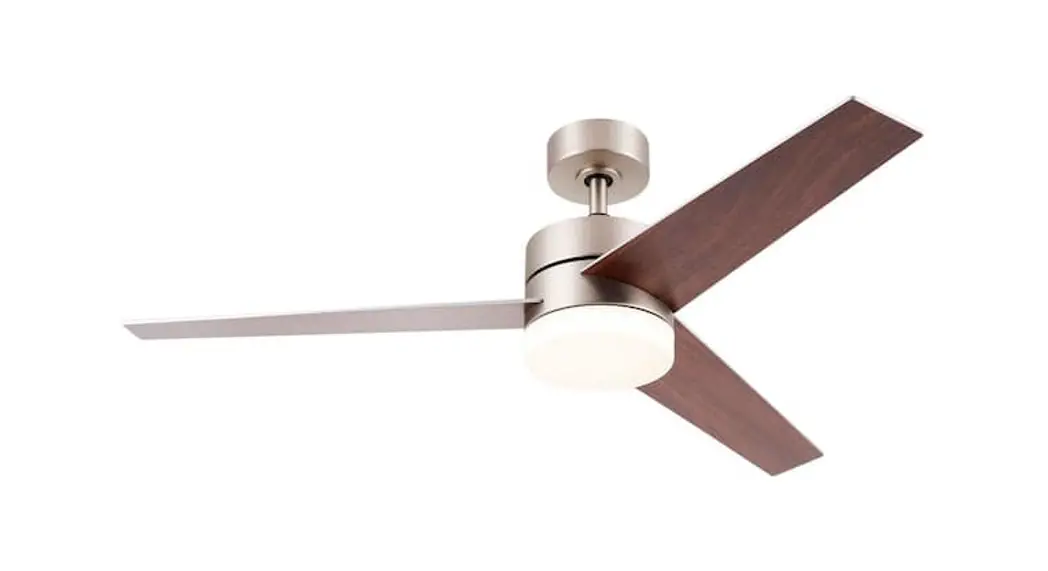
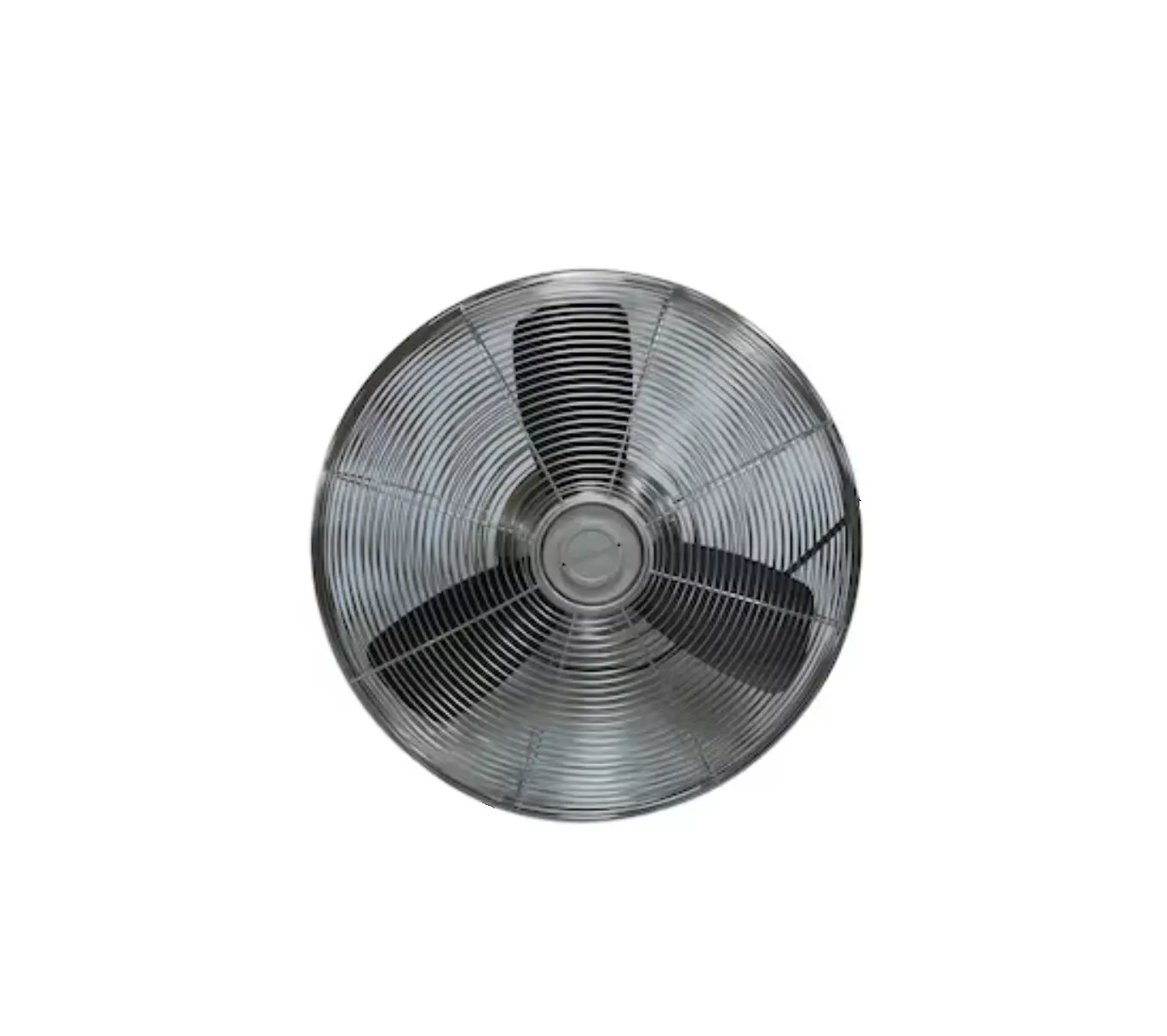
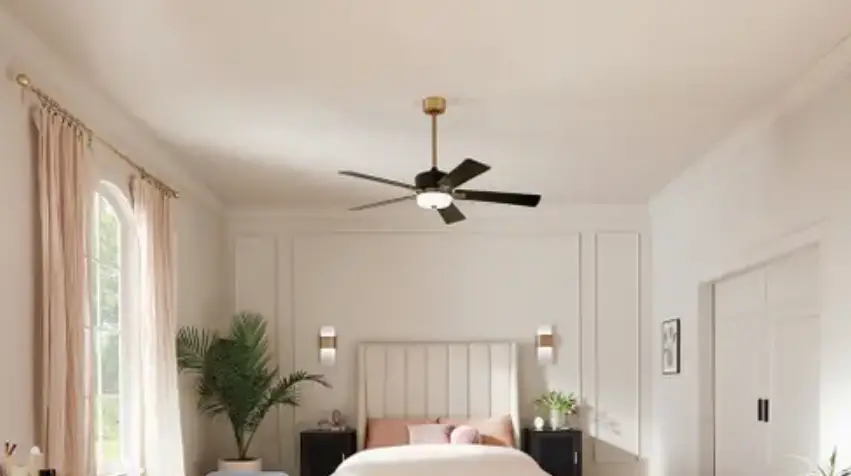
TR249A+MR205A Indoor Outdoor Brushed Nickel Ceiling Fan
Product Information
The Model # TR249A+MR205A (with light function) is a DC power
ceiling fan remote control that is designed to be used with an
AC120V 60Hz power supply only. The output power for the motor and
LED light is 40W (Max.) each. It is important to note that using a
full range dimmer switch to control fan speed will damage the fan.
The remote control has a range of about 10m and comes with a Light
Function Select Switch for on/off or dimming/on/off operation
depending on the type of bulb used.
Product Usage Instructions
- Switch off power at the fuse box or circuit breaker before
installing the fan. - Make wiring connections as indicated in Fig. 1.
- Install DC1.5V/AAA 2pcs alkaline battery in the remote control
with the fan power off as shown in Fig. 2. - Within 30 seconds of restoring power to the fan, press the
Learn button on the remote control for about 2 seconds using a ball
pen or tool to set the remote code. The receiver will make a sound,
Bi Bi, twice and light flash twice when it has successfully learned
the frequency that was previously selected on the transmitter. - If the fan is not responding to the transmitter, turn off power
to the receiver and repeat step 4. - To operate the ceiling fan and light, use the following
functions on the remote control:
- Turn off the ceiling fan.
- Fan speed: Press and release immediately to turn on and set fan
speed. (6 is for the highest fan speed) - Light button: ON/OFF- Press and release immediately to turn on
or off light. DIMMER-Press and hold to dim or brighten light to the
desired level and release. (LED only and light function select
switch on dimmer position.) (Only when Light Function Select Switch
is on D dimmer setting.) - Sleep Timer: The fan will turn off after 2, 4, or 8 hours
automatically. - Natural breeze: Fan speed will modulate to simulate a natural
breeze. - Reverse button: Press and release immediately to set fan
direction. The fan runs counterclockwise for a downward cooling
breeze, or clockwise to force warm air downward without a
noticeable breeze.
you press a button, replace the batteries with new ones.
as shown in Fig. 4.
Model # TR249A+MR205A (with light function)
DC POWER CEILING FAN REMOTE CONTROL MANUAL
INSTALLATION INSTRUCTIONS
NOTE: This unit is to be used for the control of DC power ceiling fan and in an AC120V 60Hz power supply only. Output Power: 40W (Max.) for motor and 40W (Max.) for LED light. Important: Using a full range dimmer switch (not included) to control fan speed will damage the fan. To reduce the risk of fire or electrical shock, do not use a full range dimmer switch to control fan speed.
Fig. 1
1. Switch power off at fuse box or circuit breaker before you begin installing the fan. 2. Make wiring connections as indicated Fig. 1. 3. Operating range for remote control: about 10m. 4. The remote code setting process:
Step: 1 Open the remote battery cover and install DC1.5V/AAA 2pcs alkaline battery, with the fan power off. (Fig. 2)
Step: 2. Within 30 seconds of restoring power to the fan, you must use a ball pen or tool to press “Learn” button about 2 seconds. Once the receiver has detected the
frequency, the receiver will make sound, Bi Bi, twice and light flash twice, then off. This will indicate the
receiver has learned the frequency that was previously selected on the transmitter.
Note: After the AC power is on, do not press any other button
Fig. 2
on the transmitter before setting learning. Doing so will cause
the procedure to fail.
After completing the steps above, you should be able to operate the ceiling fan and light. If the fan is
not responding to the transmitter, please turn the power off to the receiver. And repeat step 2.
LIGHT FUNCTION SELECT SWITCH
If fan uses replaceable bulbs and CFLs or LED bulbs are used, please slide the Light Function Select Switch to “O” position for on/off operation. If fan uses replaceable bulbs and incandescent bulbs are used, or uses an integrated dimmable LED array, please slide the Light Function Select to “D” position for dimming/on/off operation. (Fig. 2)
FUNCTIONS OF REMOTE CONTROL: (Fig. 3)
Turn off the ceiling fan.
Fan speed: Press and release immediately to turn on and set fan speed. (6 is for the highest fan speed)
Light button: ON/OFF- Press and release immediately to turn on or off light. DIMMER-Press and hold to dim or brighten light to the desired level and release. (LED only and light function select switch on dimmer position.) (Only when Light Function Select Switch is on “D” dimmer setting.)
Sleep Timer:
The fan will turn off after 2 hours automatically.
The fan will turn off after 4 hours automatically.
The fan will turn off after 8 hours automatically.
: Natural breeze: Fan speed will modulate to simulate a natural breeze.
: Reverse button: Press and release immediately to set fan direction. The fan runs counterclockwise. Airflow will provide a downward cooling breeze. The fan runs clockwise. Airflow will force warm air downward without a noticeable breeze. When you press transmitter button, the receiver will make sound, Bi, once as receiving setting signal. If the red LED indicator of transmitter is not working as you pressing button, you need to change and use new batteries.
INSTALLING WALL MOUNTED HOLDER
Attach wall mounted holder using the two provided screws. (Fig 4.)
FIG. 3
Fig. 4
To assure continued FCC compliance:
FEDERAL COMMUNICATIONS COMMISSION INTERFERENCE STATEMENT This equipment has been tested and found to comply with the limits for a Class B digital device, pursuant to Part 15 of the FCC Rules. These limits are designed to provide reasonable protection against harmful interference in a residential installation. This equipment generates, uses and can radiate radio frequency energy and, if not installed and used in accordance with the instructions, may cause harmful interference to radio communications. However, there is no guarantee that interference will not occur in a particular installation. If this equipment does cause harmful interference to radio or television reception, which can be determined by turning the equipment off and on, the user is encouraged to try to correct the interference by one or more of the following measures: –Reorient or relocate the receiving antenna. –Increase the separation between the equipment and receiver. –Connect the equipment into an outlet on a circuit different from that to which the receiver is connected. –Consult the dealer or an experienced radio/TV technician for help.
CAUTION: To assure continued FCC compliance: Any changes or modifications not expressly approved by the grantee of this device could void the user’s authority to operate the equipment.
FCC IDKUJCE10507
This device complies with Part 15 of the FCC Rules. Operation is subject to the following two conditions: (1) This device may not cause harmful interference, and (2) this device must accept any interference received, including interference that may cause undesired operation.