RHT313 Hygro Thermometer with Remote Probe
Product Information
| Product Name | RHT313 Indoor/Outdoor Hygro-Thermometer with Remote Probe |
|---|---|
| Features | The Triplett RHT313 Indoor/Outdoor Hygro-Thermometer with Remote Probe has the following features:
|
| Buttons and Operation | The product has the following buttons and operations:
|
| Contact Information | For any further inquiries or assistance, please contact:
|
| Specifications |
|
Product Usage Instructions
To use the Triplett RHT313 Indoor/Outdoor Hygro-Thermometer with
Remote Probe, follow these steps:
- Place the indoor unit in the desired location indoors.
- Connect the remote probe to the outdoor unit and place it in
the desired outdoor location. - Press the respective buttons on the indoor unit to display the
following readings:- Button 1: Indoor Temperature Reading
- Button 2: Indoor Humidity (%RH) Reading
- Button 3: Outdoor (Remote Probe) Temperature Reading
- Button 4: Outdoor (Remote Probe) Humidity (%RH) Reading
- To view the maximum and minimum values for indoor temperature
and humidity, press the “Indoor Min/Max Reset Button” as follows:- Press the MIN/MAX button once to display the MAX indoor
temperature and MAX indoor RH values. Press and hold the button for
more than 3 seconds to clear the MAX values. - Press the MIN/MAX button again to display the MIN indoor
temperature and MIN indoor RH values. Press and hold the button for
more than 3 seconds to clear the MIN values.
- Press the MIN/MAX button once to display the MAX indoor
- To view the maximum and minimum values for outdoor temperature
and humidity, press the “Outdoor Min/Max Reset Button” as follows:- Press the MIN/MAX button once to display the MAX outdoor
temperature and MAX indoor RH values. - Press the MIN/MAX button again to display the MIN outdoor
temperature and MIN indoor RH values. Press and hold the button for
more than 3 seconds to clear the MIN values.
- Press the MIN/MAX button once to display the MAX outdoor
- To switch between the 12-hour and 24-hour system clock, quick
press the “/” button located at the rear side of the
indicator.
If you have any further questions or need assistance, please
refer to the contact information provided above.
User Manual
RHT313
Indoor/Outdoor Hygro-Thermometer with Remote Probe
Features, Buttons and Operation
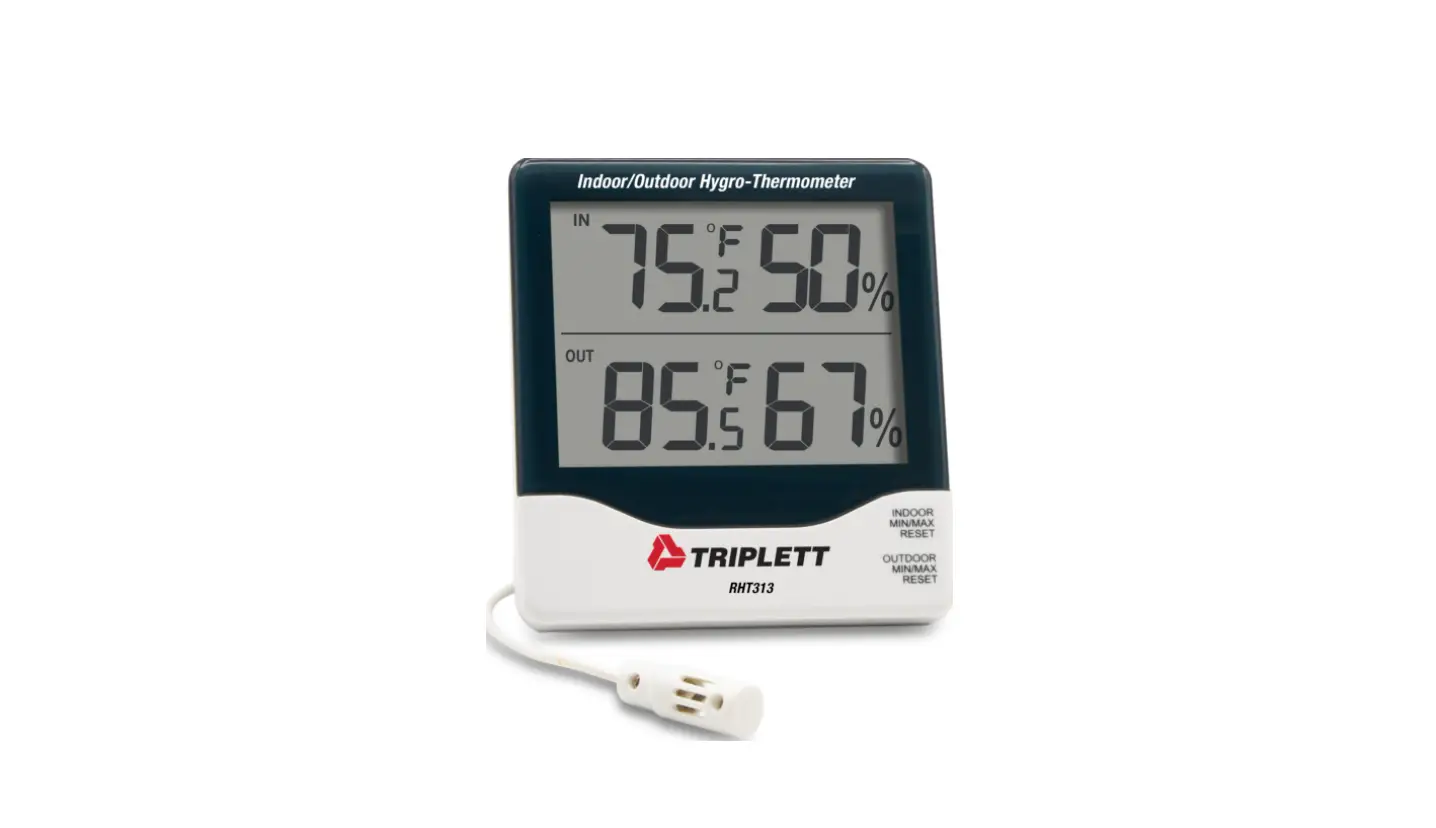
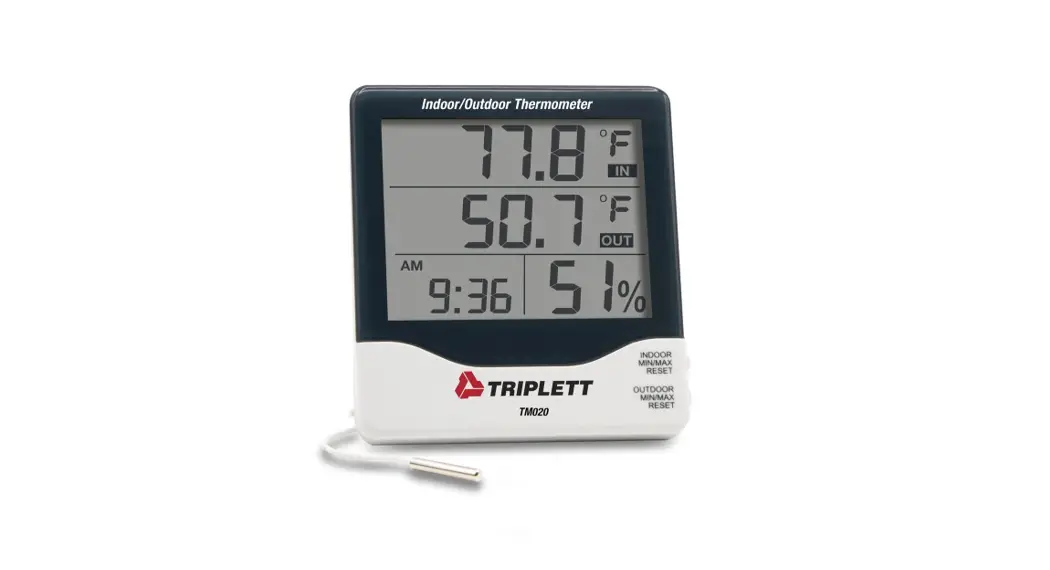
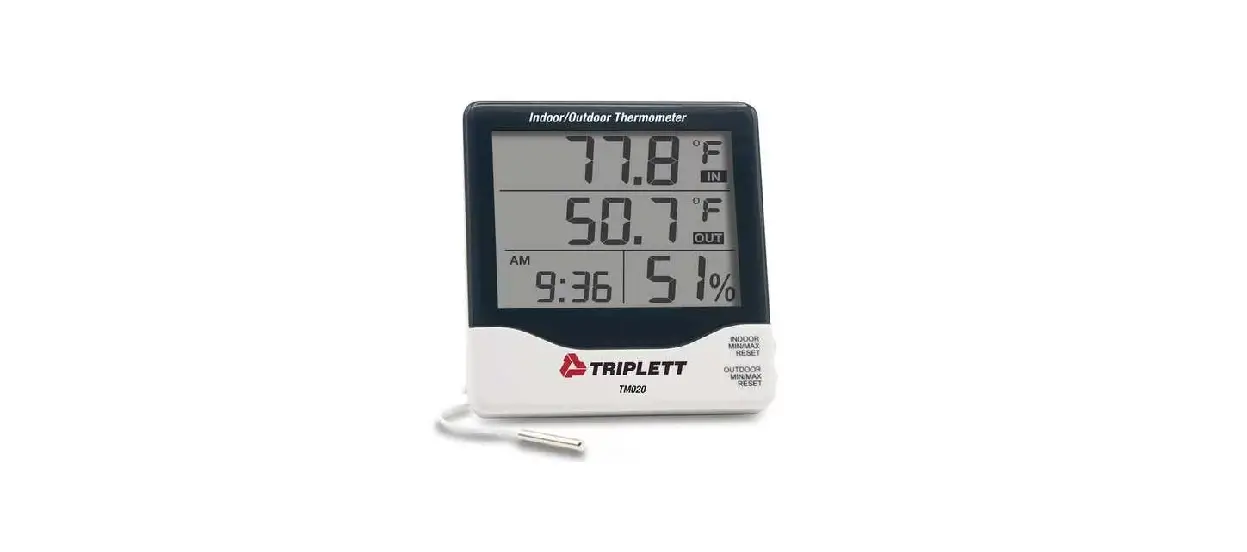
Congratulations on your purchase of the Triplett RHT313 Indoor/Outdoor HygroThermometer with Remote Probe. The indicator is intended to be used for dual display of Indoor and Outdoor Temperature (via remote probe). It also provides humidity readings via internal sensor and a 12/24 system clock.
1. Indoor Temperature Reading
2. Indoor Humidity (%RH) Reading
3. Outdoor (Remote Probe) Temperature Reading
4. Outdoor (Remote Probe) Humidity (%RH) Reading
5. Indoor Min/Max Reset Button: – Press MIN/MAX to display the MAX indoor temperature and MAX indoor RH values. (Press >3 secs while viewing MAX values to clear.) – Press MIN/MAX again to display the MIN indoor temperature and MIN indoor RH values. (Press >3 secs while viewing MIN values to clear.)
1.888.610.7664
15
10
20
5
25
0
30
www.calcert.com
6. Outdoor Min/Max Reset Button: – Press MIN/MAX to display the MAX outdoor temperature and MAX indoor RH values. – Press MIN/MAX again to display the MIN outdoor temperature and MIN indoor RH values.(Press >3 secs while viewing MIN values to
clear.)
7.
/ : Quick press switches between and .
(Located Rear Side of the Indicator)
Specifications
Indoor Temperature Range: 32 ~ 122 (0 Outdoor Temperature Range: -58 ~158 IN/OUT Humidity Range: 10%~99%
Temperature Resolution: 0.1 Humidity Resolution: 1% Temperature Accuracy: 2°F (±1°C() Humidity Accuracy: ±5% Power supply: 1.5V ( AAA Battery )
~ 50 ~70
Warranty Information Triplett / Jewell Instruments extends the following warranty to the original purchaser of these goods for use. Triplett warrants to the original purchaser for use that the products sold by it will be free from defects in workmanship and material for a period of (1) one year from the date of purchase. This warranty does not apply to any of our products which have been repaired or altered by unauthorized persons in any way or purchased from unauthorized distributors so as, in our sole judgment, to injure their stability or reliability, or which have been subject to misuse, abuse, misapplication, negligence, accident or which have had the serial numbers altered, defaced, or removed. Accessories, including batteries are not covered by this warranty
Copyright © 2021 Triplett
1.888.610.7664
15
10
20
5
25
0
30
www.calcert.com
 Calcert