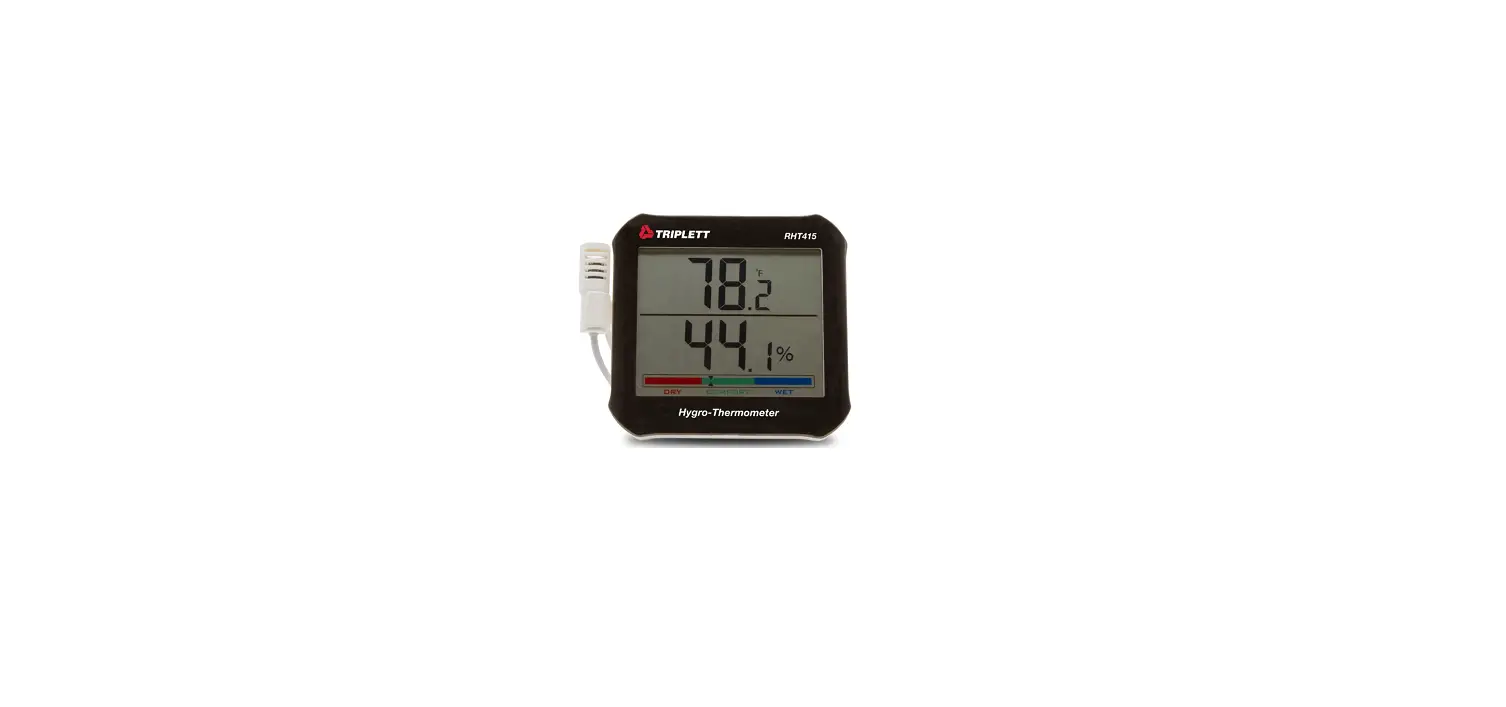
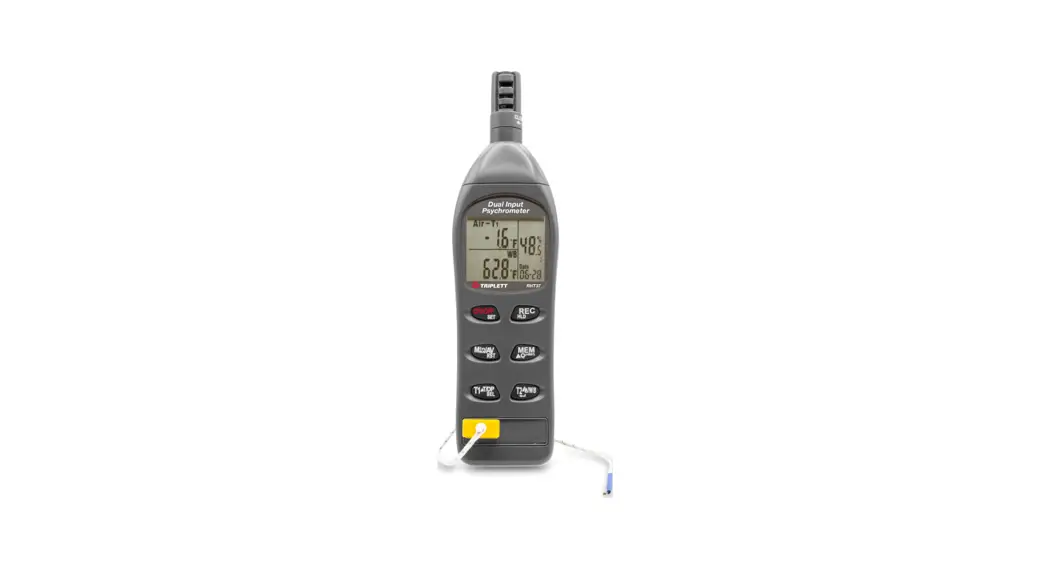
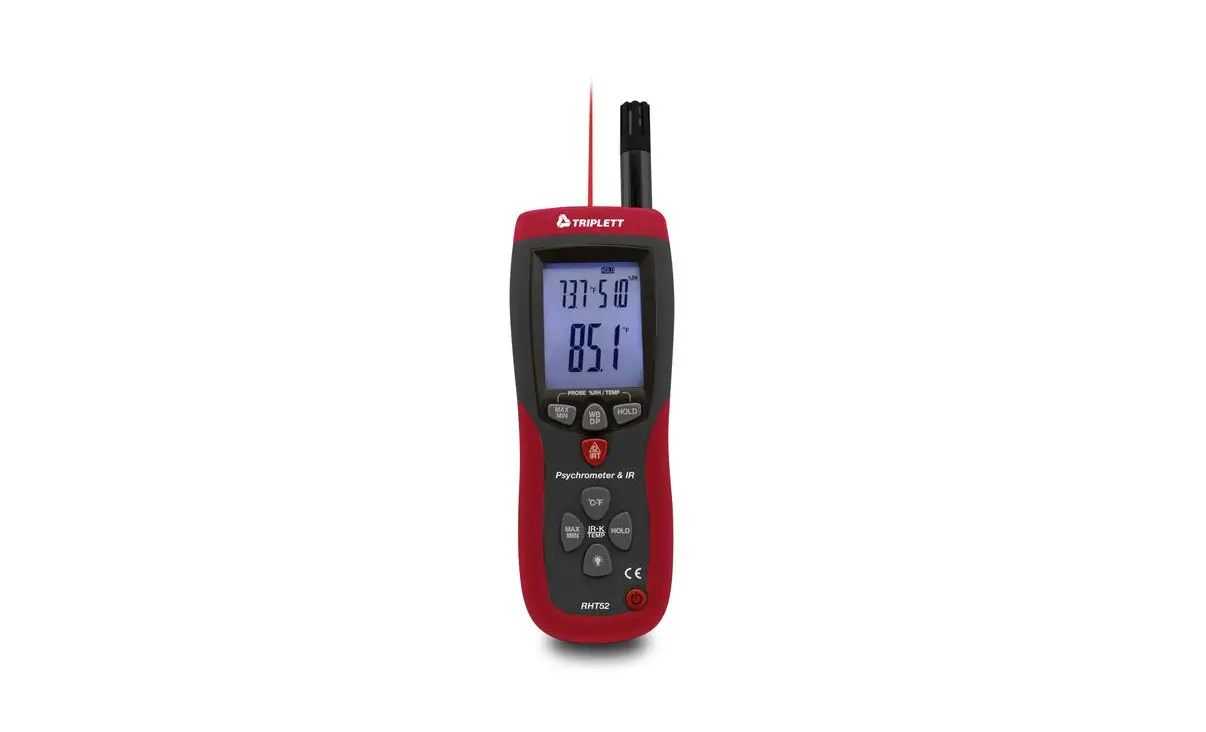
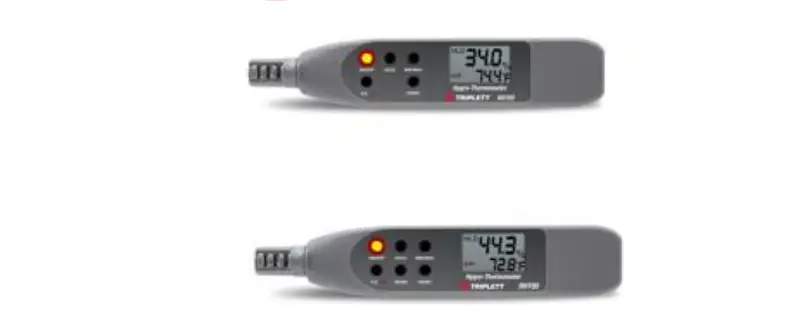
RHT415 HygroThermometer with Remote Probe
User Manual – RHT415 Hygro-Thermometer with Remote Probe
Product Information:
The RHT415 is a hygro-thermometer with a remote probe. It is
designed to measure temperature and humidity accurately. The meter
features an LCD display, comfort indicator ranges, and a battery
compartment for easy battery replacement. The product is
manufactured by Triplett Test Equipment & Tools.
Product Usage Instructions:
- Open the battery compartment (6) by pushing the cover on the
rear of the instrument downward as indicated by the arrow and
Batteries. - Remove the protective cover on the LCD display (1) and take the
Probe out of the probe compartment (5). The meter is now ready for
use. - Select the temperature units (oF/oC) via the switch (3) located
on the rear of the meter. - The upper display indicates the temperature. The lower display
indicates humidity, and the lower bar graph indicates color-coded
humidity conditions.
- Comfort Indicator Ranges:
- (WET): At any Temperature, Relative Humidity is higher than 70%
RH.- A-Humidity 70 ~ 79%, only show the first grid.
- B-Humidity 80 ~ 89%, only show the second case.
- C-Humidity 90 ~ 95%, only the third box is displayed.
- D-Humidity 95 ~ 100%, only display the fourth grid.
- (DRY): At any Temperature, the Relative Humidity is lower than
40% RH.- A-Humidity 30 ~ 39%, only display the fourth grid.
- B-Humidity 20 ~ 29%, only the third box is displayed.
- C-Humidity 10 ~ 19%, only show the second case.
- D-Humidity 0 ~ 9%, only the first display.
- (WET): At any Temperature, Relative Humidity is higher than 70%
as indicated by the arrow. Replace the (2) 1.5V ‘AA’ batteries and
replace the cover.
Calibration:
Calibration requires a humidity chamber or 33% and 75% RH
reference bottles. If a calibration procedure is needed, please
contact Triplett Technical Support.
Specifications:
- Temperature Range: 0% to 99% RH
- Humidity Range: +4%
- Battery: (2) 1.5V ‘AA’ cell
Warranty:
The RHT415 comes with a warranty. For more information, please
contact Triplett Test Equipment & Tools.
Contact Information:
- Phone: 1.888.610.7664
- Website: www.calcert.com
- Email: [email protected]
User Manual
RHT415
Hygro-Thermometer with Remote Probe
1.888.610.7664
15
10
20
5
25
0
30
www.calcert.com
Introduction
Congratulations on your purchase of the Triplett RHT415 HygroThermometer with Remote Probe. This is a desktop or wall-mounted temperature and humidity meter, using high-precision, high-quality digital sensors (14-bit resolution temperature, 12-bit resolution humidity), with a low battery indicator, °C/°F unit Switching, with ultra-low power consumption, 2pcs 1.5V AA batteries can last 7 to 8 months. The sensor line length of 5 feet (1.5m) can better measure the temperature and humidity in some environments.
Meter Description
1. LCD 2. RESET Button 3. °C/°F Select Button 4. Wall Mount Hole 5. External Sensors 6. 7. Internal Sensor Vents
1.888.610.7664
15
10
20
5
25
0
30
www.calcert.com
Operation
1. Open the battery compartment (6) by pushing the cover on the rear of the instrument downward as indicated by the arrow and Batteries.
2. Remove the protective cover on the LCD display (1) and take the Probe out of the probe compartment (5). The meter is now ready for use.
3. The temperature units (oF/oC) can be selected via the switch (3) located on the rear of the meter.
4. The upper display indicates the temperature. The lower display indicates humidity and the lower bar graph indicates color coded
Humidity conditions.
Comfort Indicator Ranges:
(COMFORT): Temperature range 10~30°C/50~86°F, Relative Humidity 40~70%RH. A-In the Temperature range, the Relative Humidity is 40 ~ 49%, only the first cell is displayed; B-In the Temperature range, Relative Humidity 50 ~ 59%, only the second box is displayed; C-In the Temperature range, Relative Humidity 60 ~ 69%, only the third box is displayed.
(WET): At any Temperature, Relative Humidity is higher than 70% RH. A-Humidity 70 ~ 79%, only show the first grid; B-Humidity 80 ~ 89%, only show the second case; C-Humidity 90 ~ 95%, only the third box is displayed; D-Humidity 95 ~ 100%, only display the fourth grid.
1.888.610.7664
15
10
20
5
25
0
30
www.calcert.com
(DRY): At any Temperature, the Relative Humidity is lower than 40% RH. A-Humidity 30 ~ 39%, only display the fourth grid; B-Humidity 20 ~ 29%, only the third box is displayed; C-Humidity 10 ~ 19%, only show the second case; D-Humidity 0 ~ 9%, only the first display.
The no-comfort icon shows when the Temperature is lower than 10°C/50°F or higher than 30°C/86°F, the Relative Humidity is 40~70%RH.
Battery Replacement
Slide the rear battery cover downward as indicated by the arrow. Replace the
(2) 1.5V
ies and replace the cover.
You, as the end user, are legally bound (Battery ordinance) to return all used batteries and accumulators; disposal in the household garbage is prohibited!
You can hand over your used batteries / accumulators at collection points in your community or wherever batteries / accumulators are sold! Disposal: Follow the valid legal stipulations in respect of the disposal of the device at the end of its lifecycle
1.888.610.7664
15
10
20
5
25
0
30
www.calcert.com
Calibration
Calibration requires a humidity chamber or 33% and 75% RH reference bottles. If a calibration procedure is needed please contact Triplett Technical Support.
Product Support Triplett Test Equipment & Tools
Specifications
Temperature
Humidity Battery
Range
Accuracy
14 to 140°F + 1.8°F
°C + 1.0°C
0% to 99% + 4% RH (2) 1.5V ‘AA’ cell
Warranty
Triplett / Jewell Instruments extends the following warranty to the original purchaser of these goods for use. Triplett warrants to the original purchaser for use that the products sold by it will be free from defects in workmanship and material for a period of (1) one year from the date of purchase. This warranty does not apply to any of our products which have been repaired or altered by unauthorized persons in any way or purchased from unauthorized distributors so as, in our sole judgment, to injure their stability or reliability, or which have been subject to misuse, abuse, misapplication, negligence, accident or which have had the serial numbers altered, defaced, or removed. Accessories, including batteries are not covered by this warranty
Copyright © 2021 Triplett
1.888.610.7664
15
10
20
5
25
0
30
www.calcert.com
 Calcert