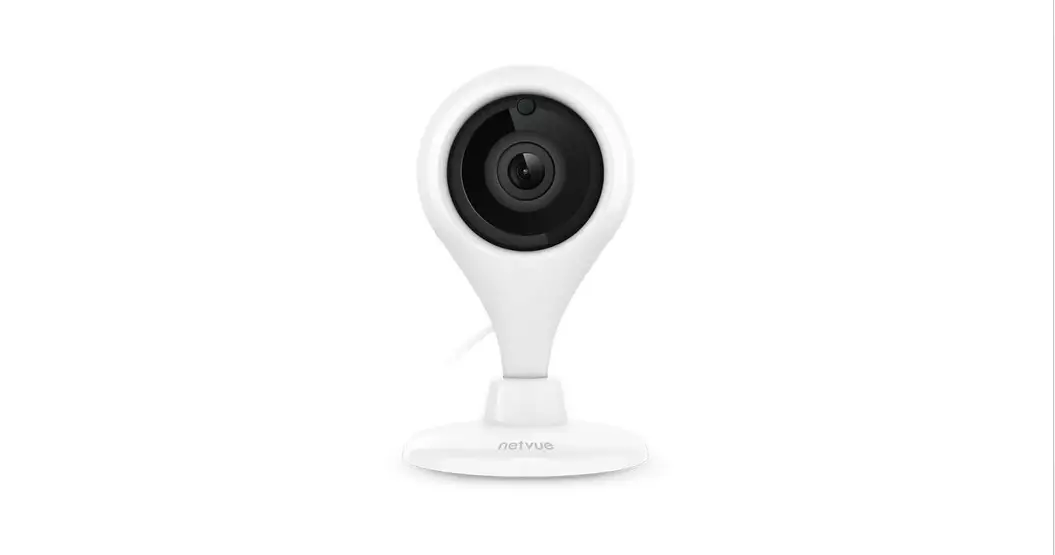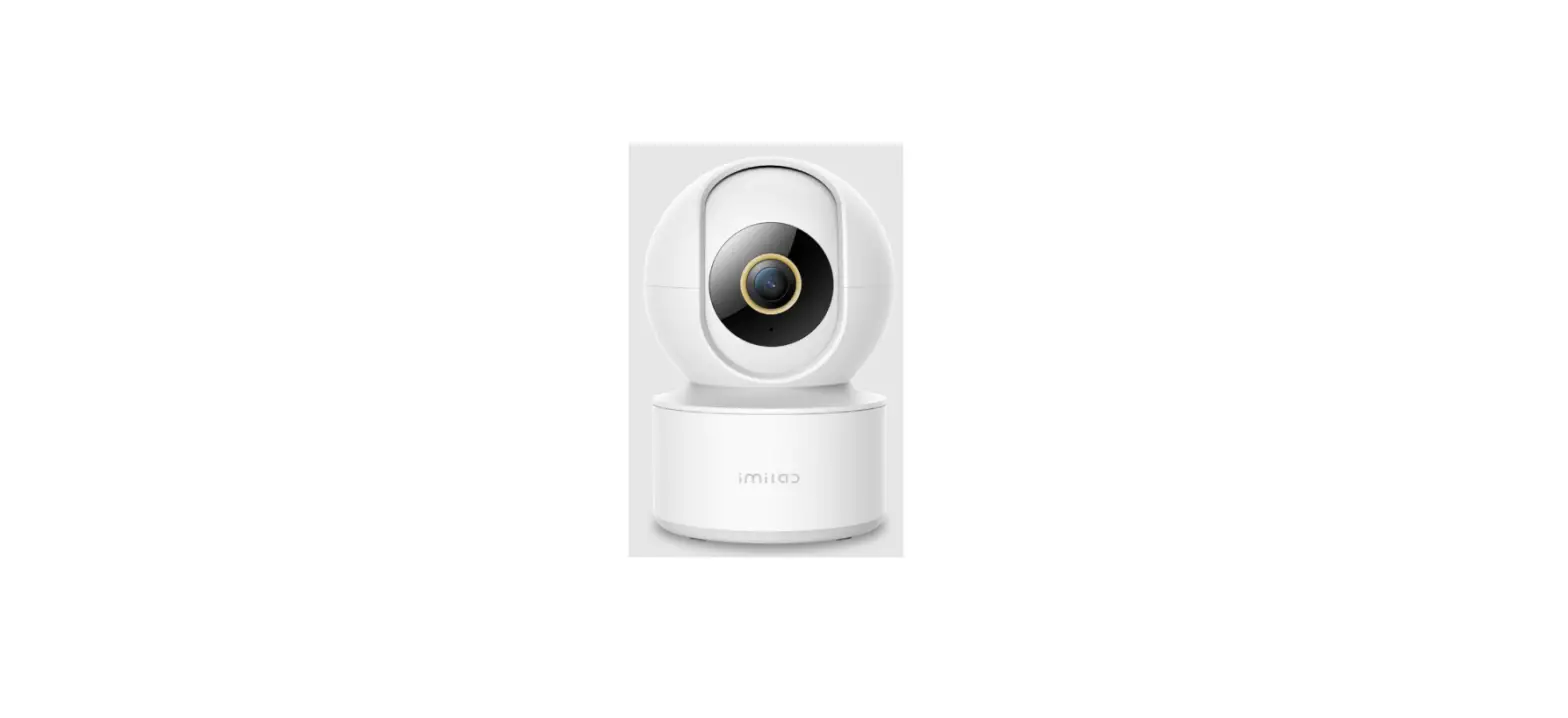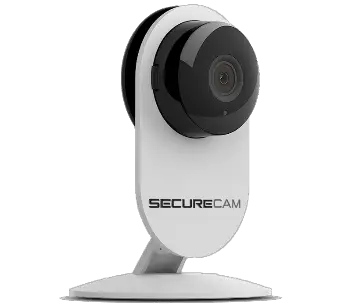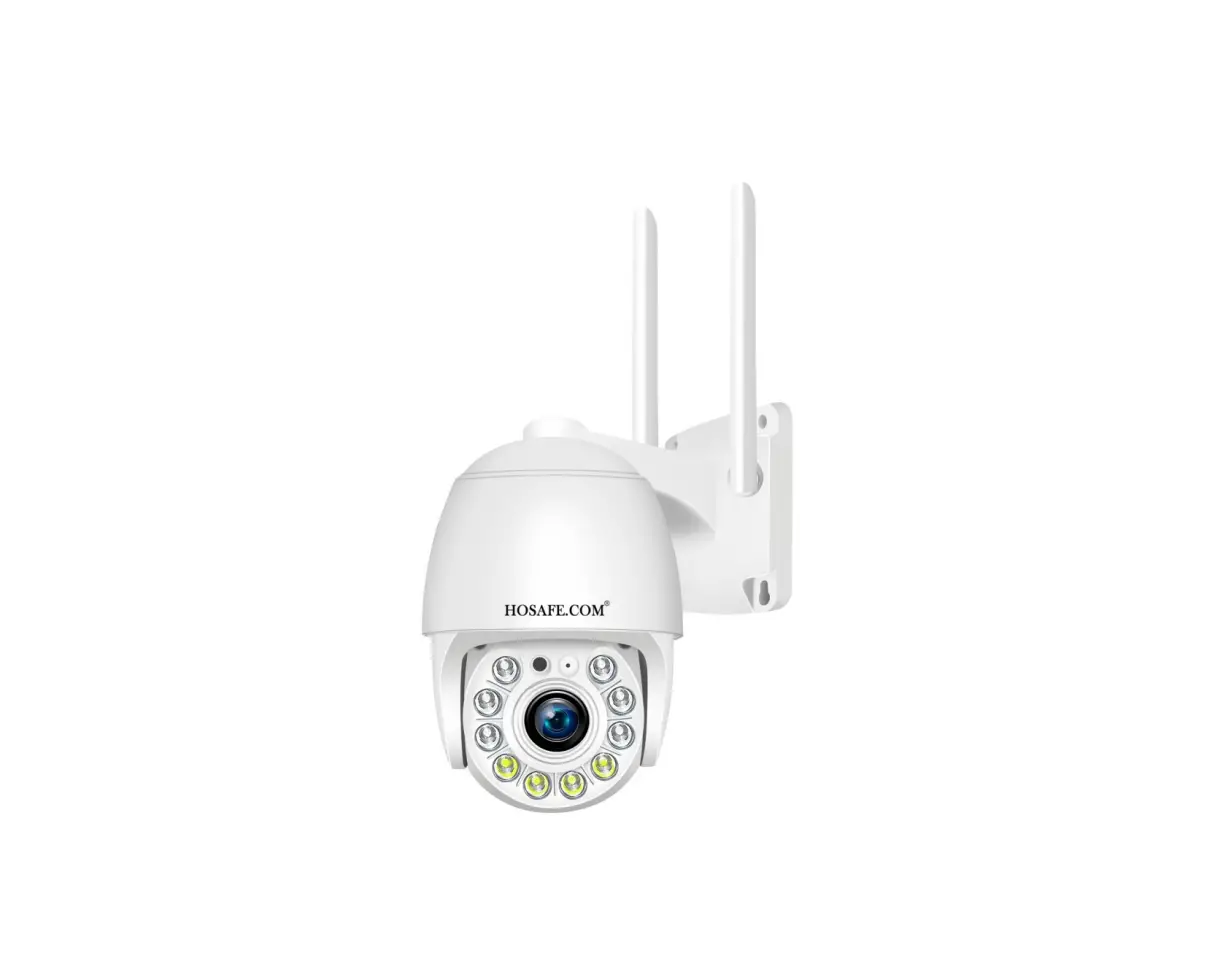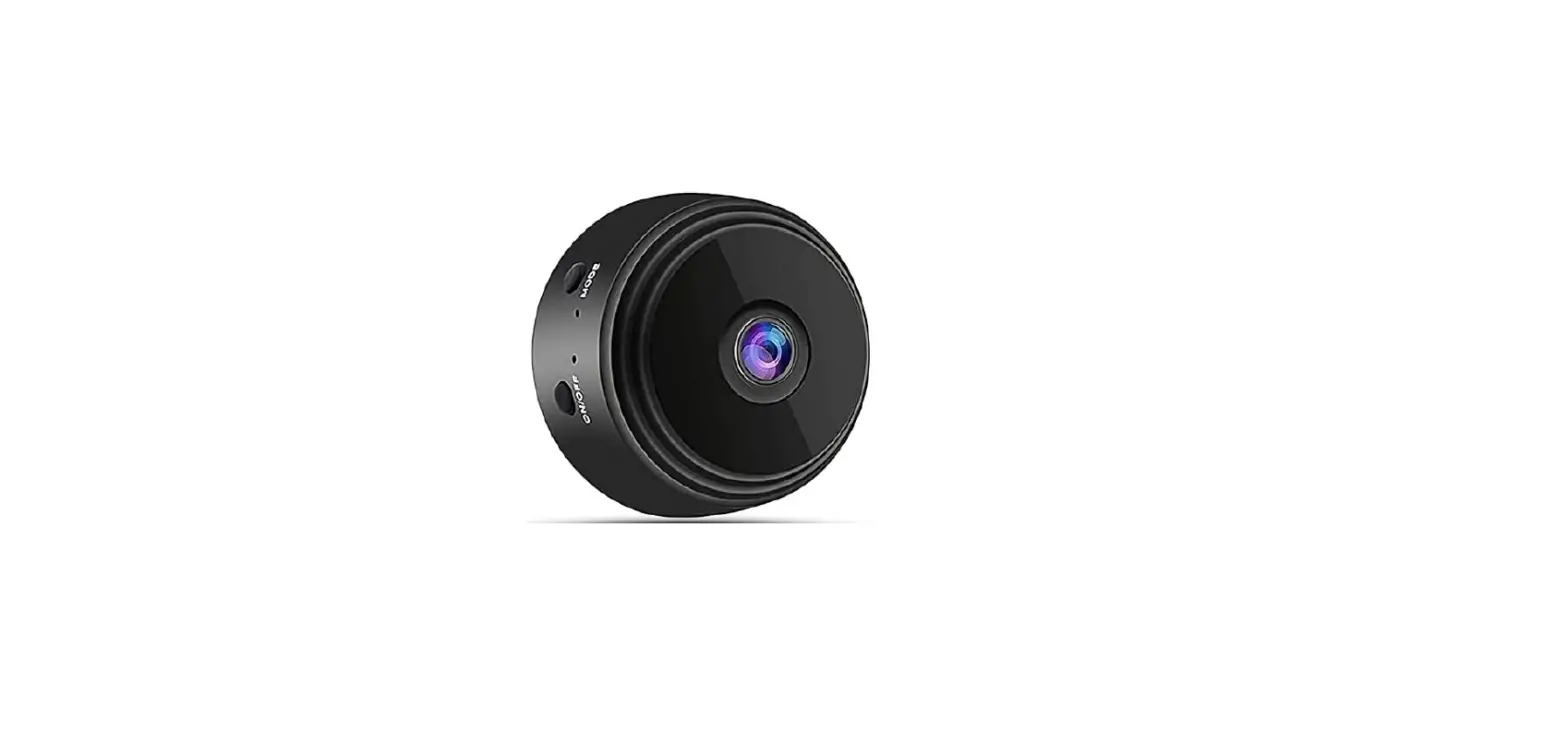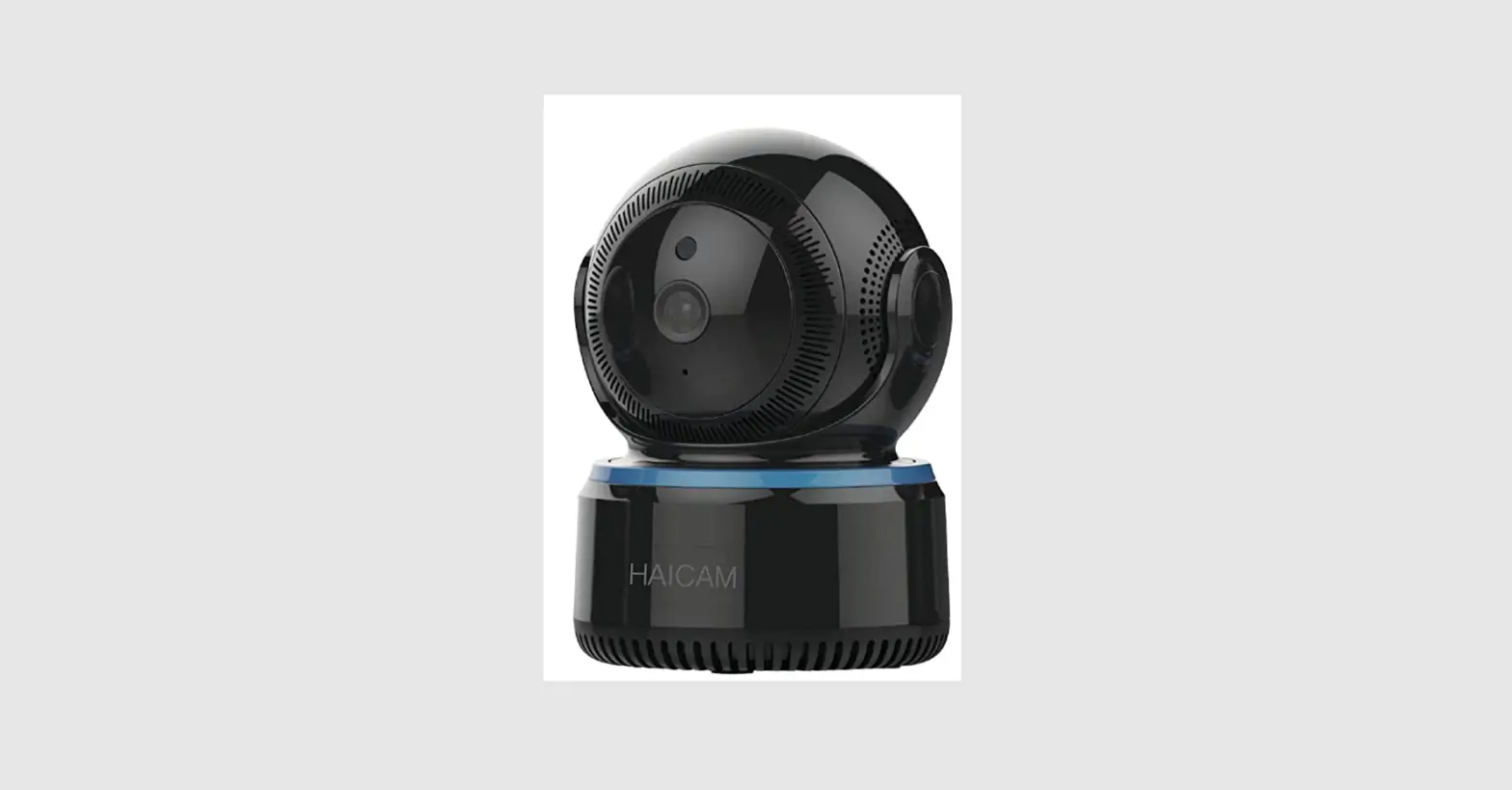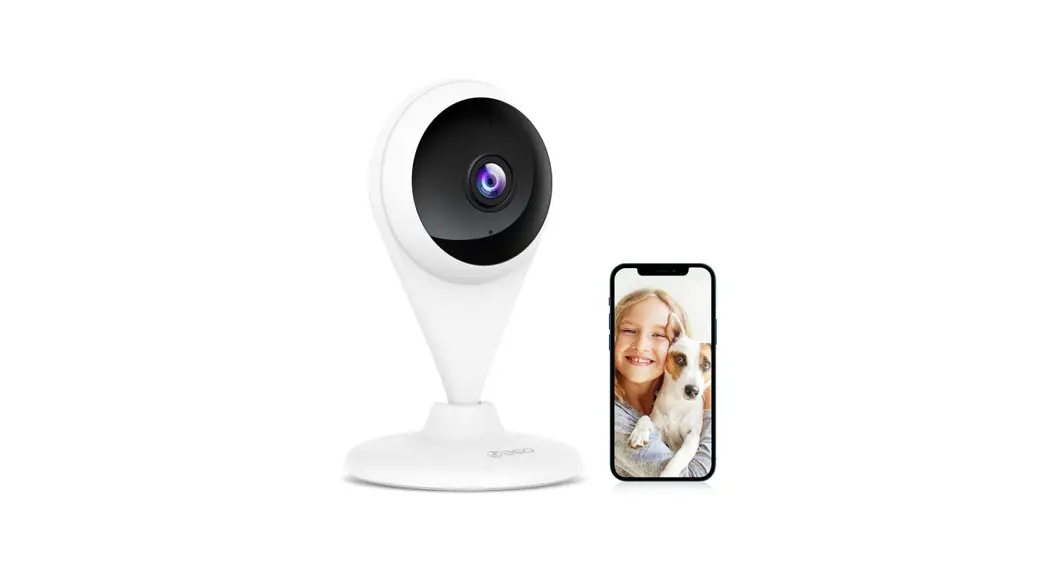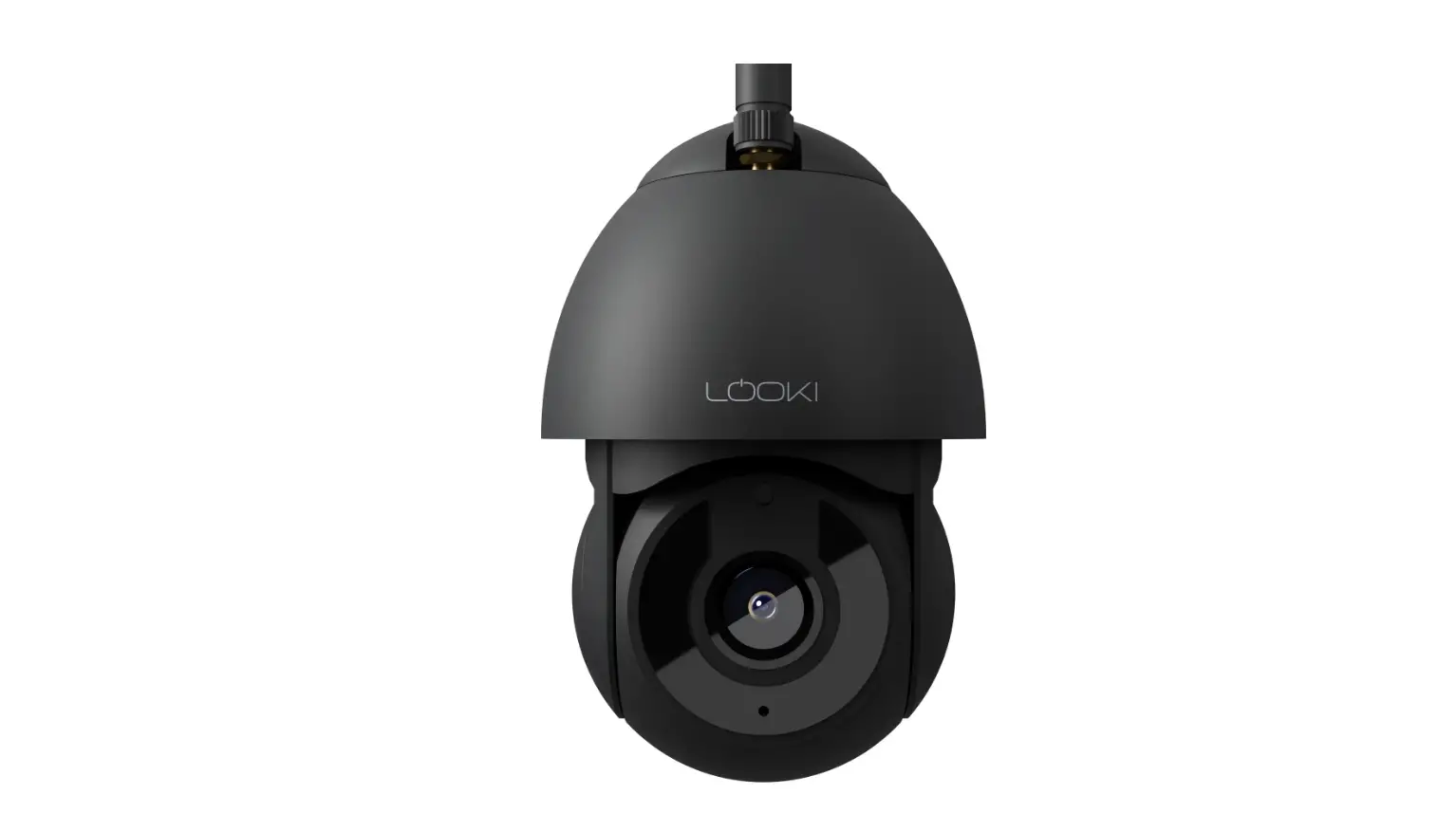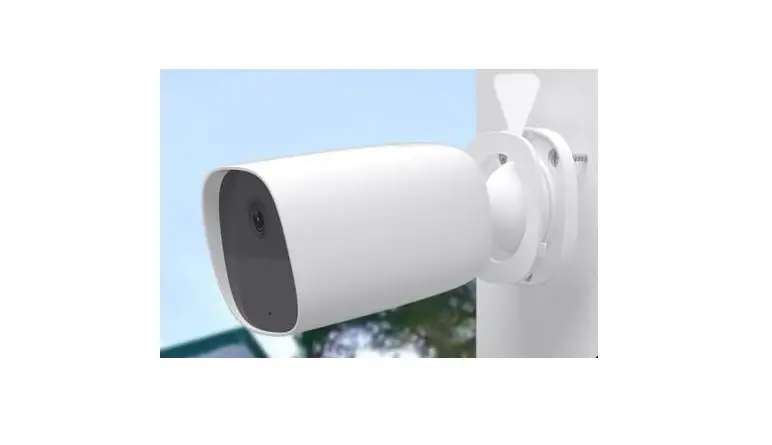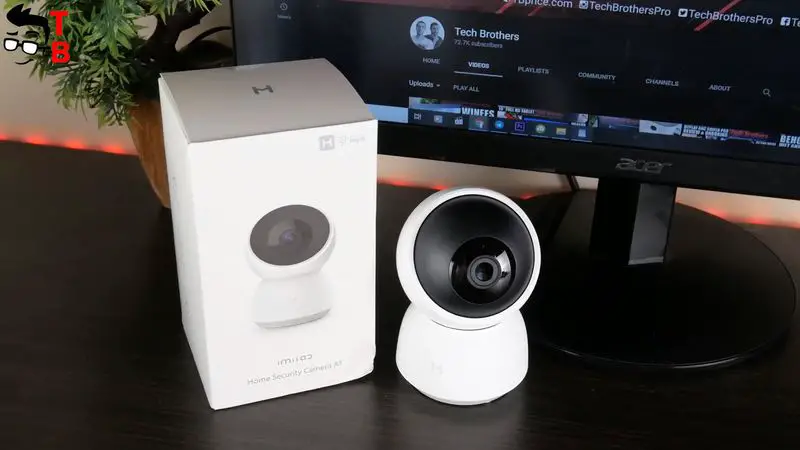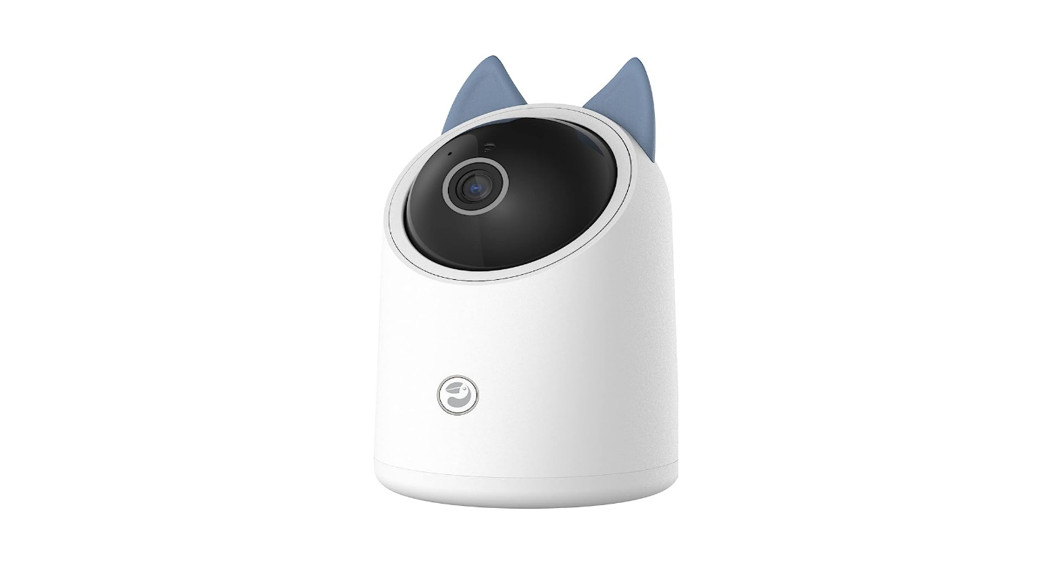
 DA_H1 Indoor Security Camera
User Guide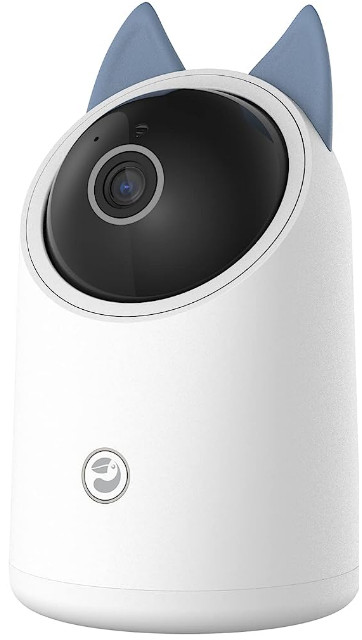
How to connect Danale App
Sept 1 – Download Danale App
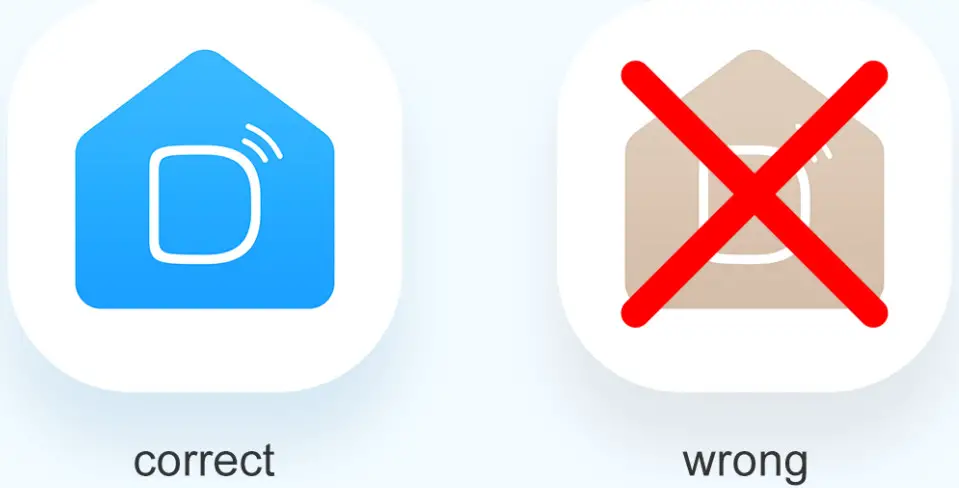
Get “Danale” from App store or by scanning the QR code below.
Note: Please select the Blue “Danale” not brown one
 |  |
| https://dl2.danale.com/g132d9/getapp | https://www.youtube.com/watch?v=lZDfzR6msJs |
Sept 2-Log In
Open the App, and log in with your Danale ID, if you don’t have an account, create one first. 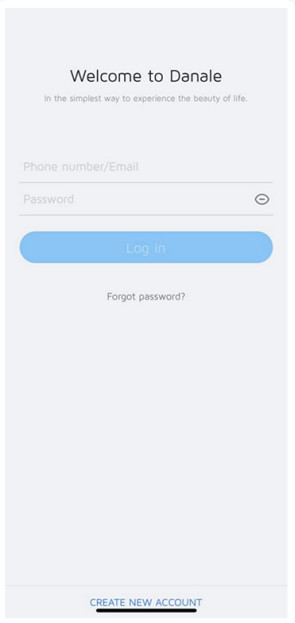
Sept 3- Add Your Camera
Tap the “Add Device” in the App and select your camera. 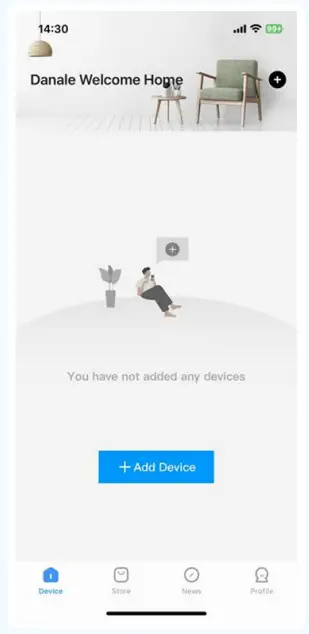
Sept 4- Configure Camera
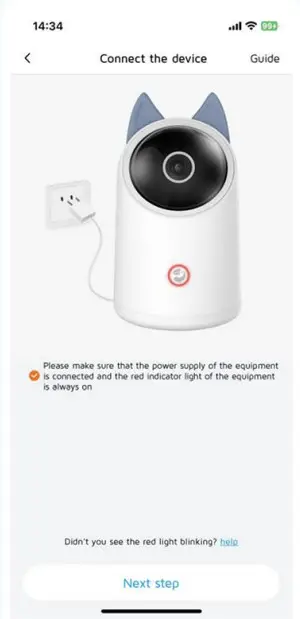
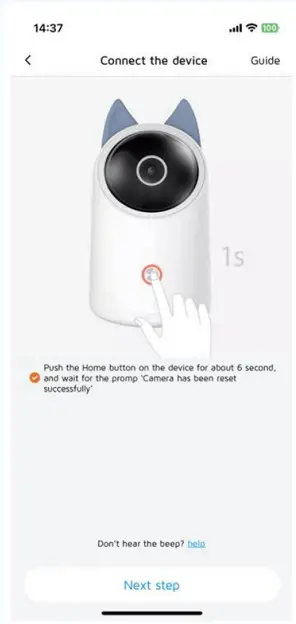
Follow app instructions to configure your camera and add it to your home network.
- Power on your camera

- Press the button for 6 seconds before connecting it

- Connect you home network(Note: only support 2.4GHz Wi-Fi network)
 Sept 4- Configure Camera
Follow app instructions to configure your camera and add it to your home network. - Connect the camera (2 ways for choose)
Way 1: Scan the QR code at the bottom of the camera Way 2: Input the PIN code at the bottom of the camera
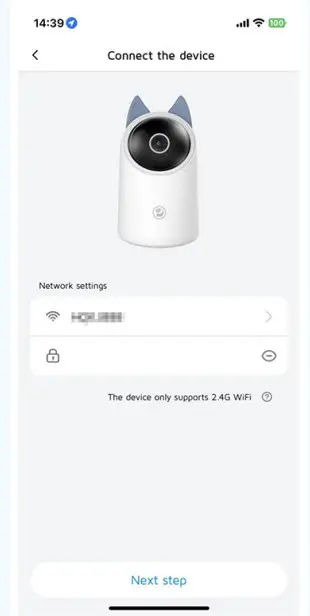 Sept 4- Configure Camera
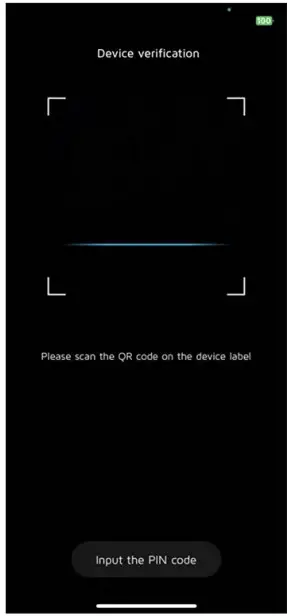 Way 2: Input the PIN code at the bottom of the camera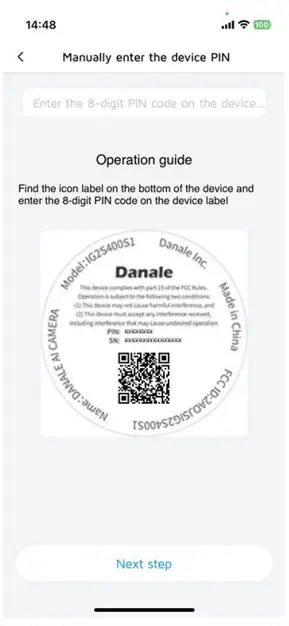
Sept 4- Configure Camera
Follow app instructions to configure your camera and add it to your home network.
4 Connect device Wi-Fi
Select characters starting with Danale-xxxx-xxxx(Note: Please wait the device Wi-Fi to connect successfully and then back to Danale App, or it may fail to connect )
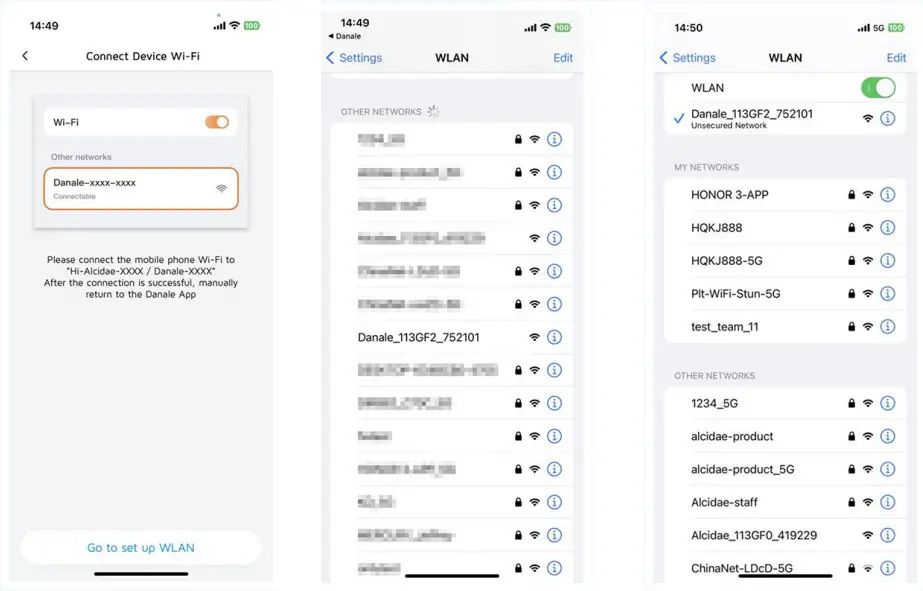 Sept 4- Configure Camera
Follow app instructions to configure your camera and add it to your home network.
(5)Connect to your network
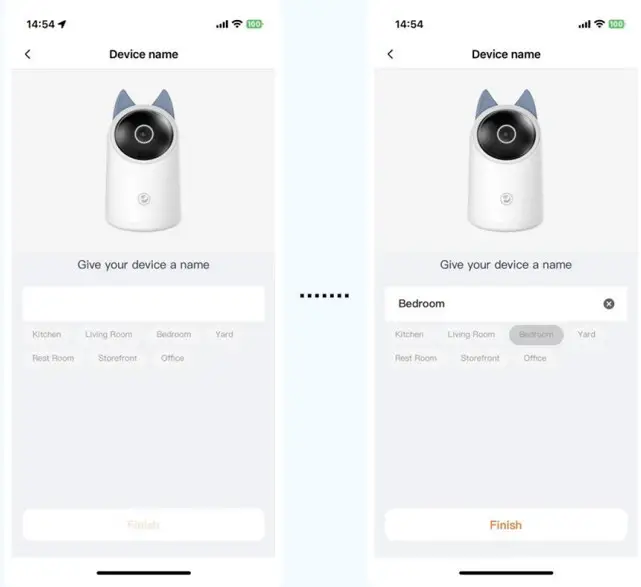
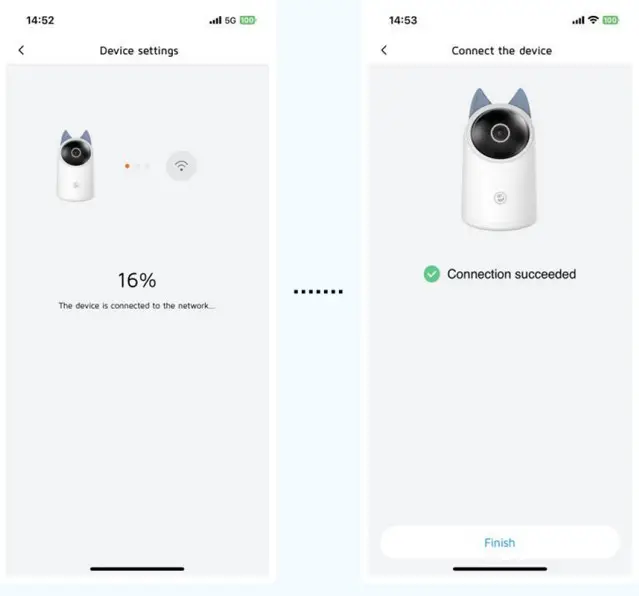 (6)Rename your device