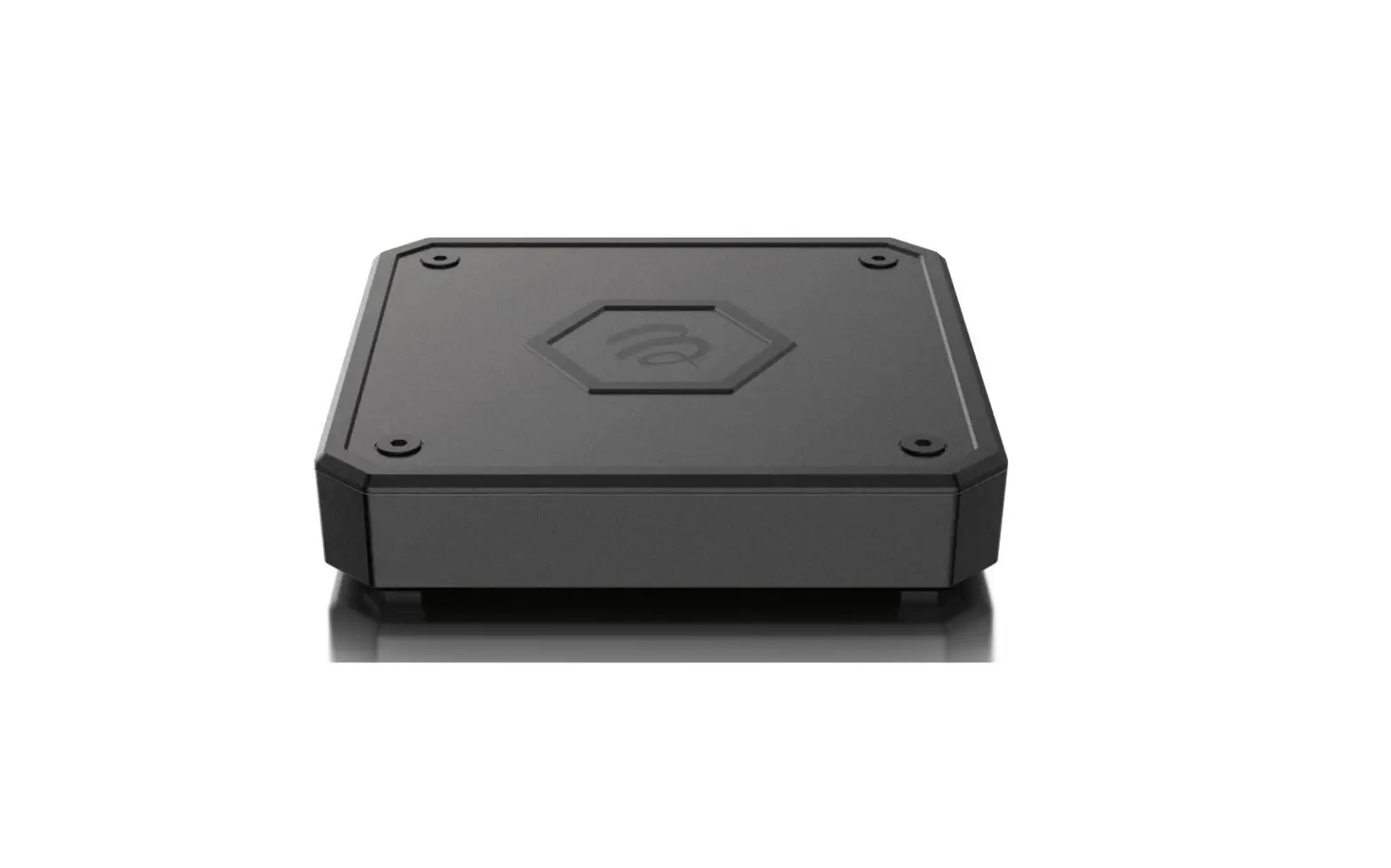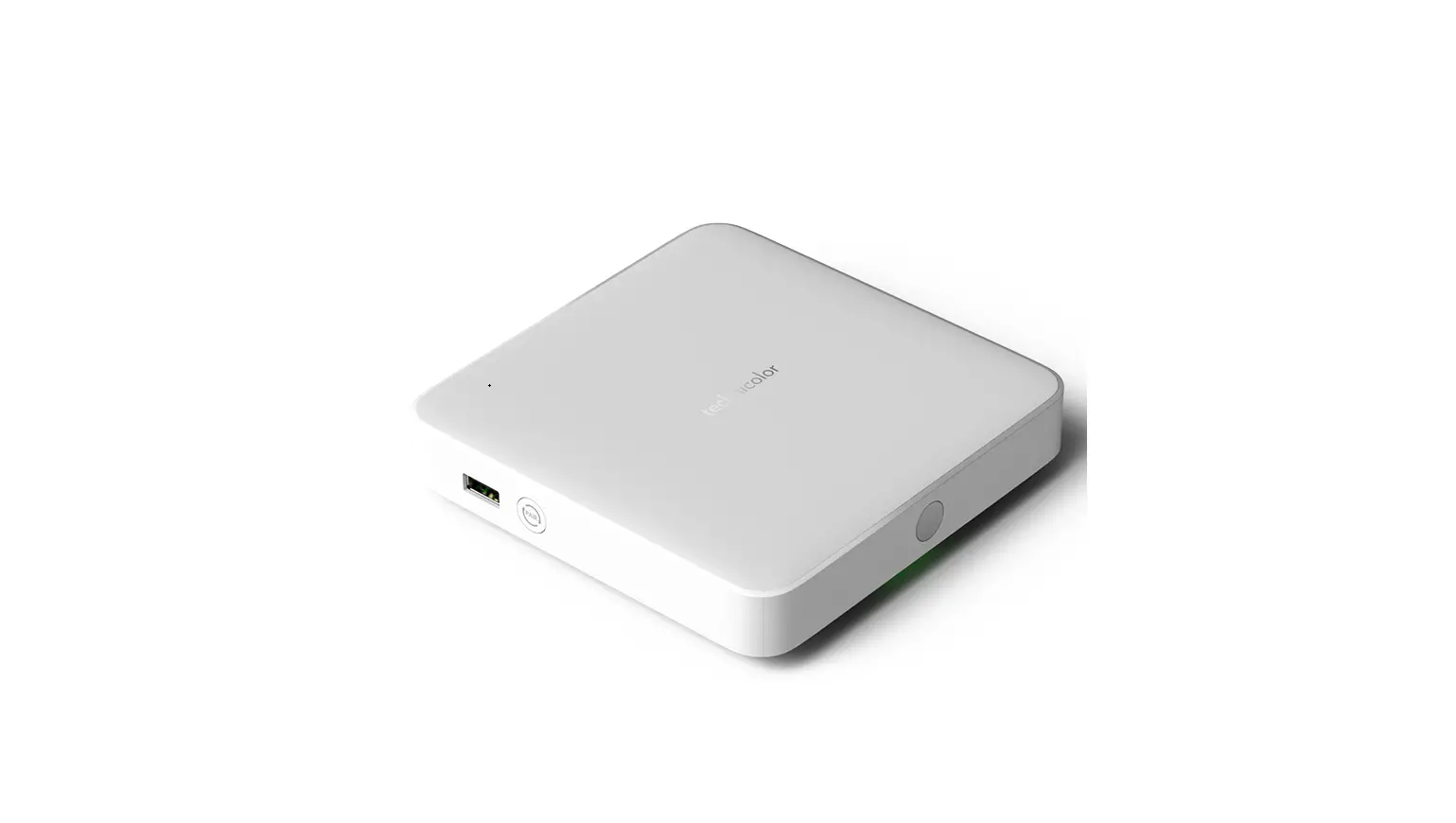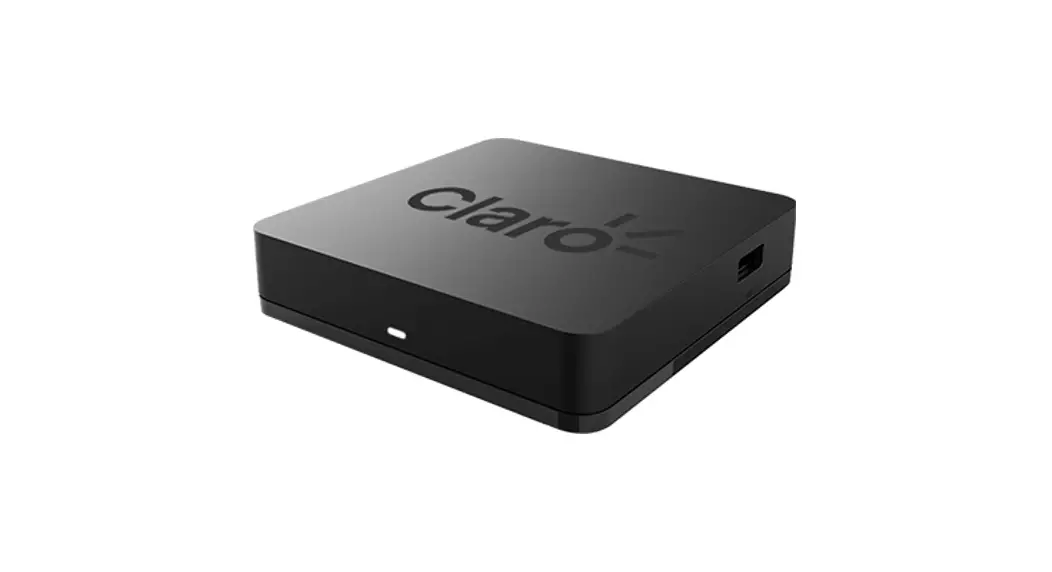

QUICK GUIDE
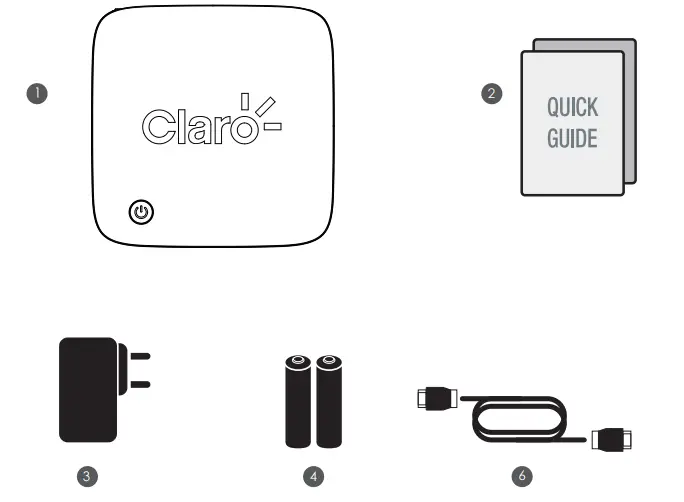
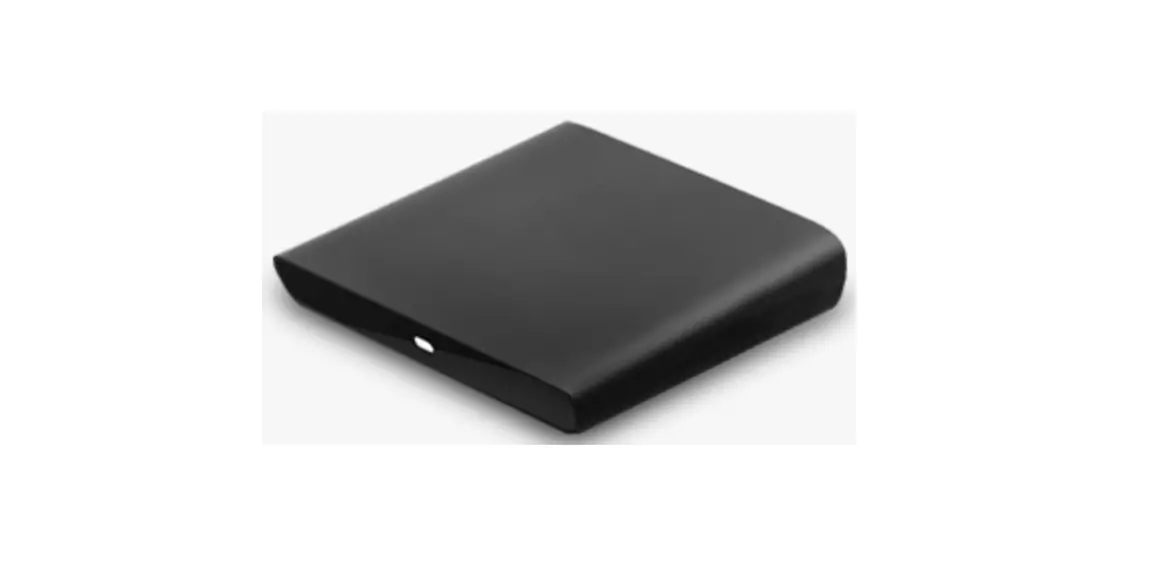
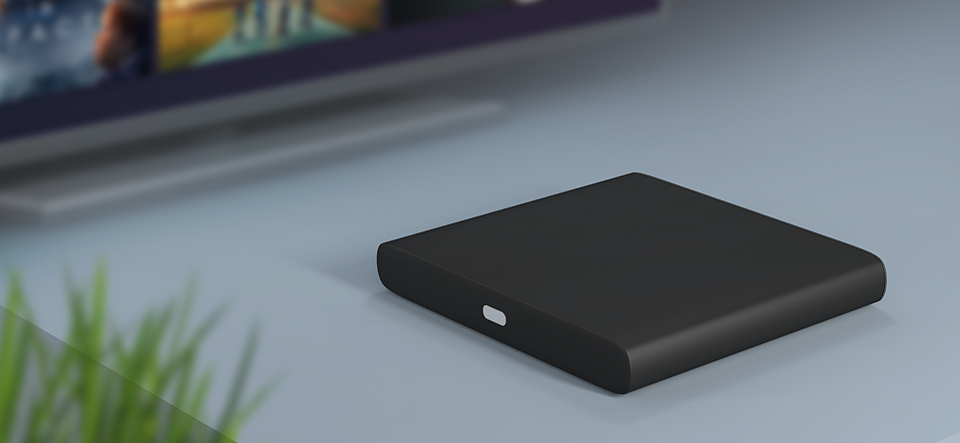
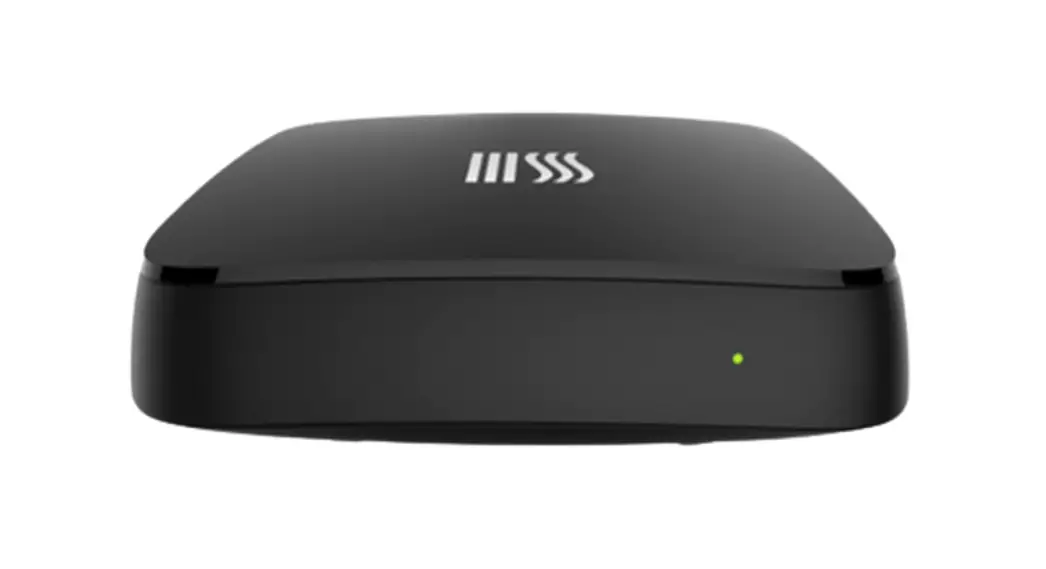
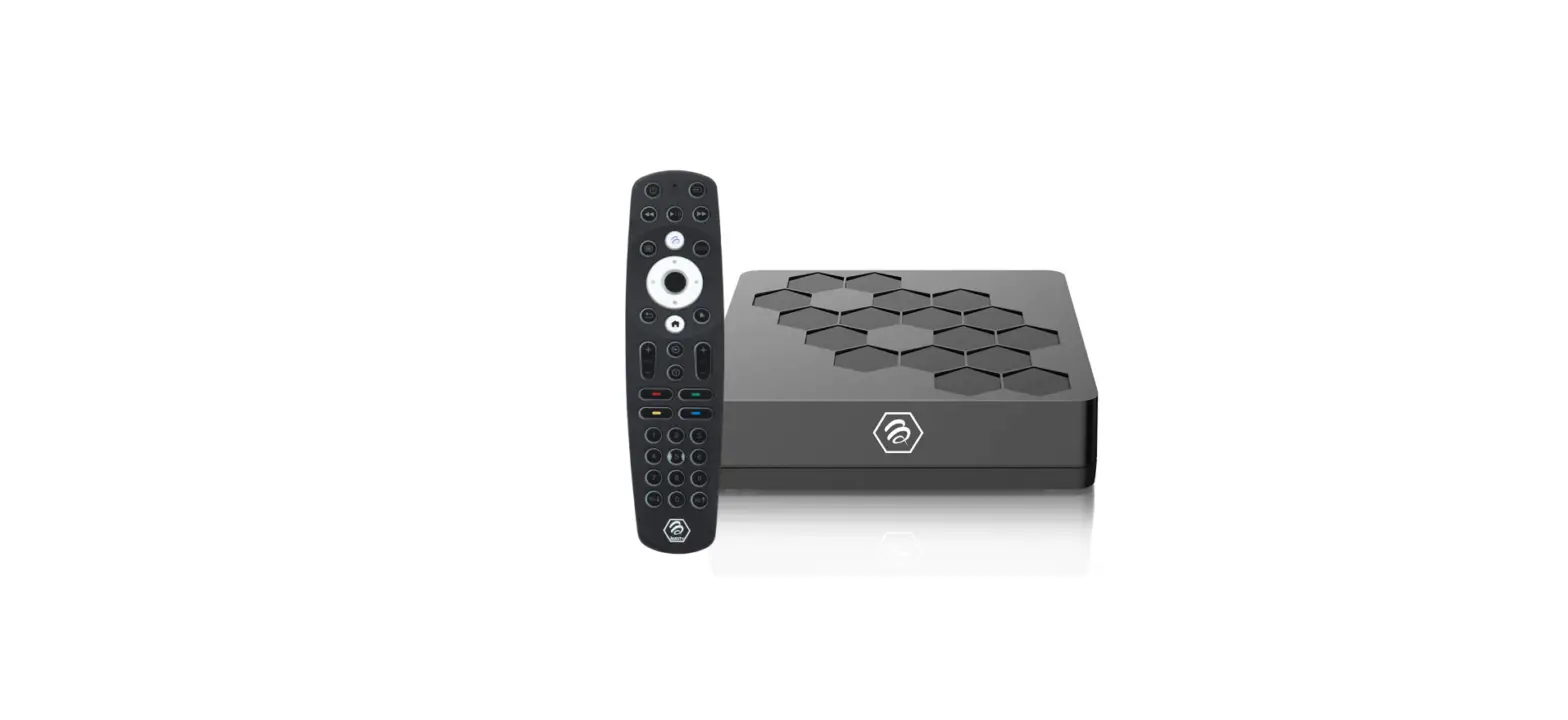
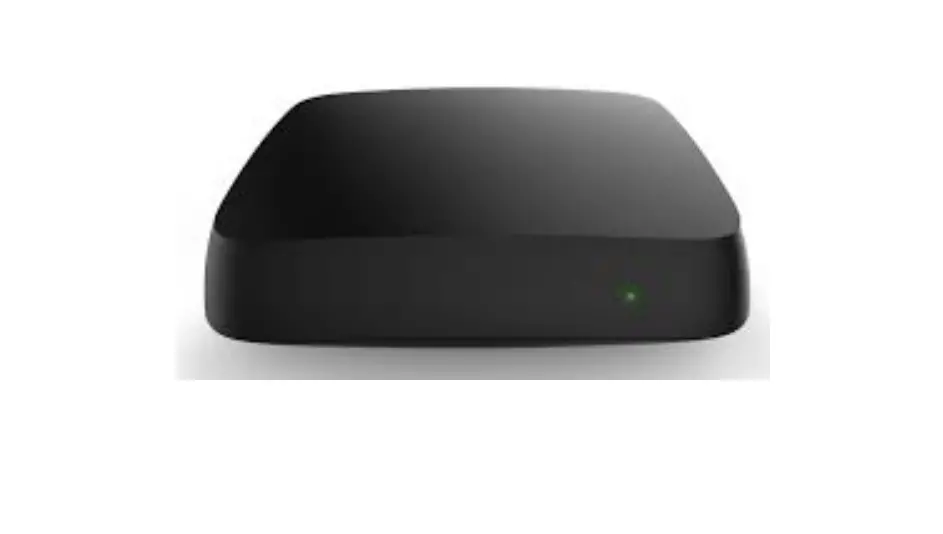
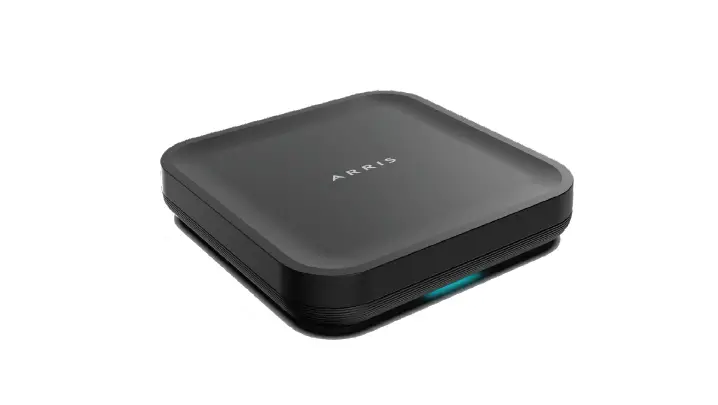
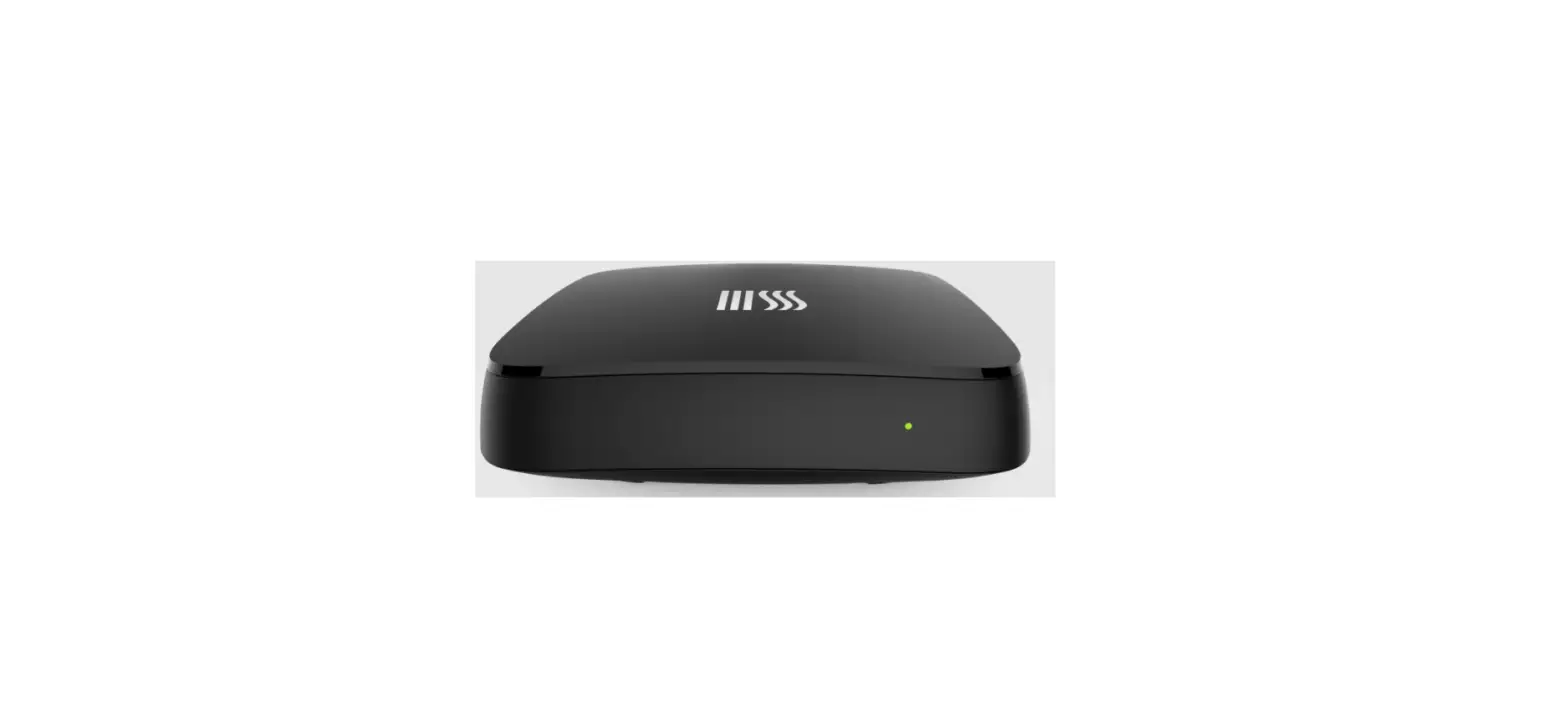
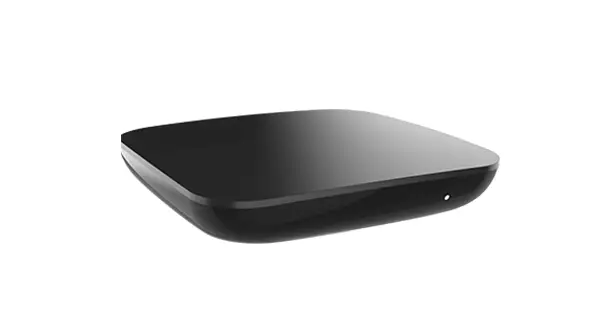
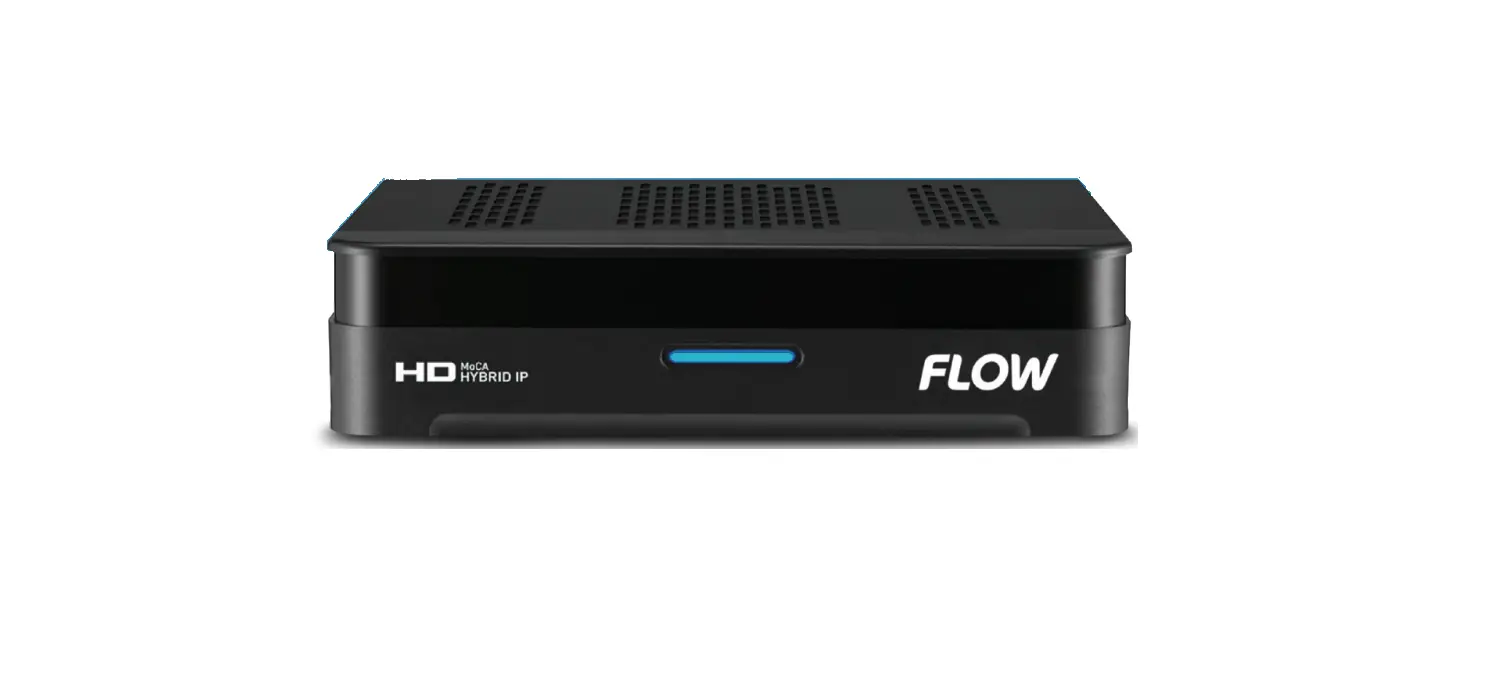
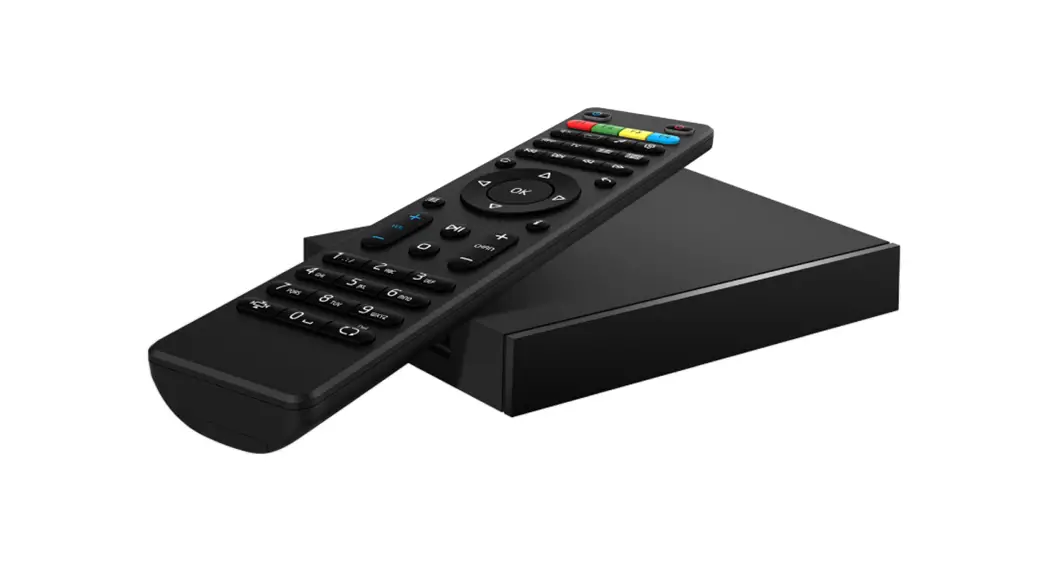
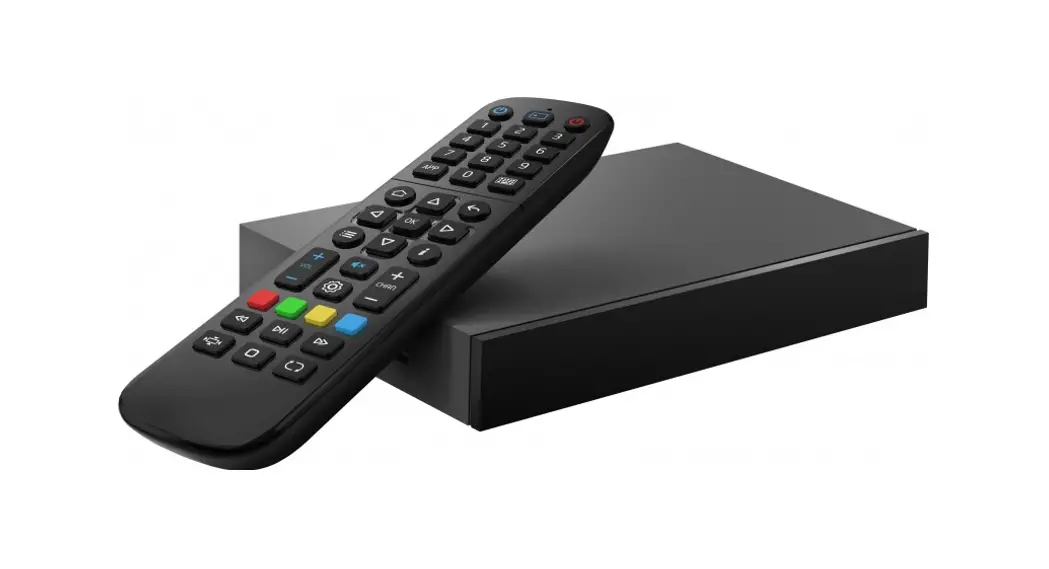
- Claro STB
- Quick Guide
- Power Adapter
- Battery
- HDMI Cable
DEVICE INFORMATION
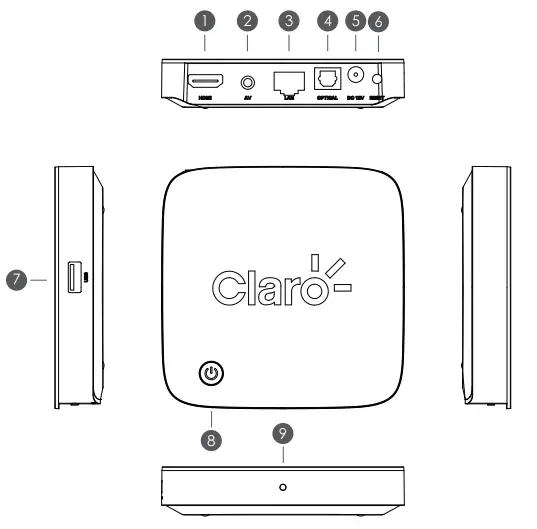
- HDMI
- AV
- LAN
- OPTICAL
- DC 12V
- RESET
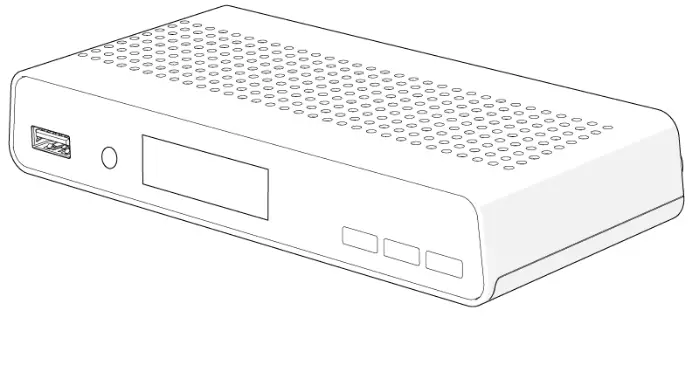
- USB
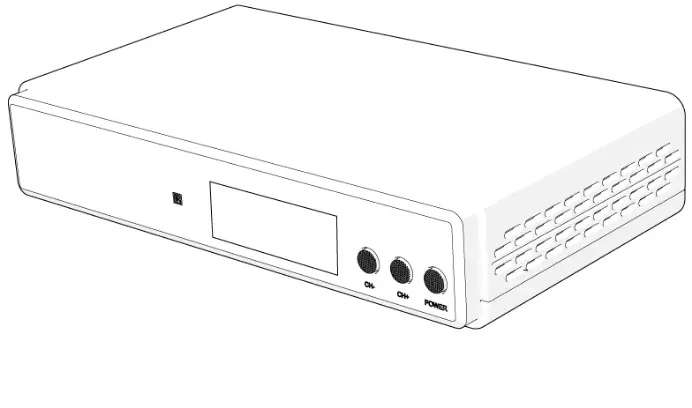
- Power
- Light
SETUP DIAGRAM
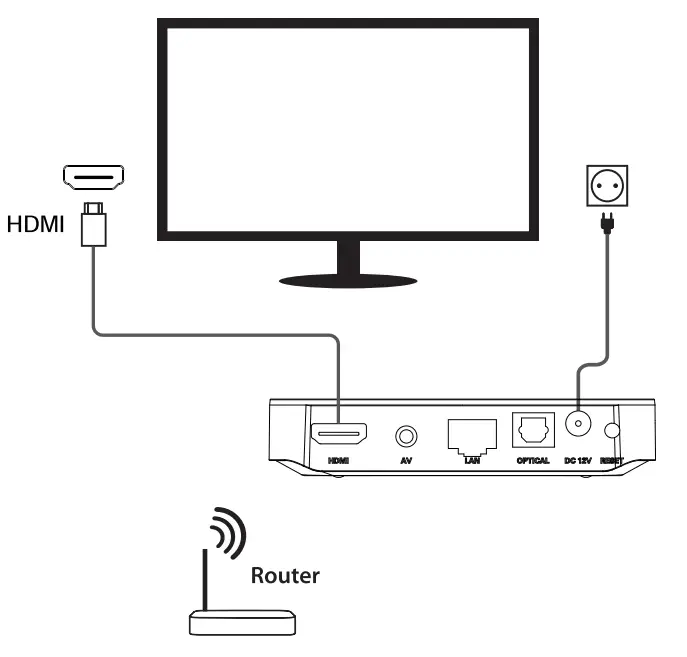
Android TV™
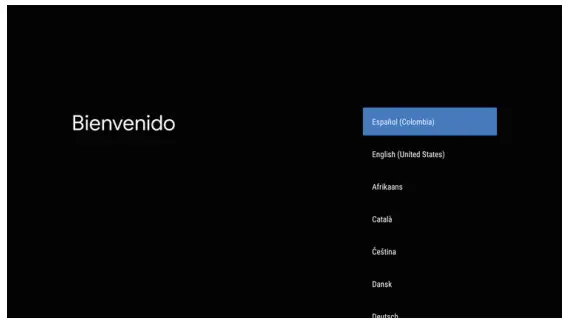
Complete the on-screen setup
Follow the on-screen instructions using your remote to navigate through the setup process.
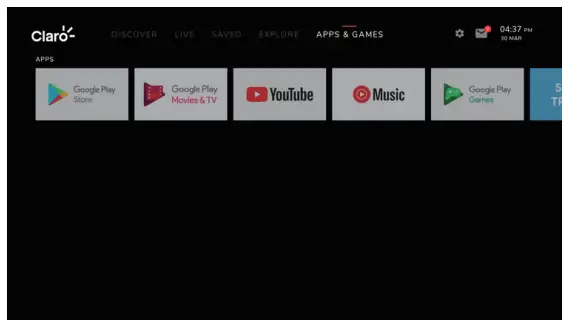
Bring your entertainment together in one place to easily jump from live TV and on-demand to the top streaming apps, or cast your favorites from your smartphone to your TV. And do it using voice search – search for shows, control your TV, and more.
SPECIFICATION
| Hardware | |
| Chipset | Quad-Core ARM A55 24,000 DMIPS |
| RAM | 2GB |
| Flash | eMMC 8GB |
| Video | |
| Video Decoding | AVI MP-1 [email protected] up to 4Kx2K@60fps vP9 Profile-2 up to 4Kx2K@60fps H.265 HEVC [email protected] up to 4Kx2K460fps AVS2-P2 Profile up to 4)(x2K@60fps H.264 AVC [email protected] up to 4Kx2K@30fps H.264 MVC up to 1080P@60fps MPEG-4 ASP@L5 up to 1080P@60fps (IS0-14496) WMV/VC-I SP/MP/AP up to 1080P(4)60fps AVS-P16(AVS÷) /AVS-P2 JiZhun Profile up to 1080PA 60fps MPEG-2 MP/HL up to 1080P@60fps (IS0-13818) MPEG-I MP/HL up to 1080P@60fps (ISO-1 1172) RealVideo 8/9/10 up to 1080P(4160fps |
| Video File Format | Support *.mkv, *.wmv, *.mpg, *.mpeg, *.dat, *.avi, *.mov, *.iso, *.mp4, *.rm, *.jpg, *.bmp, *.gif etc… |
| Video Output | HDMI 2.1, HDCP2.2 |
| Aspect Ratio | Auto, Fullscreen |
| Video Resolution | 4801/p, 576i/p, 720p, 1080i/p and 4Kx2K |
| Power | |
| DC Input Range | 12V IA |
| Power Consumption | Maximum 12 W |
SAFETY INFORMATION
 CAUTION!
NOTICE: To prevent fire and electric shock, do not expose this device to rain or moisture. In order to avoid any possible risk of electric shock, never attempt to open the unit. In case of the unit breaks down, repair of the unit should be carried out by qualified technicians. No part of this unit should be repaired by users.
WARNING!
- Protect the device from high temperatures, humidity, water, and dust.
- Do not place any objects that might damage your unit near it (e.g. liquid filled objects or candles).
Google, Google Play, YouTube, Android TV, and other marks are trademarks of Google LLC.
Google Assistant is not available in certain languages and countries. Access and Availability to this application are subject to terms and conditions. Third-party applications may require a monthly subscription.
FCC Statement
This equipment has been tested and found to comply with the limits for a Class B digital device, pursuant to Part 15 of the FCC Rules. These limits are designed to provide reasonable protection against harmful interference in a residential installation. This equipment generates uses and can radiate radio frequency energy and, if not installed and used in accordance with the instructions, may cause harmful interference to radio communications. However, there is no guarantee that interference will not occur in a particular installation. If this equipment does cause harmful interference to radio or television reception, which can be determined by turning the equipment off and on, the user is encouraged to try to correct the interference by one or more of the following measures:
— Reorient or relocate the receiving antenna.
— Increase the separation between the equipment and receiver.
— Connect the equipment into an outlet on a circuit different from that to which the receiver is connected.
— Consult the dealer or an experienced radio/TV technician for help.
This device complies with part 15 of the FCC Rules. Operation is subject to the following two conditions: (1) This device may not cause harmful interference, and (2) this device must accept any interference received, including interference that may cause undesired operation.
The distance between user and products should be no less than 20cm.
The EUT is Indoor use only
Changes or modifications not expressly approved by the party responsible for compliance could void the user’s authority to operate the equipment