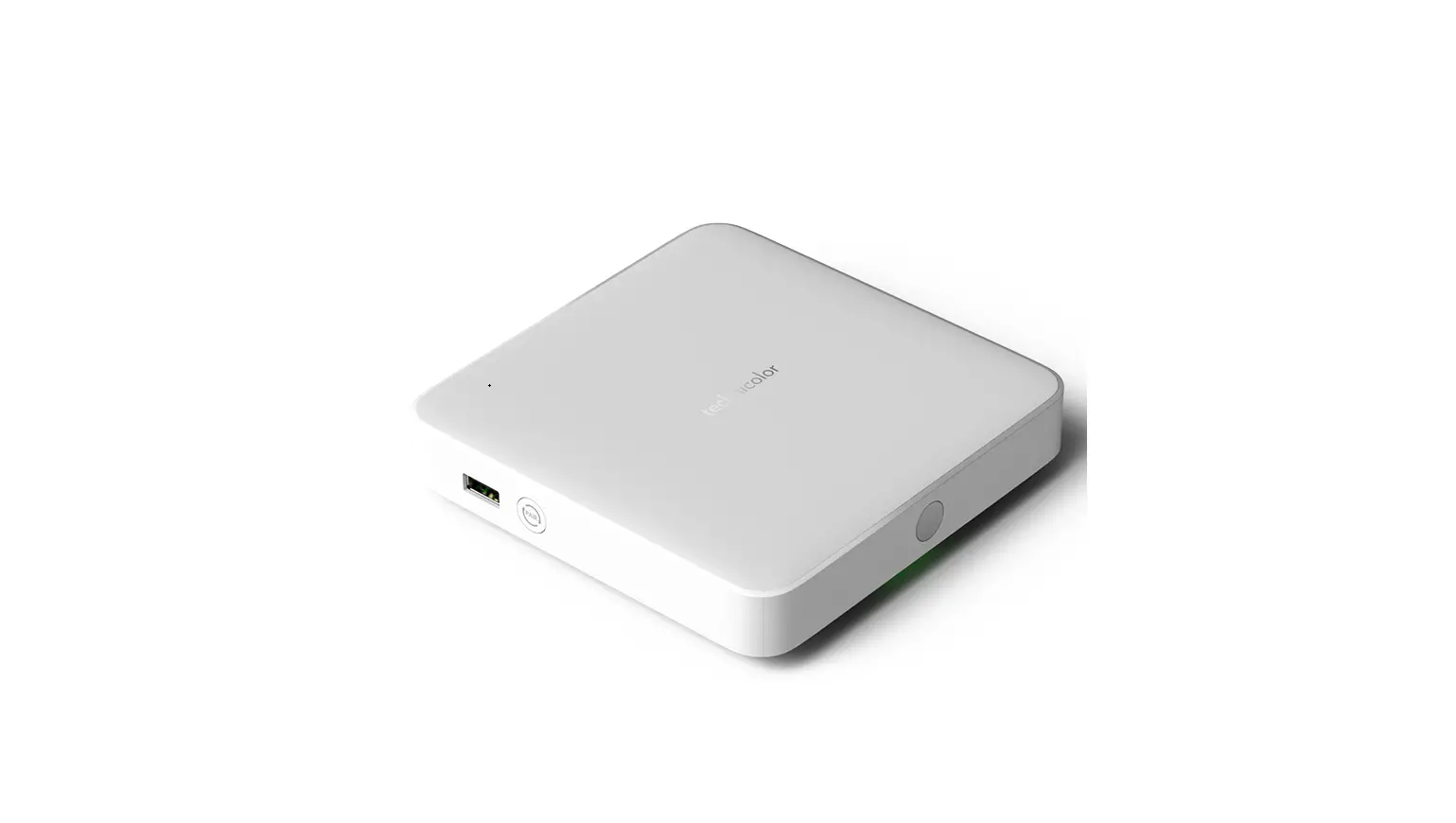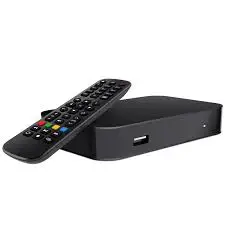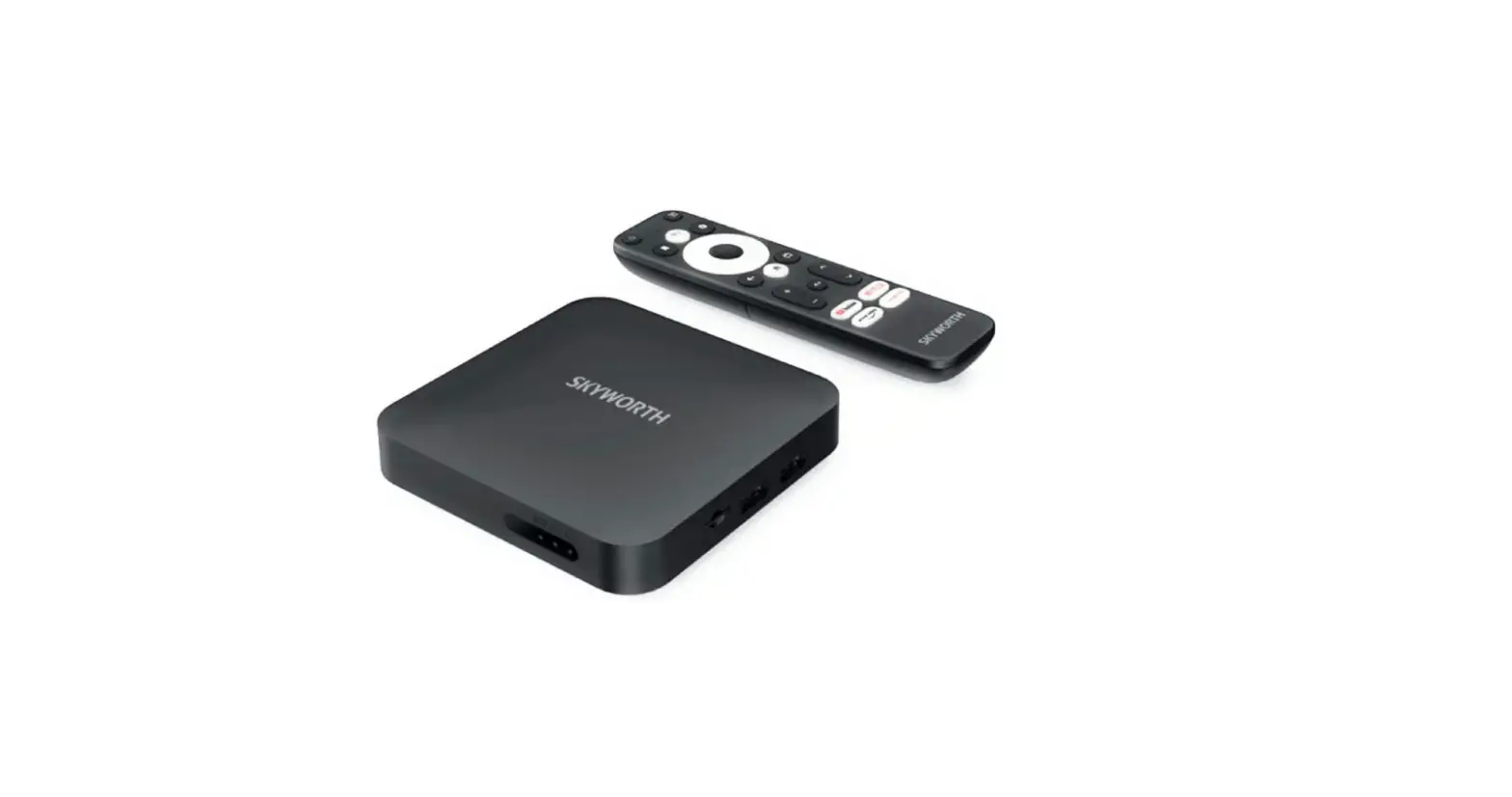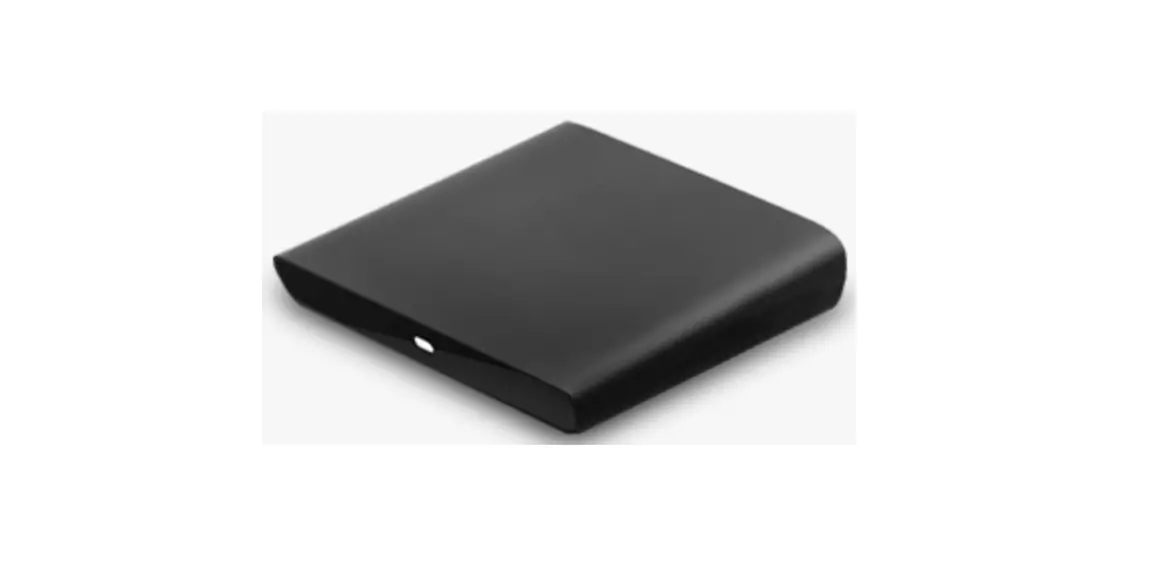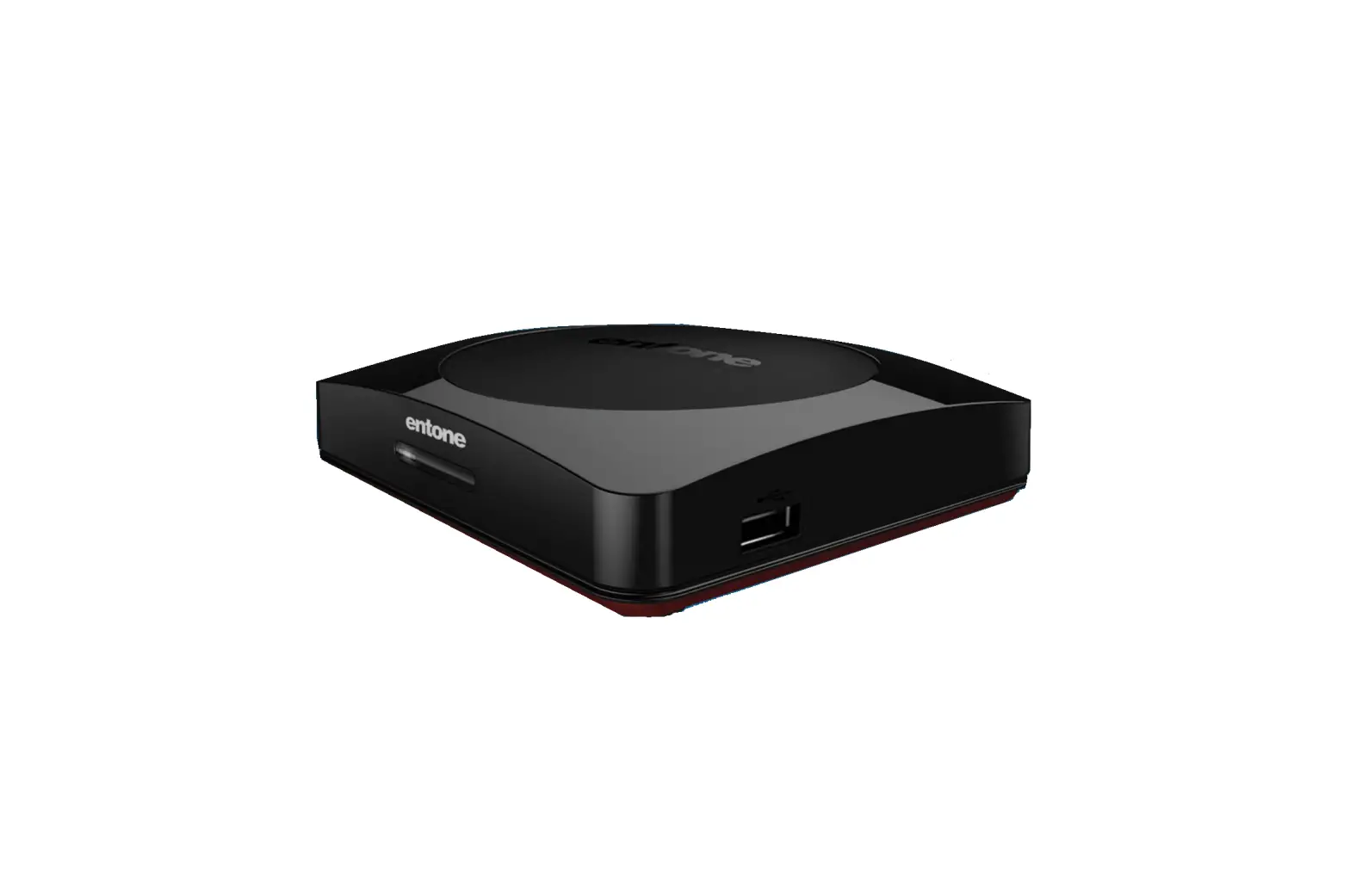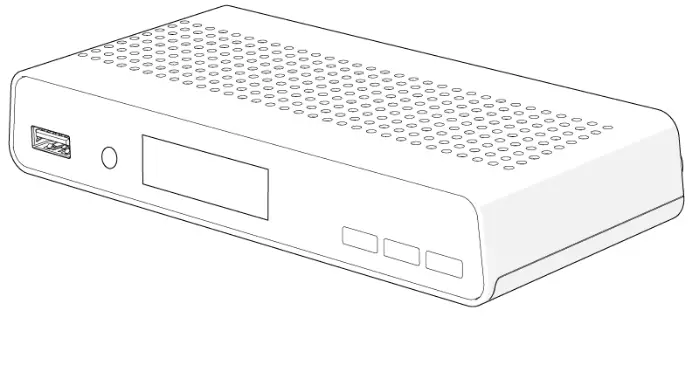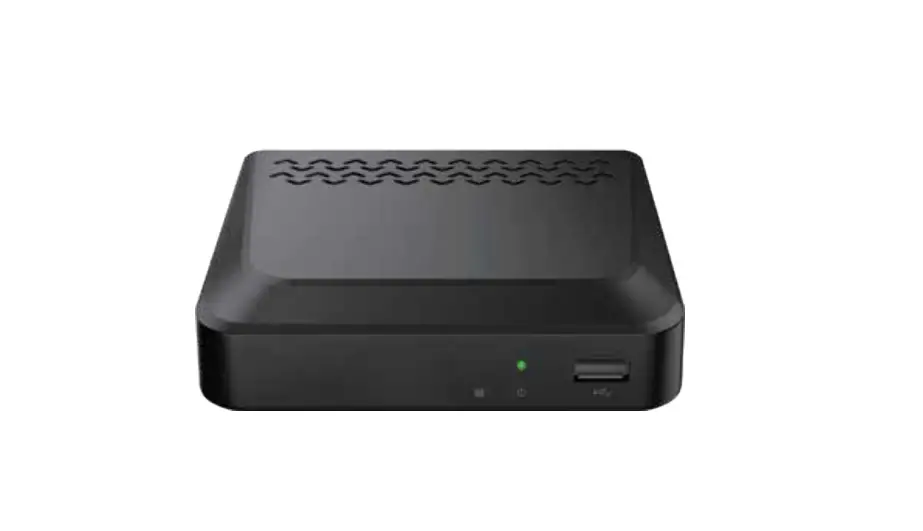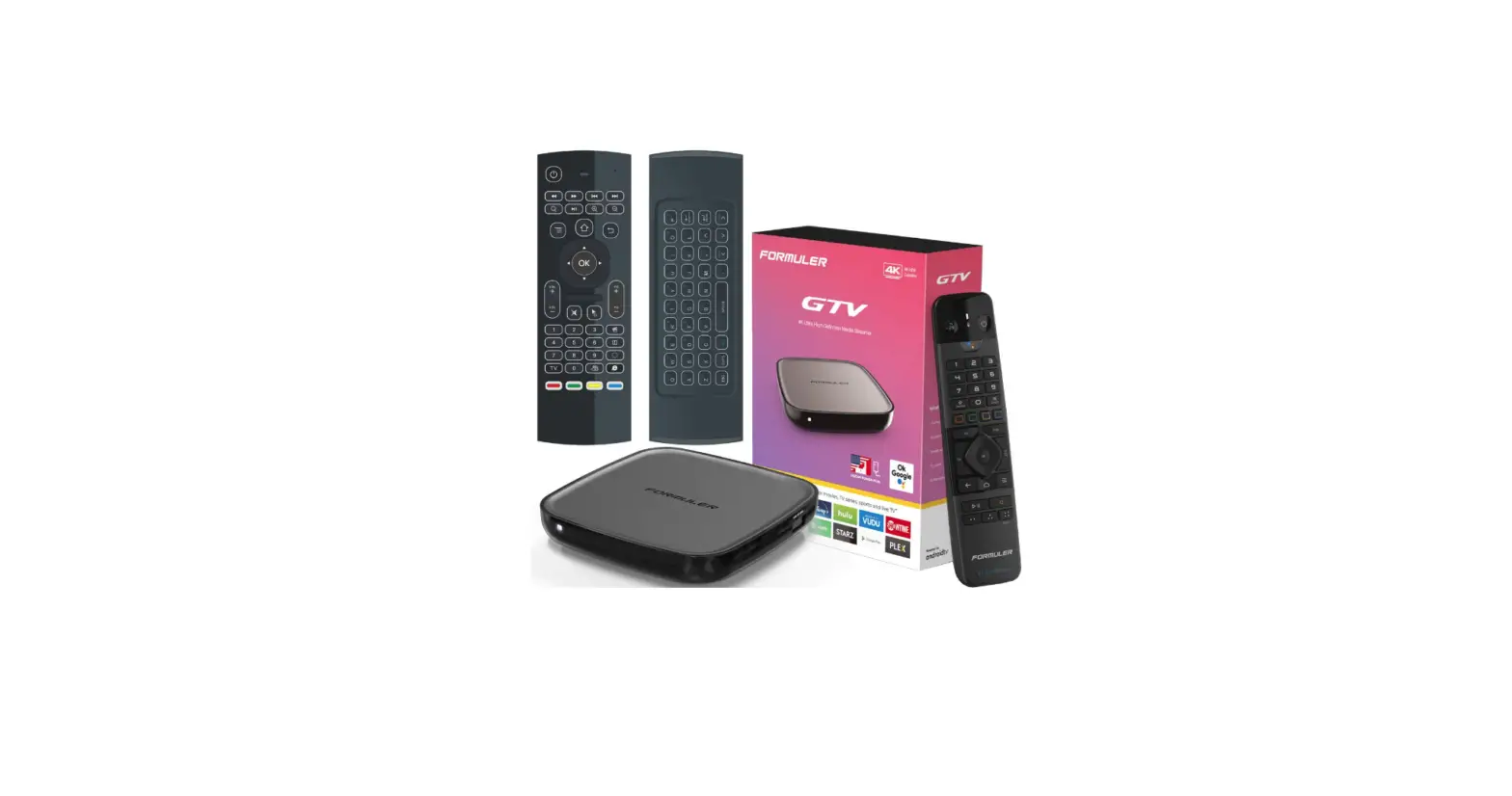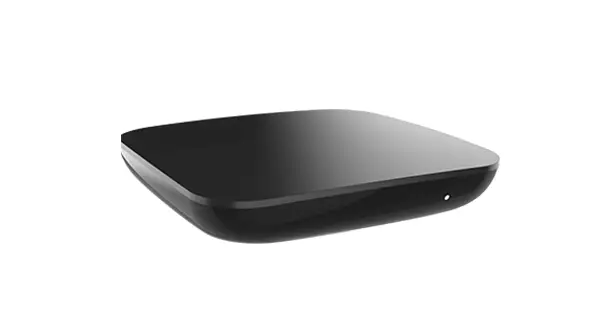
optimum DIW377 Stream Set Top Box User Guide
Getting started with Optimum Stream
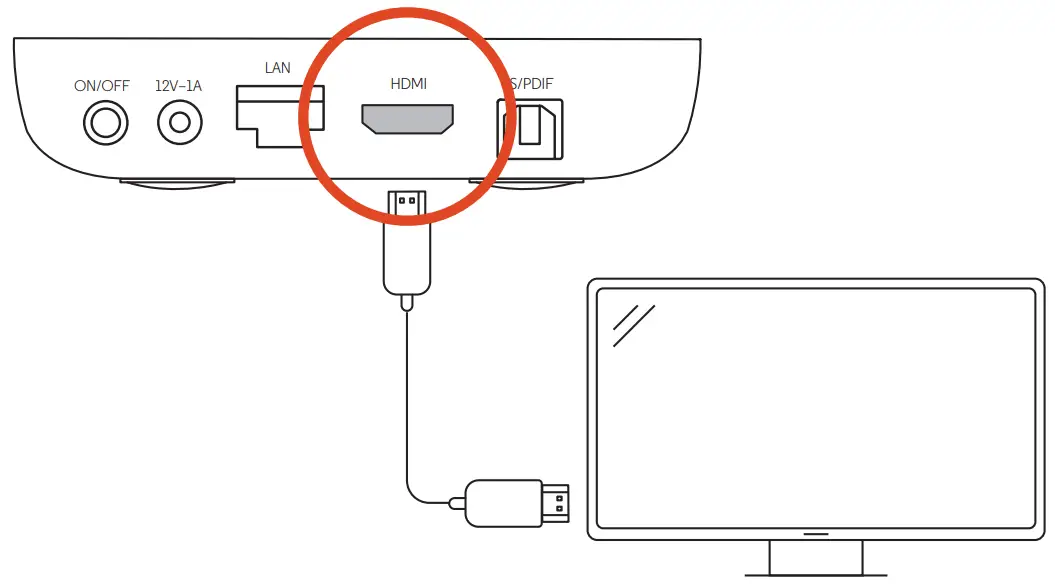
- Connect the HDMI cable.

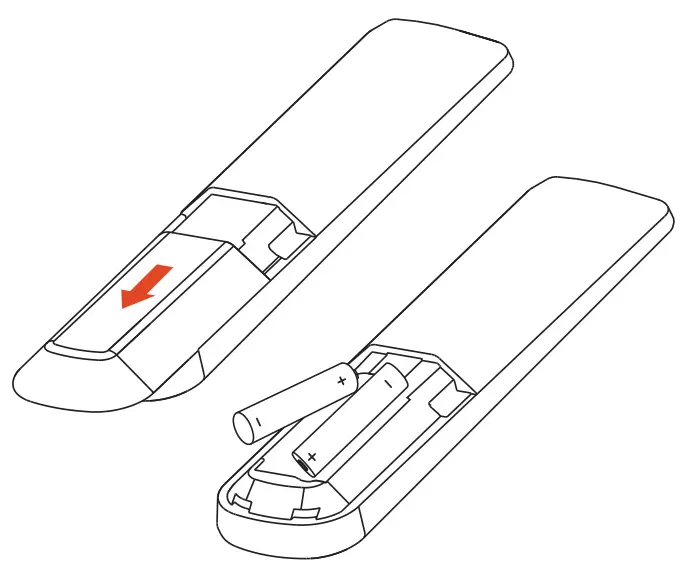
- Install the batteries in the remote.

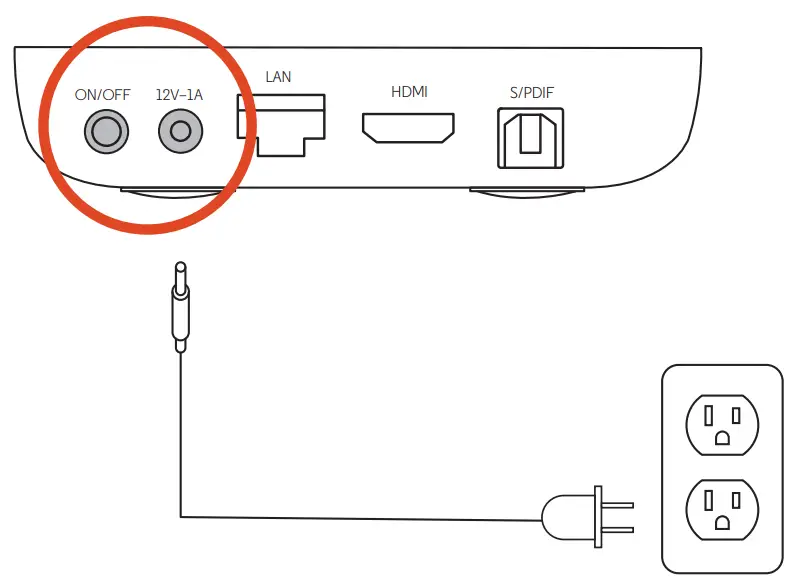
- Plug in the power cord and press the power button.

- Turn on your TV and select the HDMI input that your Stream is connected to.
- Follow the on-screen instructions to complete setup.
For more information visit optimum.net/streamwelcome
Optimum is working to reduce our impact on the environment.
We have packaged your Optimum Stream with responsibly sourced and recyclable materials

The terms HDMI and HDMI High-Definition Multimedia Interface, and the HDMI Logo are trademarks or registered trademarks of HDMI Licensing Administrator, Inc. Dolby, Dolby Audio, Dolby Atmos, Dolby Vision and double-D symbol are trademarks of Dolby Laboratories Licensing Corporation. Google, Google Play, Android TV and Chromecast built-in are trademarks of Google LLC.
 Optimum | Get Started