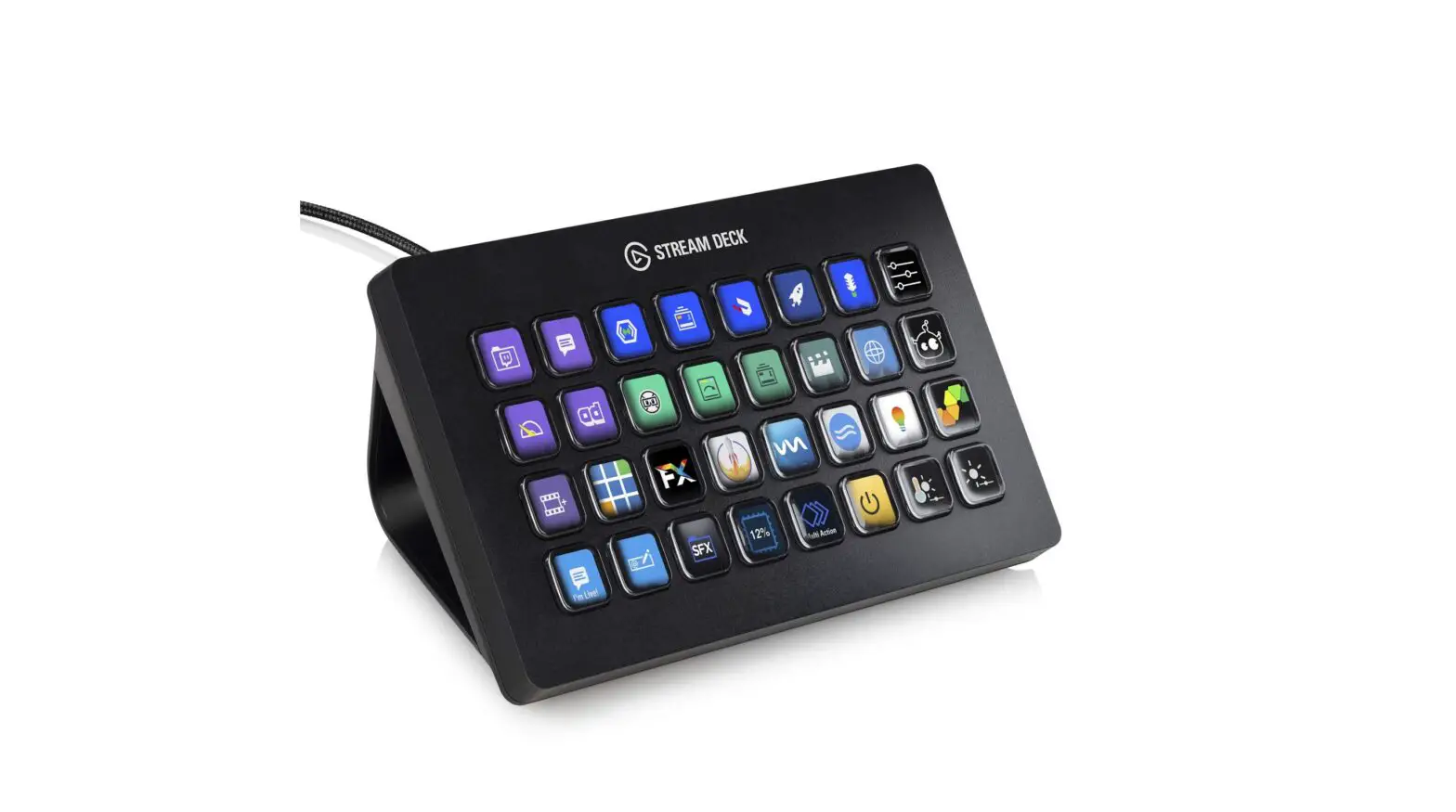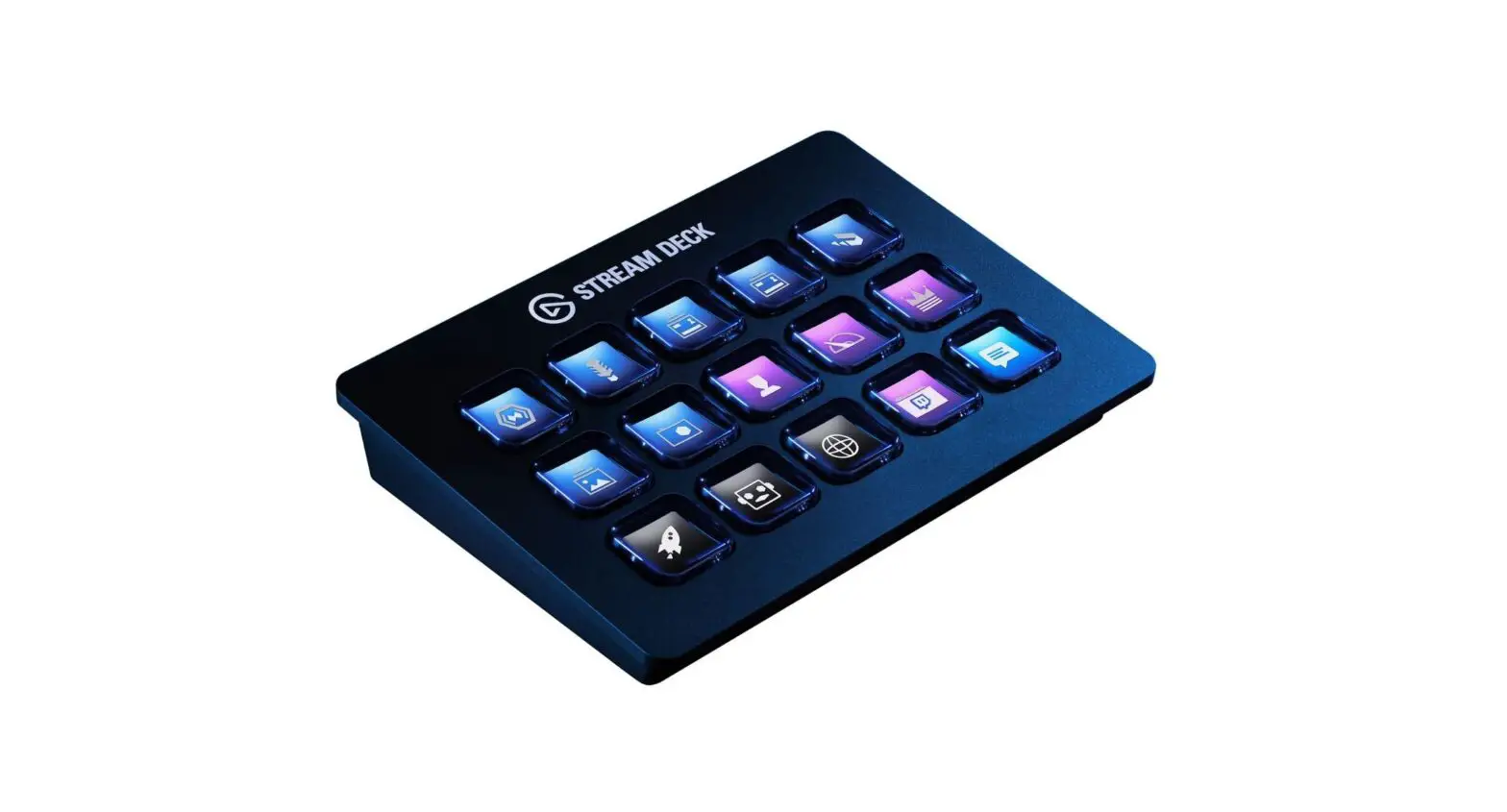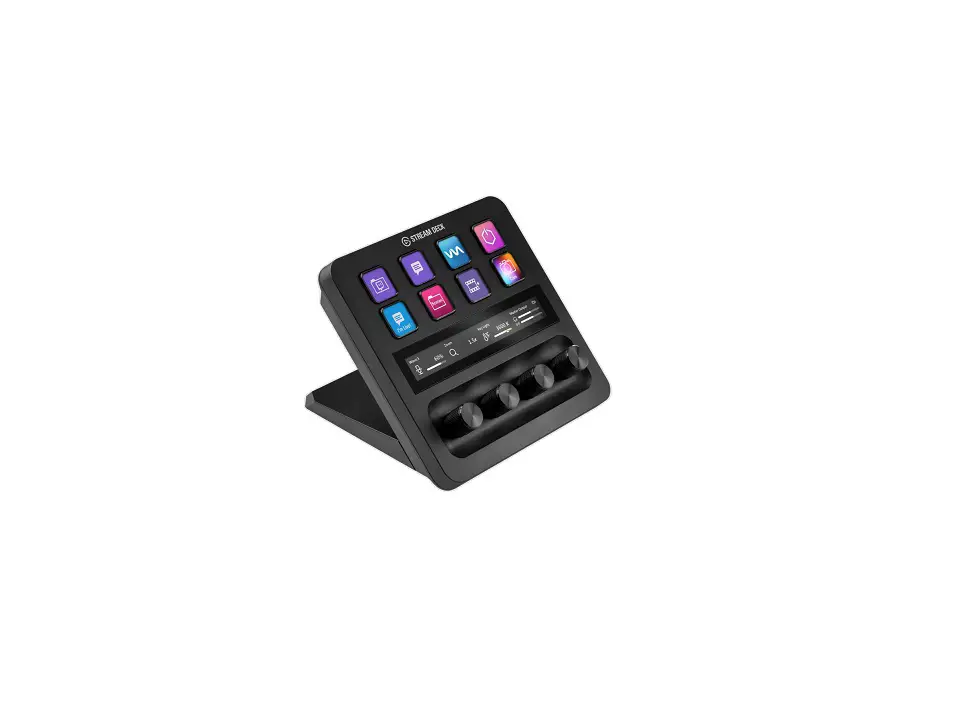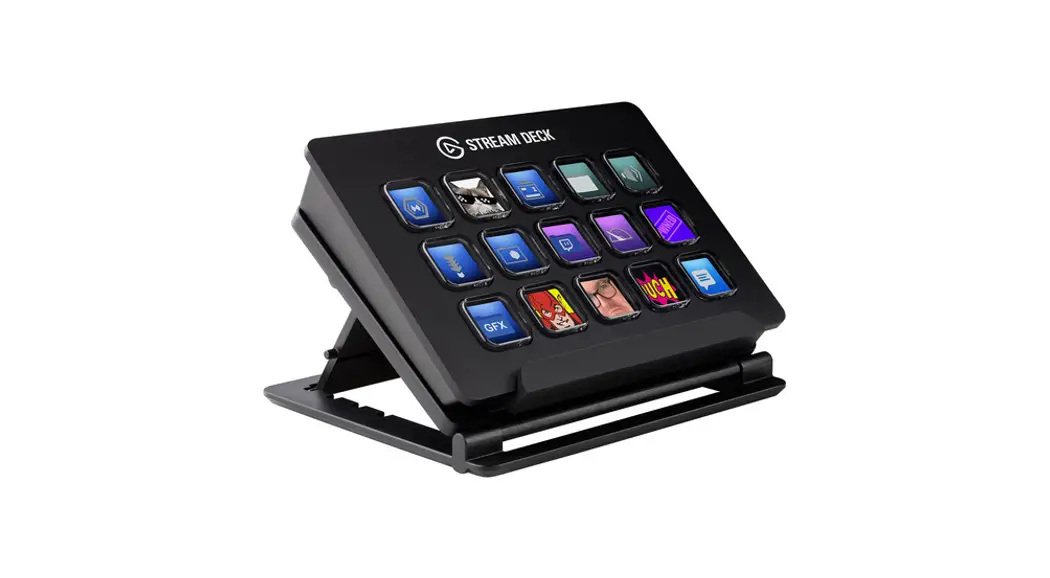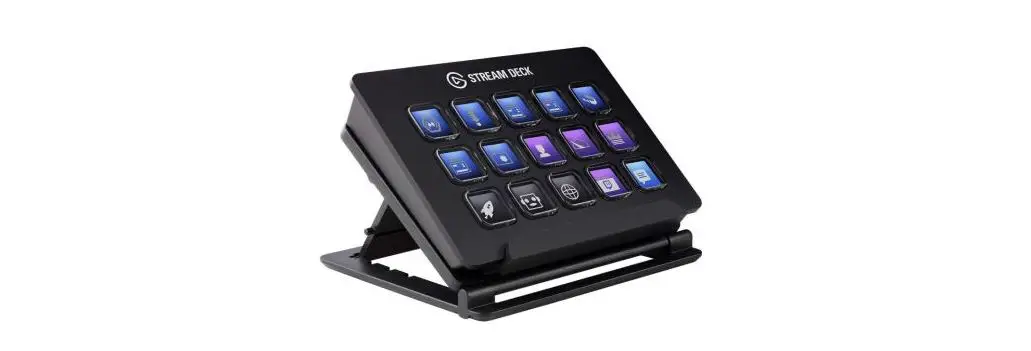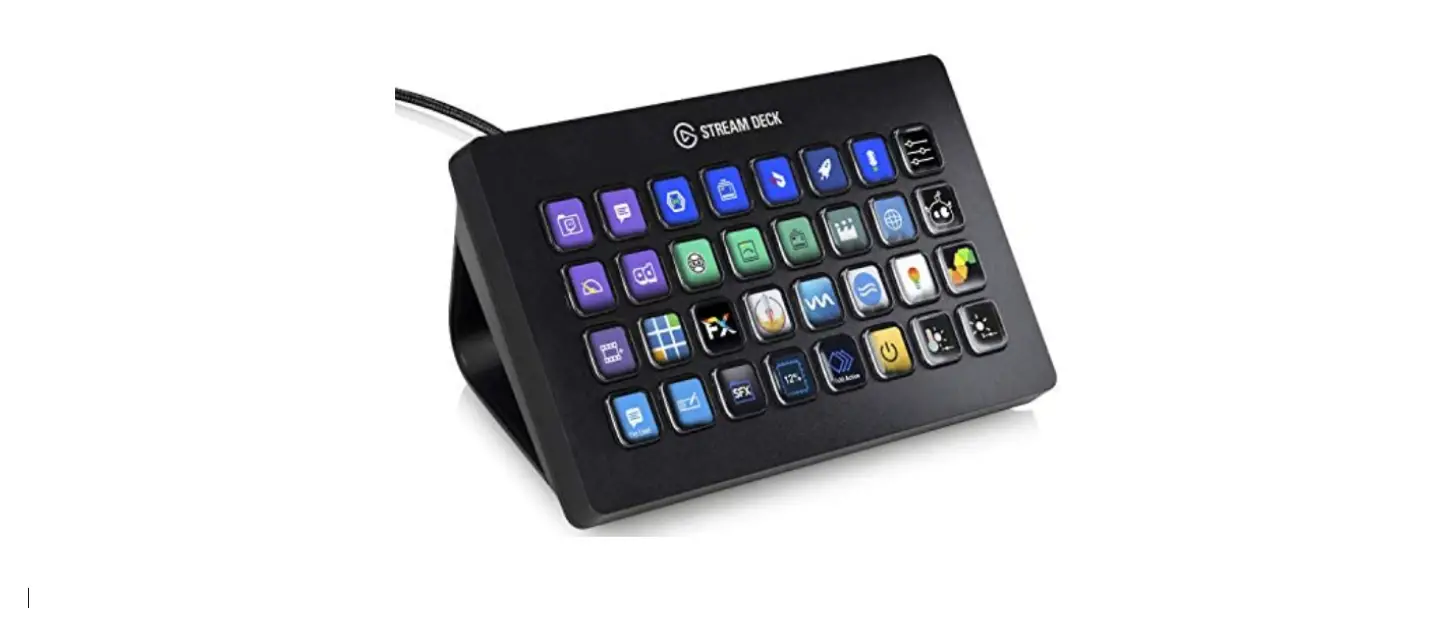

Elgato 10GAT9901 Stream Deck XL Advanced Stream Control
INSTALLATION
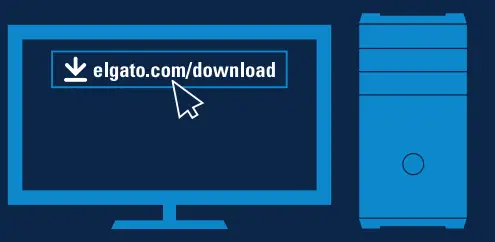
- Download and install the Stream Deck app.

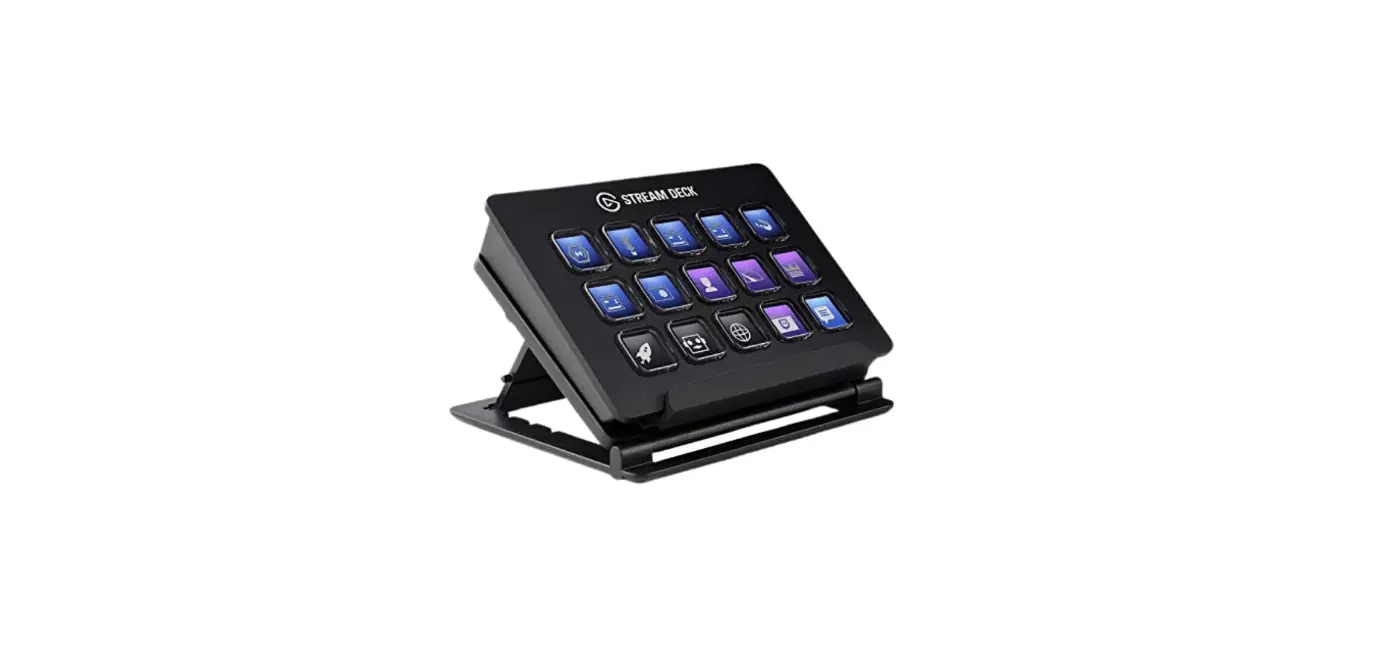
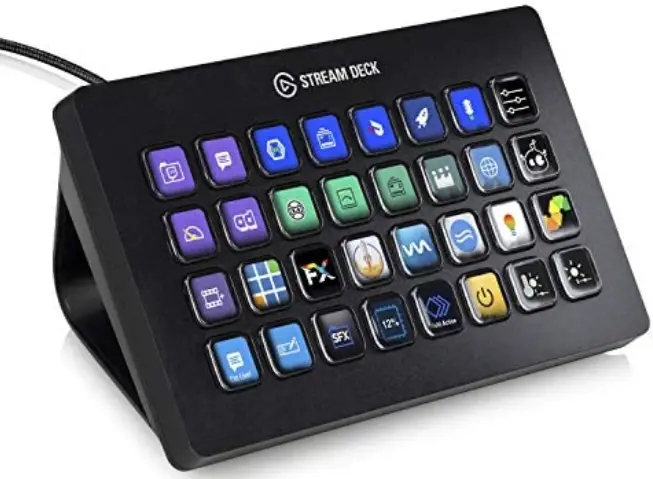
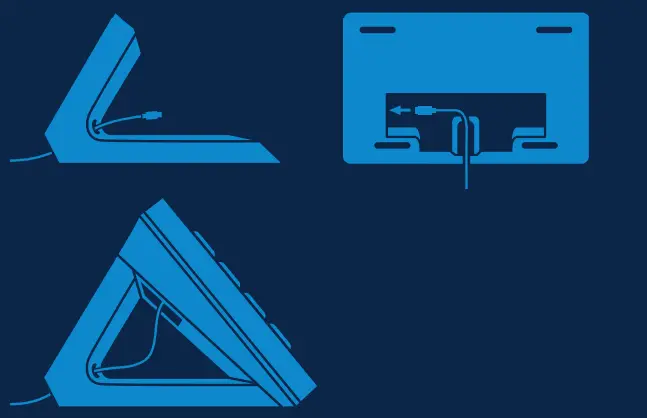
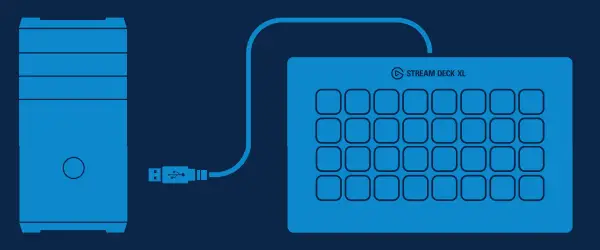
- Connect the supplied USB-C to USB-A cable and prop Stream Deck XL on the included stand.

- Connect Stream Deck XL directly to a USB-A port on your PC or Mac – do not use a USB hub.

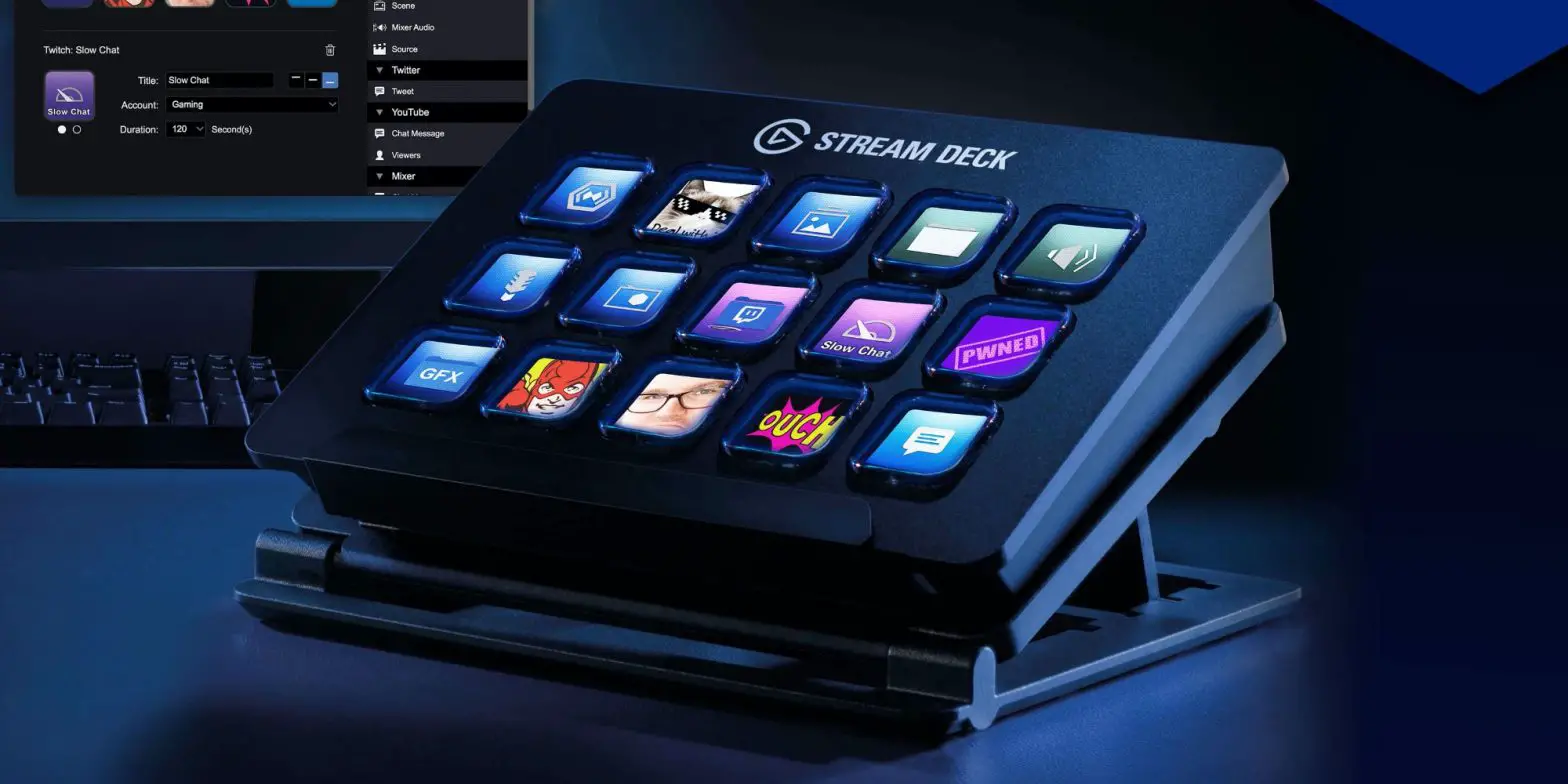
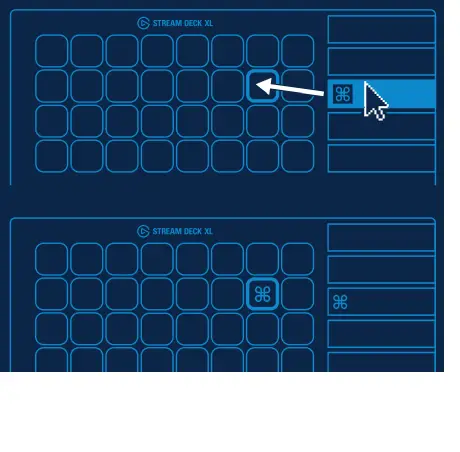
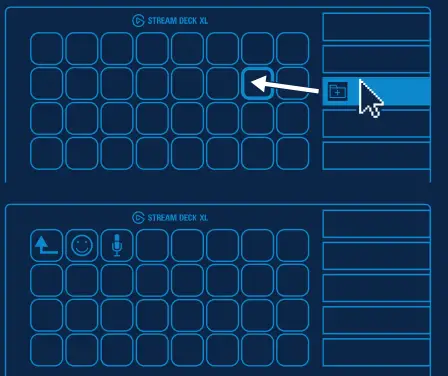
- Launch the app to customize Stream Deck. Drag actions from the right panel and drop them onto your desired keys on the left.

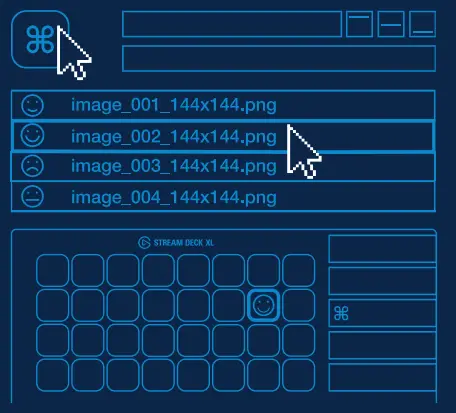
- Configure your actions and personalize keys with custom icons use 144 x 144 pixels jpg. .png or git files to achieve the best results.

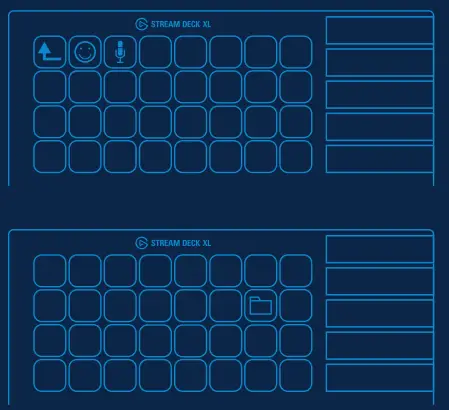
Tap the back key to exít a folder and return to your main configuration.
- Drag and drop Create Folder” onto a key. Then drag and drop actions into that folder.

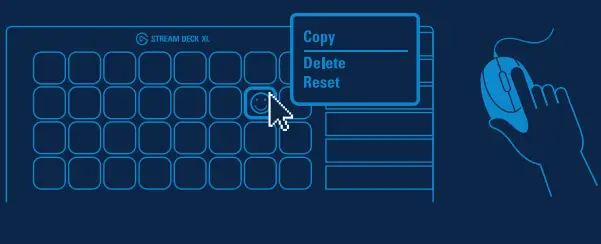
- Right-click keys to copy, delete or move them.

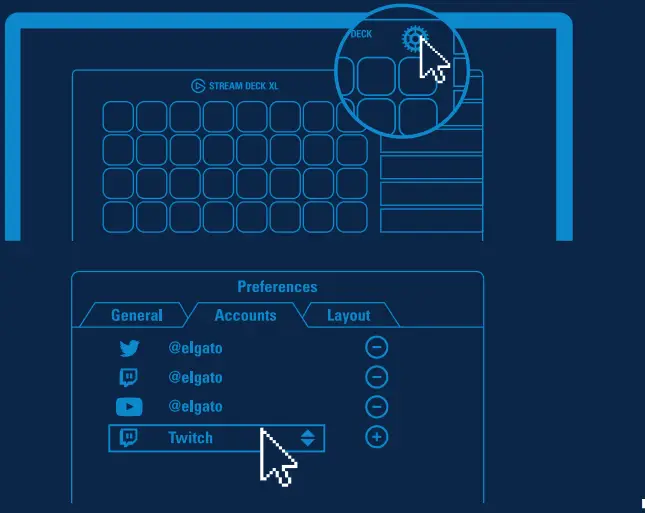
- Enter your social media accounts to connect with your fans.

- Get tapping and unleash your creative genius.
Note 1: “Exceeding 01 wt %’ and “exceeding 0.01 wt %” indicates that the percentage content of the restricted substance exceeds the reference percentage value of a present condition.
Note 2: “O” indicates the percentage content of restricted substance does not exceed the percentage of a reference value of presence.
Note 3: This indicates that the restricted substance corresponds to the exemption.