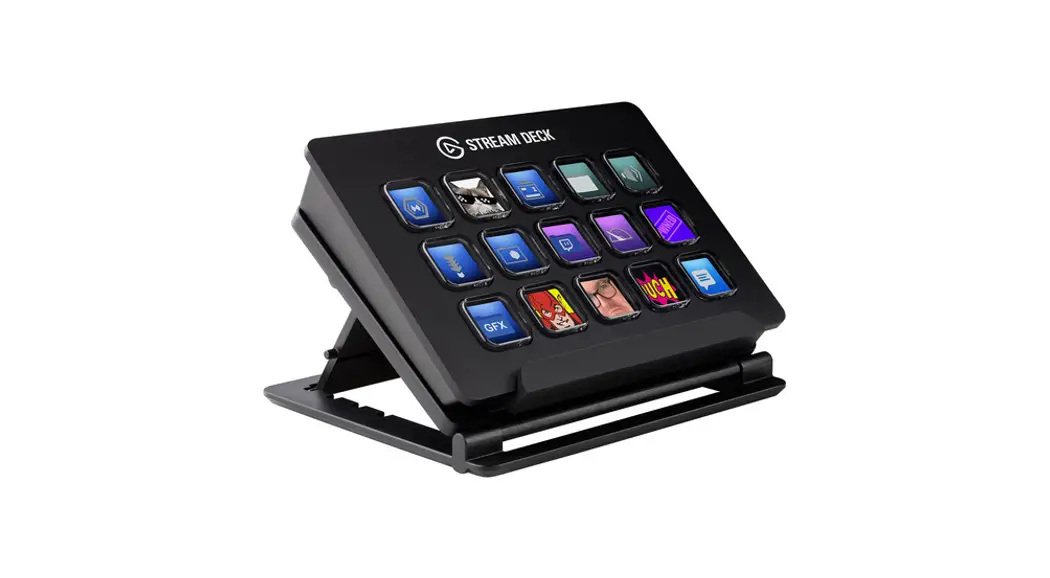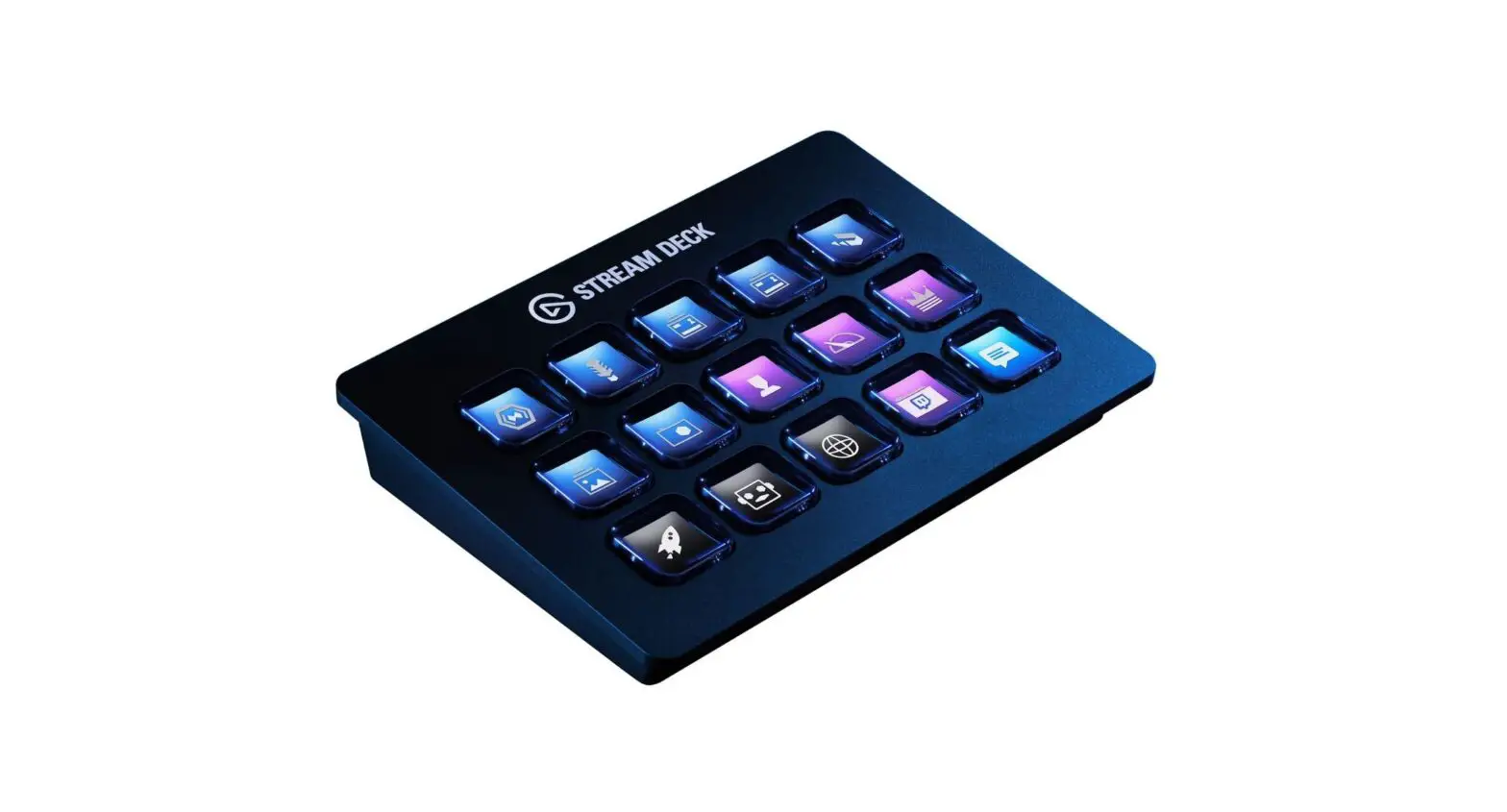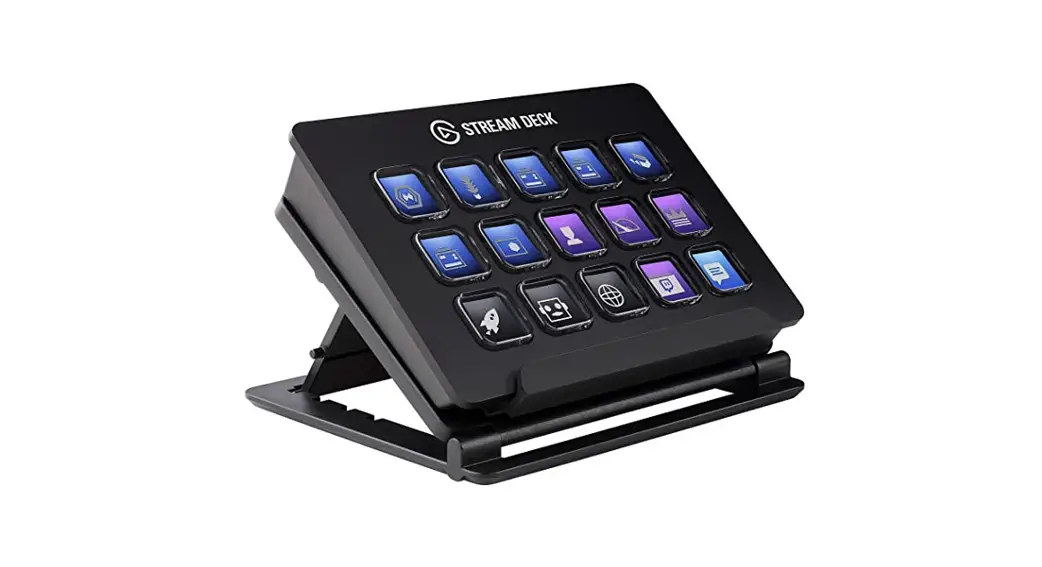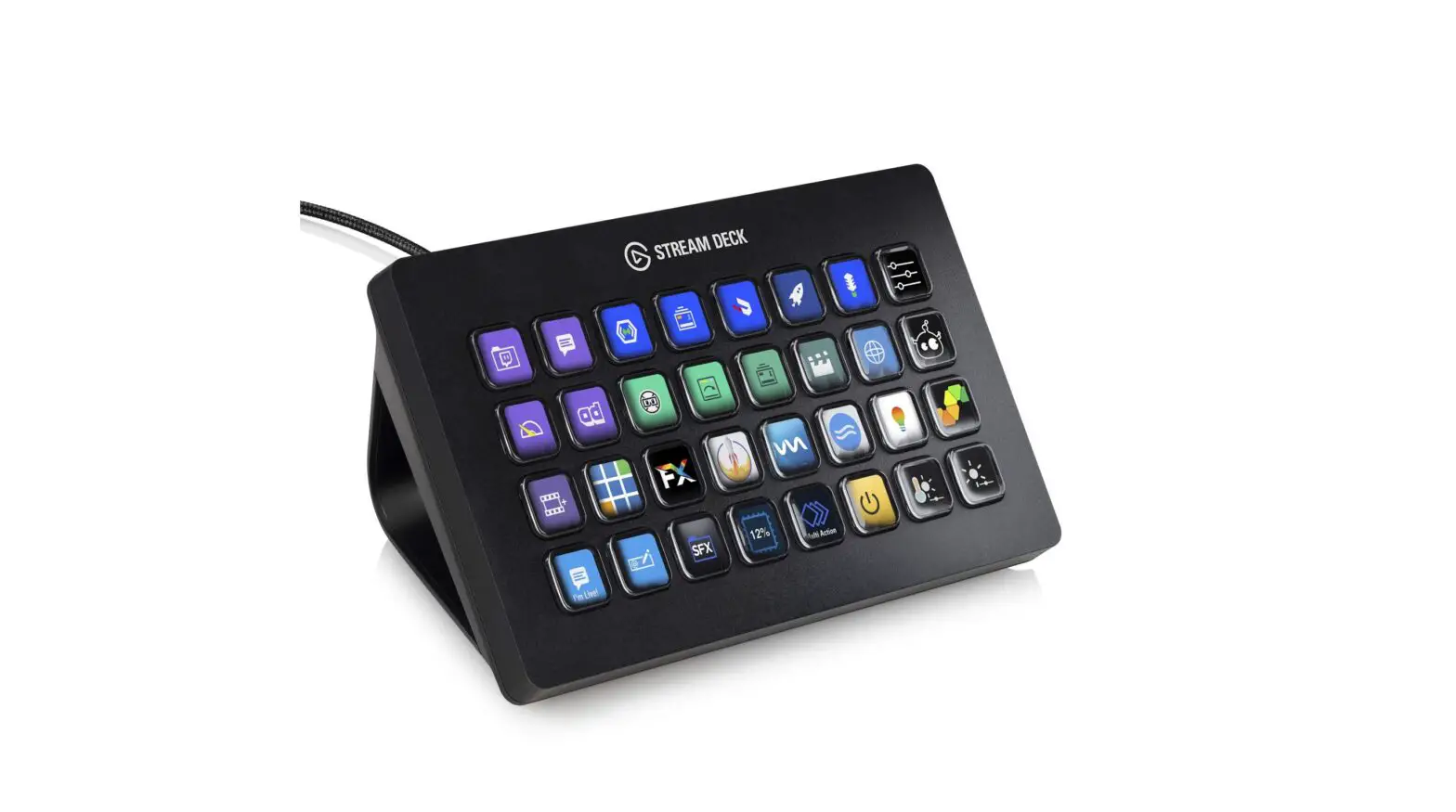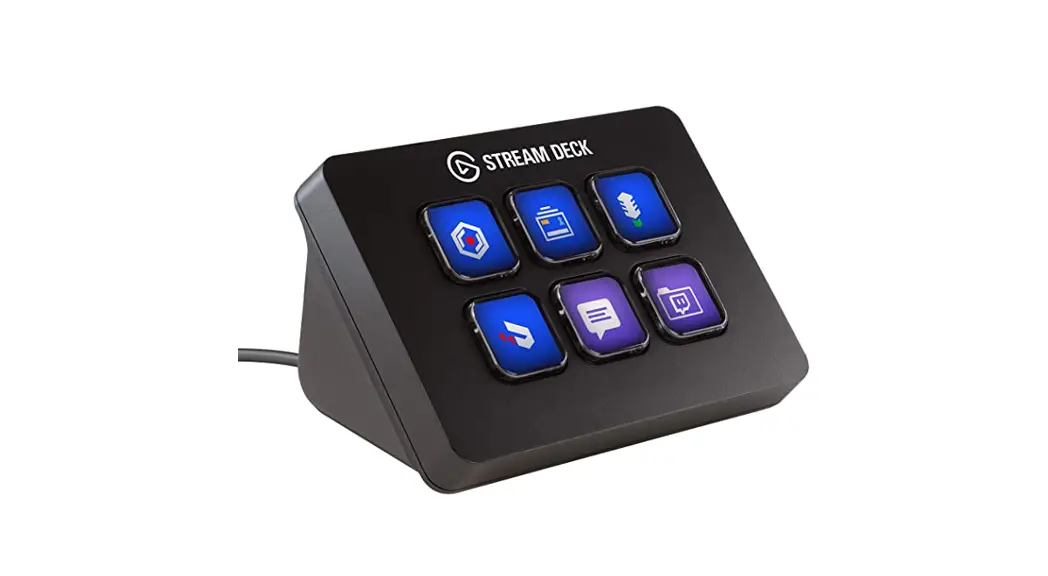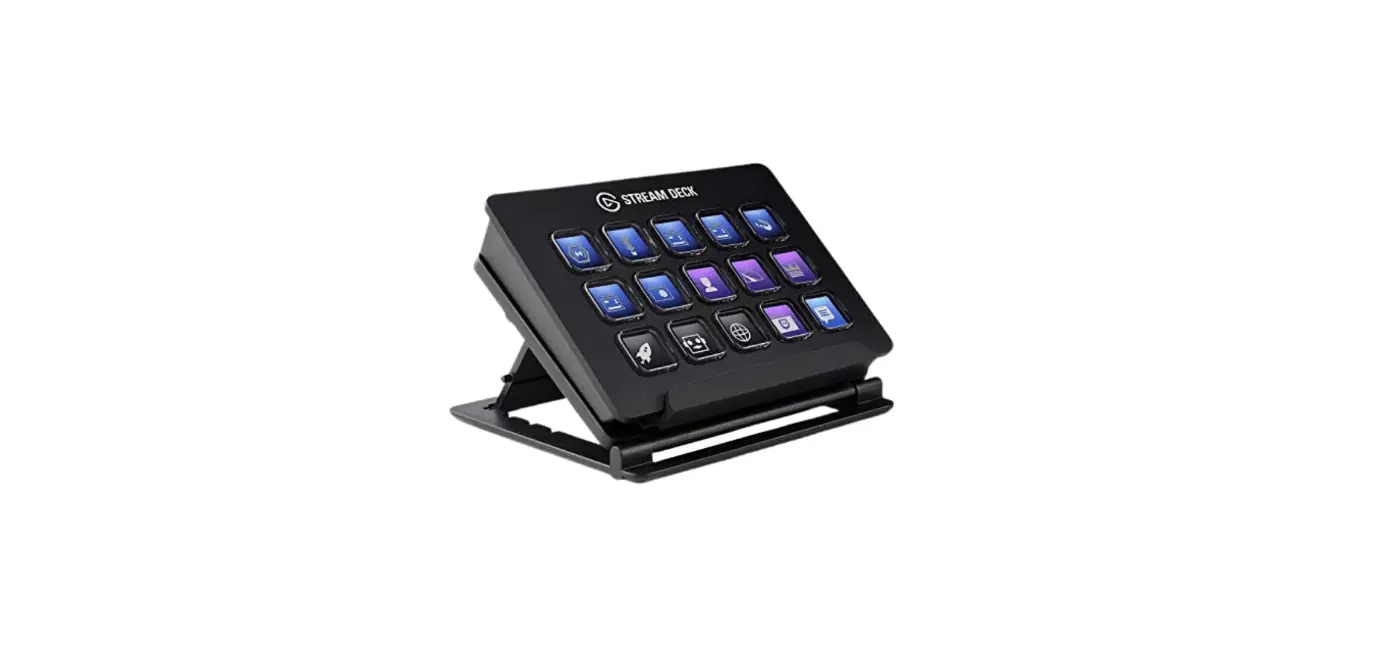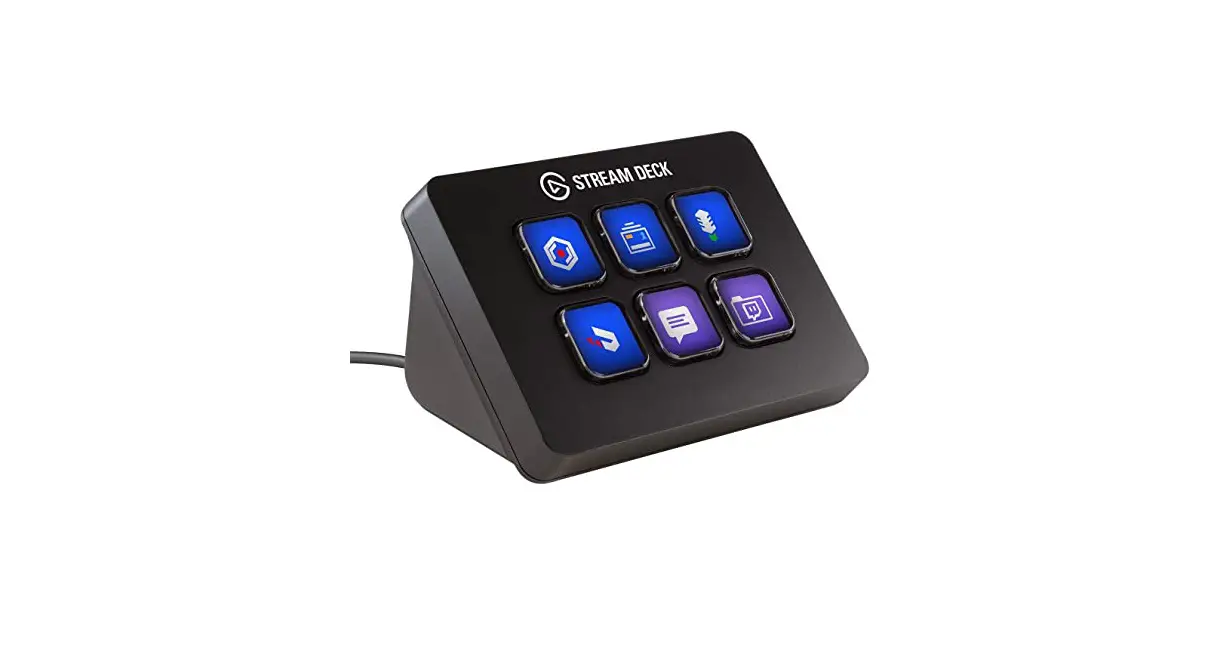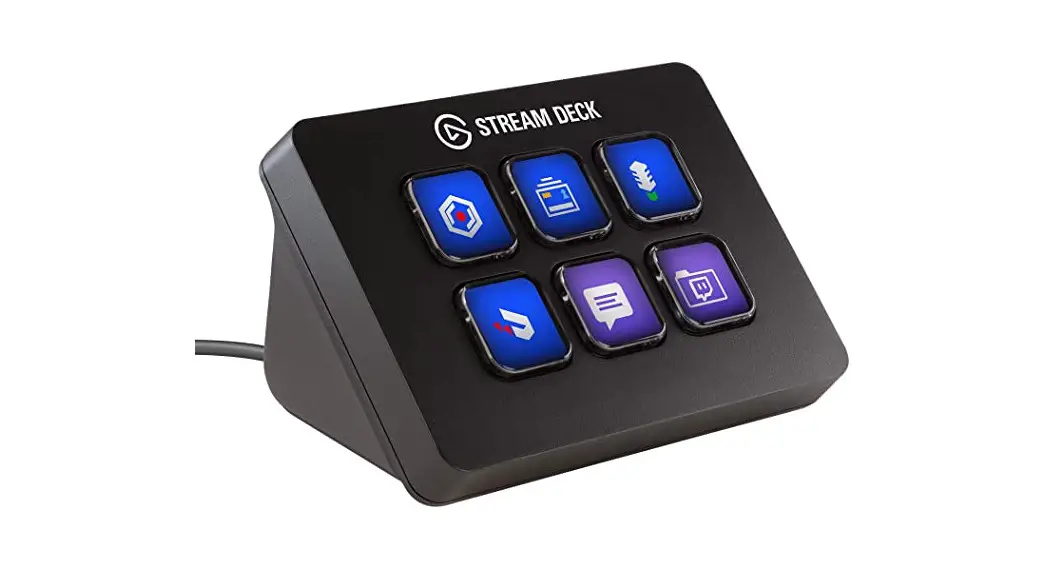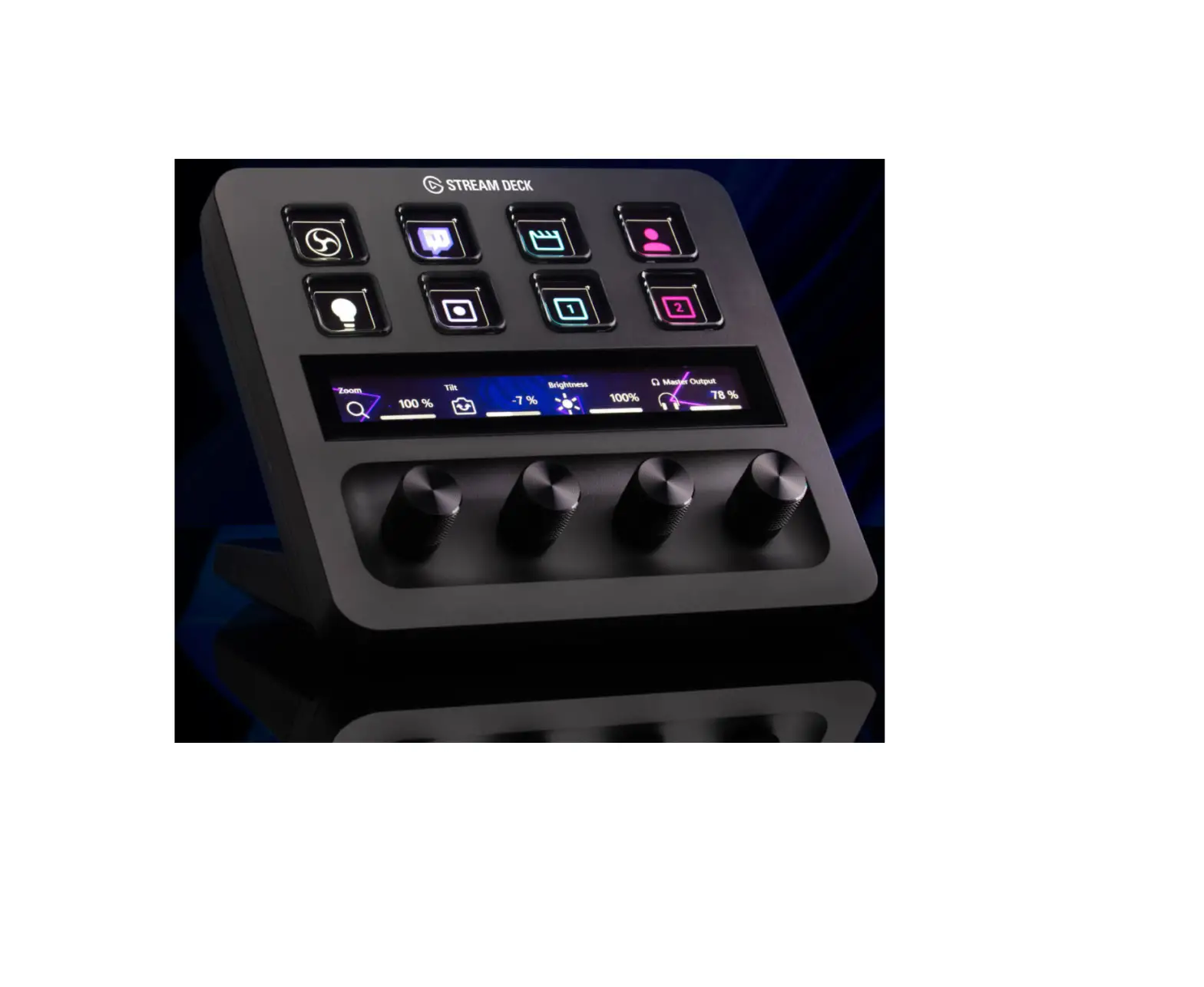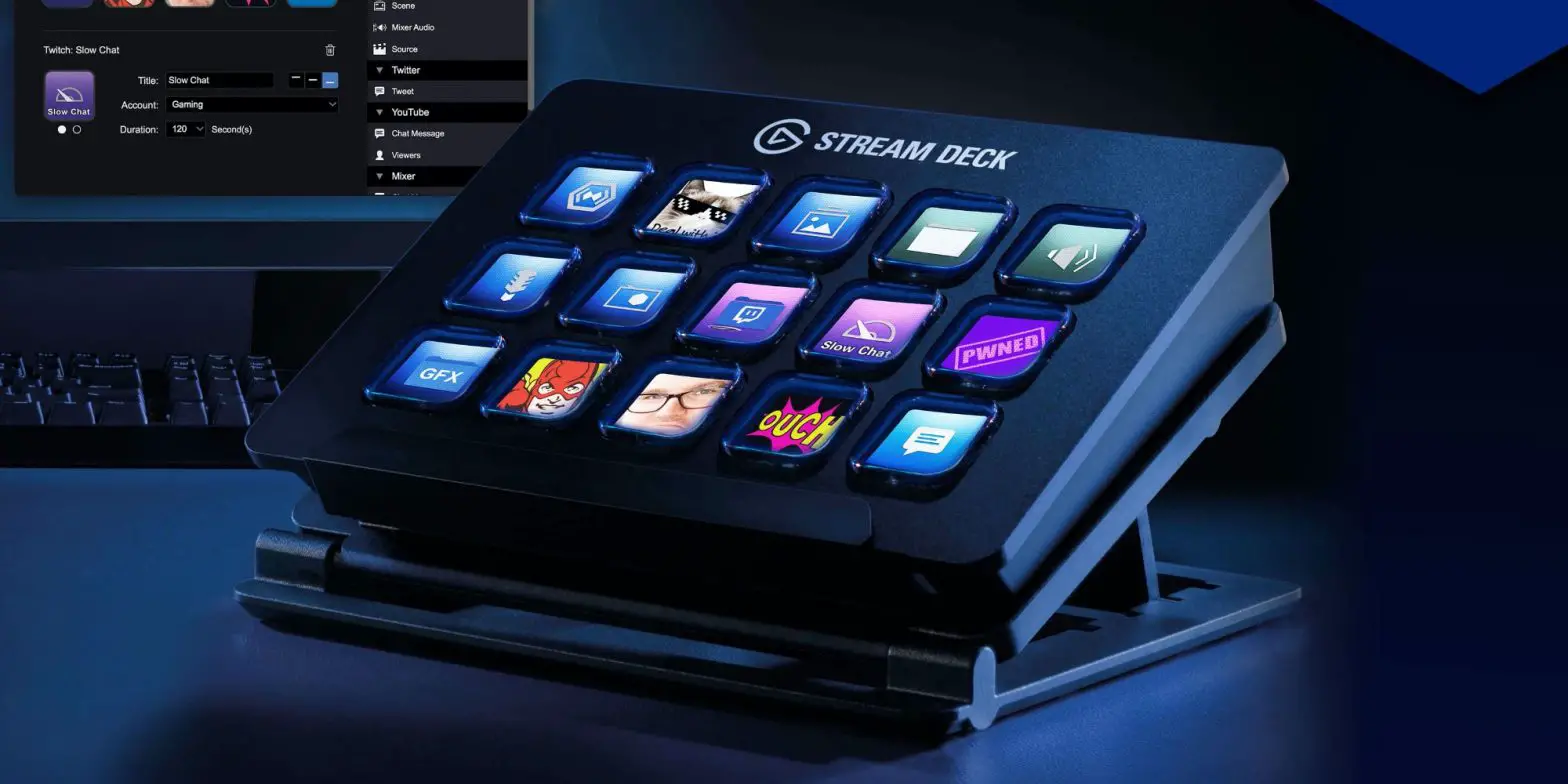

CORSAIR iDisplay Stream Deck MK2 Universal Controller
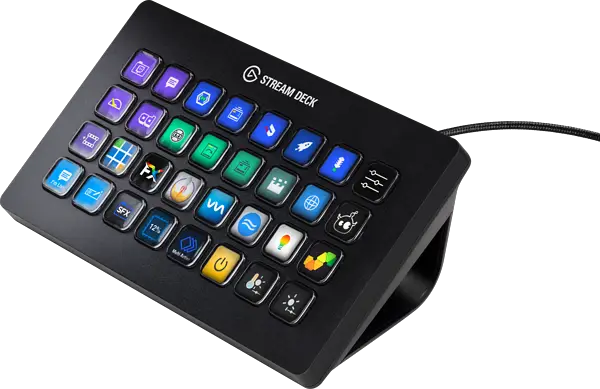
Quick Start Guide
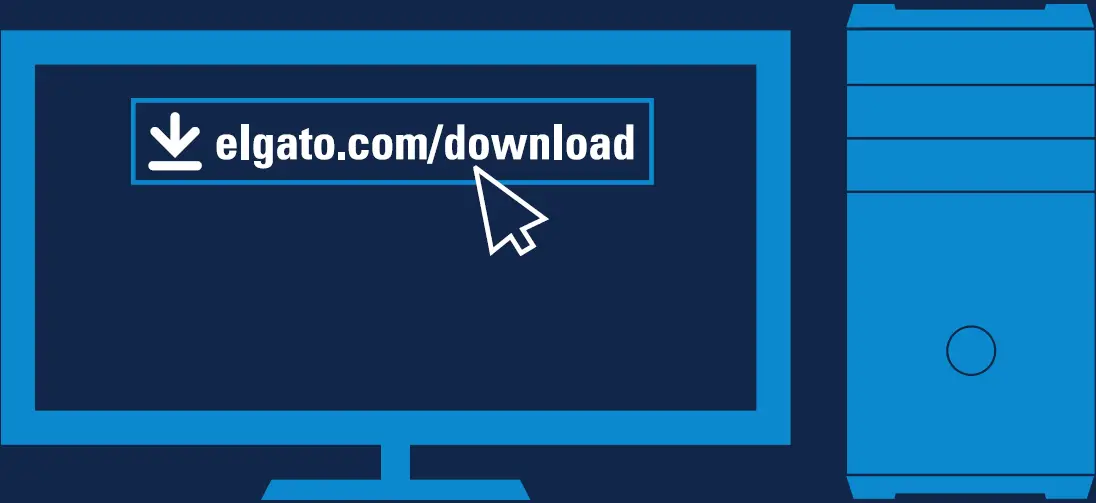
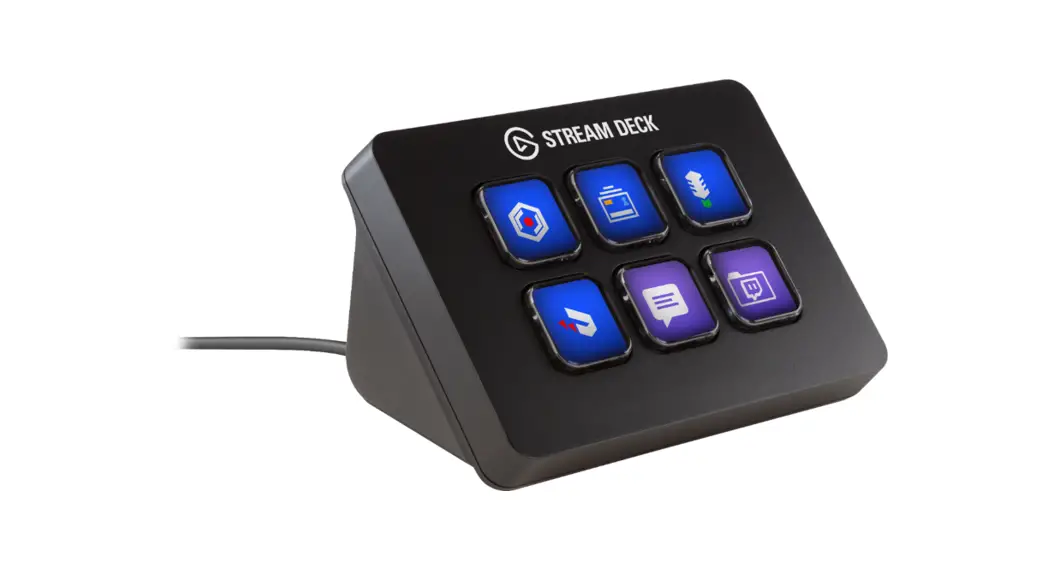
- Download and install stream deck app.

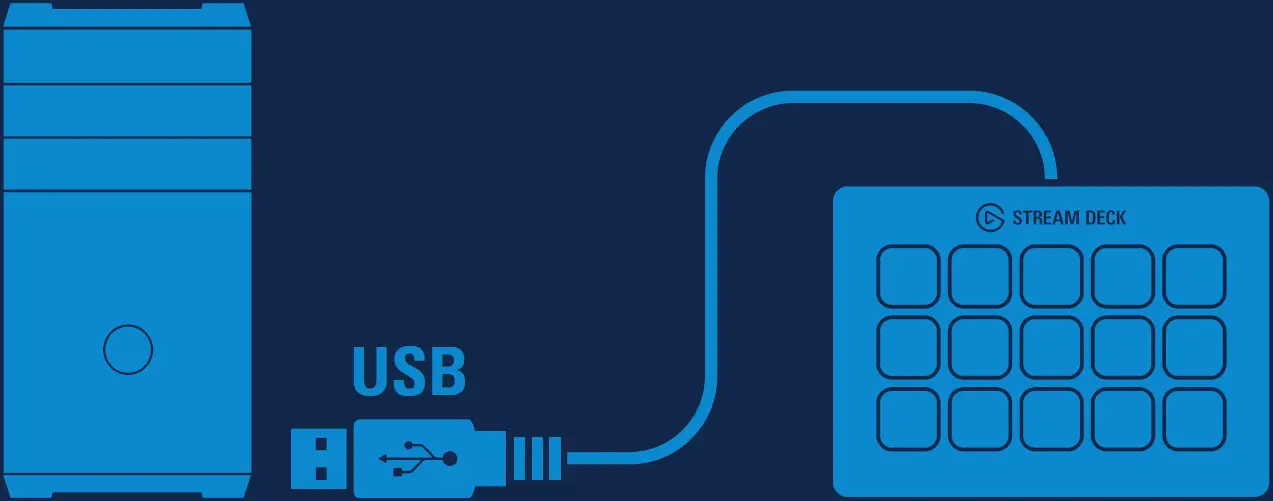
- Connect stream that directly to a USB port on your PC or Mac – do not use USB hub.

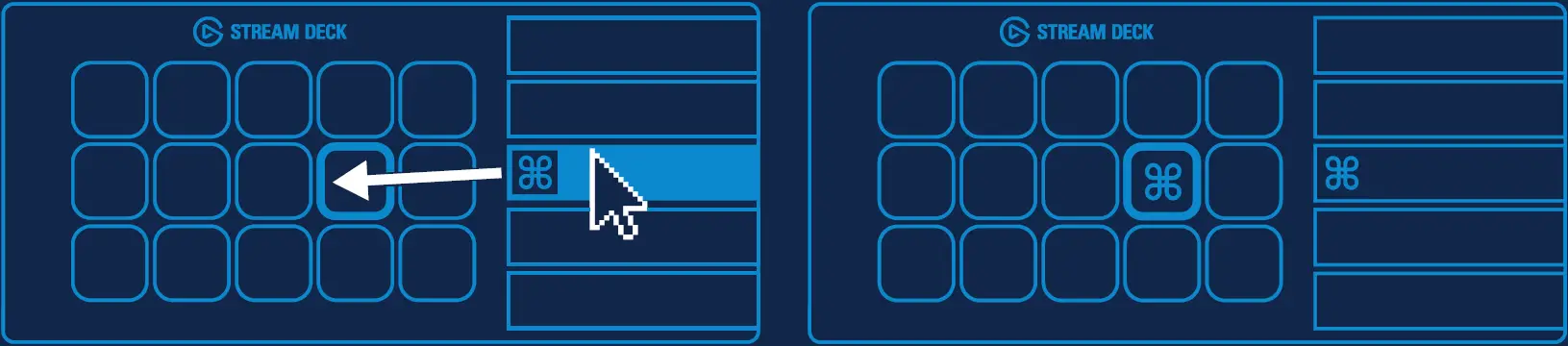
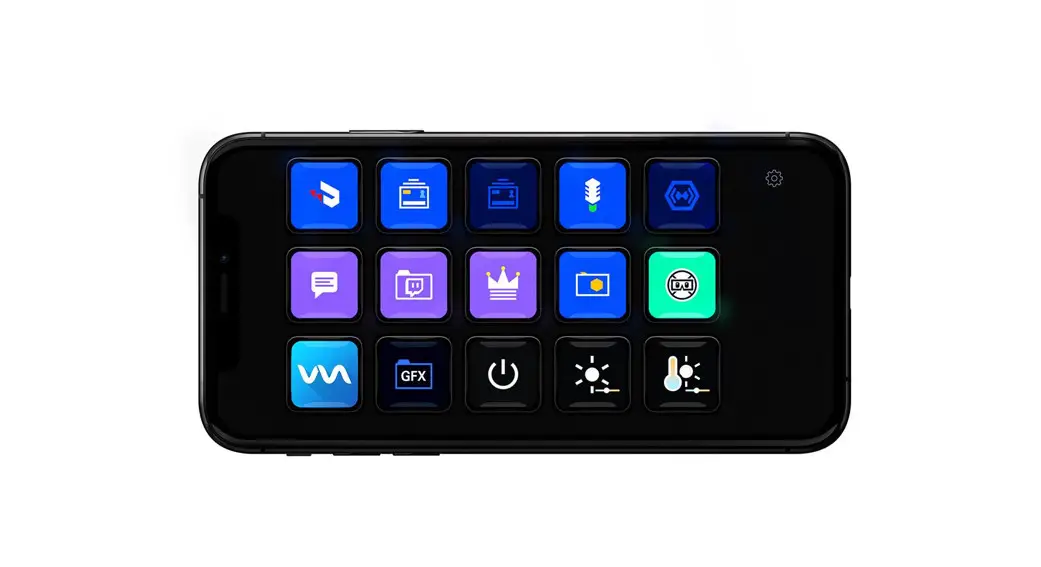
- Launch the app to customize stream tactful stock drag actions from the right panel and drop them onto your decide keys on the left.

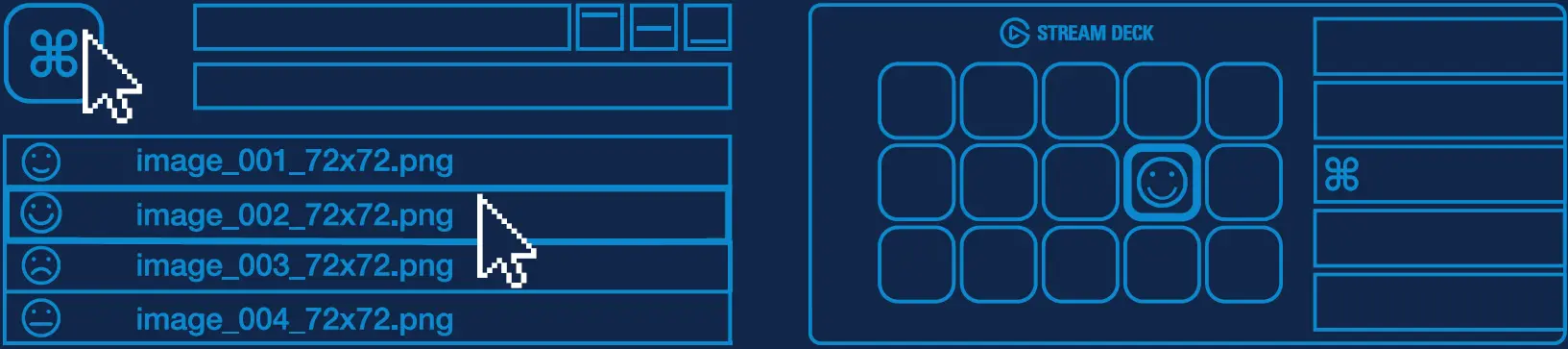
- Configure your actions and personalized keys with custom icons – for best results use 72 x 72 pixels .jpg or .png files.

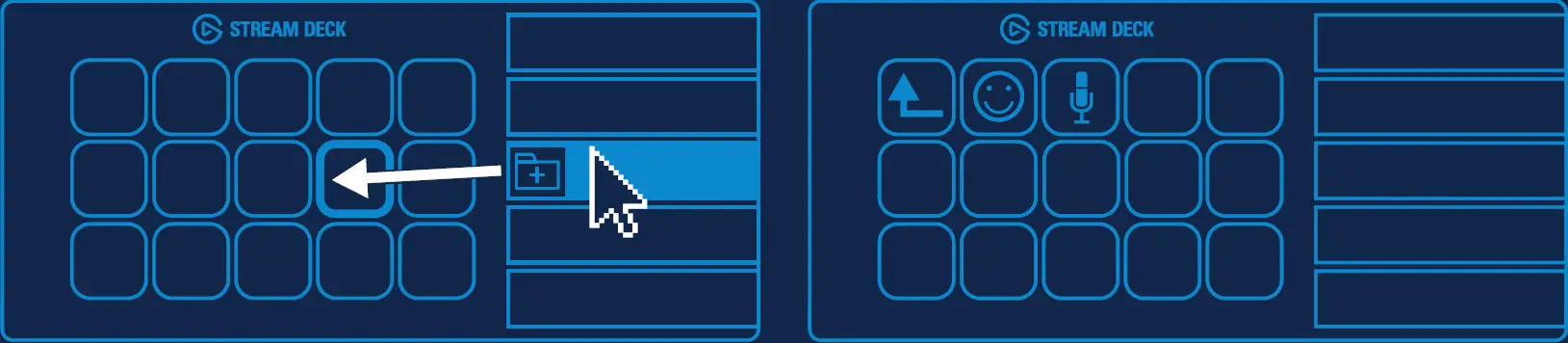
- Drag and drop “create folder” on to key. Then drag and drop actions into that folder.

- Tap the back key to exit a folder and return to your main configuration.

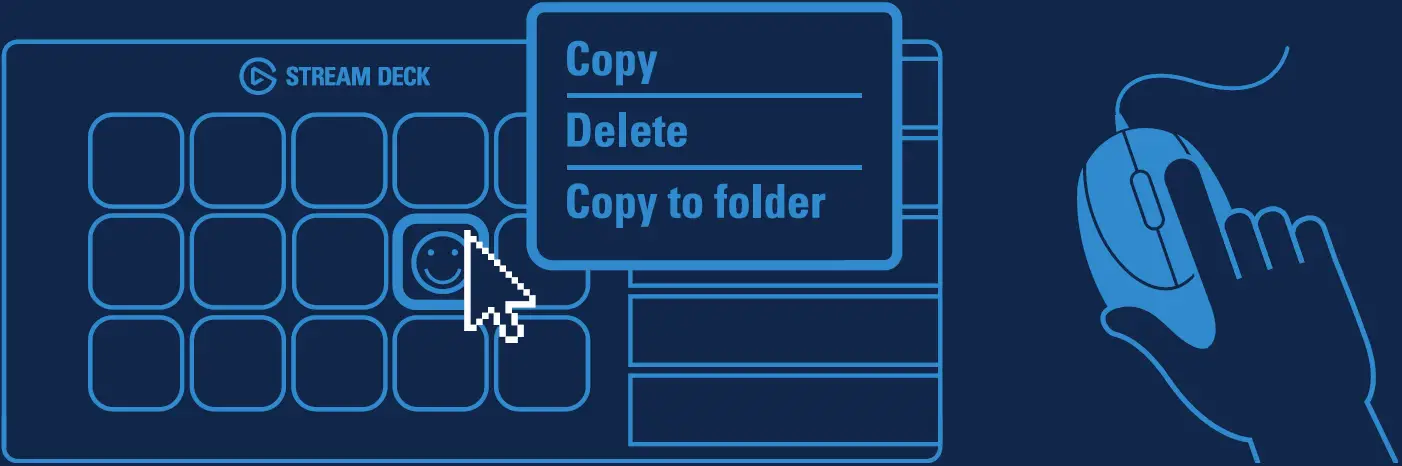
- Right click keys to copy, delete or move them.

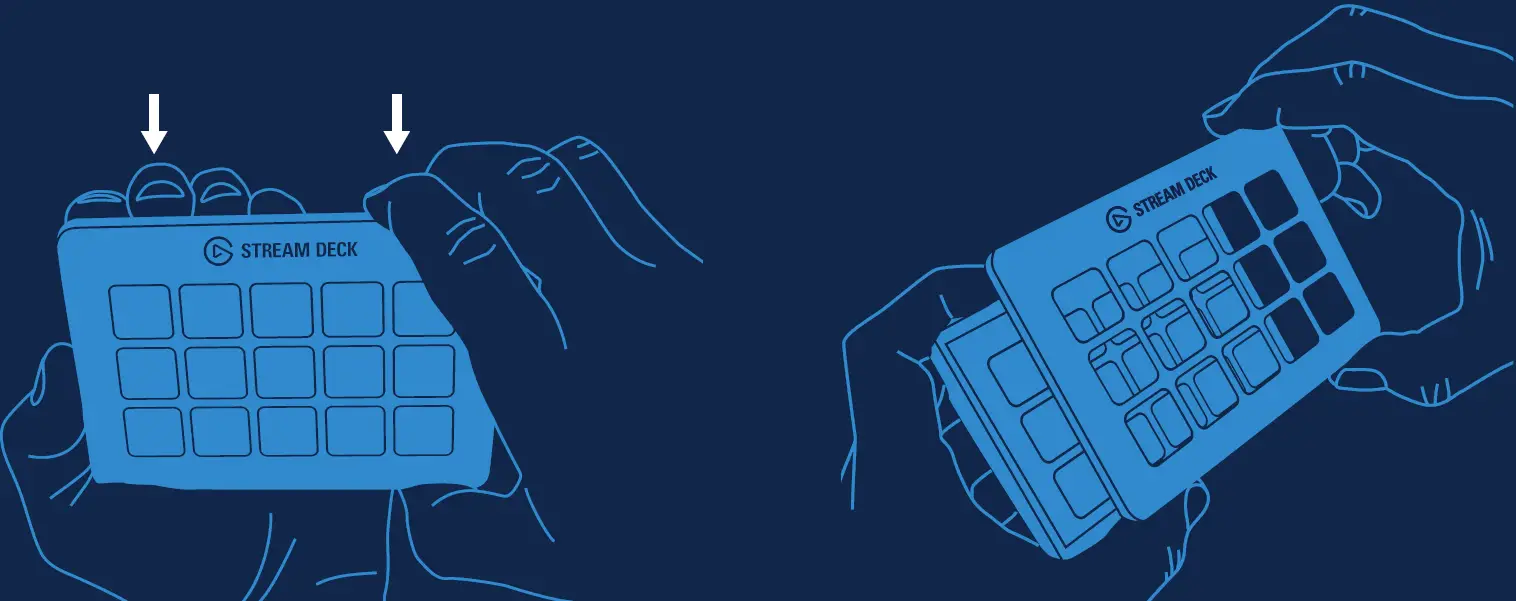
- Faceplates can easily be switched out for custom designs.

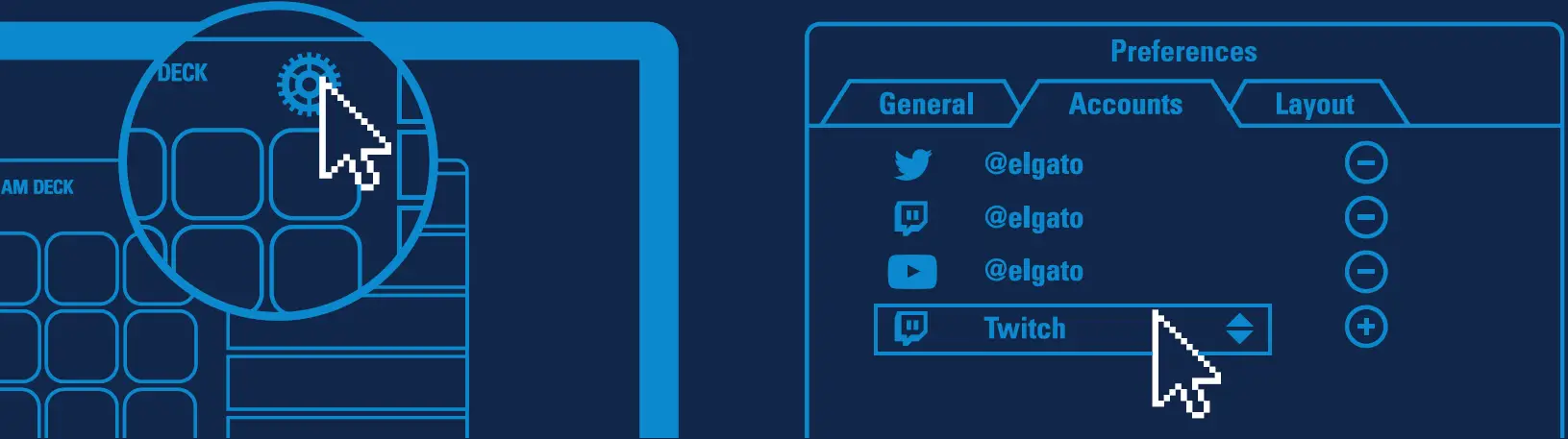
- Enter your social media accounts to connect with your fans.

- Get tapping and Unleash your creative genius.