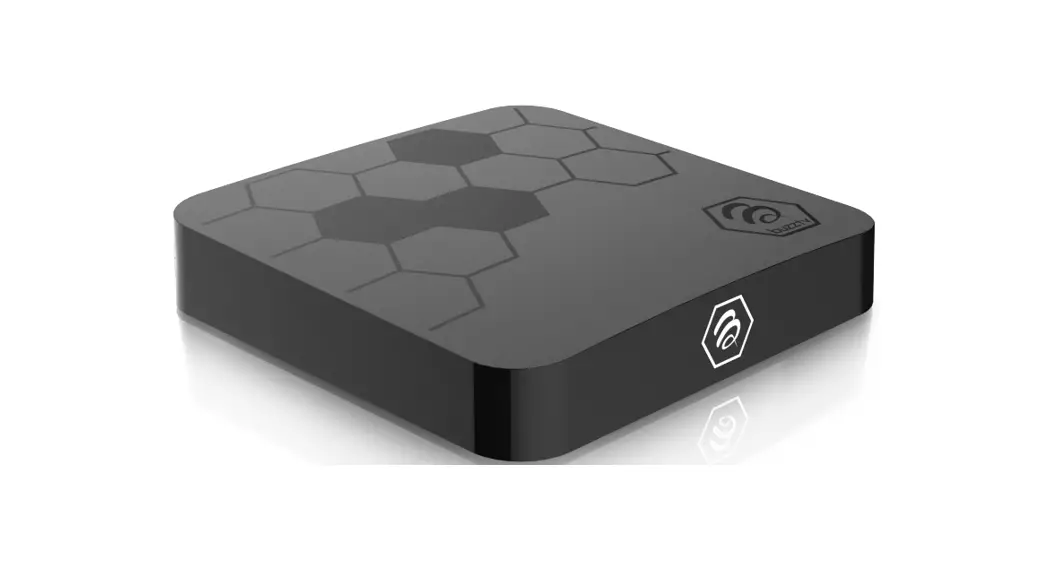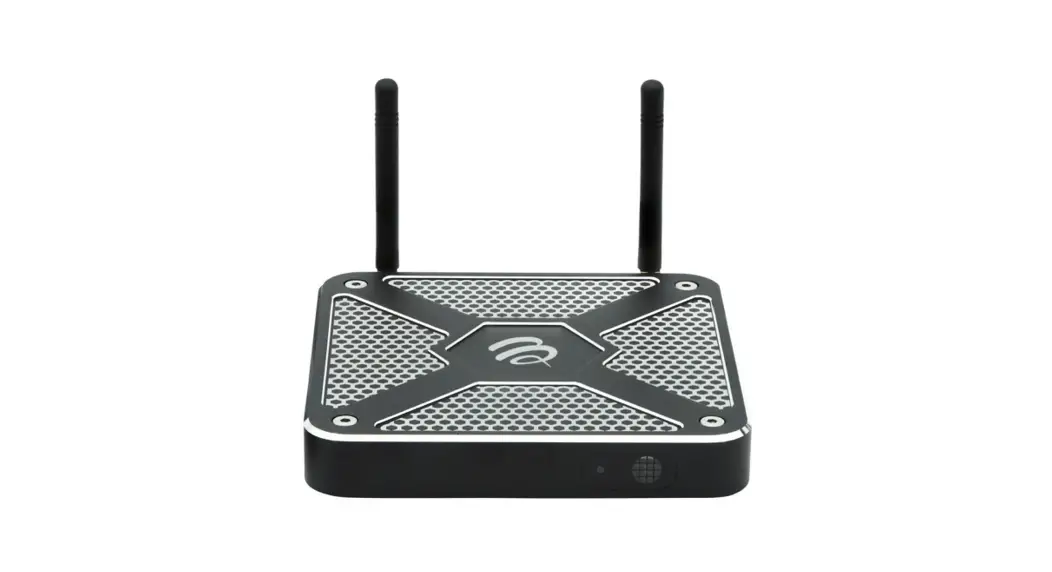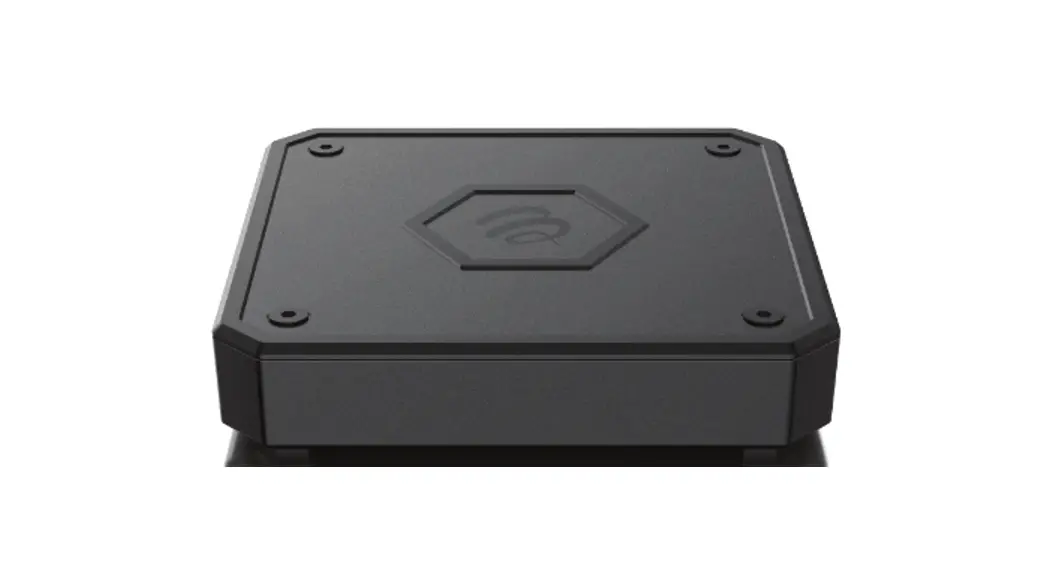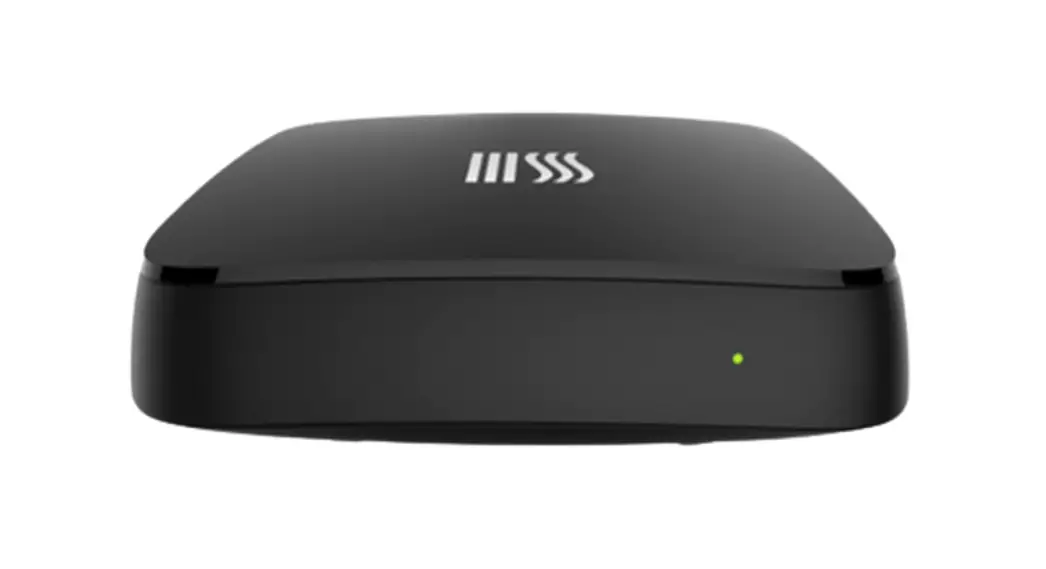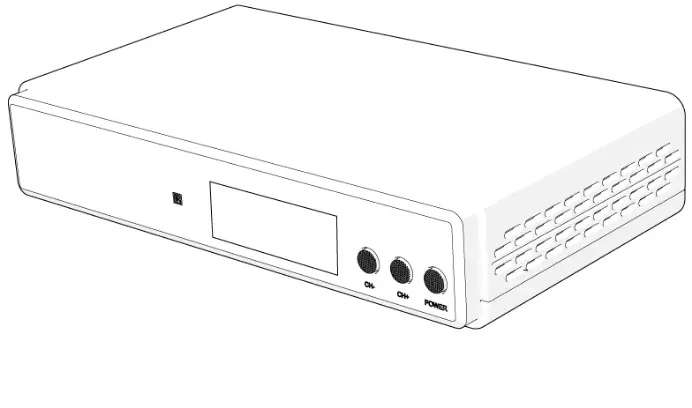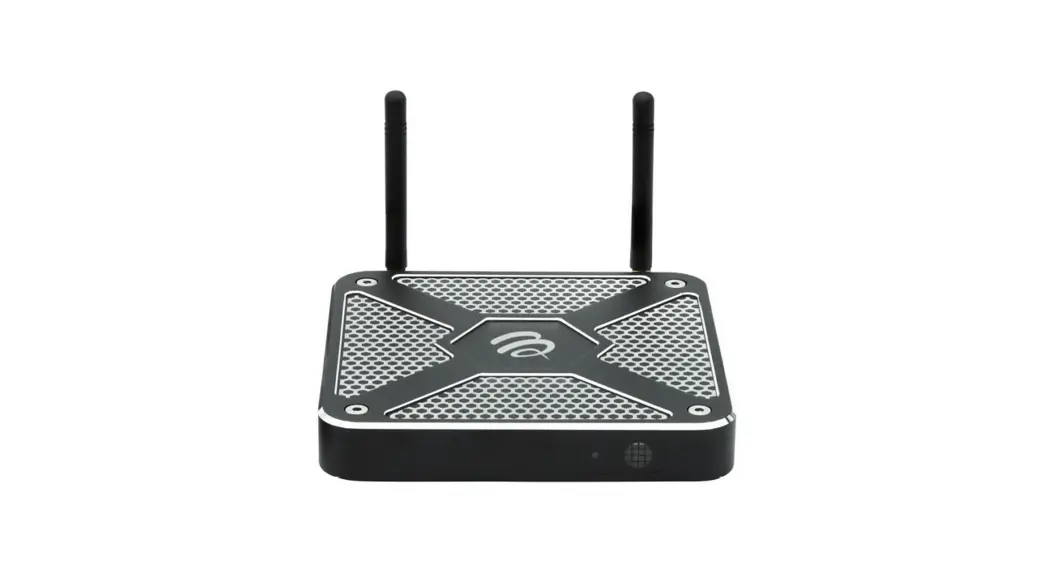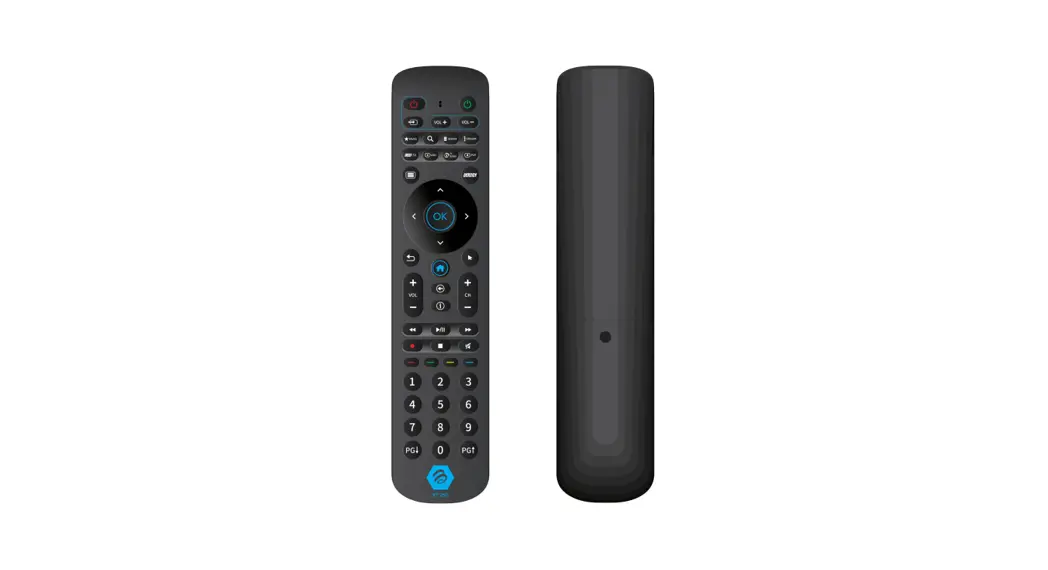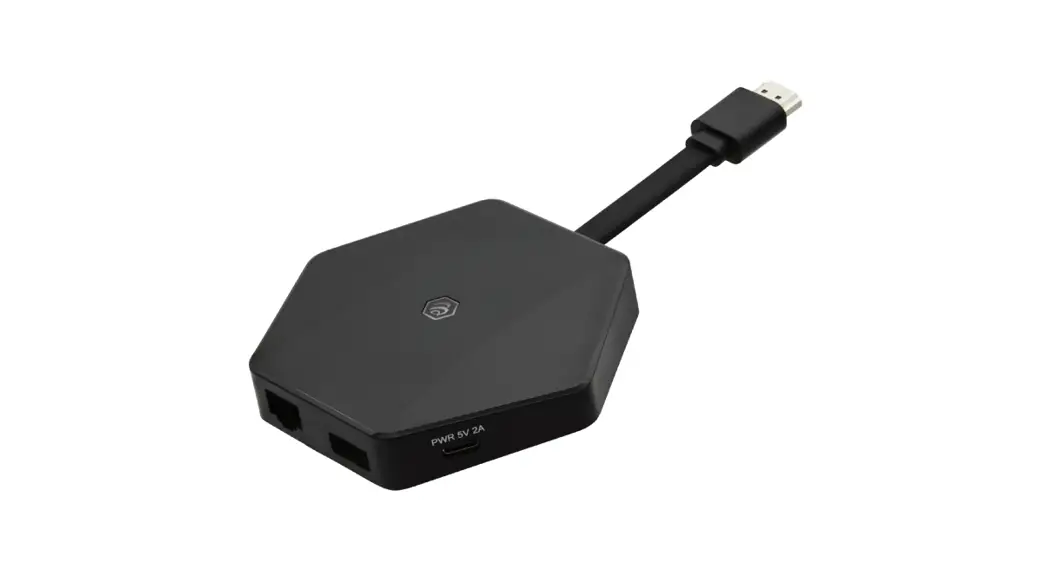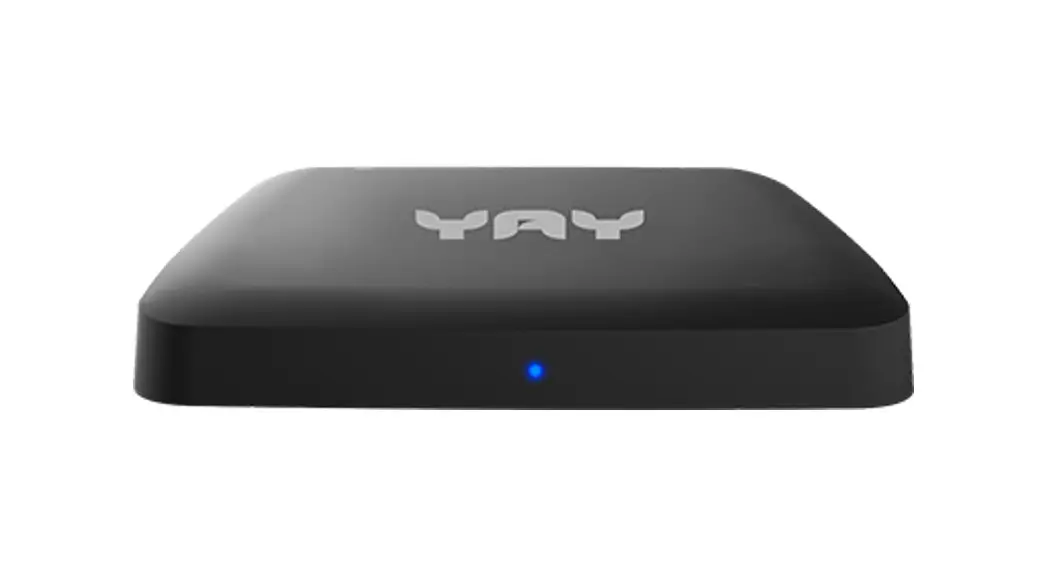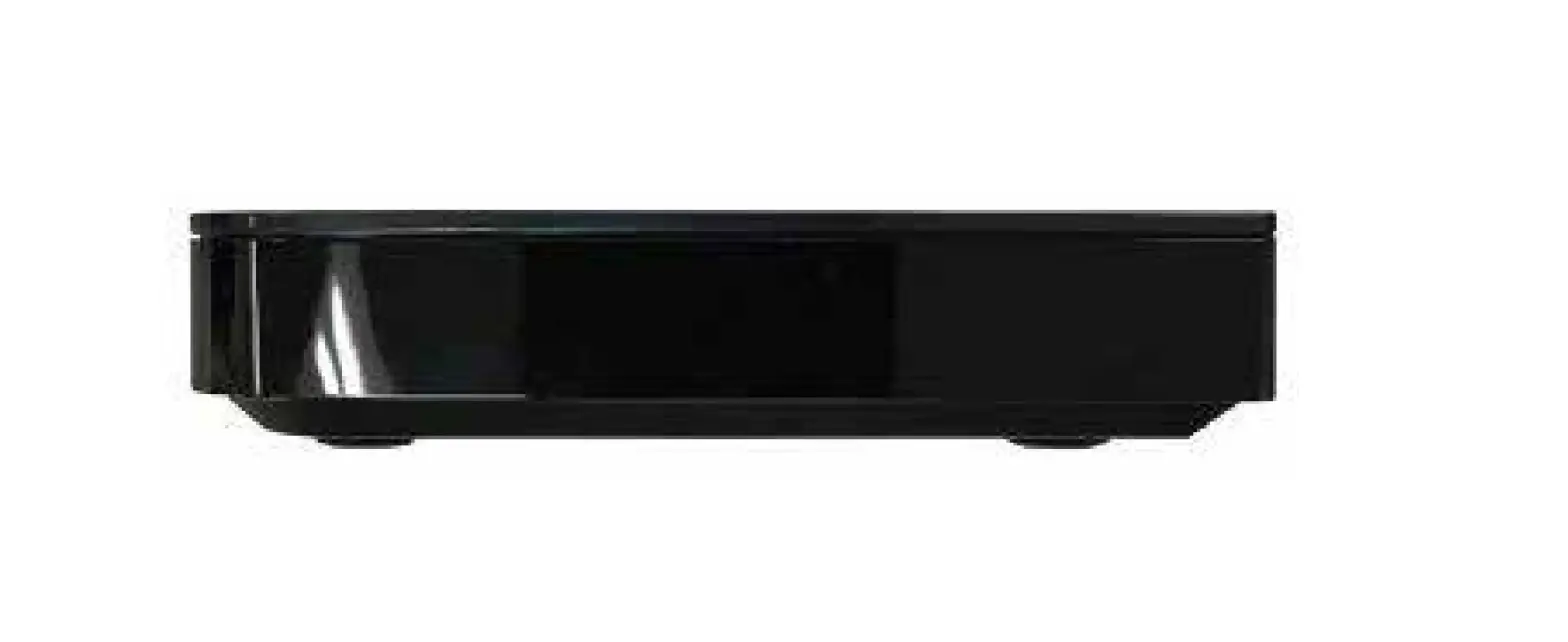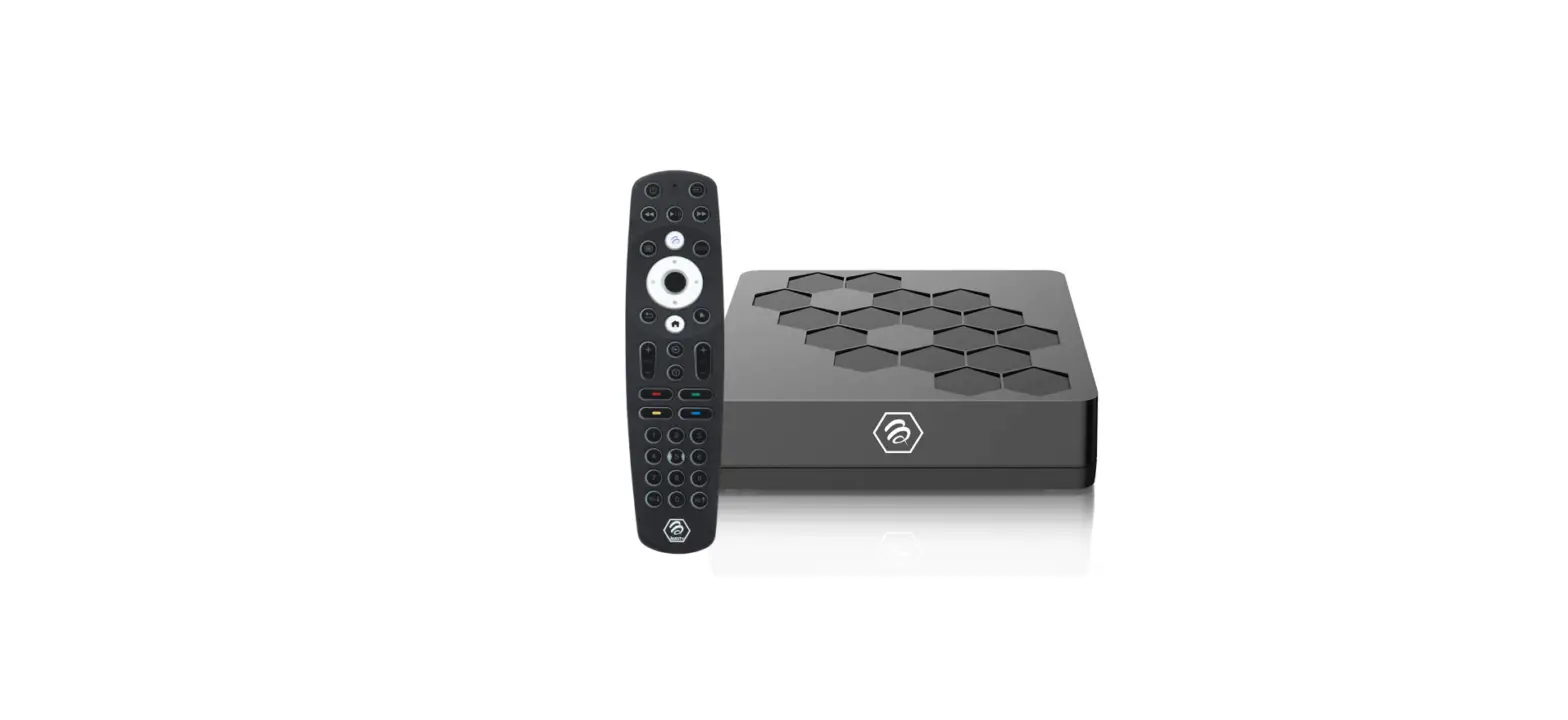

buzztv U5 Set Top Box
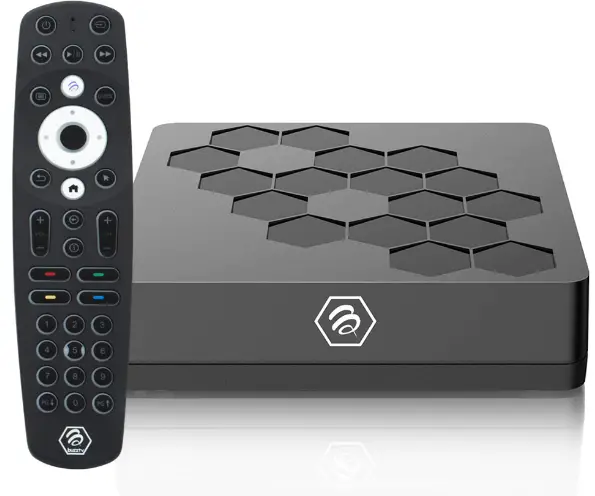
PACKAGE CONTENTS

CONNECTION
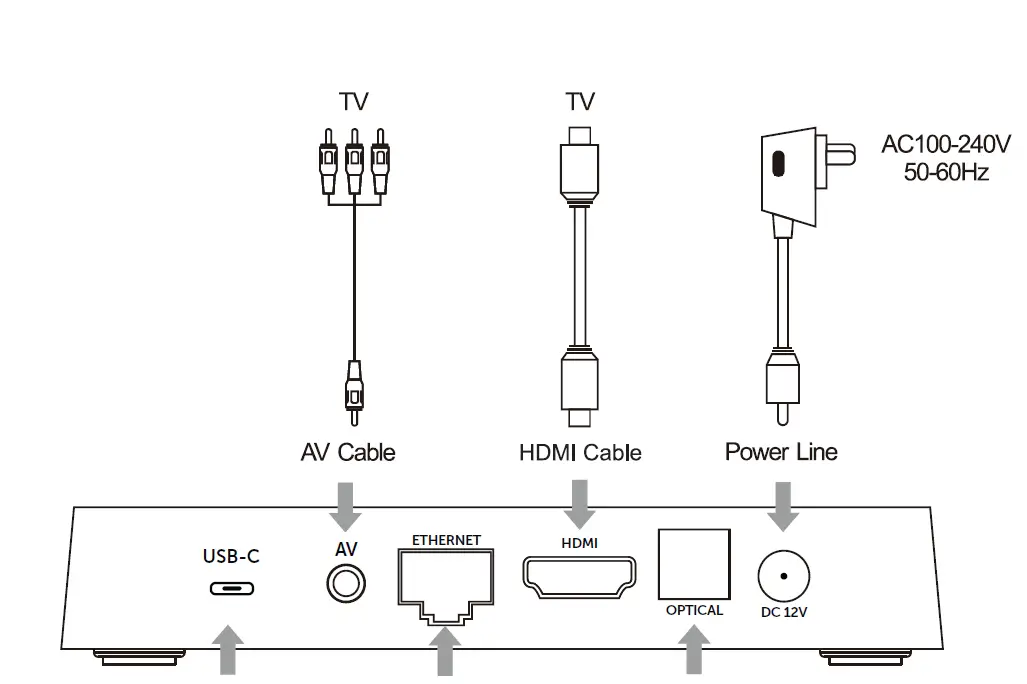
AV Connection
- Connect the AV cable of the 3 color (red/ white/yellow) to the U5’s AV output interface, and the other end to the TV’s AV input interface. Connection can be made by colour.
- Power on the U5. Set the TV video mode to AV input.
HDTV Connection
- Connect HDMI cable to the U5’s output interface, and the other end to the TV’s HDMI input interface.
- Power on the U5. Set the TV video mode to HDTV input.
INSTALLATION STEPS
- Connect U5 TV Box to the power supply.
- Connect U5 to your TV with an HDMI Cable or AV Cable.
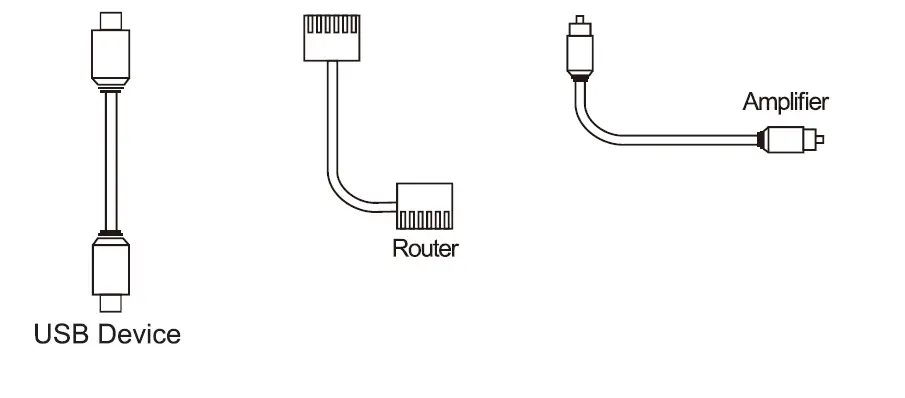
- For a wired connection, plug-in an Ethernet cable from the TV Box to your modem or router. For wireless, choose your Wi-Fi network and input your Wi-Fi password.
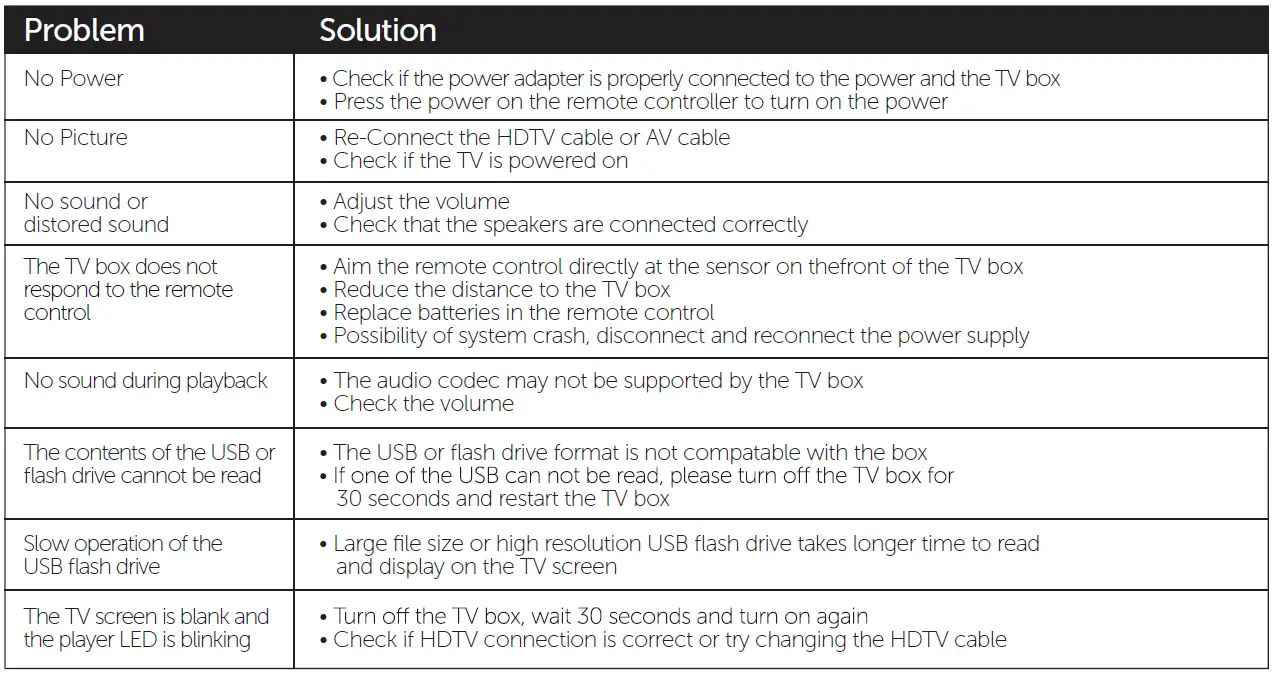
TROUBLESHOOTING
Warning: Under no circumstances should you try to repair the U5 by yourself, as this will invalidate the warranty. Do not open it as there is a risk of electrical shock. If any fault occurs, please first check with this troubleshooting checklist. If you are unable to remedy a problem by following this guide, contact your dealer for help.
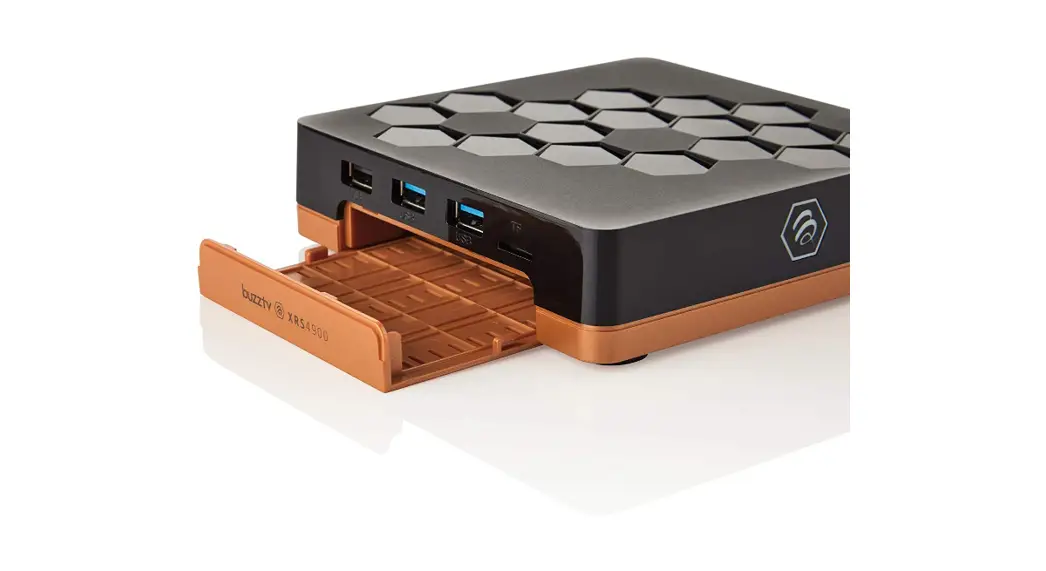
SATADRIVE ( Optional )
Installing Sata Drive
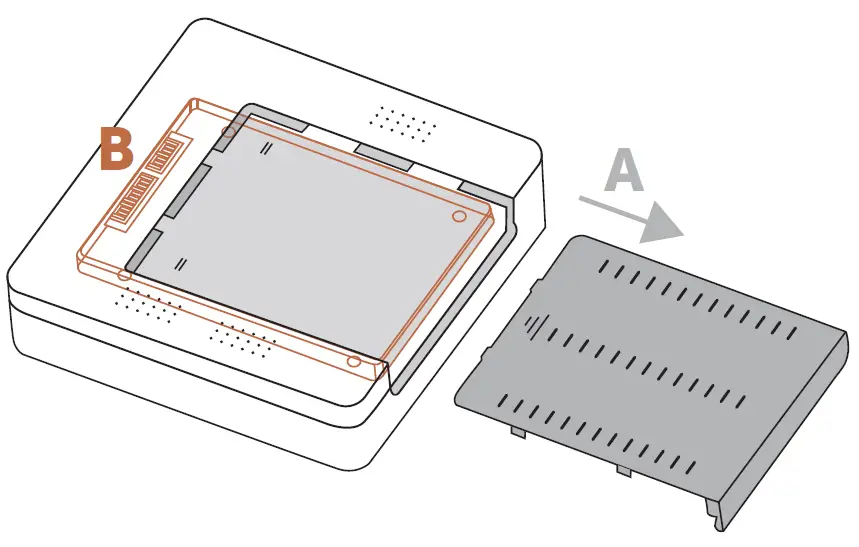
- Remove bottom plate (A)
- Orientate the 2.5 Sata connectors (B) to the corresponding connector on the U5 and attach
- Replace bottom plate
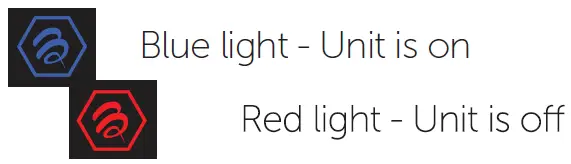
LIGHTS & INDICATORS
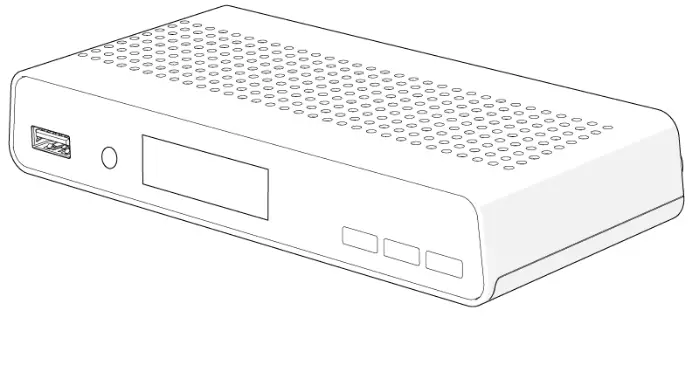
Lighting on Front of U5 indicates the following
WARRANTY INFORMATION
For warranty information and registration, please visit: www.buzztv.com/register www.buzztv.com/support [email protected]
 buzztv.com/register