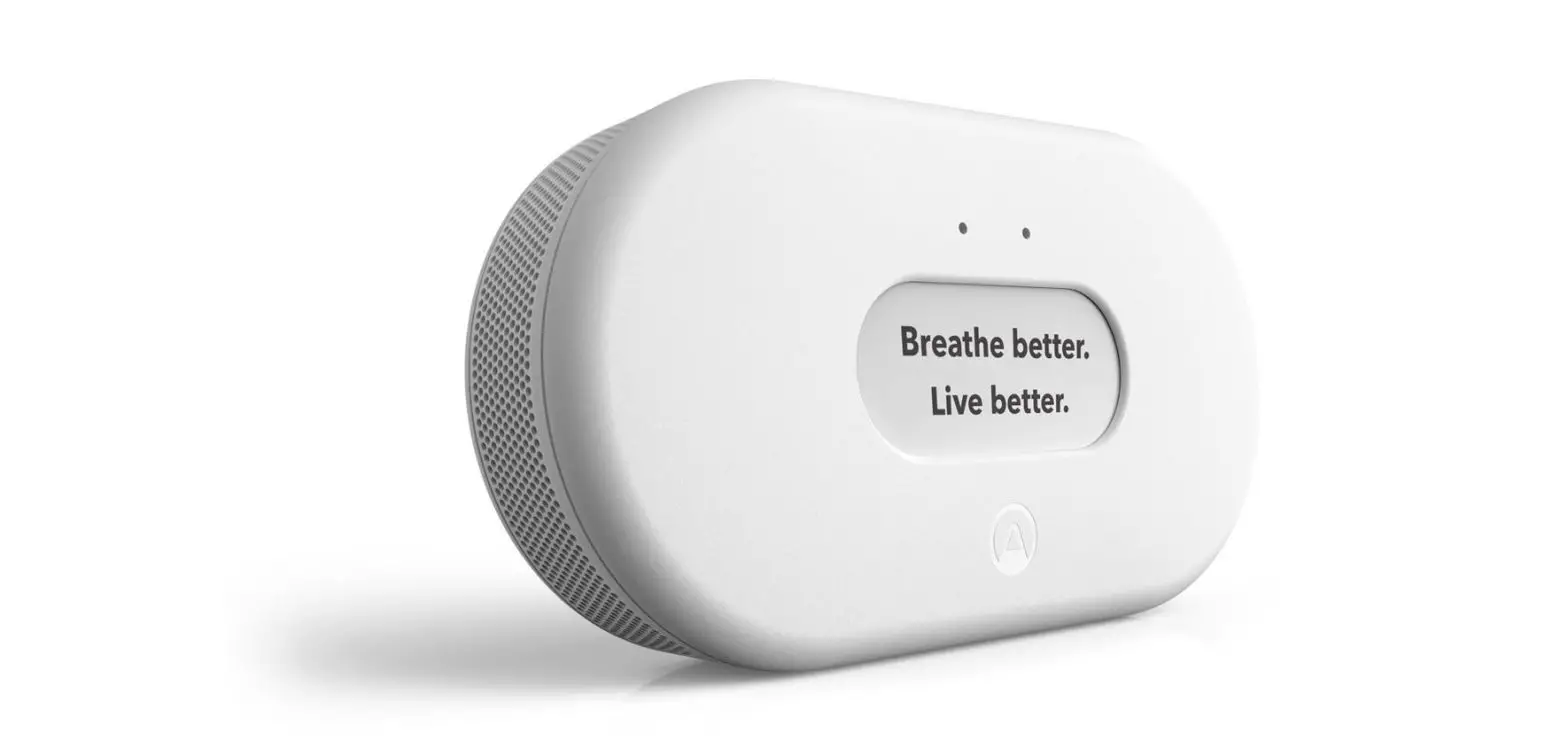
amazon Smart Air Quality Monitor User Guide
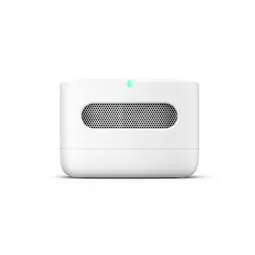
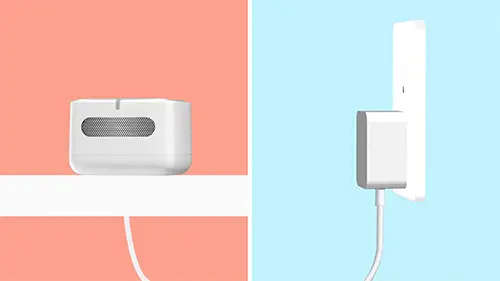
ACTIVATE YOUR DEVICE
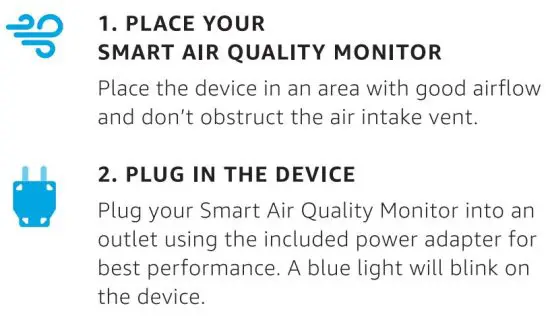
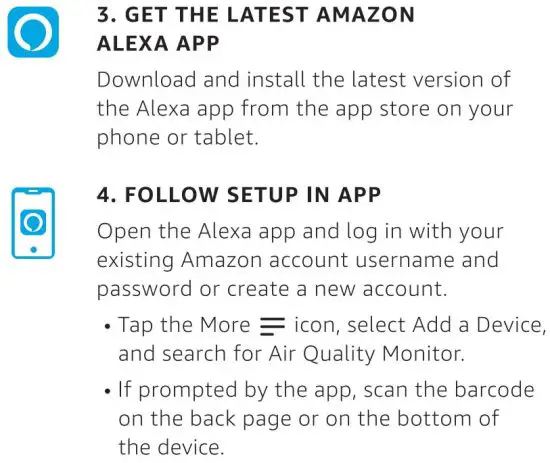
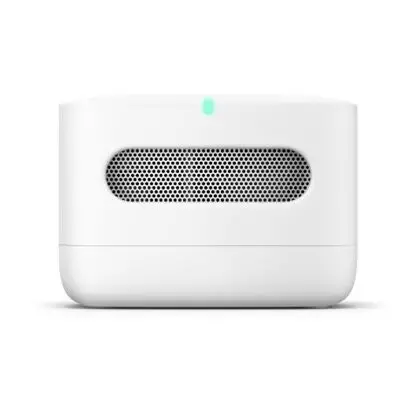
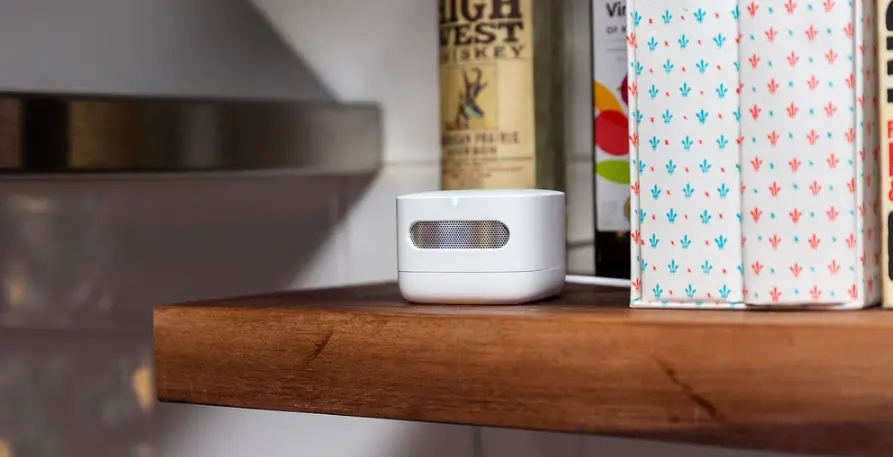
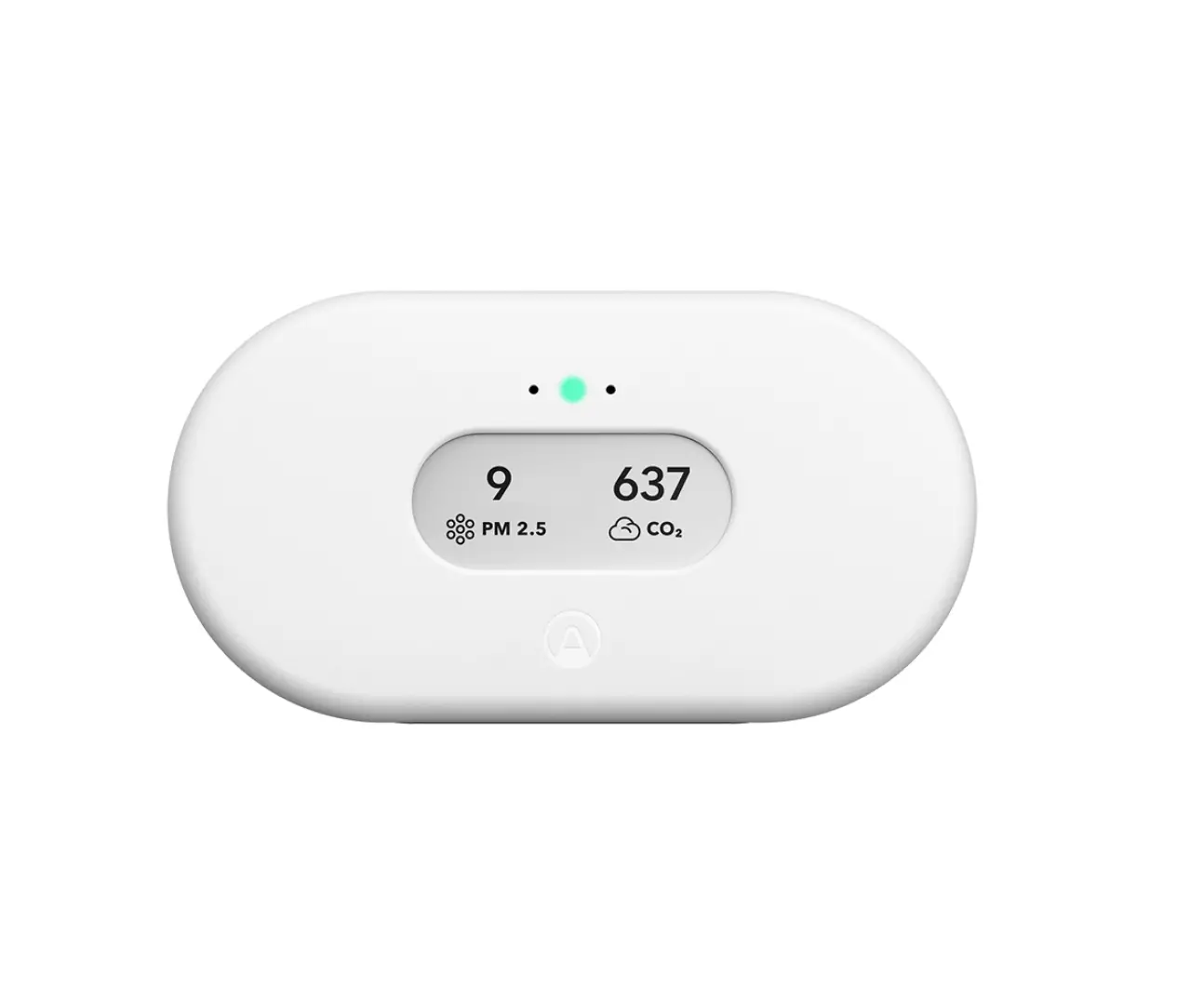
MEET YOUR SMART AIR QUALITY MONITOR
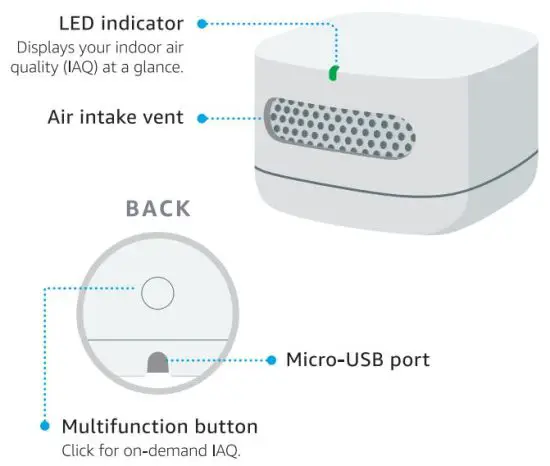
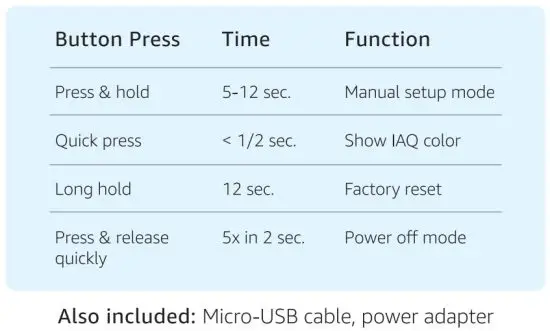
UNDERSTAND YOUR DEVICE
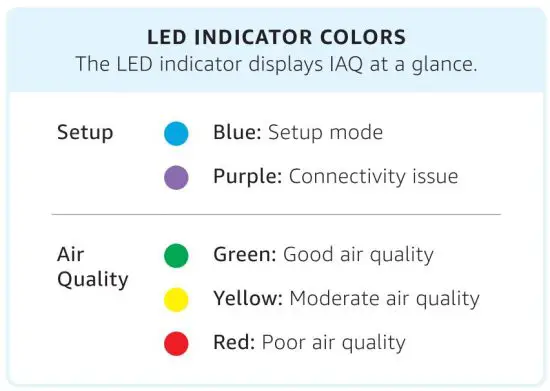
 FOR HELP AND TROUBLESHOOTING
Go to Help & Feedback in the Alexa app
or visit amazon.com/devicesupport
INTERACT WITH ALEXA
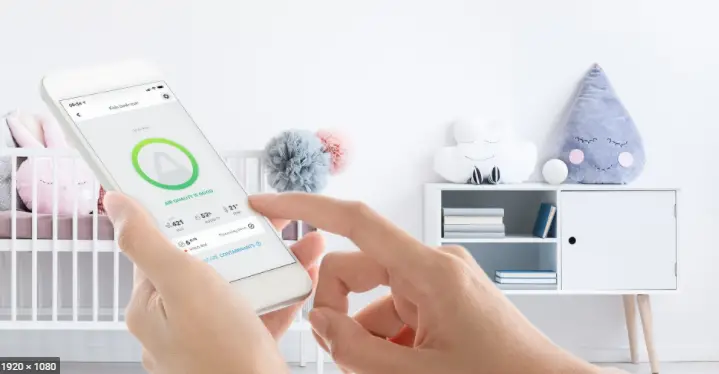
Using an Alexa-enabled device or the Alexa app on your phone, you can access real-time information from your Smart Air Quality Monitor.
Try asking your Alexa-enabled device,
“Alexa, what is the indoor air quality?”
You can also stop responses at any time by saying,
“Alexa, stop. ”
DO MORE WITH THE ALEXA APP
- Get easy-to-understand air quality scores
- See air quality trends
- Discover ways to interact with Alexa
- Configure rooms
- Set up notifications and preferences

Read More About This Manual & Download PDF: