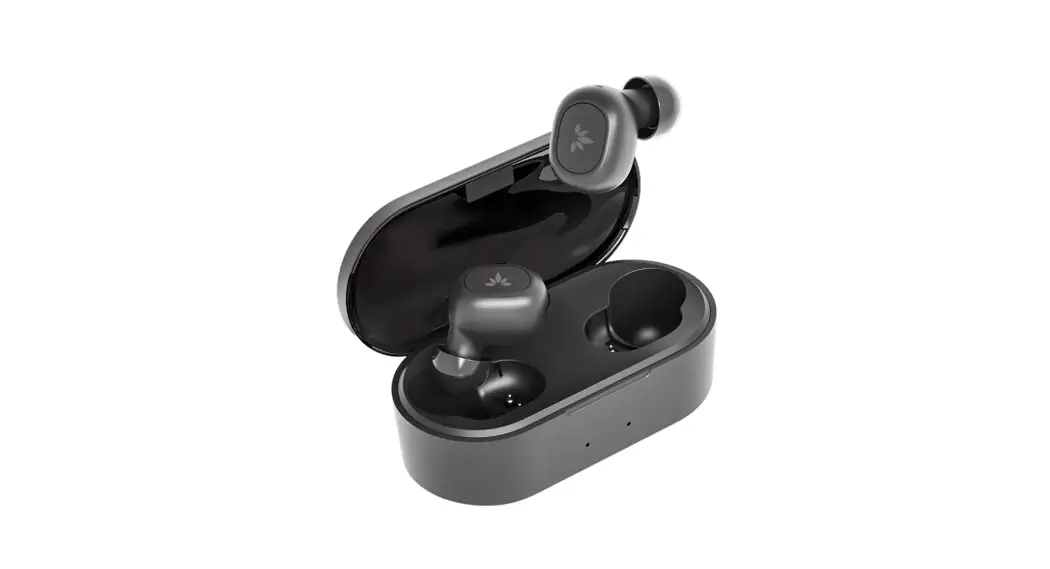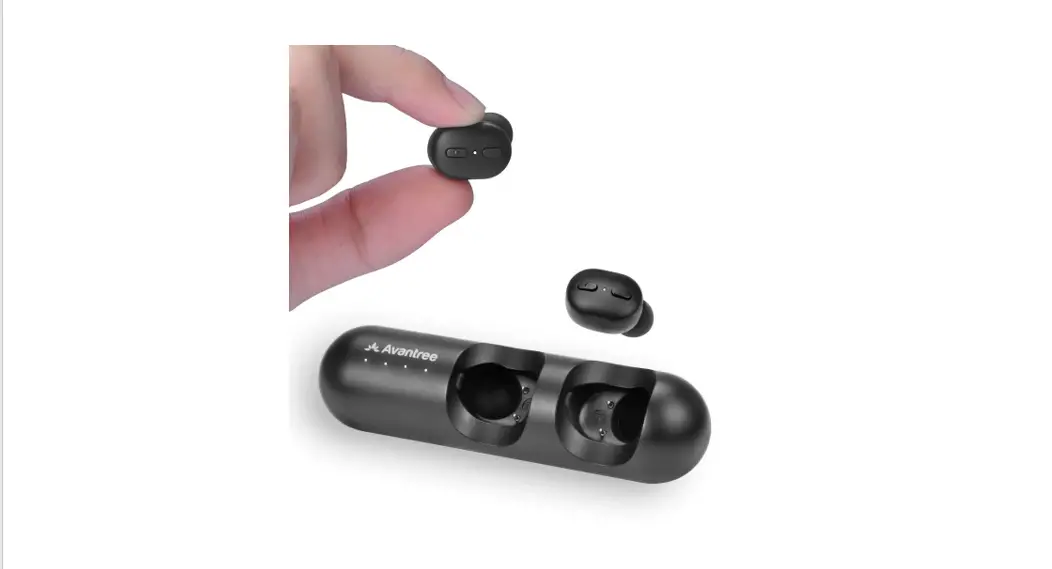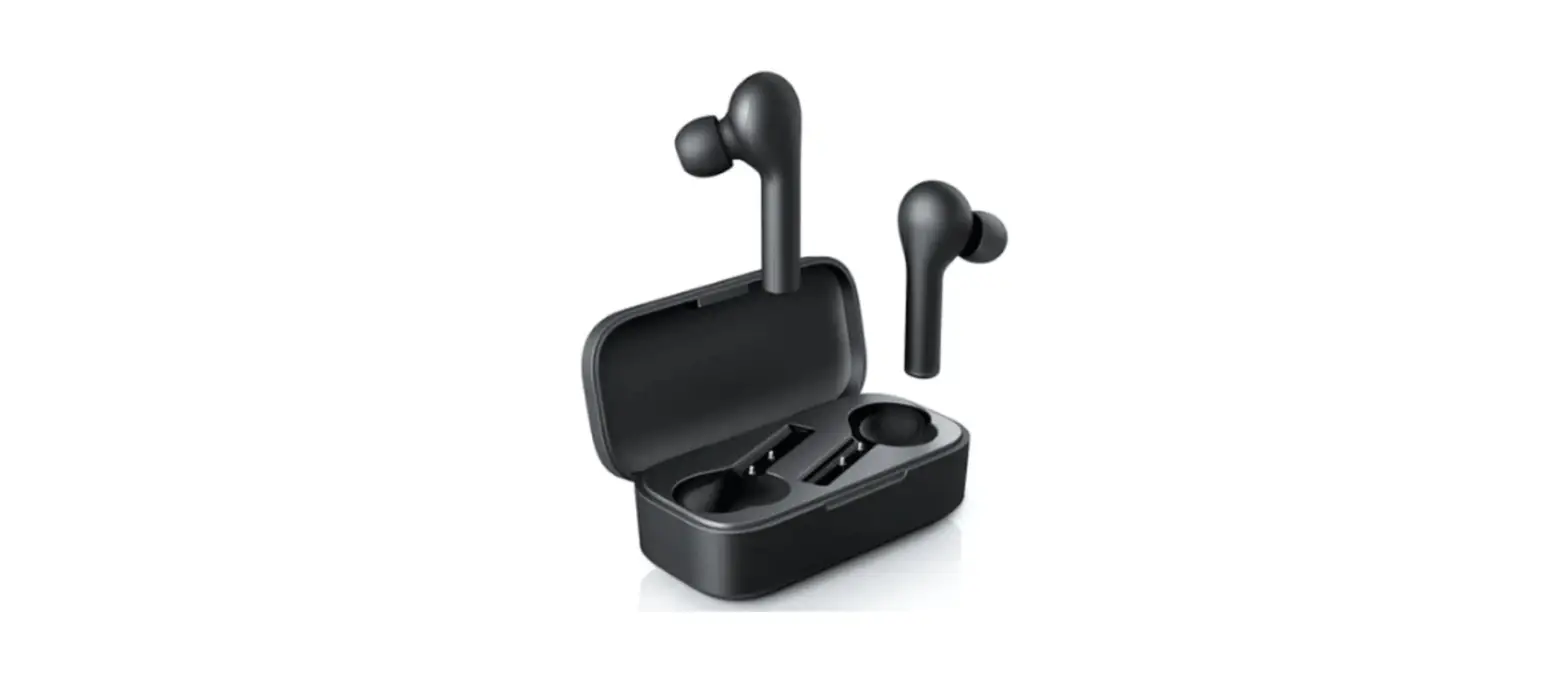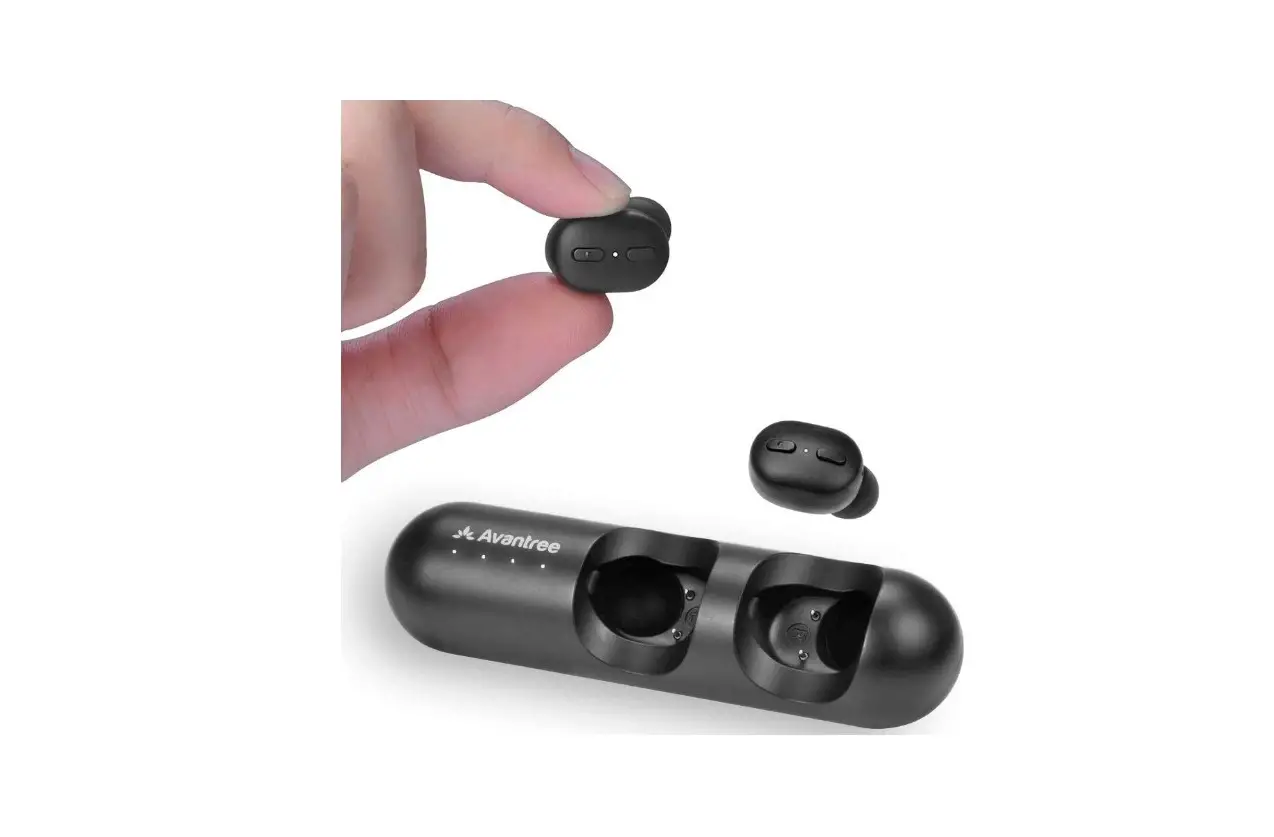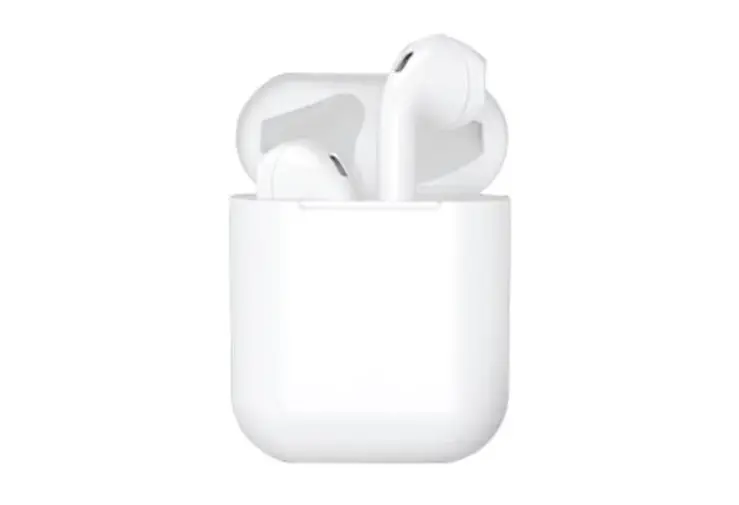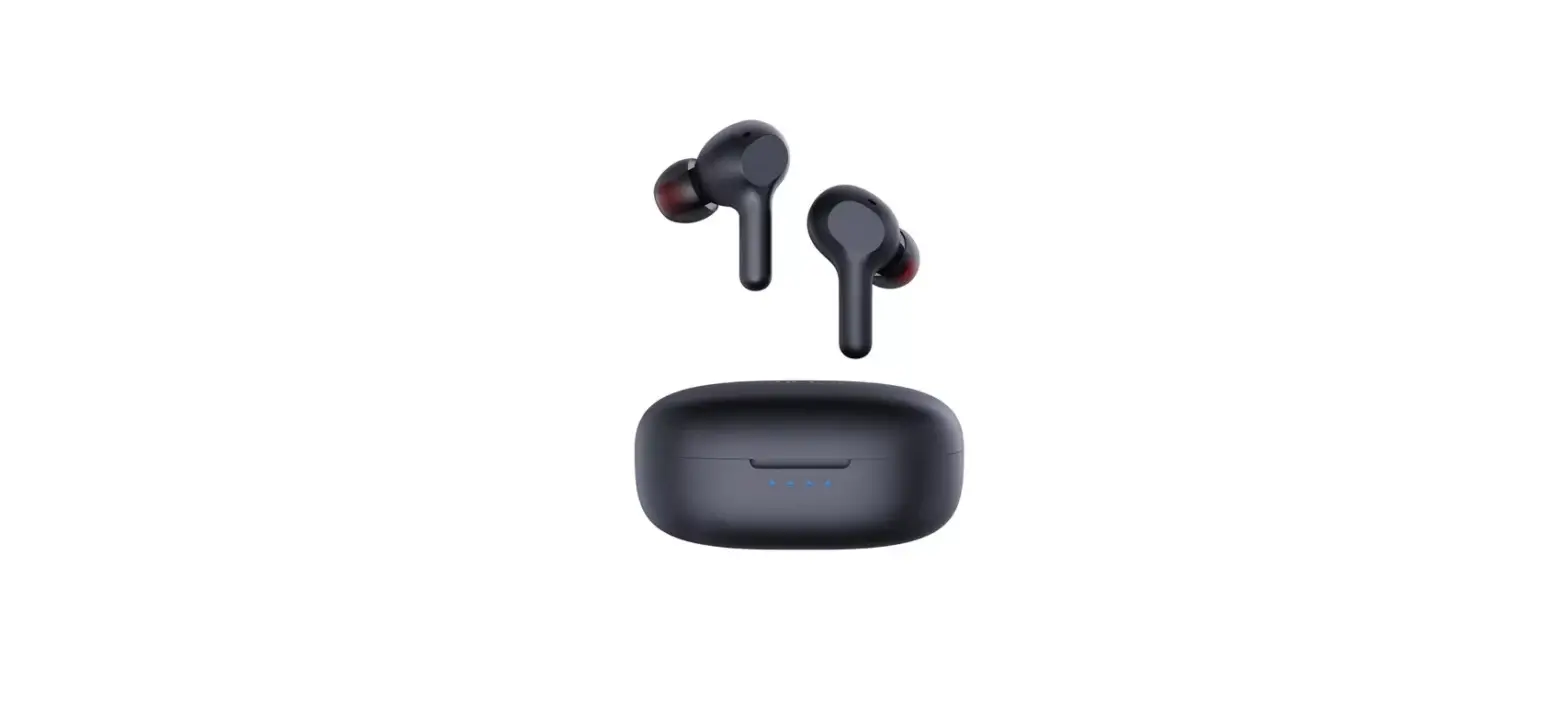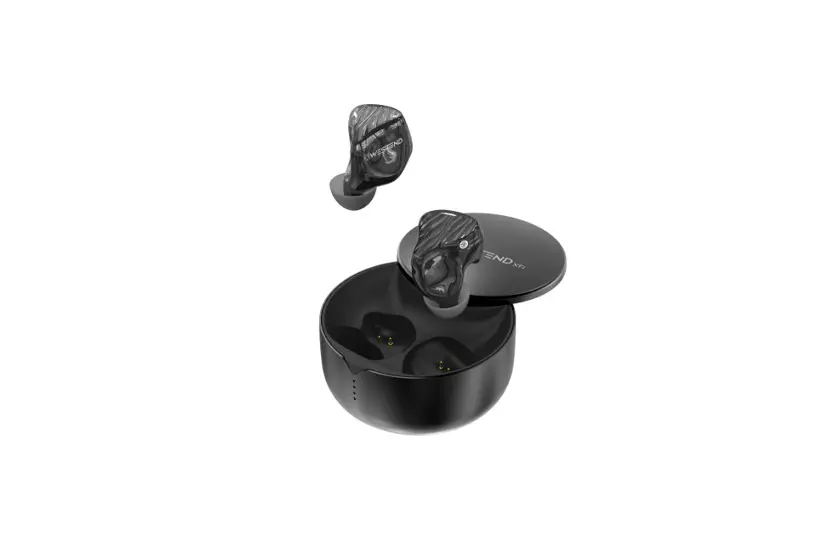

BT-001 Concertmaster TWS-3D Earbuds
User Manual
To assure the finest performance, please read this user’s manual carefully. keep it in a safe place for future reference.
What’s In the Box
- TWS Bluetooth Earphones x 1 Pair
- Charging Case x 1
- Charging Cable x 1
- Small/Large Eartips x 2
- Product Manual x 1
Specifications
- Factory Code: BT-001
- Bluetooth Version: V5.2
- Supported Codecs: HFP. HSP. AVRCP. A2DP. AptX. AAC
- Voice message language: English
- Compatibility: iOS and Android, PC, etc
- Battery Capacity (Earphones) : 40mAHx 2
- Battery Capacity (Charging case) : 360mAH
- Play Time: 6~7 hours
- Drivers:6.1mm diaphragm
- Range of Bluetooth connection: 25m
- Impedance: 16Ω±15%
- Sensitivity: 95dB±3dB
- Frequency Response: 20Hz~20KHz
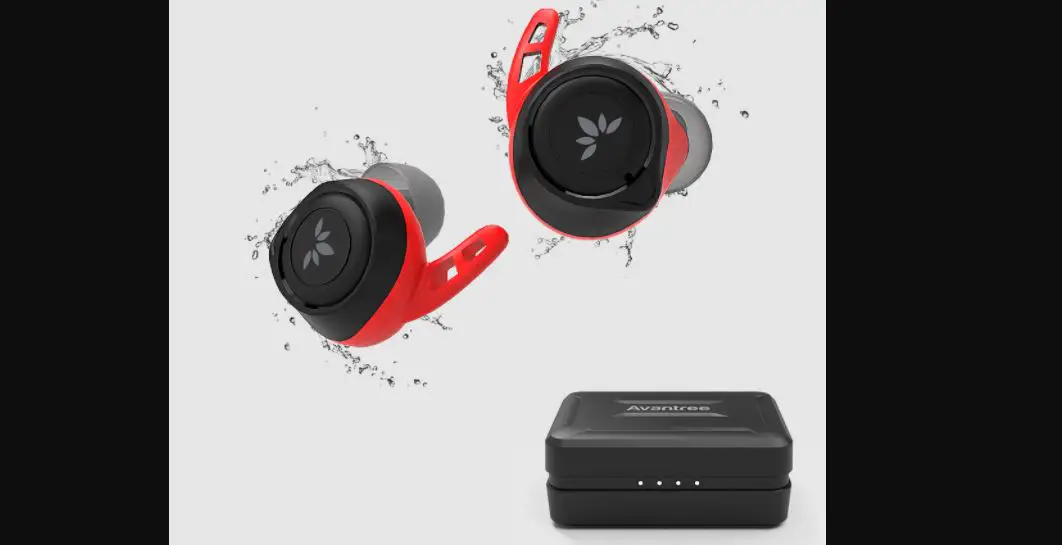
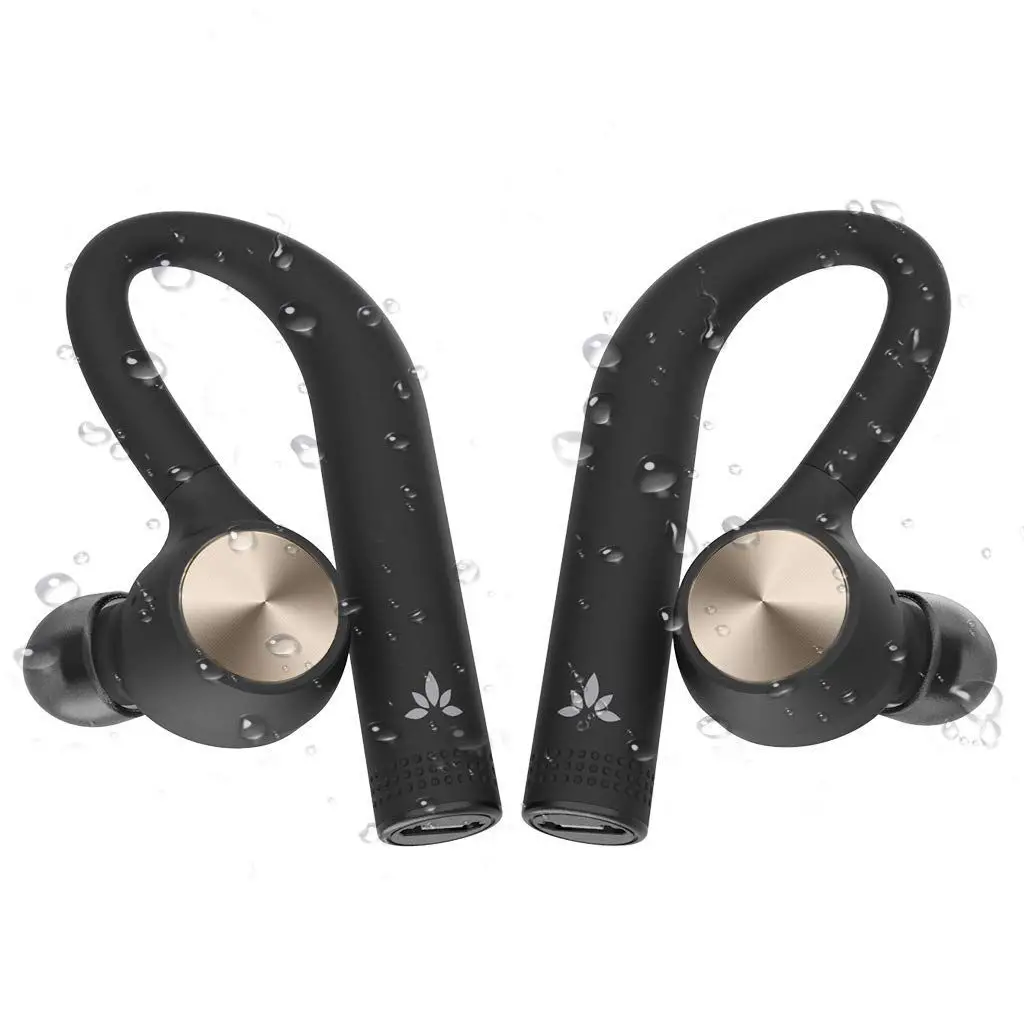
- Waterproof: IPX6
Charging Case operation
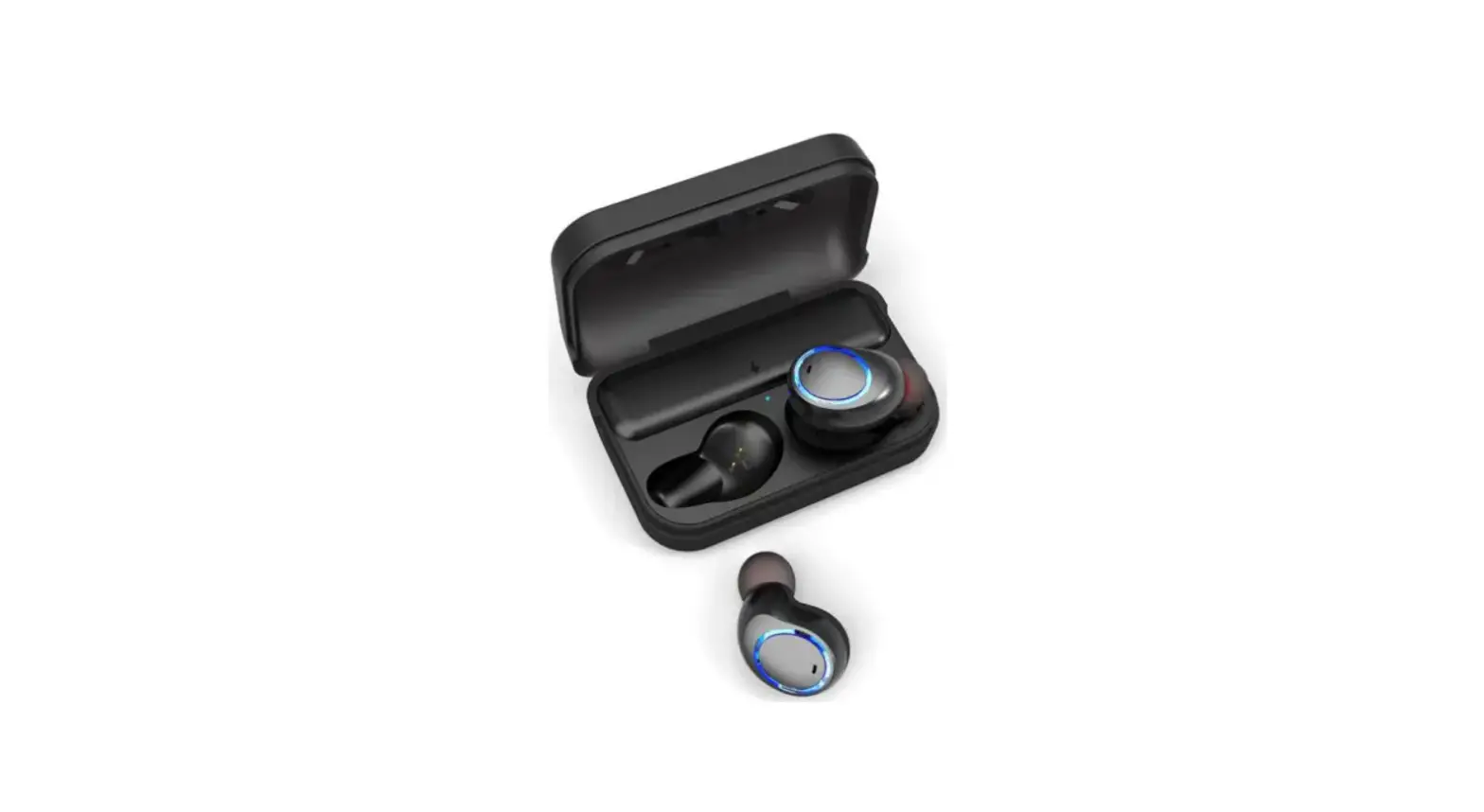
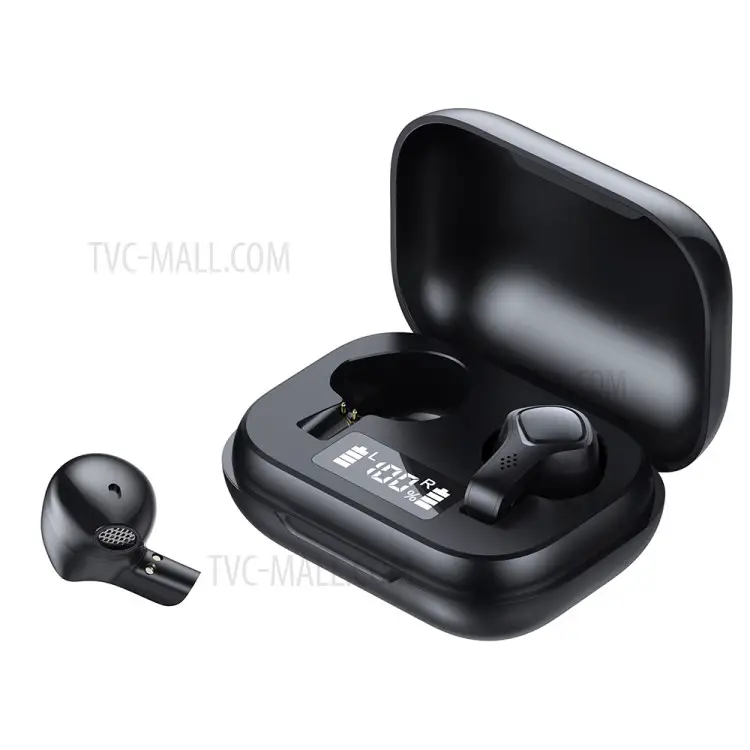
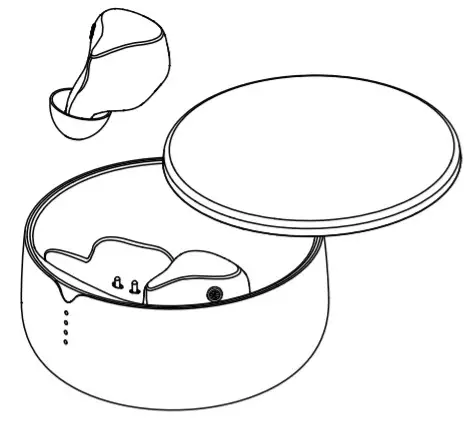
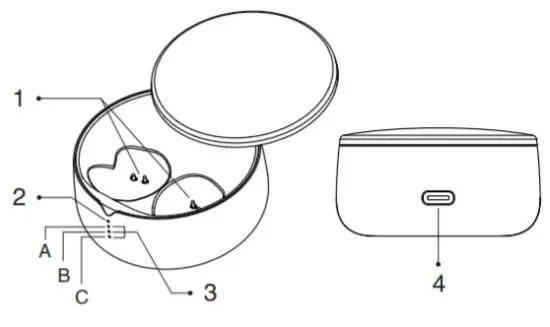
| 1 | Charging Pin | Place the earphones against the charging pins for charging. |
| 2 | Red Led | Red Led indicates charging. |
| 3 | Battery Charge Level | State of Charge (SoC) One blue led: 25% charge, Two blue LEDs: 50% charge, Three blue LEDs: over 75% charge |
| 4 | USB charging port | Type-C charging cable(DC5V/500mA) |
Earphone operation
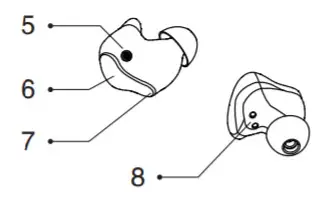
| 5 | Microphone | To be used in telephone calls. |
| 6 | Power on/ off | Automatic on/off function when removing the earphones from the charging case. |
| Next | Tap R edge three times, next song. | |
| Previous | Tap L edge three times, previous song. | |
| The answer, hang up, play, pause | Tap twice to answer, hang up, play pause. | |
| Reject | Tap three times to reject a call. | |
| 7 | Earphones LED | The Colour will change indicating the status of the earphone. |
| 8 | Charging pin | When the earphones are in the charging case, the butt-in batteries are charged through these pins. Make sure to place the earphones correctly into the charging case. |
How to use
Pairing
Take the earphones out of the charging case. The earbuds will turn on. You can hear a prompt tone “ding dong” and a voice message “pairing” Red and blue lights will start blinking on the top of the earphones. Pls look for “Concertmaster” with Bluetooth-supported devices. Pair with a Bluetooth-supported device. (on smartphones, settings/Bluetooth) When paired successfully, you can hear a prompt tone: “do-do-do-doo”.
PLS NOTE: You can also use just one earphone: Simply place the other earphone to the charging case and the one in use will automatically connect into mono mode.
Power on
Take the earphones out of the charging case. Earbuds will turn on and the earphones will automatically connect with the last paired device. Listen for prompt tone “ding dong” and then “do-do-do-doo” Which will indicate a successful connection with the Bluetooth device. All lights on the earphones will turn off.
Power off
Put the earphones into the charging case. Earphones turn off automatically and solid red lights are seen on top of the earphones. Earbuds will also turn off when they are not connected with any Bluetooth device for more than 5 minutes.
How to wear
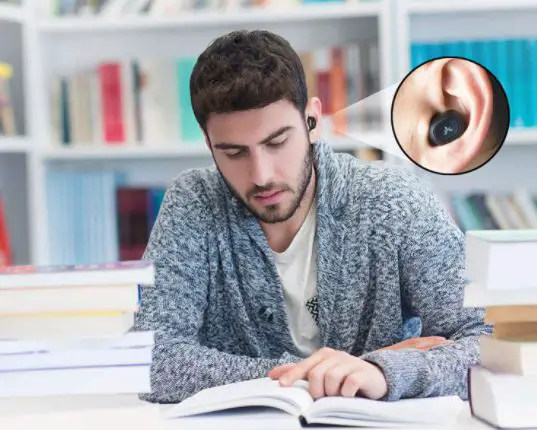
Place the earphones into the ear canal and gently turn until comfortable fit. Earphones are delivered in 3 different sizes of eartips.
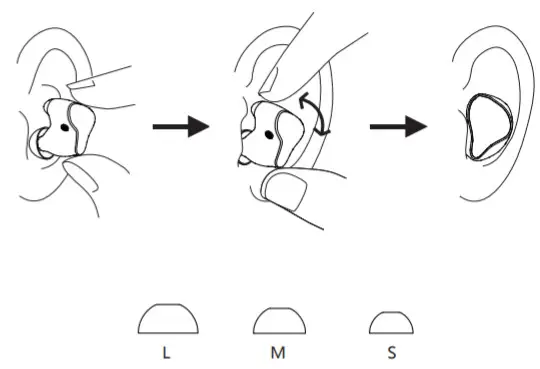
Tip: For the best sound, choose an eartiptip that completely seals your ear canal.
Attention
Keep the product away from heat +50 Celcius. Keep the product away from water and other liquids. The product is IPX6 proof but cannot be used in swimming. Please avoid dropping. Earbuds are not shockproof. Pls, charge fully before the first use.