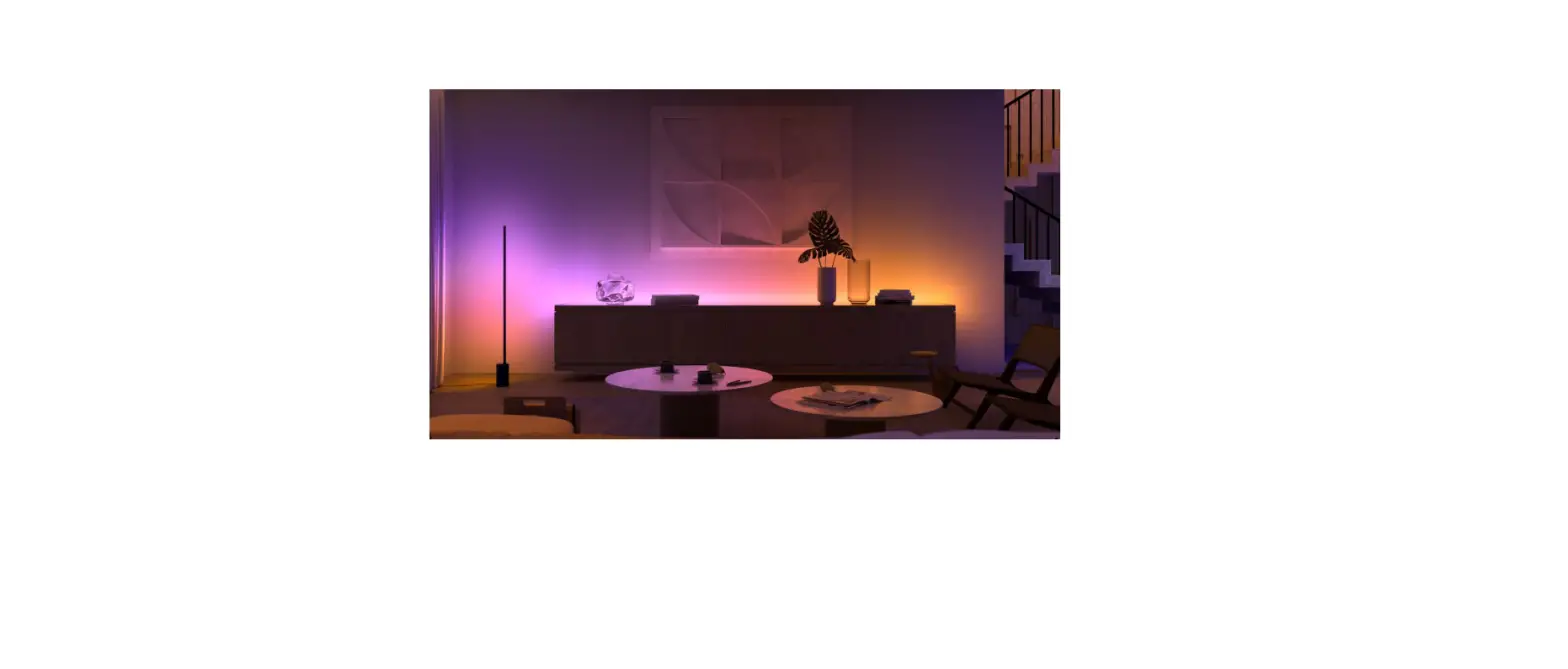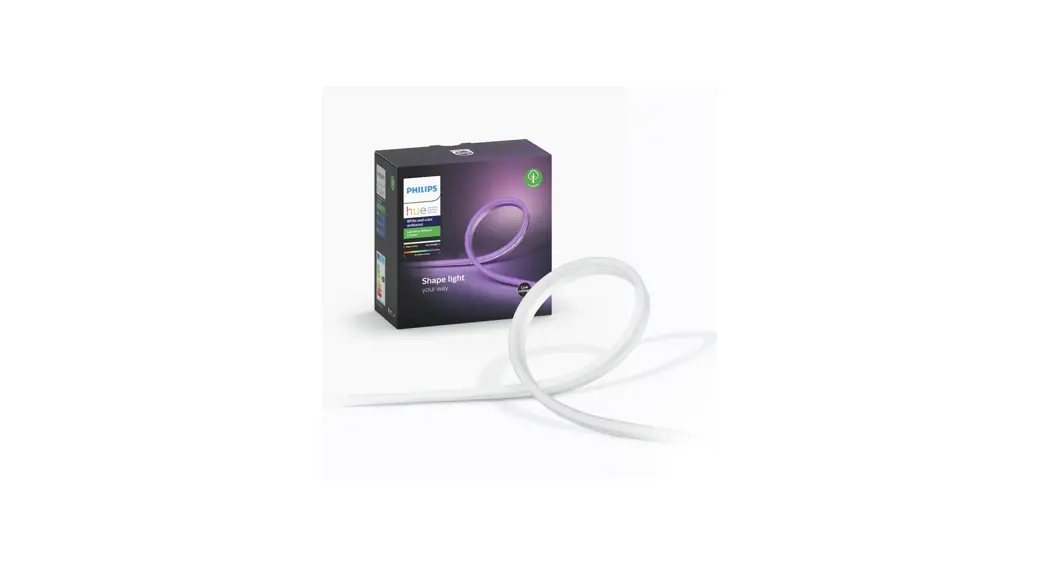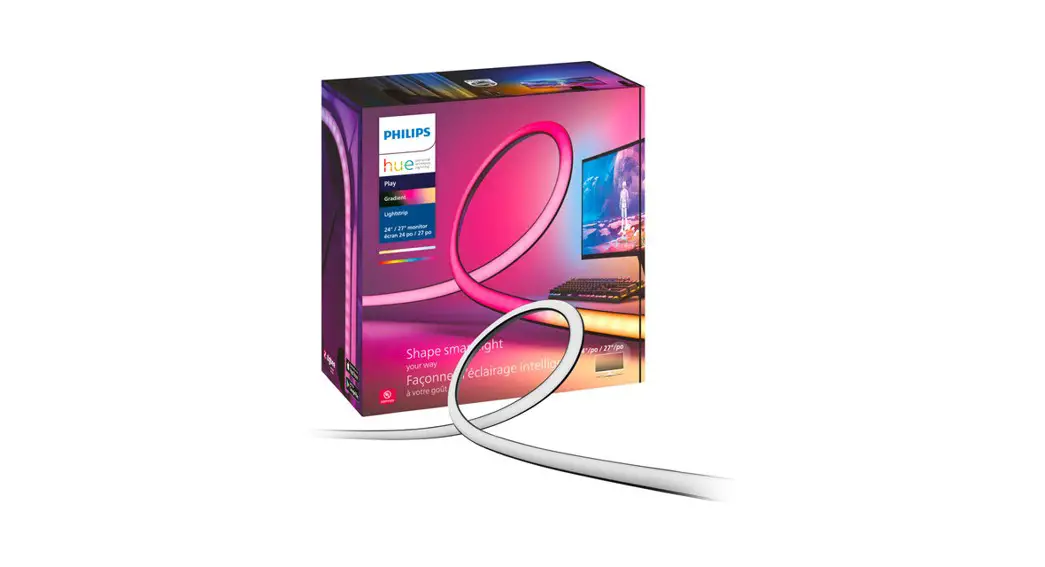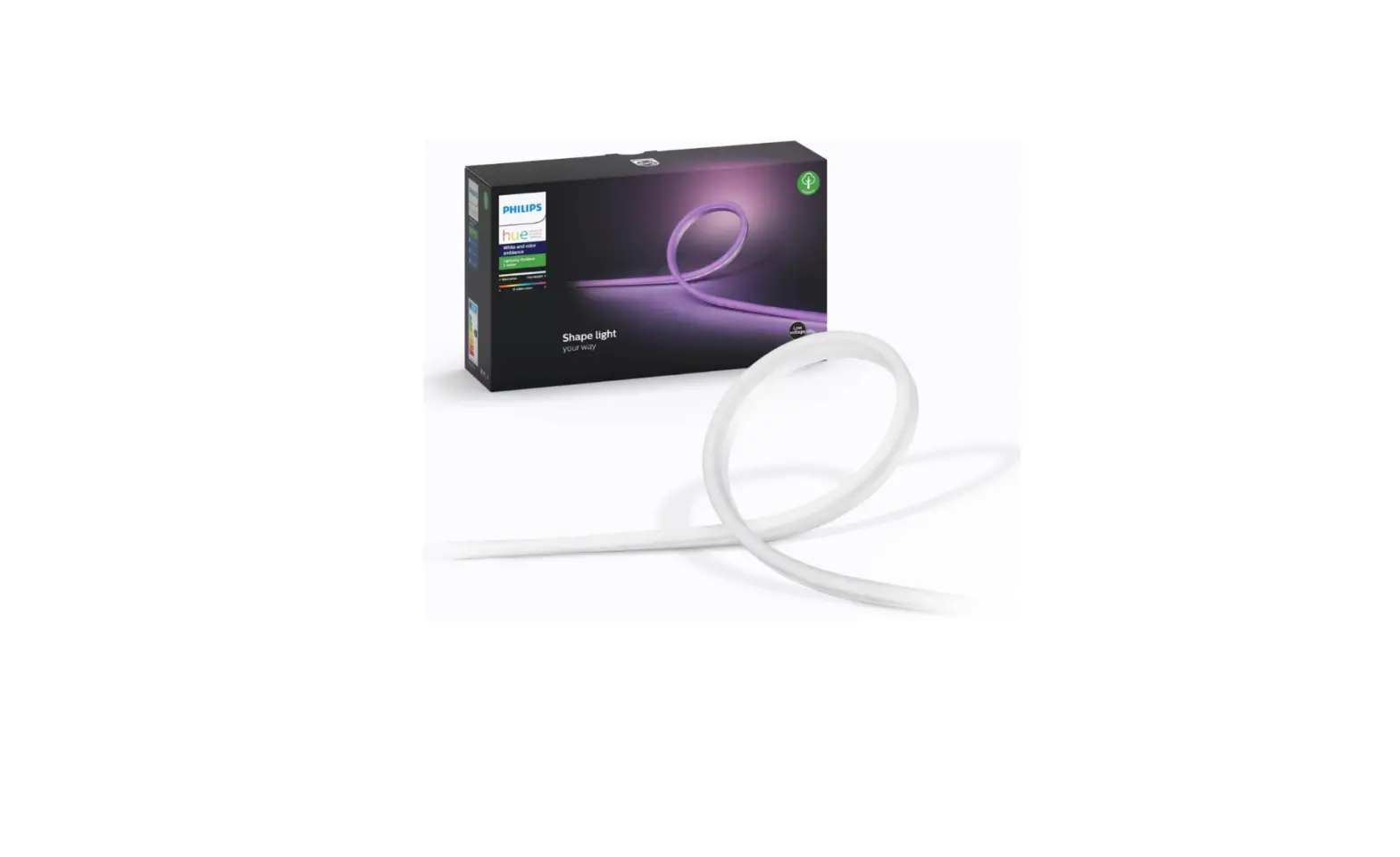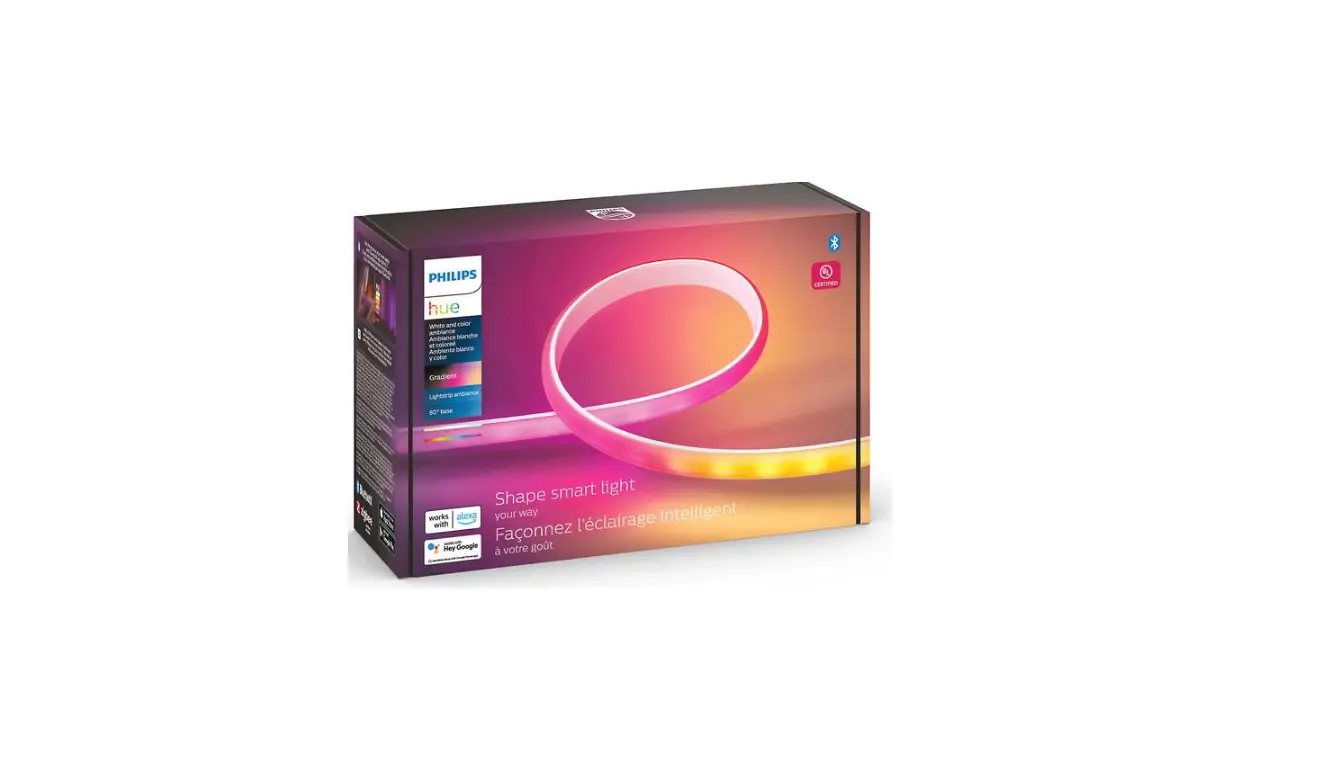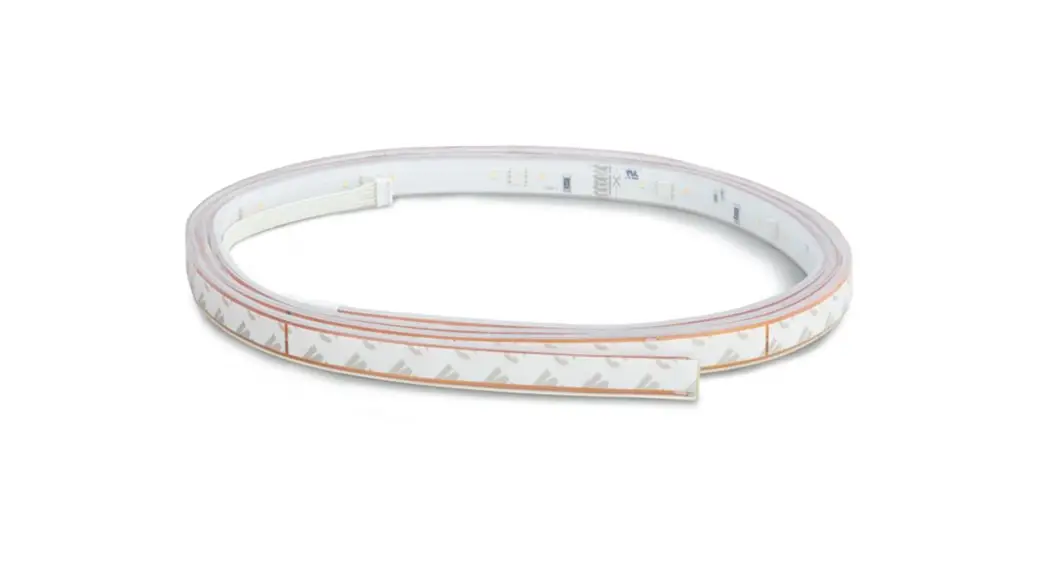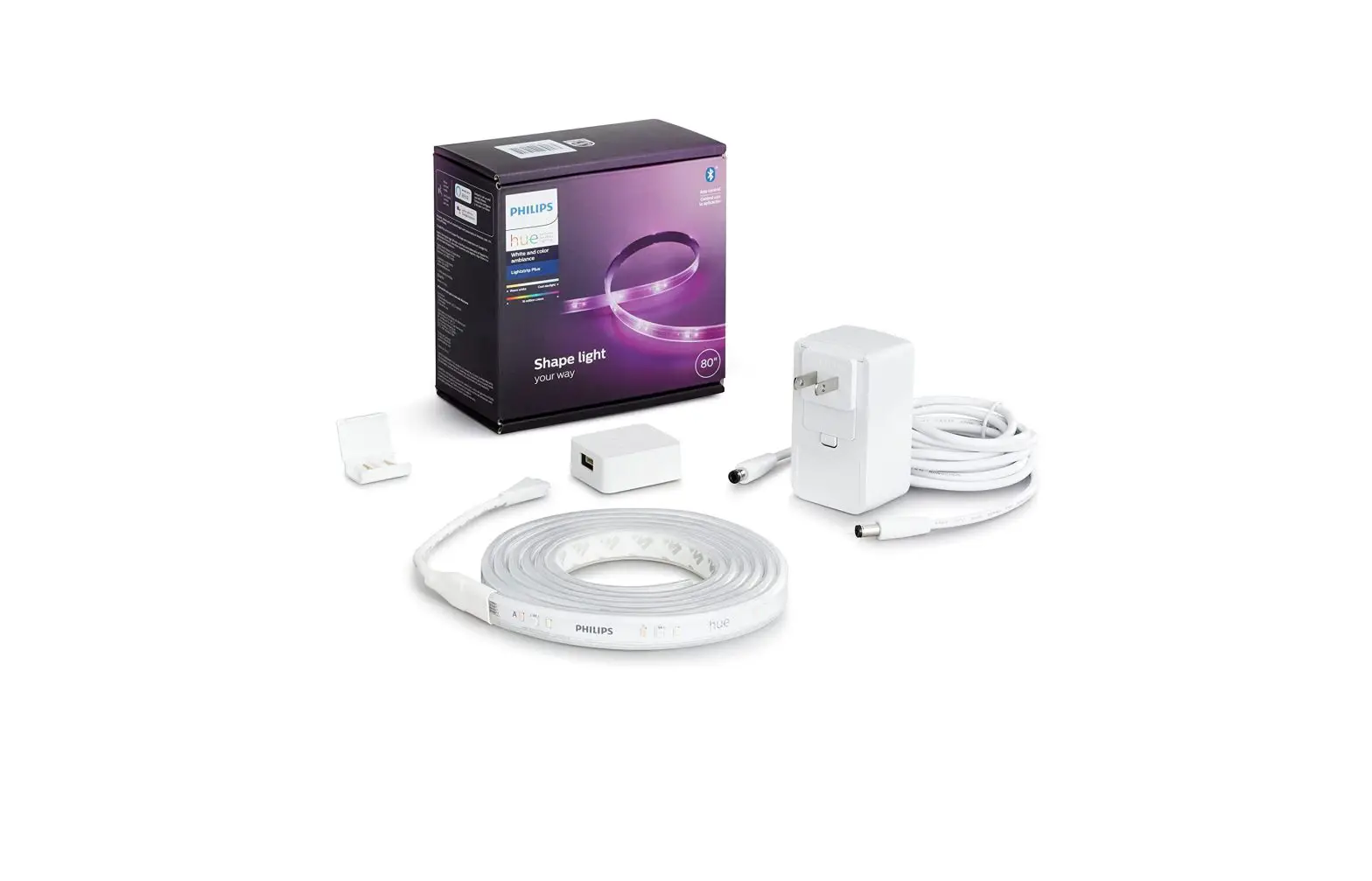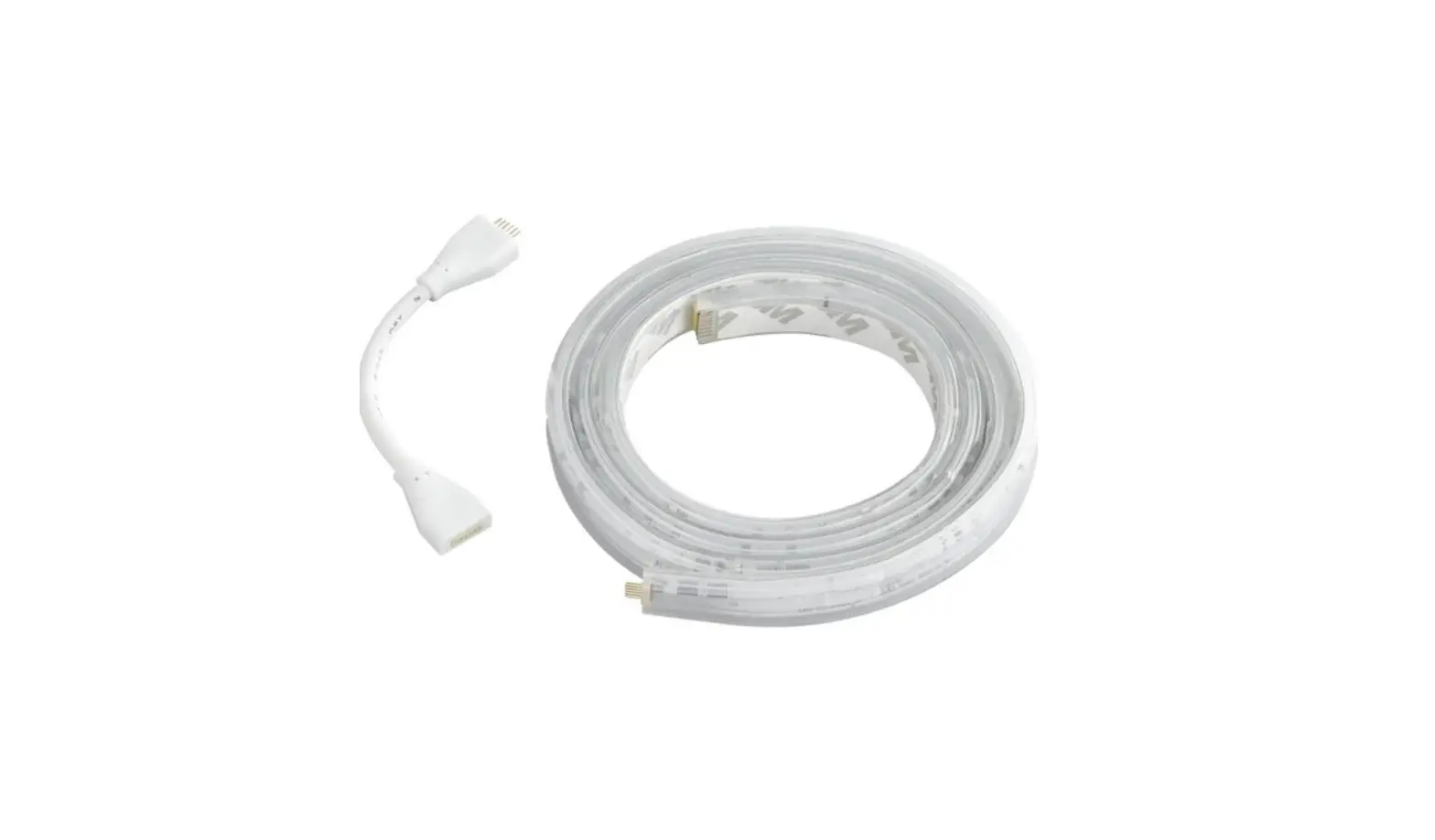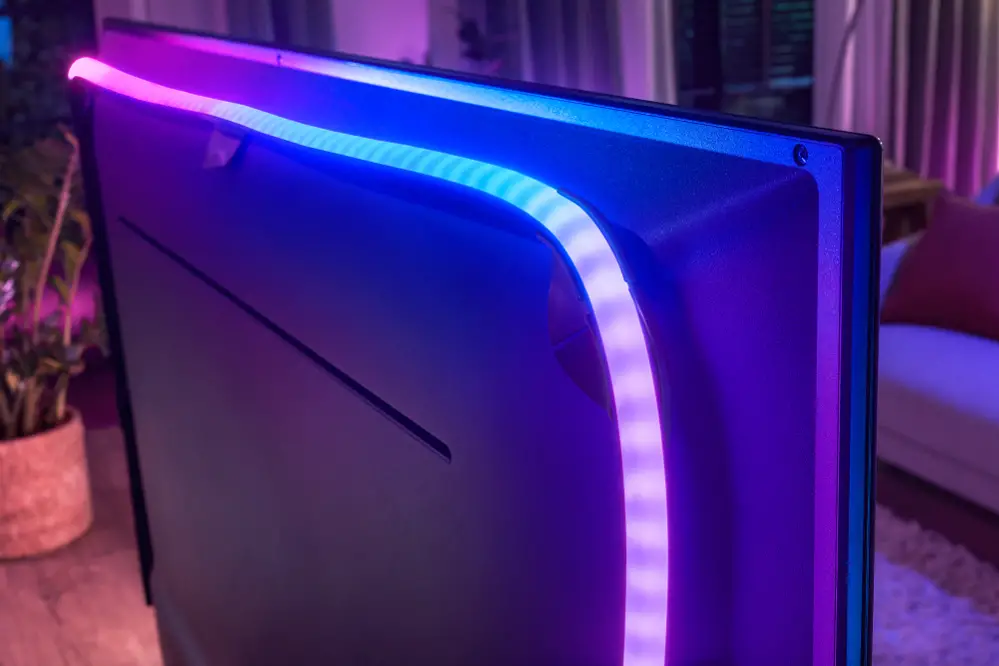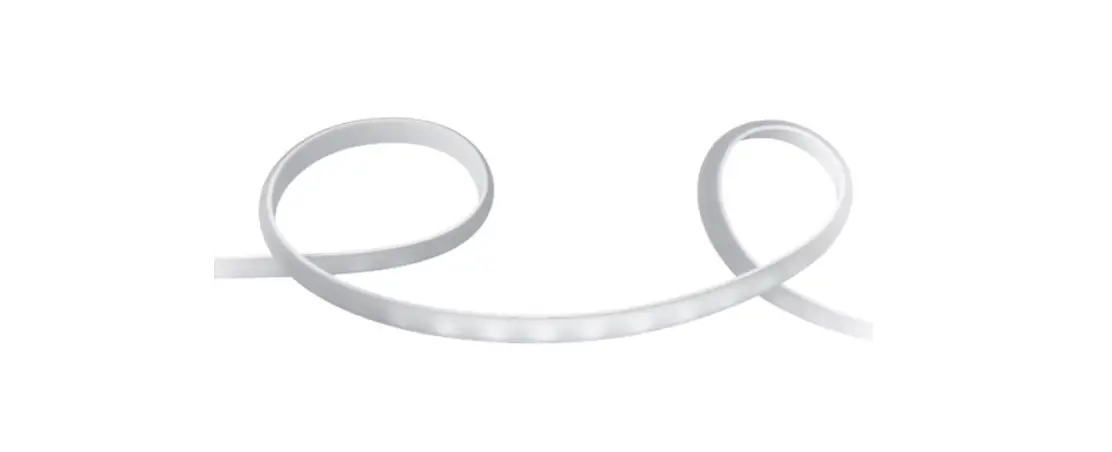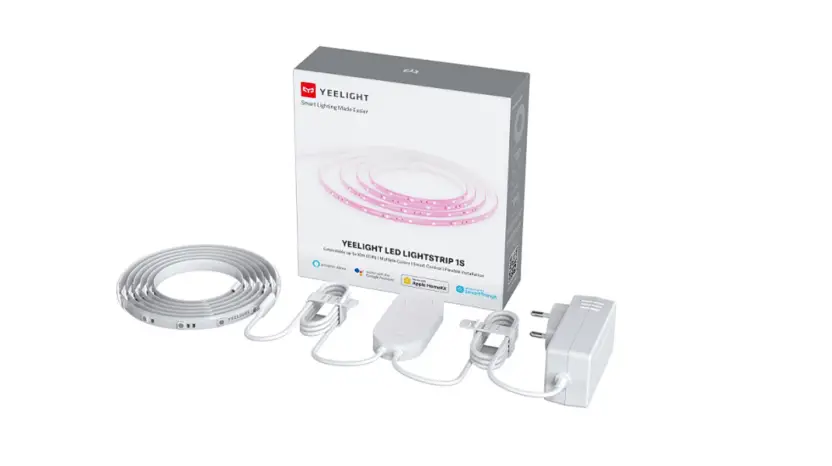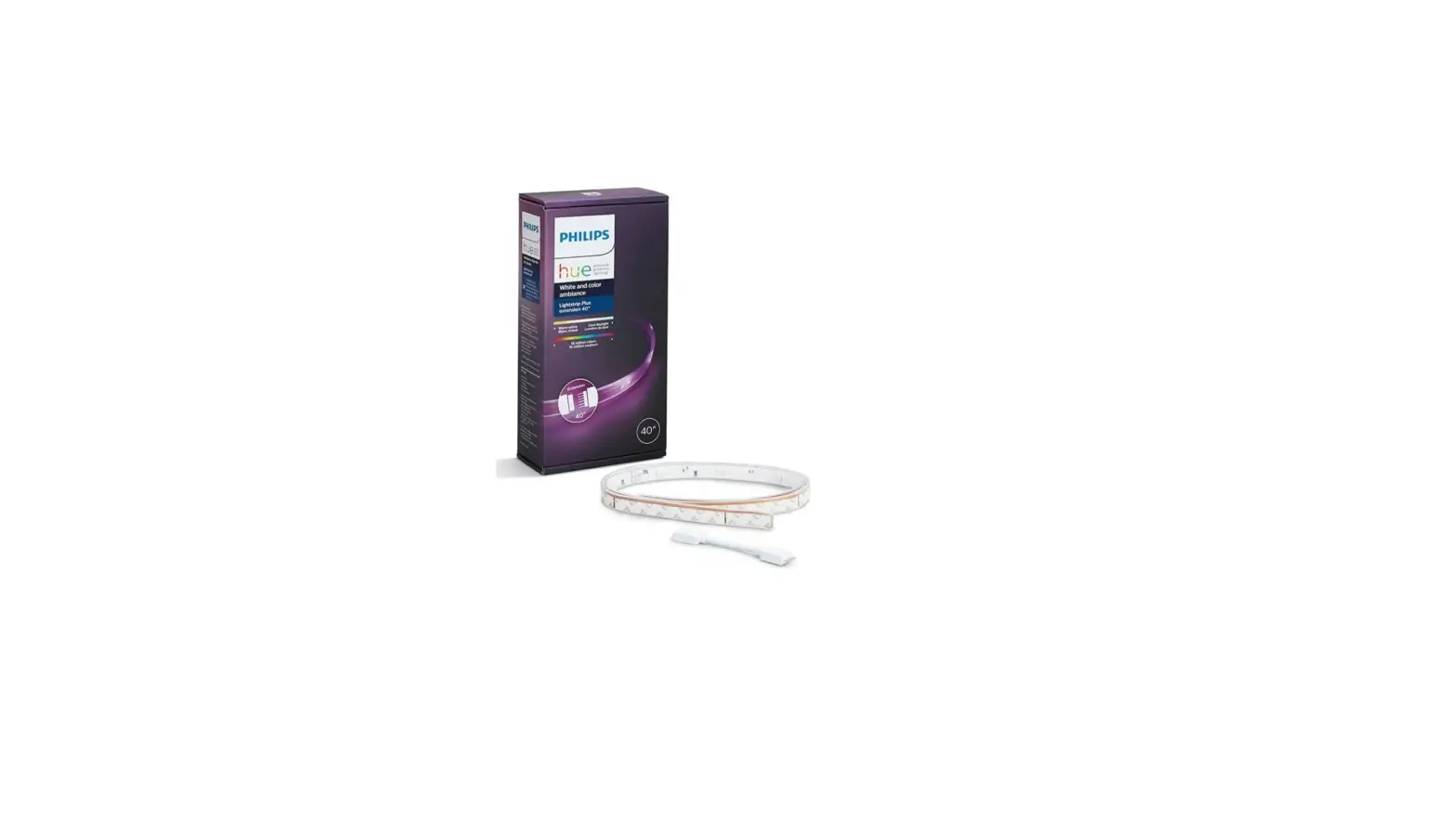

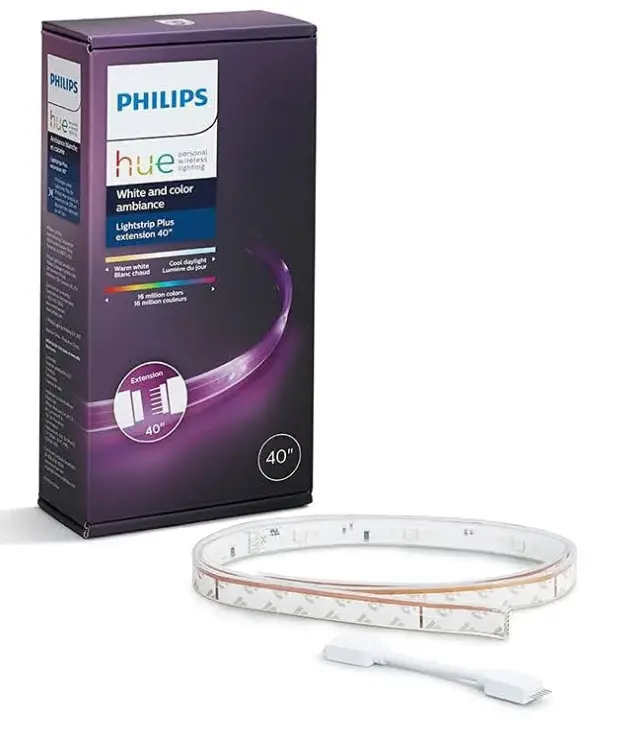
Philips Hue 555326 Bluetooth Smart Lightstrip
Specification
- COLOR: White
- BRAND: Philips Hue
- INDOOR/OUTDOOR USAGE: Indoor
- LIGHT SOURCE TYPE: LED
- POWER SOURCE: AC
- LIGHT COLOR: White
- STYLE: Single Color
- MATERIAL: Acrylic
- CONTROLLER TYPE: App Control, Voice Control
- CONNECTIVITY PROTOCOL: Bluetooth, Wi-Fi, Zigbee
- NUMBER OF LIGHT SOURCES: 10
- VOLTAGE: 120 Volts
- WATTAGE: 20 watts
- ITEM WEIGHT: 4.2 Ounces
- ITEM DIMENSIONS LXWXH: 8.3 x 4.1 x 2 inches
- CONTROL METHOD: Voice
Introduction
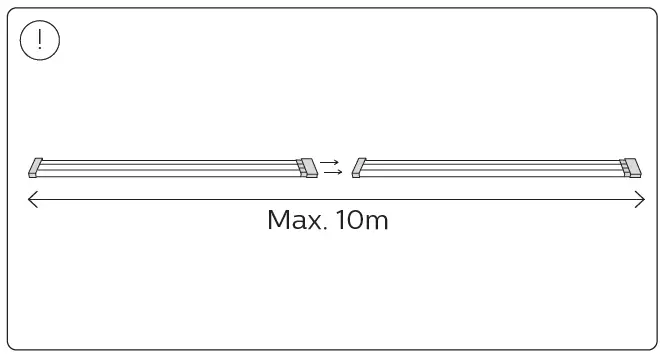
With the Non-Bluetooth light strip extension, these are NOT compatible. Please make use of the Bluetooth extender to extend this strip. Any voice or Smart Home assistant can be used to expand. Works with Alexa (Alexa device required; also compatible with Google Assistant, Apple Homekit, Microsoft Cortana, SmartThings, and IFTT). With 16 million colors, you can instantly set the tone for any situation. Create the ideal ambiance for a get-together with friends, transform the space for an immersive entertainment experience, or simply add style to your house. The simplest method to begin with smart lighting is with Philips Hue with Bluetooth.
Using the Hue Bluetooth app, which provides single-room control of up to 10 lights, Bluetooth-enabled lights may be used to rapidly set the atmosphere. When linked with a Bluetooth-enabled setup, the Hue Bridge, the smart light hub for Philips Hue, may be added to access the full range of smart lighting functions including multi-room control, out-of-home control, etc. Trim or connect up to eight Hue Bluetooth-enabled light strip extensions to make your Hue Bluetooth-enabled lightstrip your own, and then put it anywhere. To get the ideal light throughout the day for reading, relaxing, concentrating, or being energized, use preset light scenarios.
IMPORTANT SAFETY INSTRUCTIONS
Product appearance may vary from image shown.
CAUTION – RISK OF FIRE
This product must be installed in accordance with the applicable installation code by a person familiar with the construction and operation of the product and the hazards involved.
DANGER – RISK OF SHOCK – DISCONNECT POWER BEFORE INSTALLATION.
TIPS
HOW TO INSTALL
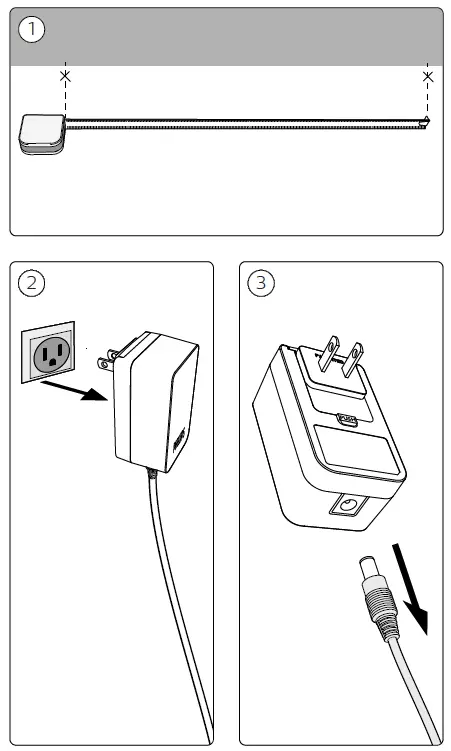
- CONNECTING TO THE ADAPTER

- ATTACHING THE STRIPLIGHT

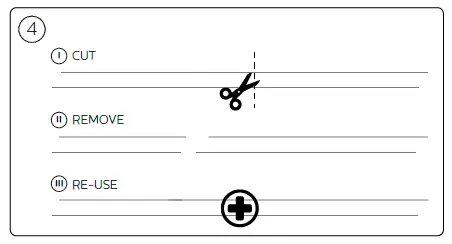
- CUT

- REMOVE

- RE-USE

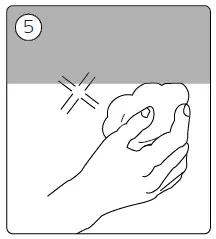
- CLEANING THE WALL

- PLACING THE STRIPLIGHT


- CONNECTING THE ADAPTER

- CONNECTING THE PLUG

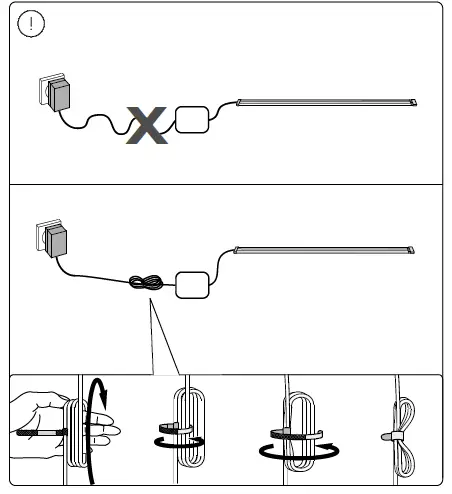
- WRAPPING THE WIRE

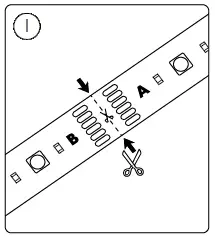
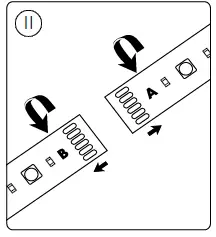
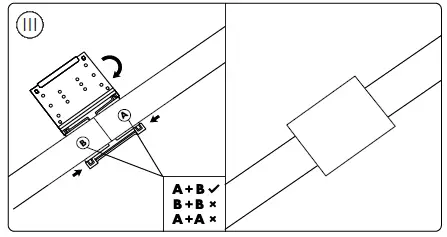
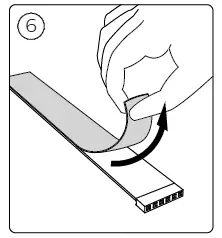
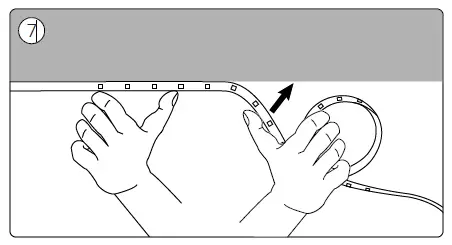
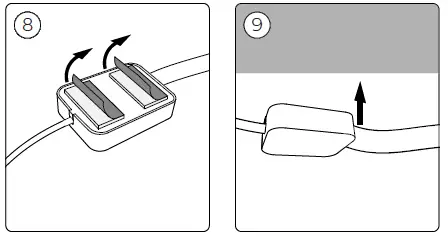
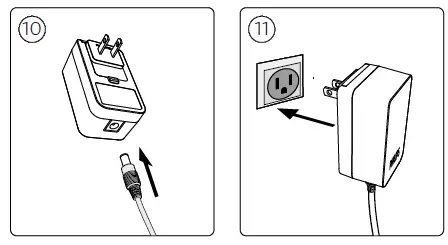
INSTALLATION INSTRUCTIONS
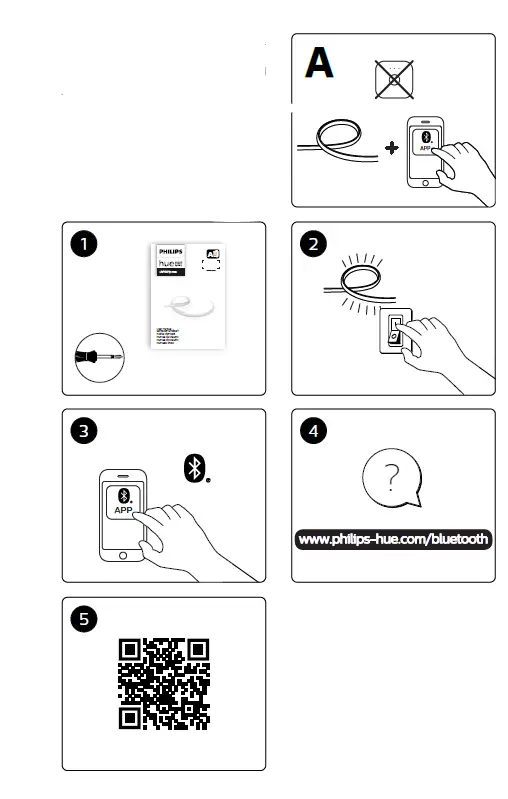
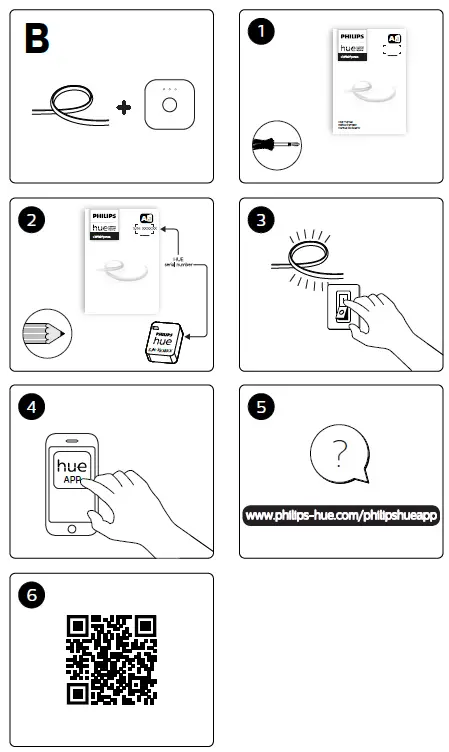
INSTALLING THE APP
FAQs
The power brick reads on mine 110-220v.
Yes, but if the LEDs would total more than 20 watts the result may be better using a 5 channel LED amplifier and a 24v power supply of appropriate size. At power-on the Philips control detects if the power draw will exceed the power supply’s capacity and re-scales the output dimmer so that 100% brightness in the app or at the bridge is within the capability of the power supply.
They barely gets warm. The power supply delivers a little over 19W and the maximum delivered to LED strips is around 16W at no more than 8W/meter. Even using double this density single row RGBCCT LED strips with a 5ch LED amplifier and a separate 24V DC power supply you won’t get warmer than the TV itself does. If you used 100LED/m 5-in-1 dual row led strips that would deliver closer to 100W and you would want to put the strips on extrusions and mount the clips on standoffs. That would also put so much light back there you would have to dim them below 25% to watch TV.
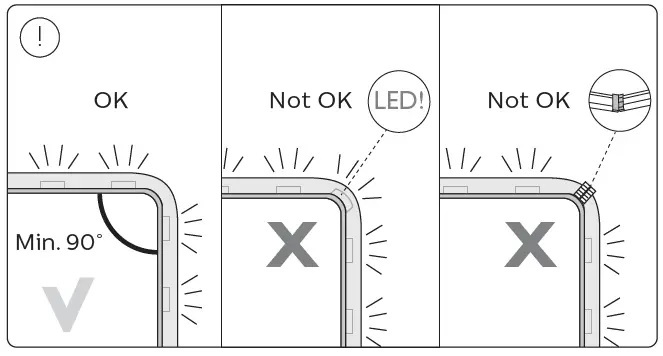
Yes, but the LEDs are face emitting not edge emitting, so depending on the exact details the result may cover the LEDs well enough to make turning them on a distinction without a difference. There are led strip channels available to hold the strip at 45° (V channel) or 90° (Up-down channel).
Yes. Use Goo-gone.
The PWM control’s MTBF should be around 20y, 24v power supply is probably closer to 10,000 hours, but it’s replaceable and low cost 3rd party replacements are easy to find. The LEDs themselves use phosphors that will begin to degrade noticeably after around 12,000 to 15,000 hours at 100% brightness. The LED strips themselves are replaceable and 3rd party components are easily found (look for RGBCCT led strips). The only unique component is the control box, which thankfully does have a long expected operating life.
You can use the hue lights via Bluetooth without the Hue Bridge. You won’t be able to control your lights when away, but they work without the bridge. You also cannot use them with Alexa unless you have a bridge.
Yes – the whole thing is very easy and self-explanatory. Toughest part is removing the backing tape to the adhesive w/o removing the tape itself. Go slow.
It depends which model you are asking about. The gradient lights are capable of emitting multiple colors simultaneously. The model that this question is listed under is the Gradient Lightstrip 80inch base with the 40inch extension.
Yes, it does. Sync your Hue Bridge to Razer Synapse and you can select any hue lights using that bridge to work with Razer Synapse. All the same options you’ve come to expect with your razer peripherals are available to the hue lights you’ve selected, including syncing with videogames. Just be sure if you want to sync to external media, like videogames, you download the associated razer app. So, as an example, to sync to Overwatch, there’s a separate overwatch add-on you download thru Razer which enables it. It’s actually really cool and works surprising well.
Not sure, I think I’ve seen aftermarket providers with longer cables for these lights.
it shouldn’t be different, make sure you have the good version V3 or V4 (different connector) or also make sure your connector is connected properly.
You can but adapters on Amazon that’ll tie or extend strips.
not that I’m aware… It does support Bluetooth.
The Bluetooth doesn’t require the Hub which can control all the lights at once in all combinations and colors. The hub also allows the lights to have many other features. Go to the Hue website for explanations.
No. These are more of accent or ambient lighting.