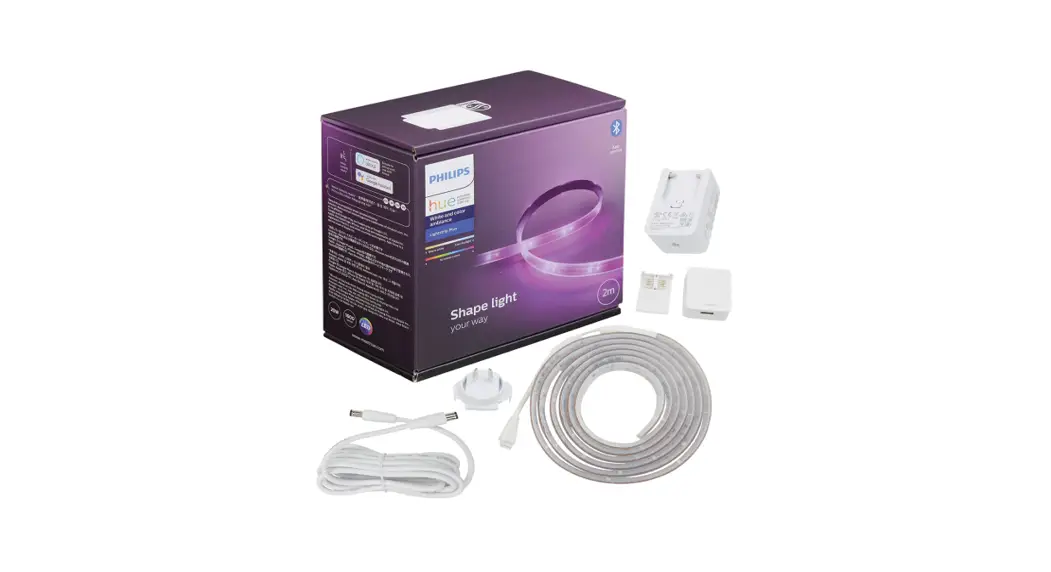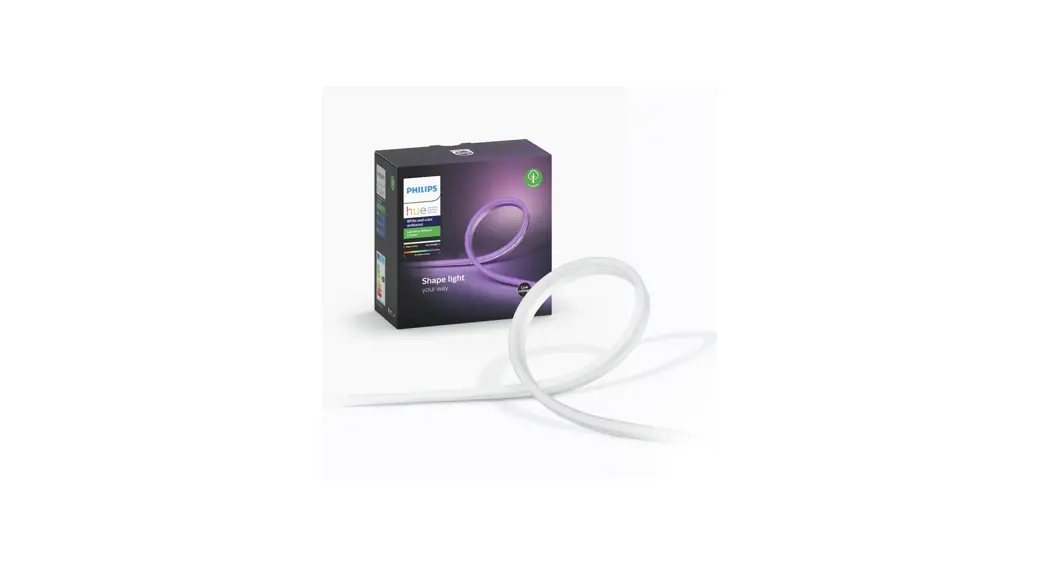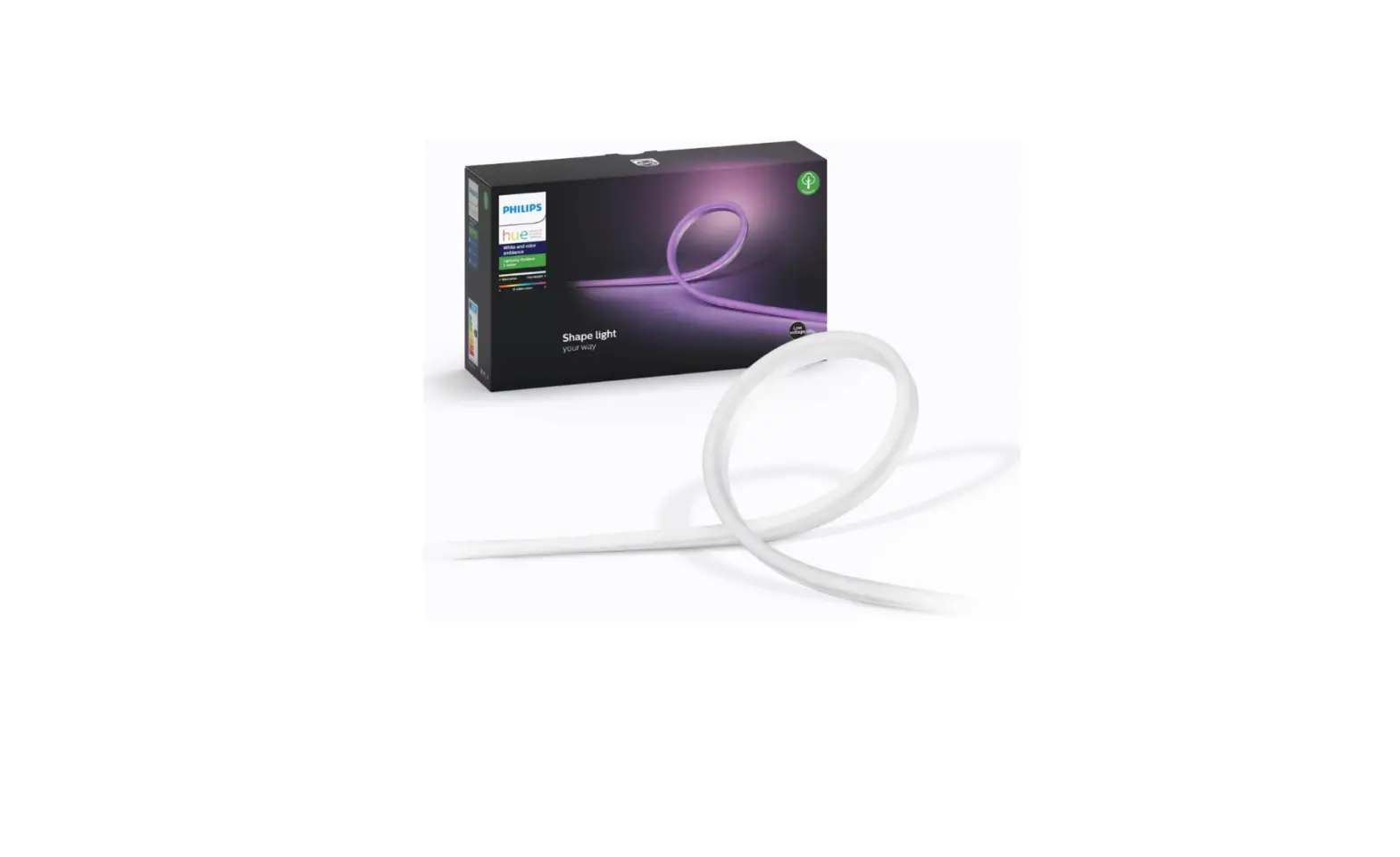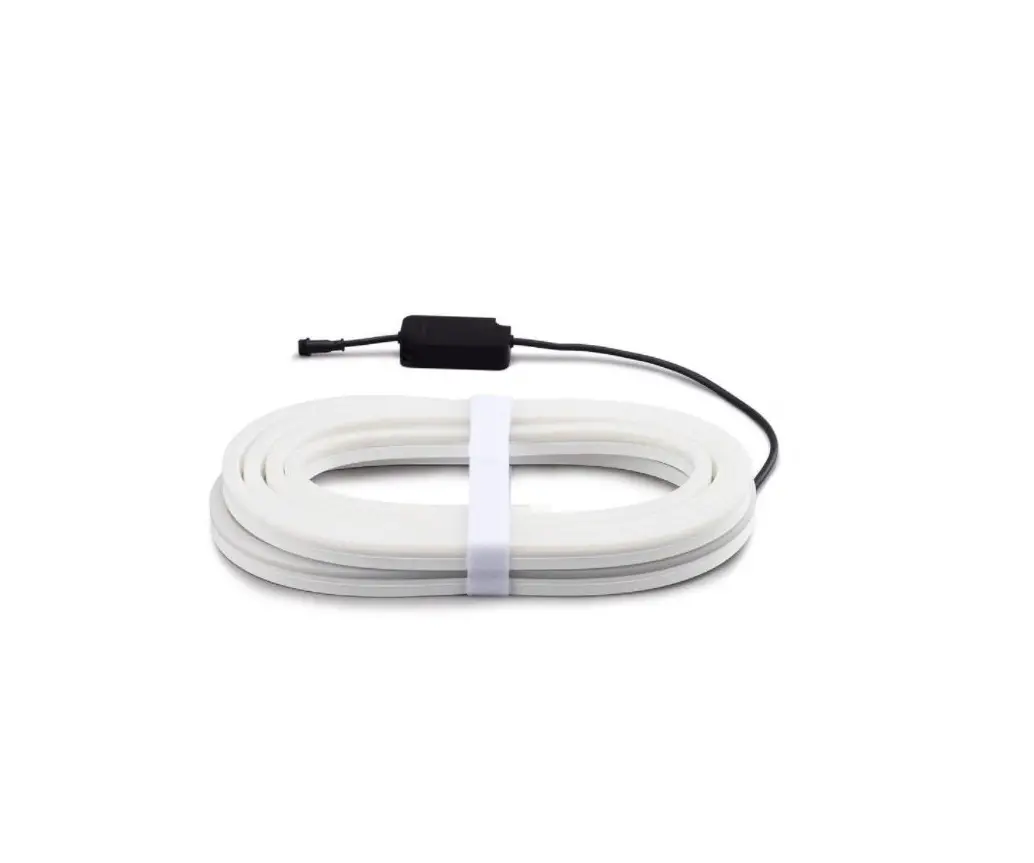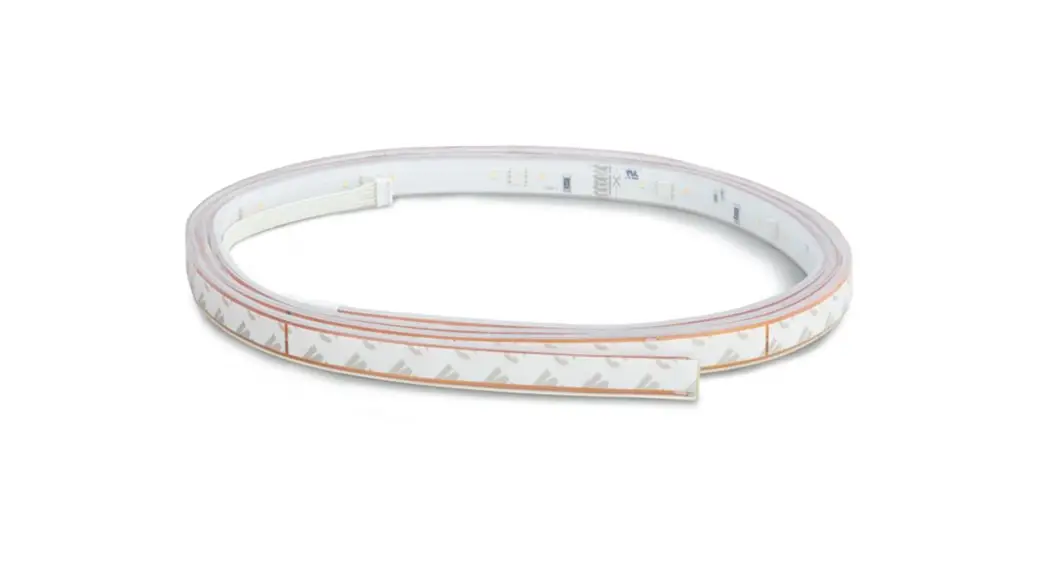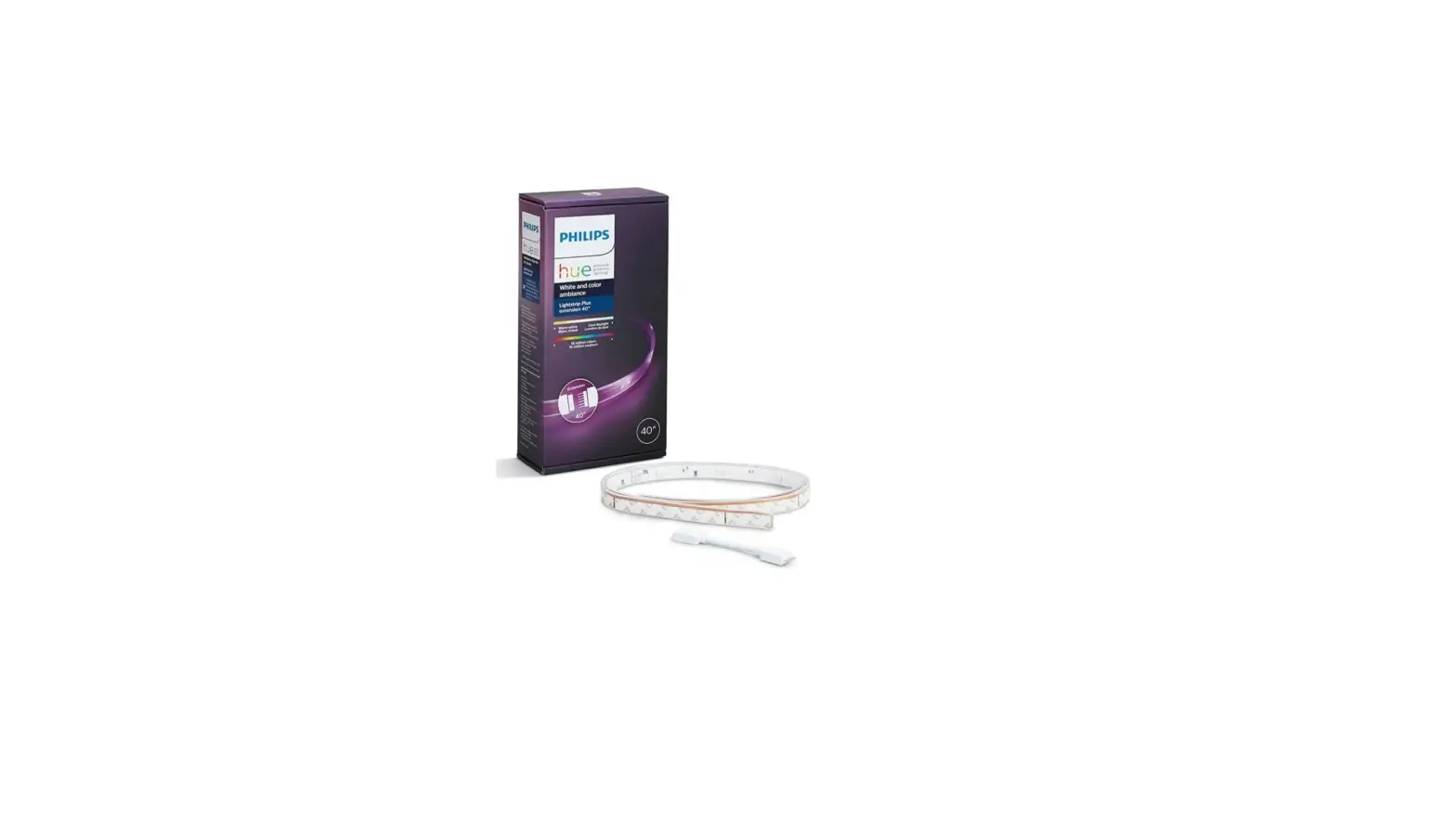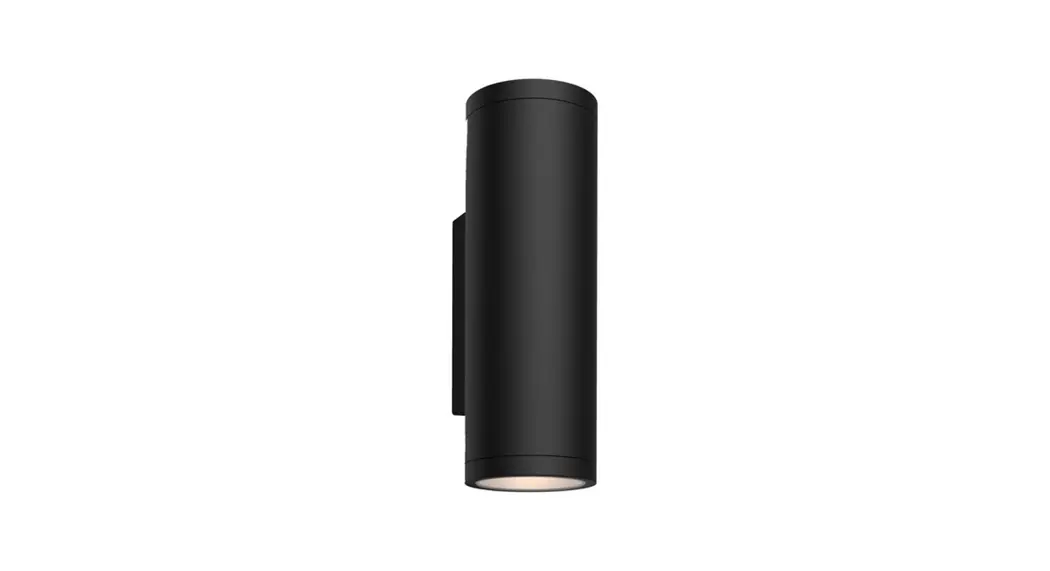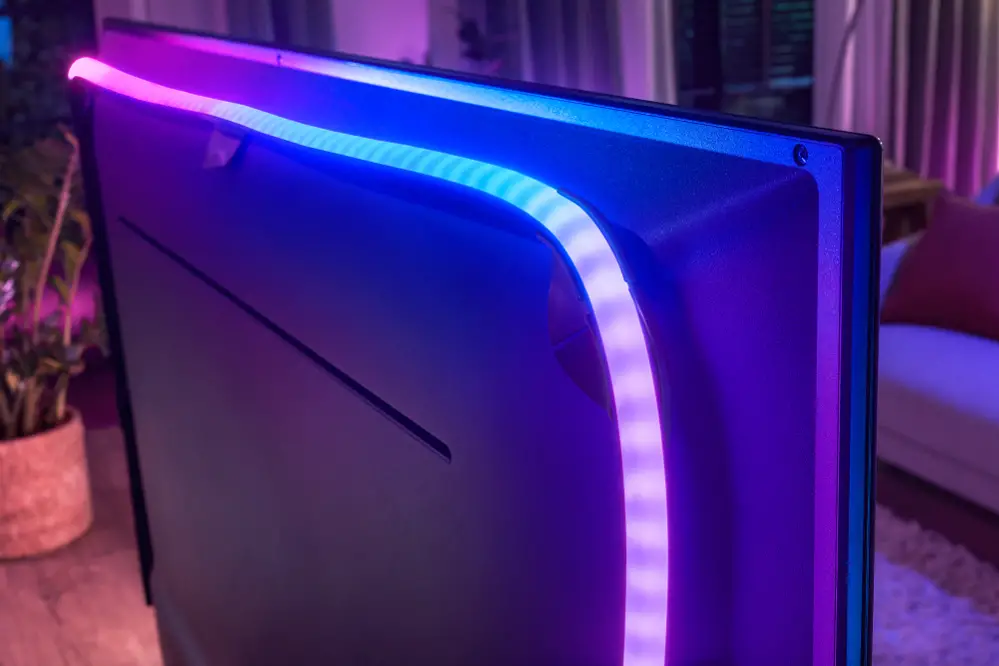
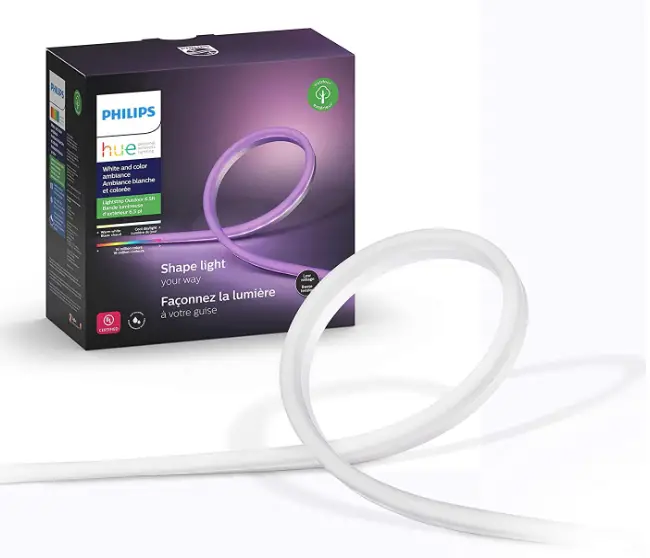
Philips Hue 555904 Outdoor Lightstrip
Specification
- COLOR: White
- BRAND: Philips Hue
- INDOOR/OUTDOOR USAGE: Outdoor, Indoor
- SPECIAL FEATURE: Corded
- LIGHT SOURCE TYPE: LED
- POWER SOURCE: AC
- LIGHT COLOR: White
- THEME: Nature
- MATERIAL: Silicone
- CONTROLLER TYPE: Google assistant, Amazon Alexa, Homekit
- CONNECTIVITY PROTOCOL: Bluetooth, Zigbee
- VOLTAGE: 120 Volts
- WATTAGE: 5 watts
- ITEM DIMENSIONS LXWXH: 78 x 0.4 x 0.8 inches
- CONTROL METHOD: Voice
Introduction
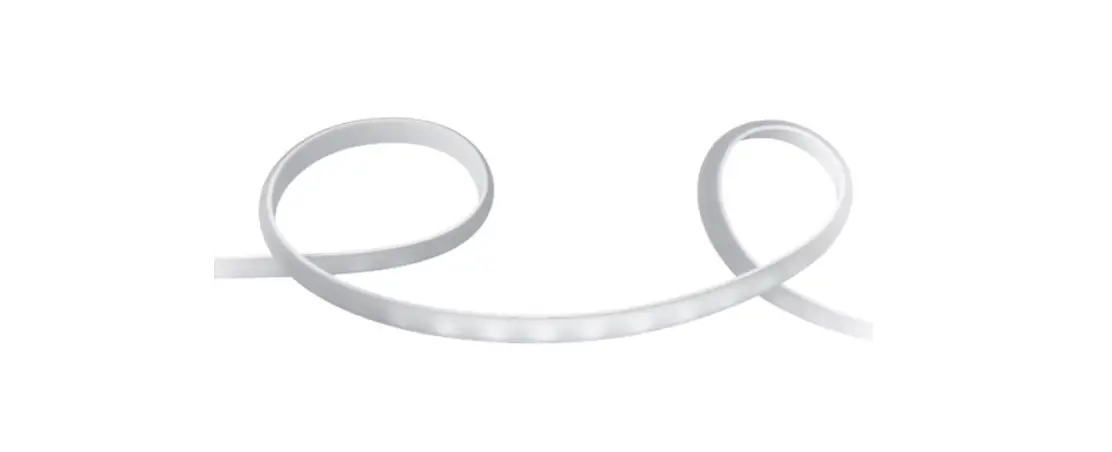
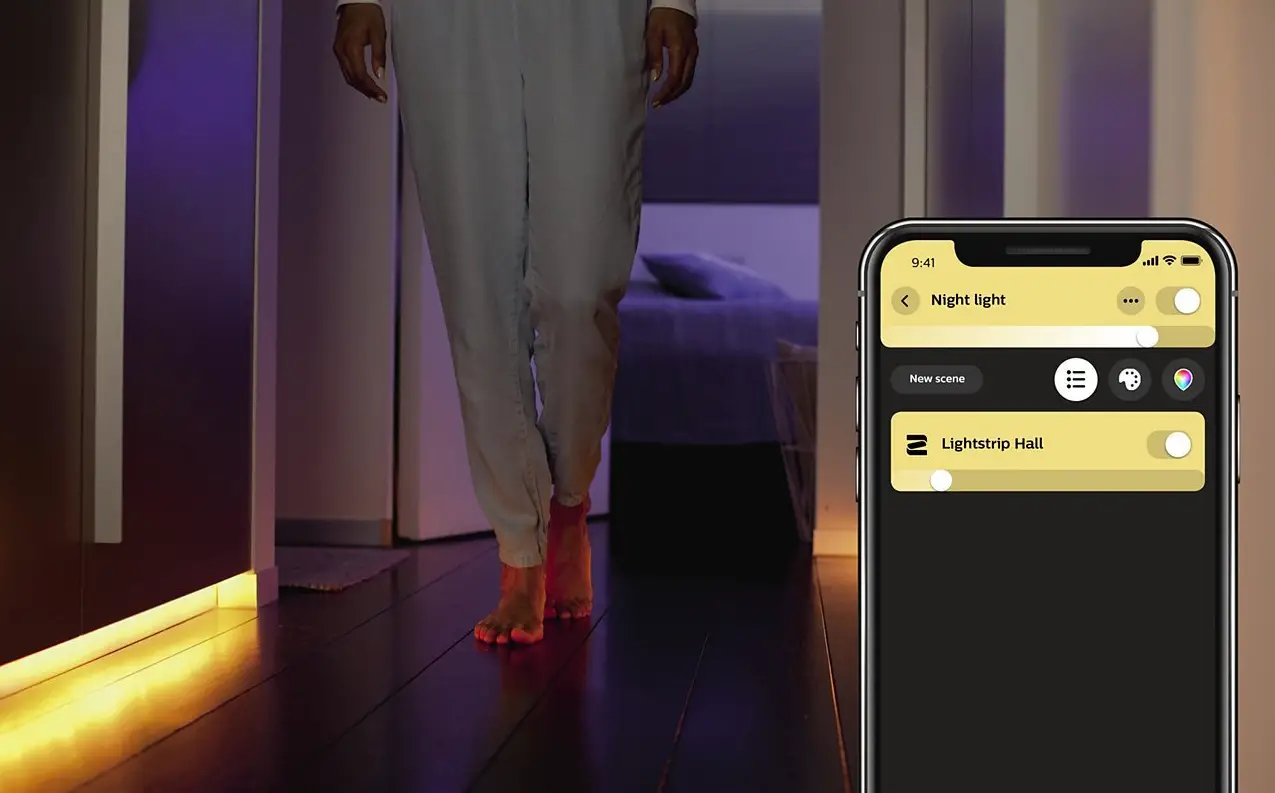
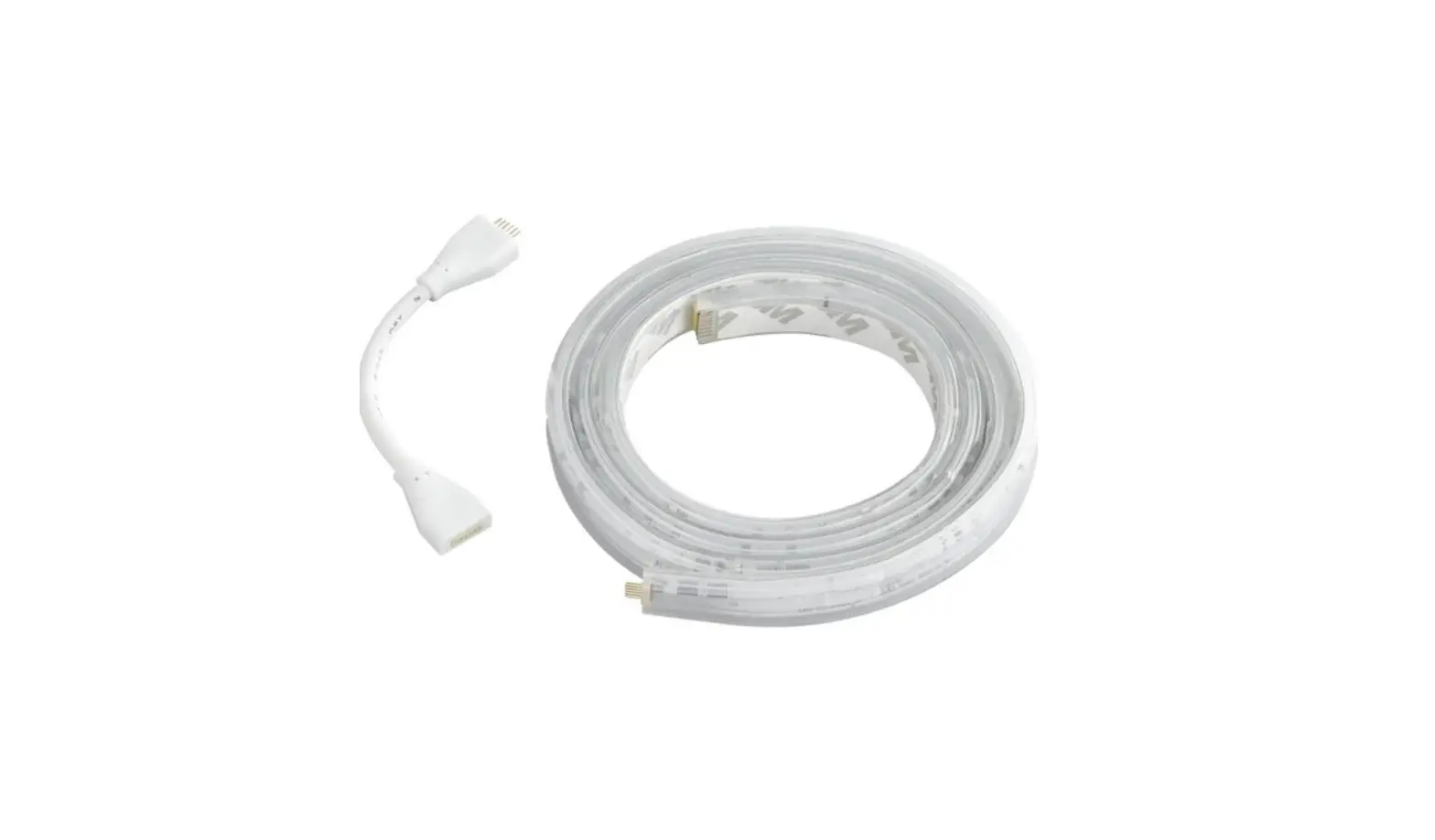
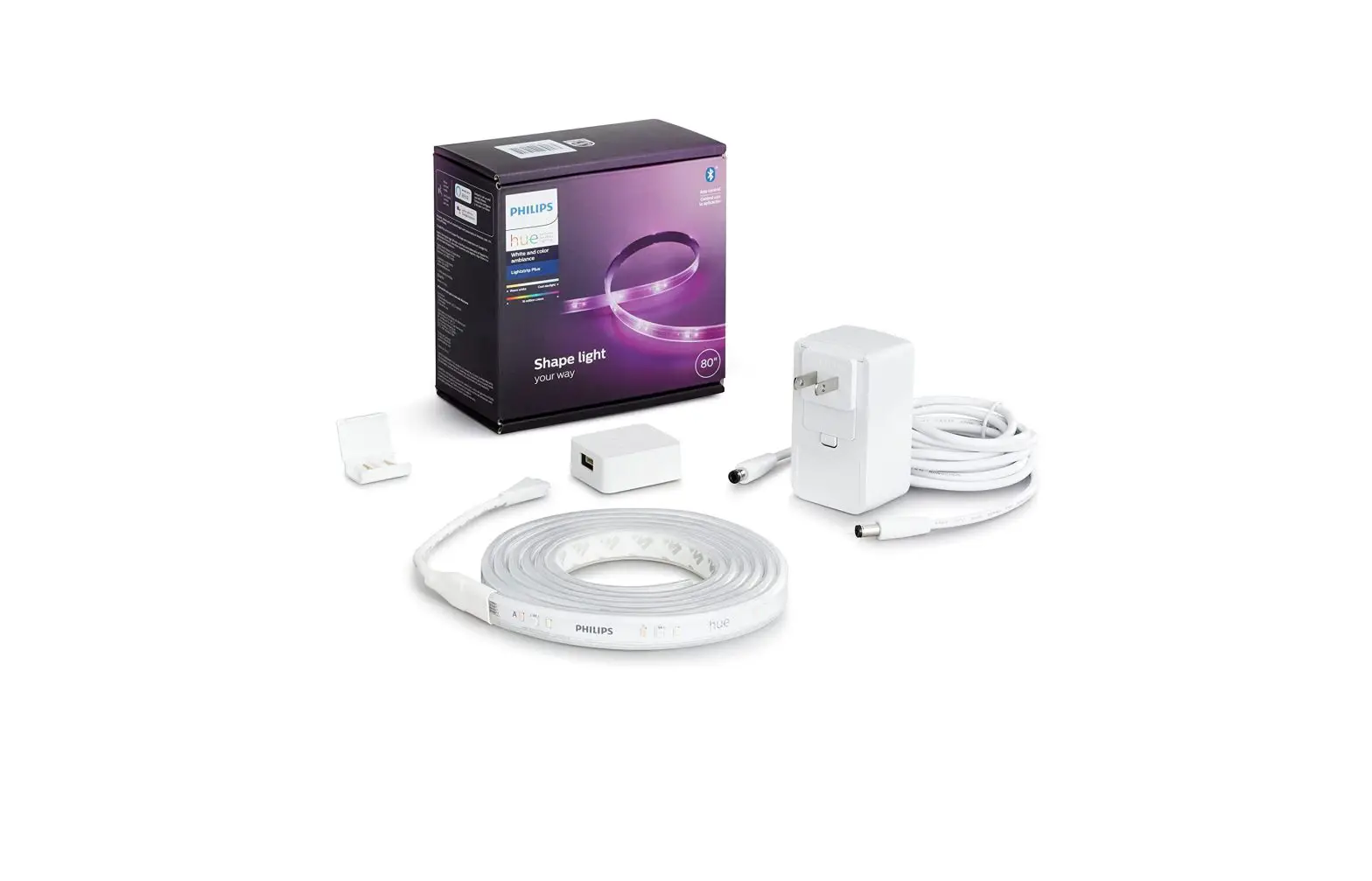
Smarter outdoor lighting With a Philips Hue Lightstrip Outdoor 7 ft, you can extend your hue system and add light where it was previously not possible. The lightstrip is flexible and provides optimum diffused light, making it perfect for both direct and indirect use. When hosting a barbecue outside, choose colors to set the mood, or choose a pleasant light setting when you’re just lounging. Install the strip to any surface, including high places, by using the mounting clips that are included. Lightstrip Outdoor is WET rated at 7 feet.
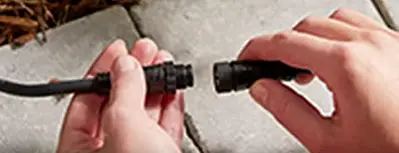
HOW TO INSTALL
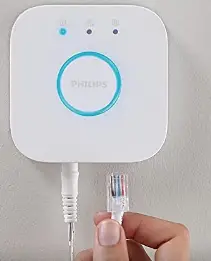
- Make sure you have a Philips Hue Hub” installed

- Install the light following the installation manual

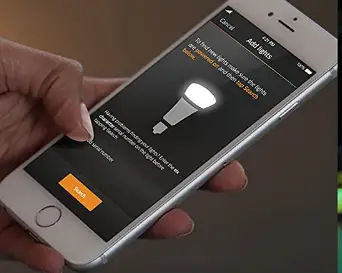
- Find your new light using the Philips Hue App
- Start discovering all the features
HOW TO INSTALL
- Download the Philips Hue app and sign up for an account
- Go to settings after opening the app then choose light set up and then add light. The app will search for your lights provided they are plugged in and it should find them in under a minute.
HOW TO PUT LIGHT STRIP ON PAIRING MODE
- Download the Hue app on your tablet or phone.
- Get the Hue app open. On your Wi-Fi network, the app should start looking for a Hue Bridge.
- Once located, select Set up.
- On the Hue Bridge, push the large round button.
- The Bridge ought to connect to your app at this point as you are in pairing mode.
HOW TO RESET
Switch on the light strip, then keep your dimmer switch close by. For 15 seconds, while simultaneously pressing the ON and OFF buttons, wait for the Lightstrip and Dimmer Switch to flash. Retry using the Lightstrip in the app.
FAQs
No and it’s a major drawback imho.
No there wasn’t any way of adding the strings together. The reason we sent them back.
All of these are 12 V and there is a power supply that plugs into 110 and then the power supply plugs into the controller that is part of the light fixture. “The Rope.” It is waterproof and you can add extensions between the power supply and the controller up to 100 feet so as long as you have a GFI receptacle to plug the power supply into you are good to go. The extension cords are small enough to drill a hole in the wall and plug it in inside.
The outdoor strip is the same colors as the indoor
It’s white out of the box. You need the bridge to change colors.
Yes, this will work with the Hue sync box.
No, you can only put one string of lights per power supply unless you buy the hundred watts of power supply then you can put two but they all run back to the power supply unless you buy the extension cords.
Not the outdoor ones.
No, these cannot be cut to length.
These are not growing lights. You would be better off using grow lights.
No, these are fully enclosed lights.
“Small yard” is hard to gauge. The light strip can be dialed up pretty bright but it’s more appropriate for ambiance and not reading.
According to the Phillips website it is 3.6 m or 11 feet 6 inches long.
The strip is a finished and cannot be trimmed. Even IF you could trim the strip, it would no longer be waterproof. Consider making the path a little more serpentine to better use the length.
No. It can only be dimmed as a whole. There is no control over segments for color or dimness.