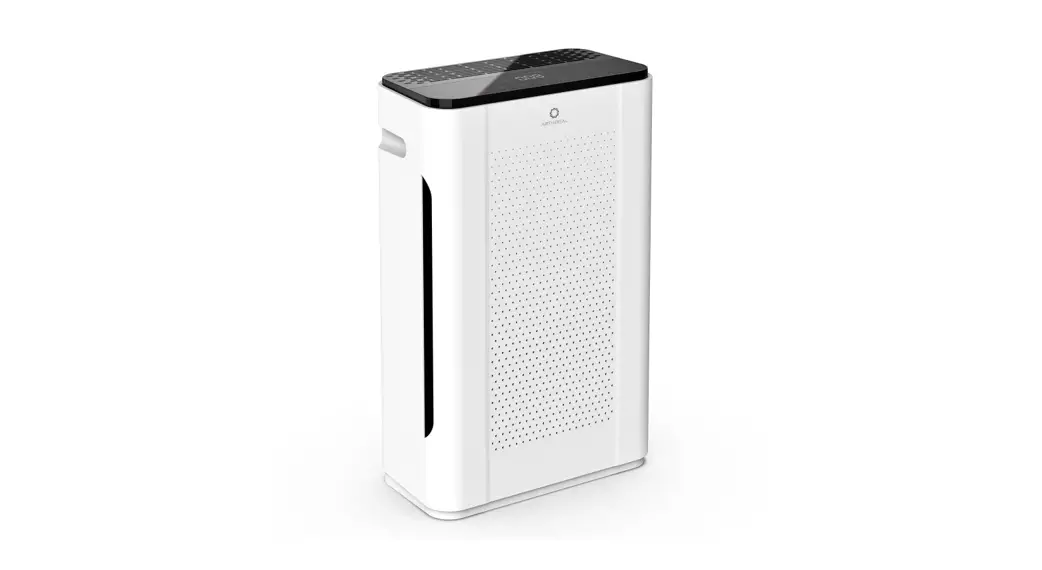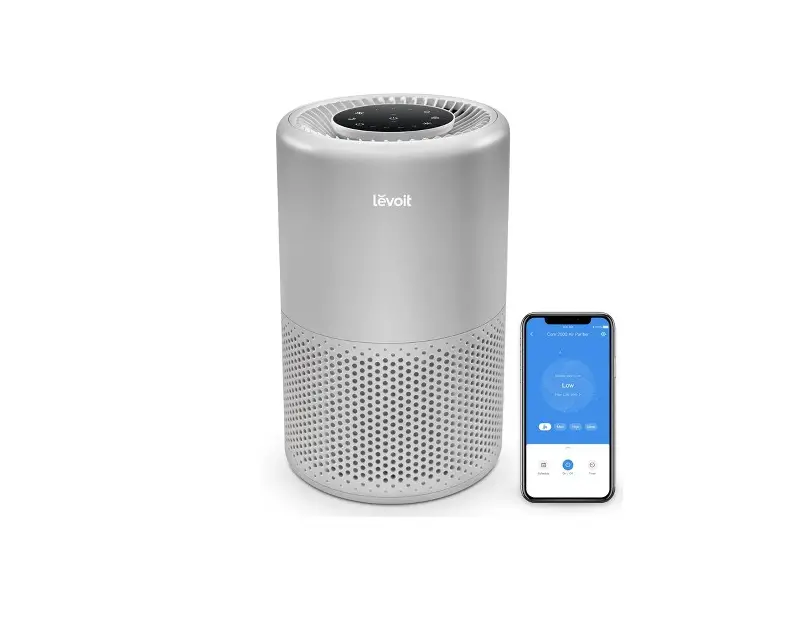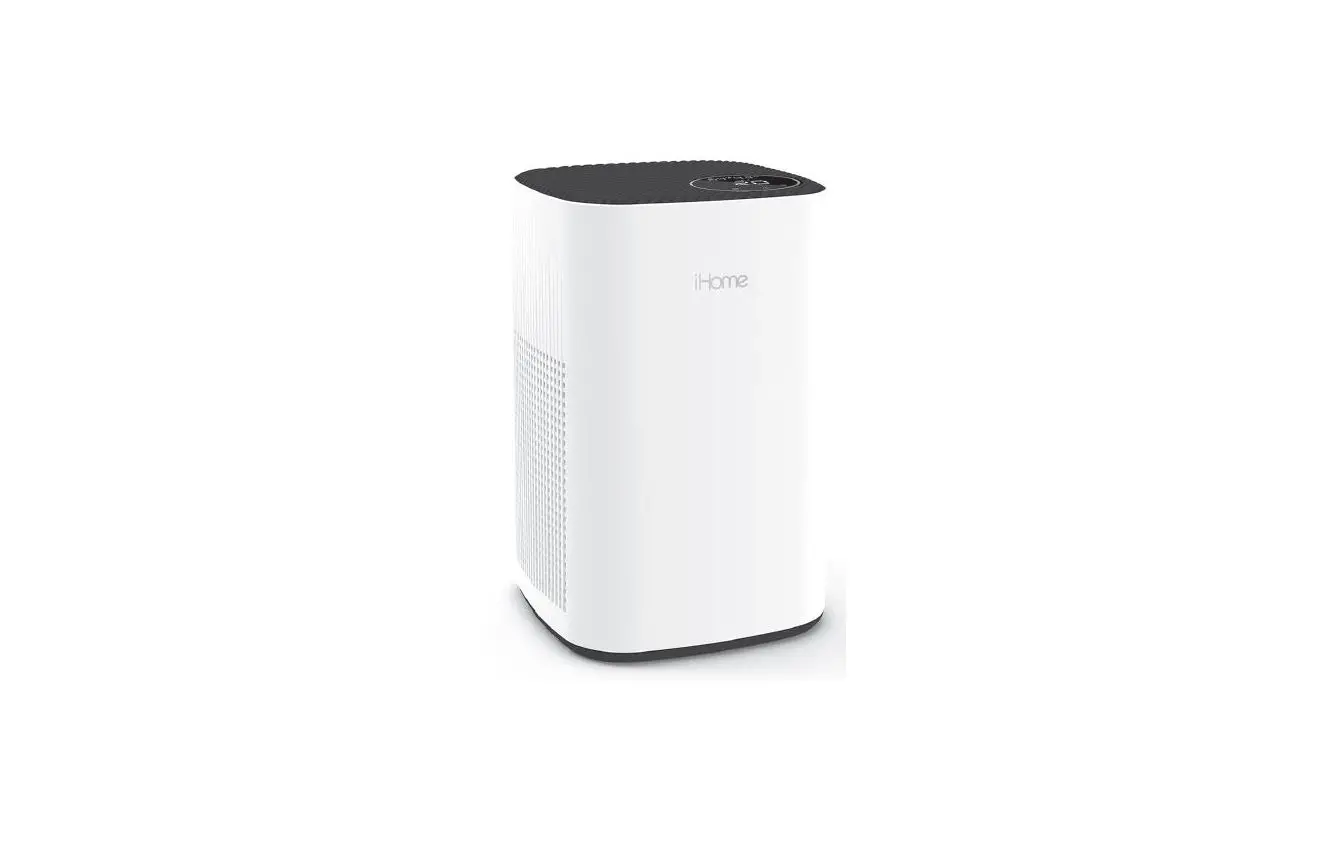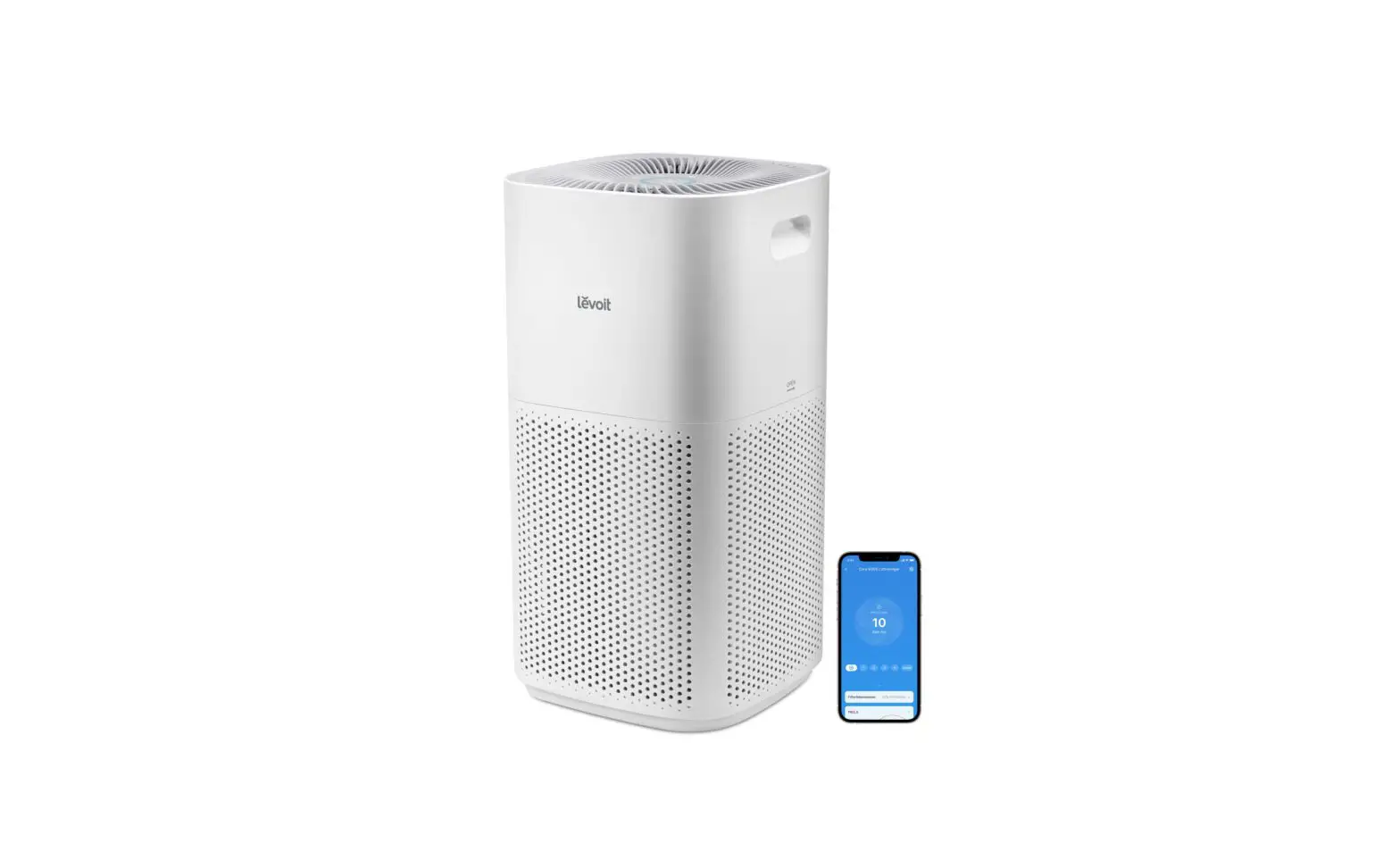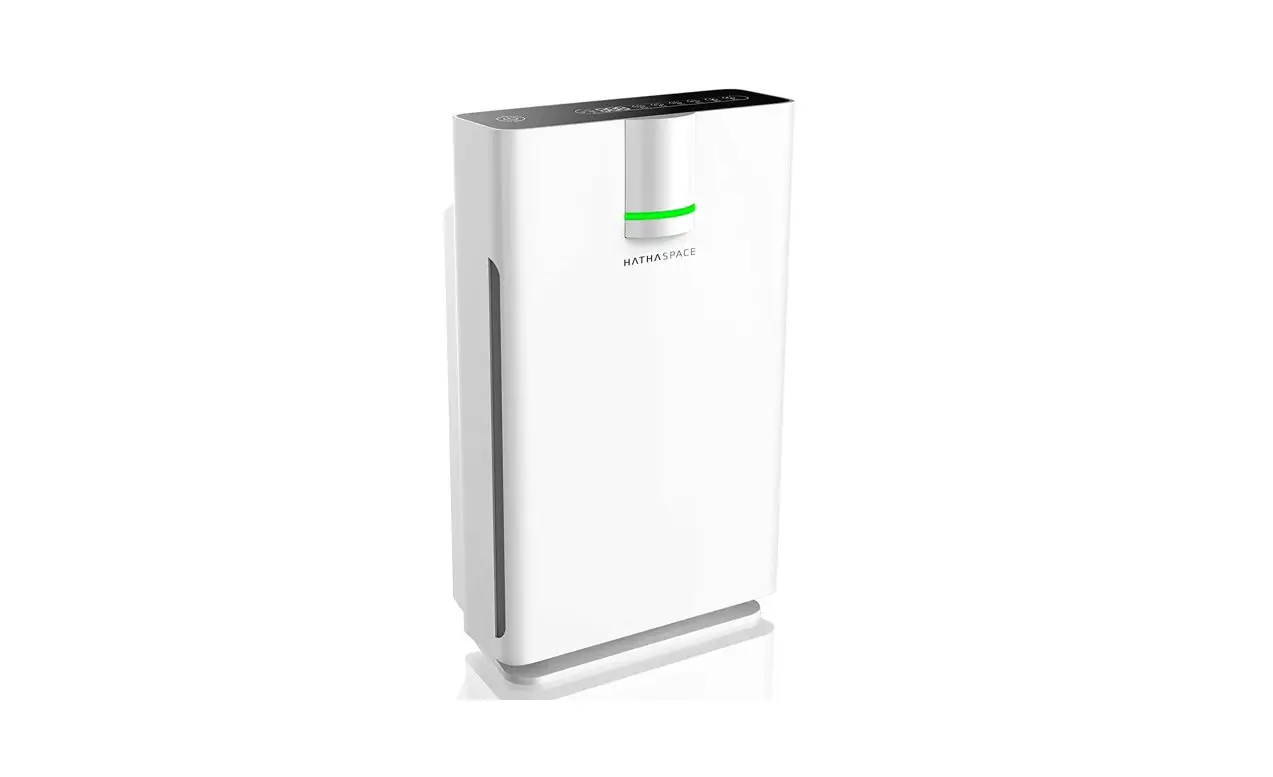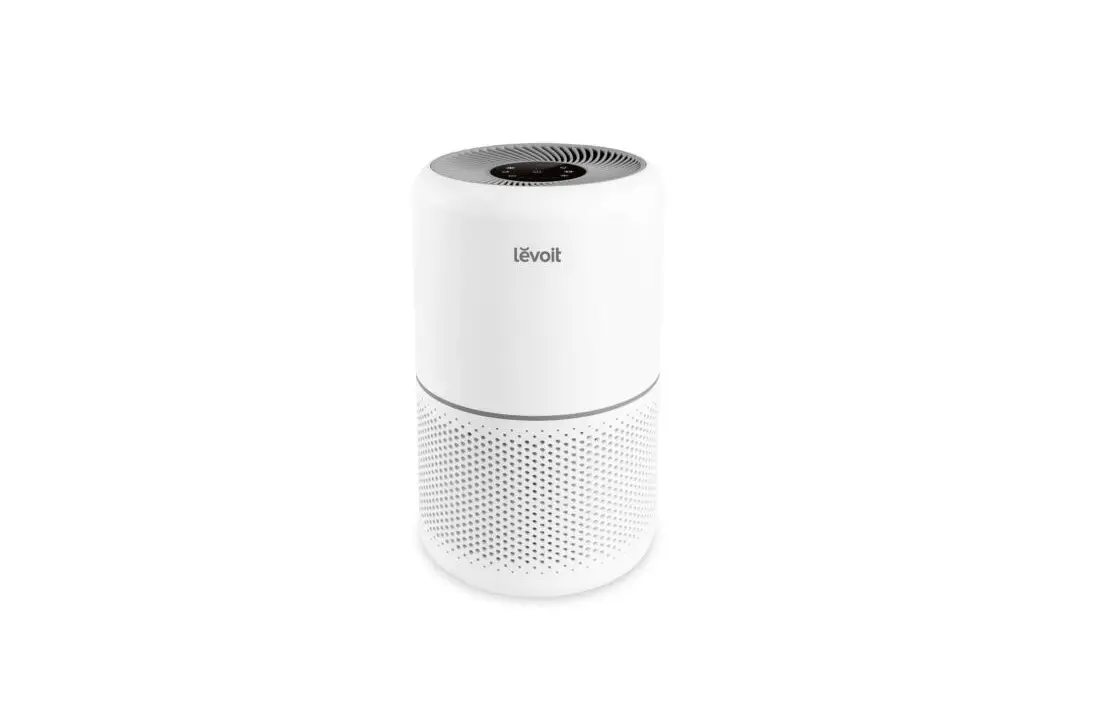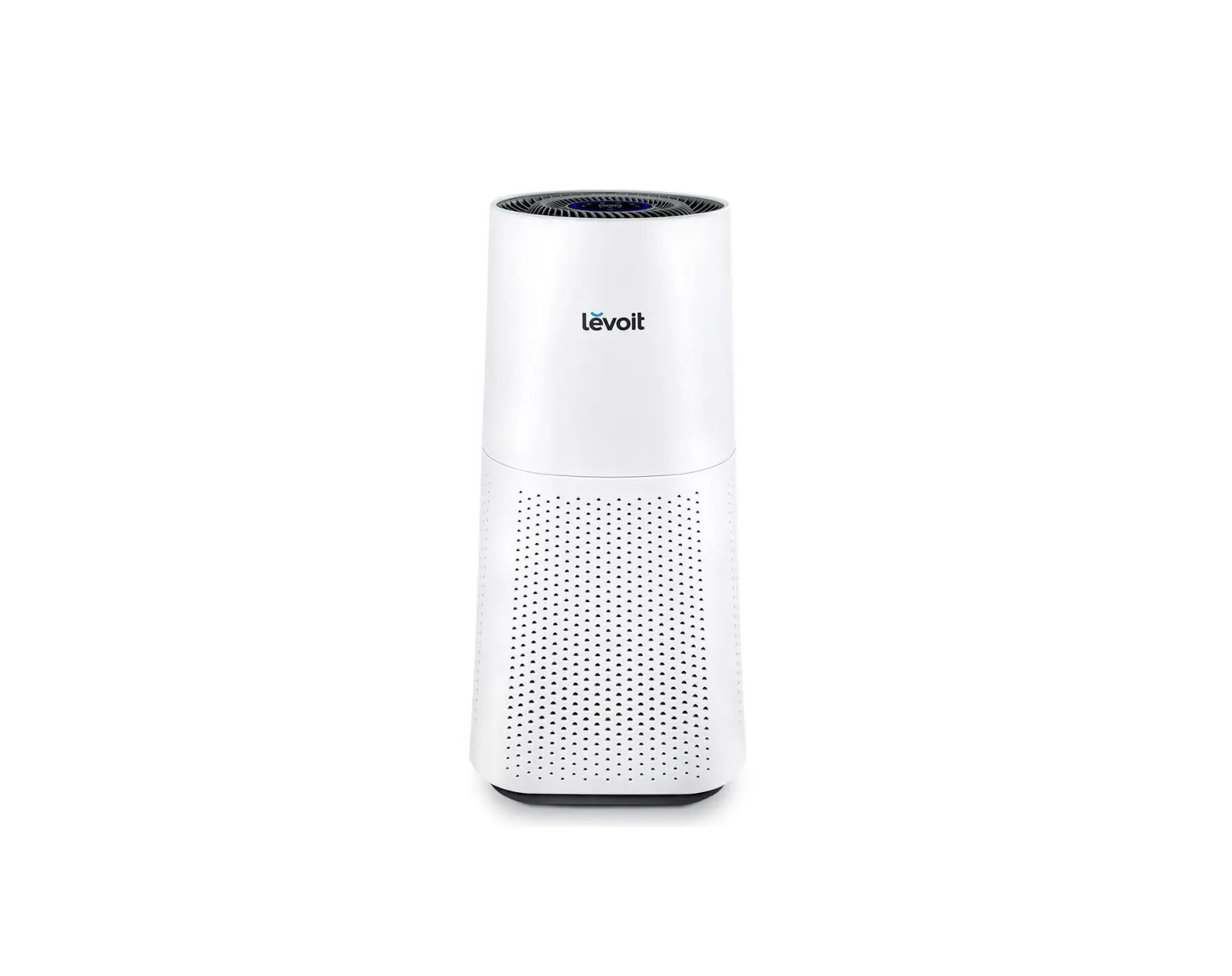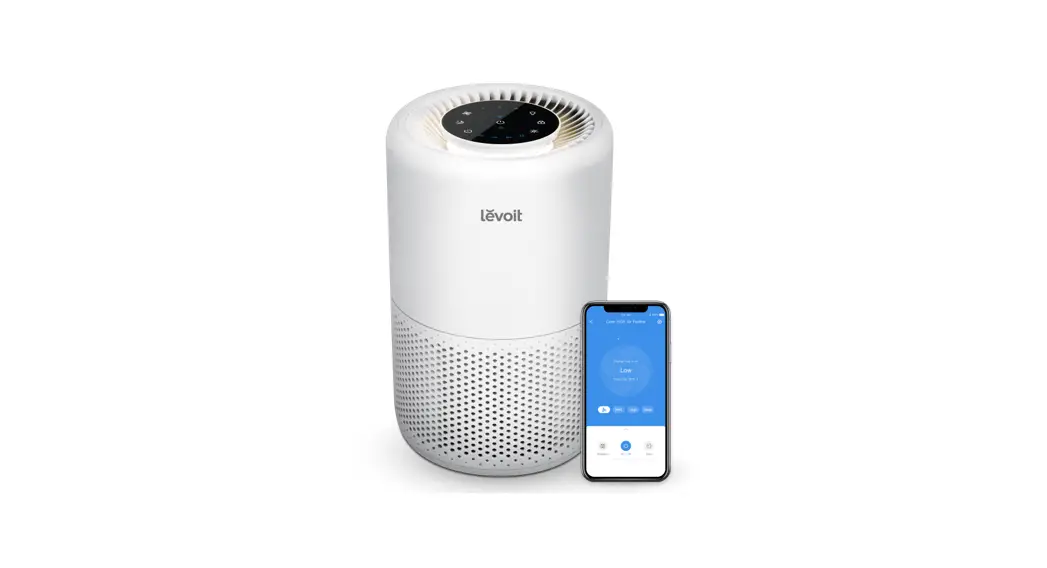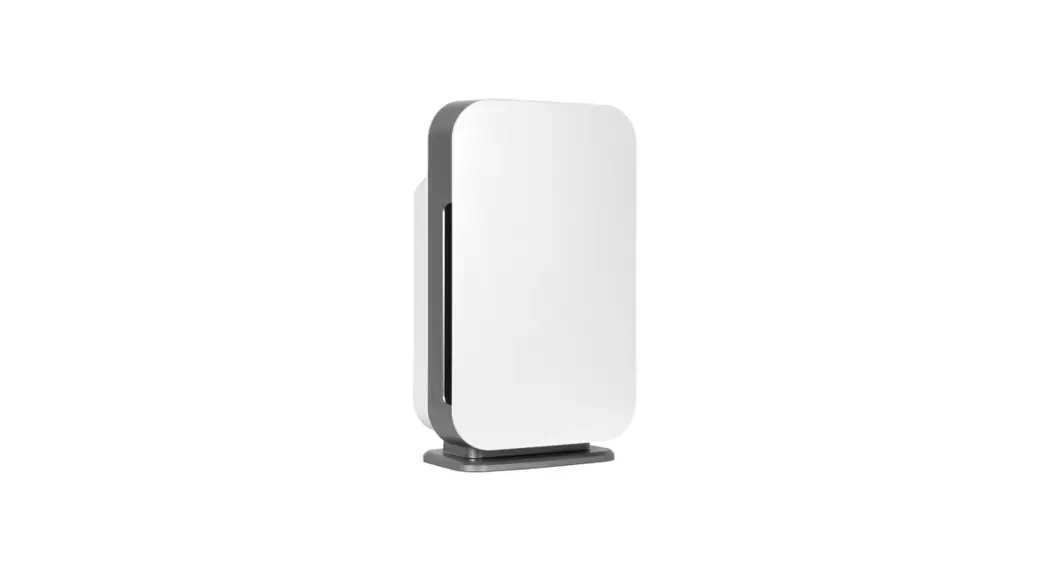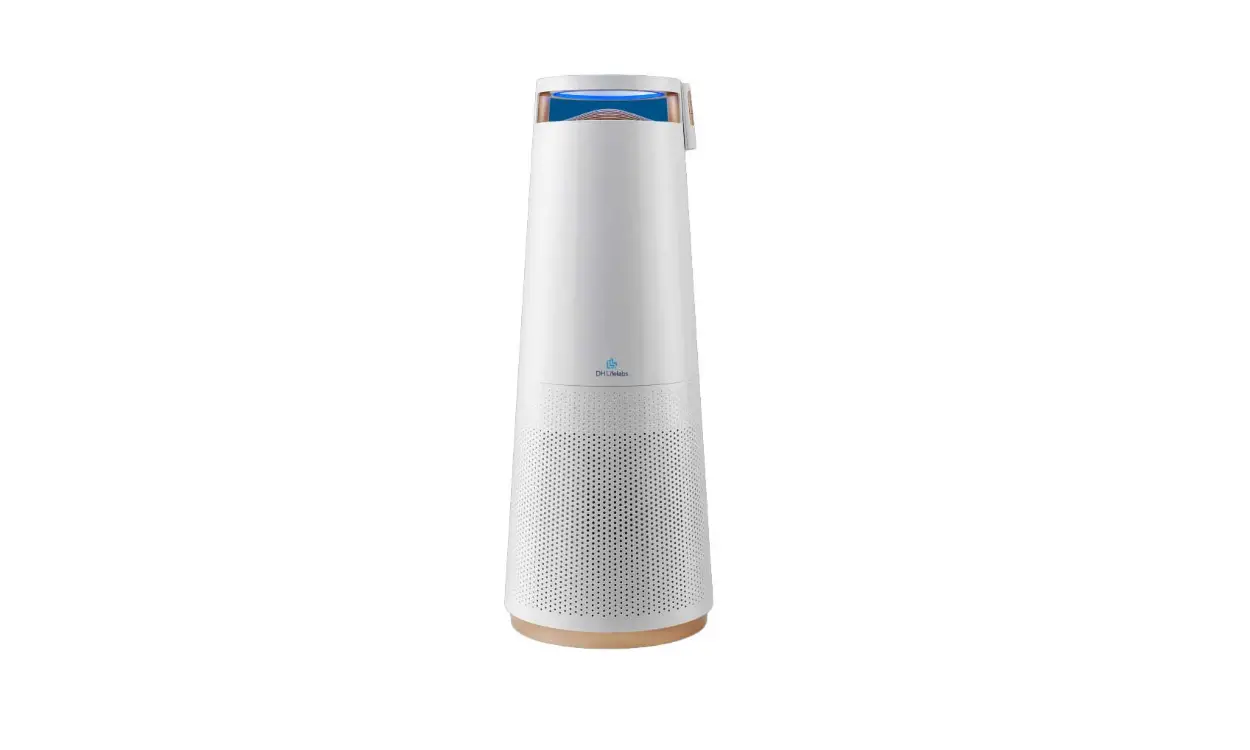

HEPA Air Oasis iAdaptAir
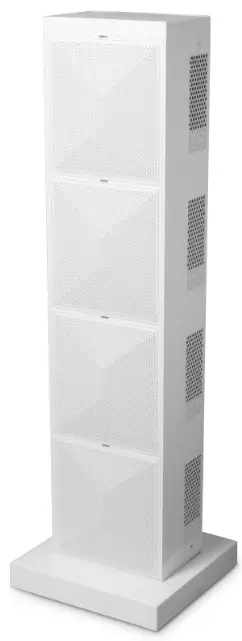
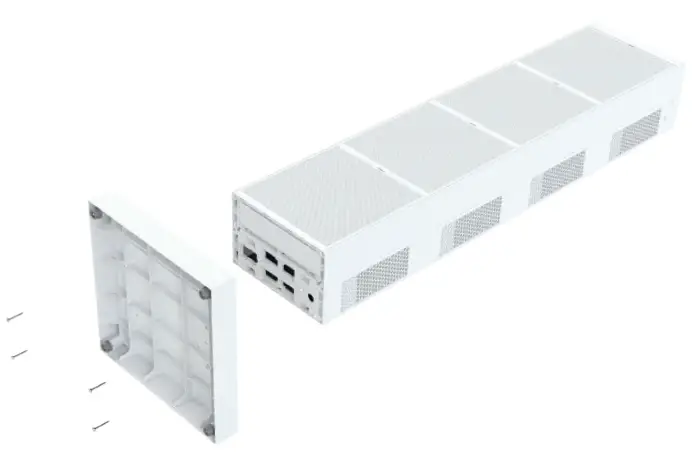
- Attach the base using the included screws. Only Medium and Large have a base.

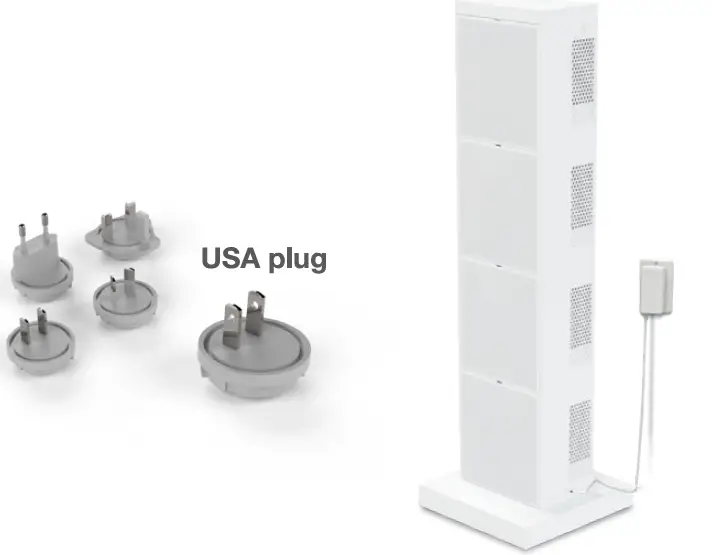
ATTENTION: Unit will not power on if the filter cartridge is not fully inserted. Firmly press down on the filter cartridge to ensure proper connectivity. - Plug in your iAdaptAir
 To download the complete Owner”s Manual scan here:
ensure safety and view detailed instructions for all models, download each complete manual at https://www.airoasis.com/resources/ - Press the power button.

- Connecting to Wi-Fi (This step is optional)
- Verify that your smart phone is connected to Wi-Fi.
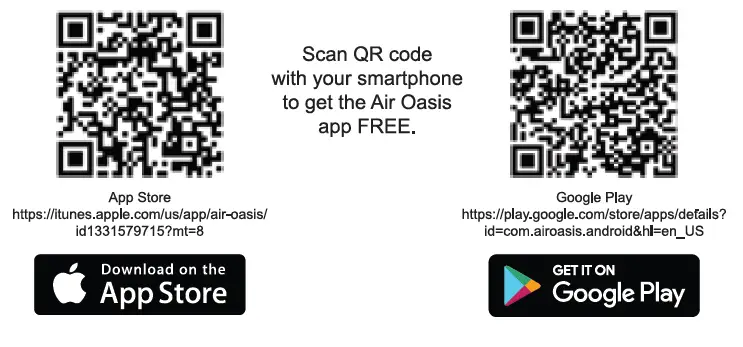
- Download the Air Oasis app.

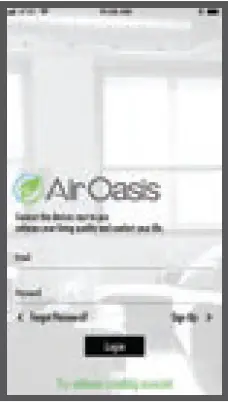
- Create an account or go to Try without creating account.
To create an account enter your email and create password.
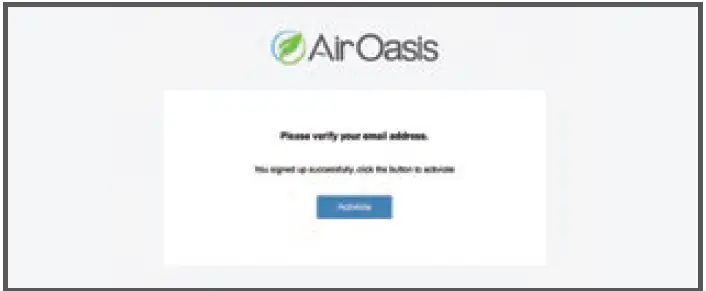
- After your account has been created, you will receive an email. Press the “Activate” button to activate your account.

- Add a new place and device

Scan QR Code for your device
 To download the complete Owner”s Manual scan here:
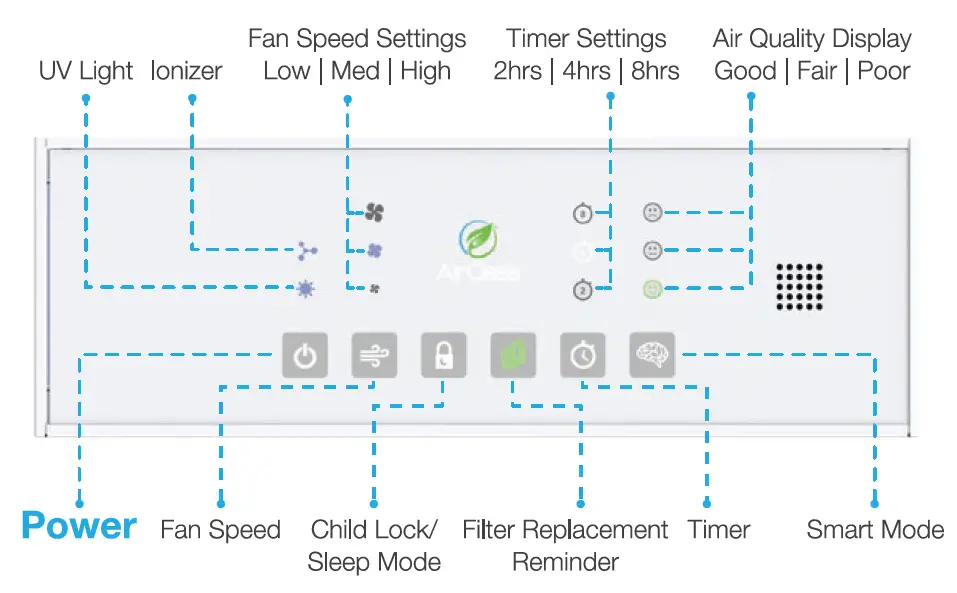
Wi-Fi Functionality using the Control Panel
Viewing Wi-Fi Status
- 1. Press Smart Mode button once at standby (power plugged-in but not operating). The iAdaptAir will display its current Wi-Fi status via these air quality indicators:
- Green Flashing Happy Face = Wi-Fi is not connected
- Solid Green Happy Face = Wi-Fi is connected
- Red Frowning Face = Wi-Fi is disabled.

- Hold the button for more than 3 sec., it will reset the Wi-Fi network name and password.
- The status will show for 1 min. and then return to normal automatically.

IMPORTANT: Don’t reset the device by step 2 if device is still registered in the APP. You will need to delete the device from APP before restarting.
Turn Wi-Fi On/Off
Hold Fan Speed button for more than 3 sec. at standby mode. The Wi-Fi will turn off. The Wi-Fi status will be shown by the red & green LED for one min. Unplug the unit for 5 seconds and the Wi-Fi will automatically restart after the unit is plugged back in.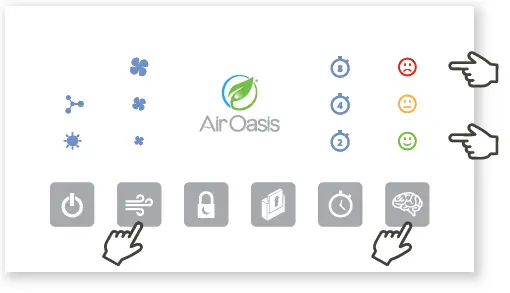
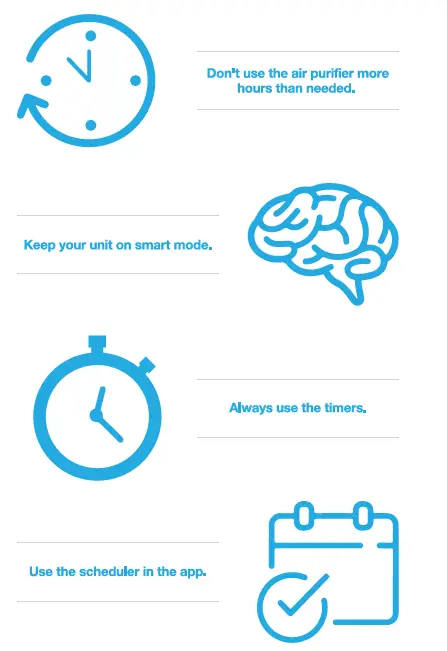
Best practices for extending filter life