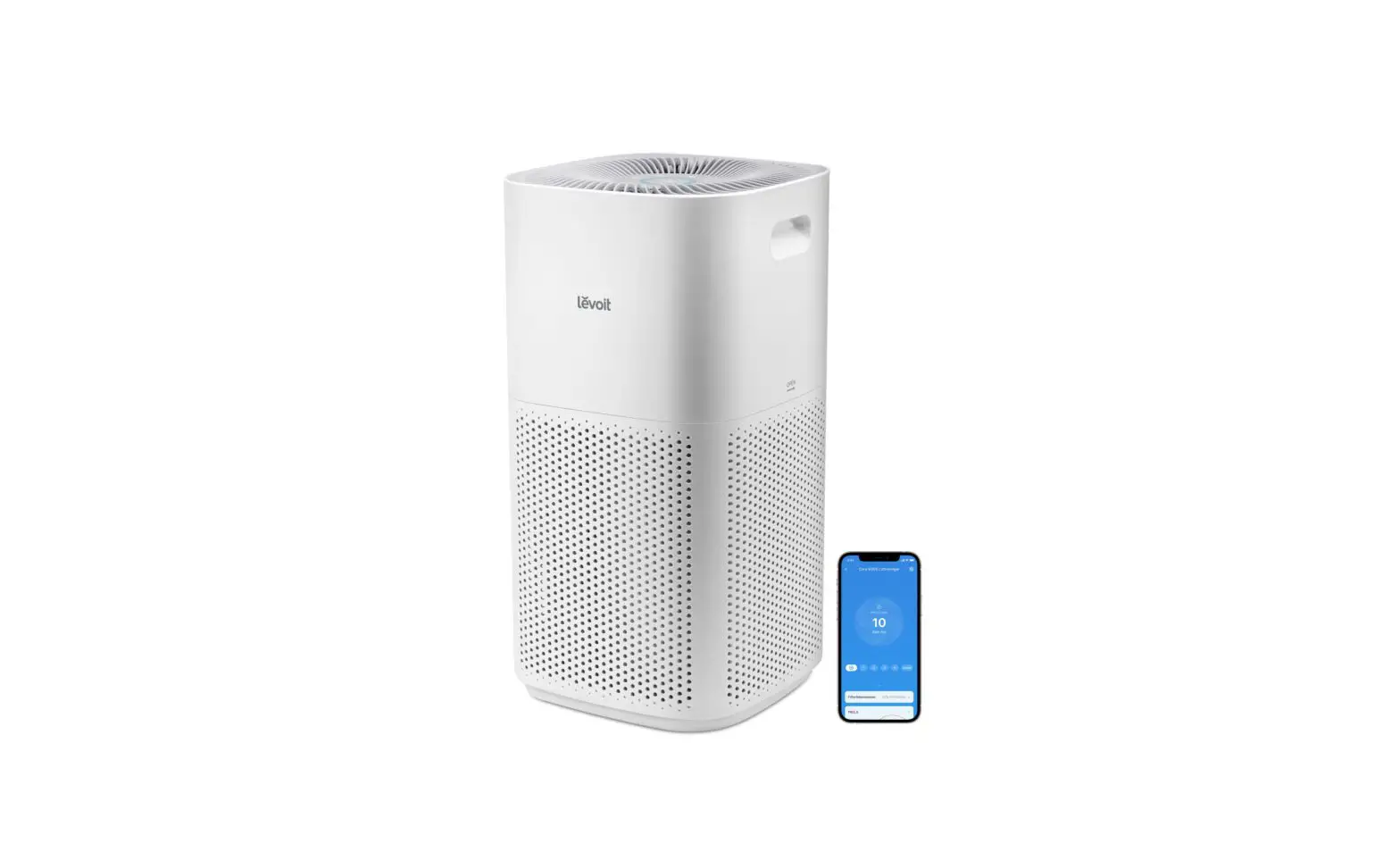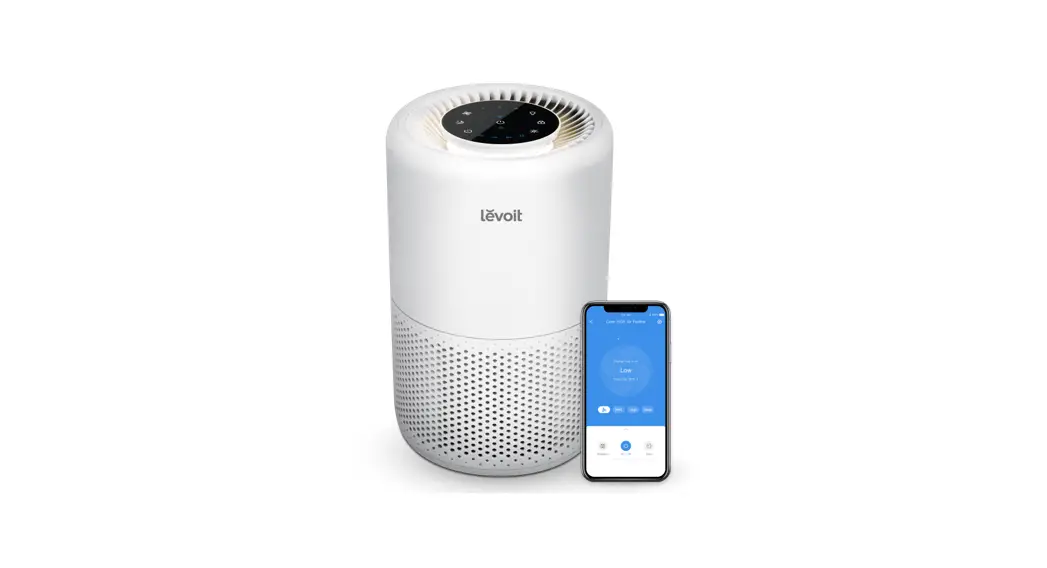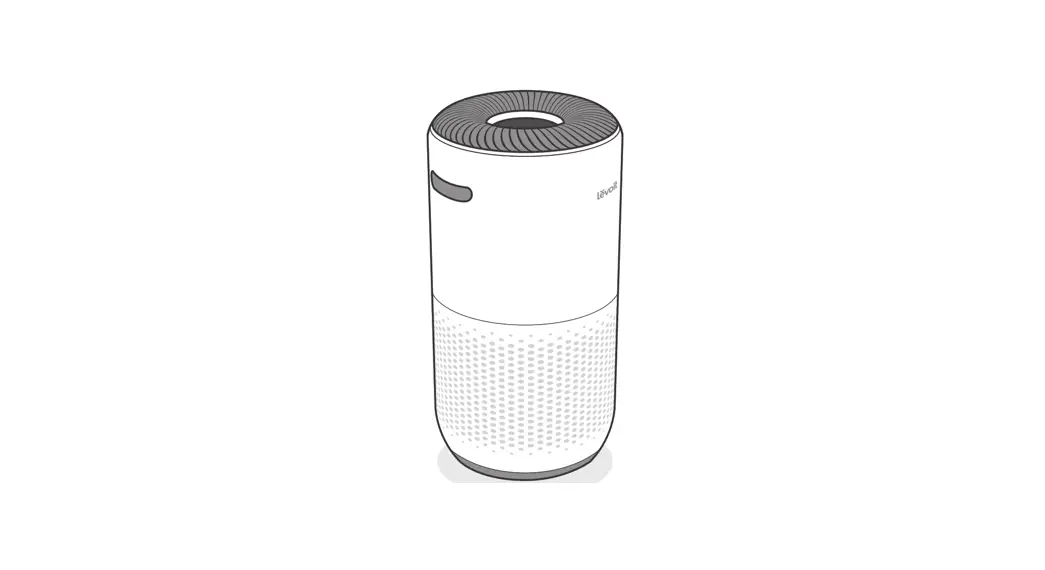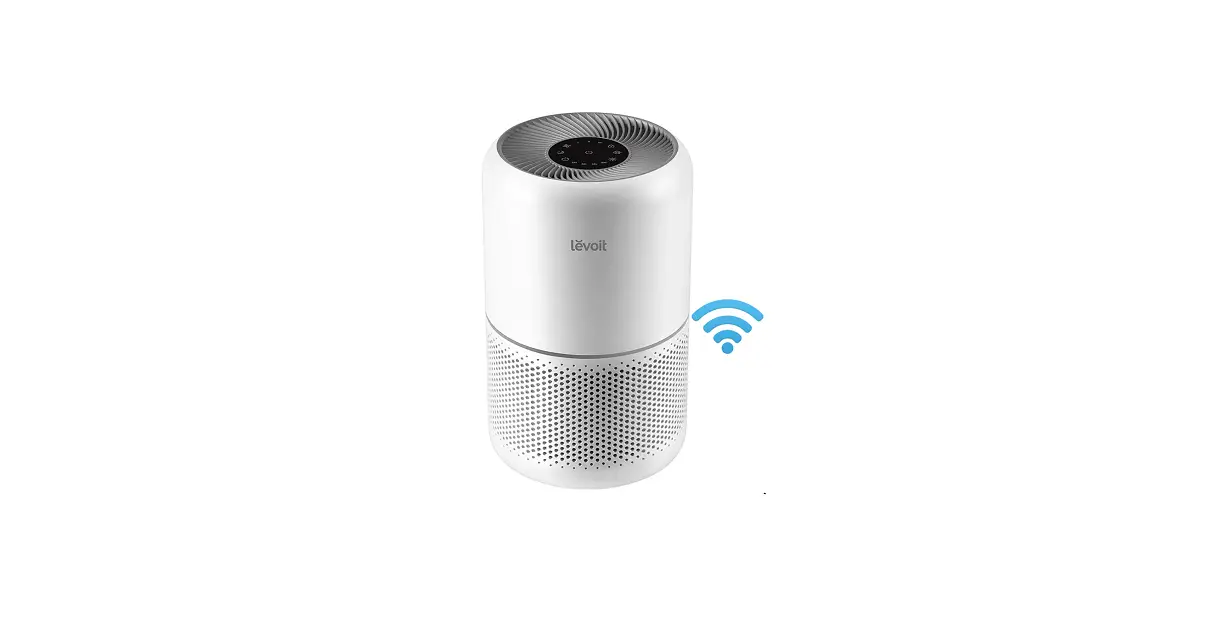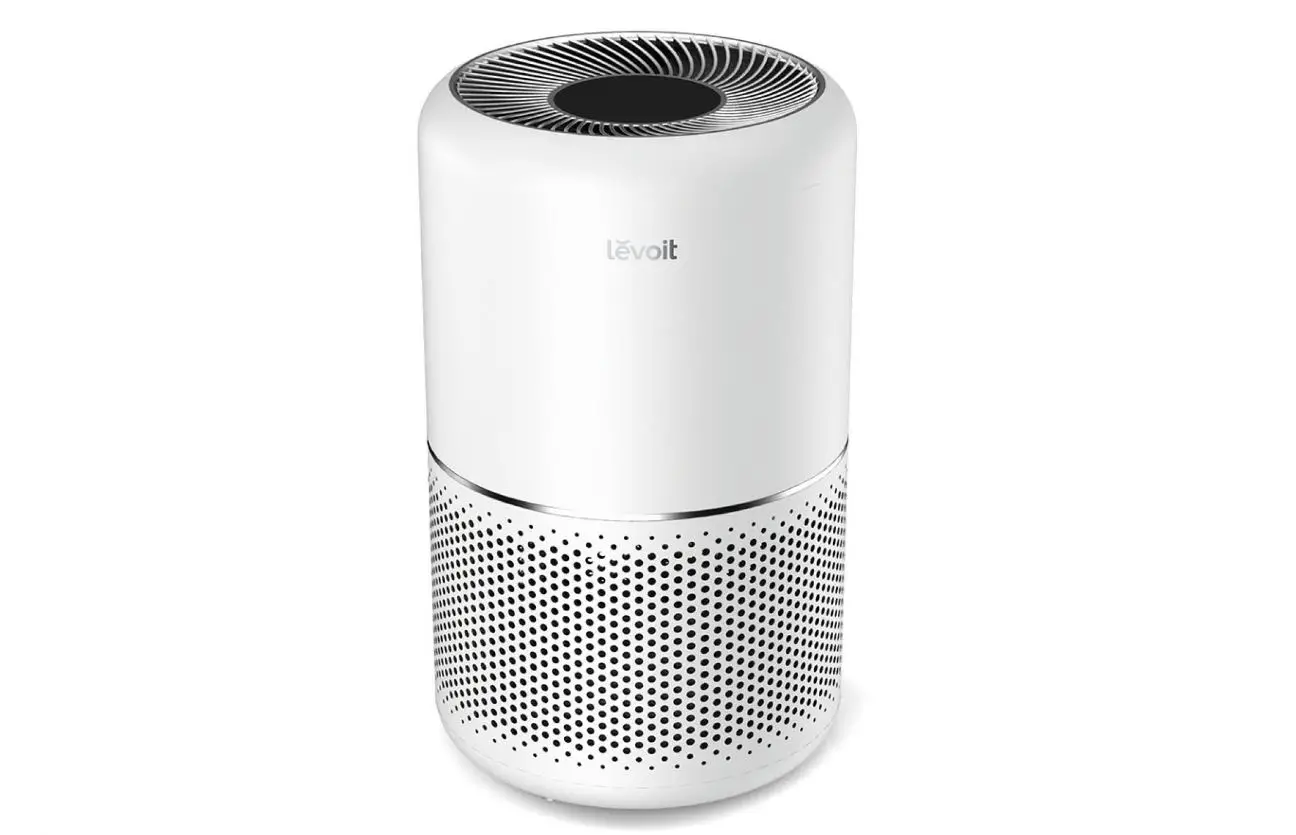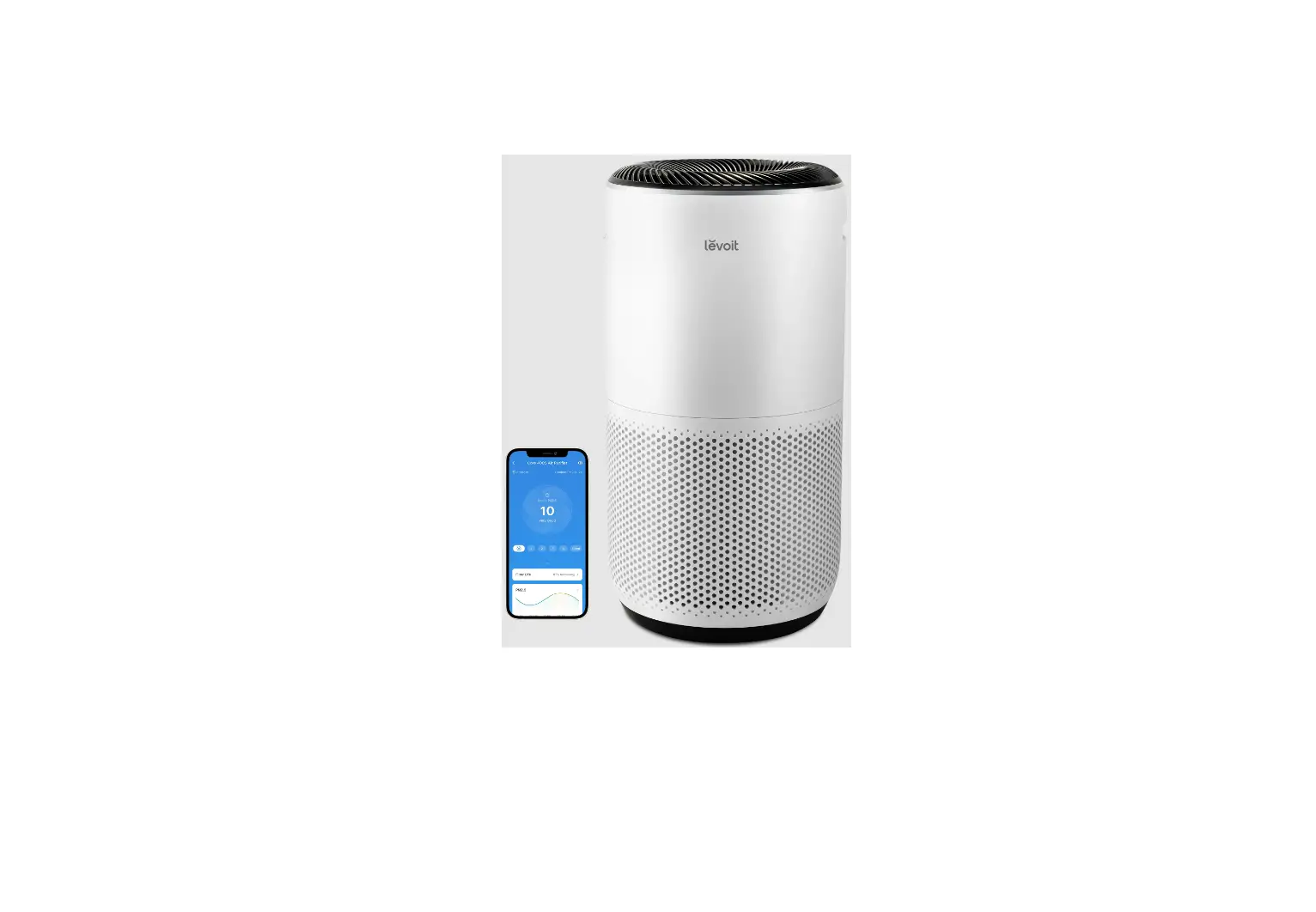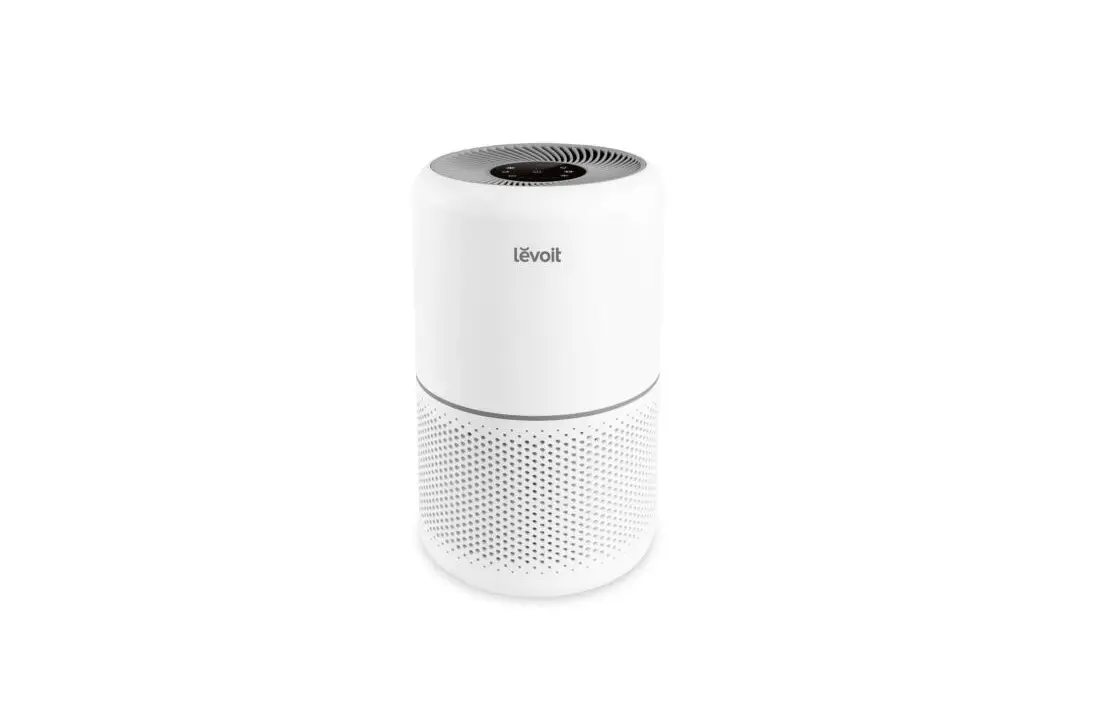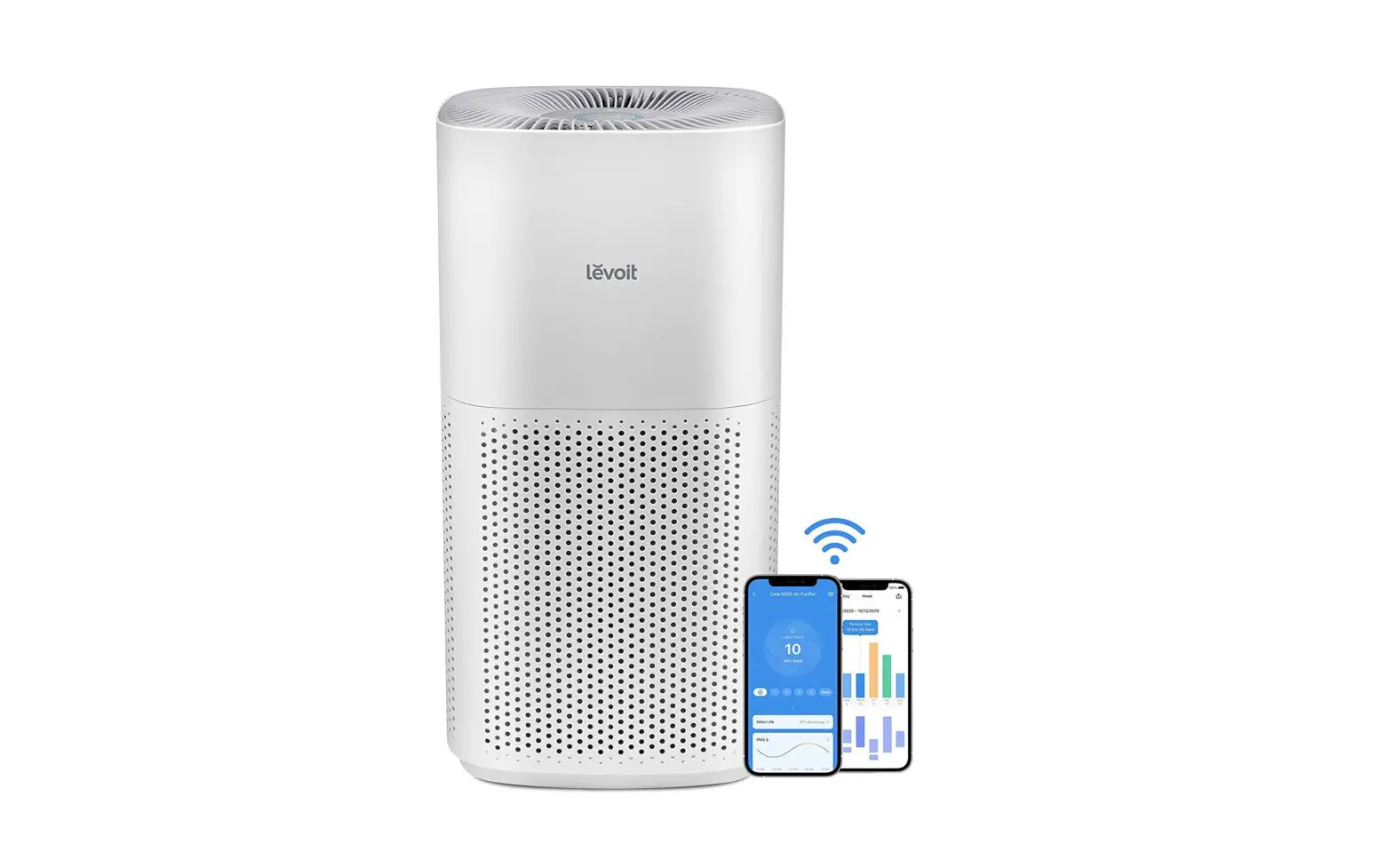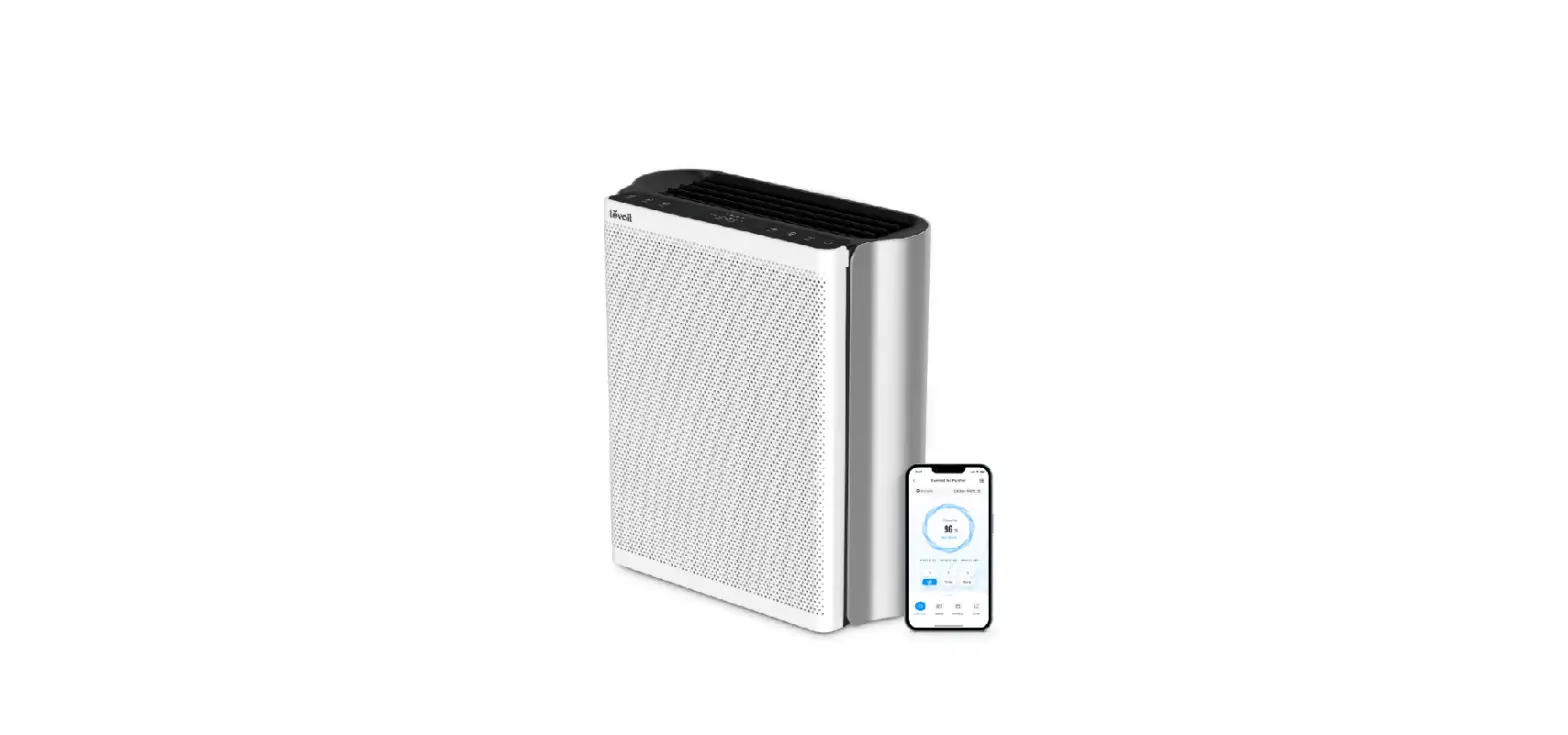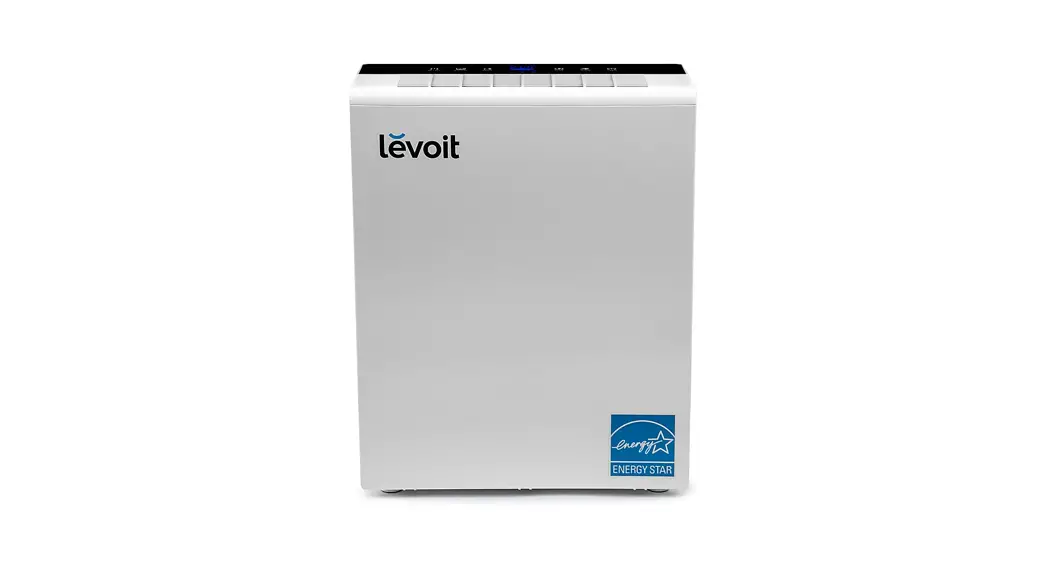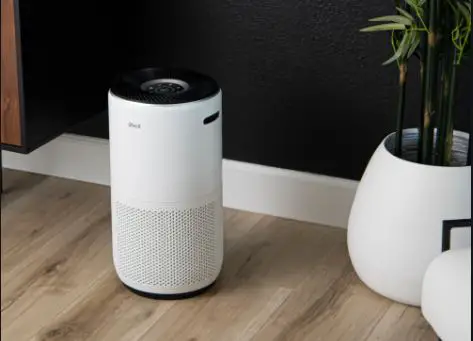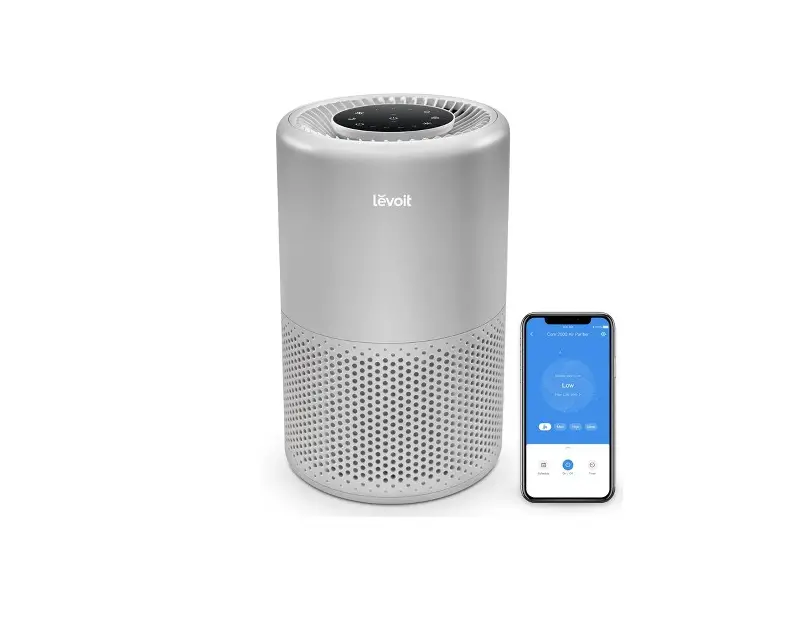

levoit 200S Smart True HEPA Air Purifier
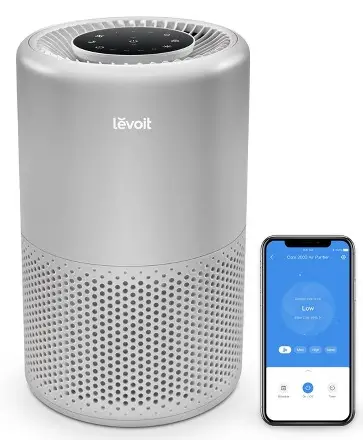
Setting Up
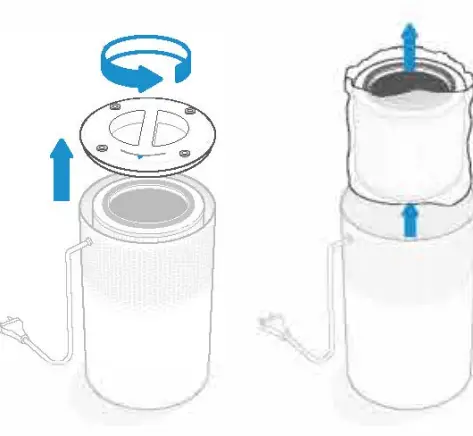
- Remove the fllter from its plastic packaging
- Plug in your air purifier and turn it on.

Working with VeSync
- To download the VeSync app, scan the QR code or search ‘VeSyncn in the Apple App Store® or Google Play Store.
- Open the VeSync app. Log In or Slgn Up.
- Follow the ln-app lnstructlons to flnlsh setting up your smart air purifier
SCAN ME
WARNING: Do not use the air purifier without first removing the plastic packaging from the filter. The air purifier will not filter air and may overheat, causing a fire hazard
DISPLAY
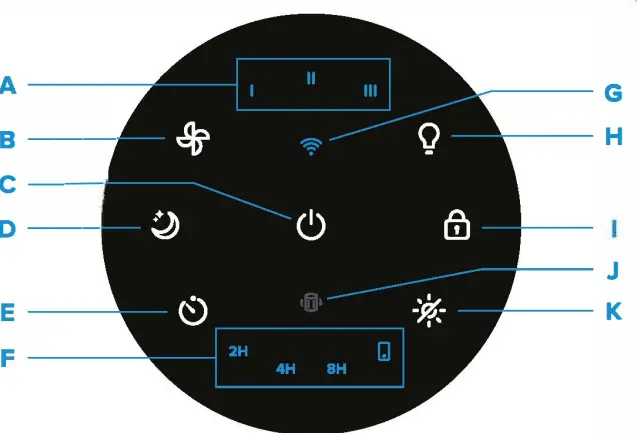
- A. Fan Speed lndicators
- B. Fan Speed Button
- C. On/Off Button
- D. Sleep Mode Button
- E. Timer Button
- I. Timer lndicators
- G. WiFi”‘ lndicator
- H. Night Light Button
- 1. Display Lock Button
- J. Check Filter lndicator
- K. Display Off Button
Questions or Concerns?
Please contact us at s[email protected].